complete onboarding questions

App onboarding/welcome screen for an AI photo editing app showcasing a product image with editing preview thumbnails, a “300M downloads” credibility badge, and marketing copy about creating pro-level images. Primary action is a large “Continue” button with Terms and Privacy policy consent text.

Onboarding survey screen asking “How did you hear about [app]? ” with a progress indicator and multiple selectable source options such as Google search, AI tools, word of mouth, shared link, App Store, and social media.

Onboarding survey question screen asking whether the user sells physical products online, with a progress indicator. Provides three selectable options: selling as a main job, selling occasionally as a side hustle, or not selling products online.
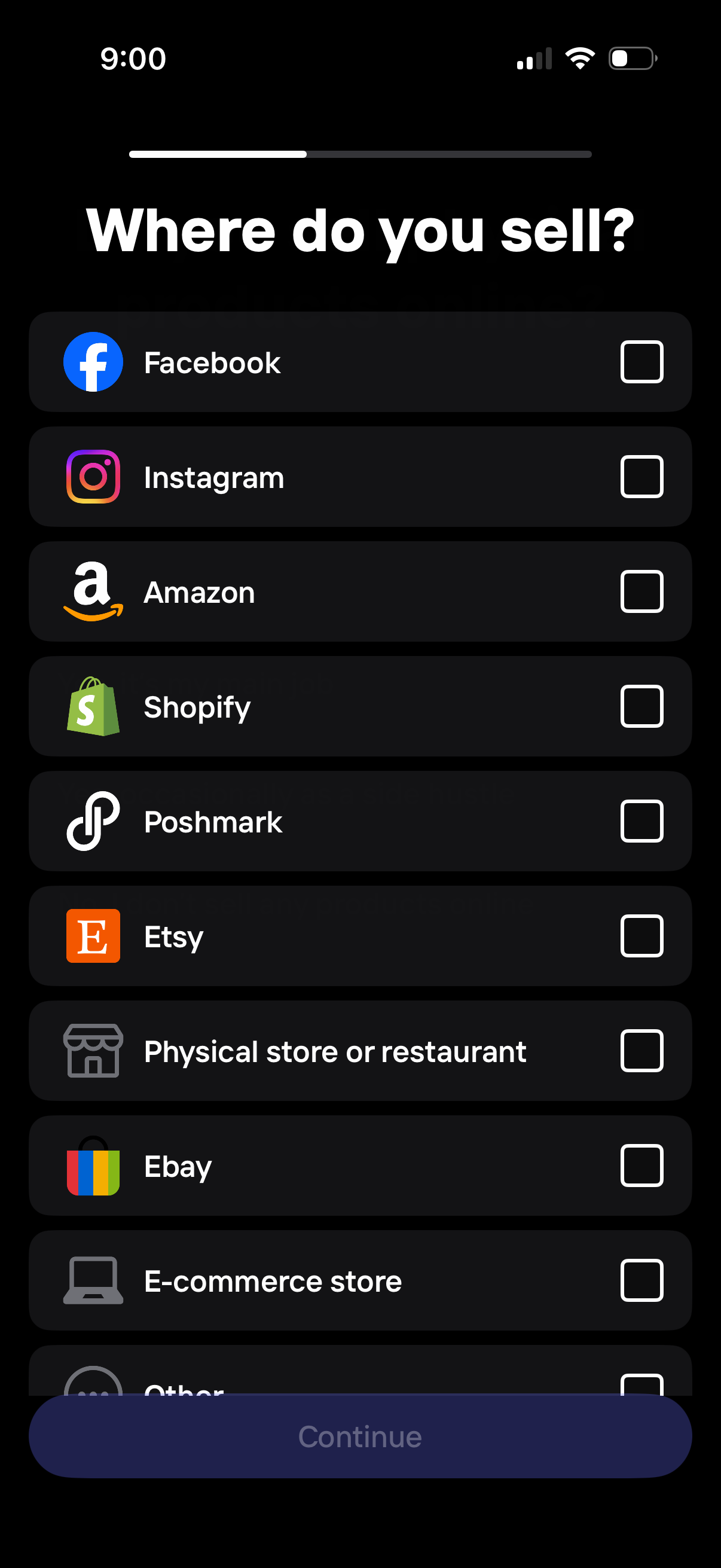
Onboarding questionnaire screen asking “Where do you sell? ” with a multi-select checklist of sales channels (Facebook, Instagram, Amazon, Shopify, Poshmark, Etsy, eBay, physical store/restaurant, e-commerce store, other) and a disabled Continue button that activates after selecting options.
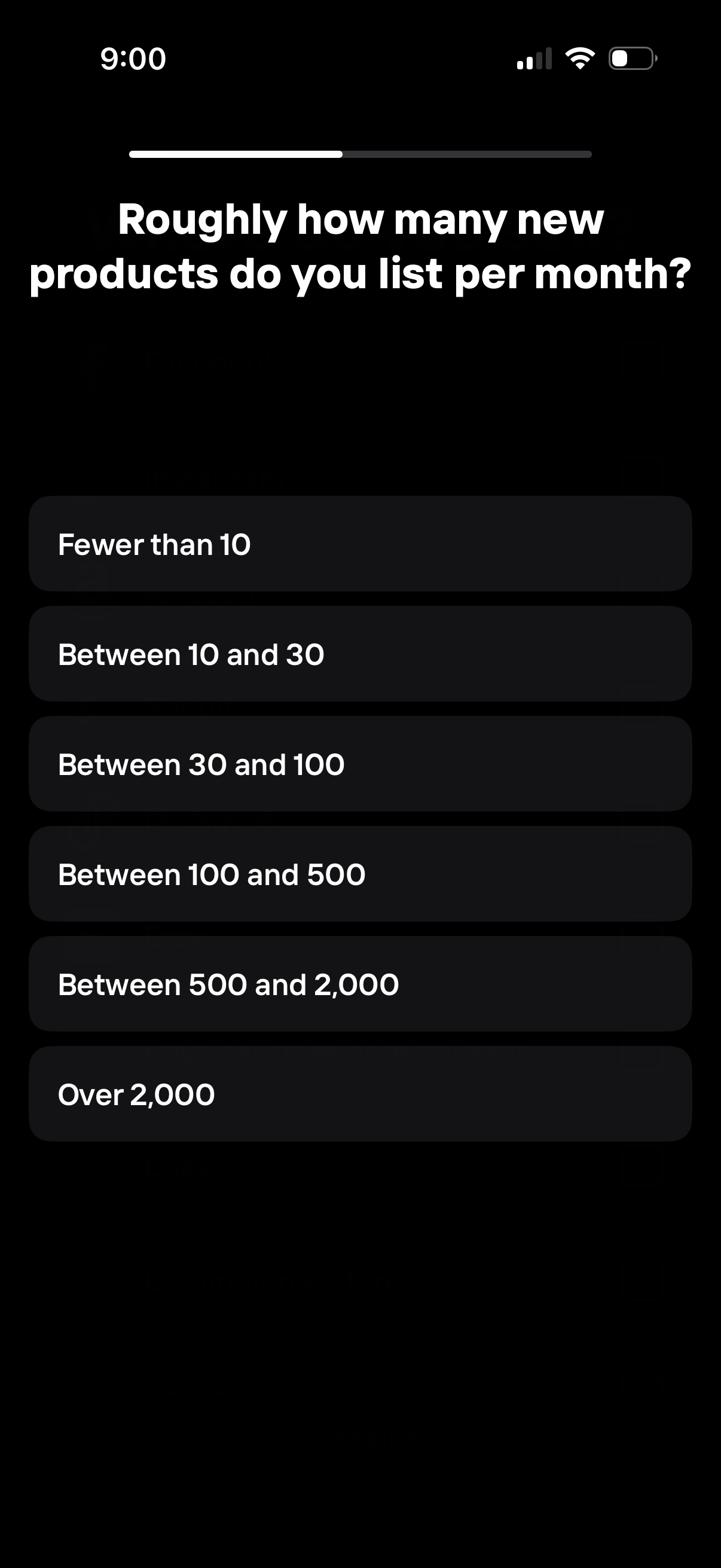
Onboarding survey screen asking sellers roughly how many new products they list per month, with a progress indicator at the top. Users select one of several preset volume ranges (e.
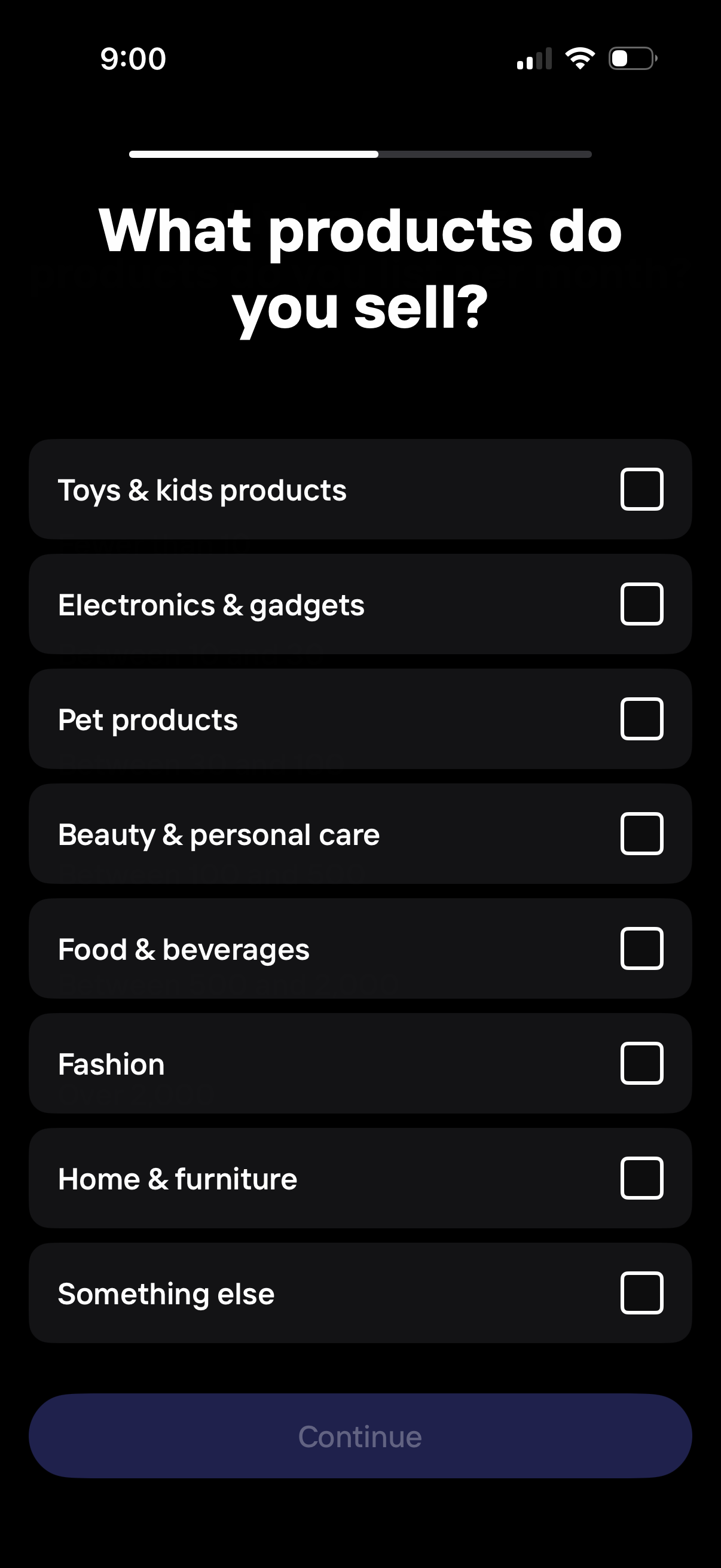
Onboarding questionnaire screen asking a seller to choose what products they sell by selecting one or more product categories (e. g.

Onboarding preferences screen asking what the user will use the photo editing app for, with multiple selectable checkbox options like background removal, personal photos, advertising, logo design, social media content, print assets, product images, or something else. Includes a progress indicator and a disabled Continue button that becomes available after making selections.
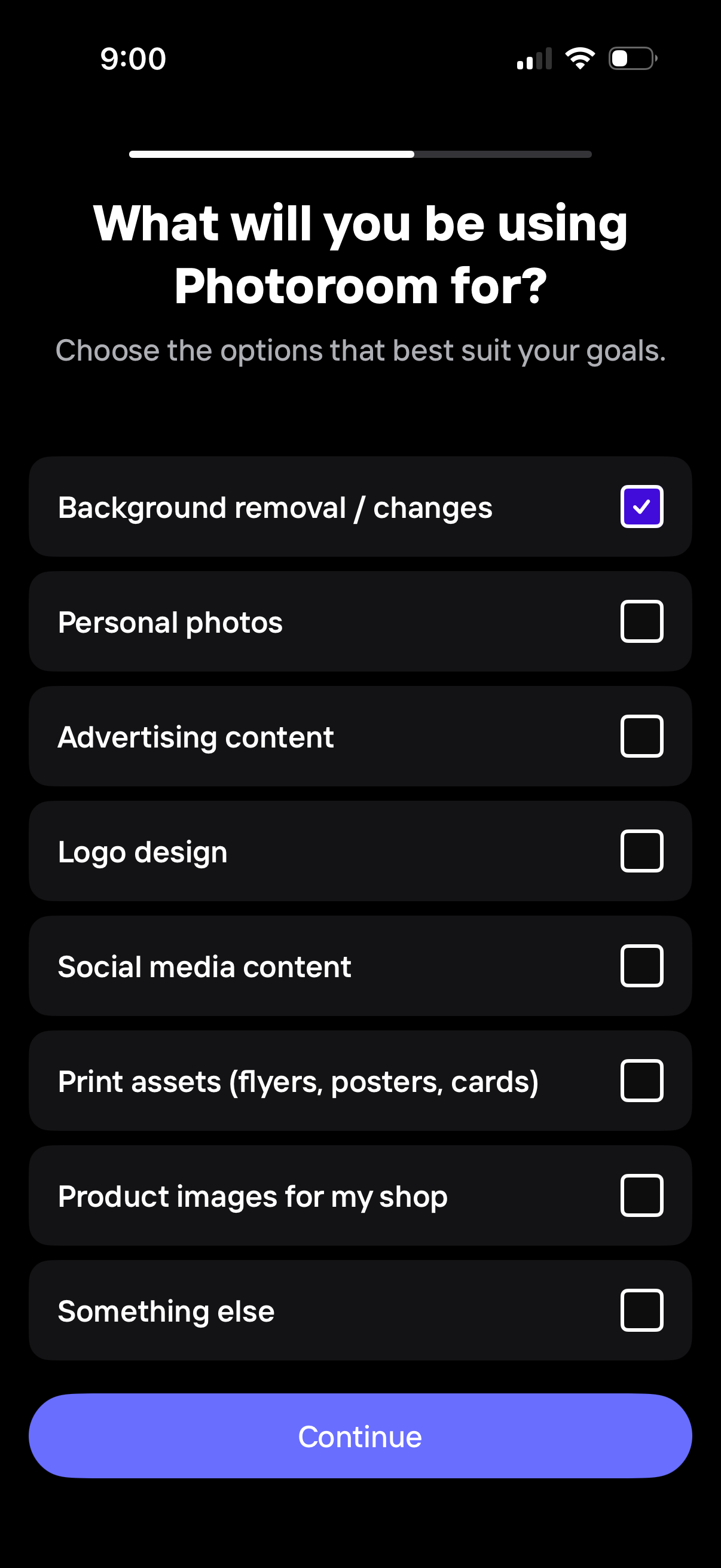
Onboarding preference selection screen asking what the user will use the photo editing app for, with a multi-select checklist of goals such as background removal, personal photos, advertising content, logo design, social media content, print assets, product images, or something else. A progress indicator appears at the top and a primary Continue button advances to the next step.
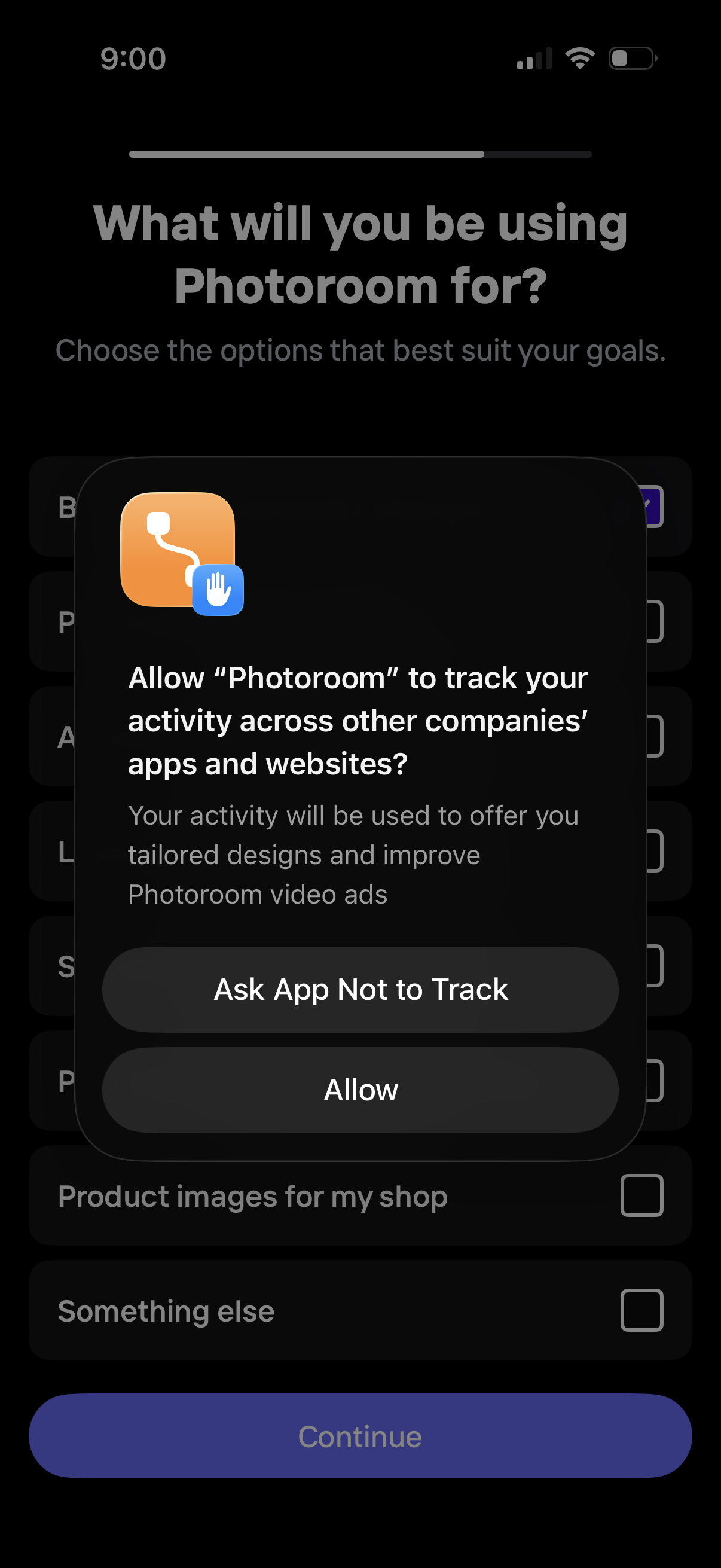
Onboarding goals selection screen asking what the user will use Photoroom for, with a multi-select checklist of use cases and a disabled/enabled Continue button. An iOS App Tracking Transparency permission modal overlays the screen, prompting the user to Allow tracking or Ask App Not to Track.
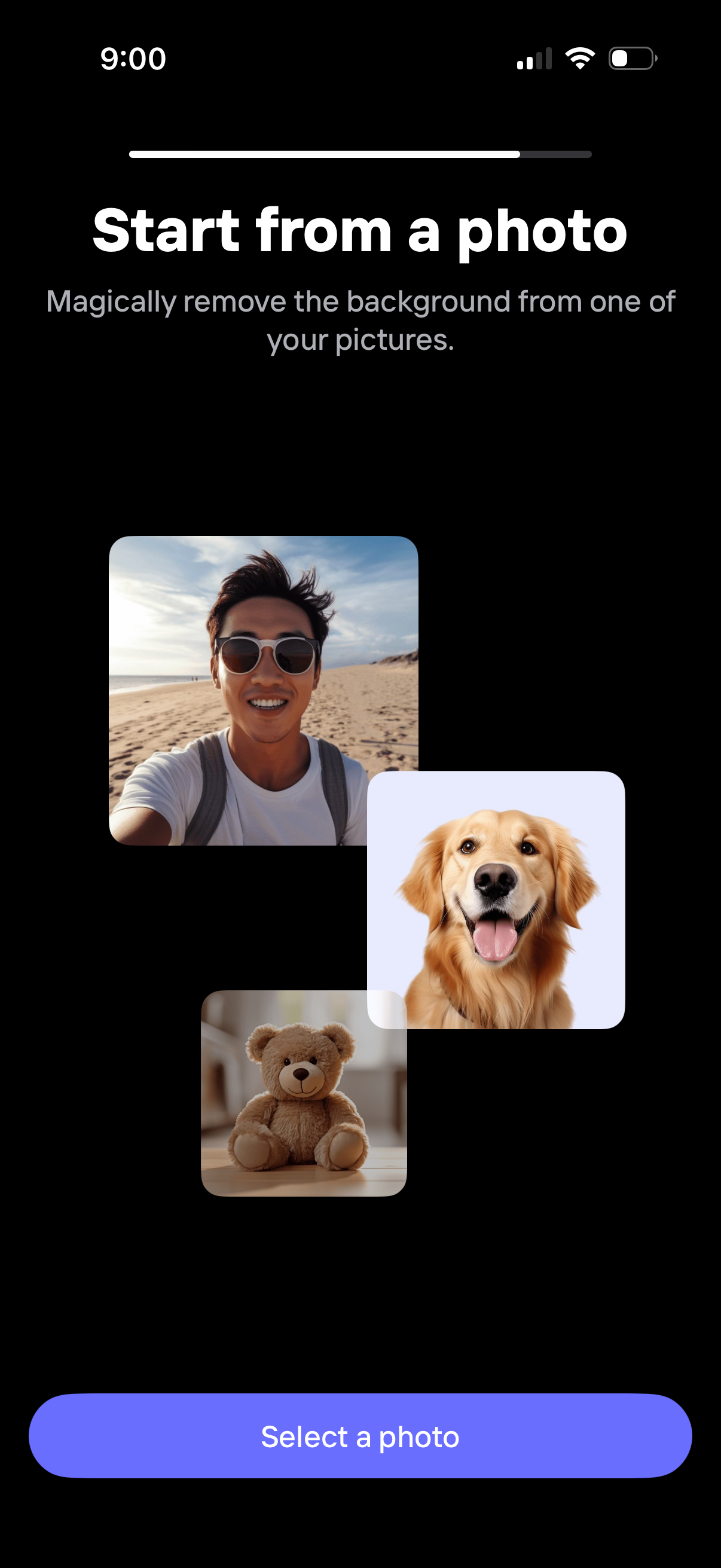
Onboarding step prompting users to start from a photo to automatically remove the background from an image. The screen explains the feature with example thumbnails and a primary “Select a photo” button to open the photo picker.