choose ai shadow style
1
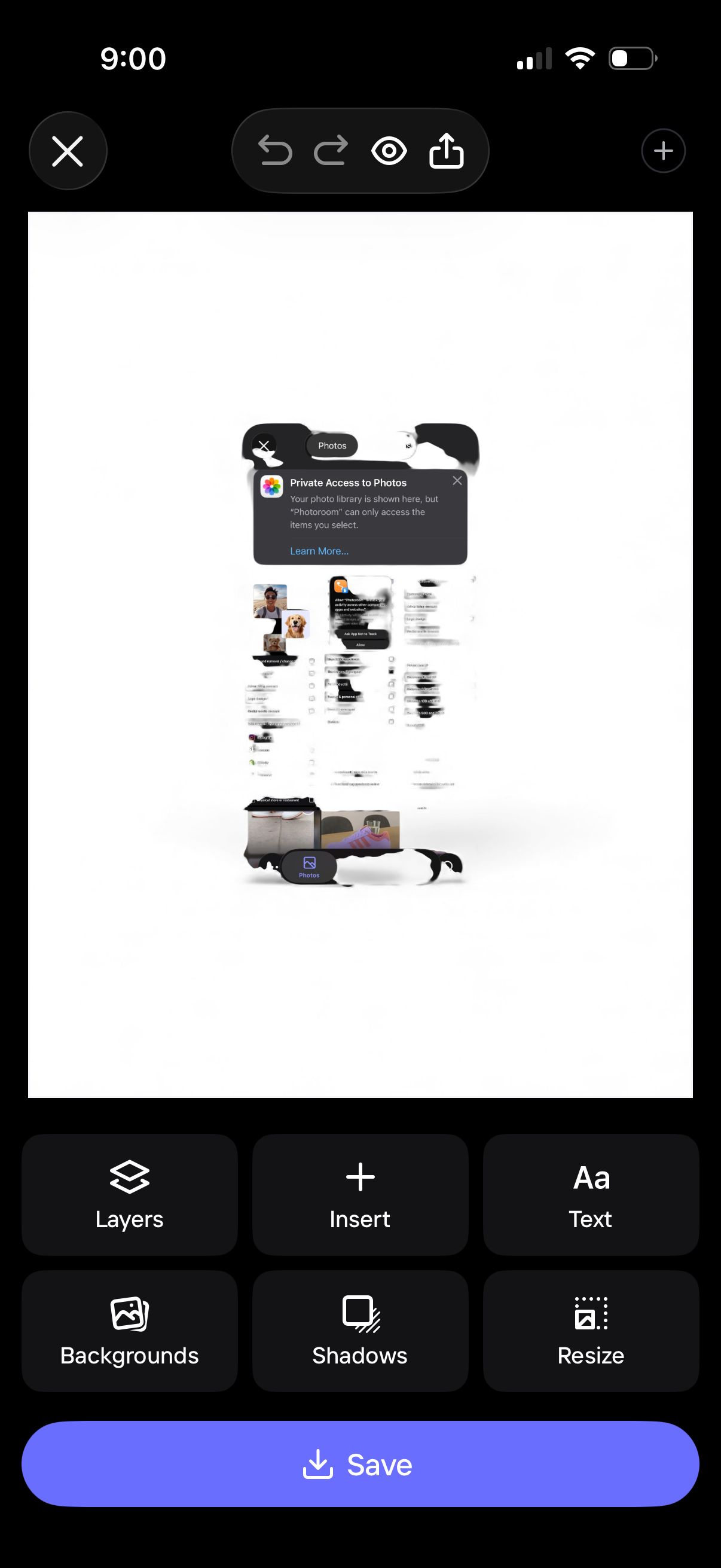
Mobile design editor screen showing a canvas preview with photo insertion and editing controls, including undo/redo, preview, and share. Bottom toolbar provides actions like layers, insert, add text, backgrounds, shadows, and resize, with a primary Save button to export the design.
2
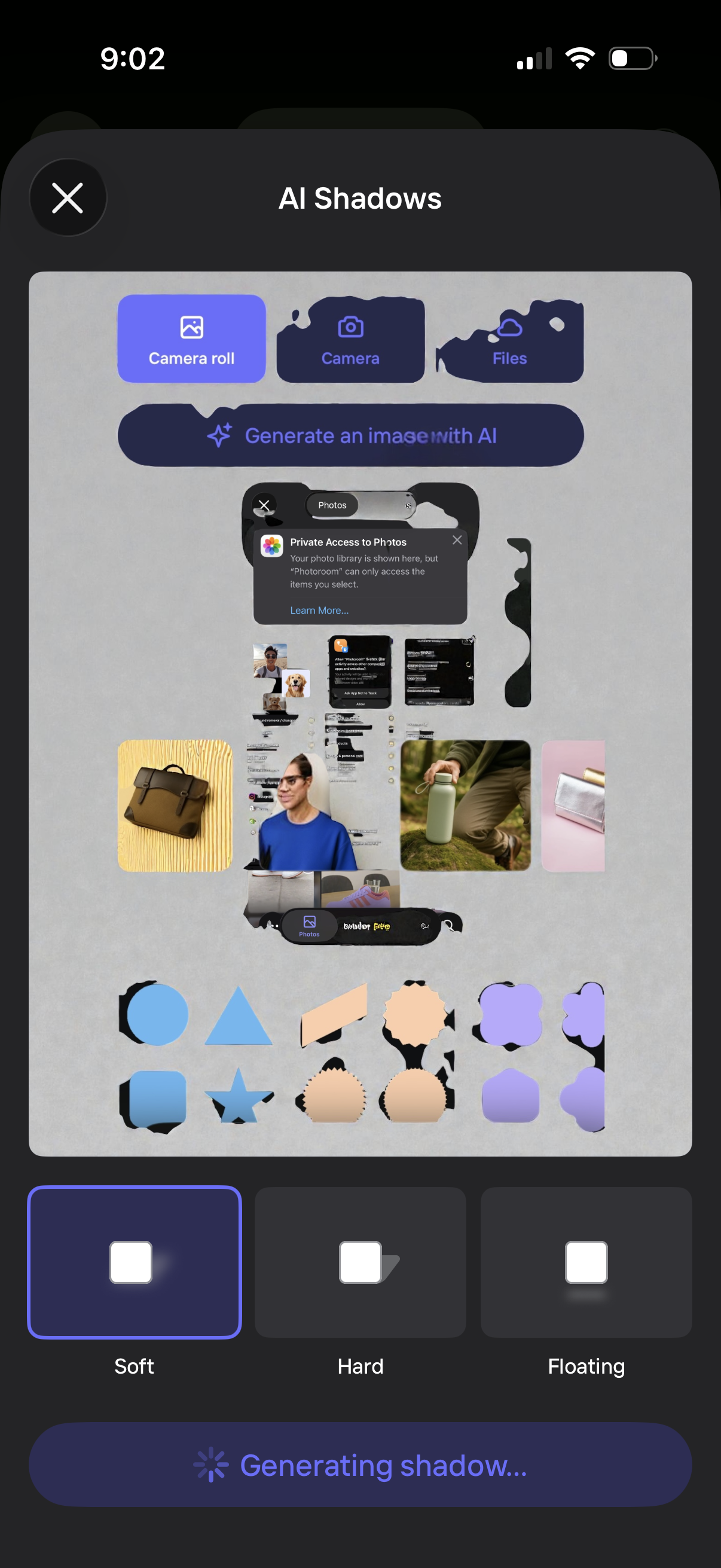
AI photo editing screen for adding AI-generated shadows, letting users import an image from camera roll, camera, or files or generate an image with AI. Users can choose shadow styles (Soft, Hard, Floating) and start processing with a “Generating shadow…” progress state.