sort and filter token
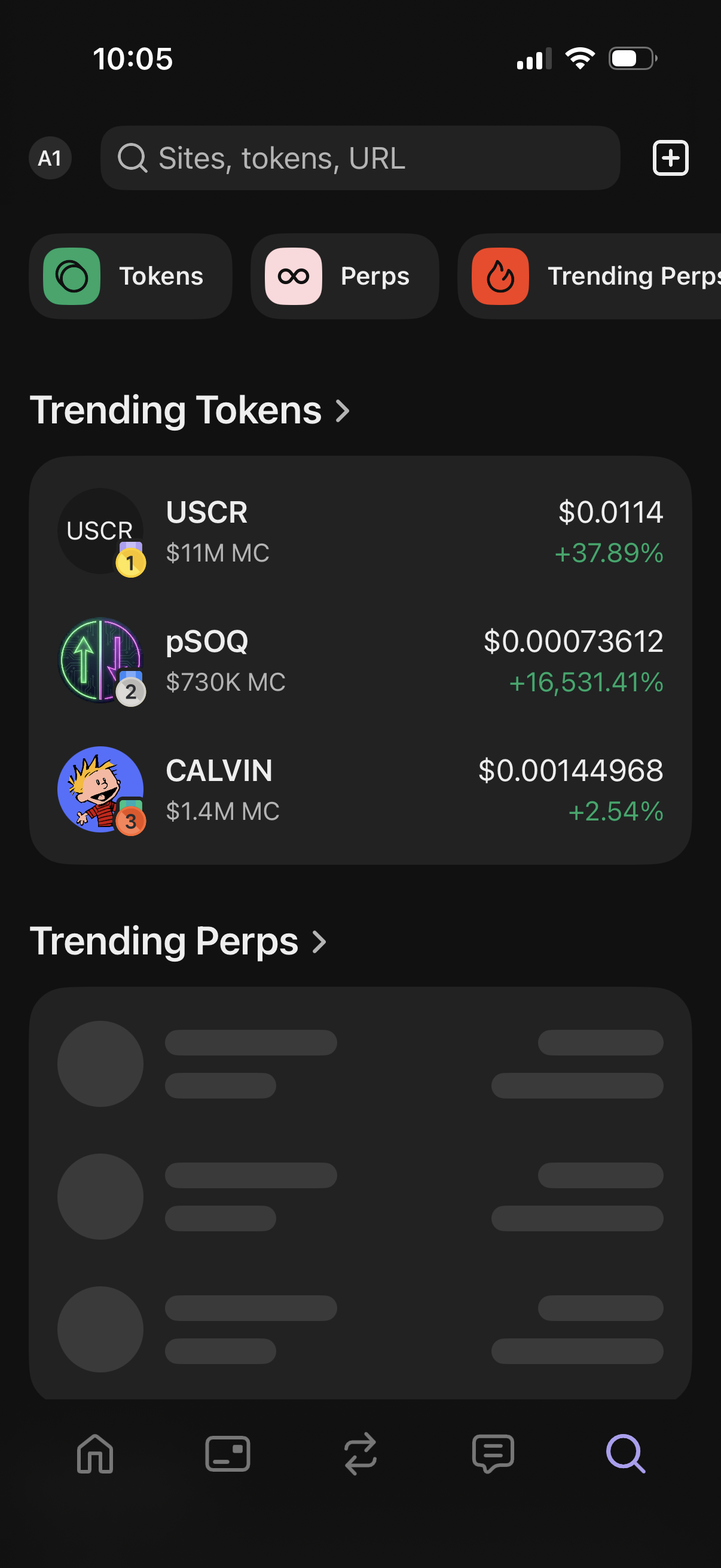
Crypto trading discovery screen with a global search bar for sites/tokens/URLs, quick tabs for Tokens and Perps (including trending perps), and a list of trending tokens showing price, market cap, and percentage change. Includes a plus button to add/import items and sections that link to full trending lists.
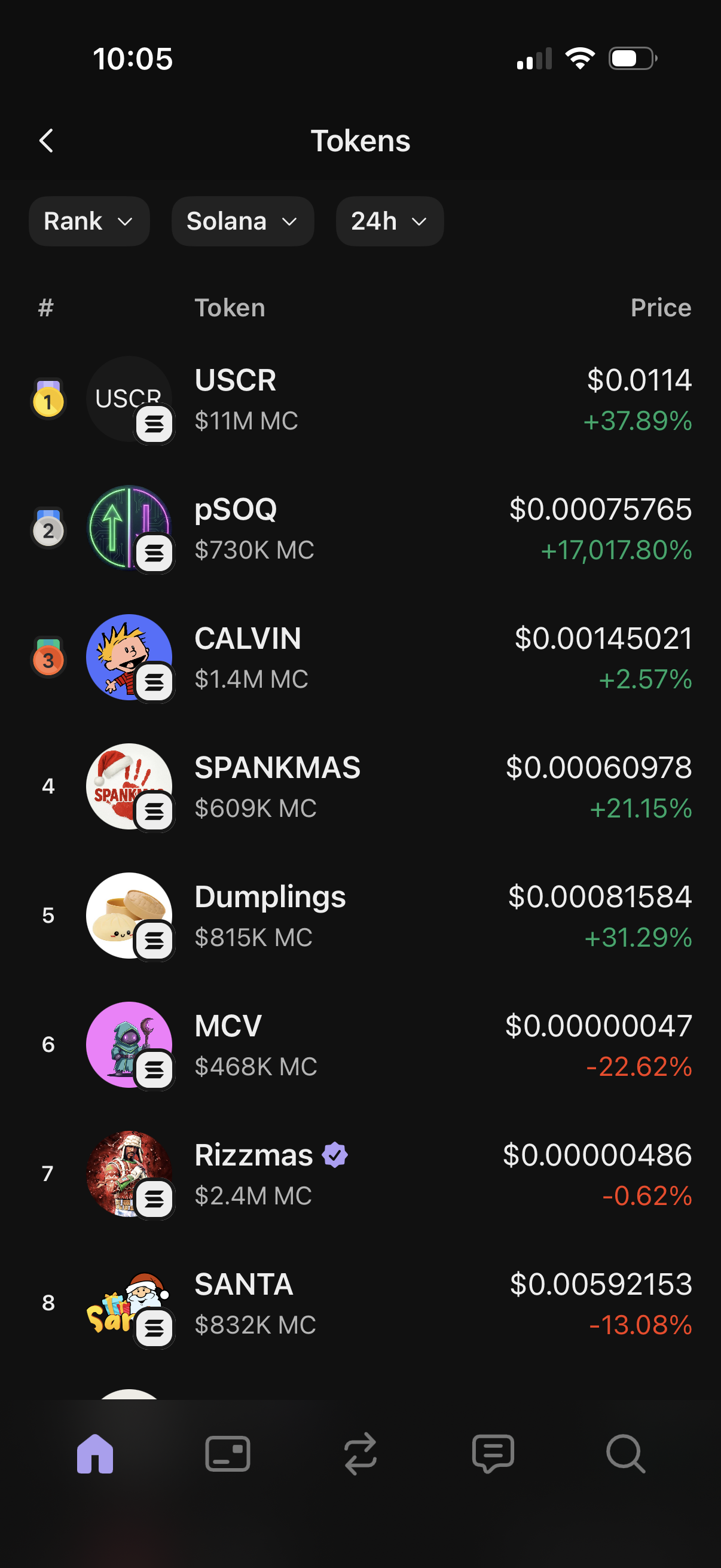
Crypto tokens ranking list screen showing trending coins on the Solana network over a selected timeframe, with filter dropdowns for rank, chain, and 24h. Each row displays token icon and name, market cap, current price, and percent change with green/red indicators for gains or losses.
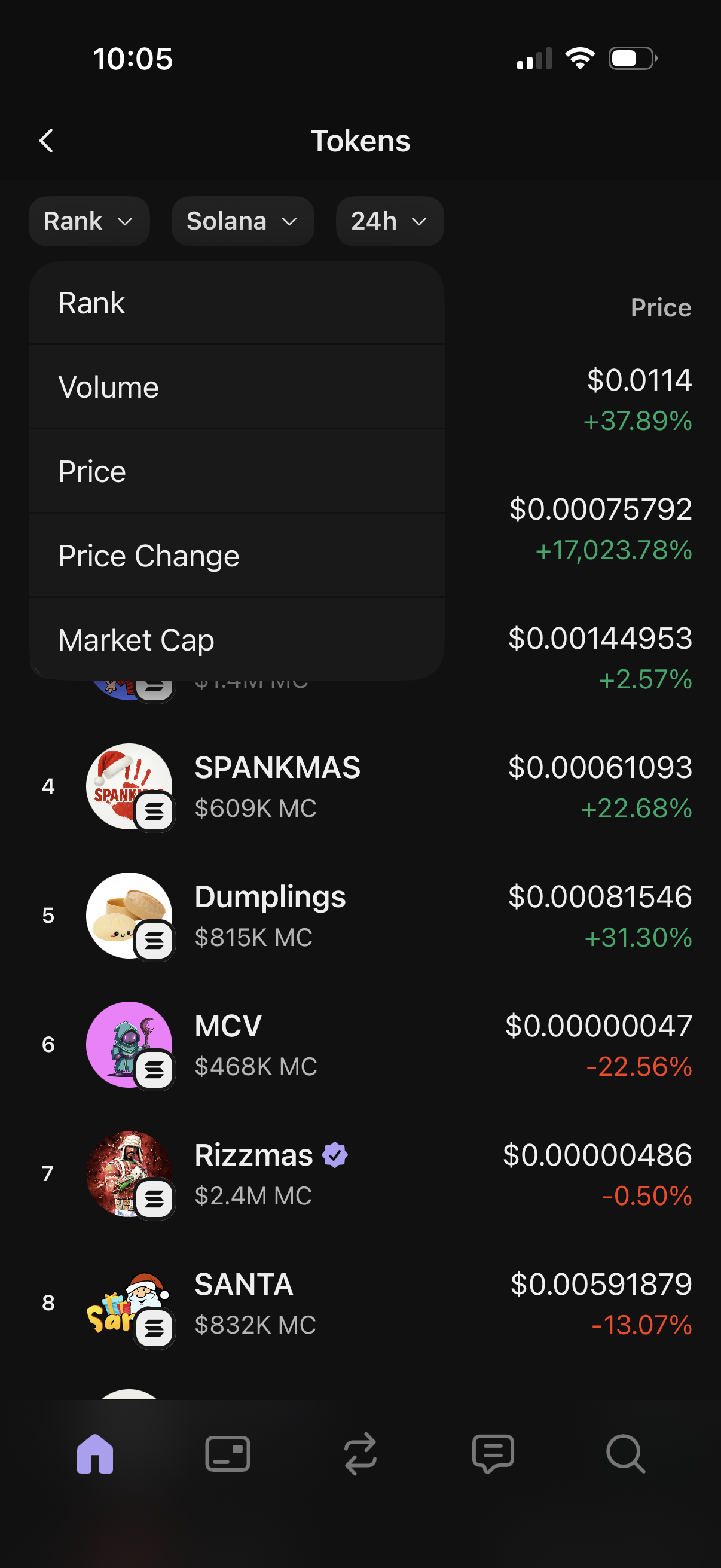
Crypto tokens leaderboard screen showing a ranked list of Solana tokens with price and 24h percent change, plus market cap details per token. Top filter chips let users choose blockchain and timeframe and open a sort menu to rank by volume, price, price change, or market cap.
Crypto token analytics list screen showing ranked tokens with columns for token name and trading volume, sorted by volume. Includes filter dropdowns to switch metric (Volume), blockchain/network (Solana), and time range (24h), with back navigation and bottom tab bar.
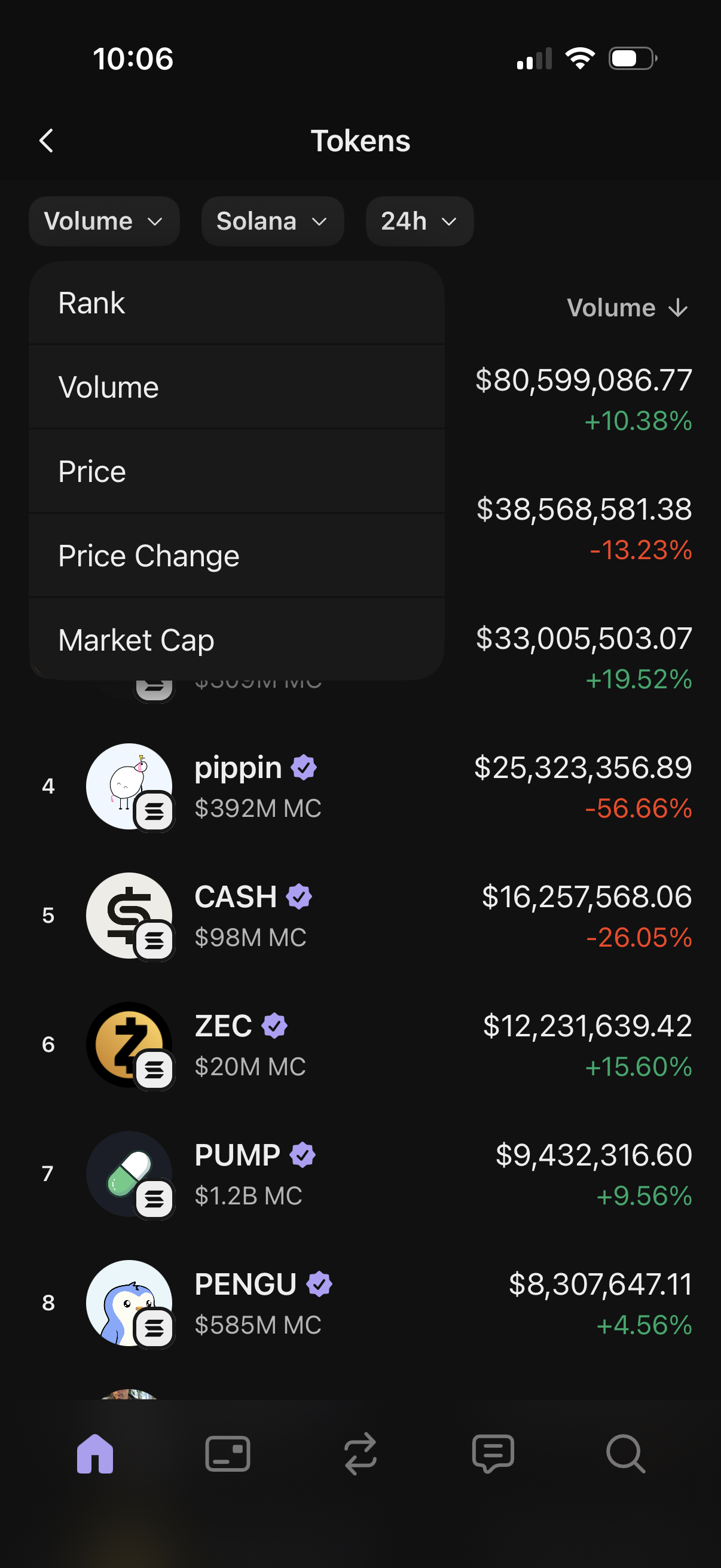
Crypto tokens leaderboard screen showing a ranked list of coins with icons, names, market cap, and 24h volume with percent change. Includes filter chips for metric, blockchain (e.
Crypto tokens list screen showing ranked tokens with columns for token name and current price, plus filter dropdowns to sort by price, select a blockchain (e. g.
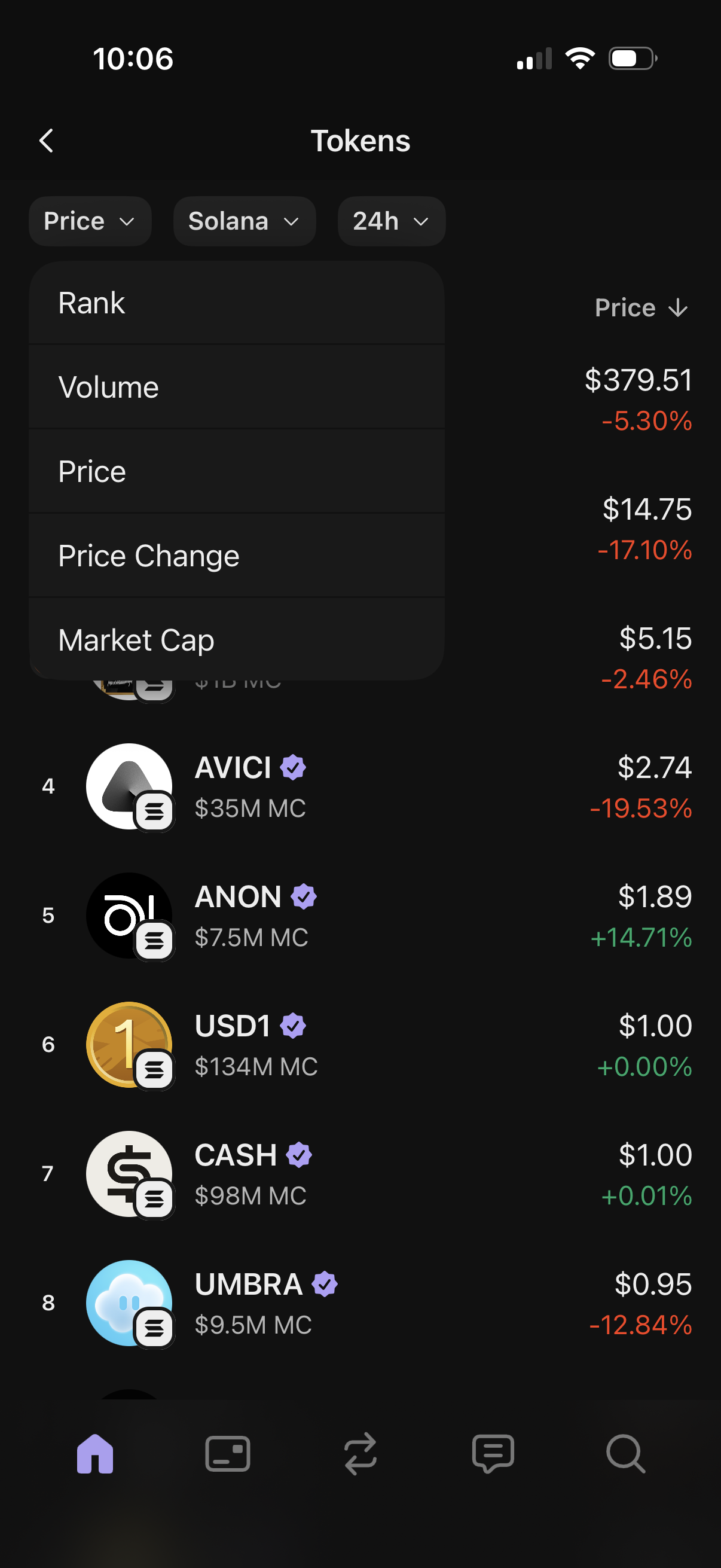
Crypto token market list screen showing Solana tokens with current price and 24h percent change, plus market cap details and rank. Includes filter chips for metric, network, and time range and an open sort dropdown to order by rank, volume, price, price change, or market cap.
Crypto tokens market list screen showing ranked tokens with token name/icon and current price, sortable by price. Top filter chips let users switch metric (price change), blockchain network (Solana), and time range (24h), with bottom navigation for moving between app sections.
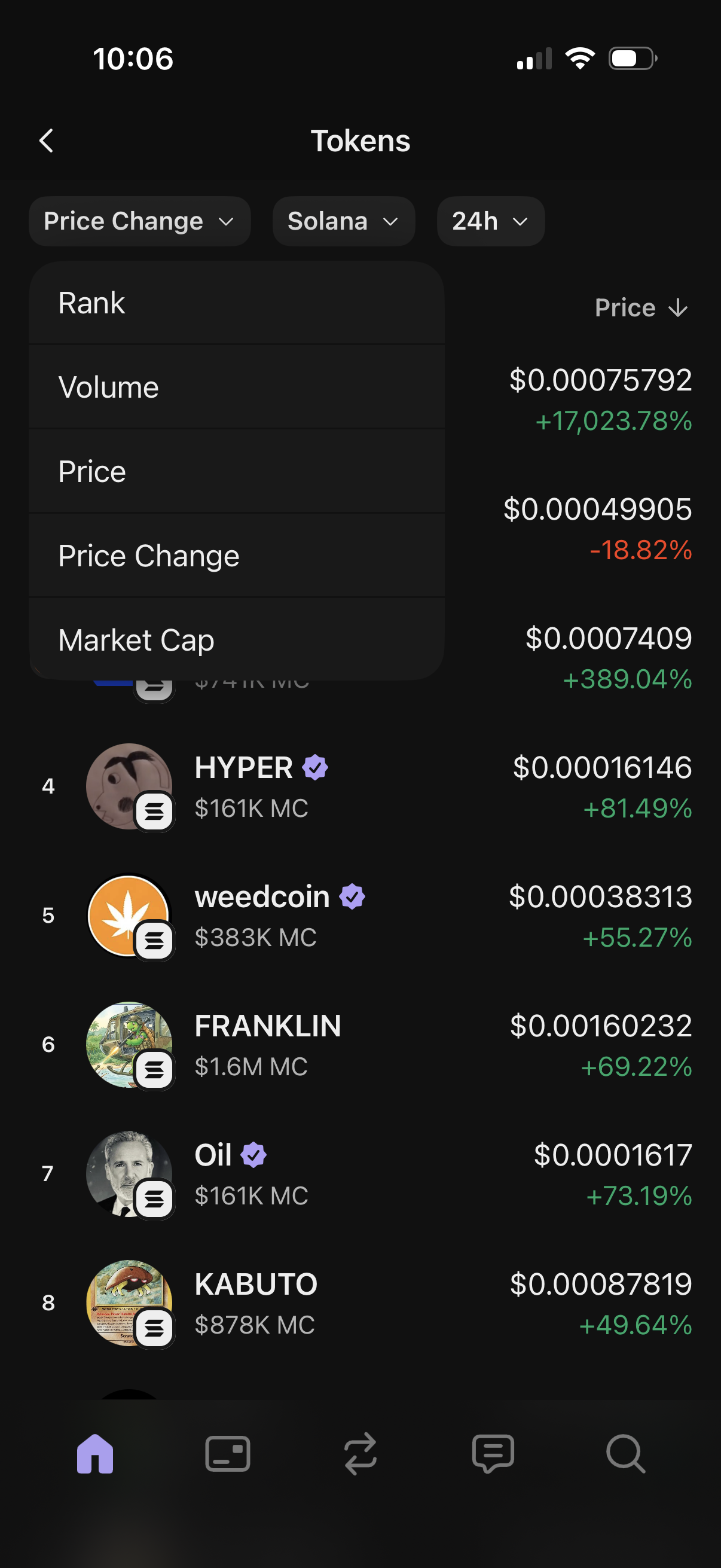
Crypto tokens list screen showing Solana-based tokens with current price and 24h percentage change, including rank, token icons, and market cap info. Users can filter by blockchain and time range and open a sort dropdown to reorder results by rank, volume, price, price change, or market cap.
Token listing screen in a crypto app showing a sortable table of ranked tokens with columns for token name and market cap. Users can filter using dropdown chips for sort metric (Market Cap), blockchain/network (Solana), and time range (24h) and navigate via bottom tab bar.
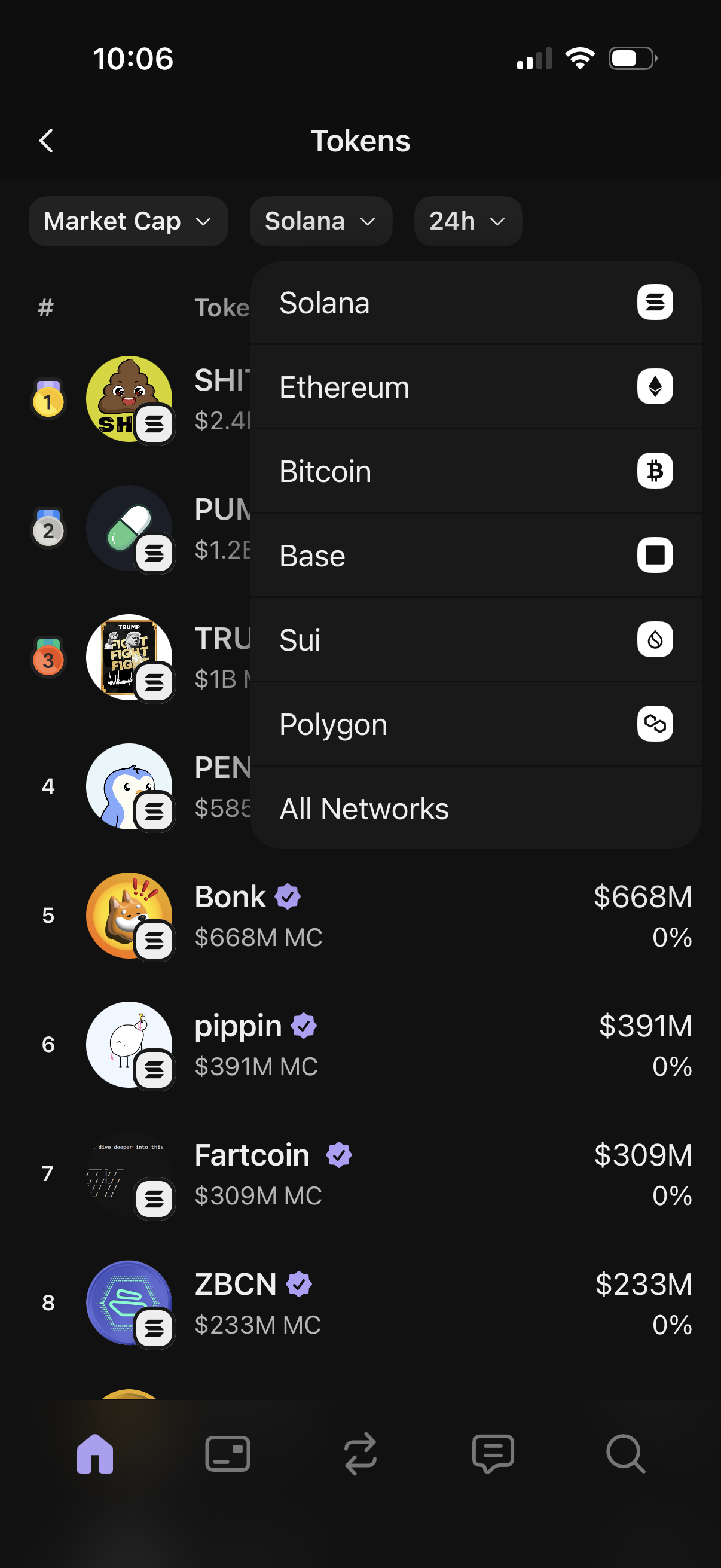
Crypto token rankings screen showing a scrollable list of tokens with market cap values and badges, with top filter chips to sort by metric (Market Cap), select blockchain network (Solana, Ethereum, Bitcoin, Base, etc. ), and choose a time range (24h).