change payment provider
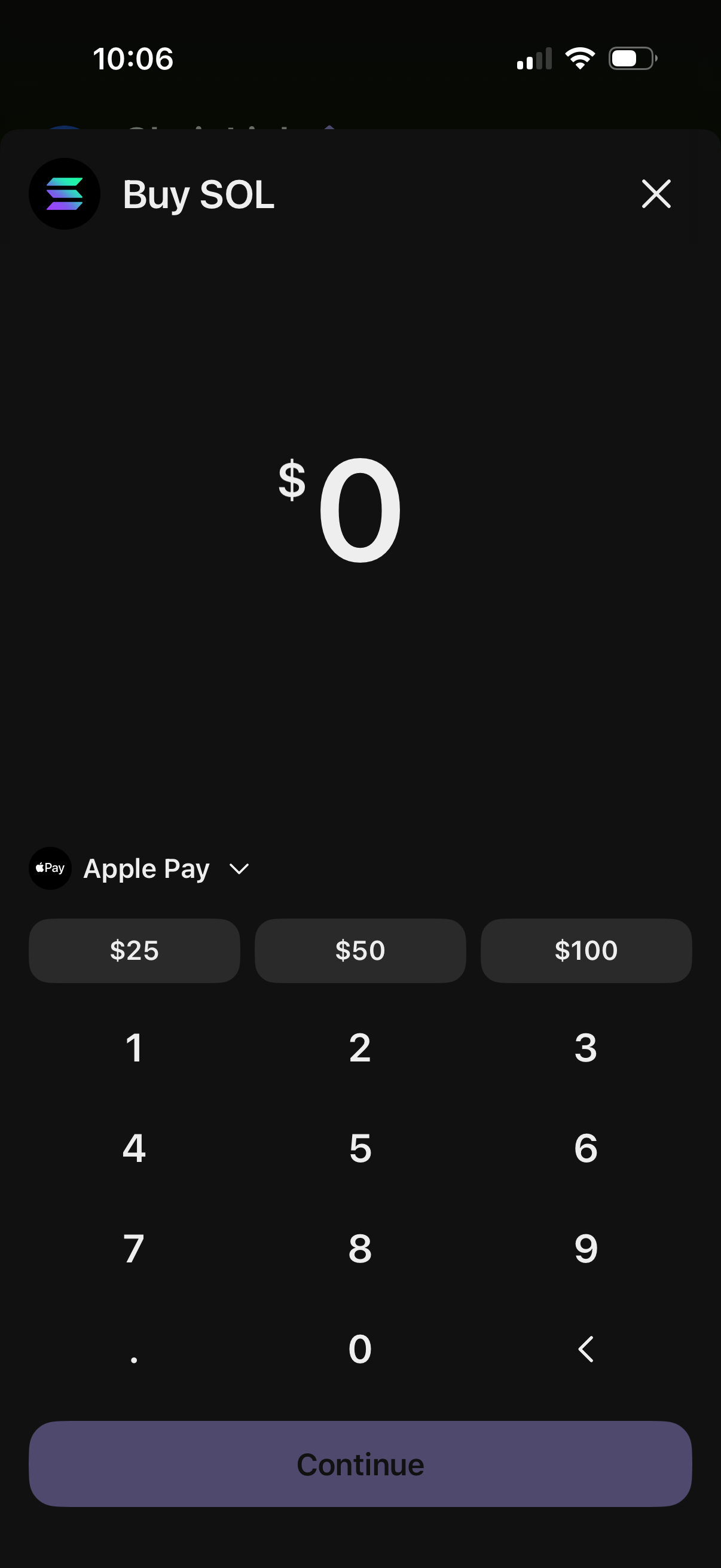
Cryptocurrency purchase screen for buying SOL where the user enters a dollar amount via numeric keypad, can tap preset amounts ($25, $50, $100), and selects a payment method (Apple Pay) before continuing. Includes a close button to dismiss the flow.
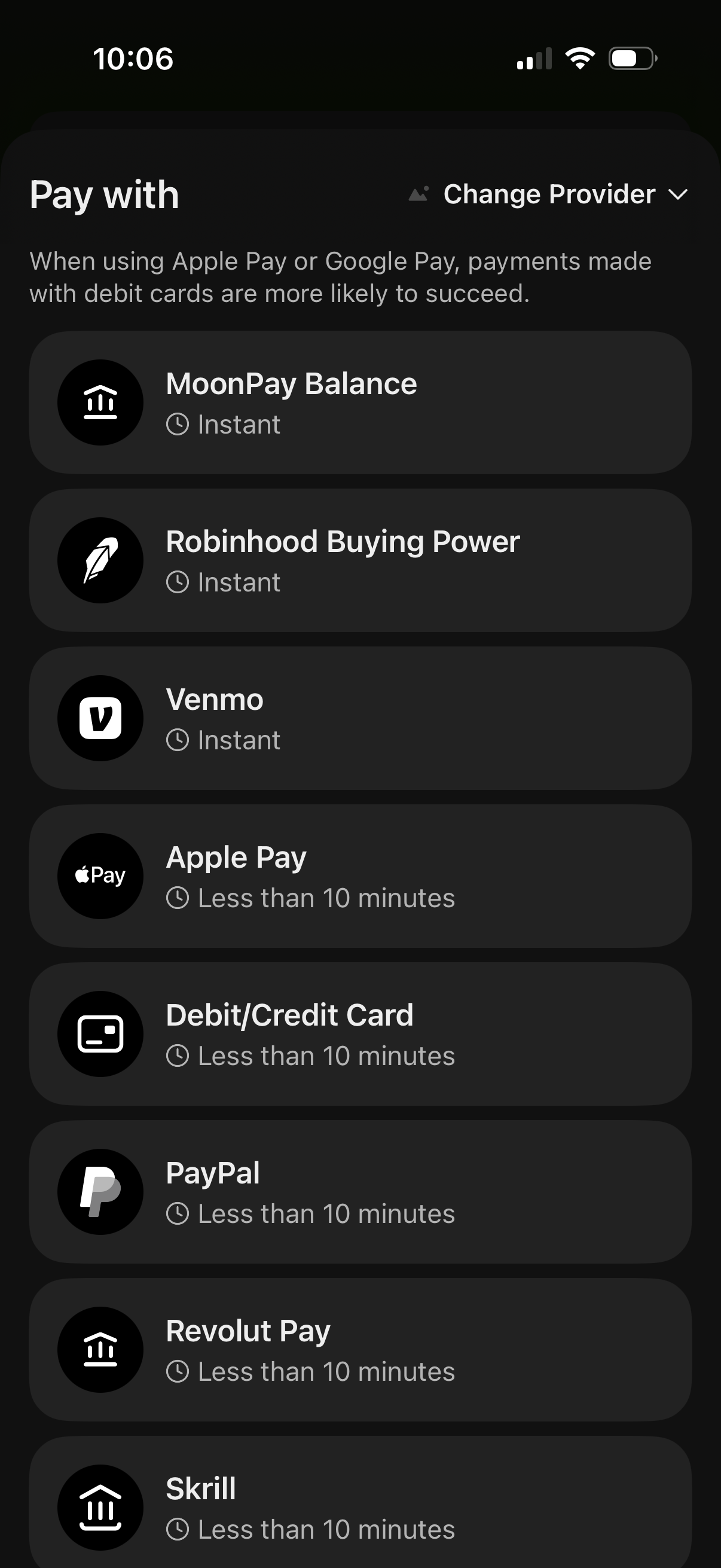
Payment method selection screen for a purchase or deposit, listing multiple providers (wallet balances, buying power, Venmo, Apple Pay, debit/credit card, PayPal, etc. ) with estimated processing times like “Instant” or “Less than 10 minutes.
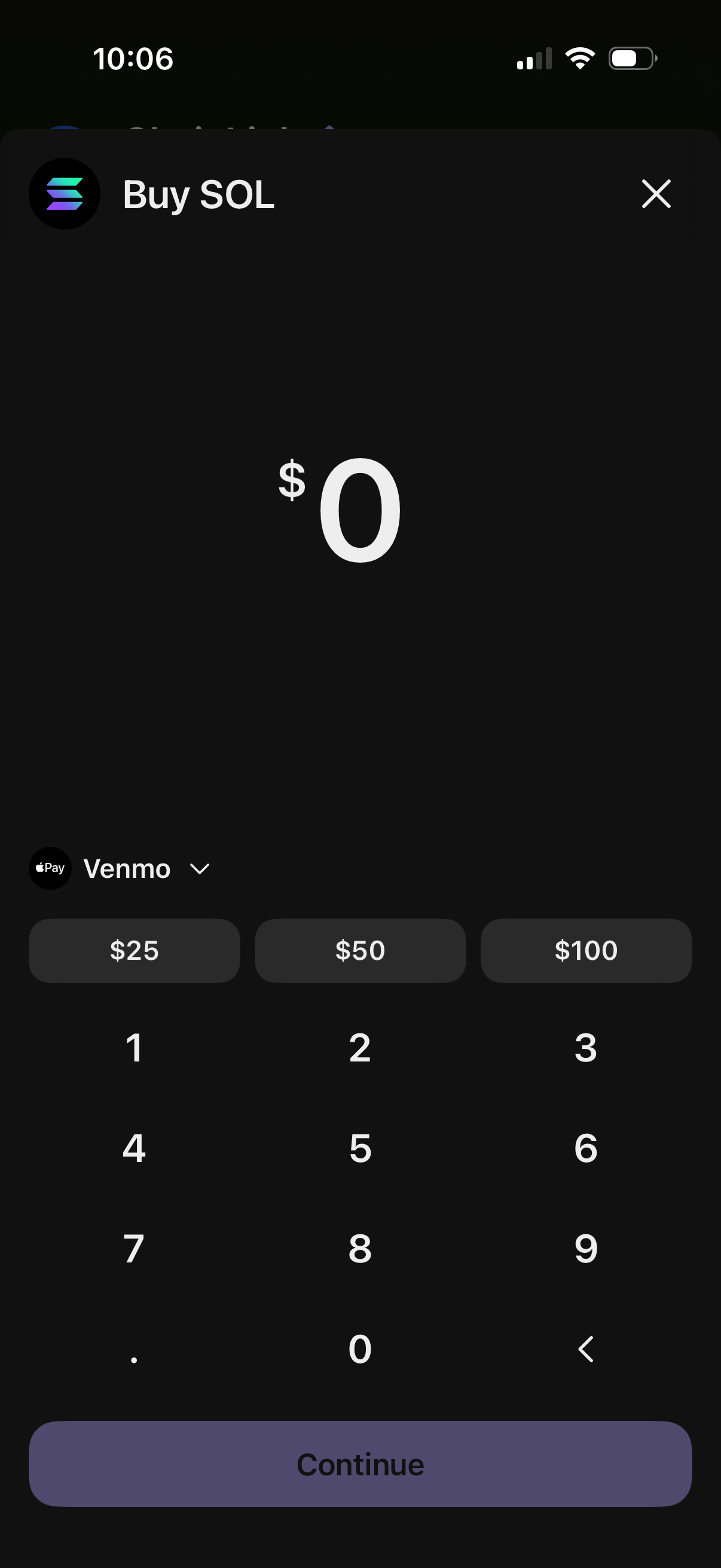
Cryptocurrency purchase amount entry screen for buying SOL, showing a dollar input with numeric keypad, quick-select amounts ($25, $50, $100), and a dropdown to choose a payment method (e. g.
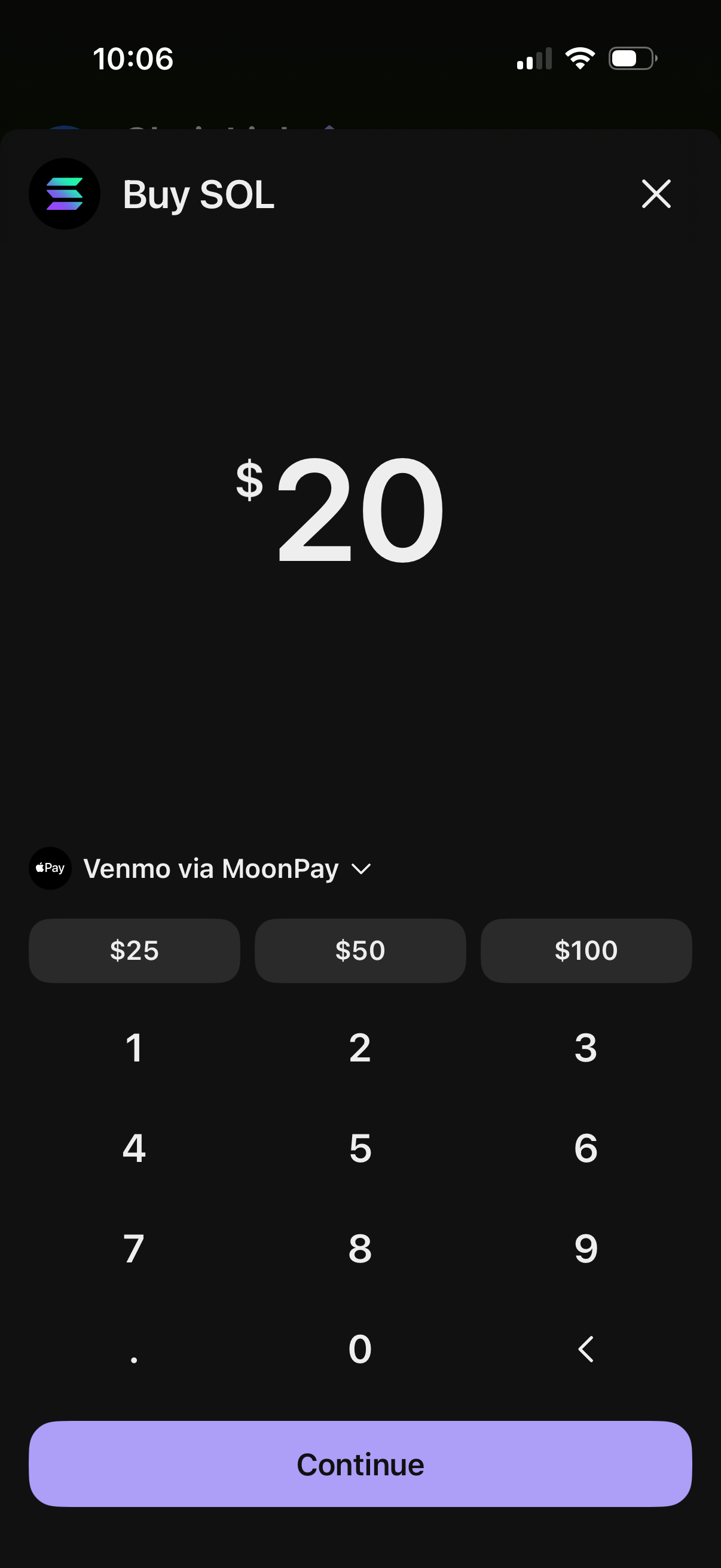
Crypto purchase amount entry screen for buying SOL, showing a large dollar amount field with numeric keypad and quick-pick buttons for common amounts. Users can select a payment method (Venmo via MoonPay) from a dropdown and tap Continue to proceed or close the modal.