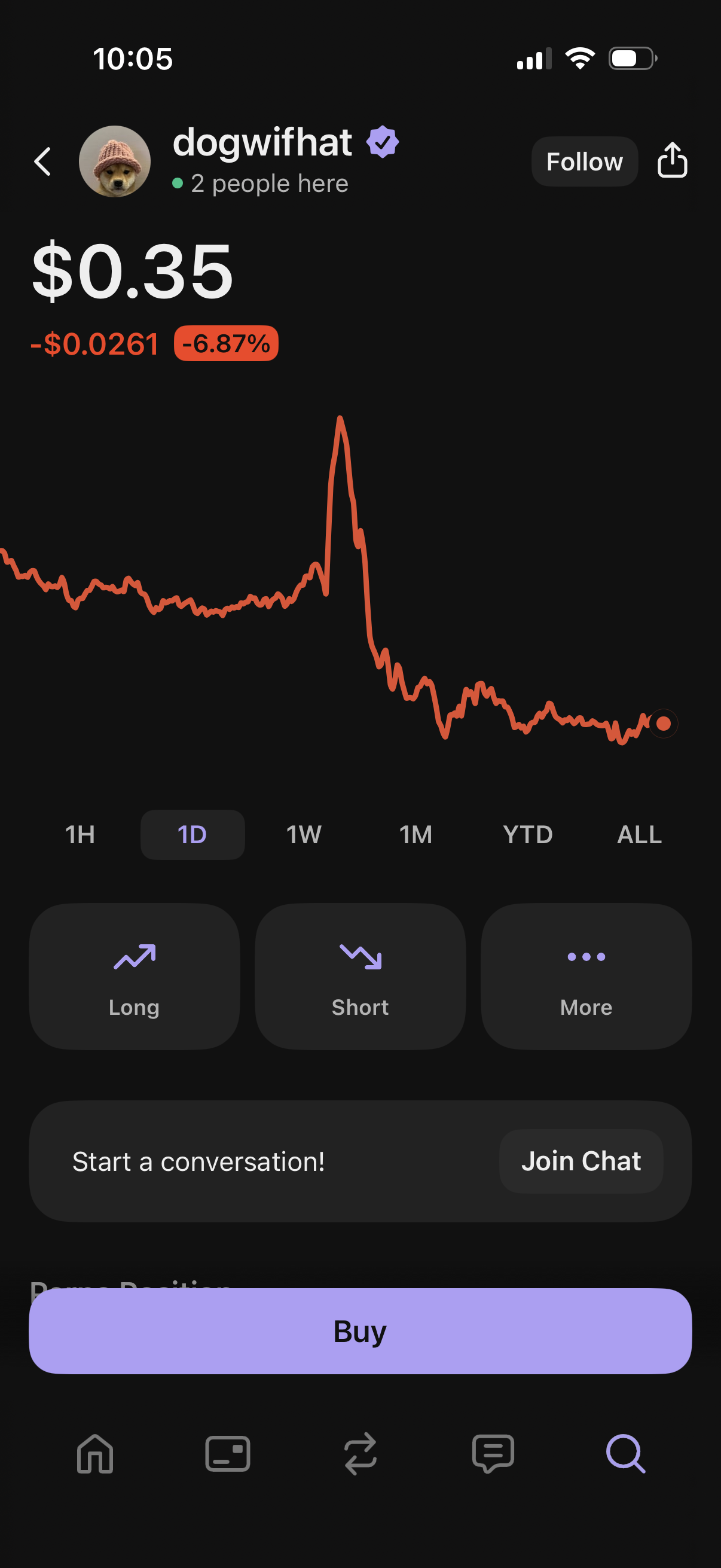
Crypto token detail screen showing the current price, daily change, and an interactive line chart with time range filters (1H, 1D, 1W, 1M, YTD, ALL). Users can follow/share the asset, open long or short positions, access more options, join a community chat, and tap a primary Buy button to purchase.
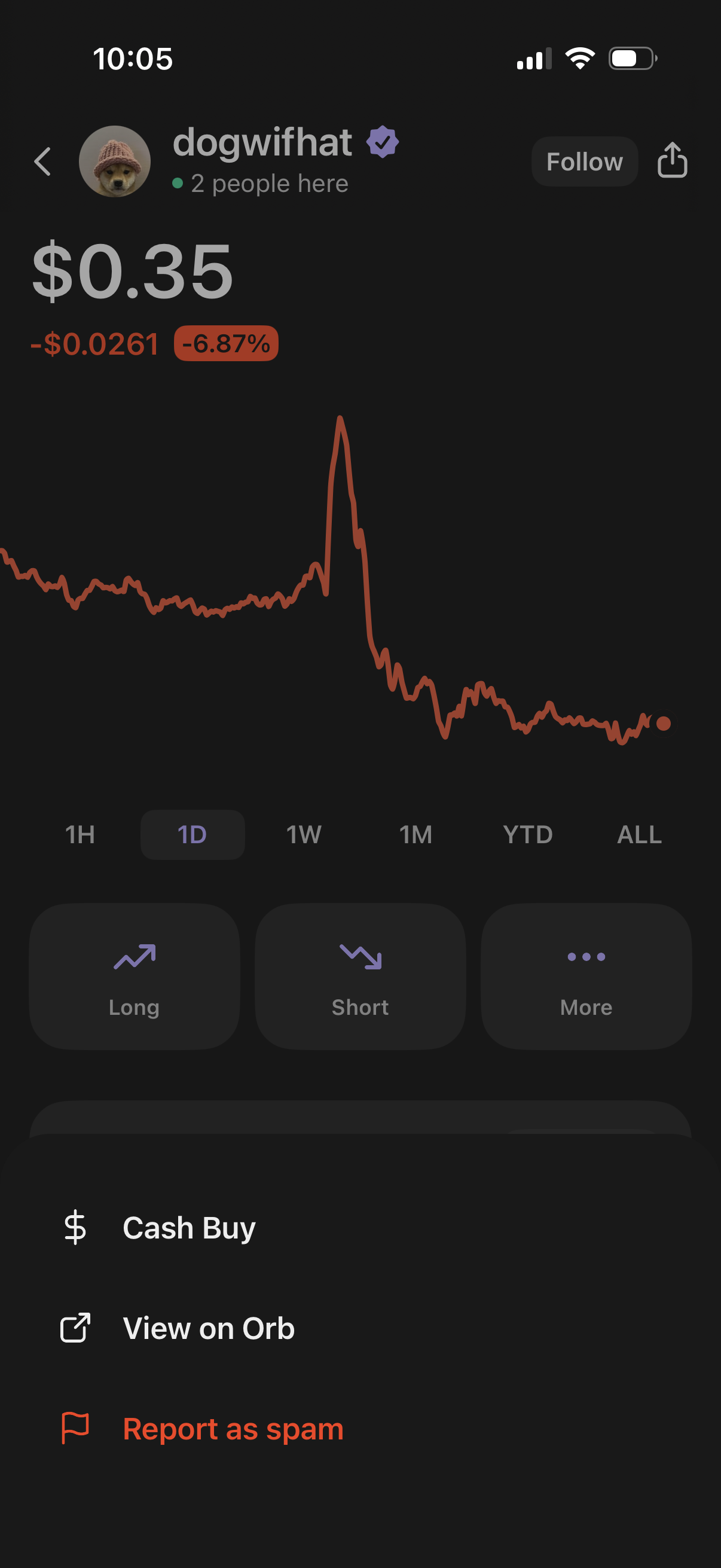
Crypto asset price detail screen showing the current token price with daily change and a line chart with timeframe filters (1H, 1D, 1W, 1M, YTD, ALL). Users can follow the asset, open actions to place long or short trades, and access a more menu with options like cash buy, view externally, or report as spam.
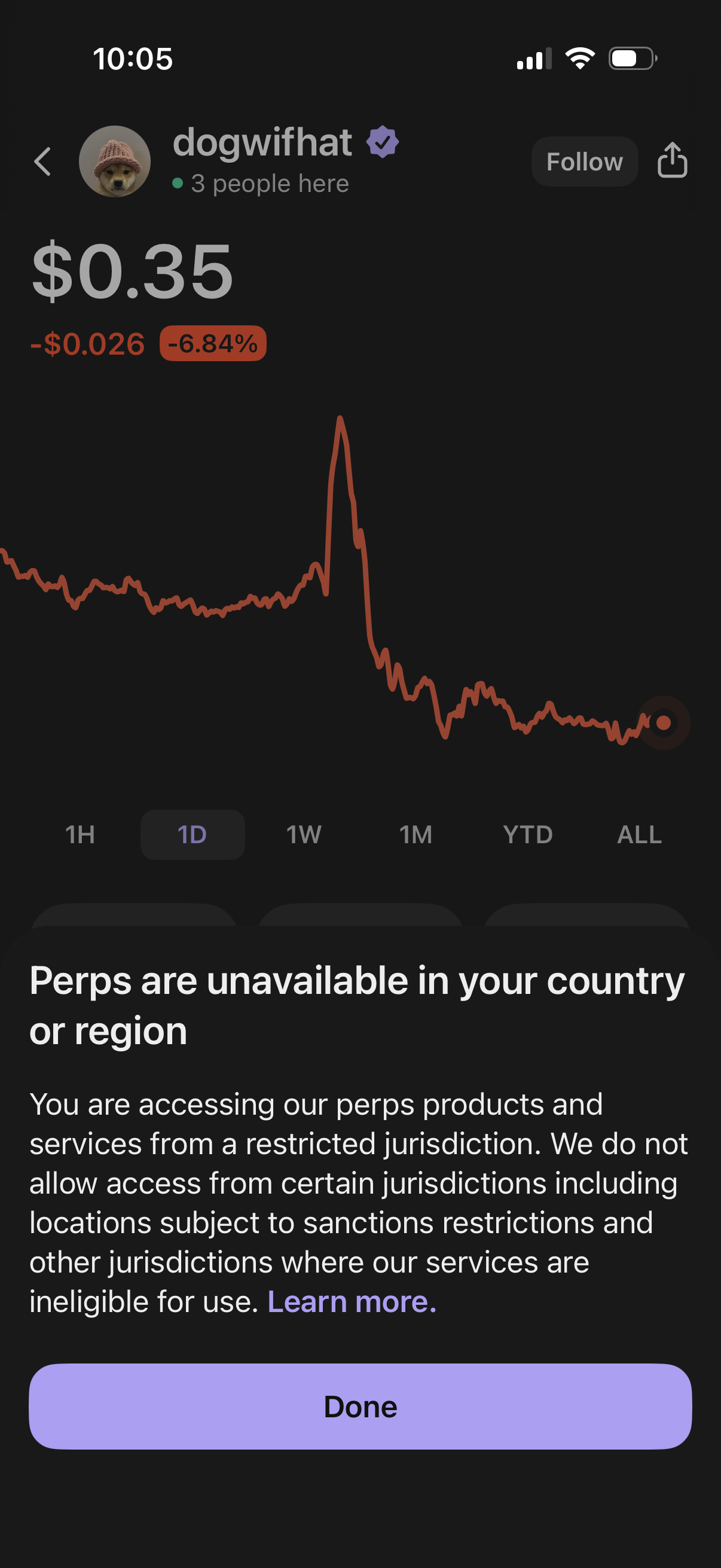
Cryptocurrency token detail screen showing current price, daily change percentage, and an interactive line chart with timeframe filters (1H, 1D, 1W, 1M, YTD, ALL) plus follow/share actions. A modal alert overlays the chart stating that perpetuals (perps) trading is unavailable in the user’s country or region due to jurisdiction restrictions, with a “Learn more” link and a primary “Done” button.
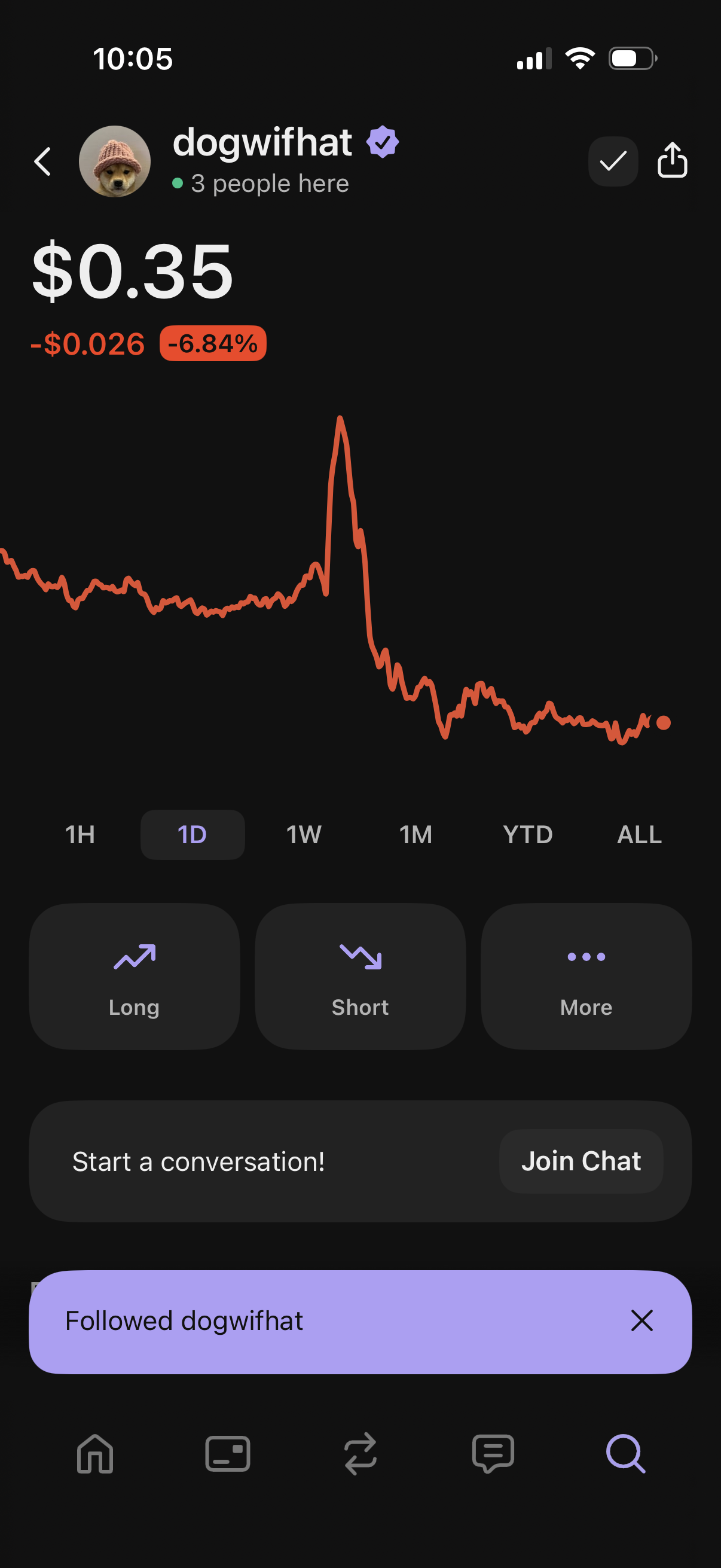
Crypto asset detail screen showing the current token price with daily change and an interactive line chart with time-range filters (1H, 1D, 1W, 1M, YTD, ALL). Primary actions include placing long or short trades, opening more options, sharing, and joining a live chat/community for the asset.
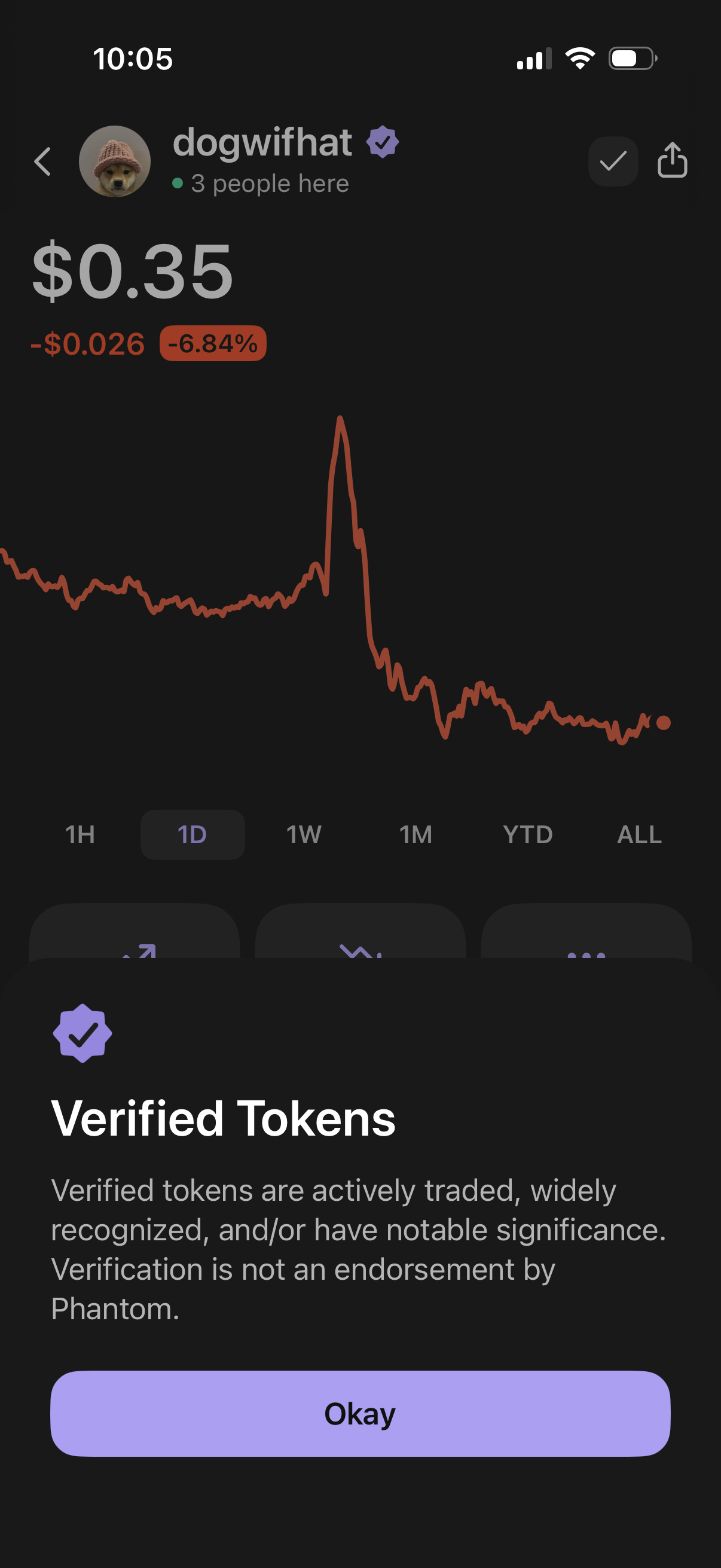
Crypto token detail screen in a wallet/trading app showing the current price, daily change, and an interactive line chart with time range filters (1H, 1D, 1W, 1M, YTD, ALL), plus share and back actions. A bottom sheet modal explains the “Verified Tokens” badge and includes an “Okay” button to dismiss.