start free trial
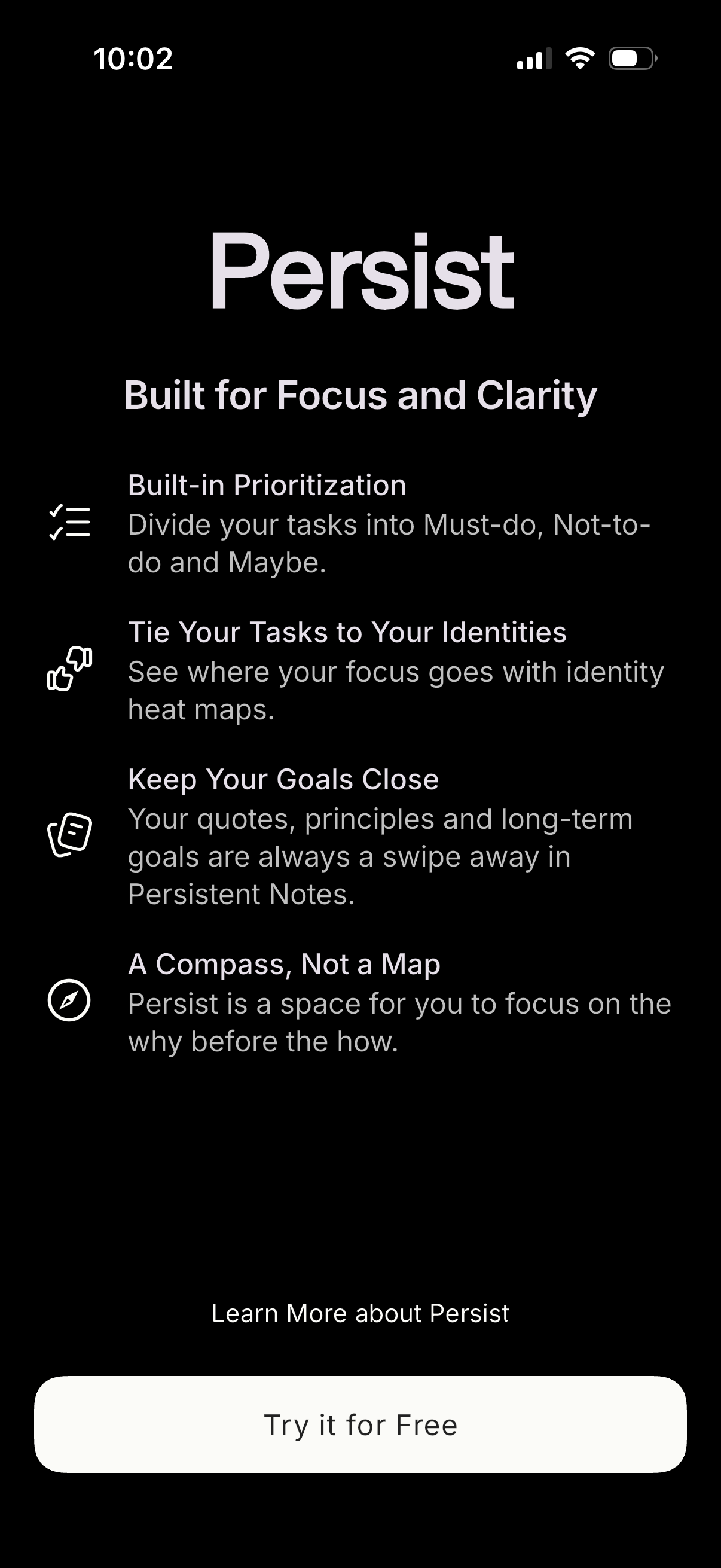
Onboarding/marketing paywall screen for a productivity and task management app highlighting core benefits like built-in task prioritization, identity-based focus tracking, and goal notes. Provides primary CTA to start a free trial plus a secondary link to learn more about the app.
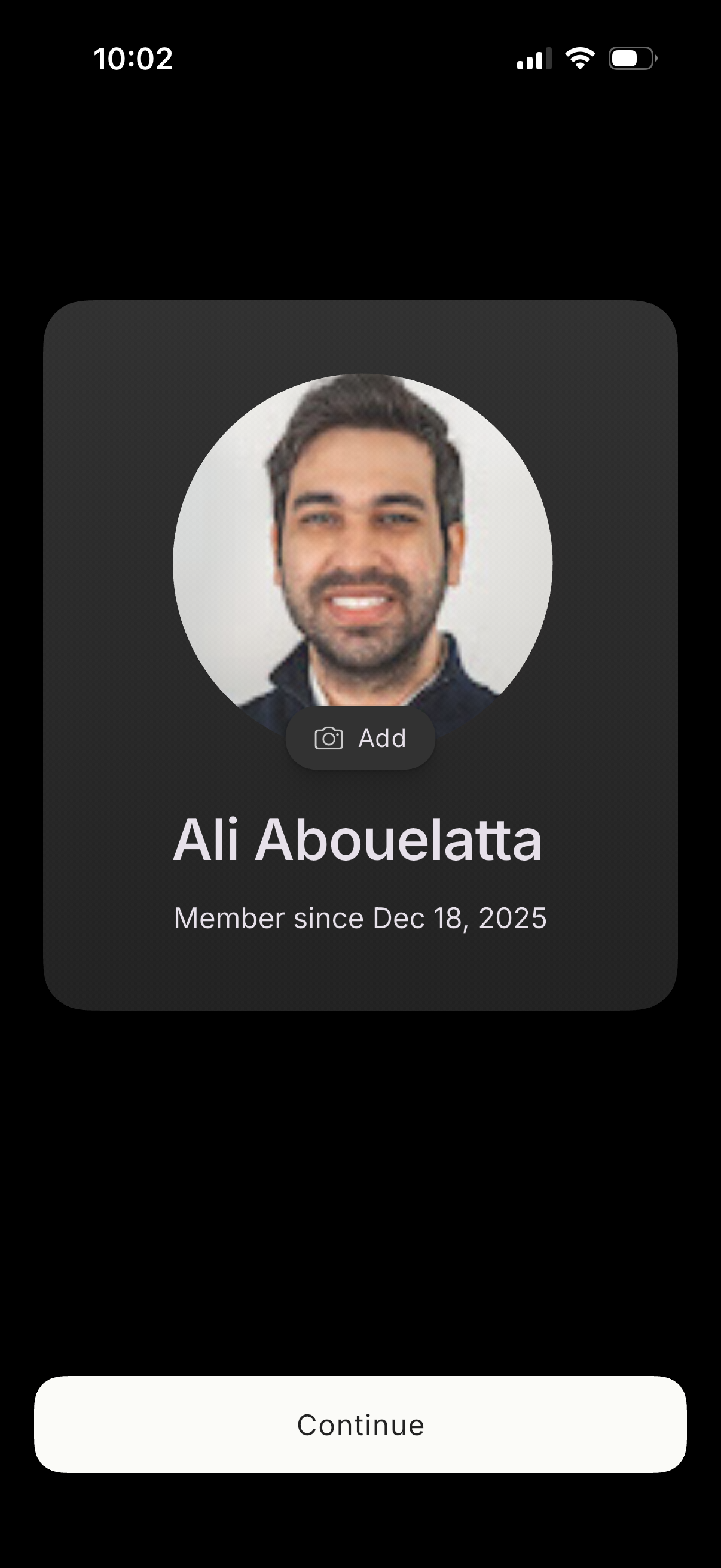
User profile setup screen showing a large avatar with an option to add or change the profile photo, the user name, and a “member since” date. A prominent Continue button advances the onboarding or account creation flow.
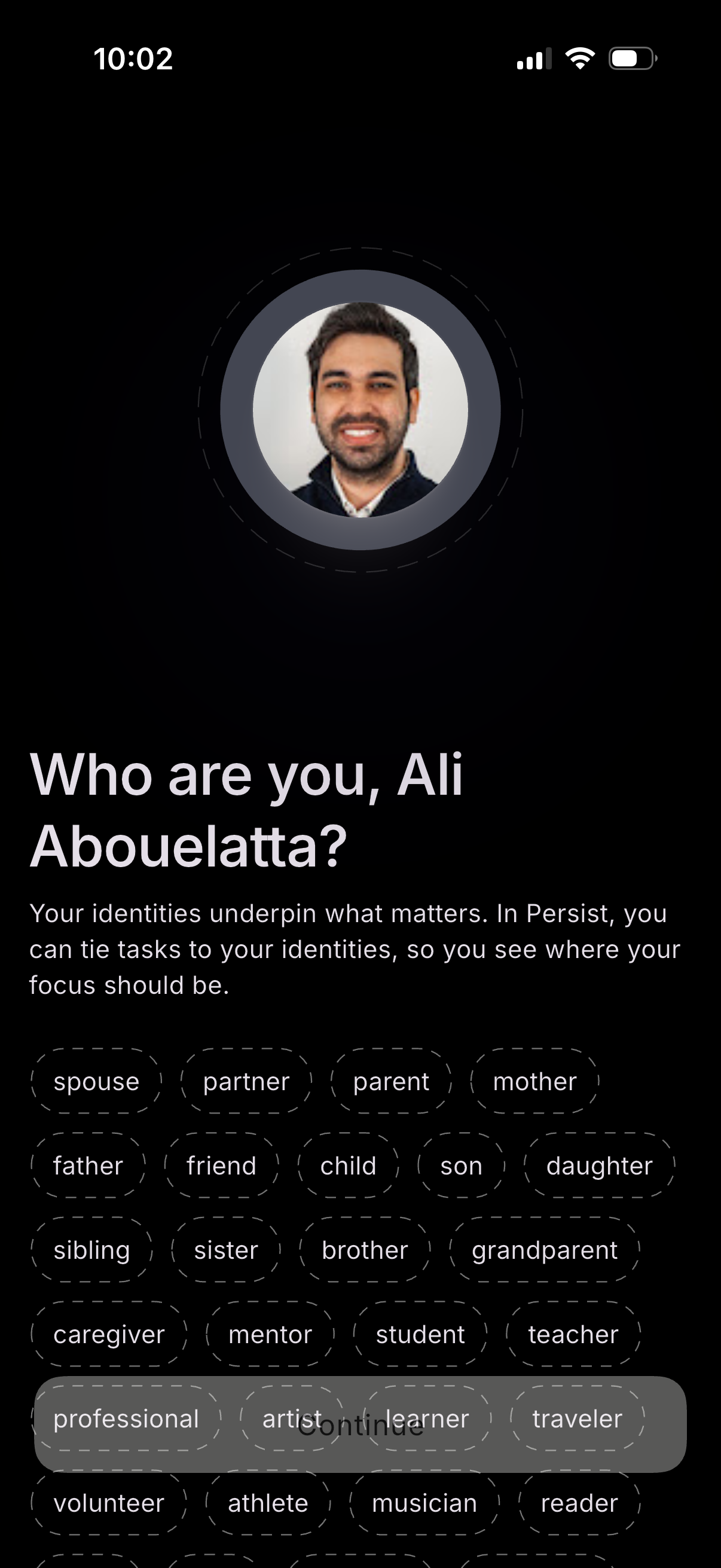
Onboarding identity selection screen asking the user “Who are you? ” with a profile photo and a set of selectable role tags (e.
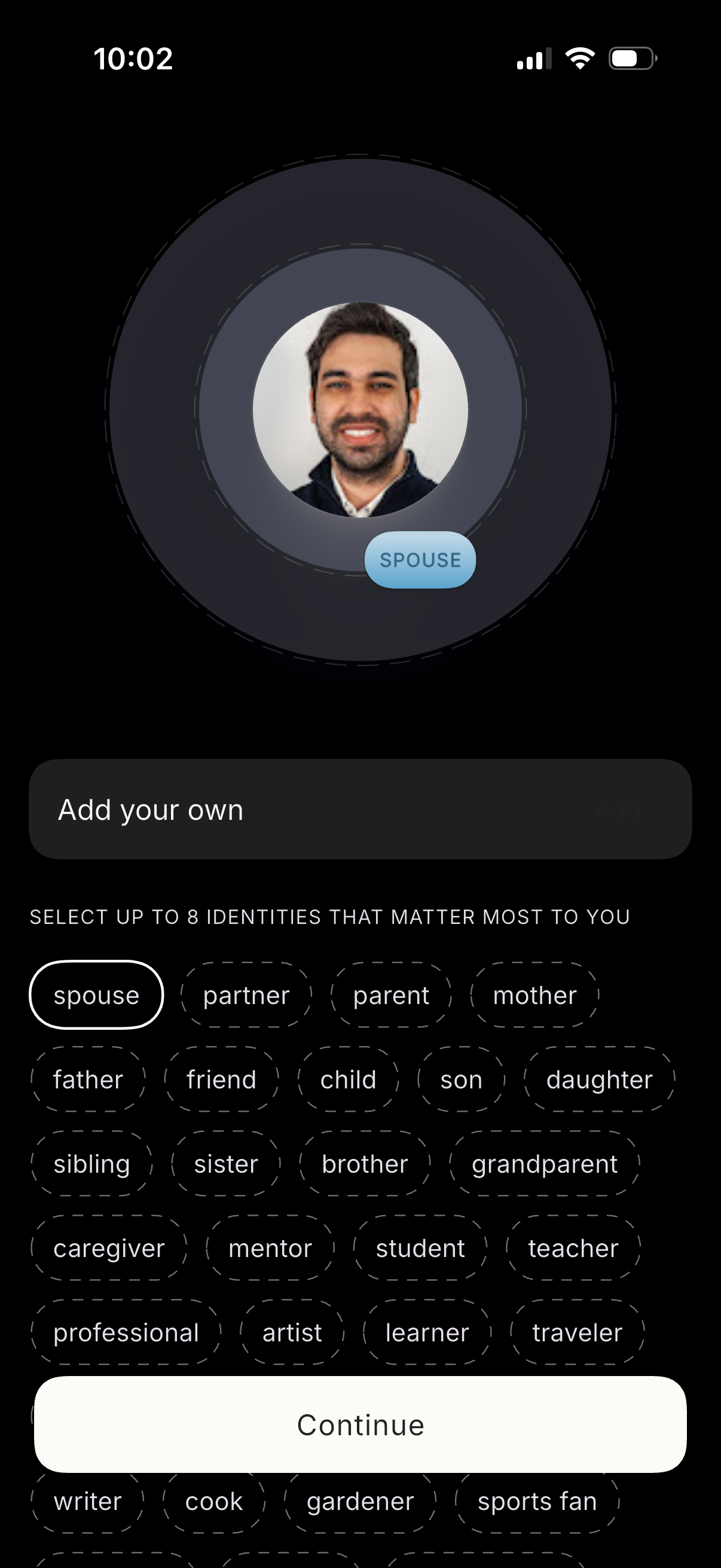
Profile setup screen for selecting personal identities/roles, showing a large avatar preview with the chosen label and an input to add a custom identity. Users can pick up to 8 identities from a grid of selectable chips (e.
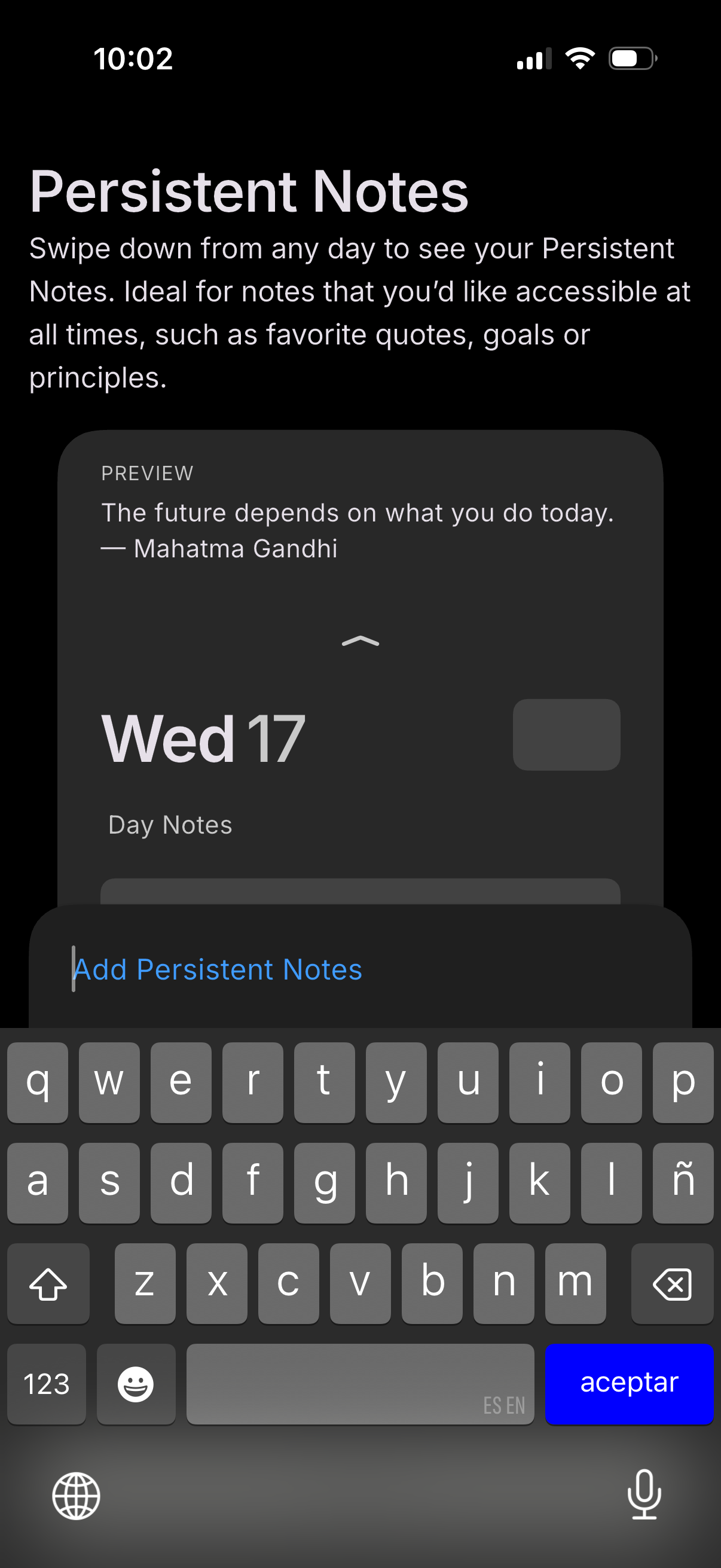
Onboarding/help screen introducing a “Persistent Notes” feature that can be accessed by swiping down from any day in a calendar or journaling app, for keeping always-visible notes like quotes, goals, or principles. Includes a preview of the persistent note and an inline text field with keyboard open to add persistent notes.
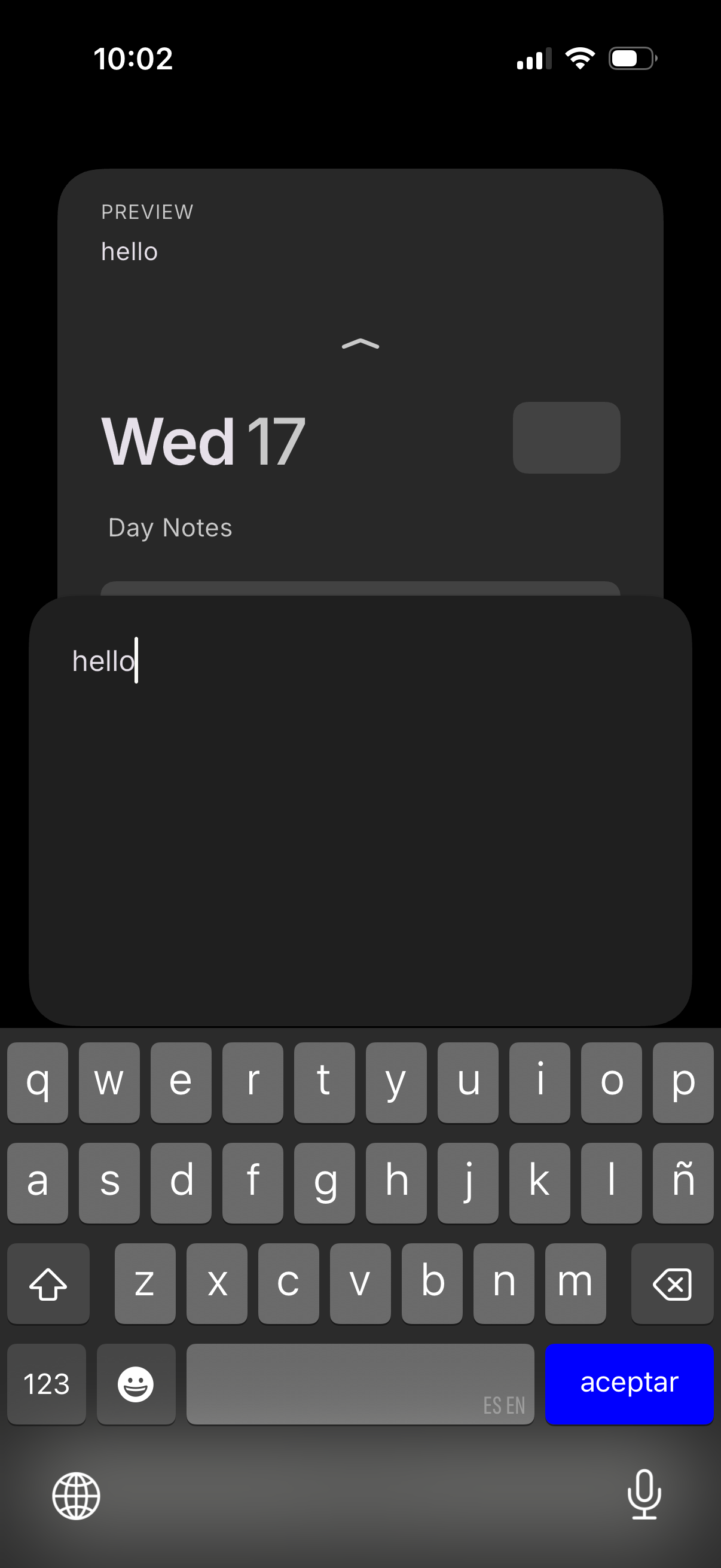
Mobile calendar day view with a “Day Notes” section, showing a notes editor where the user types a short text entry and can accept/save it via the keyboard. A preview panel displays the date and the current note content while editing.
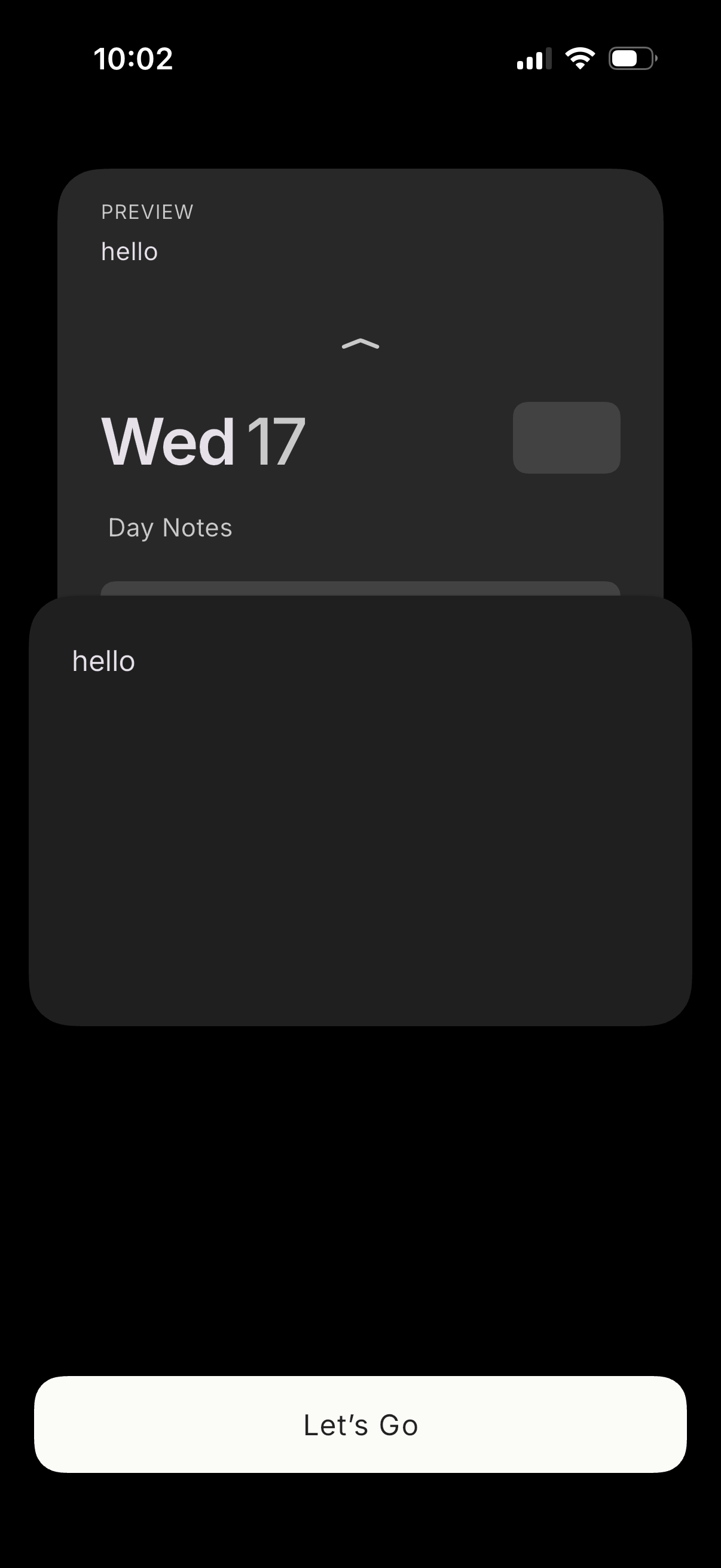
Onboarding-style screen showing a preview card of a daily notes/journal entry with the date (e. g.
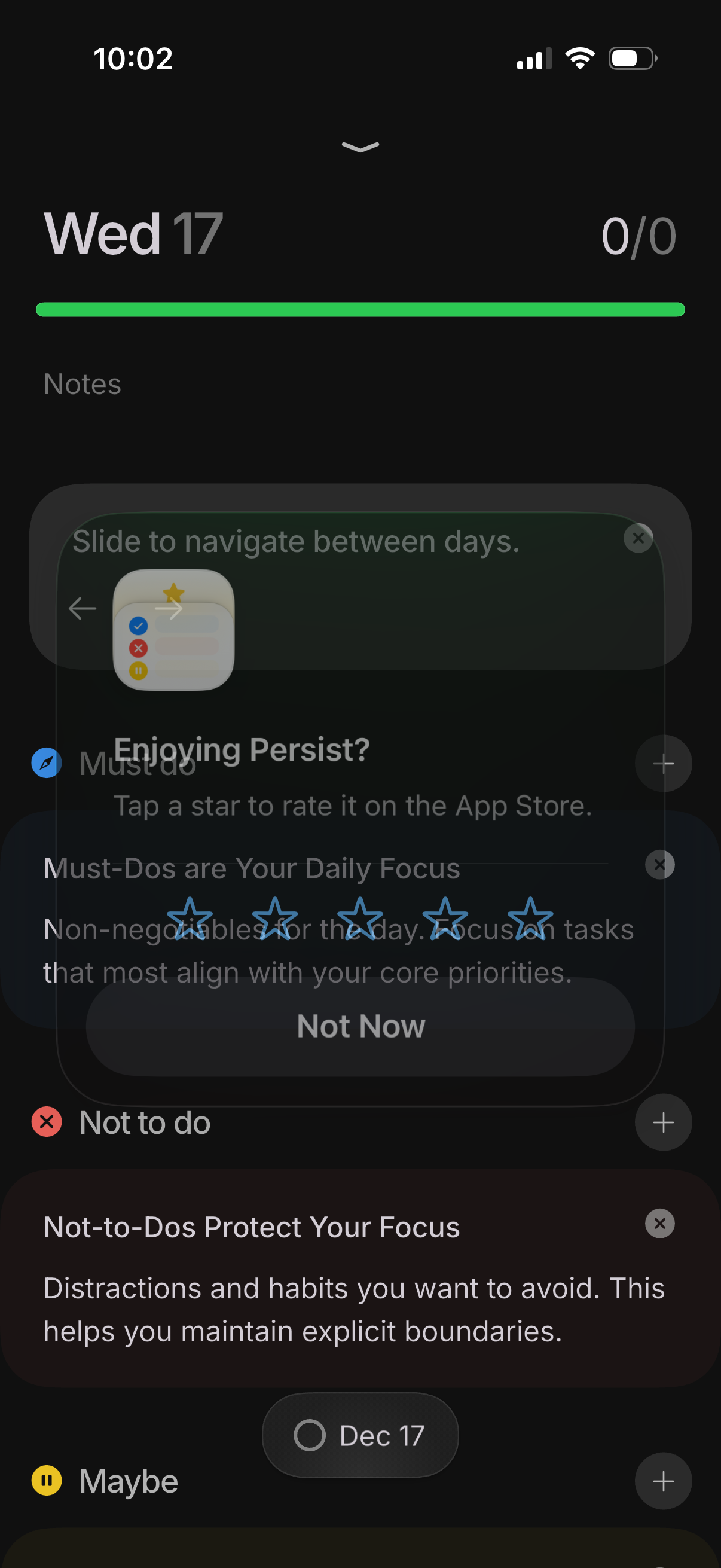
Daily task list screen in a productivity/to-do app organized by sections like Must do, Not to do, and Maybe, with plus buttons to add items and swipe navigation between dates (e. g.