Your agent can search this library too. Lazyweb CLI →
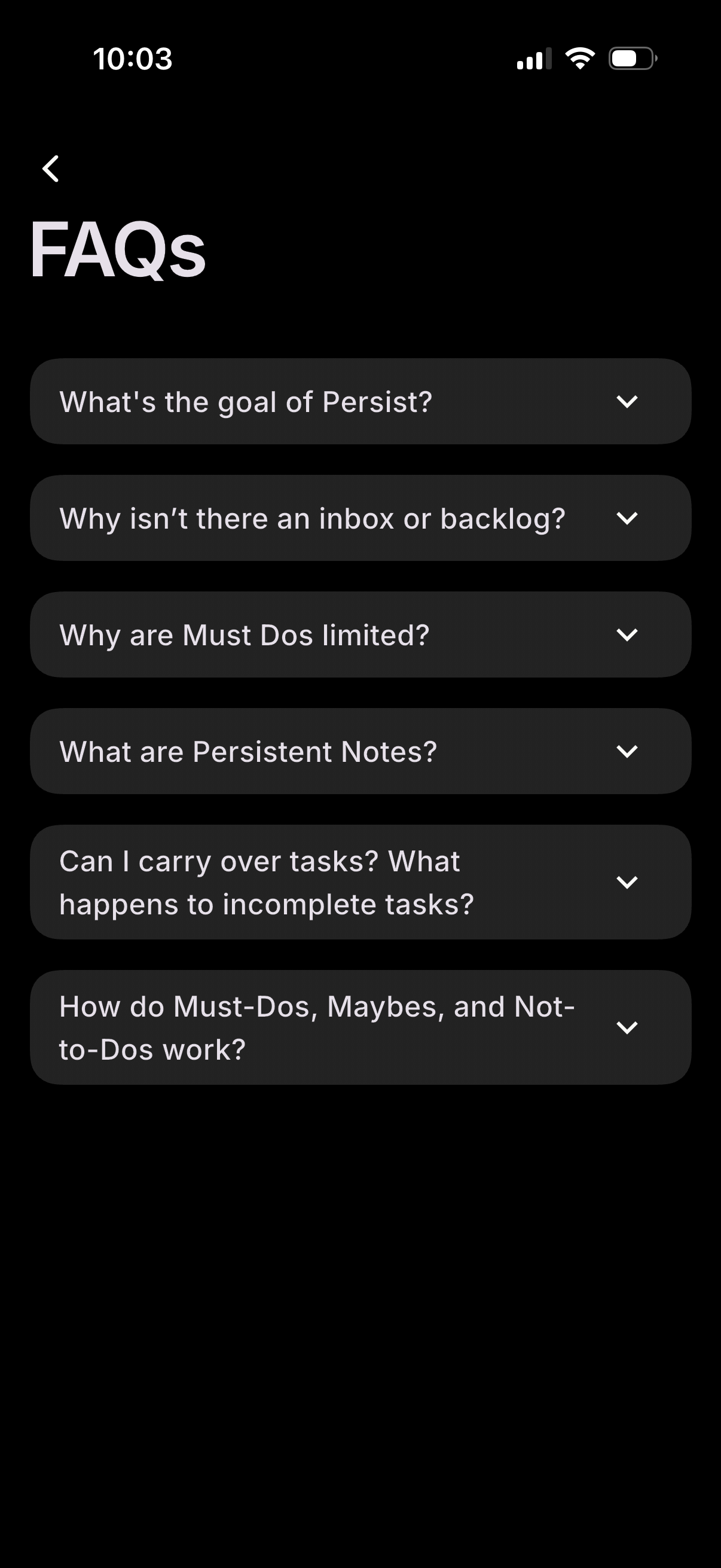
FAQ help screen showing a list of expandable accordion questions about how the a
persist
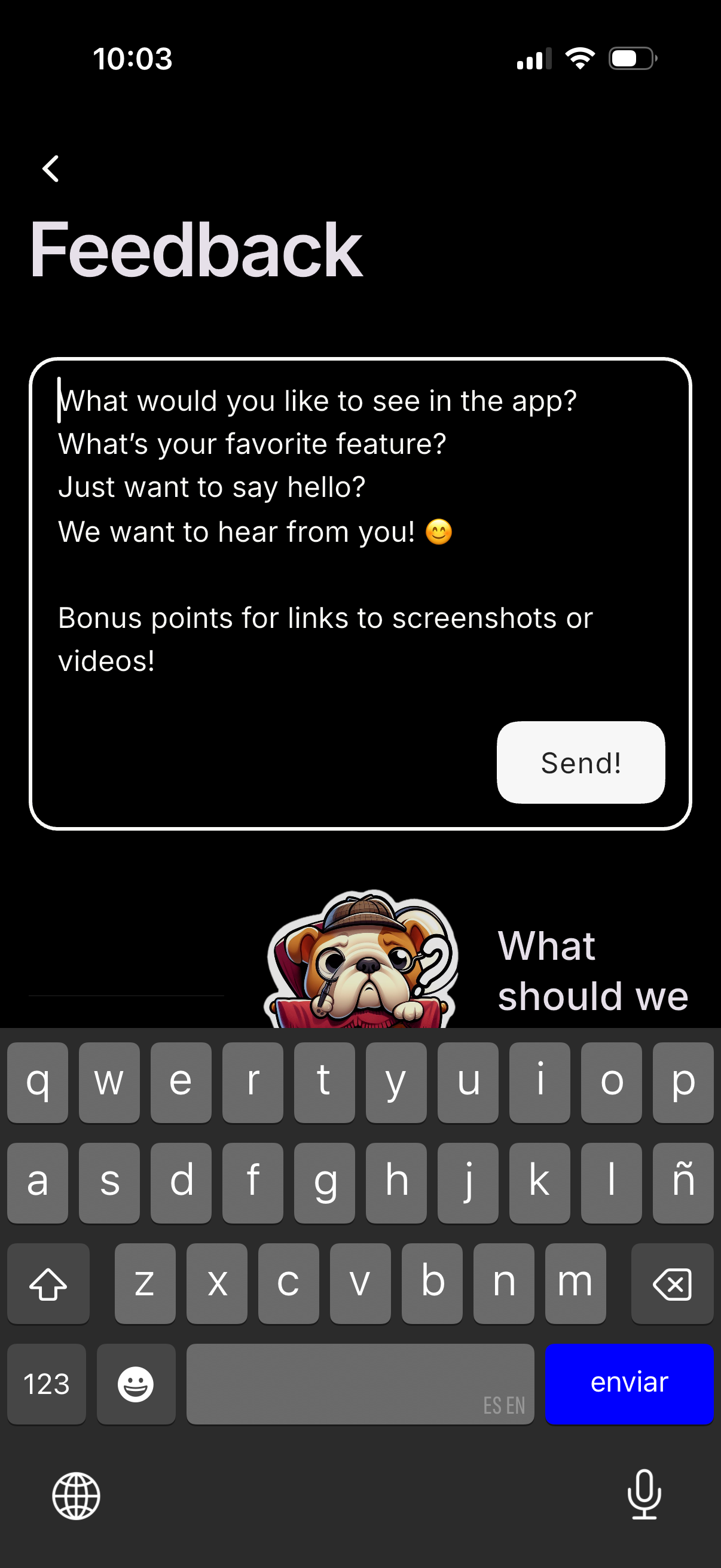
Feedback submission screen with a large multiline text box prompting users to sh
persist
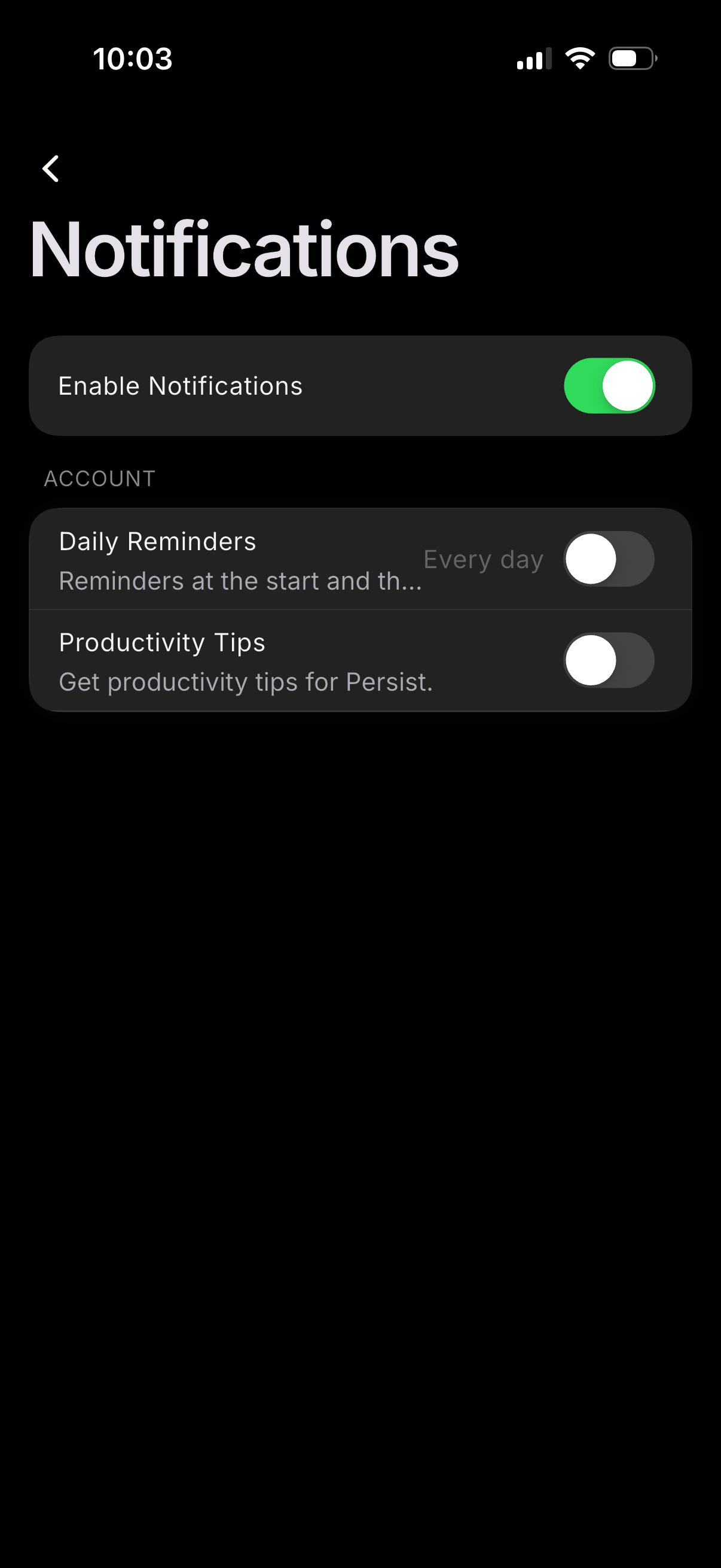
Notification settings screen with a master toggle to enable or disable all notif
persist
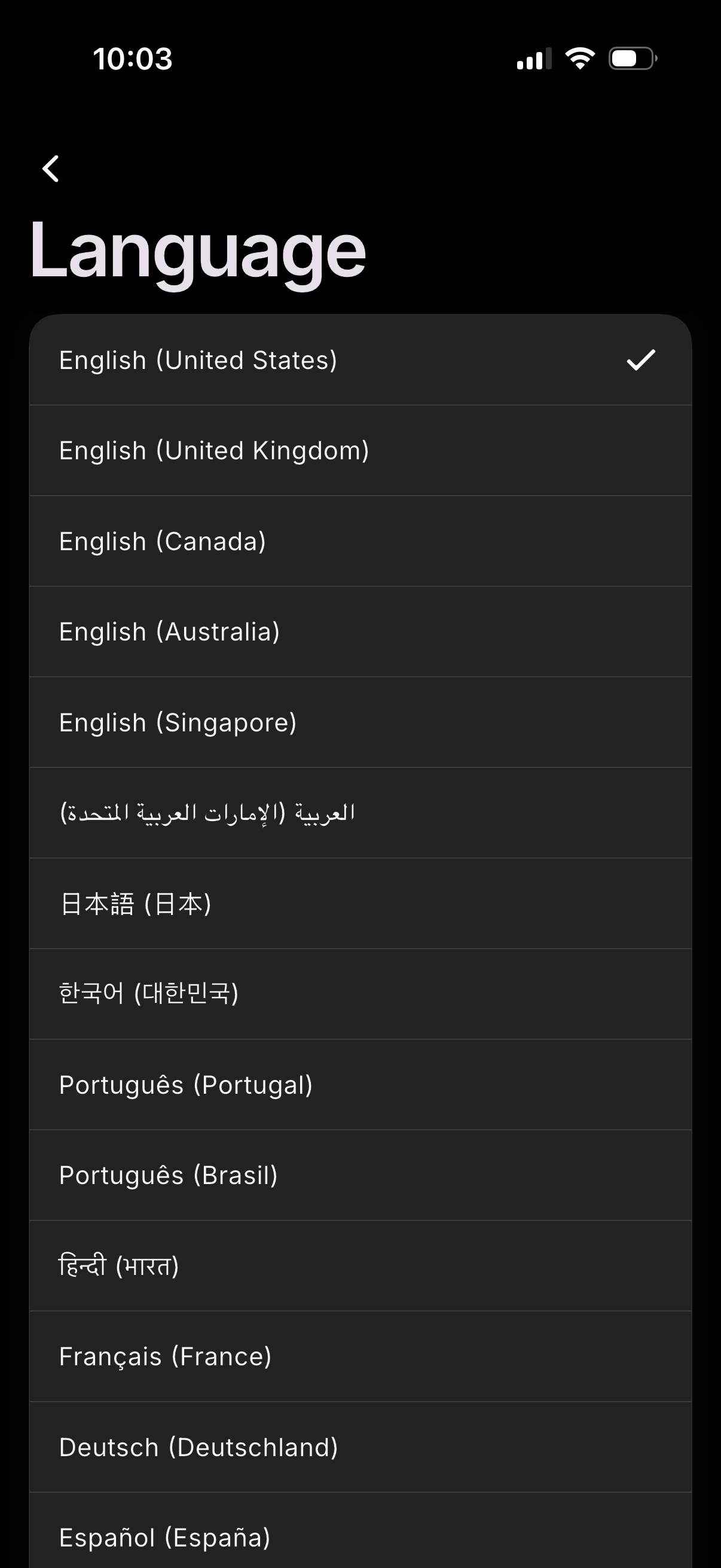
Language settings screen showing a scrollable list of available languages and re
persist
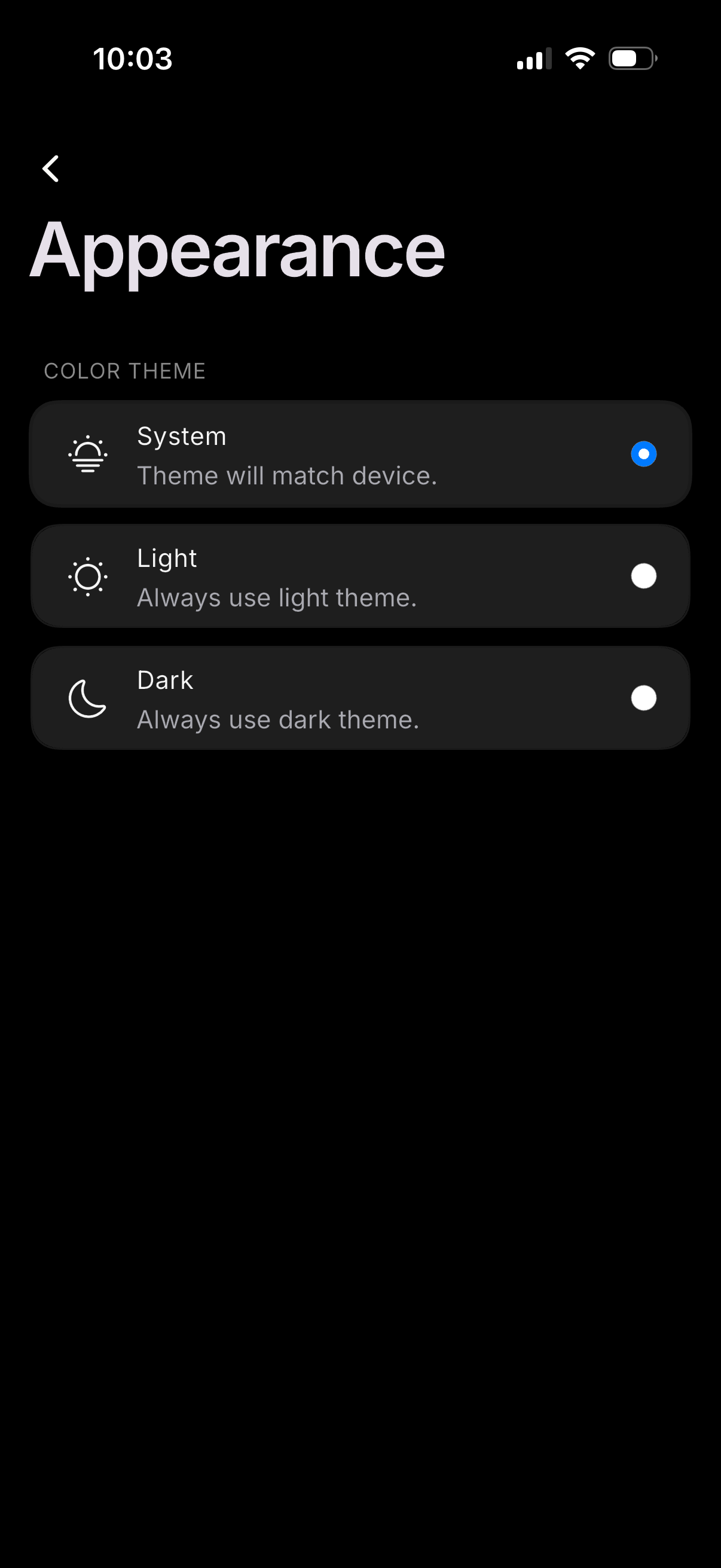
Appearance settings screen for choosing the app’s color theme, offering radio-bu
persist
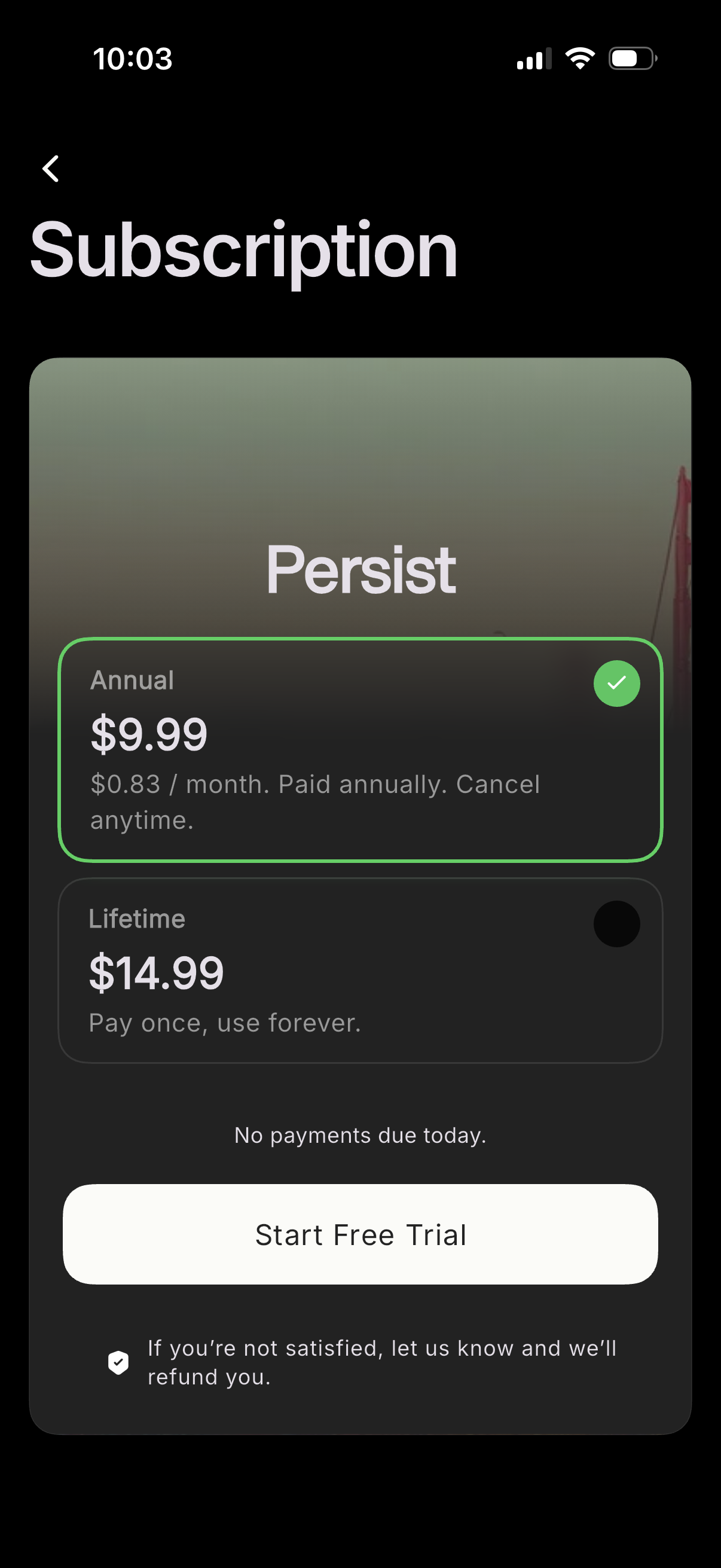
Subscription paywall screen offering plan selection between annual and lifetime
persist
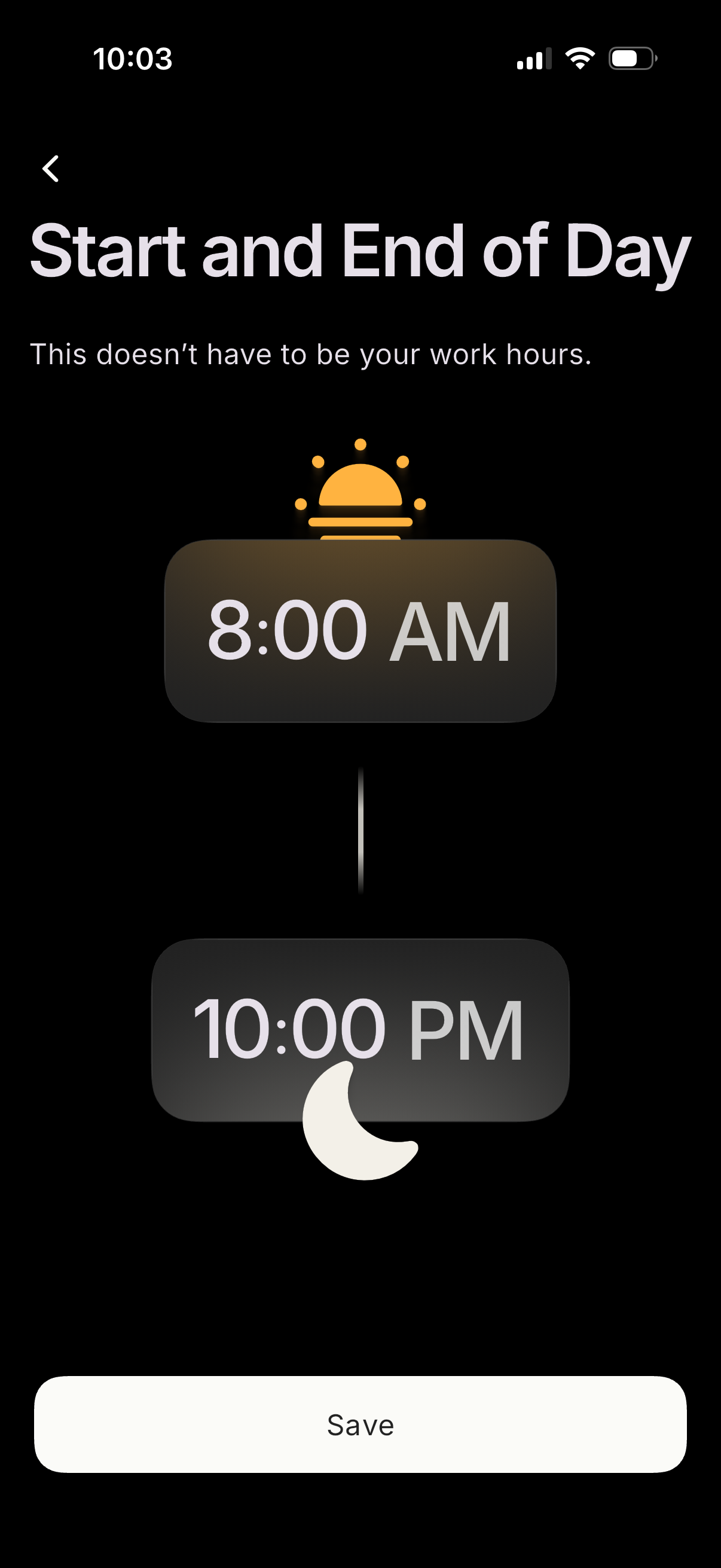
Settings screen for configuring daily schedule boundaries, letting the user set
persist
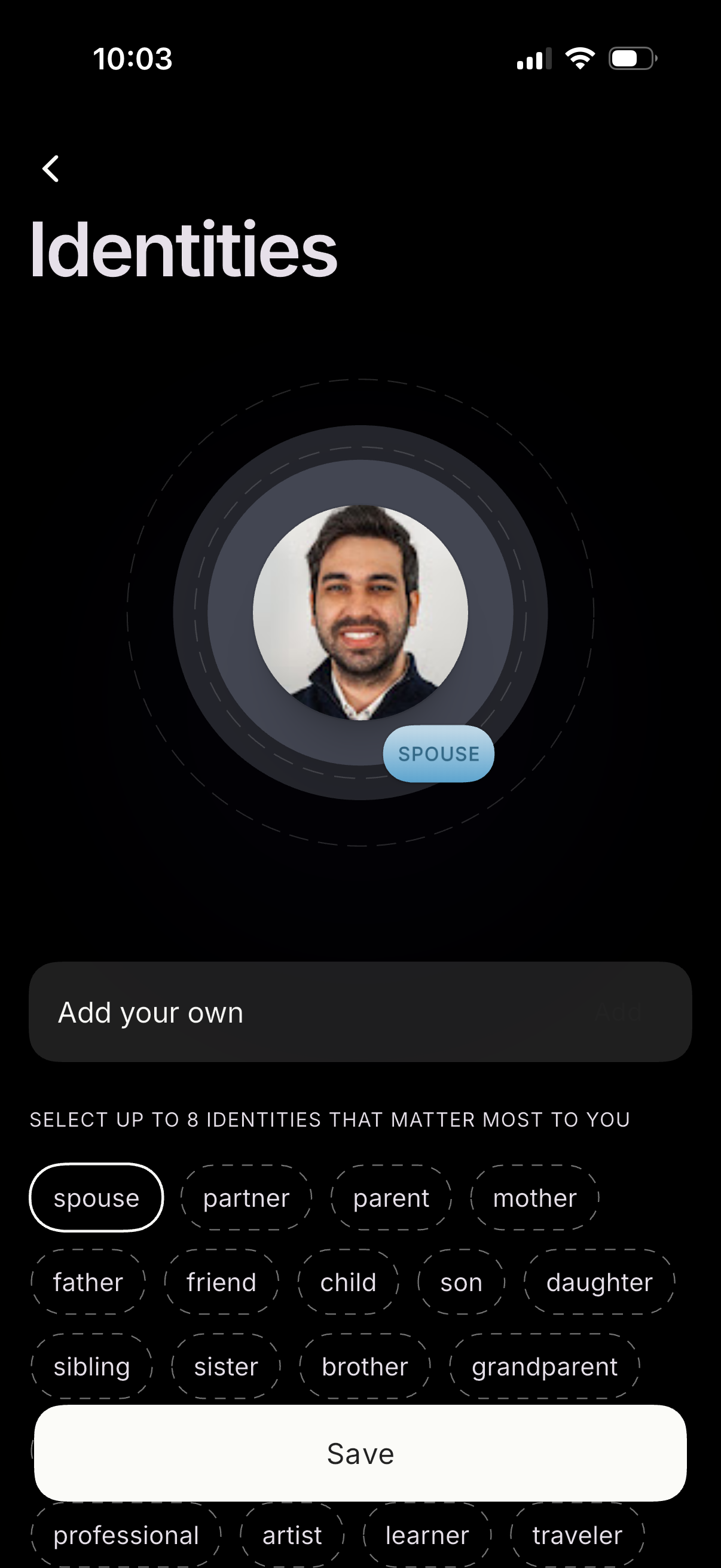
Identity selection onboarding screen where users choose up to 8 personal roles/r
persist
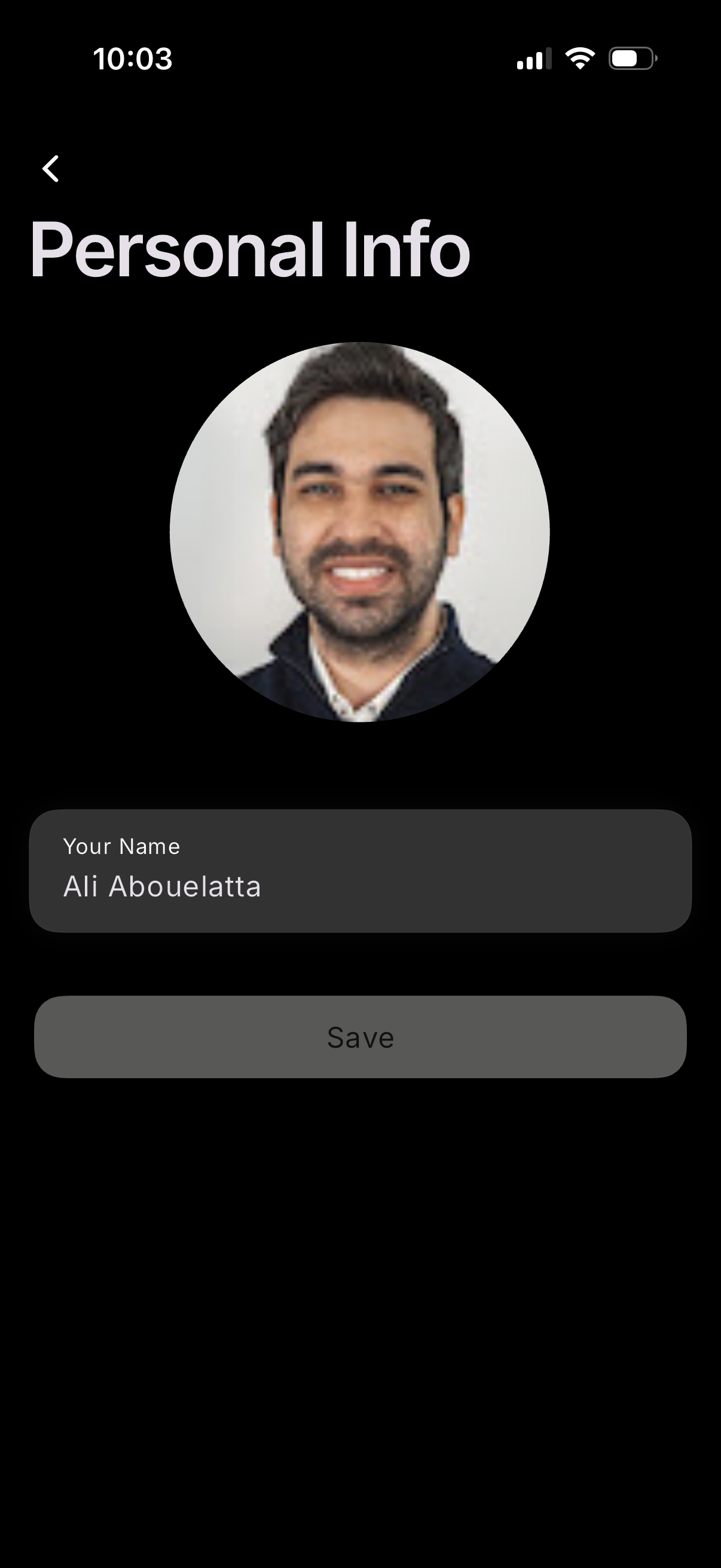
Profile personal info edit screen showing a large avatar photo and a form field
persist
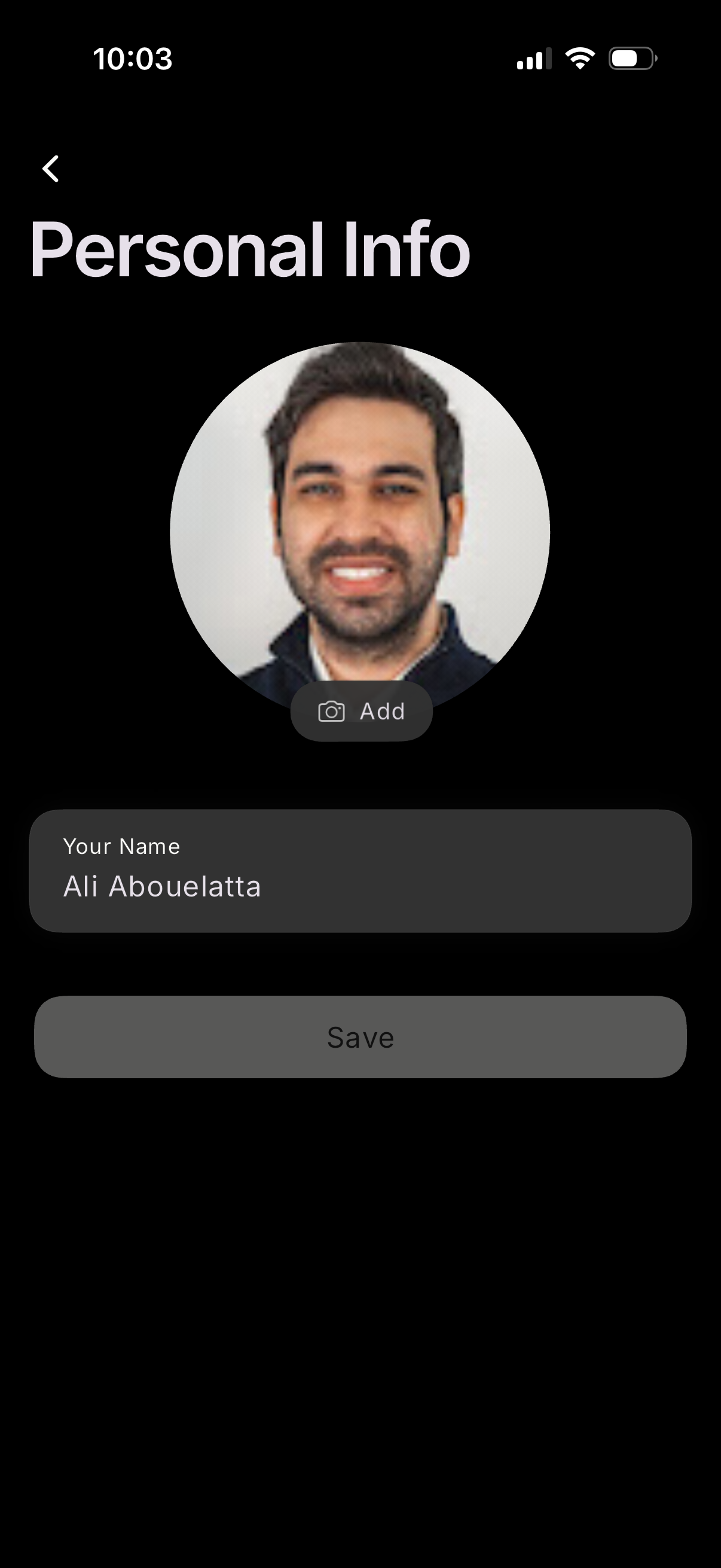
Profile personal info edit screen where the user can add or change a profile pho
persist
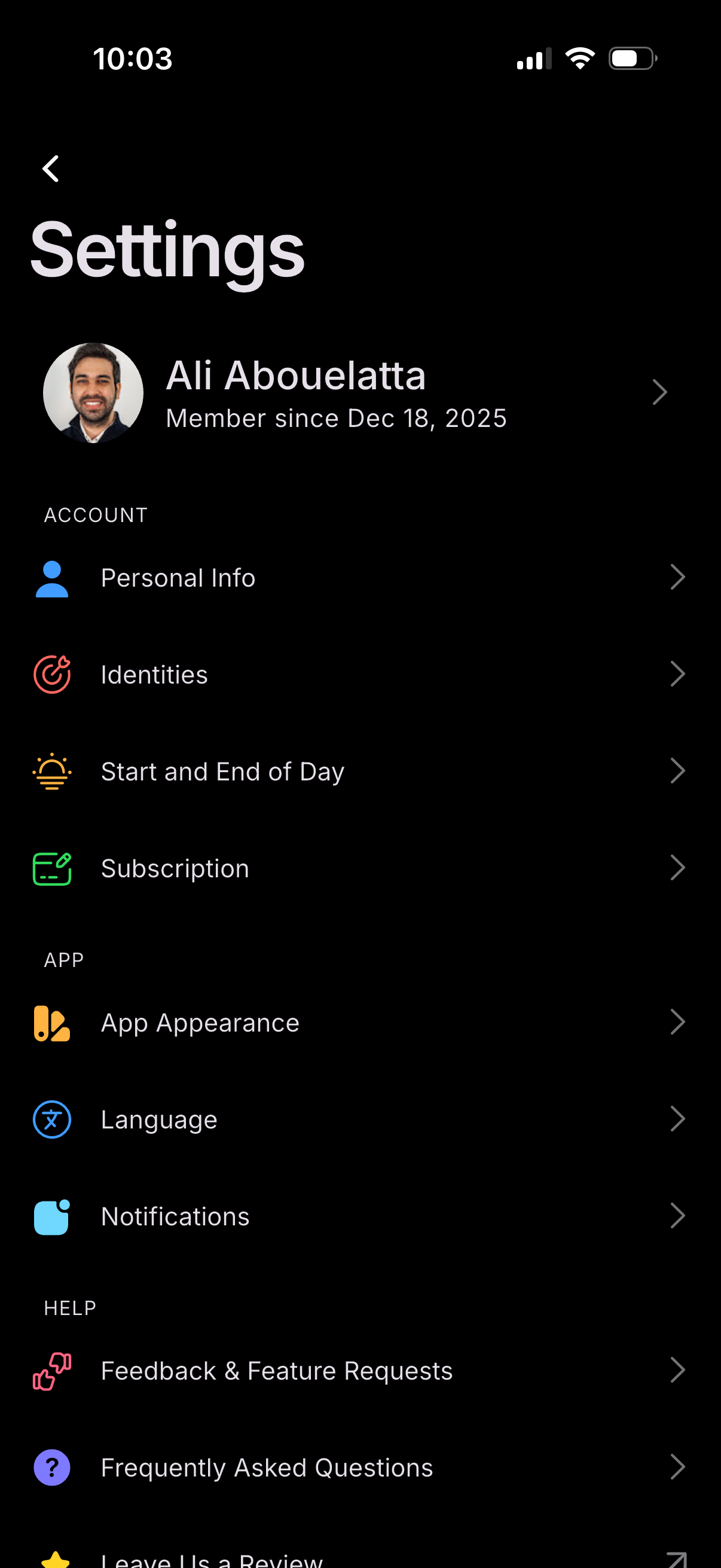
Settings screen showing a user profile header and a list of configuration option
persist
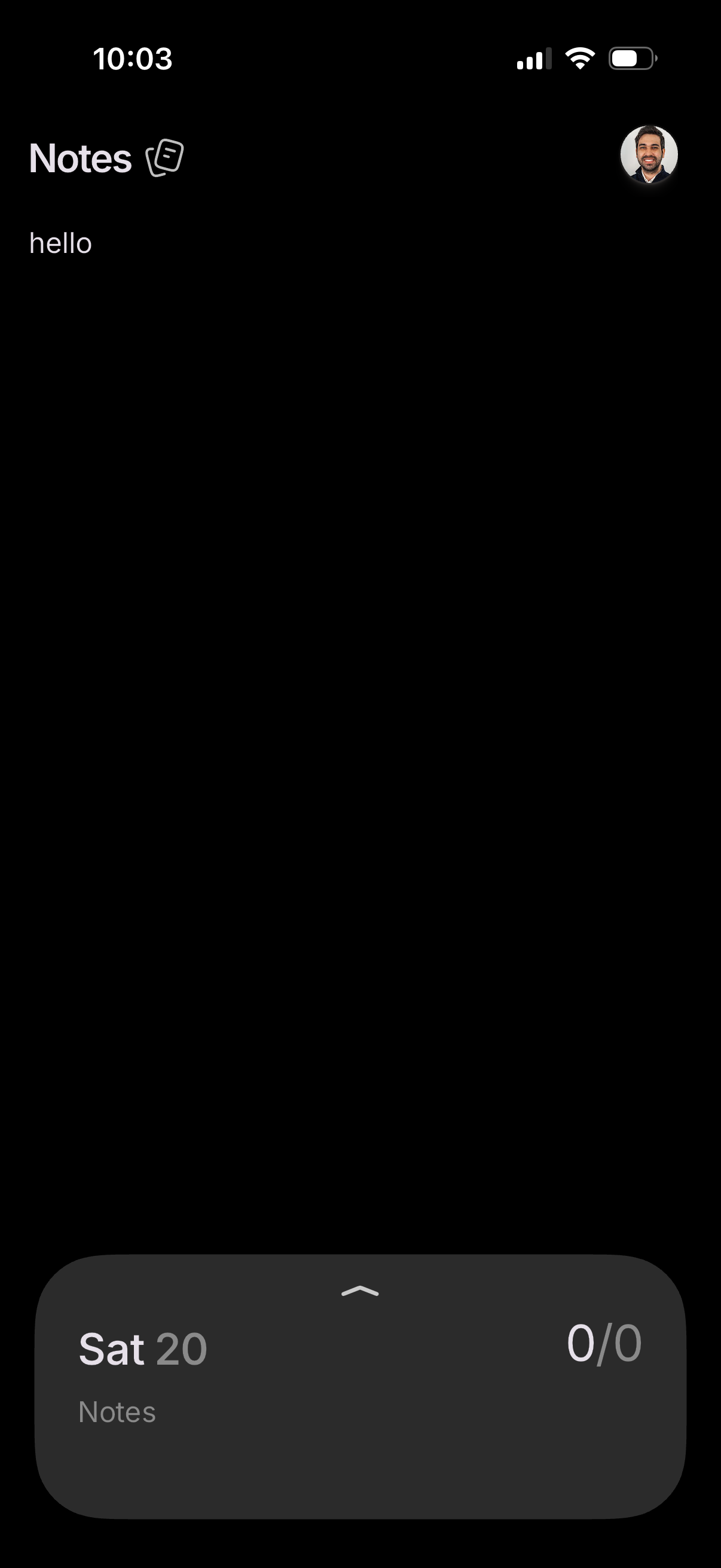
Minimal notes app home screen in dark mode showing a “Notes” header, a simple no
persist
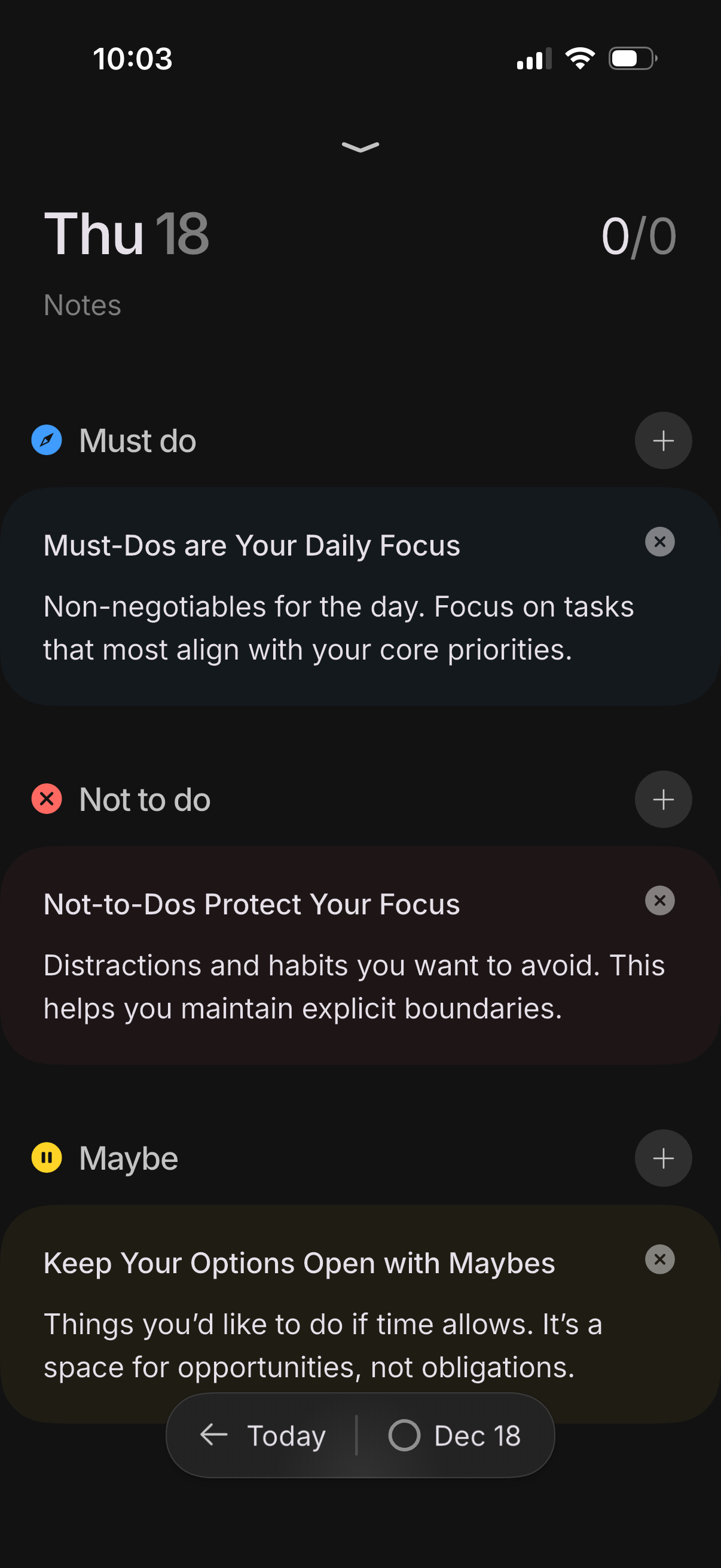
Daily planning and notes screen for a specific date, organized into three task l
persist
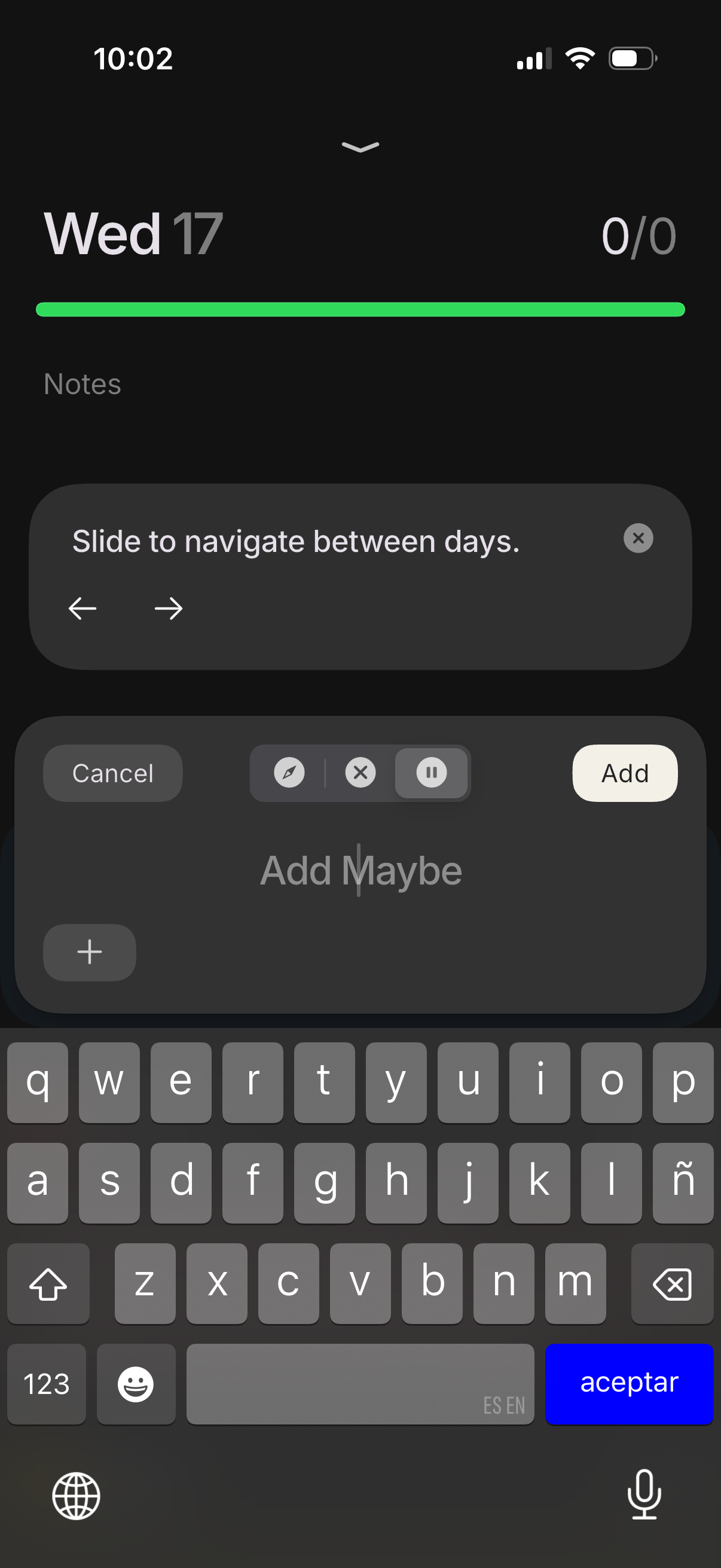
Daily log or habit tracker screen for a specific date showing progress and a not
persist
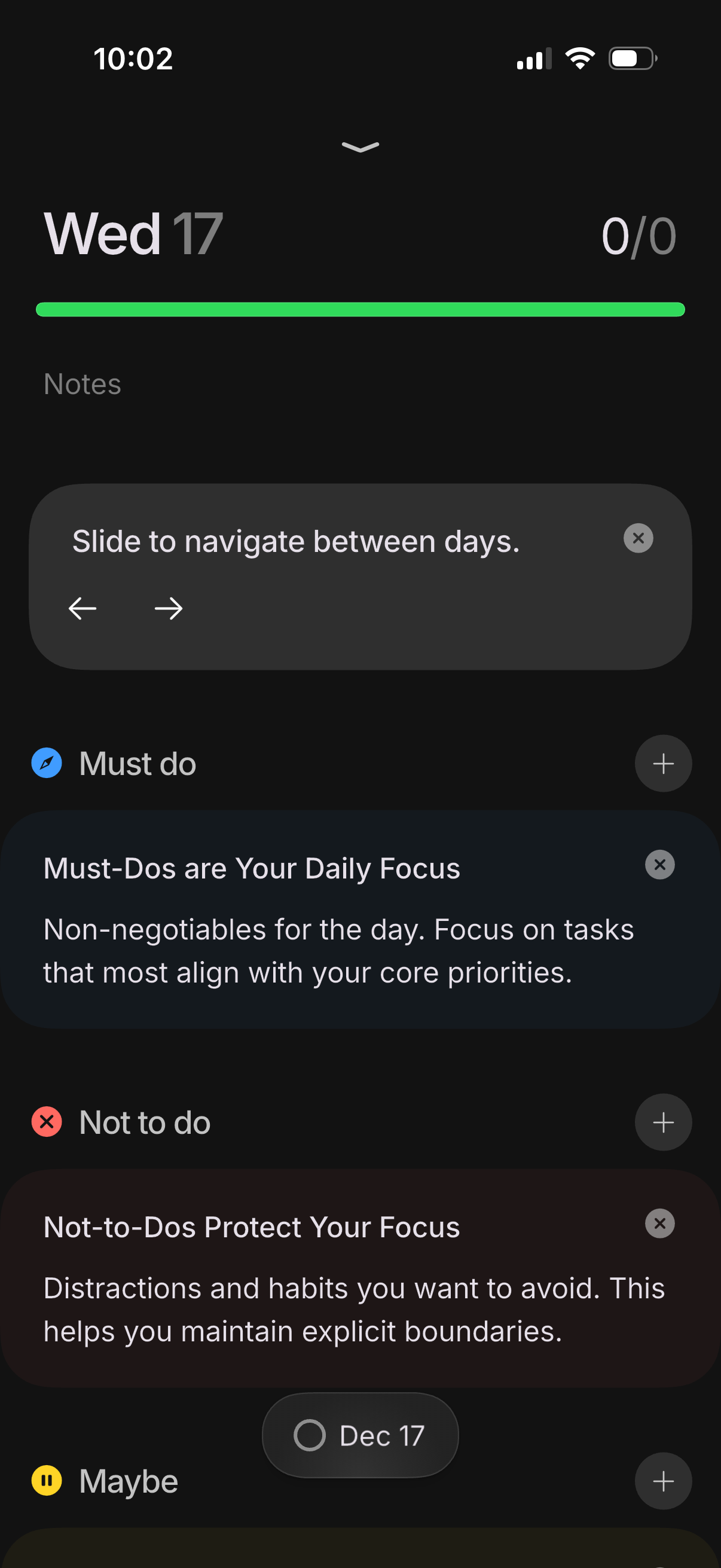
Daily planning dashboard for a selected date showing progress, notes, and catego
persist
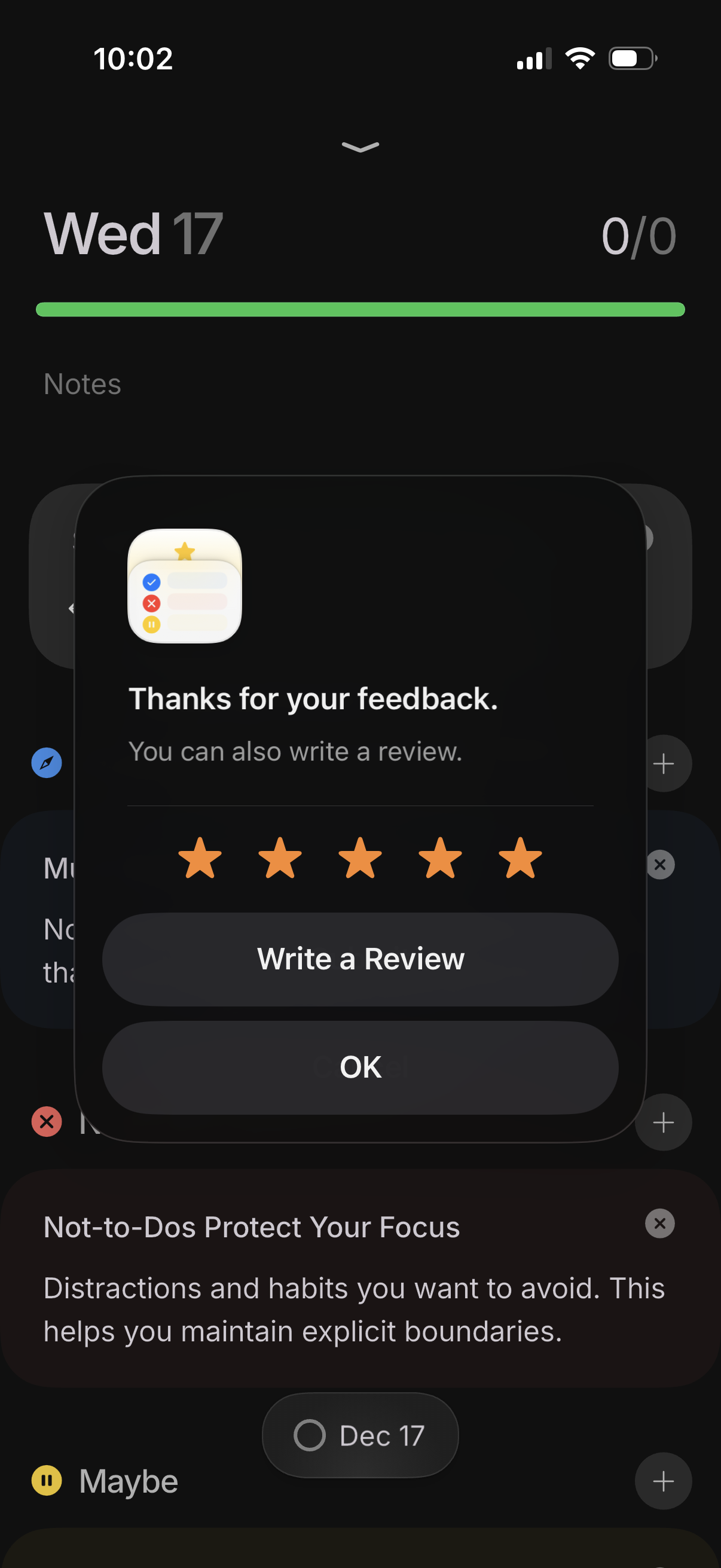
A mobile app rating prompt modal thanks the user for feedback and shows a 5-star
persist
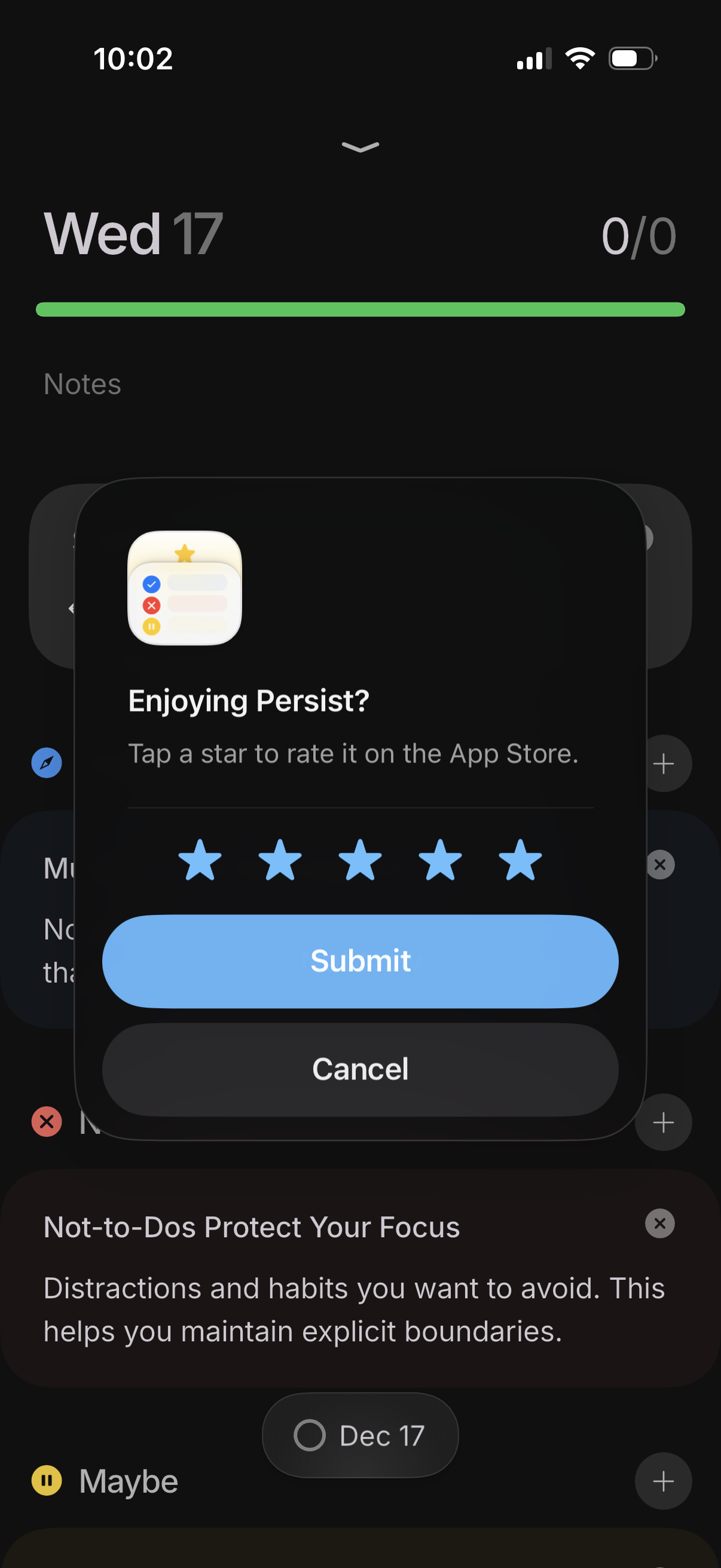
In-app modal asking the user to rate the app with a 1–5 star selector, offering
persist
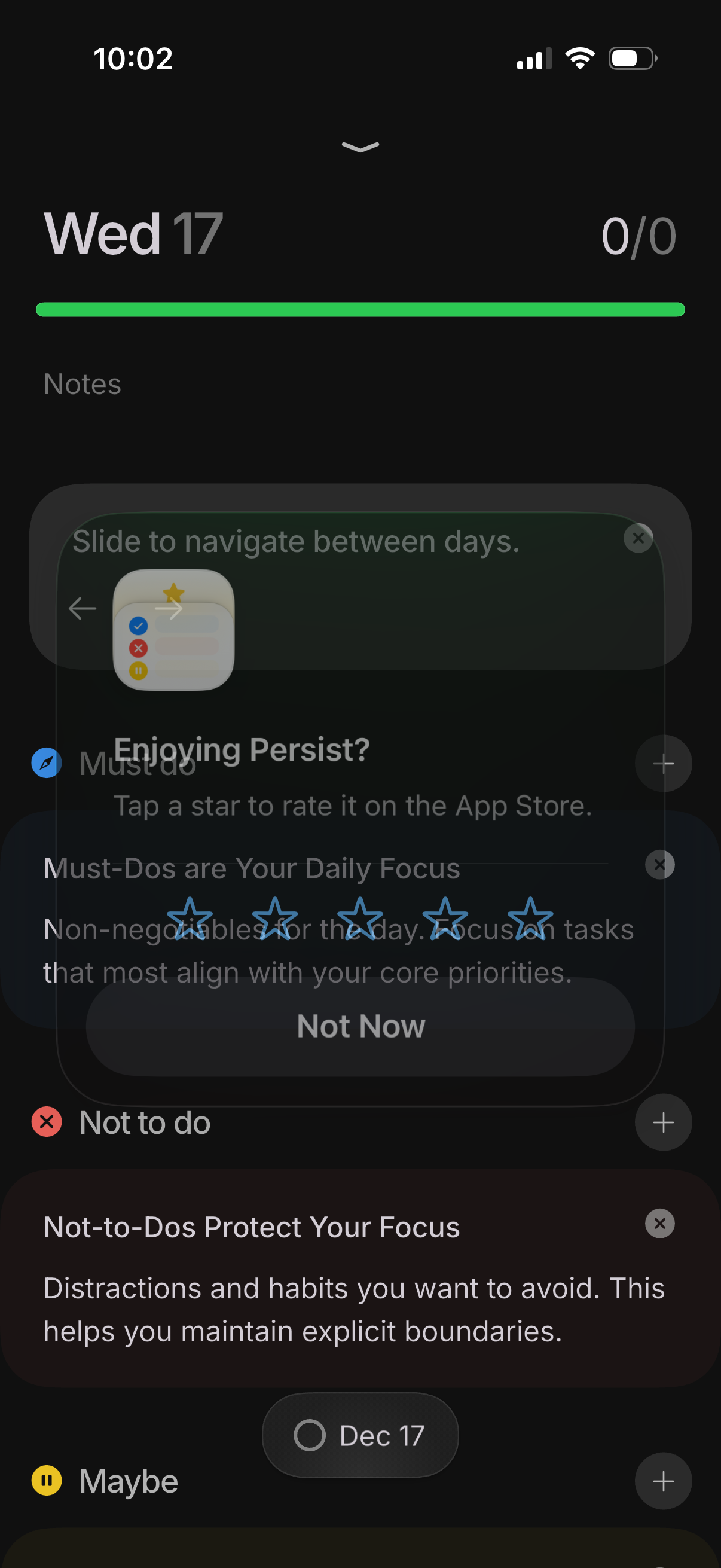
Daily task list screen in a productivity/to-do app organized by sections like Mu
persist
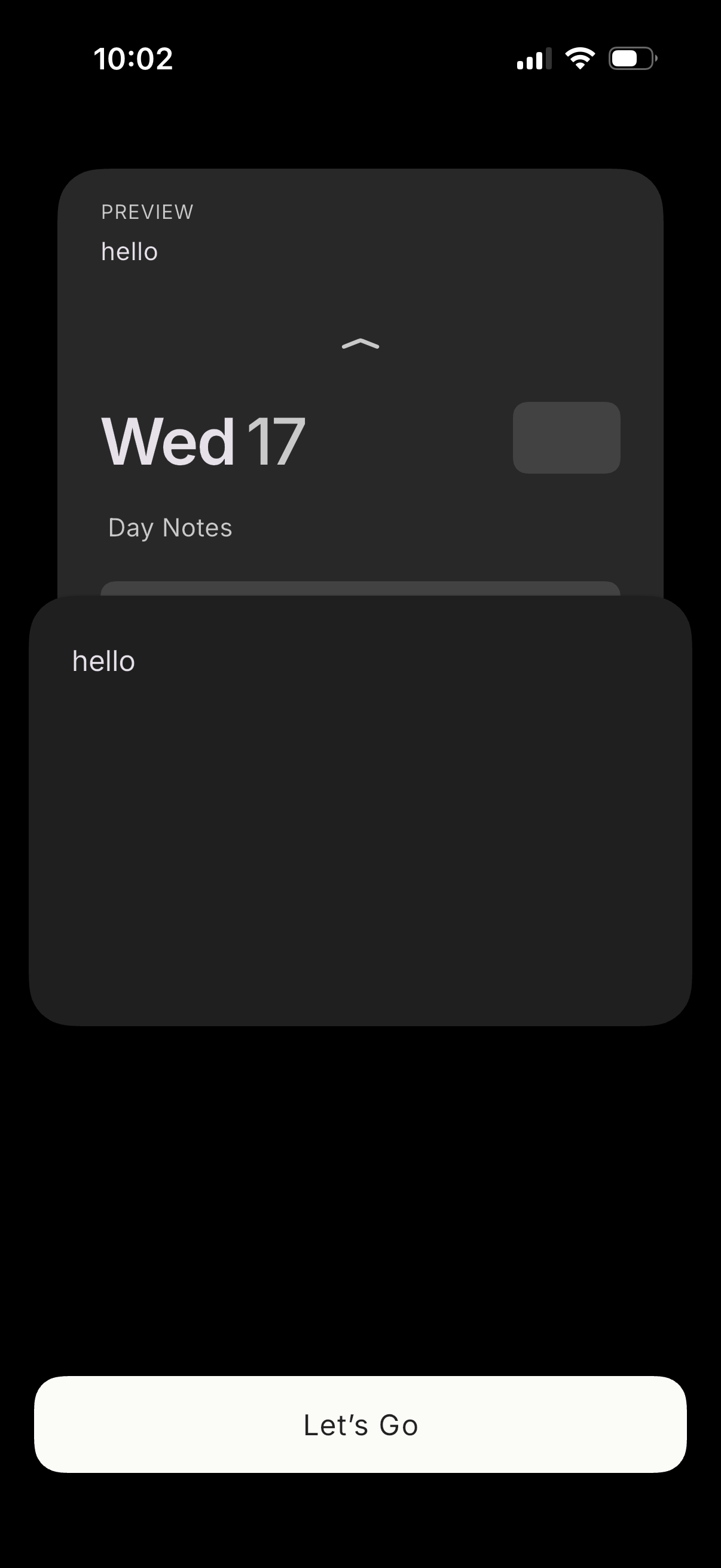
Onboarding-style screen showing a preview card of a daily notes/journal entry wi
persist
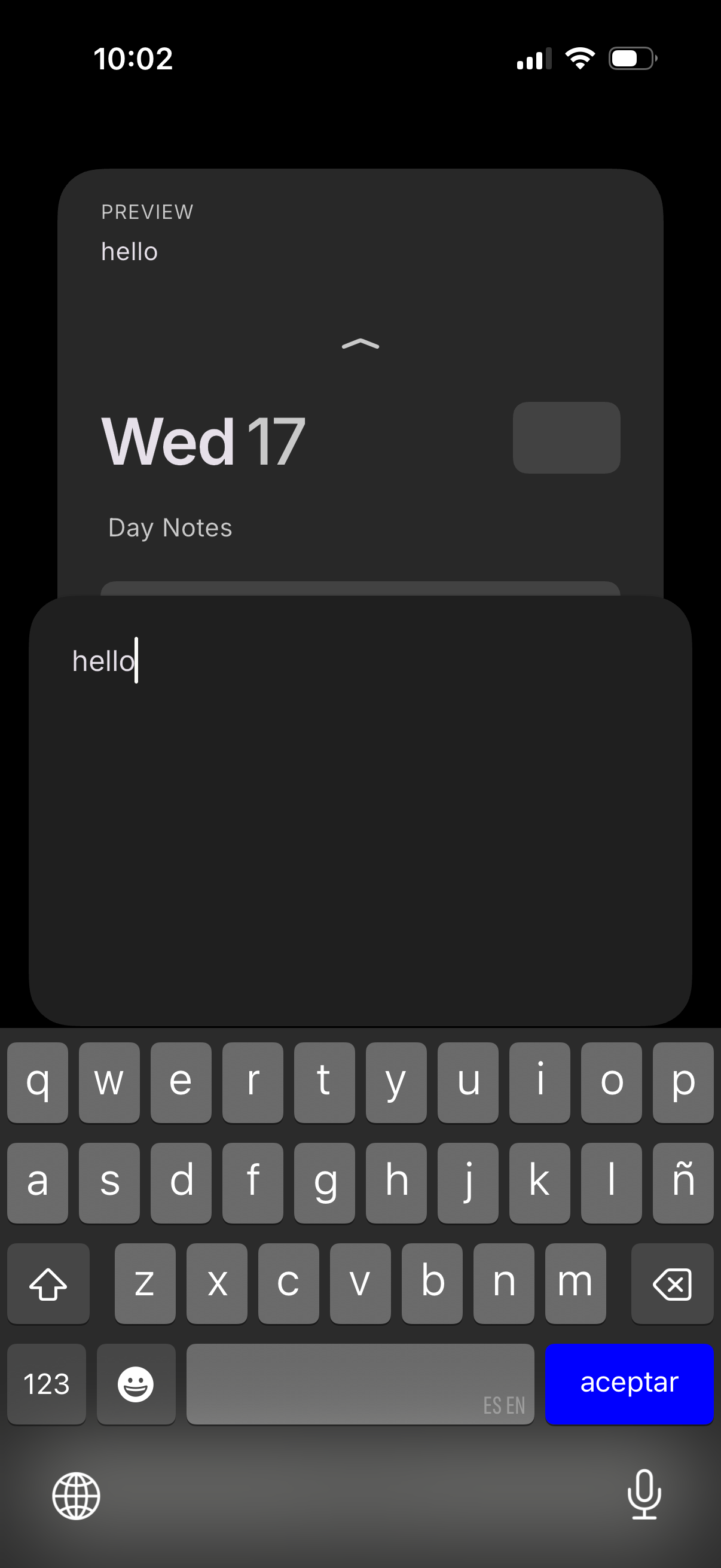
Mobile calendar day view with a “Day Notes” section, showing a notes editor wher
persist
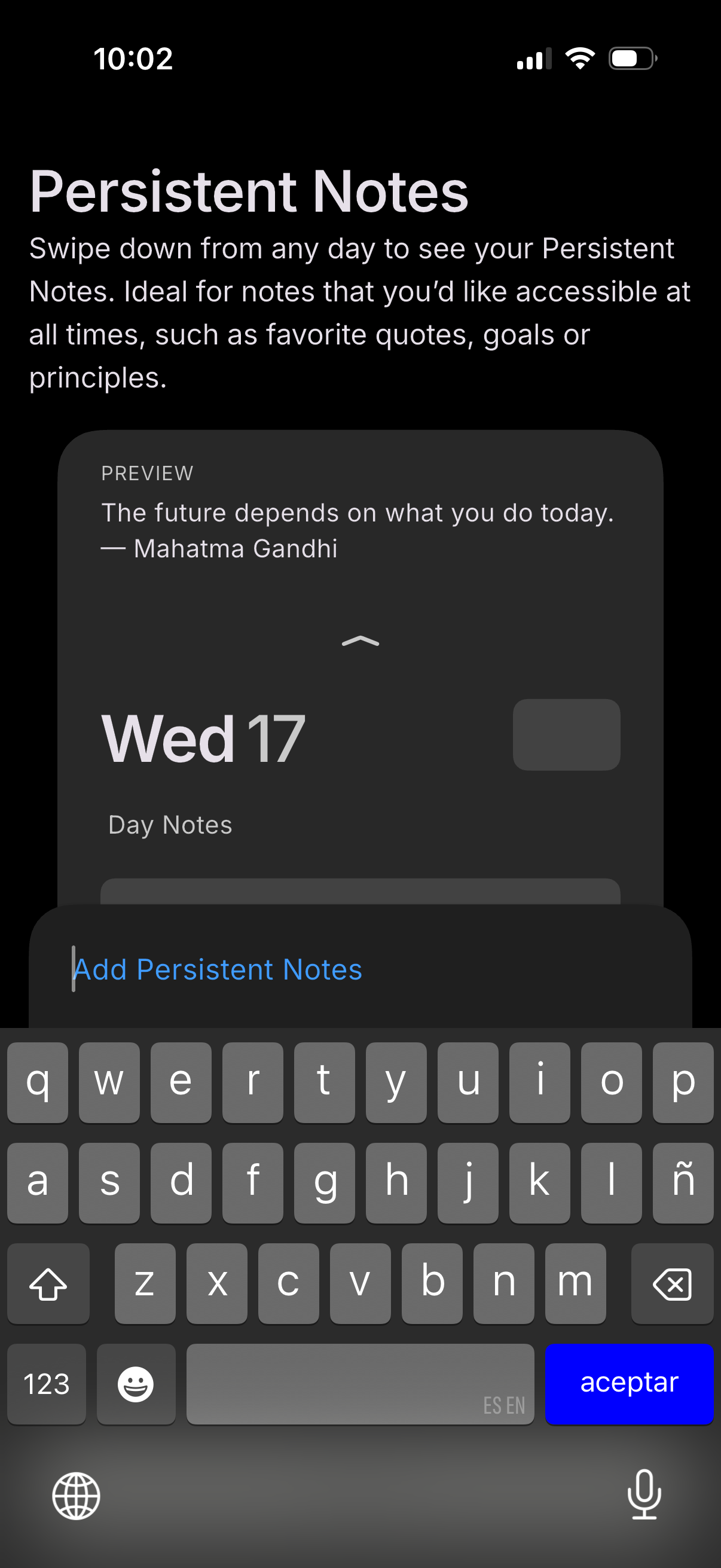
Onboarding/help screen introducing a “Persistent Notes” feature that can be acce
persist
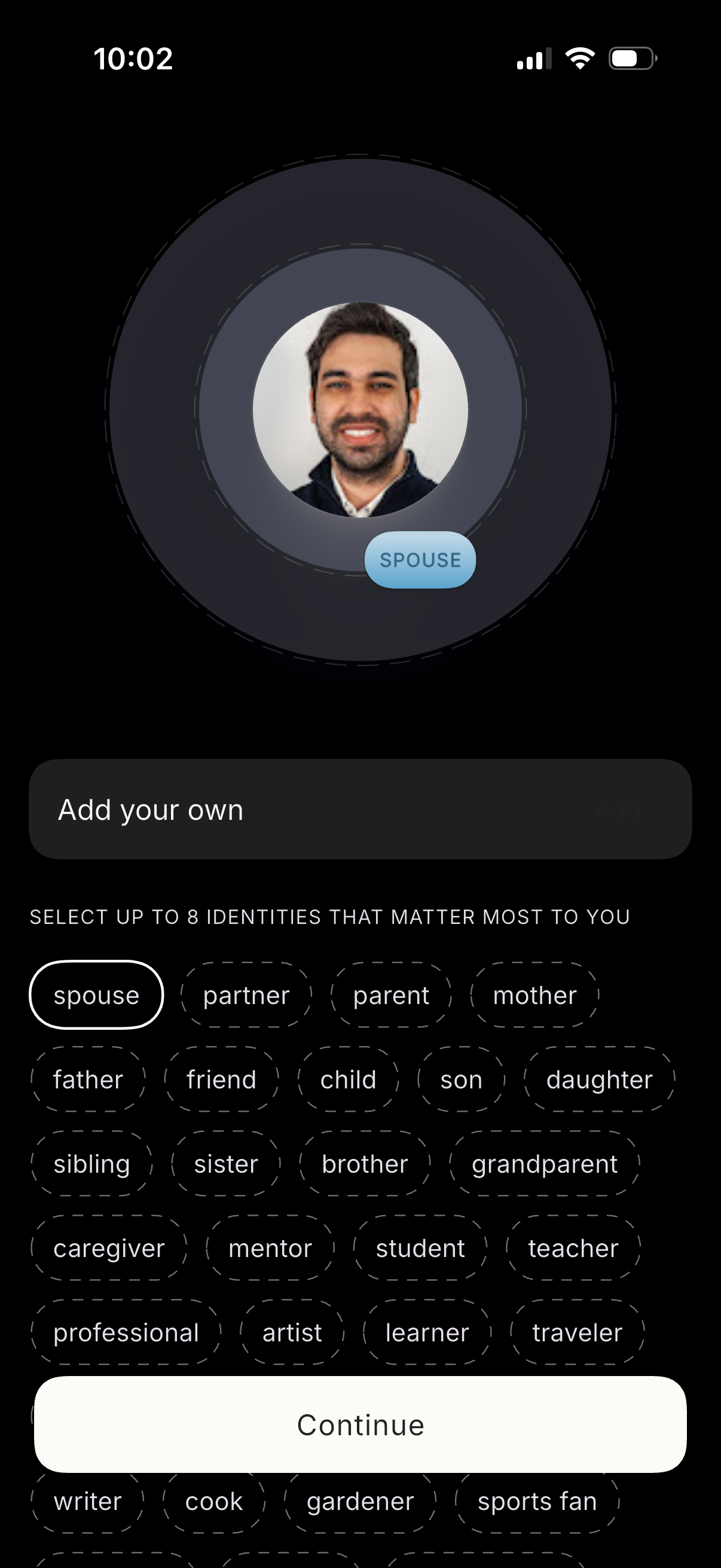
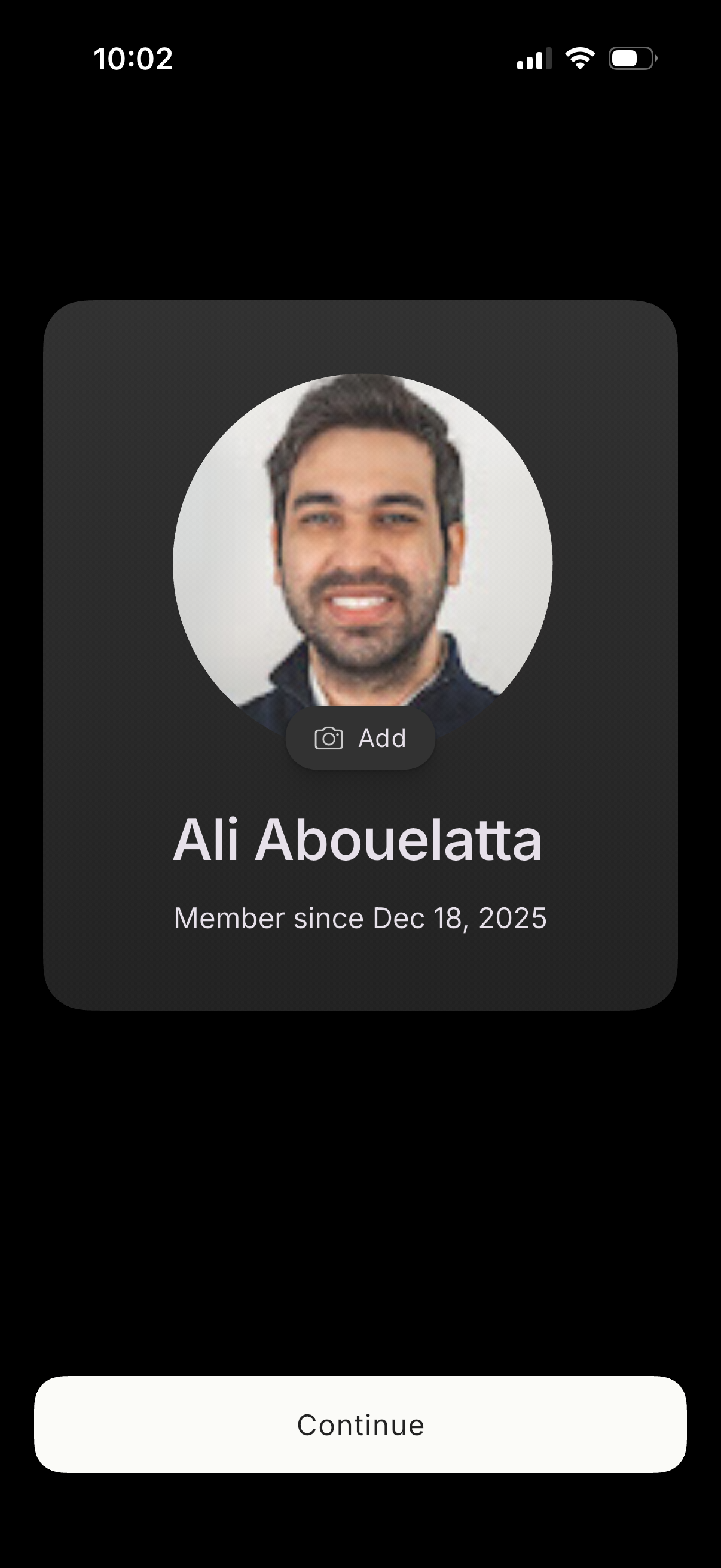
Profile setup screen for selecting personal identities/roles, showing a large av
persist
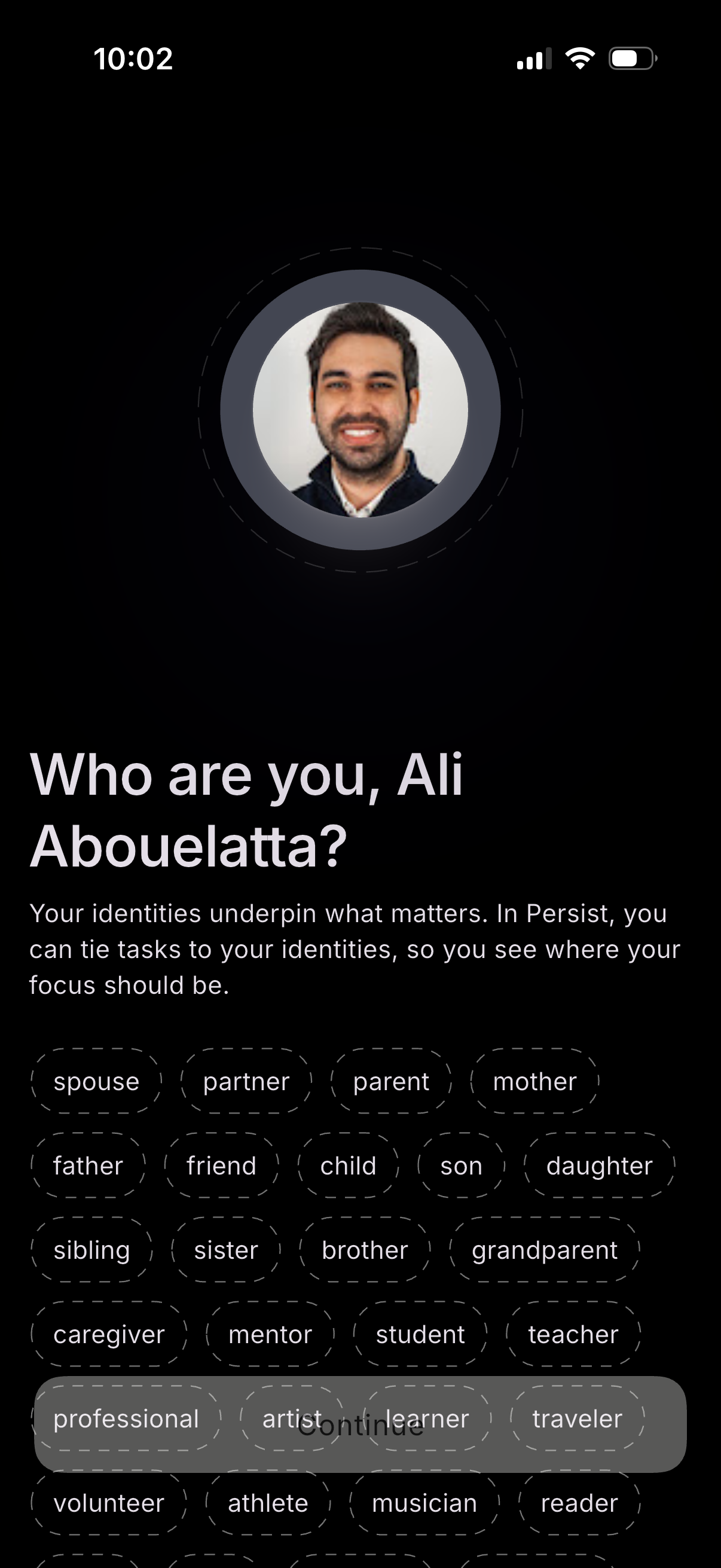
Onboarding identity selection screen asking the user “Who are you? ” with a prof
persist
User profile setup screen showing a large avatar with an option to add or change
persist
Onboarding/marketing paywall screen for a productivity and task management app h
persist
Full-screen loading state with a centered spinner and “Hang tight…” message on a
persist
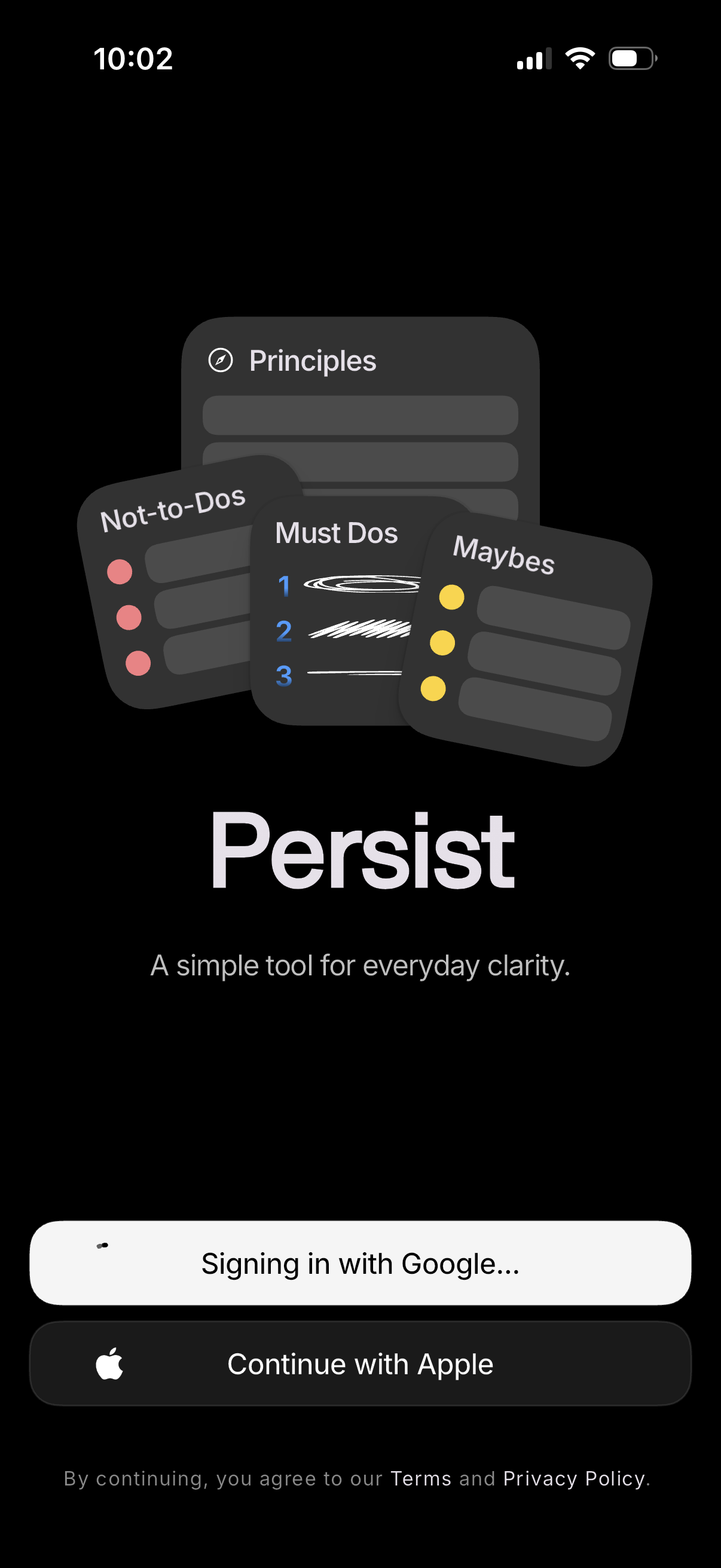
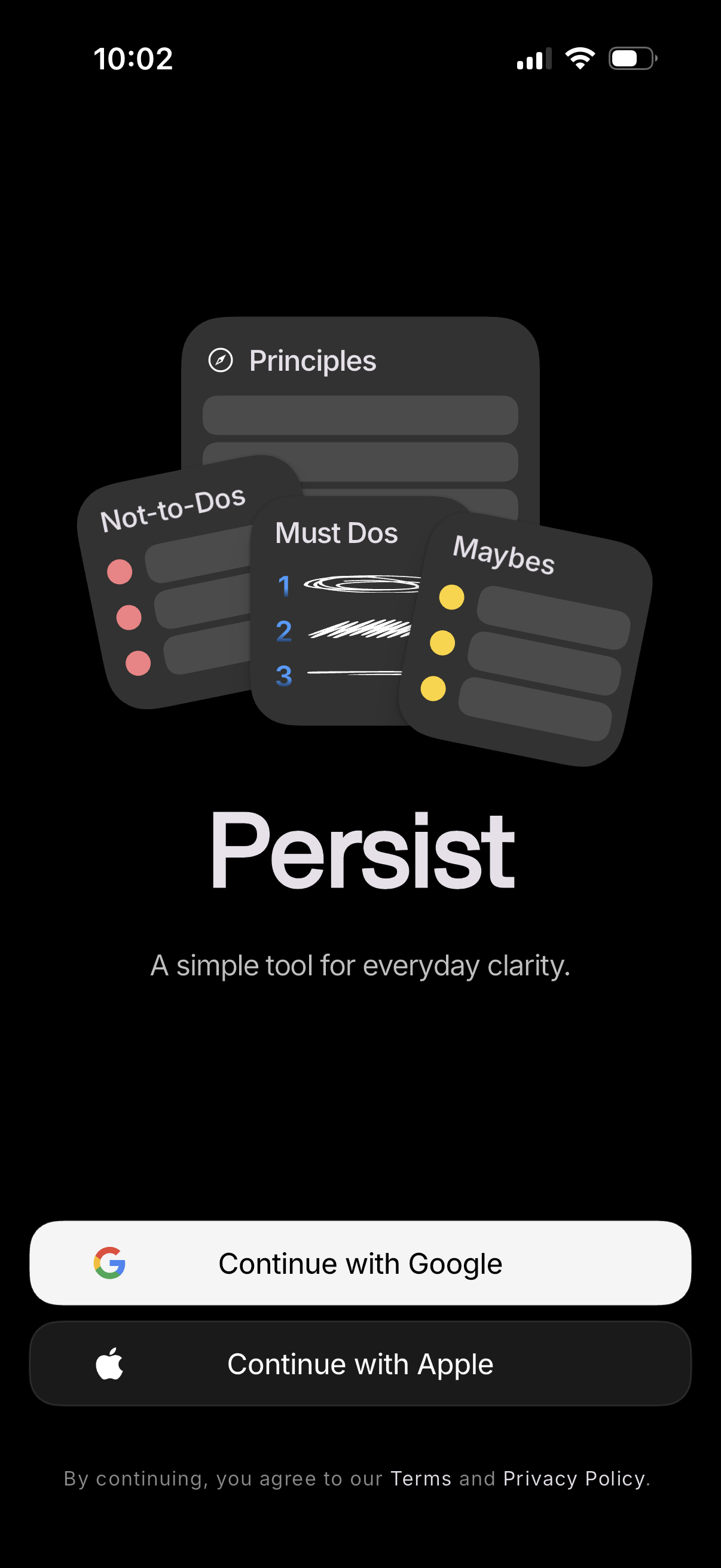
Dark-themed app welcome and sign-in screen introducing a productivity/clarity to
persist
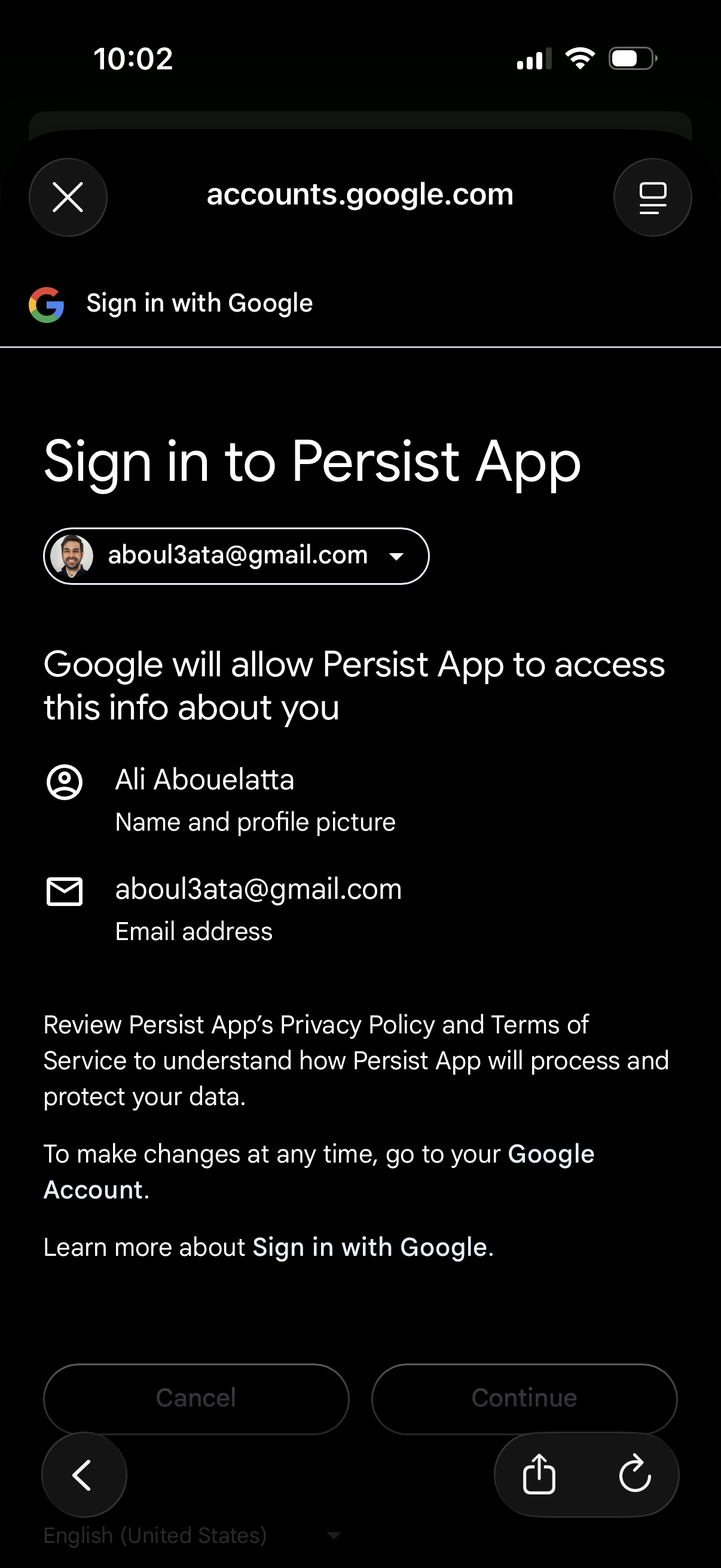
Google OAuth “Sign in with Google” consent screen for logging into an app, showi
persist
Minimal full-screen in-app browser or content viewer showing a loading progress
persist
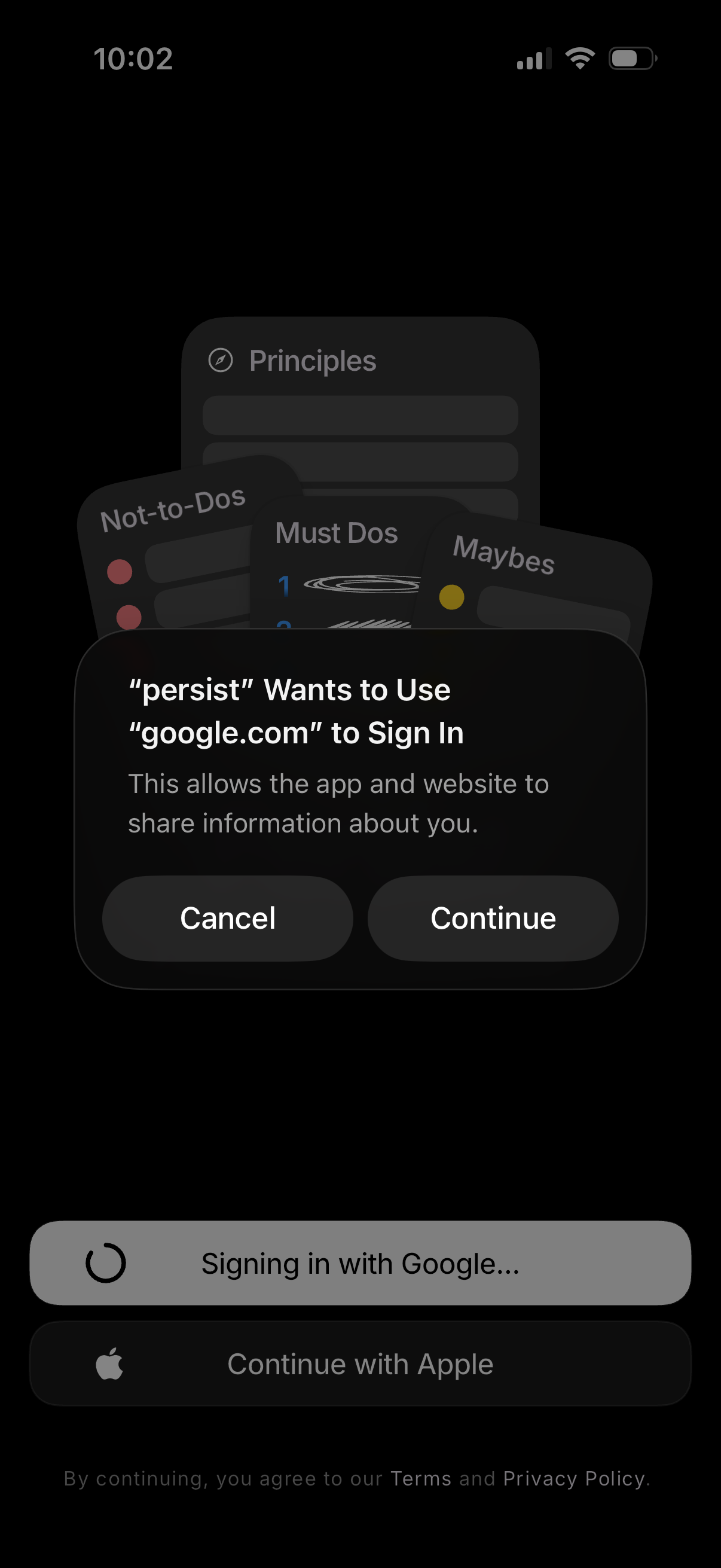
iOS sign-in screen showing a system permission dialog for using Google (OAuth) t
persist
App onboarding/sign-in landing screen introducing a productivity tool for everyd
persist
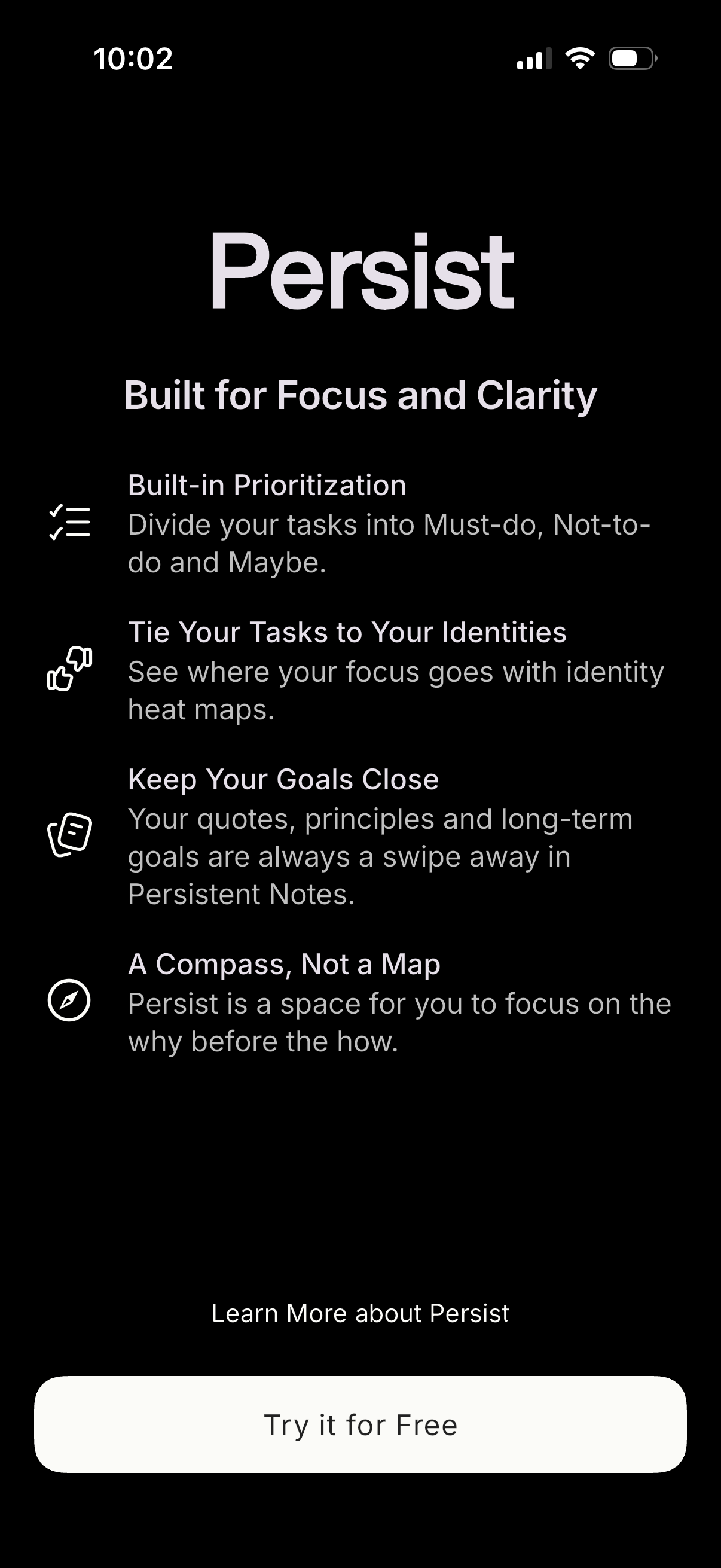
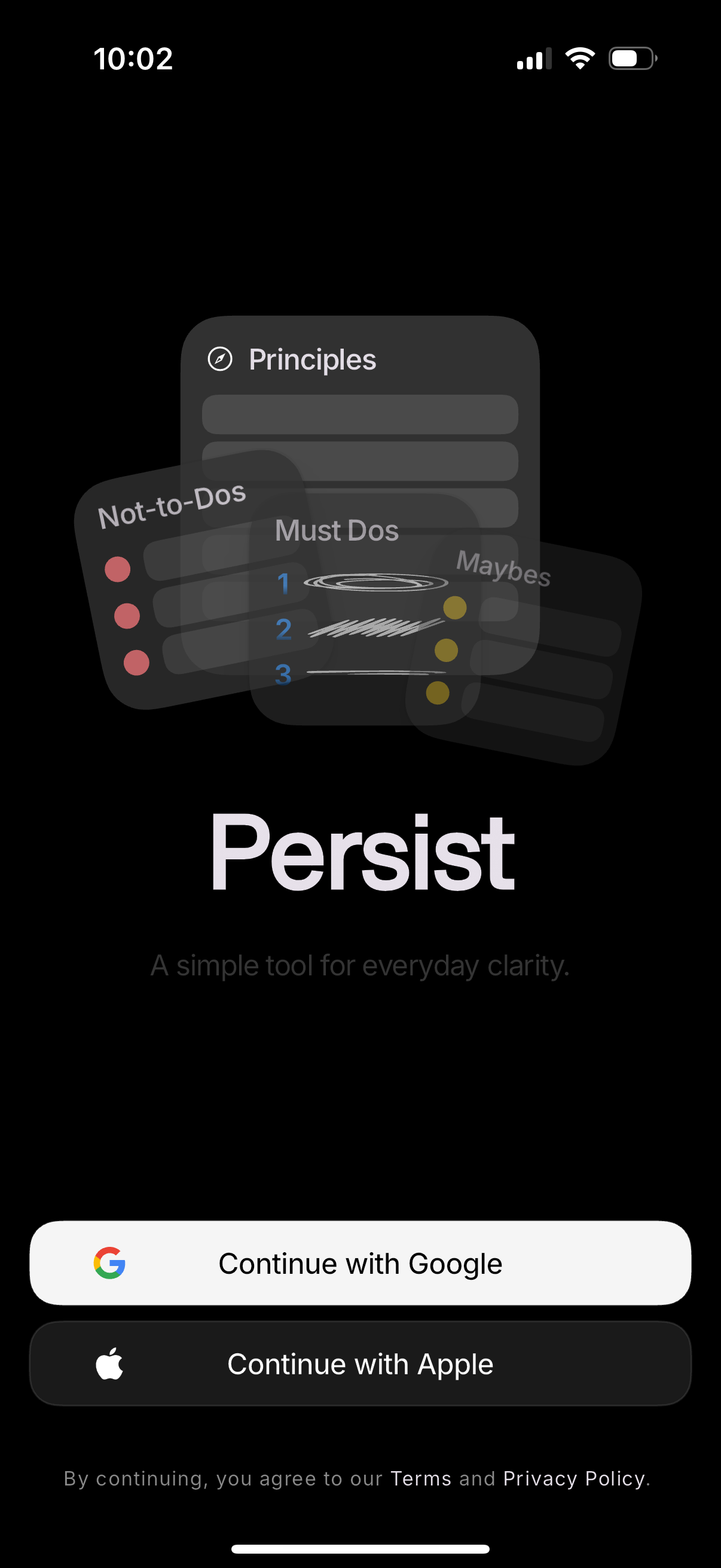
Dark-themed onboarding/login screen for a productivity app that introduces the a
persist