sign in with google
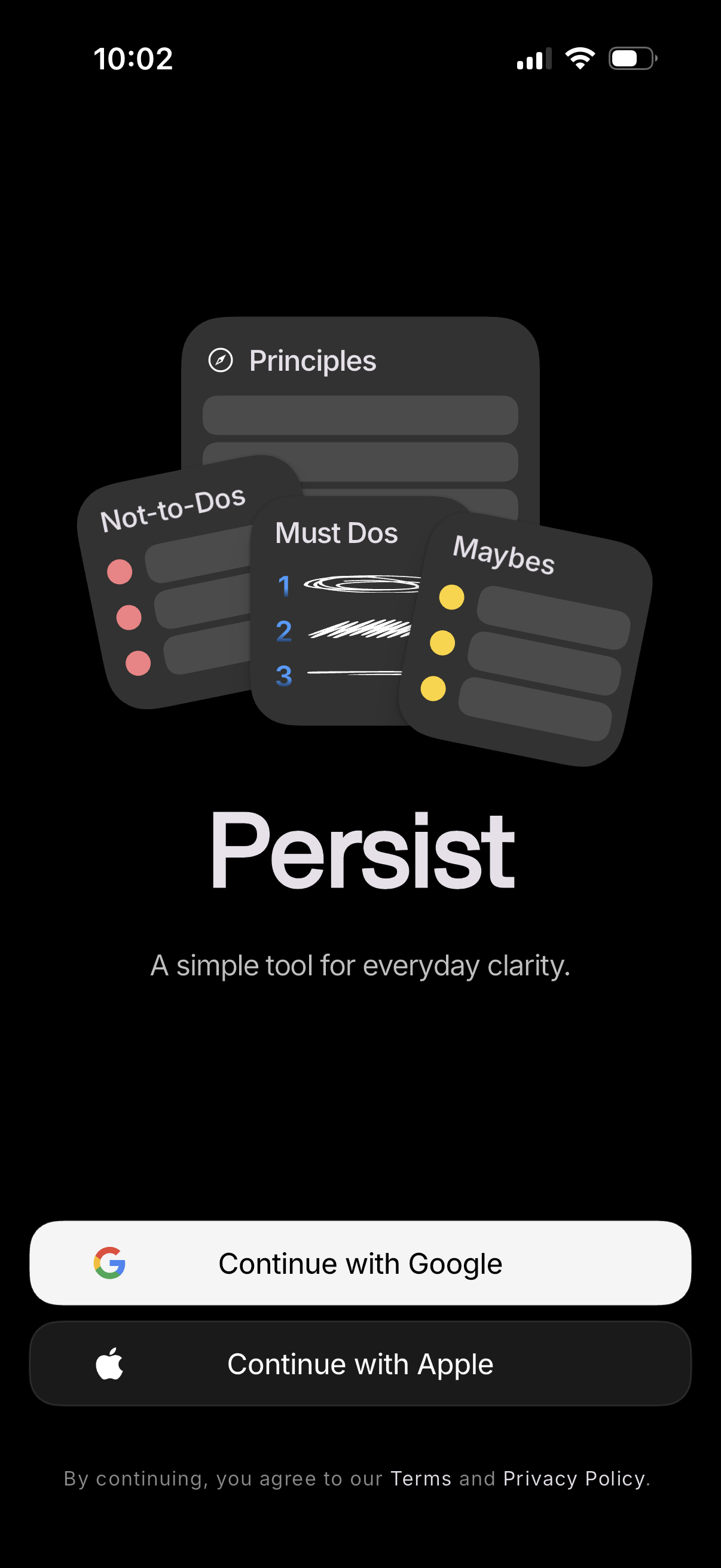
App onboarding/sign-in landing screen introducing a productivity tool for everyday clarity, with branding illustration and tagline. Provides social authentication options with primary buttons to continue with Google or Apple, plus Terms and Privacy Policy consent text.
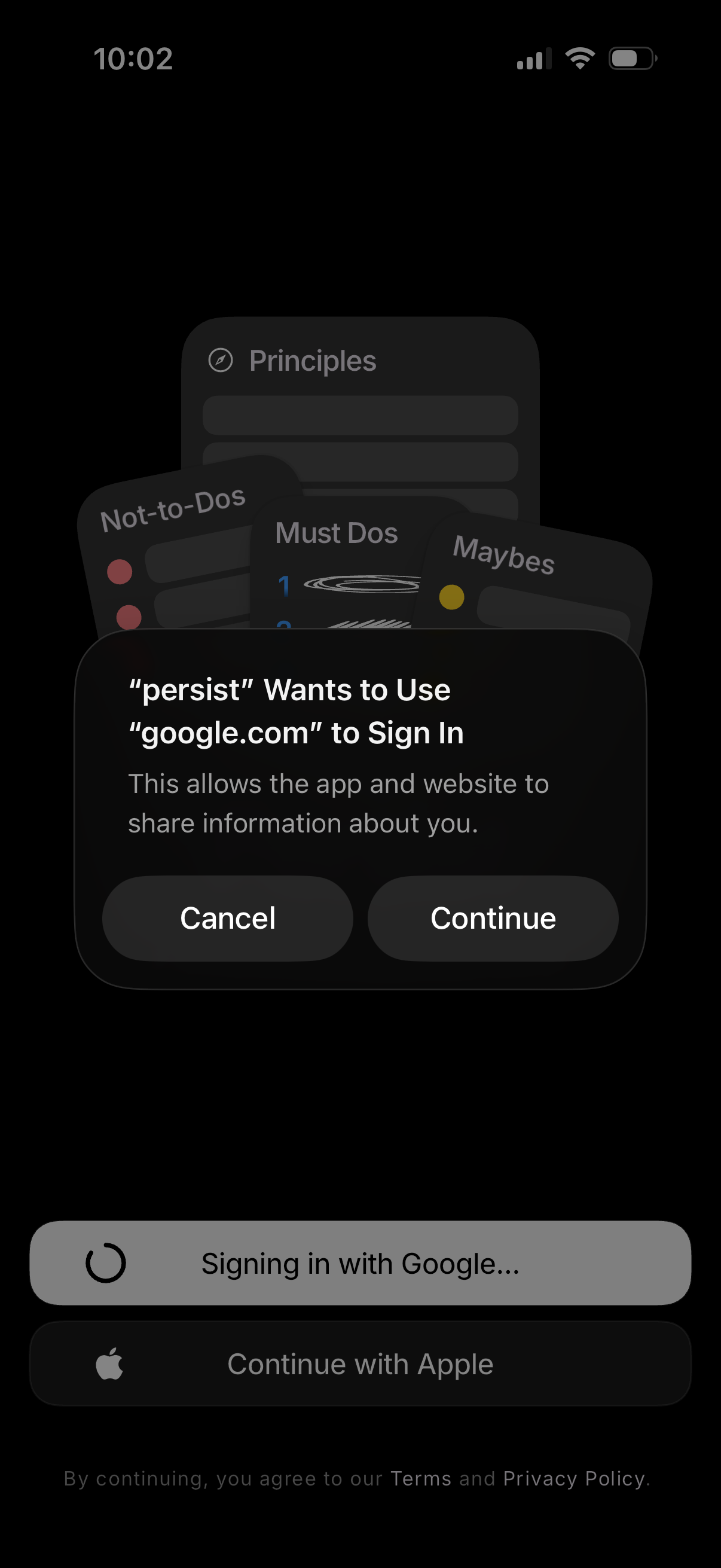
iOS sign-in screen showing a system permission dialog for using Google (OAuth) to log into the app, with primary actions to Cancel or Continue. The background shows third-party login options like “Signing in with Google” and “Continue with Apple,” plus terms and privacy policy acknowledgment.
Minimal full-screen in-app browser or content viewer showing a loading progress bar at the top, with controls to close/exit and access a menu/options panel. Bottom controls provide back navigation and actions like share or dismiss.
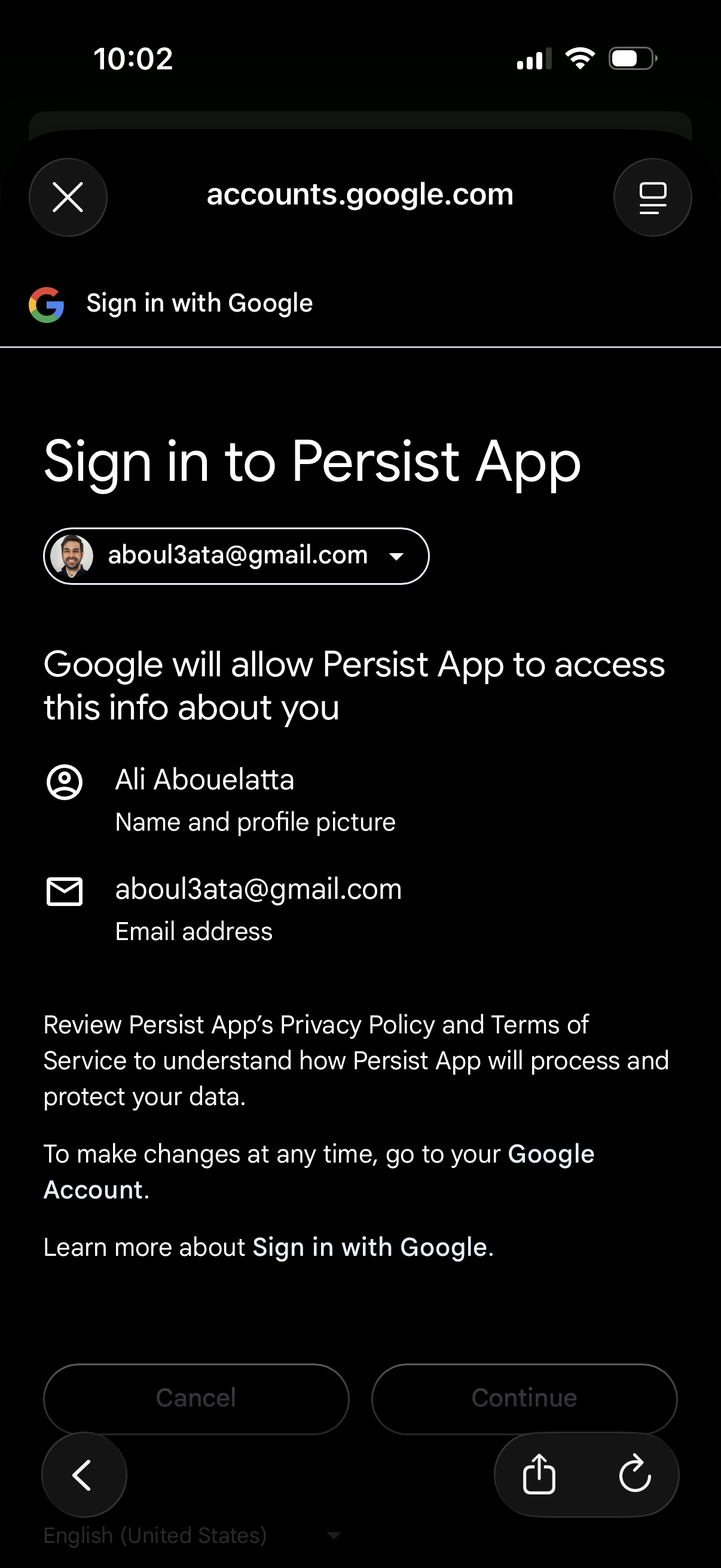
Google OAuth “Sign in with Google” consent screen for logging into an app, showing the selected Google account and the permissions/data the app will access (name, profile picture, email). Primary actions are Cancel or Continue to authorize sign-in and proceed.
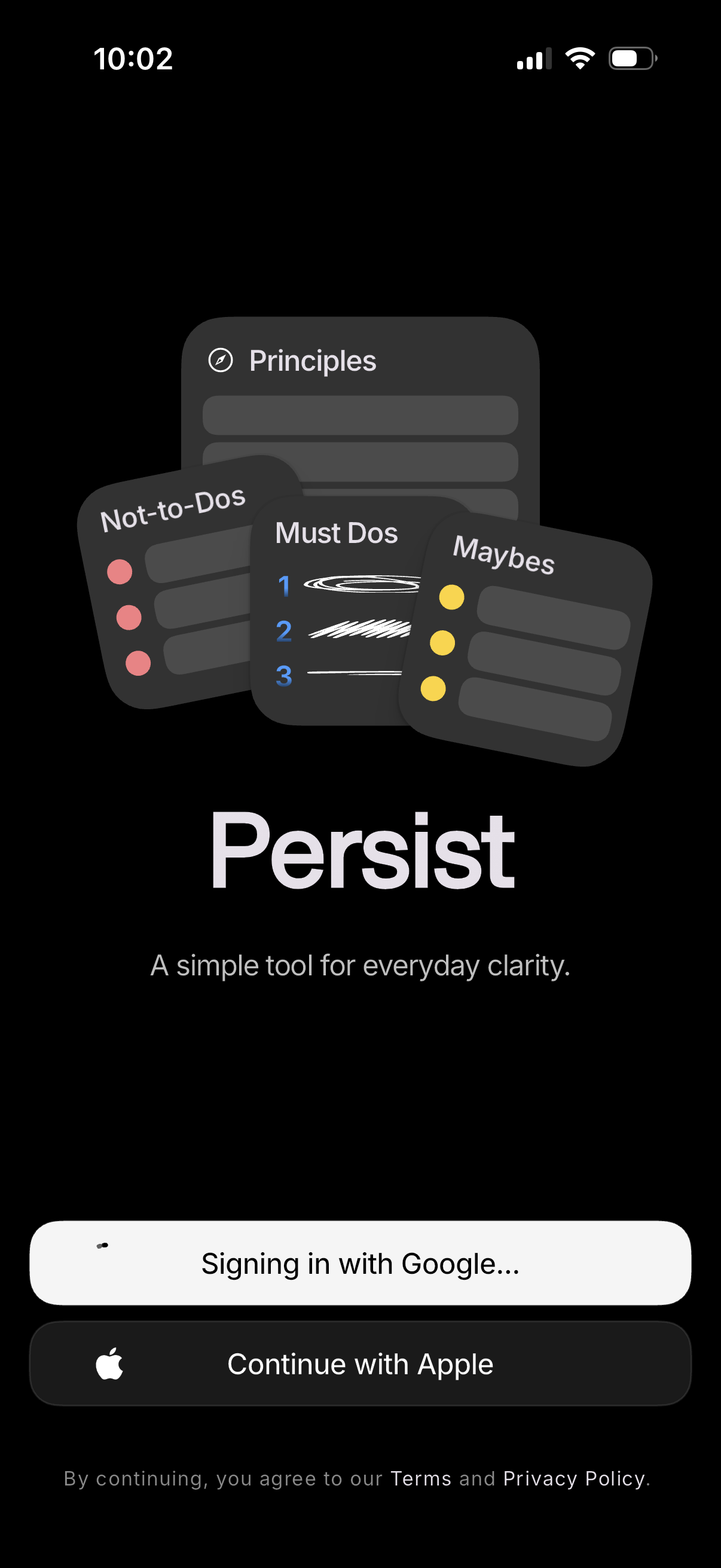
Dark-themed app welcome and sign-in screen introducing a productivity/clarity tool with illustrative cards for principles and categorized lists (must-dos, maybes, not-to-dos). Provides authentication options with Google and Apple SSO buttons and a terms/privacy agreement note.

Full-screen loading state with a centered spinner and “Hang tight…” message on a dark background, indicating the app is processing or fetching content before showing the next screen.