set start and end
1
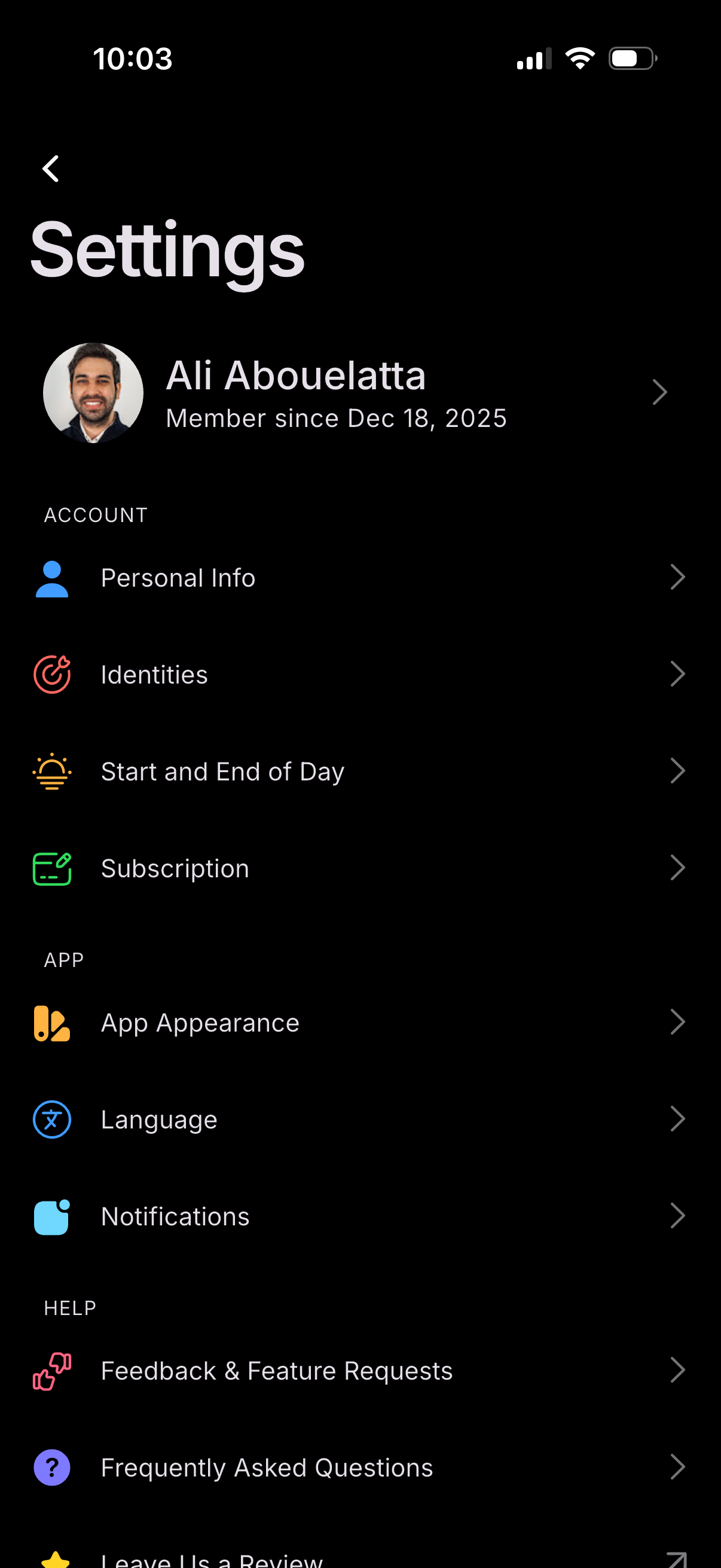
Settings screen showing a user profile header and a list of configuration options grouped by Account, App, and Help. Users can navigate to manage personal info, identities, start/end of day preferences, subscription, app appearance, language, notifications, and access feedback/feature requests and FAQs.
2
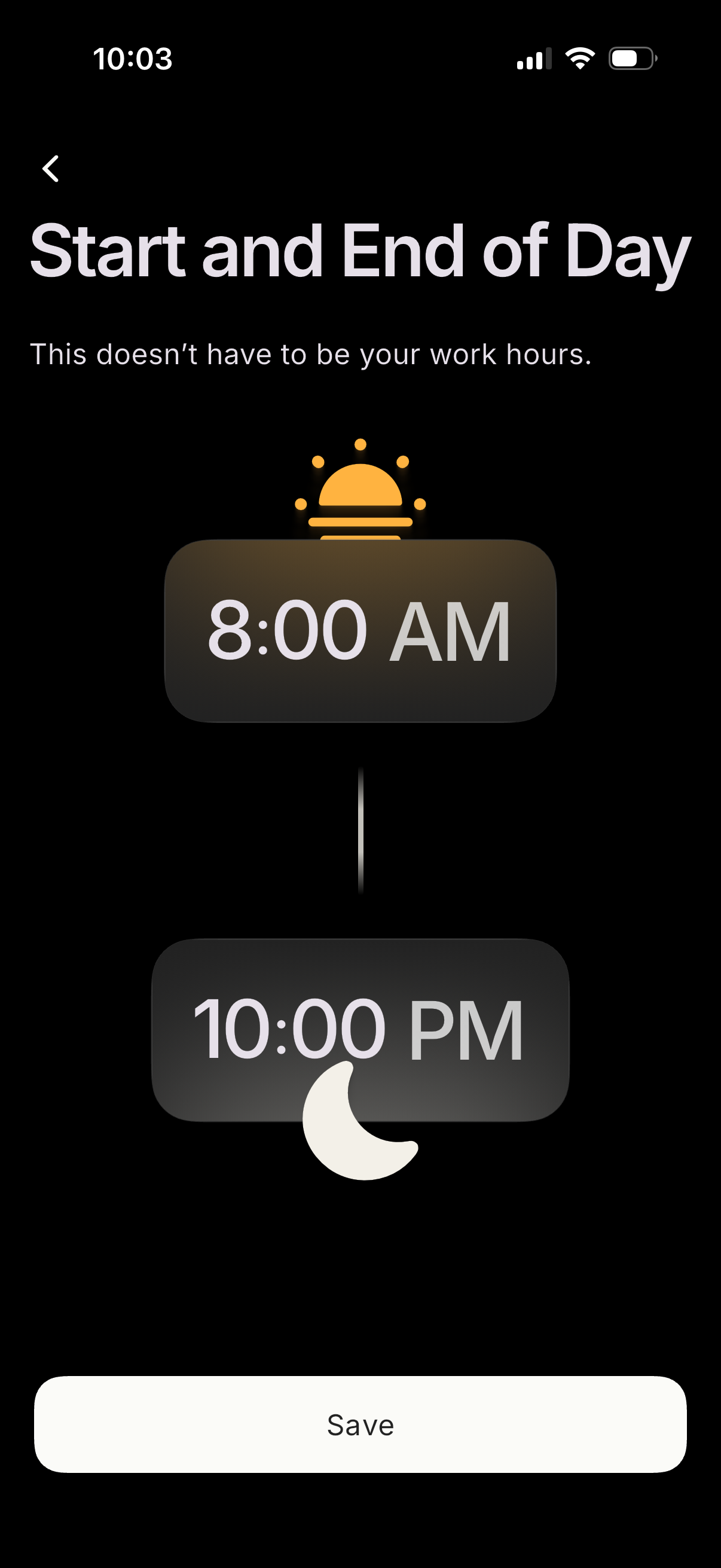
Settings screen for configuring daily schedule boundaries, letting the user set a start time and end time for the day using prominent time selectors with day/night icons. Includes a back button and a primary Save action to confirm the chosen times.