1
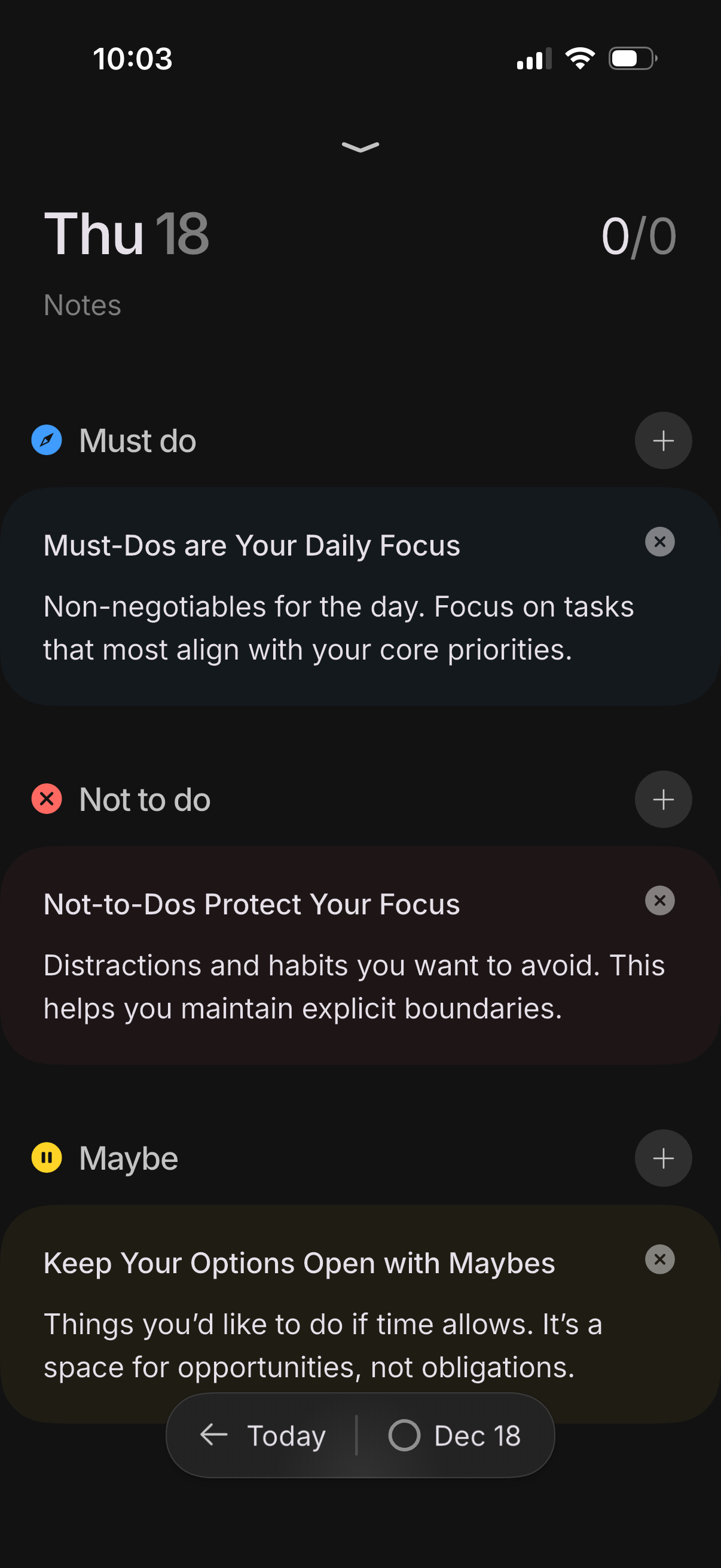
Daily planning and notes screen for a specific date, organized into three task lists: Must do, Not to do, and Maybe, each explaining its purpose and showing an add (+) action to create items. Includes a daily completion counter at the top and a bottom date switcher to jump between today and the selected day.
2
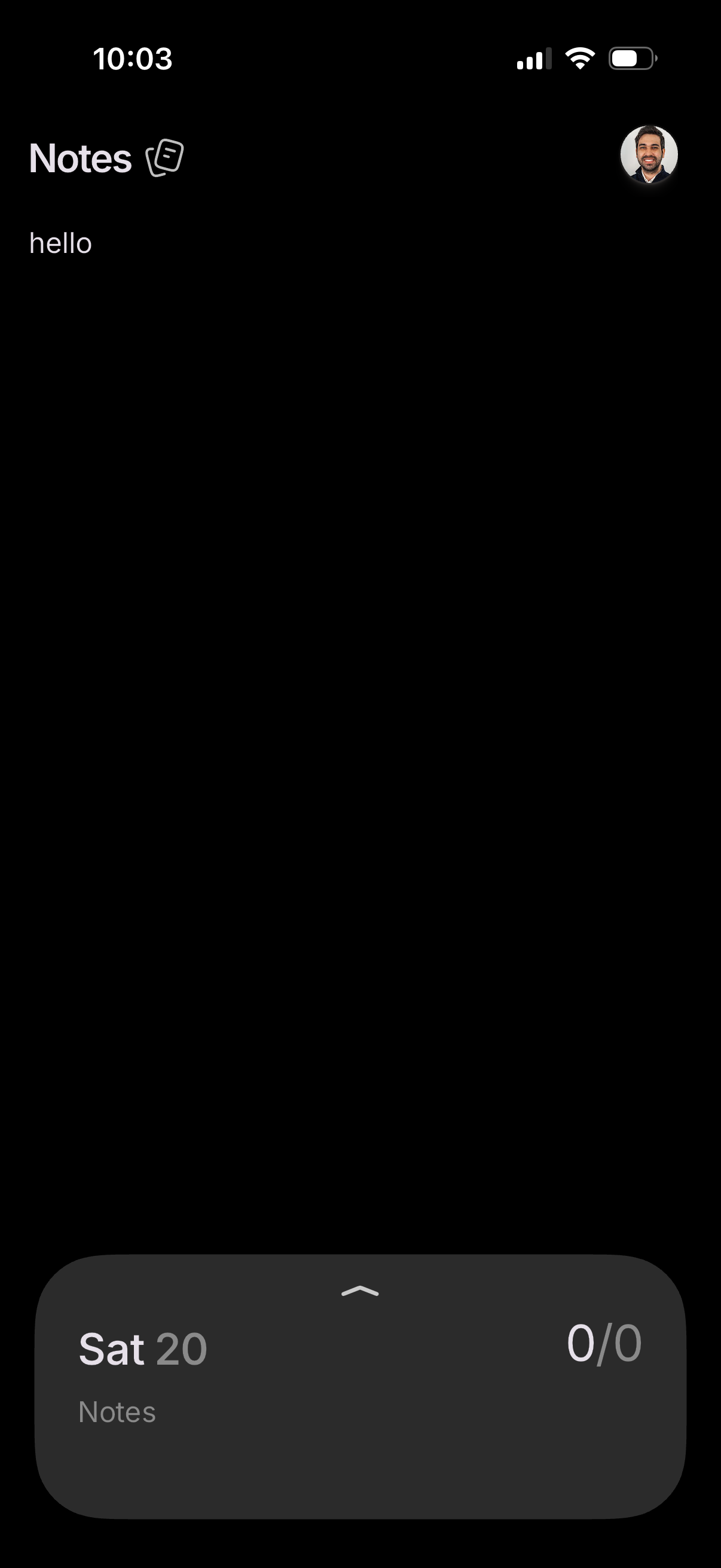
Minimal notes app home screen in dark mode showing a “Notes” header, a simple note text area, and a profile/avatar button. A bottom sheet overlays the screen with a dated “Sat 20” notes summary and a completion counter, suggesting daily tracking and quick access to that day’s notes.