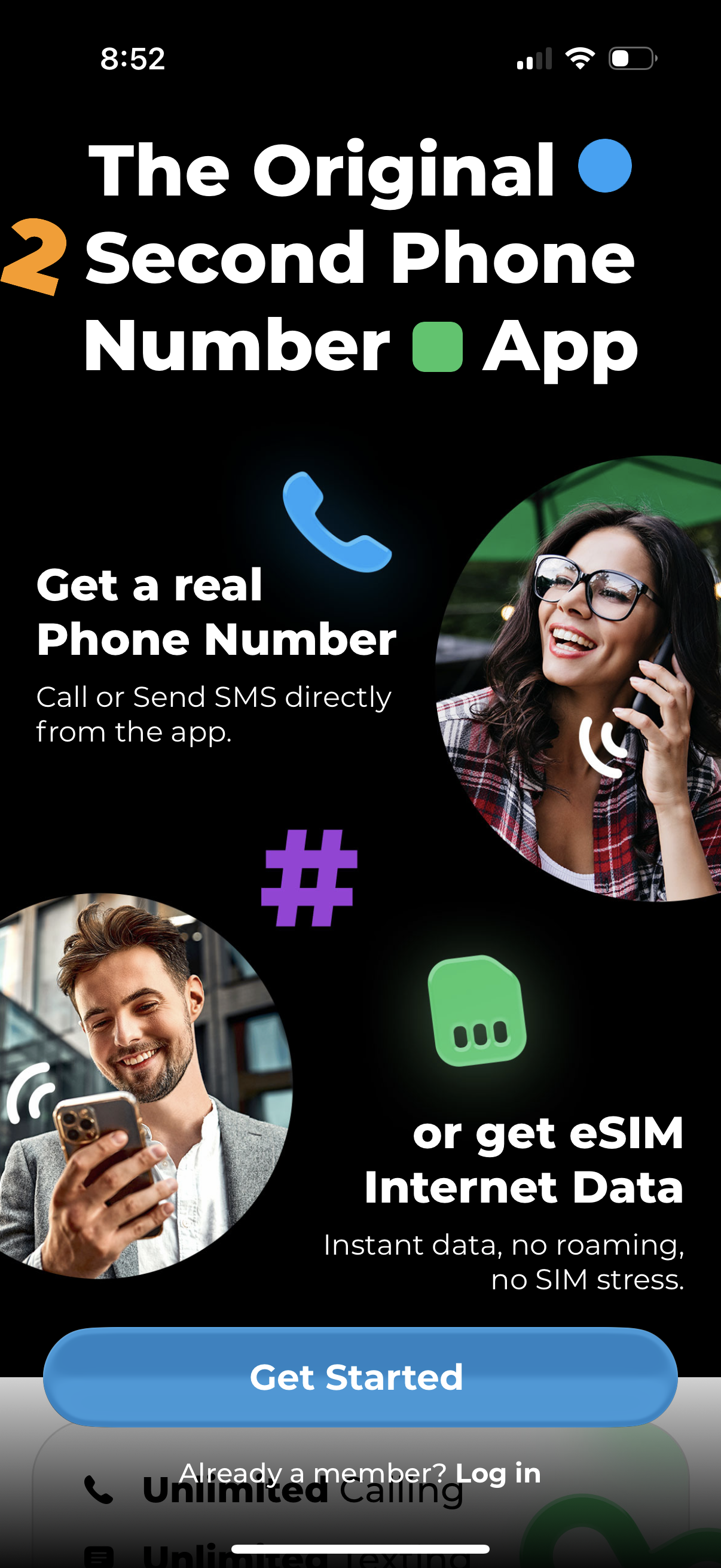
Onboarding welcome screen for a second phone number app highlighting features to get a real phone number for calls and SMS or purchase eSIM internet data. Primary action is a “Get Started” button with a secondary “Already a member?
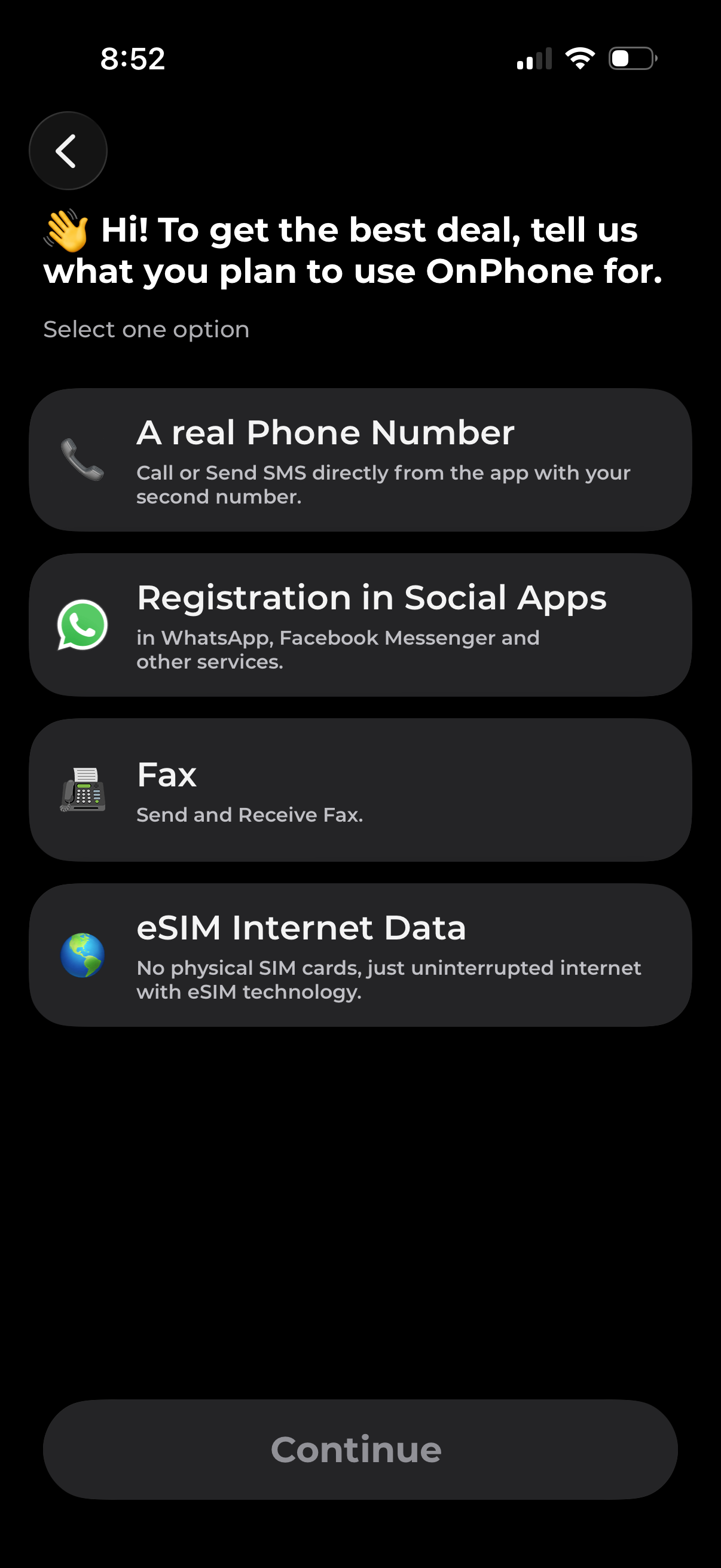
Onboarding selection screen asking what the user plans to use the phone service for to get the best deal, with single-choice options like getting a real phone number for calls/SMS, registering in social apps, faxing, or eSIM internet data. A disabled Continue button indicates the user must pick one option before proceeding.
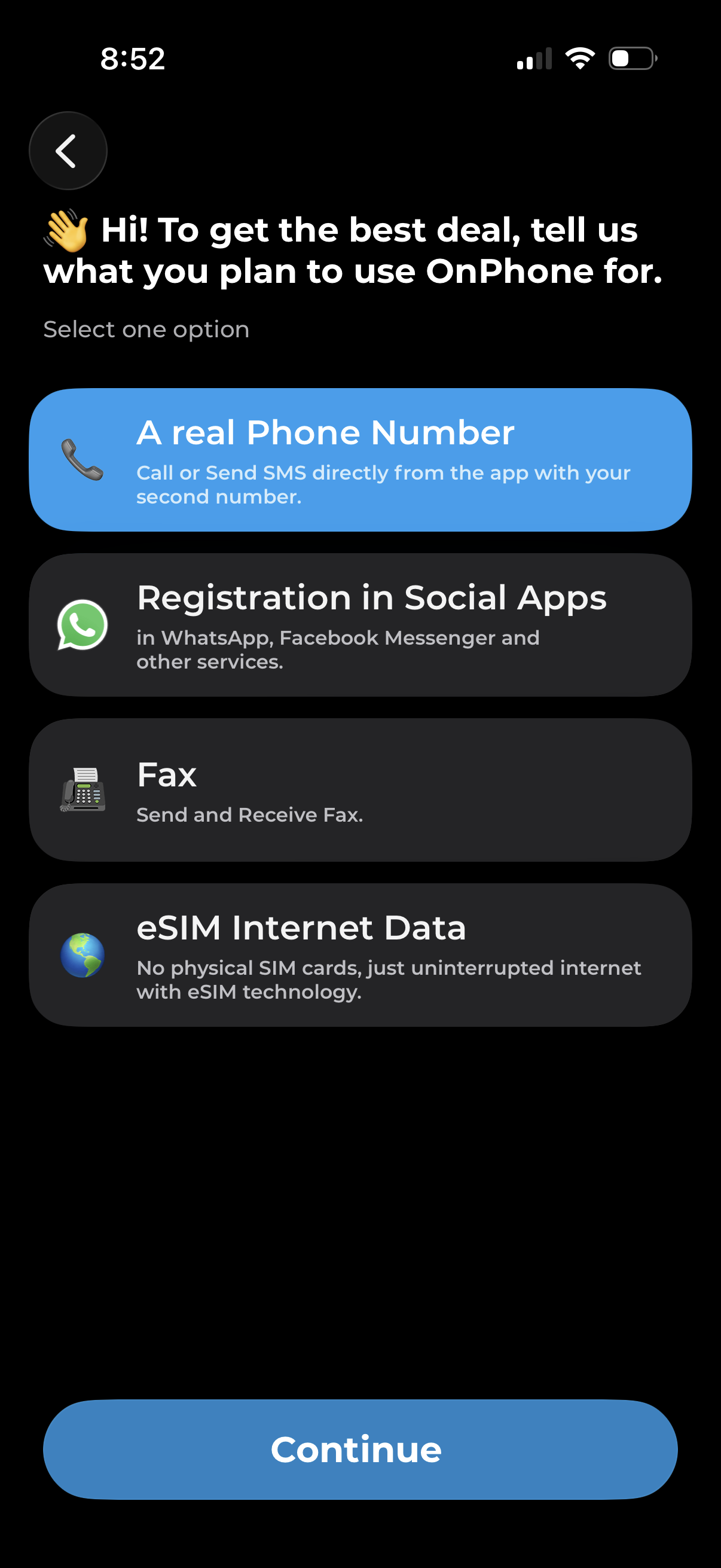
Onboarding preference selection screen asking what the user will use the phone service for to get the best deal, with tappable options like getting a real phone number, registering in social apps, fax, or eSIM internet data. Includes a back button, highlighted selected option, and a primary Continue call-to-action to proceed.
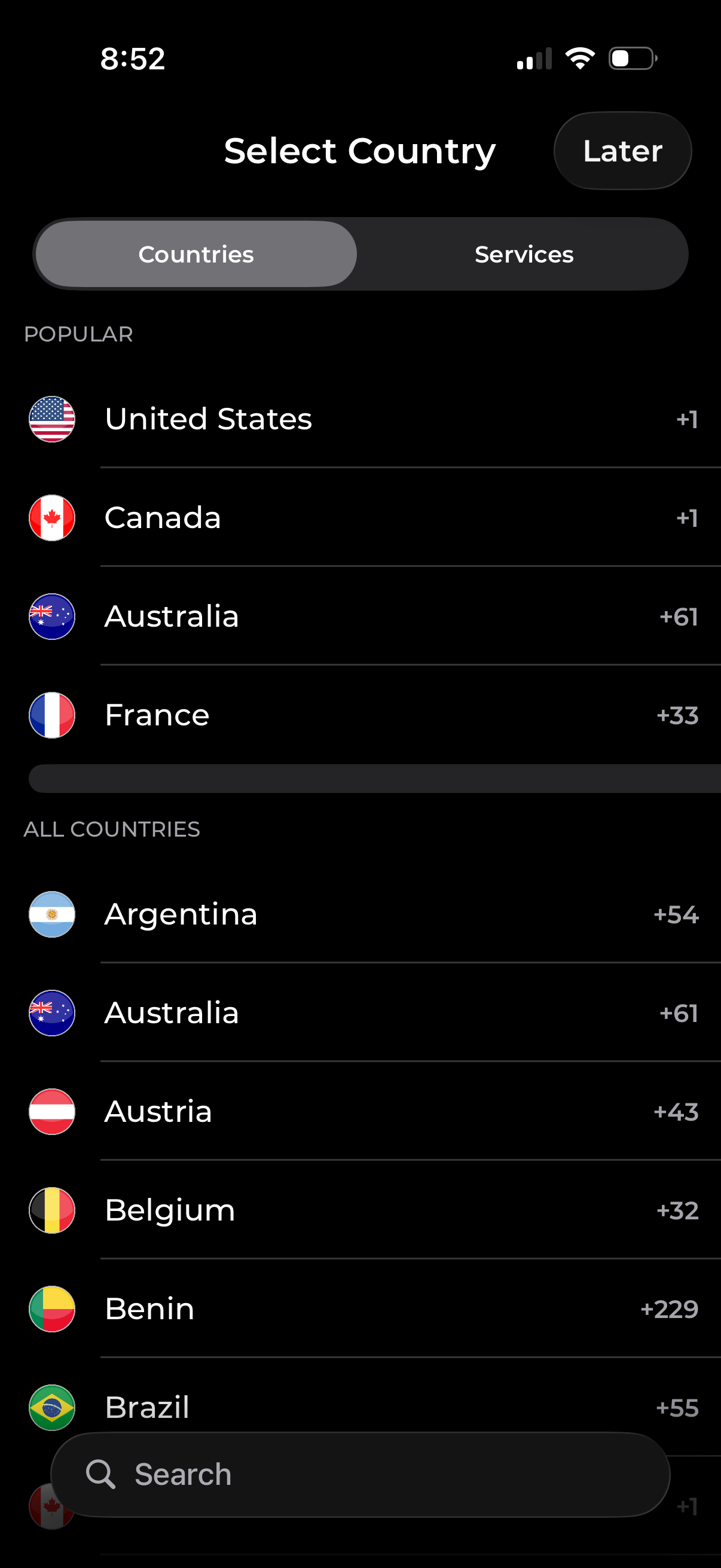
Country selection screen with tabs to switch between browsing “Countries” and “Services,” showing popular and all-country lists with flags and international dialing codes. Includes a search field to find a country quickly and a “Later” option to skip selection.
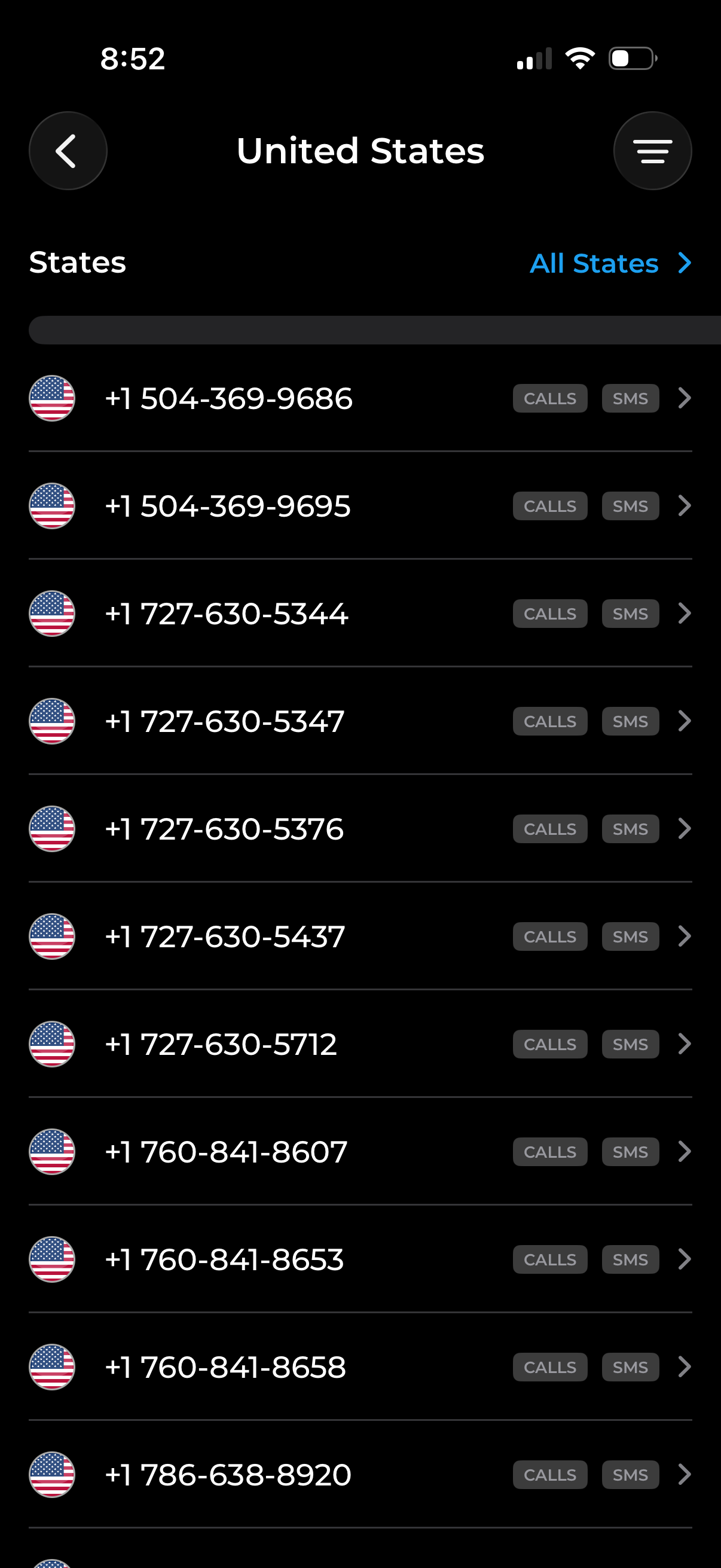
Phone number selection screen for the United States showing a scrollable list of available numbers with flag icons, a “States” filter with an “All States” selector, and quick action buttons to view call logs or SMS for each number. Includes back navigation and a menu button for additional options.
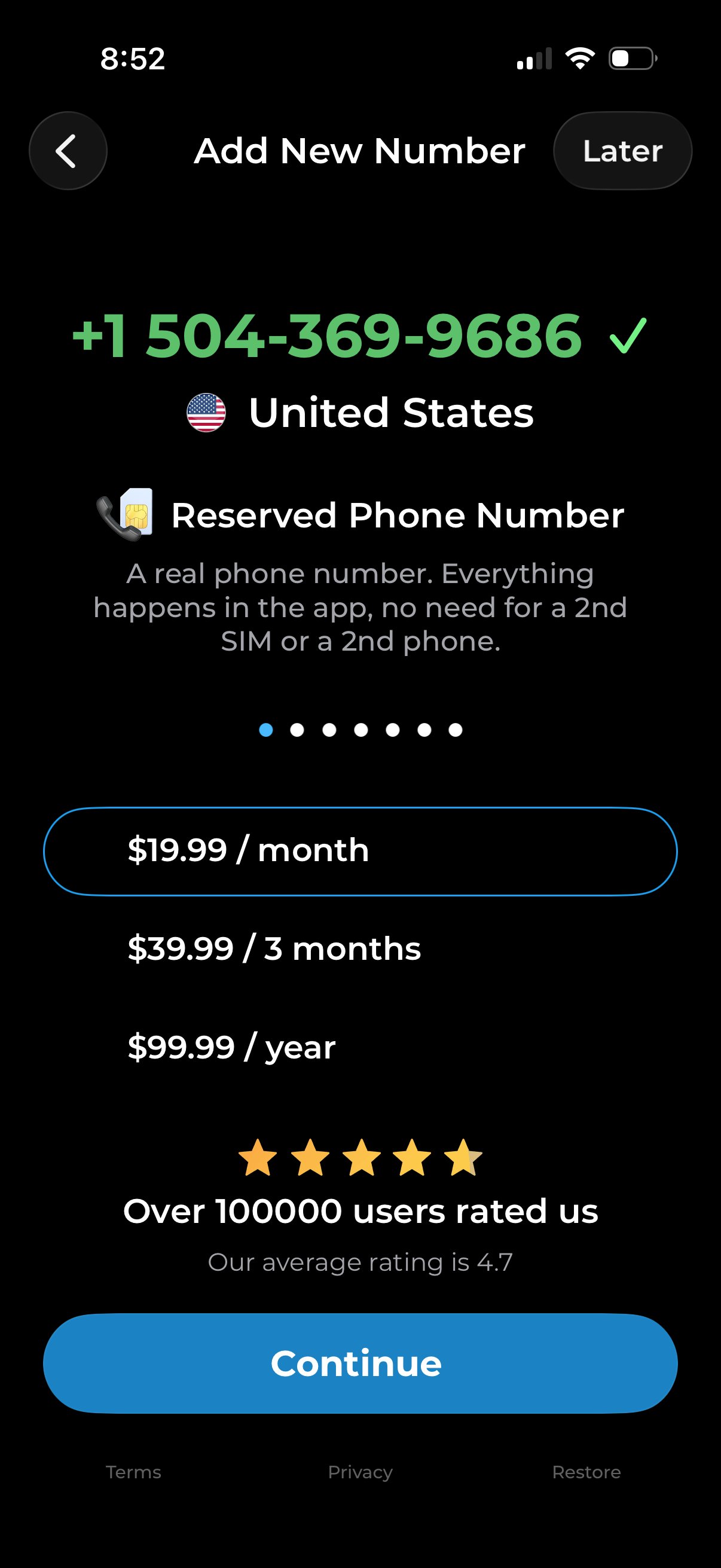
Subscription paywall for adding a new virtual phone number, showing the selected country/region and reserved phone number details. Users can choose a billing plan (monthly, quarterly, yearly), view social proof ratings, skip with “Later,” or tap “Continue” to purchase.
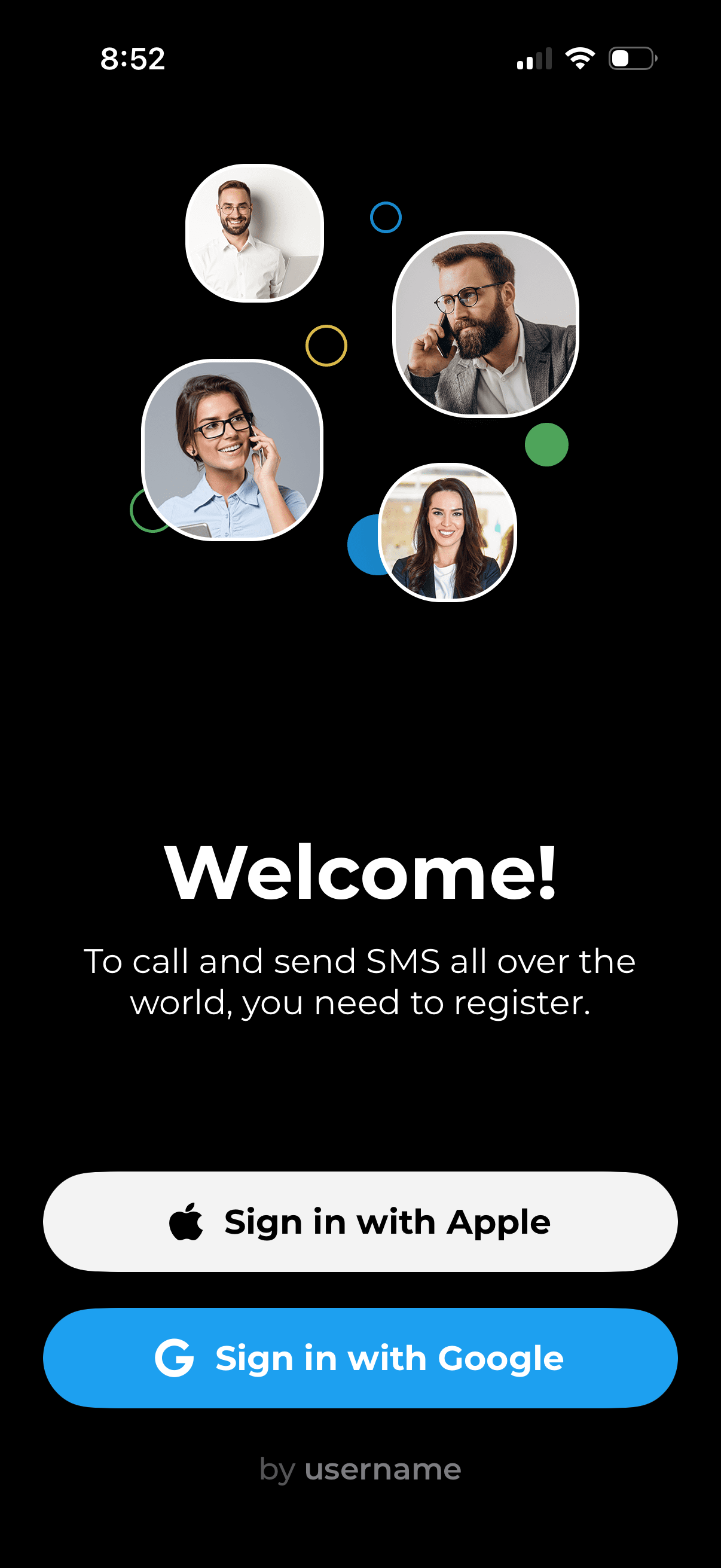
Welcome/login screen for a calling and SMS app prompting users to register to make international calls and texts. Provides primary authentication actions with “Sign in with Apple” and “Sign in with Google,” plus an option to sign in by username.