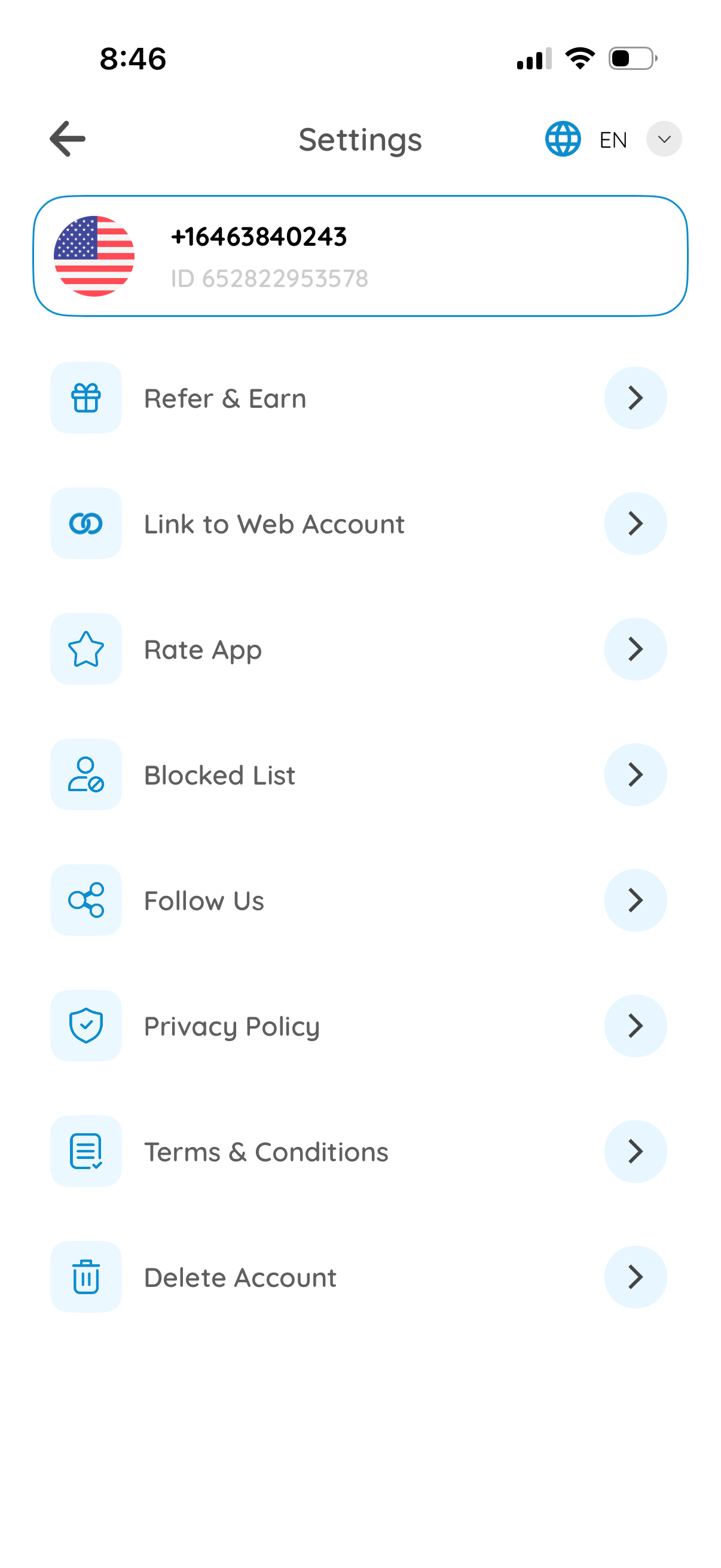
Settings screen for a messaging/communication app showing the user profile header with phone number/ID and a language selector. Provides navigation options for Refer & Earn, link to web account, rate app, manage blocked list, follow social channels, view privacy policy and terms, and delete account.
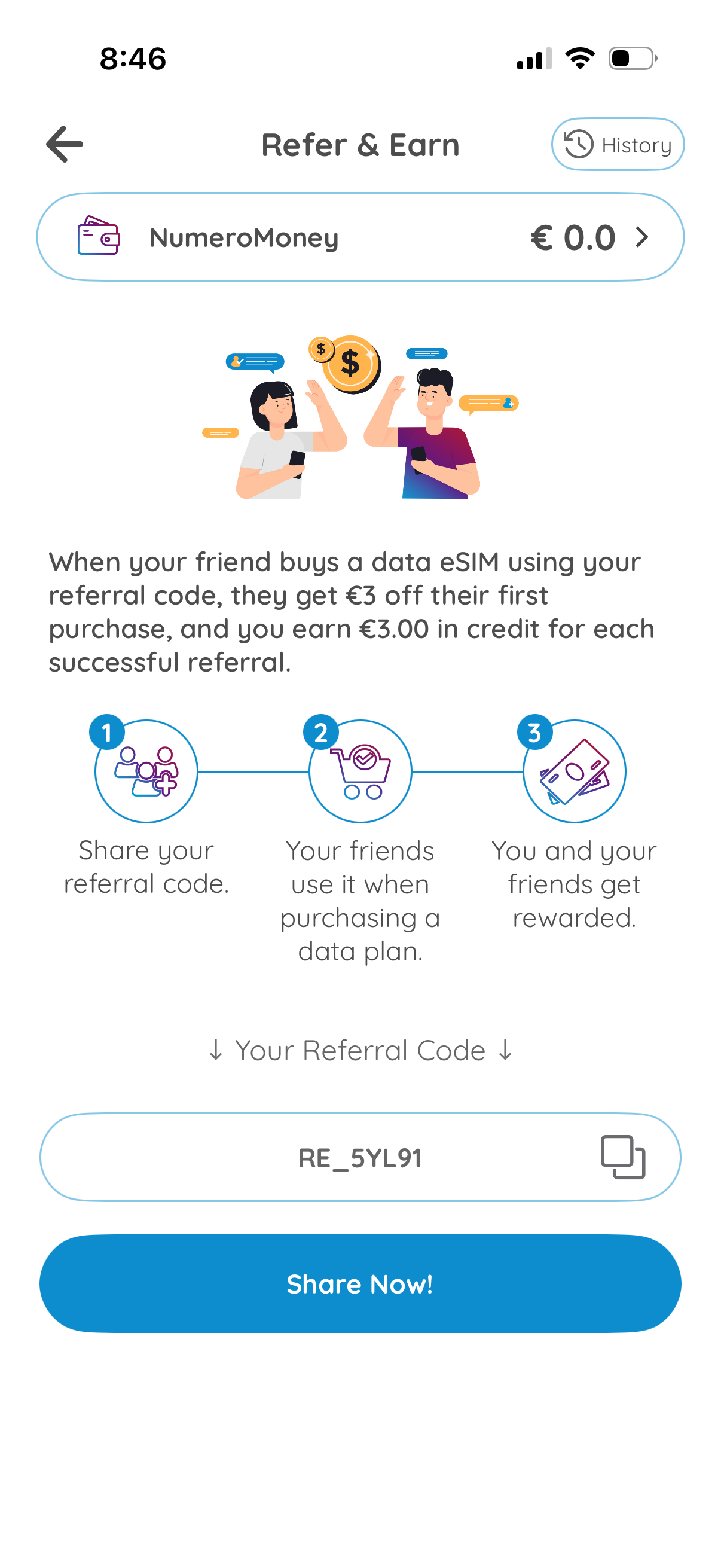
Referral rewards “Refer & Earn” screen explaining how to earn credit when friends purchase a data eSIM using your referral code, including reward amounts and step-by-step instructions. Provides a referral code field with copy action, a primary “Share Now” button, wallet/credit balance display, and a link to referral history.
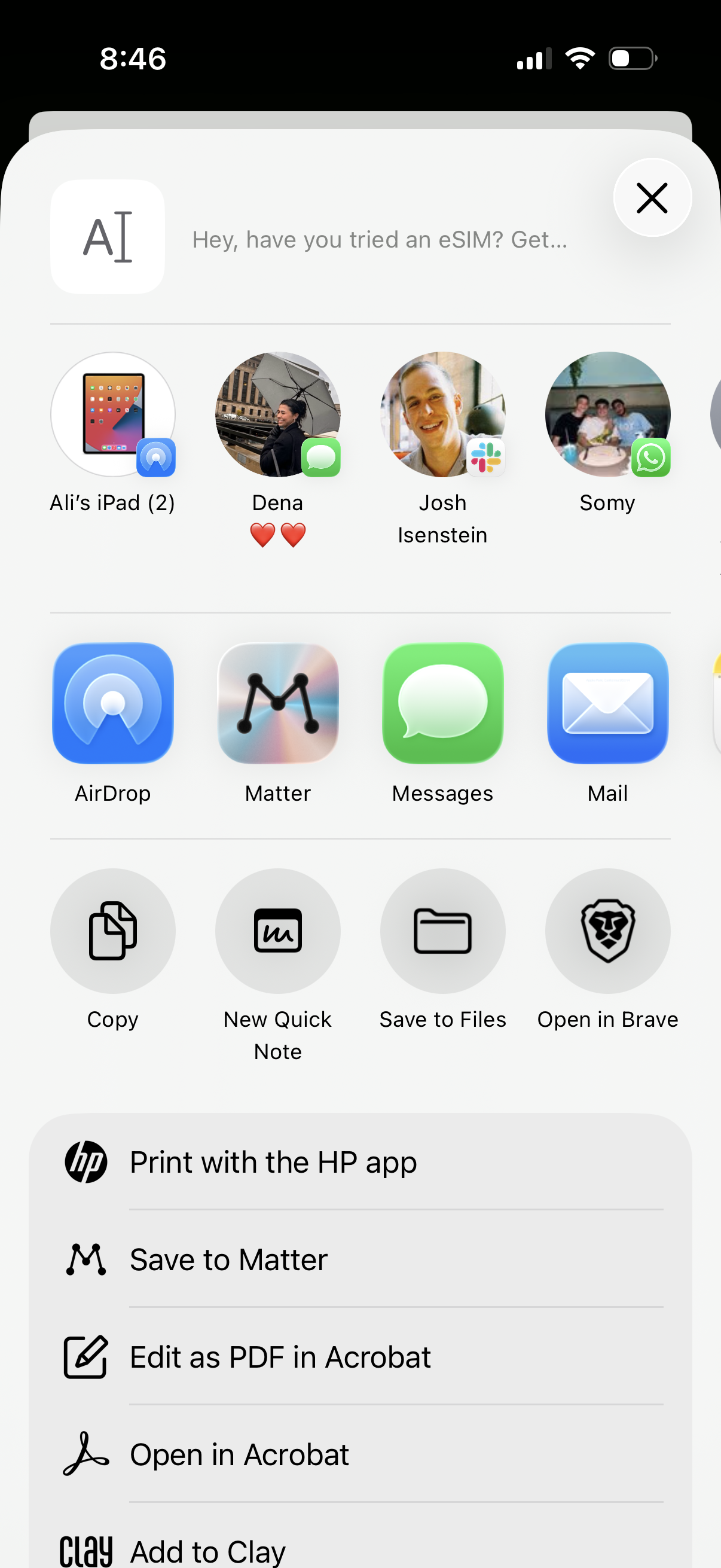
iOS share sheet for a webpage or document, showing suggested recent contacts and nearby devices plus quick share targets like AirDrop, Messages, Mail, and third-party apps. Includes action shortcuts such as Copy, create a new note, Save to Files, open in a browser, and additional options like print, save to an app, or open/edit as PDF in Acrobat.
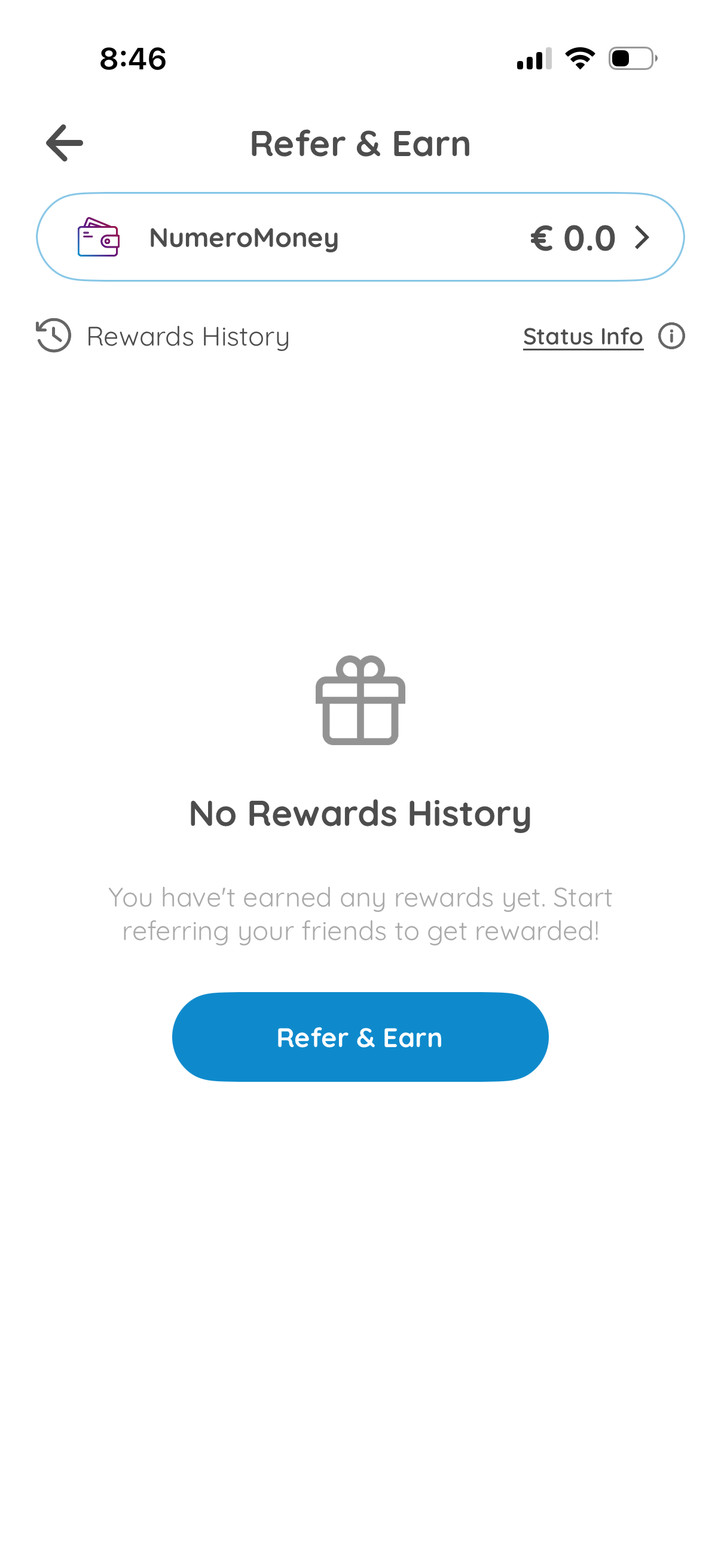
Referral program dashboard showing a “Refer & Earn” wallet balance, access to rewards history and status info, and an empty-state message indicating no rewards earned yet. Primary action button lets users start referring friends to earn rewards.