link to web account
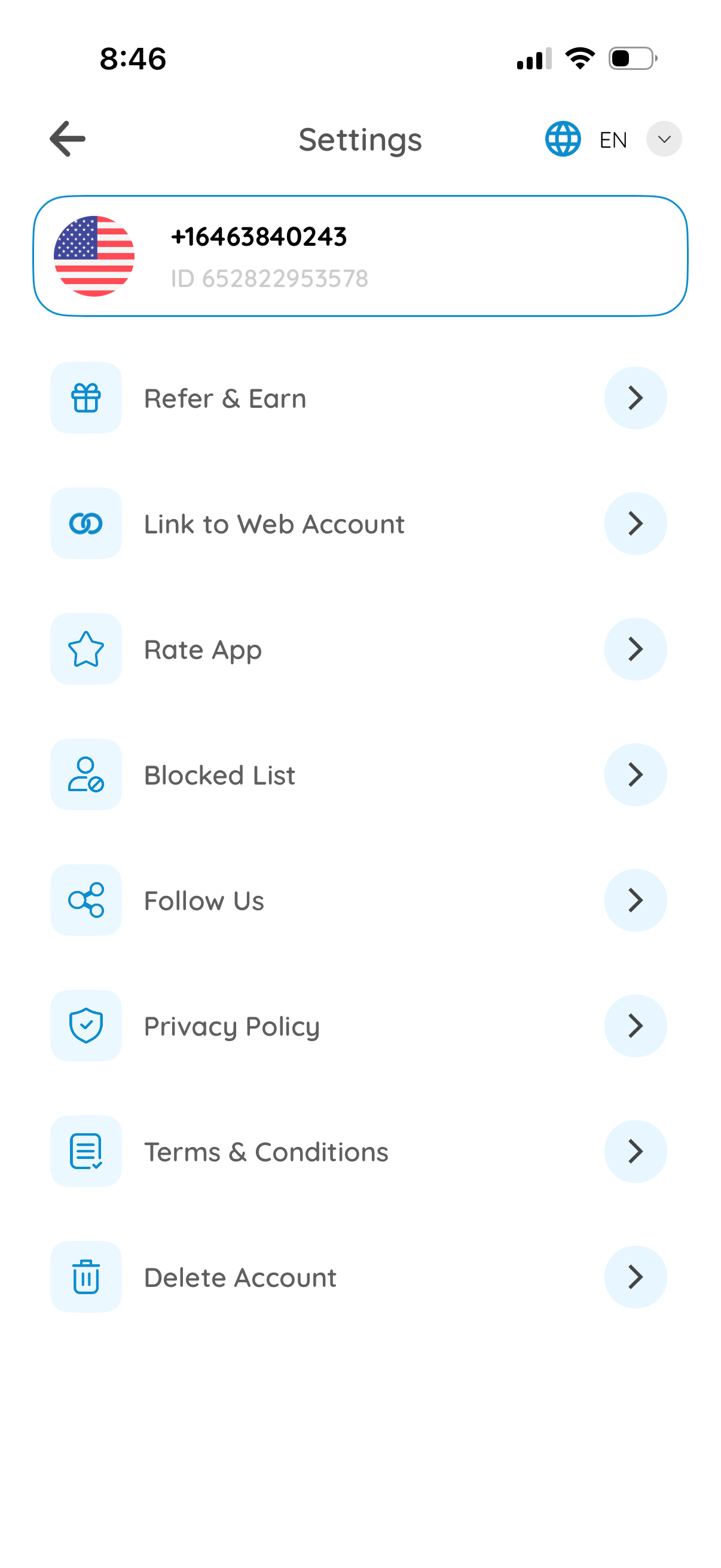
Settings screen for a messaging/communication app showing the user profile header with phone number/ID and a language selector. Provides navigation options for Refer & Earn, link to web account, rate app, manage blocked list, follow social channels, view privacy policy and terms, and delete account.
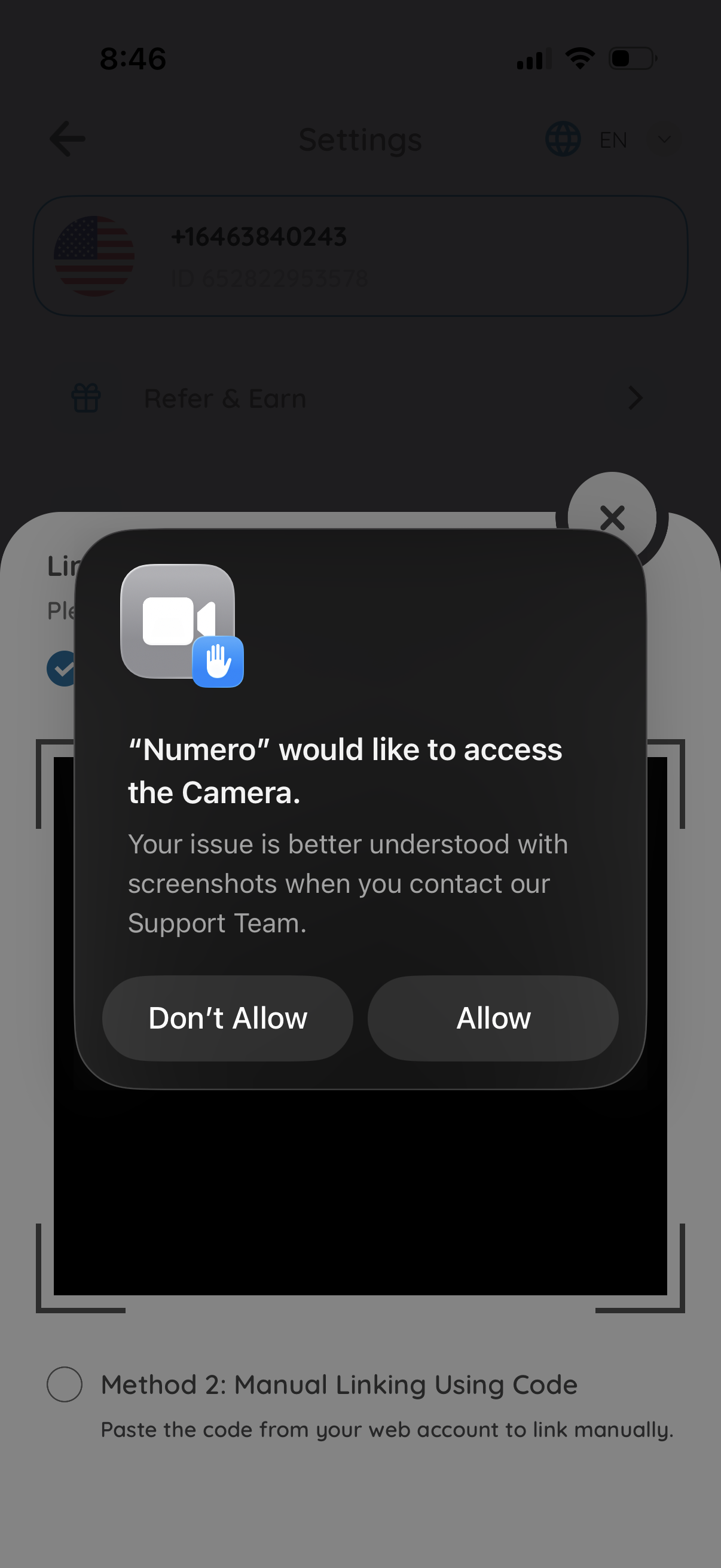
iOS system permission dialog requesting camera access for an app so the user can take screenshots/photos for contacting support, with primary actions to Allow or Don’t Allow. The modal overlays a settings/help screen in the background.
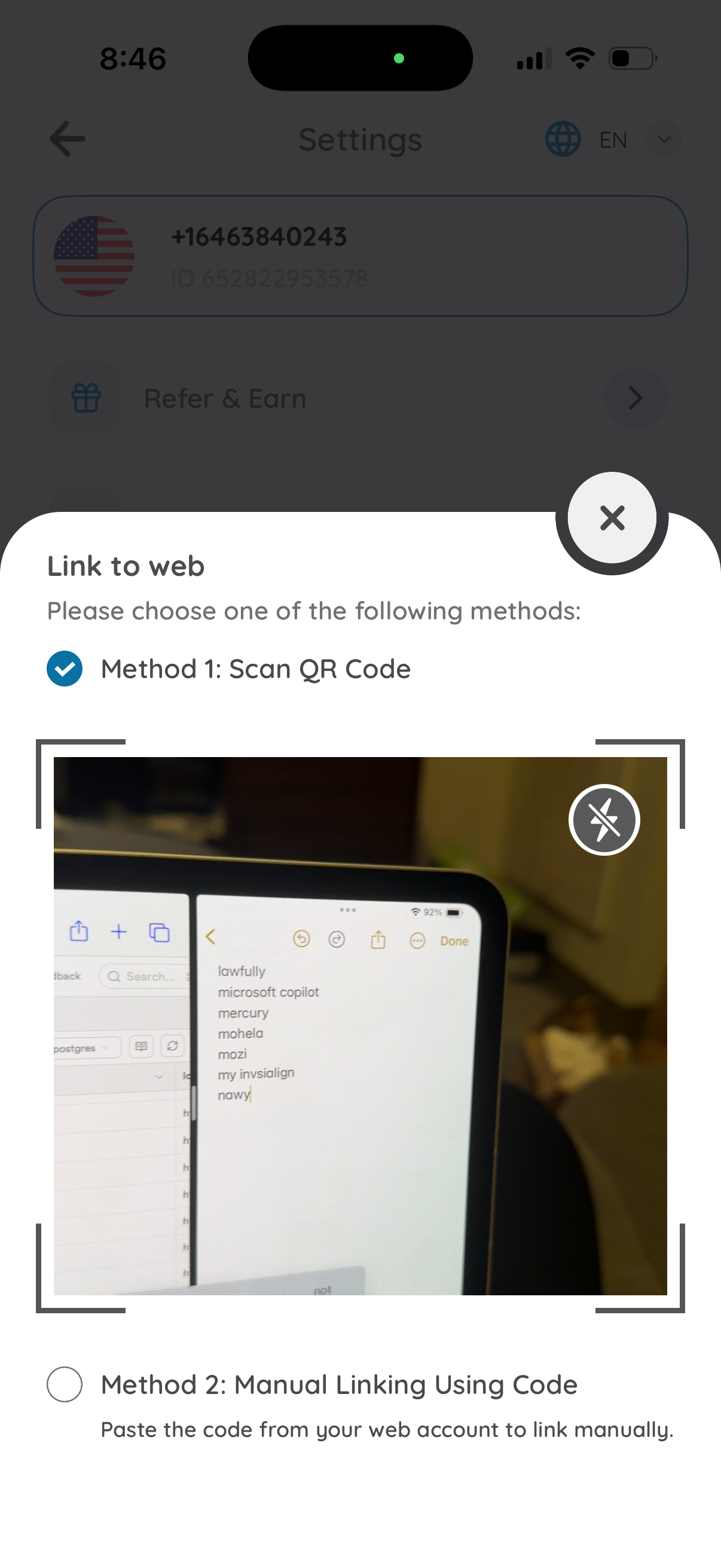
Modal bottom sheet for linking a mobile app to the web version, offering two connection methods: scan a QR code with an in-app camera scanner (with flash toggle) or manually link by pasting a code from the web account, with close/dismiss controls.