name and save creation
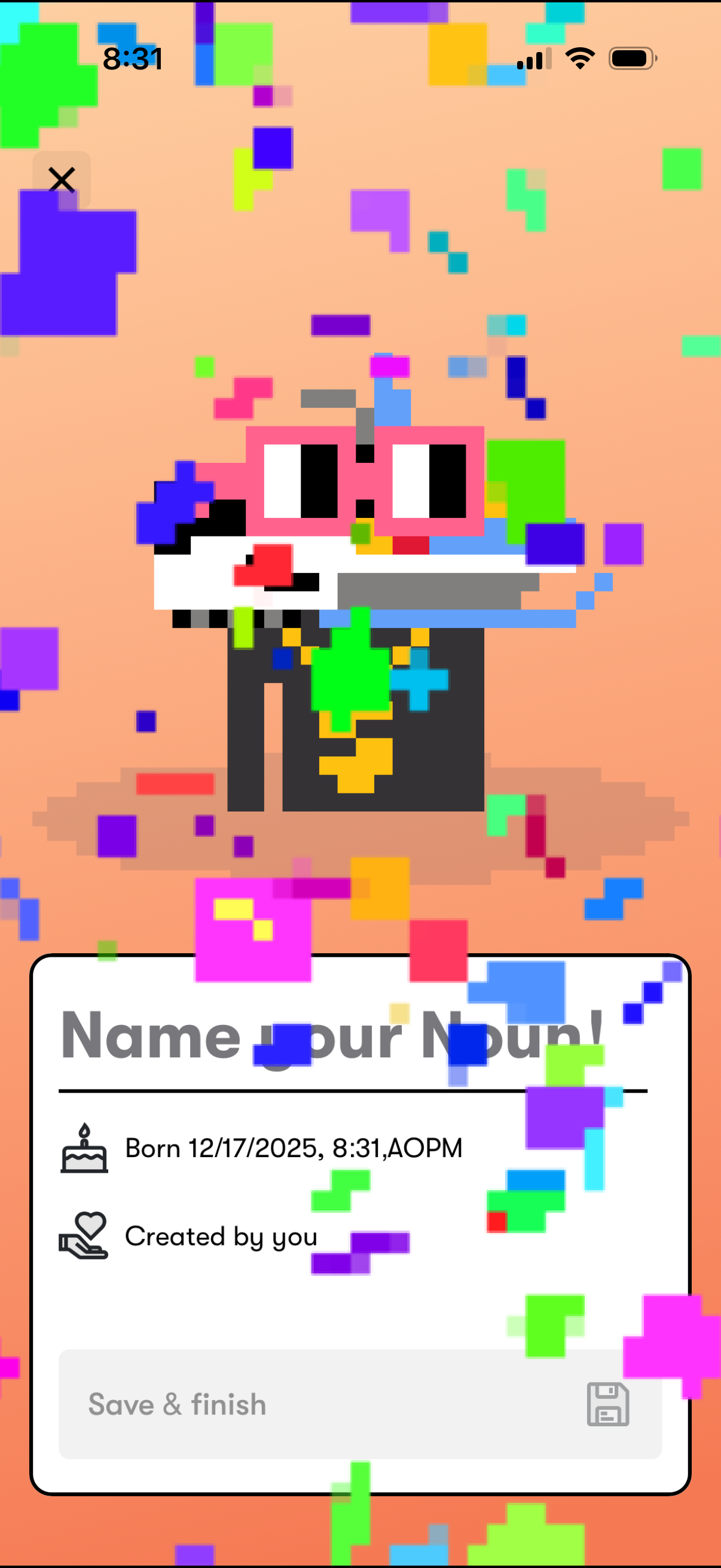
Celebratory onboarding screen for creating a new digital character/pet, featuring confetti animation and a form to “Name your Noun” with birth timestamp and “created by you” metadata. Includes a disabled “Save & finish” primary action and a close button to exit.
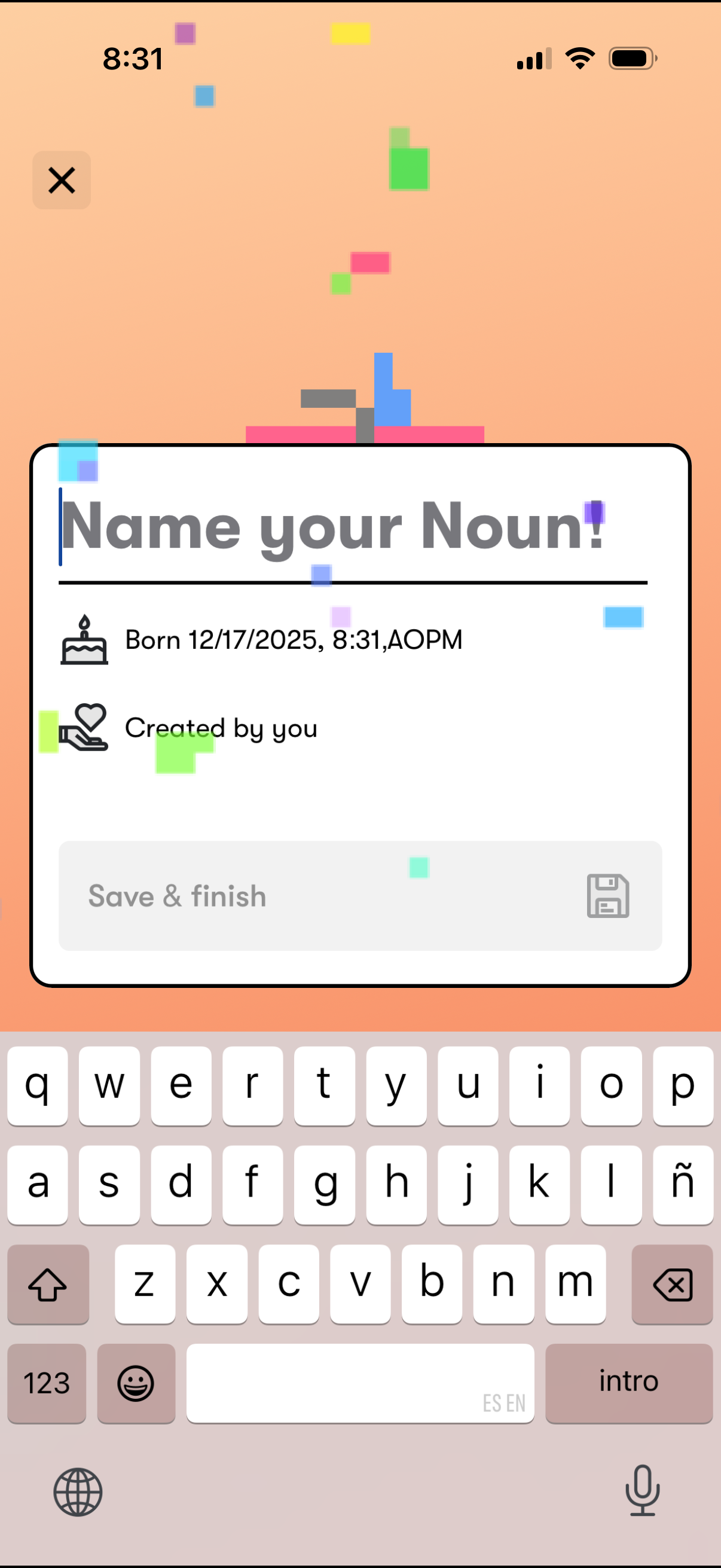
Popup modal for naming a newly created item (a “Noun”) with a text input field, metadata like creation date/time and “created by you,” and a primary “Save & finish” action with a close (X) button to dismiss.
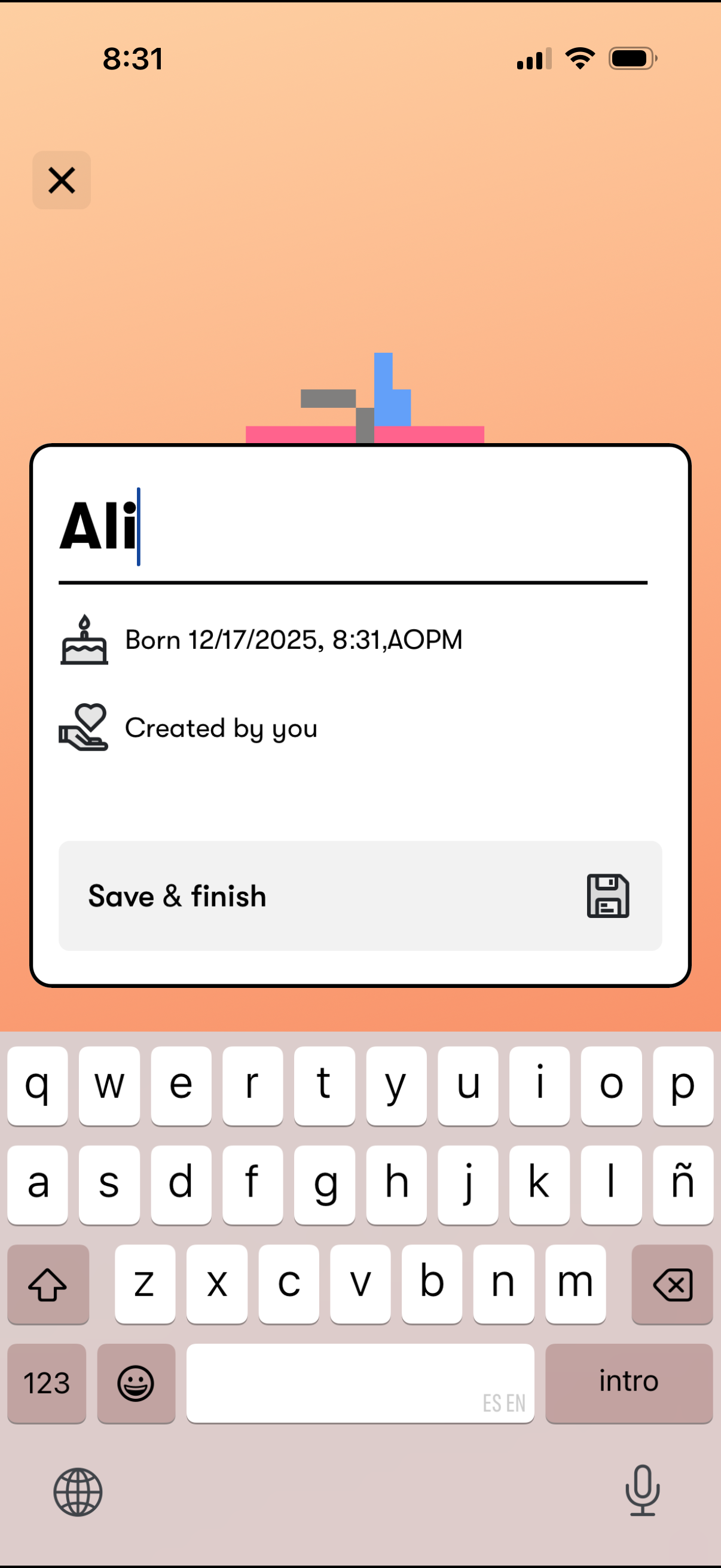
Modal screen for editing an item’s name with a text input, showing metadata like birth/creation date and “created by you,” and a primary “Save & finish” action with a close button to dismiss.
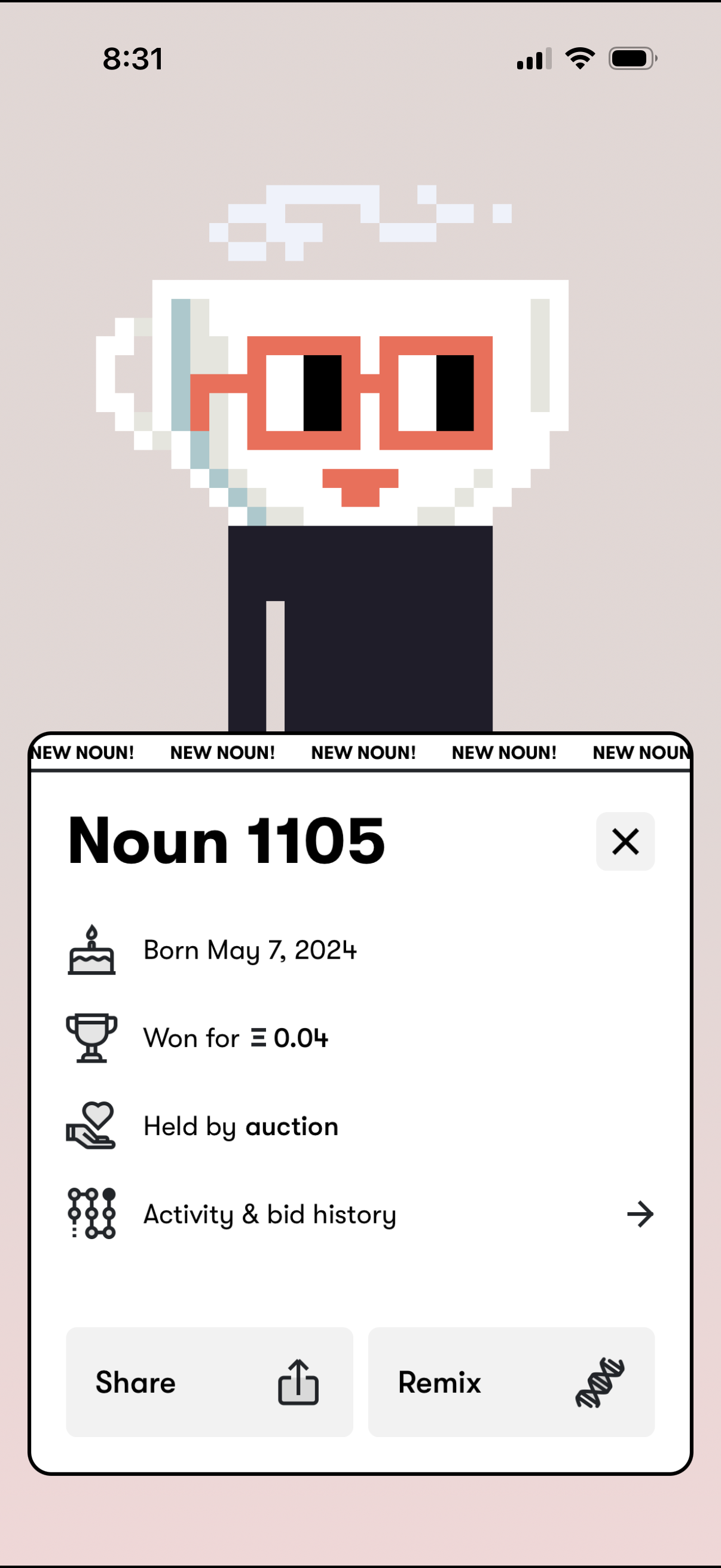
Collectible/NFT detail bottom sheet showing the item name and key stats like creation date, purchase price, and current holder with a link to activity and bid history. Provides primary actions to close the modal, share the item, or remix/create a derivative.
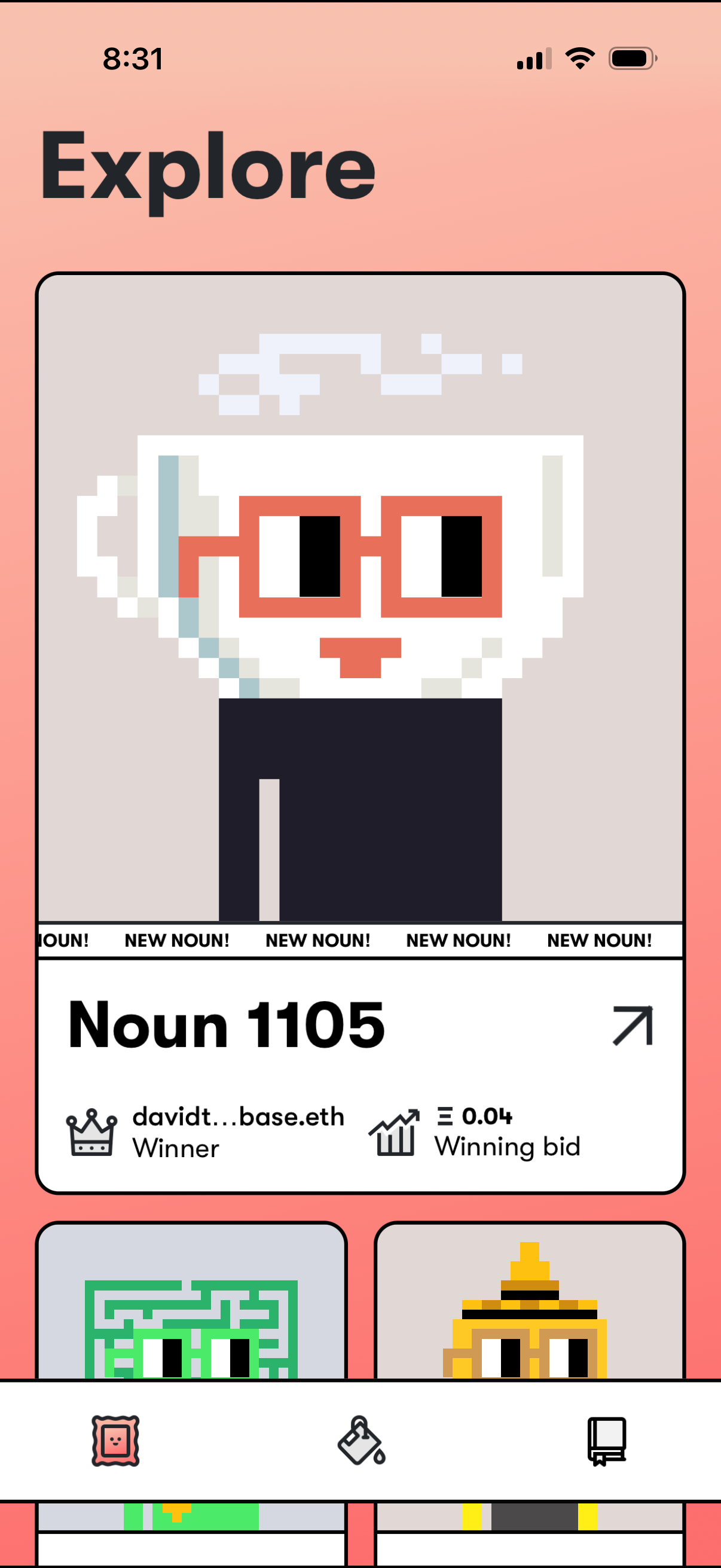
Explore feed for collectible/NFT “Nouns” showing a large featured item card with pixel art preview, “NEW NOUN! ” badge, item number, winner address, and current winning bid price, with a tap arrow to open details.
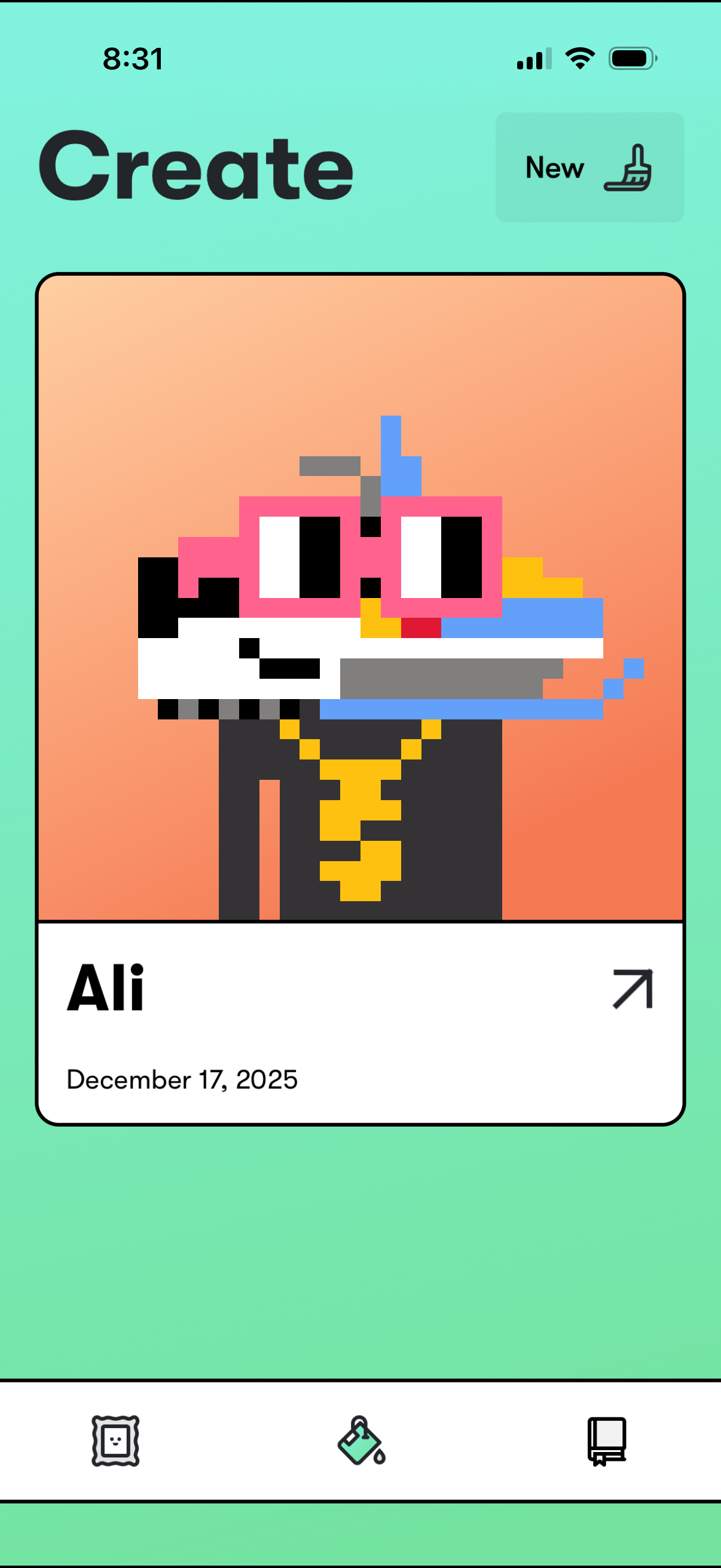
Create hub screen showing a large preview card for a created pixel-art avatar/character with title and creation date, and a “New” button to start a new creation. The card includes an arrow to open details, and a bottom tab bar for switching between gallery, create/edit, and other sections.