view holder activity
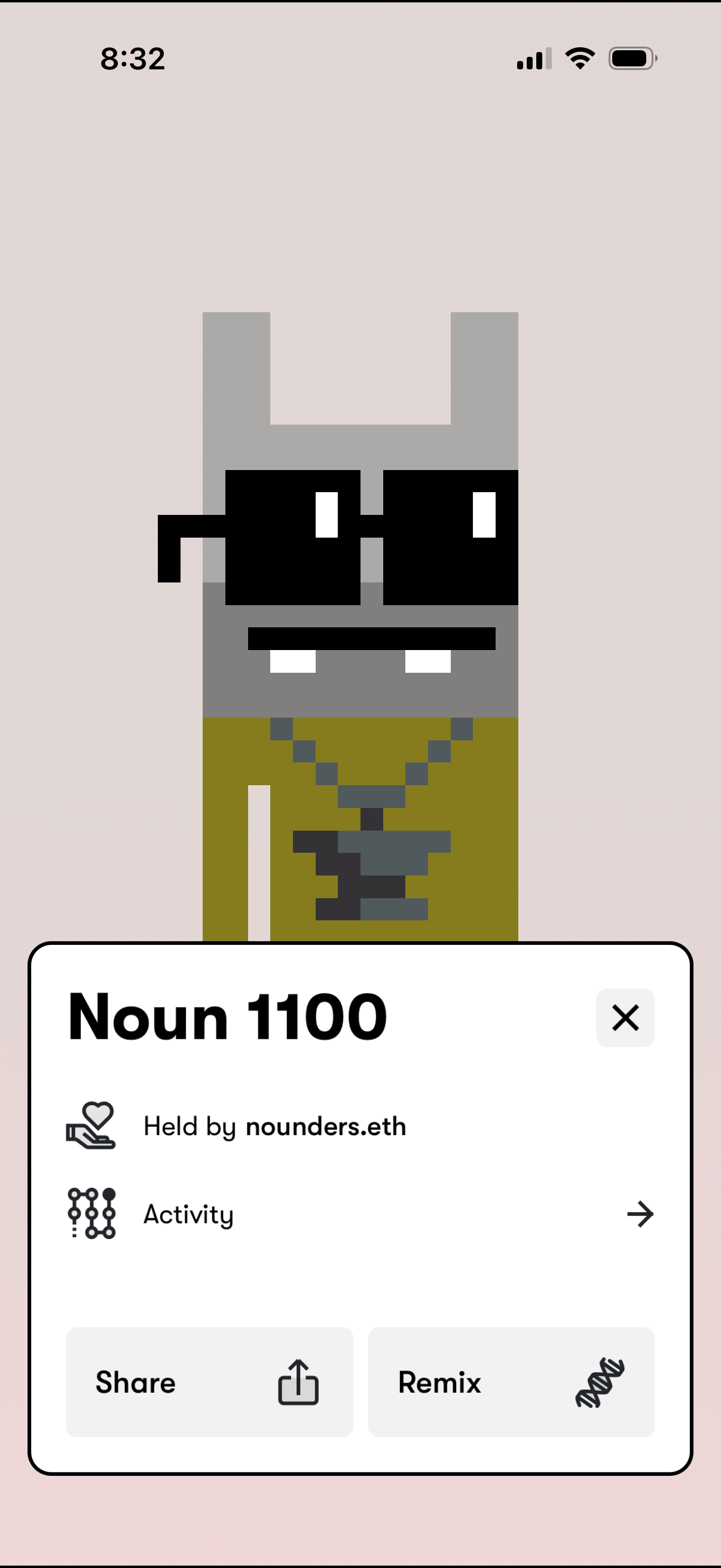
NFT collectible detail screen showing a large pixel-art avatar preview with a bottom sheet for the item name, current holder/owner, and a link to view activity history. The sheet provides primary actions to share the NFT and remix/create a derivative, with a close button to dismiss.
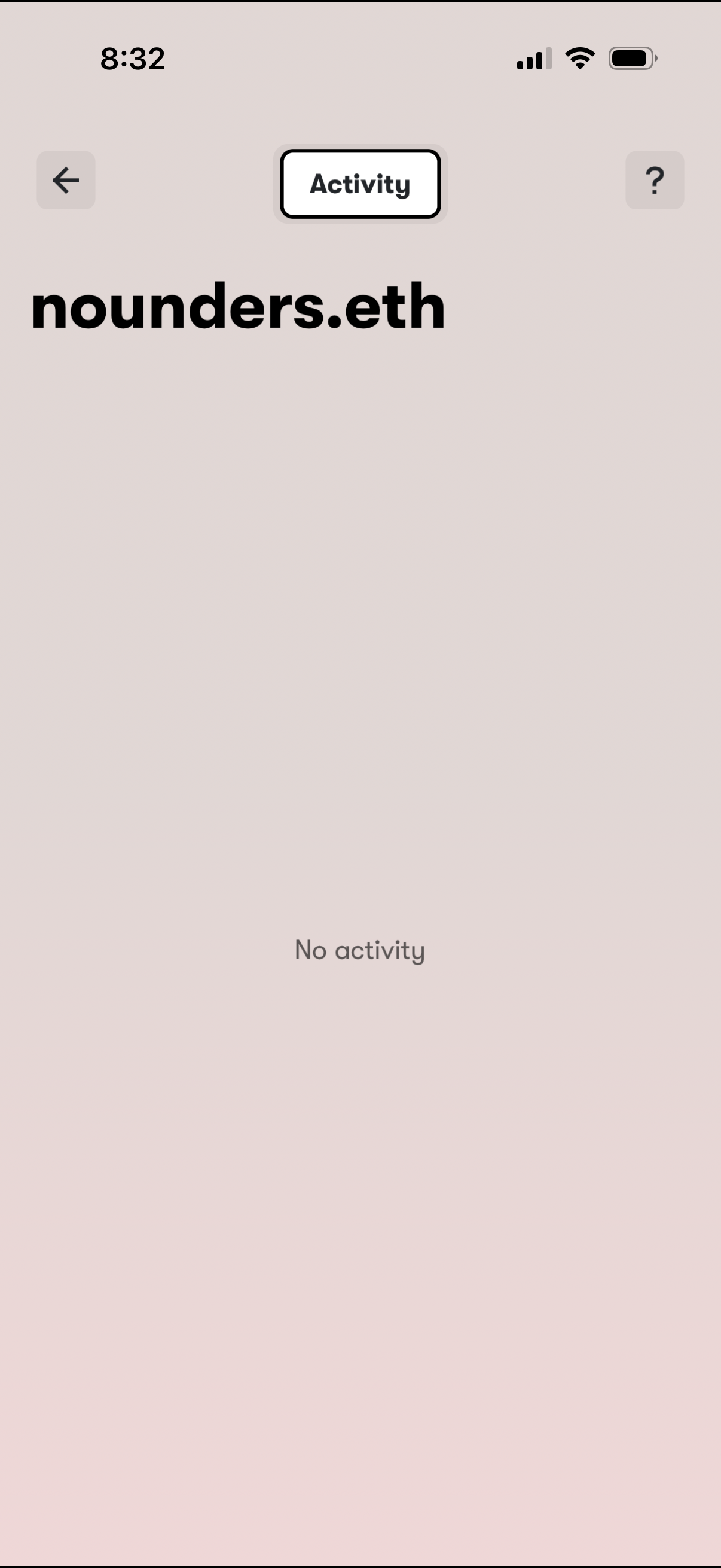
Activity screen for an ENS/web3 profile showing a selected username and an empty state message indicating no recent activity. Includes navigation back and a help/info button to learn more about activity.
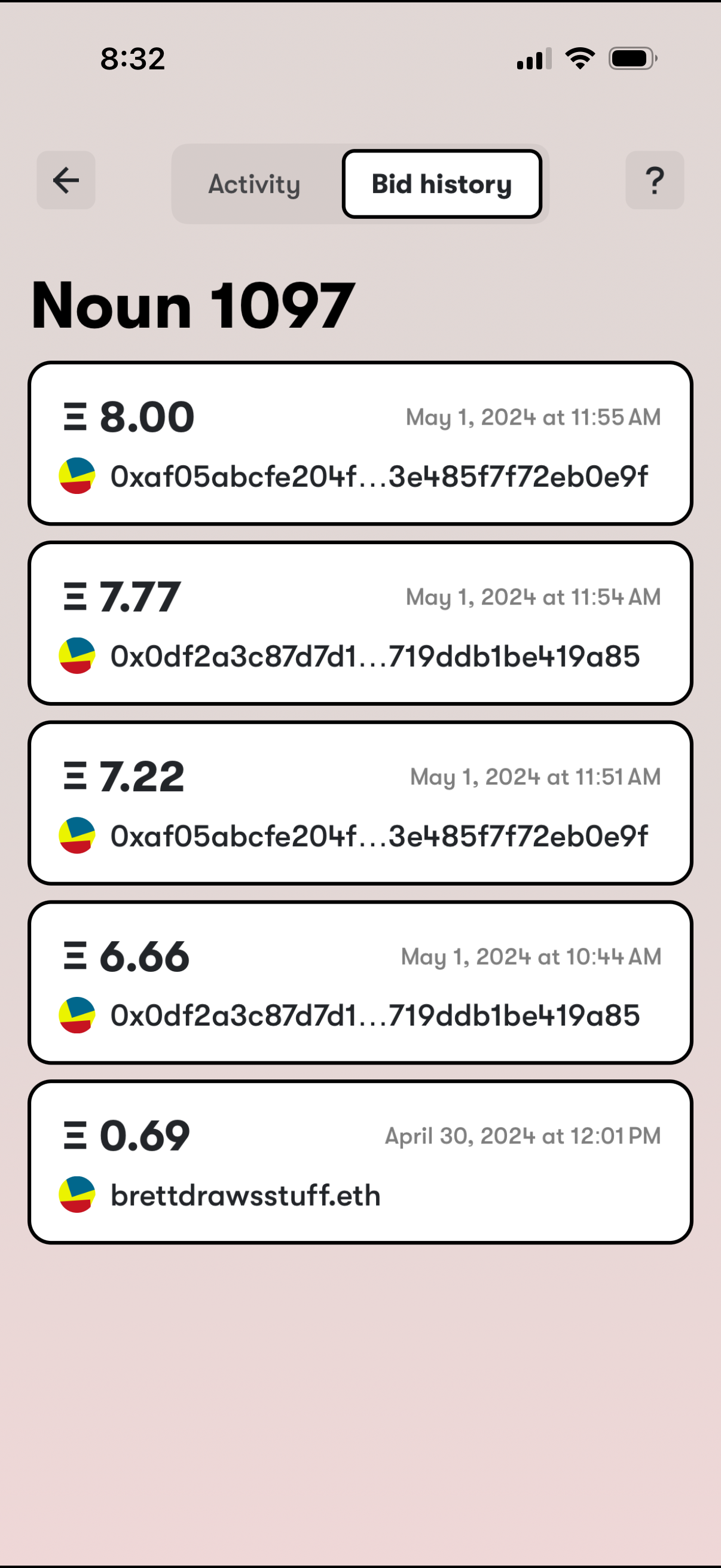
NFT auction item detail screen showing the Bid history tab for “Noun 1097,” listing chronological bid entries with bid amount, bidder wallet/ENS identifier, and timestamp. Includes navigation back, toggle between Activity and Bid history, and a help/info button.
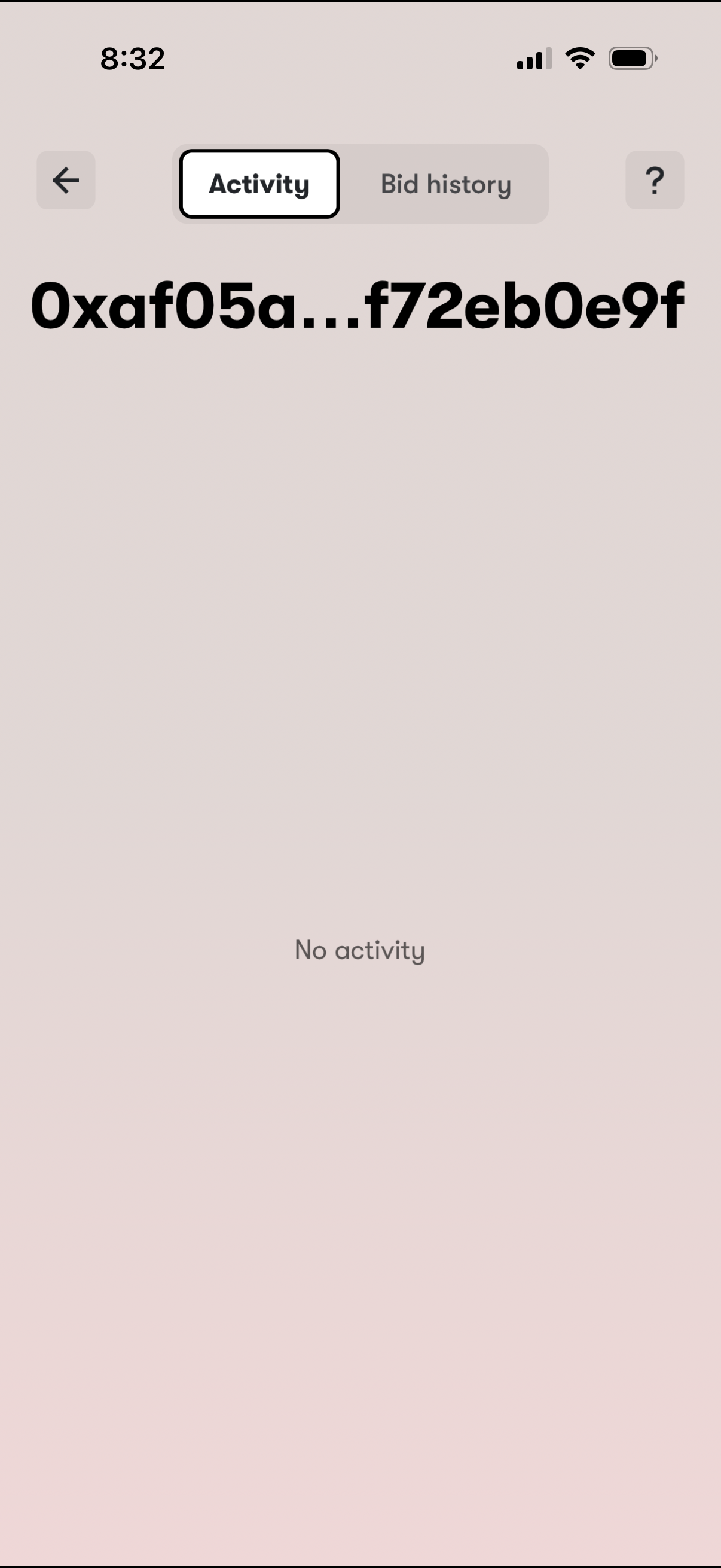
Wallet address detail screen showing a segmented control to switch between Activity and Bid history, with an empty-state message indicating no activity. Includes back navigation and a help/info icon for support or guidance.
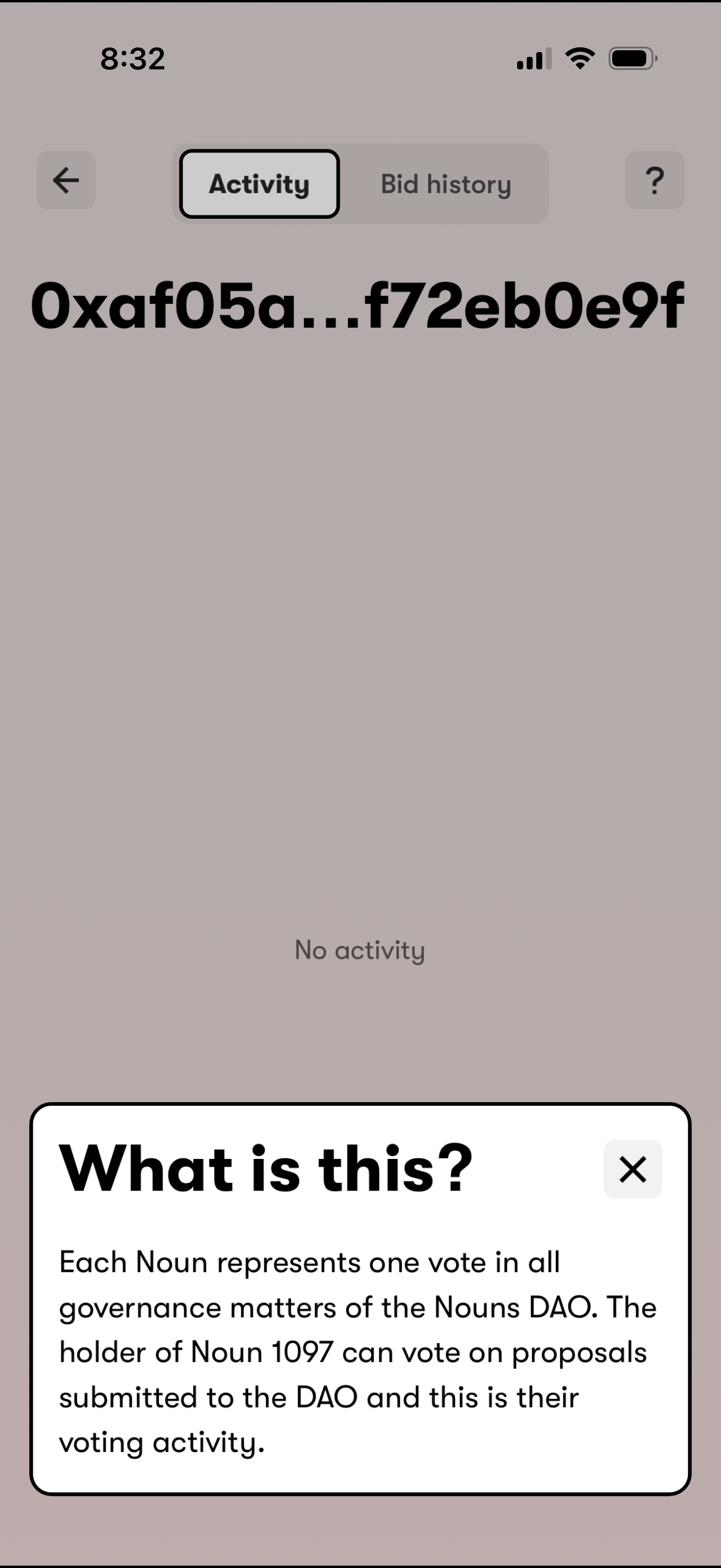
DAO governance profile screen showing a wallet/NFT holder address with tabs for Activity and Bid history, currently displaying an empty state (“No activity”). A bottom info sheet titled “What is this?