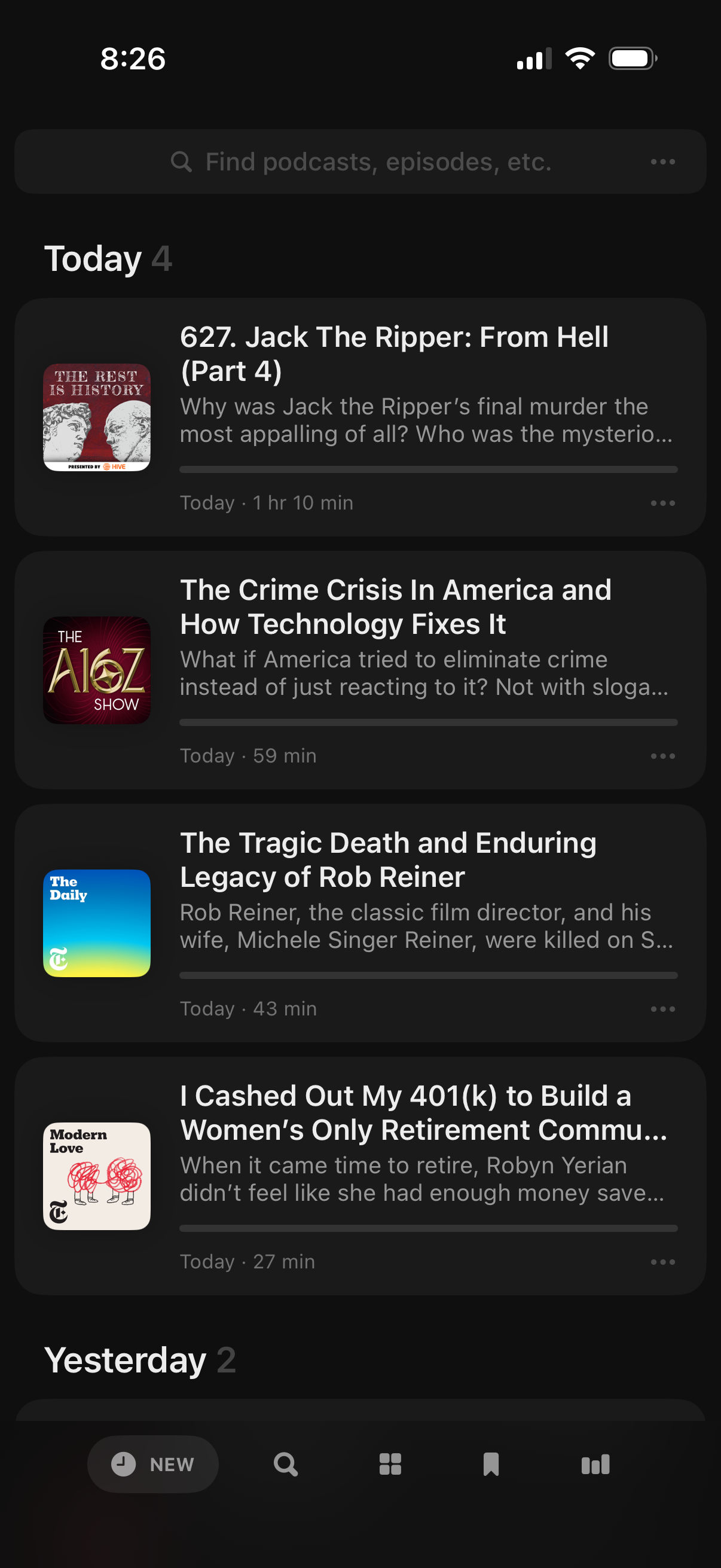
Podcast app “New” feed showing recently released episodes grouped by date (Today/Yesterday), with a search bar to find podcasts or episodes. Each episode card includes show artwork, title, brief description, duration and release time, plus a more options menu for actions like saving or downloading.
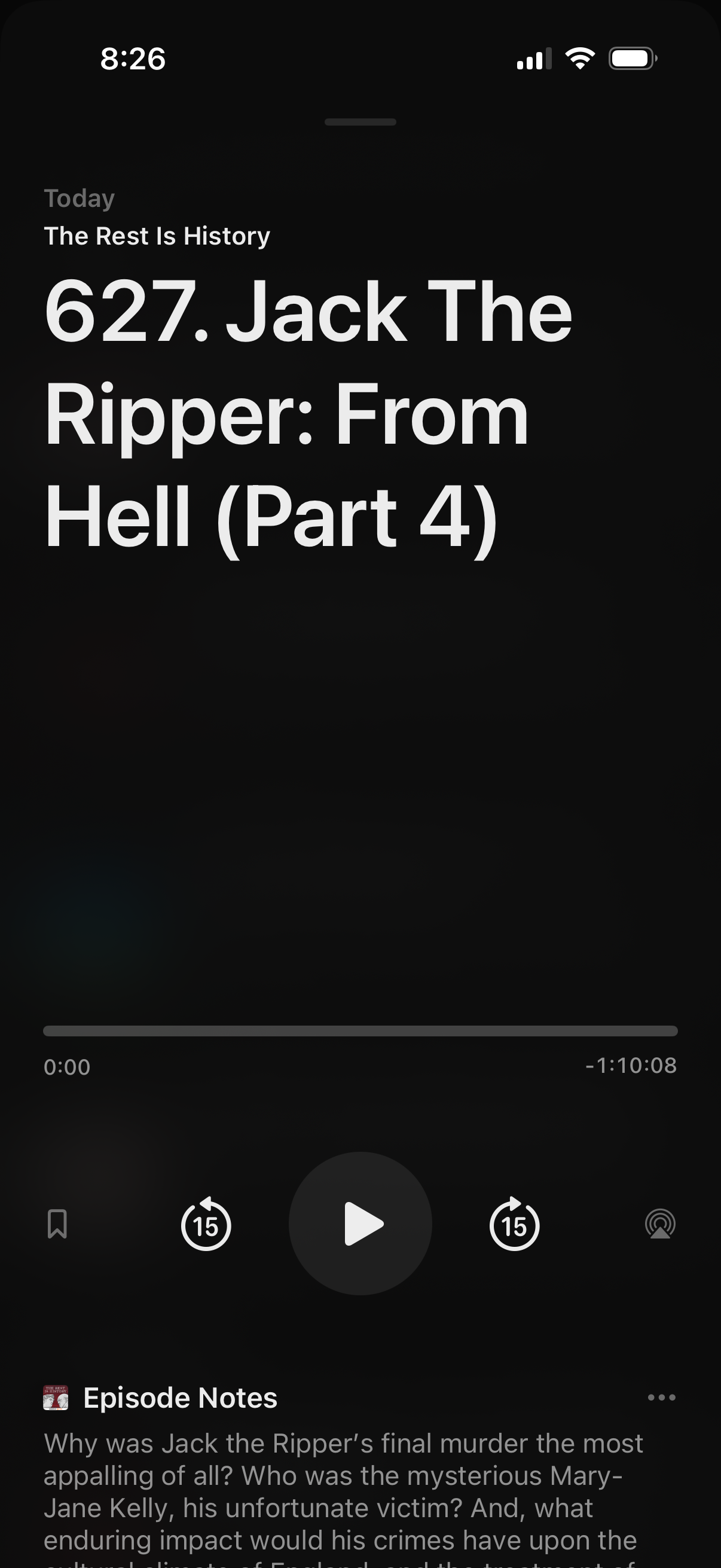
Podcast episode player screen showing the current episode title and show name with a playback progress bar, play/pause button, 15-second skip controls, and options like bookmark and AirPlay/cast. The lower section includes an “Episode Notes” panel with a description and a more/options menu.
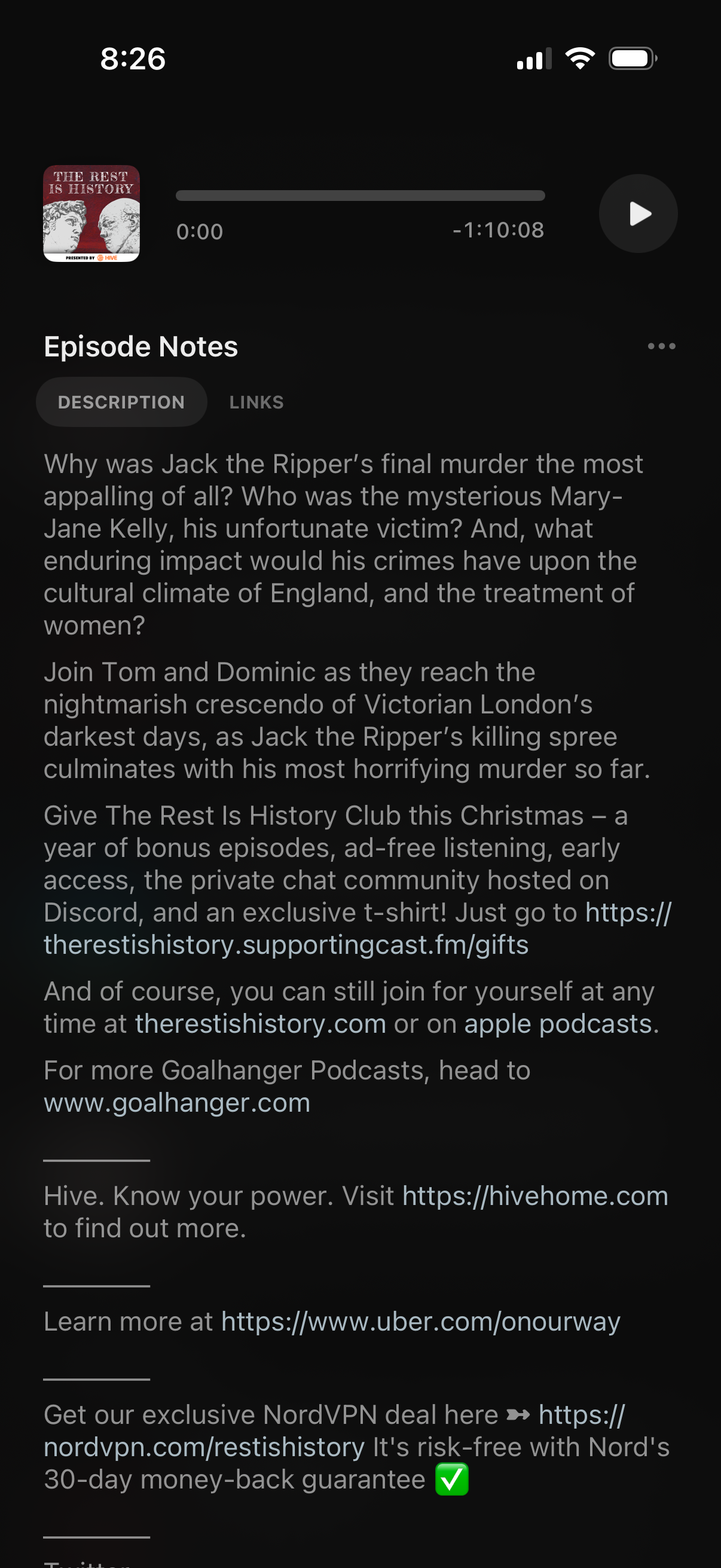
Podcast player screen showing episode notes with a playback progress bar and play button at the top. Users can read the episode description, switch between Description and Links tabs, and access a more options menu.