change playback output
1
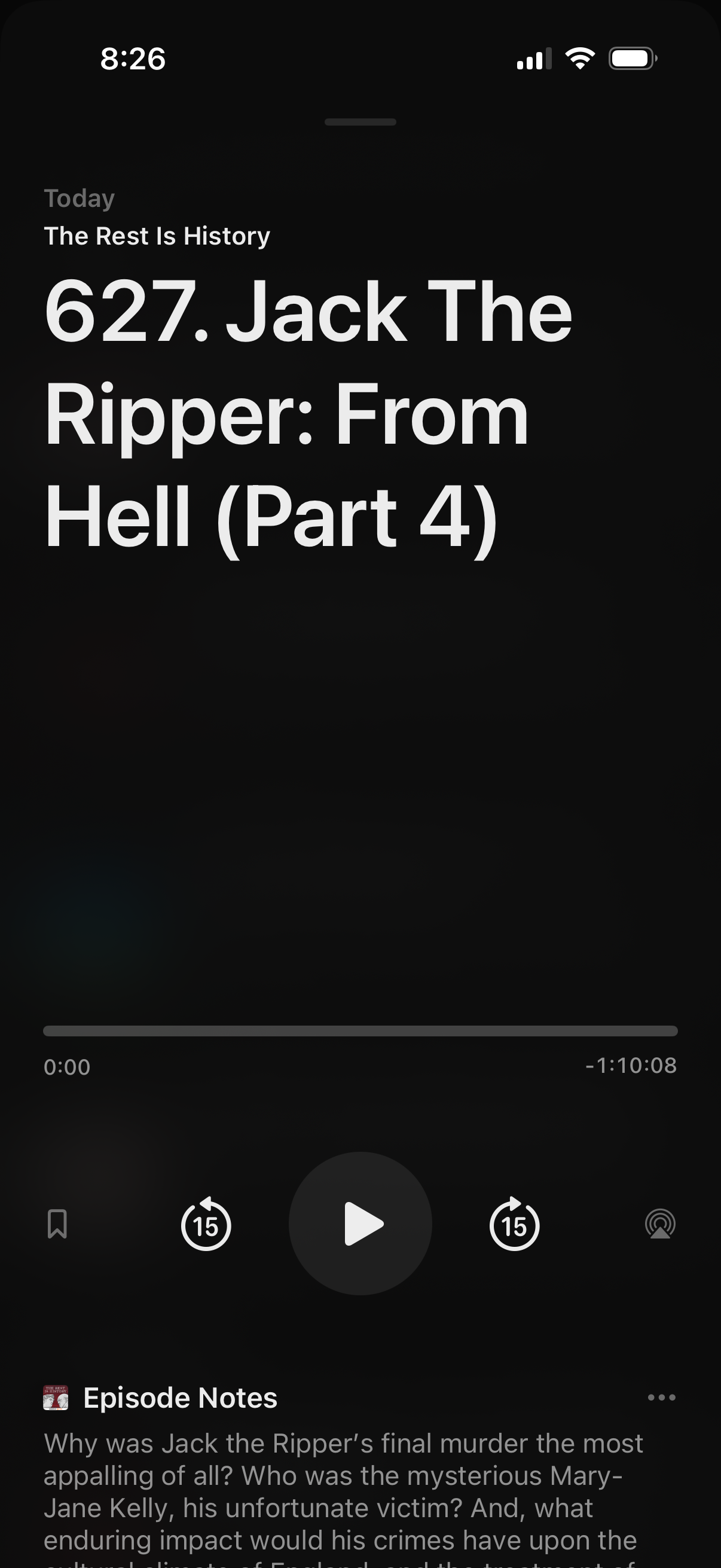
Podcast episode player screen showing the current episode title and show name with a playback progress bar, play/pause button, 15-second skip controls, and options like bookmark and AirPlay/cast. The lower section includes an “Episode Notes” panel with a description and a more/options menu.
2
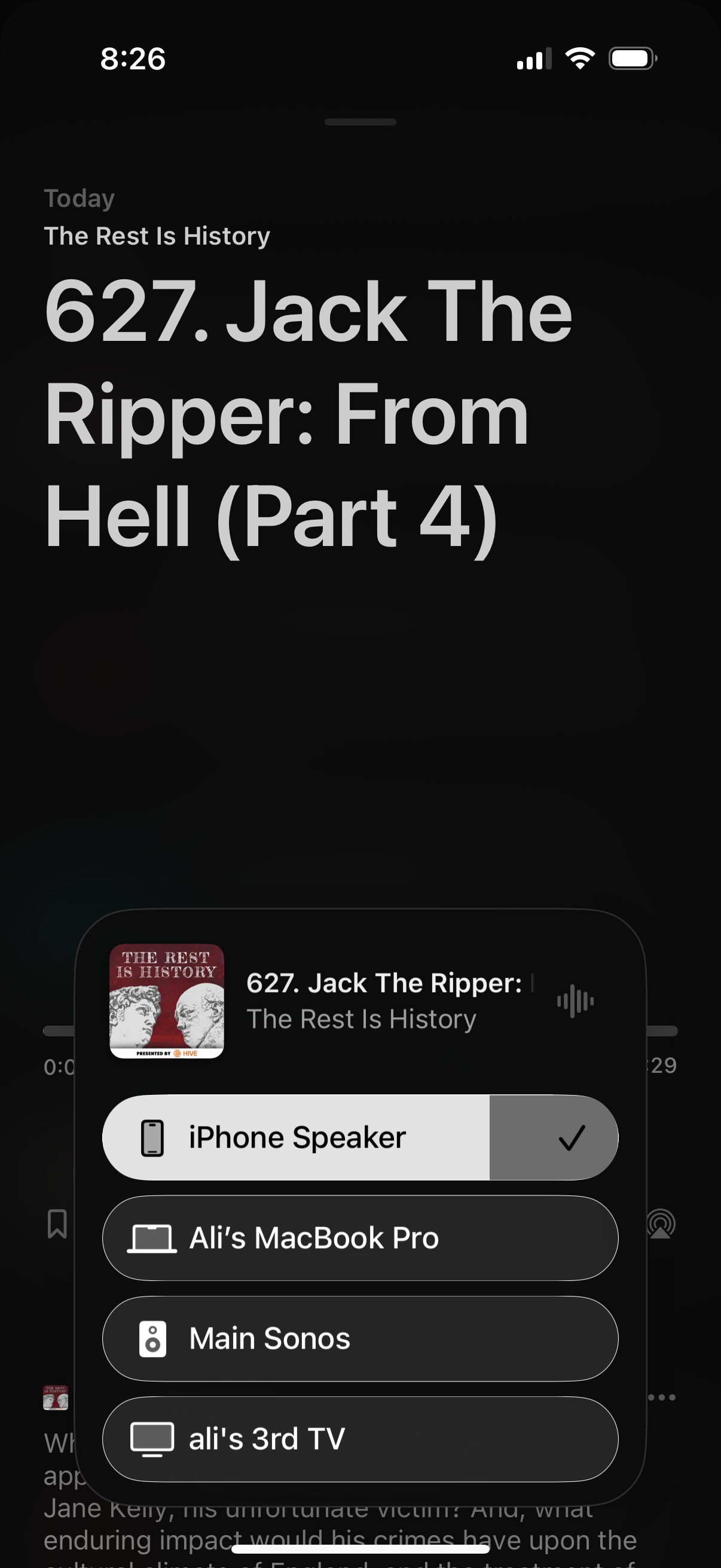
Podcast episode now playing screen with a bottom sheet for selecting audio output/AirPlay target, showing the currently playing episode and a list of available devices (phone speaker, laptop, smart speaker, TV) with a checkmark on the active output.