
Bird identification home screen showing “Your bird of the day” with a large bird photo, species name, and a share button plus a live “listening now” count. Primary actions let users identify birds via step-by-step guide, record sound with a microphone button, or take/upload a photo, with a shortcut to view saved sound recordings and bottom navigation for Identify, Explore, Life List, and Settings.
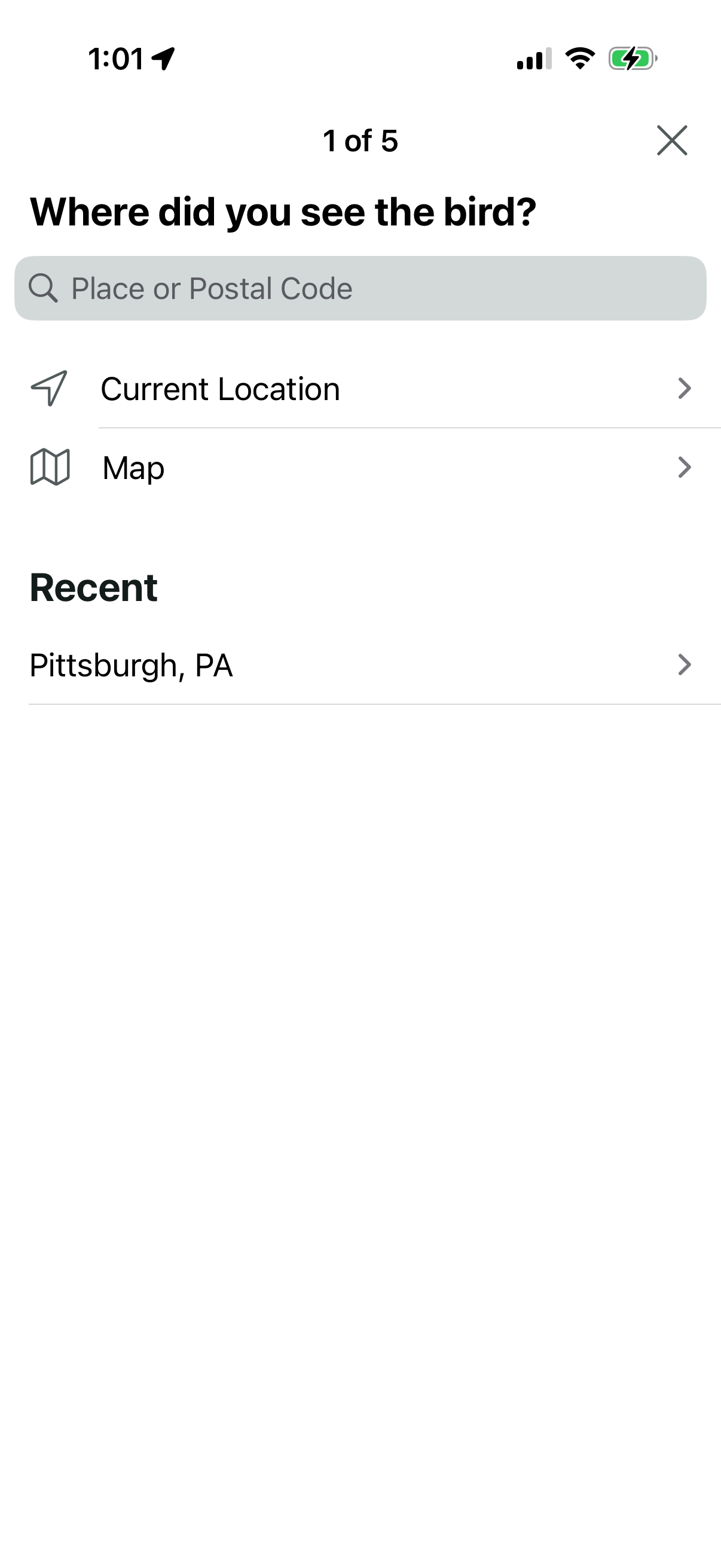
Step 1 of a multi-step bird sighting report that asks the user to choose where they saw the bird, offering a search field for place or postal code, options to use current location or pick on a map, and a list of recent locations to select from.
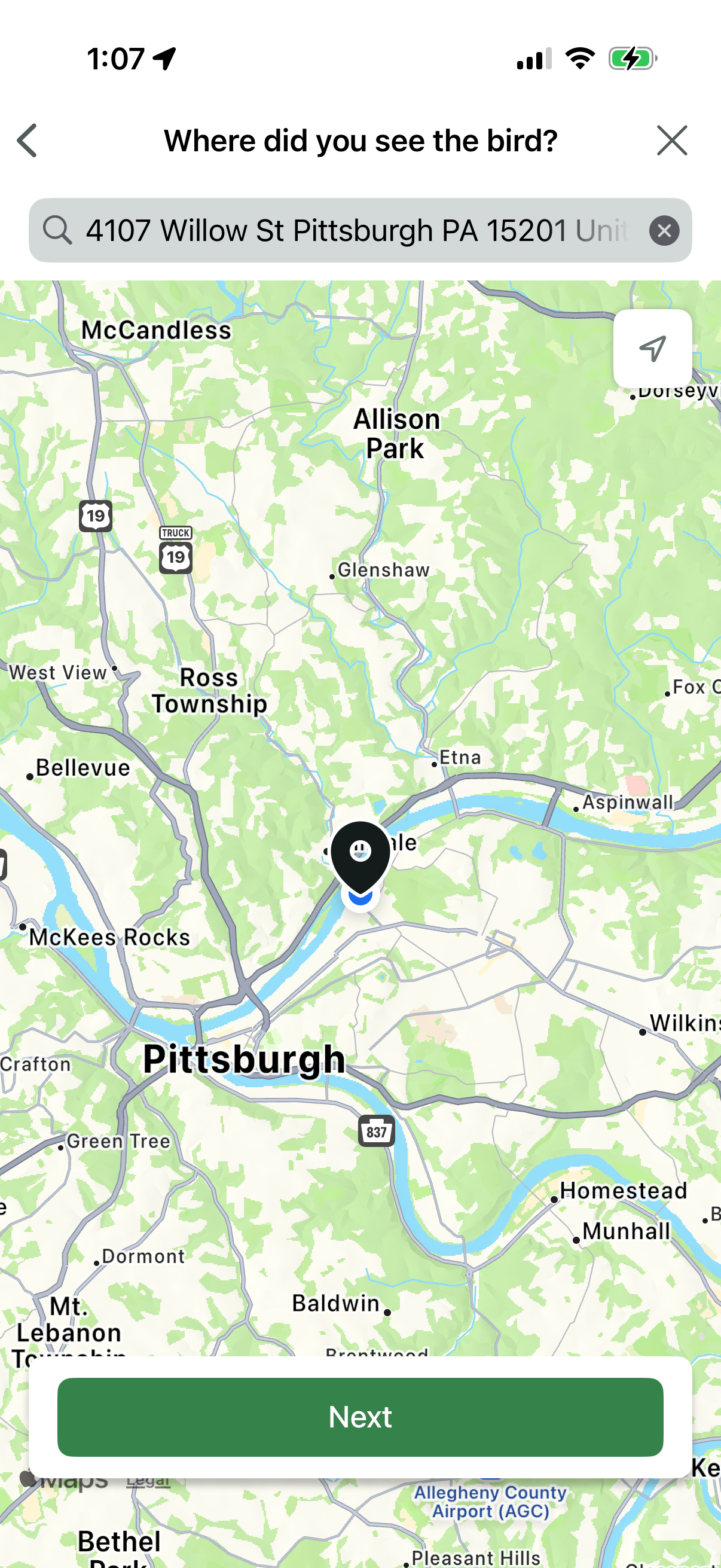
Map-based location selection screen for reporting a bird sighting, with a search bar to enter an address, a map with a dropped pin/current location marker, and controls to recenter and clear input. Primary action is a “Next” button to confirm the selected location and continue the submission flow.