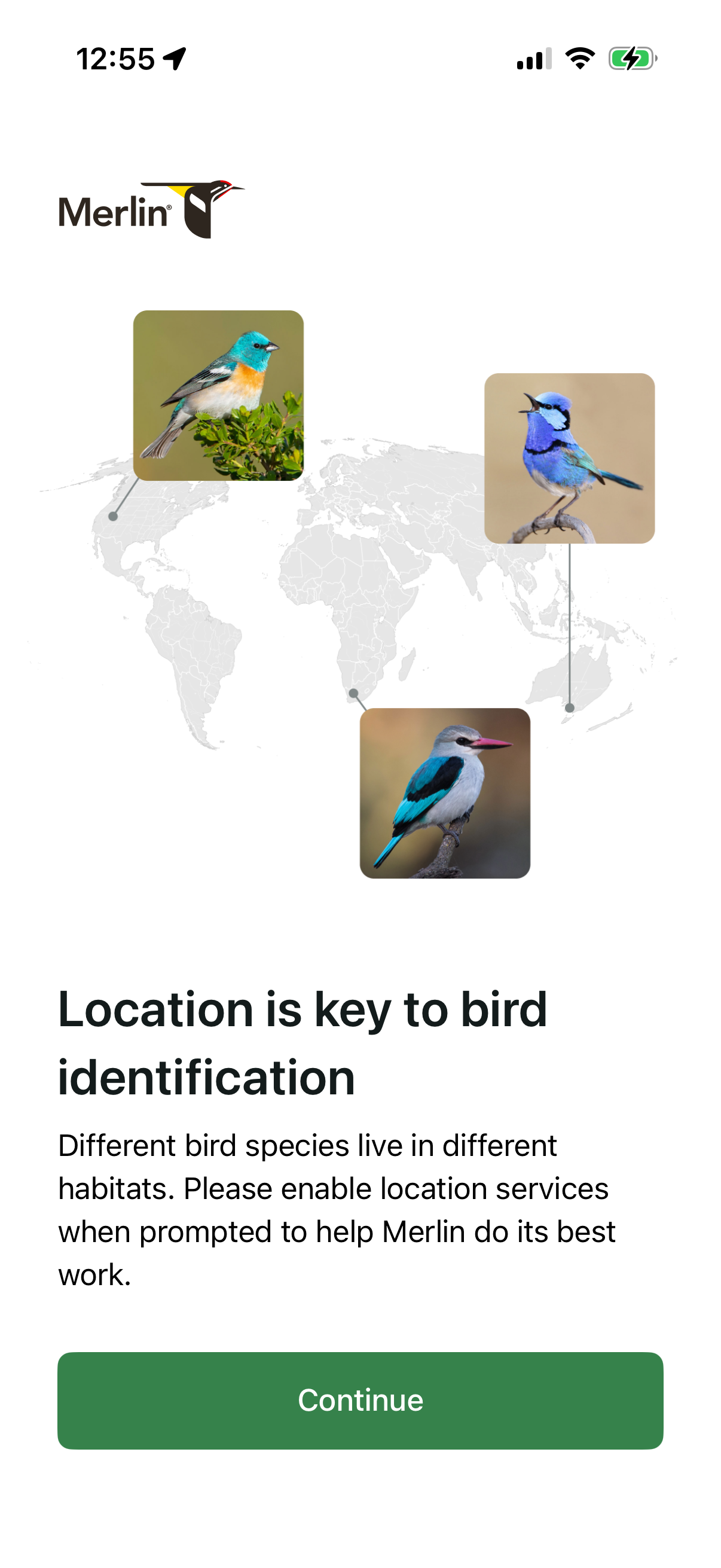
Onboarding permission education screen for a bird identification app explaining that location improves species matching and prompting users to enable location services. Includes a brief description, world map illustration with bird photos, and a primary Continue button to proceed.
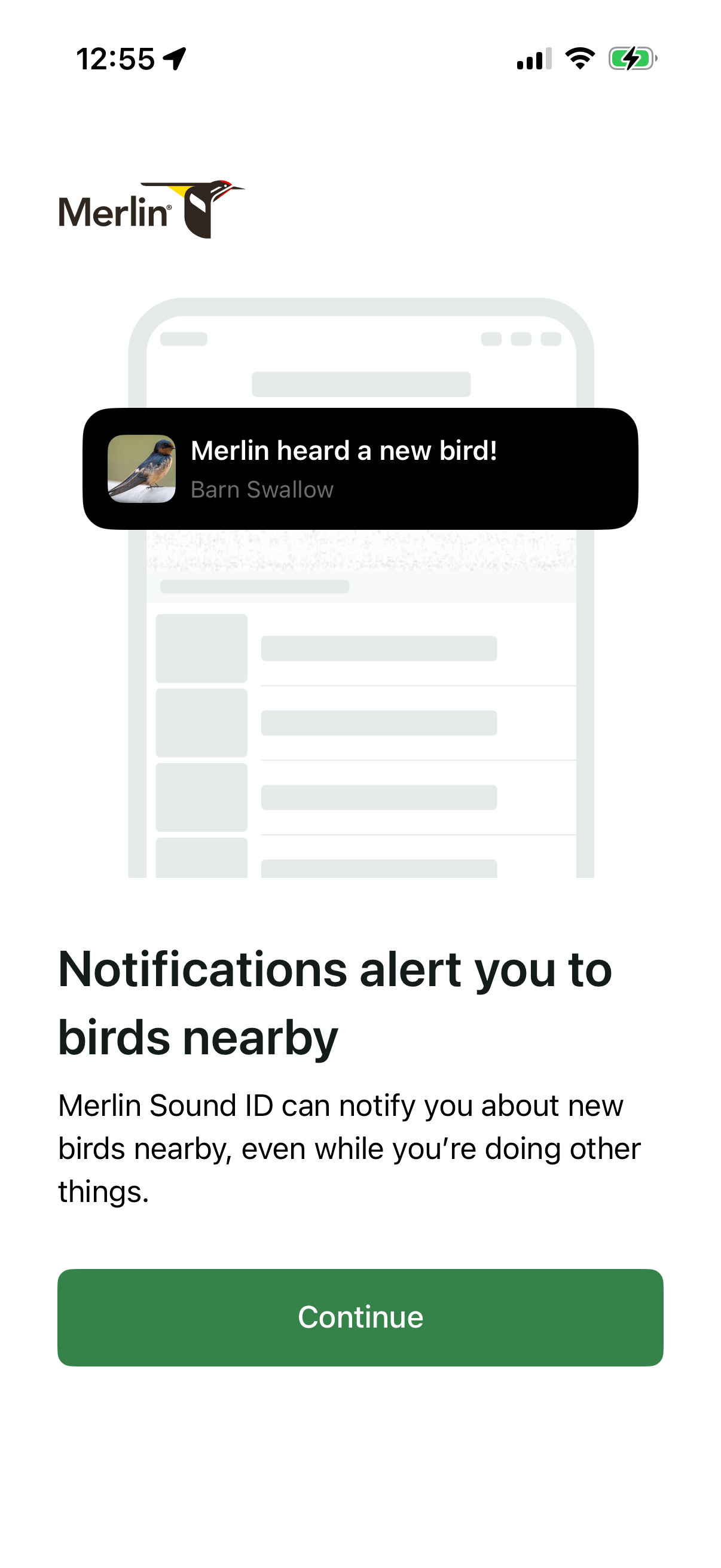
Onboarding permission screen explaining that the app can send push notifications when nearby birds are detected by sound ID, with an example notification banner. Includes a primary “Continue” button to proceed with enabling alerts.
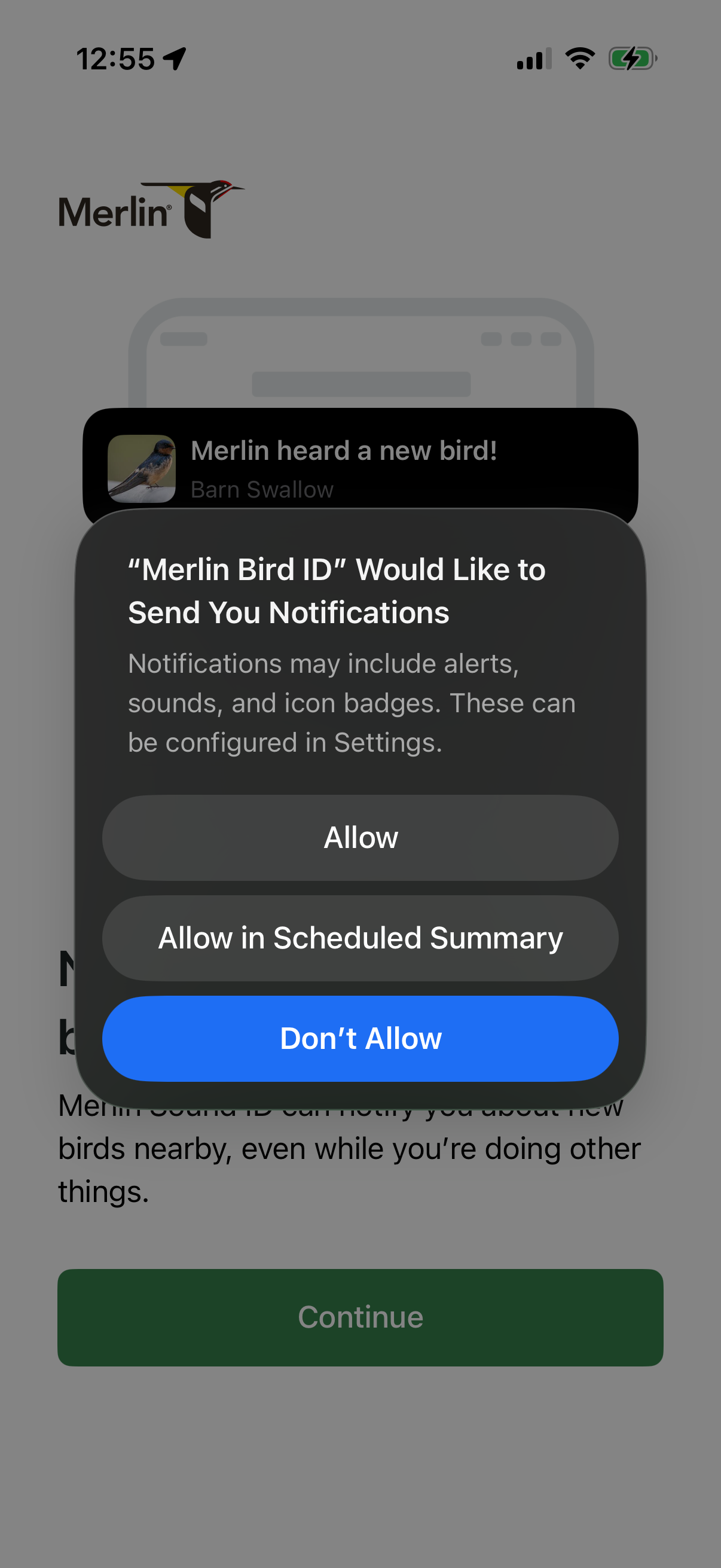
iOS system permission modal asking to enable push notifications for an app, explaining alerts/sounds/badges and offering actions to Allow, Allow in Scheduled Summary, or Don’t Allow. The underlying onboarding screen includes a Continue button and a sample notification preview.
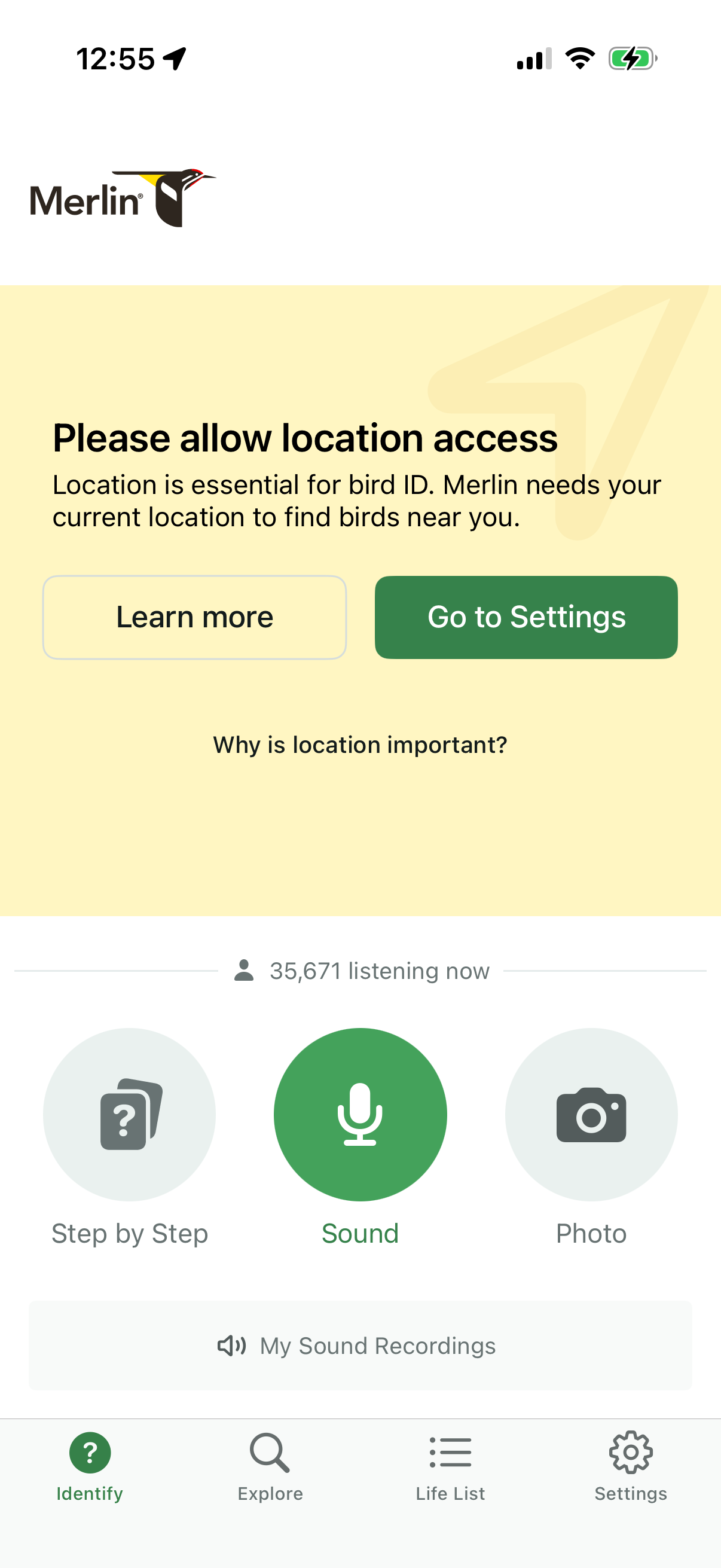
Location permission prompt in a bird identification app explaining that current location is required to find nearby birds, with primary CTAs to Learn more or Go to Settings. The screen also shows the Identify tab with options to identify by sound recording, step-by-step guide, or photo, plus access to saved sound recordings and bottom navigation.
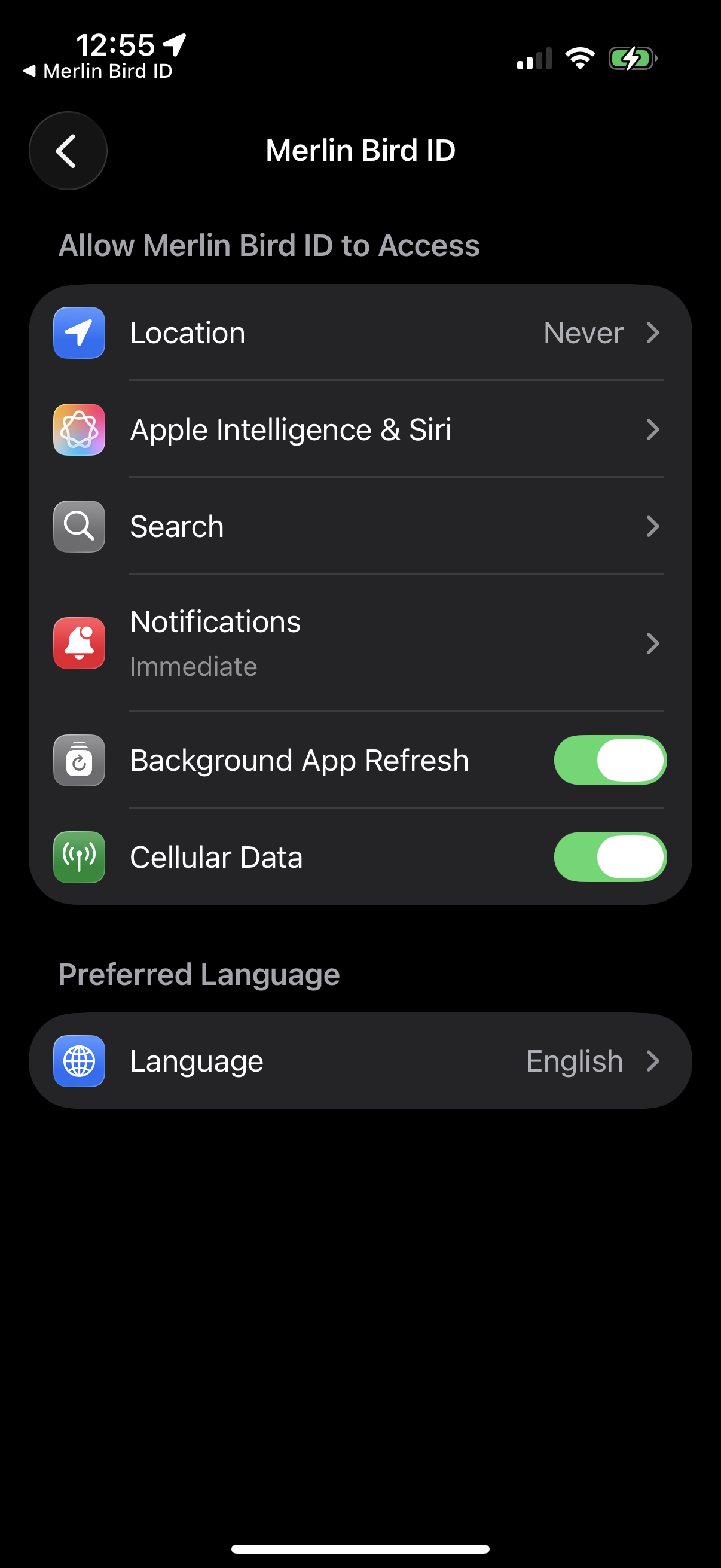
iOS app settings permissions screen for an app, showing controls to manage access to Location, Apple Intelligence & Siri, Search, and Notifications, plus toggles for Background App Refresh and Cellular Data. Also includes a Preferred Language section to set the app’s language.
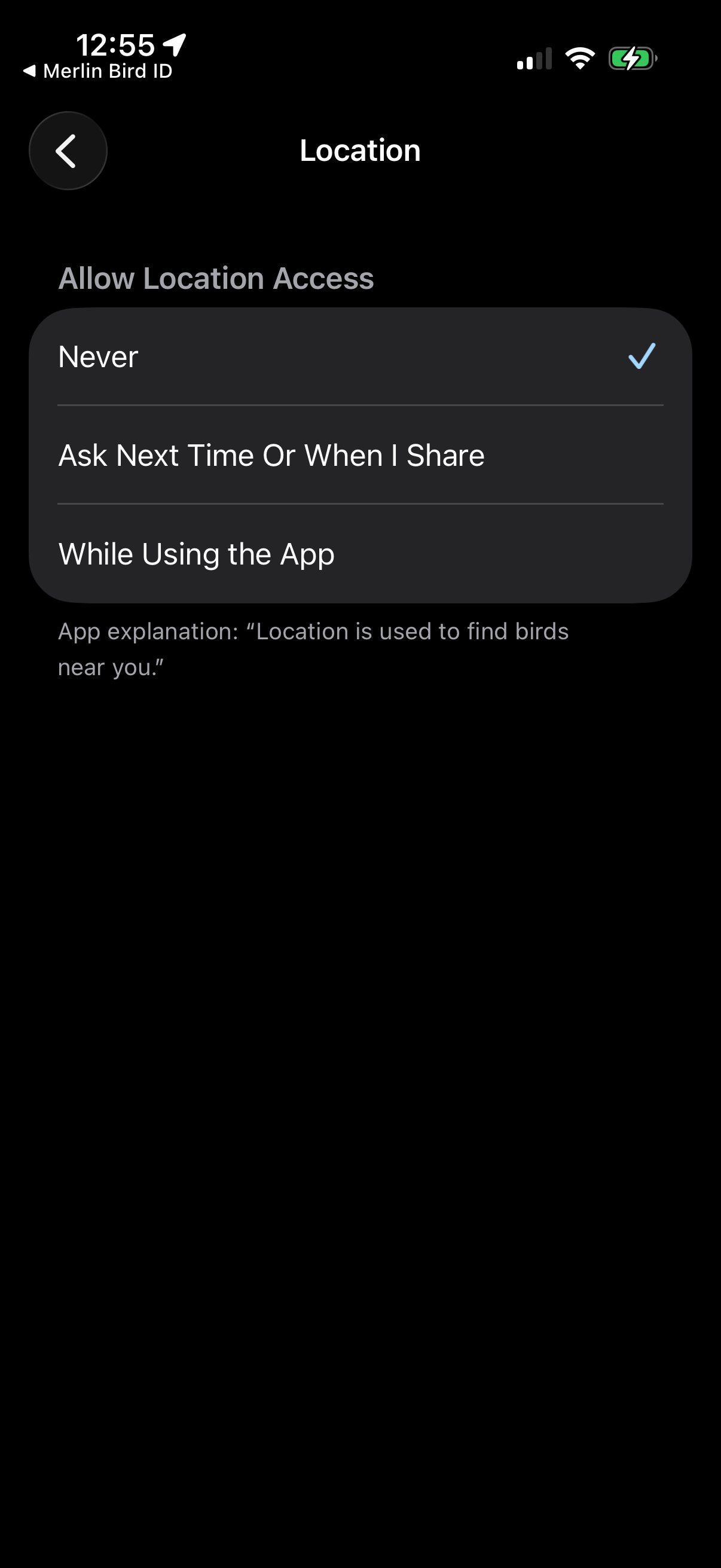
iOS location permission settings screen for an app, letting the user choose location access level (Never, Ask Next Time/When I Share, or While Using the App) with an explanation of why location is needed to find nearby results.
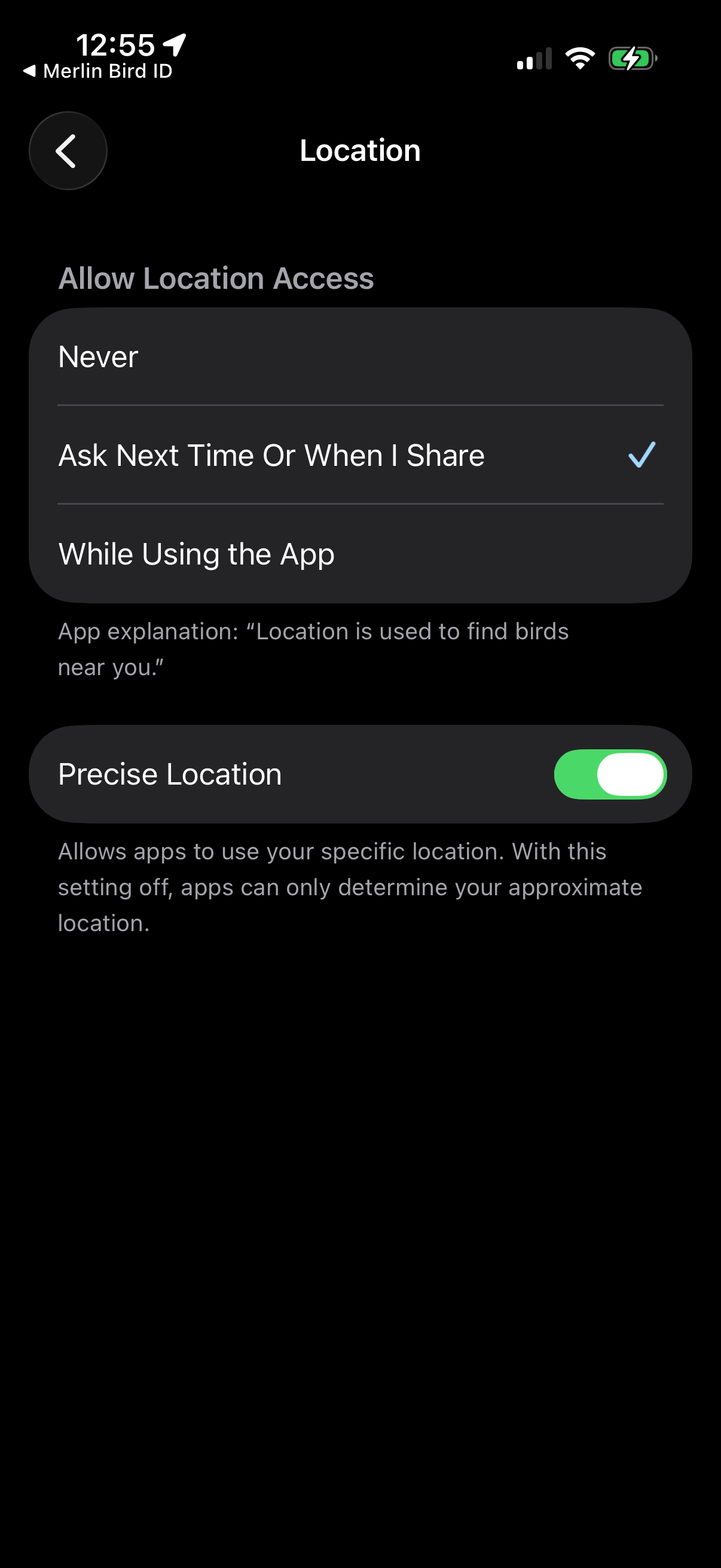
iOS app location permissions settings screen where the user chooses location access level (Never, Ask Next Time/When I Share, or While Using the App) and sees an explanation of why location is needed. Includes a toggle to enable or disable Precise Location for specific vs approximate tracking.
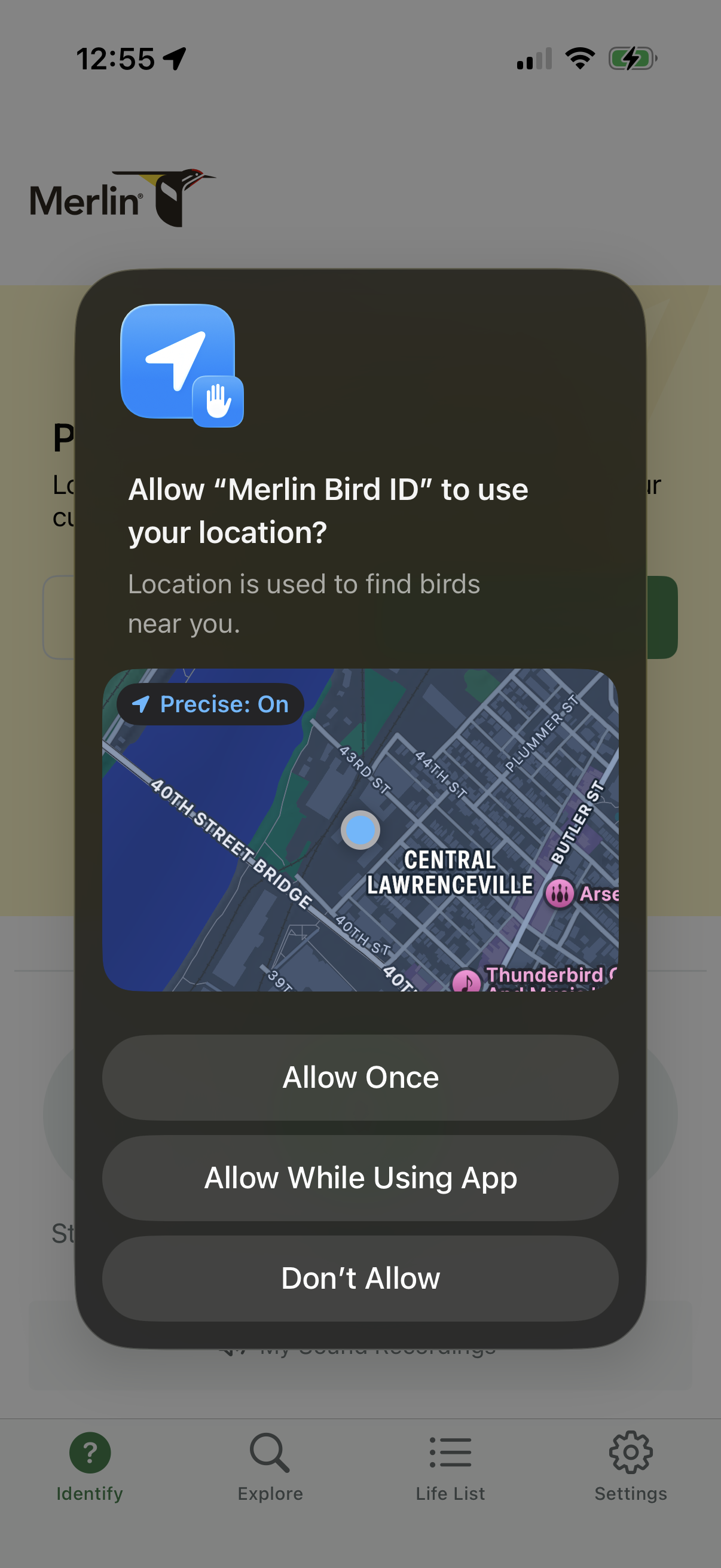
iOS system permission modal asking to allow the Merlin Bird ID app to access the user’s location to find nearby birds, with a map preview and precise location toggle. Primary actions are Allow Once, Allow While Using App, or Don’t Allow.

Bird identification home screen showing “Your bird of the day” with a large bird photo, species name, and a share button plus a live “listening now” count. Primary actions let users identify birds via step-by-step guide, record sound with a microphone button, or take/upload a photo, with a shortcut to view saved sound recordings and bottom navigation for Identify, Explore, Life List, and Settings.
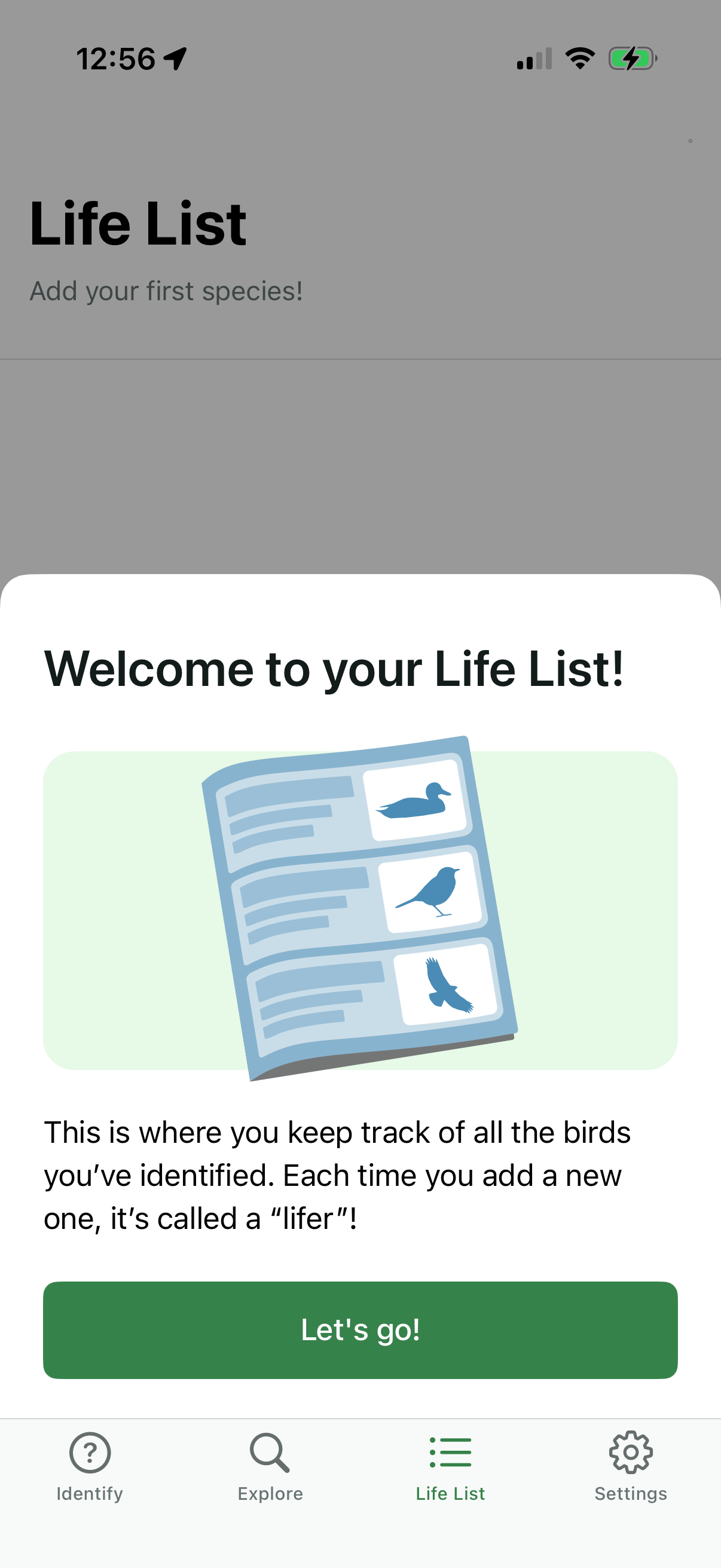
Onboarding welcome modal for a “Life List” feature in a bird identification app, explaining that the list tracks all identified birds and new additions are “lifers. ” Includes a primary “Let’s go!