Change Language

Bird identification home screen showing “Your bird of the day” with a large bird photo, species name, and a share button plus a live “listening now” count. Primary actions let users identify birds via step-by-step guide, record sound with a microphone button, or take/upload a photo, with a shortcut to view saved sound recordings and bottom navigation for Identify, Explore, Life List, and Settings.
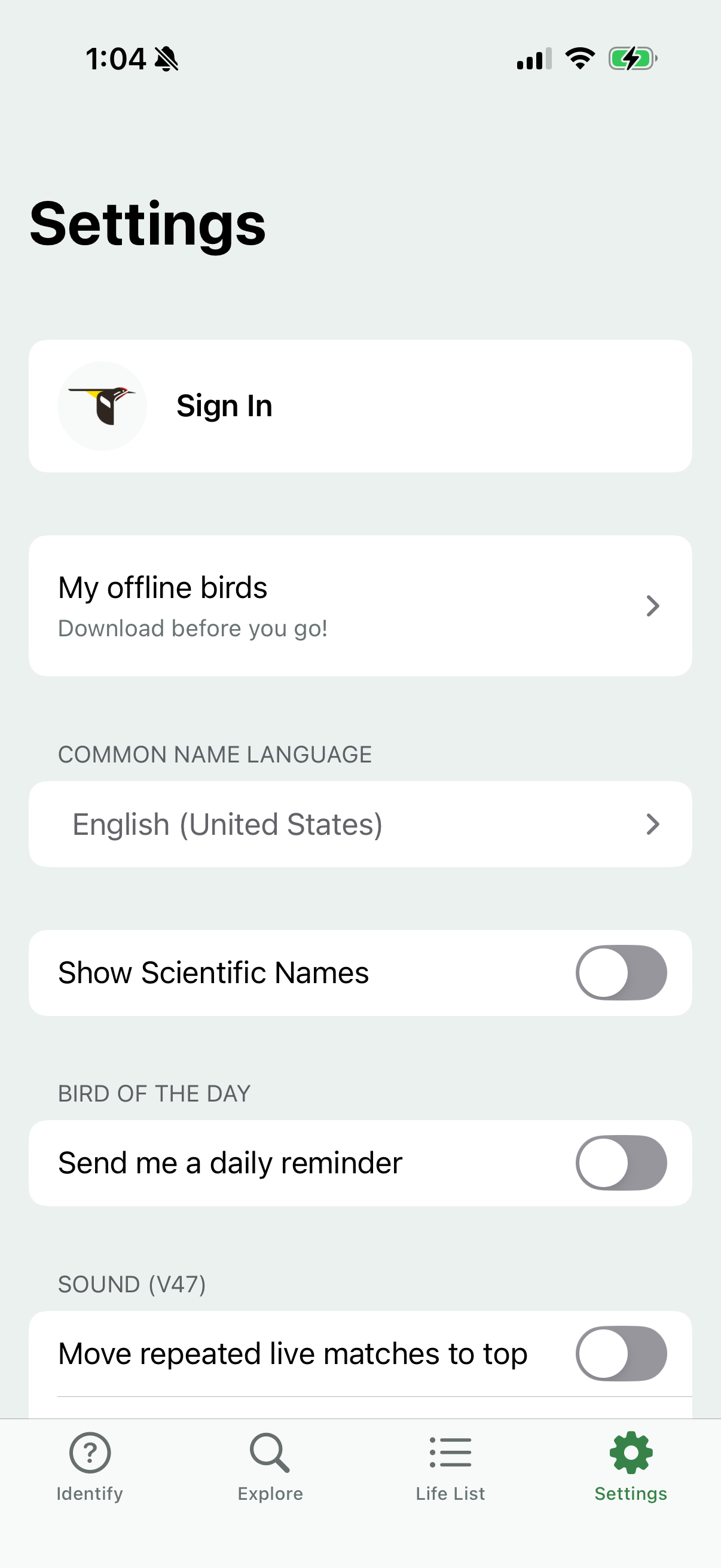
Settings screen for a bird identification app with options to sign in, manage offline downloads (“My offline birds”), and choose the common name language. Includes toggle switches for showing scientific names, enabling a “bird of the day” daily reminder, and sound-related preferences like prioritizing repeated live matches.
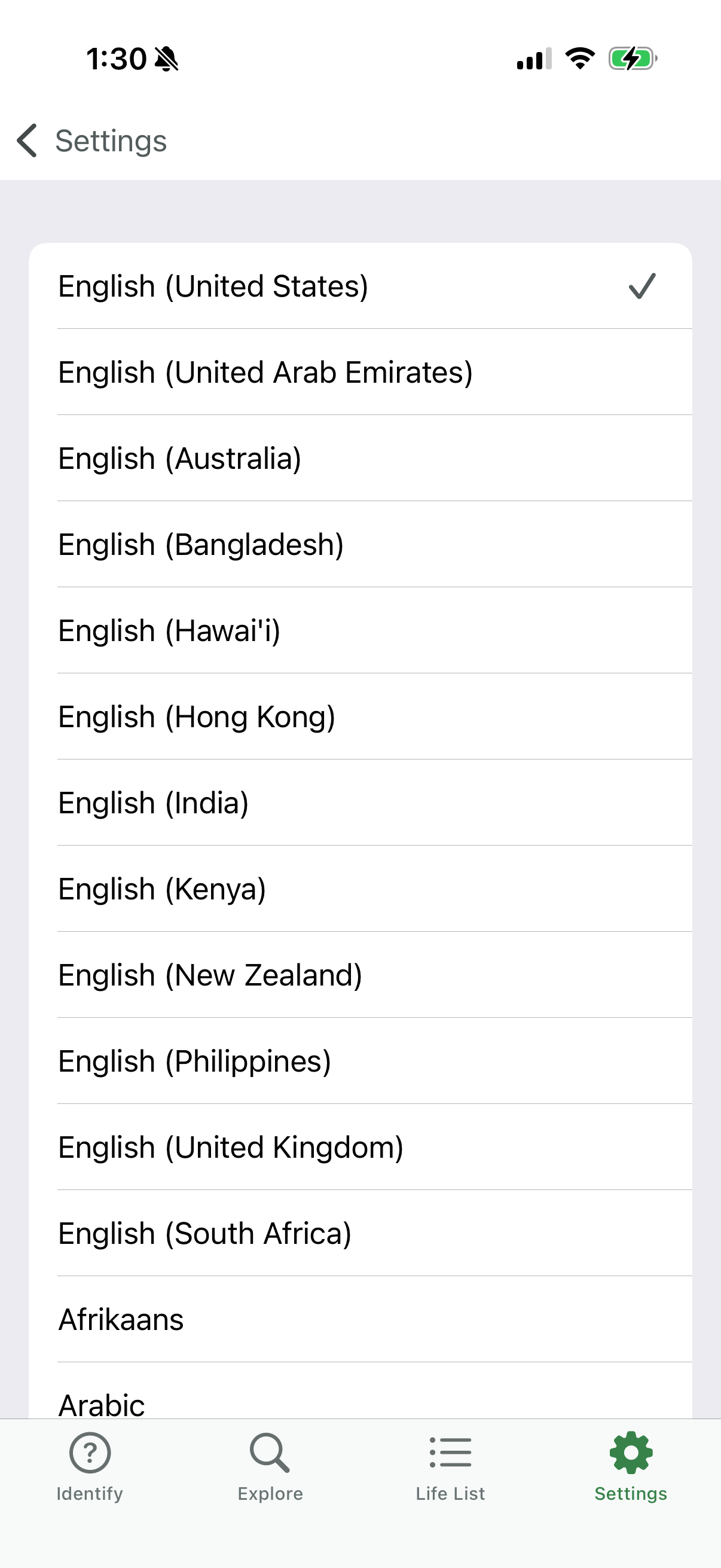
Settings screen for selecting the app language/locale, showing a scrollable list of languages and regional English variants with a checkmark indicating the current selection. Users can tap an option to change the language and use the back arrow to return to settings.