review monthly money movement
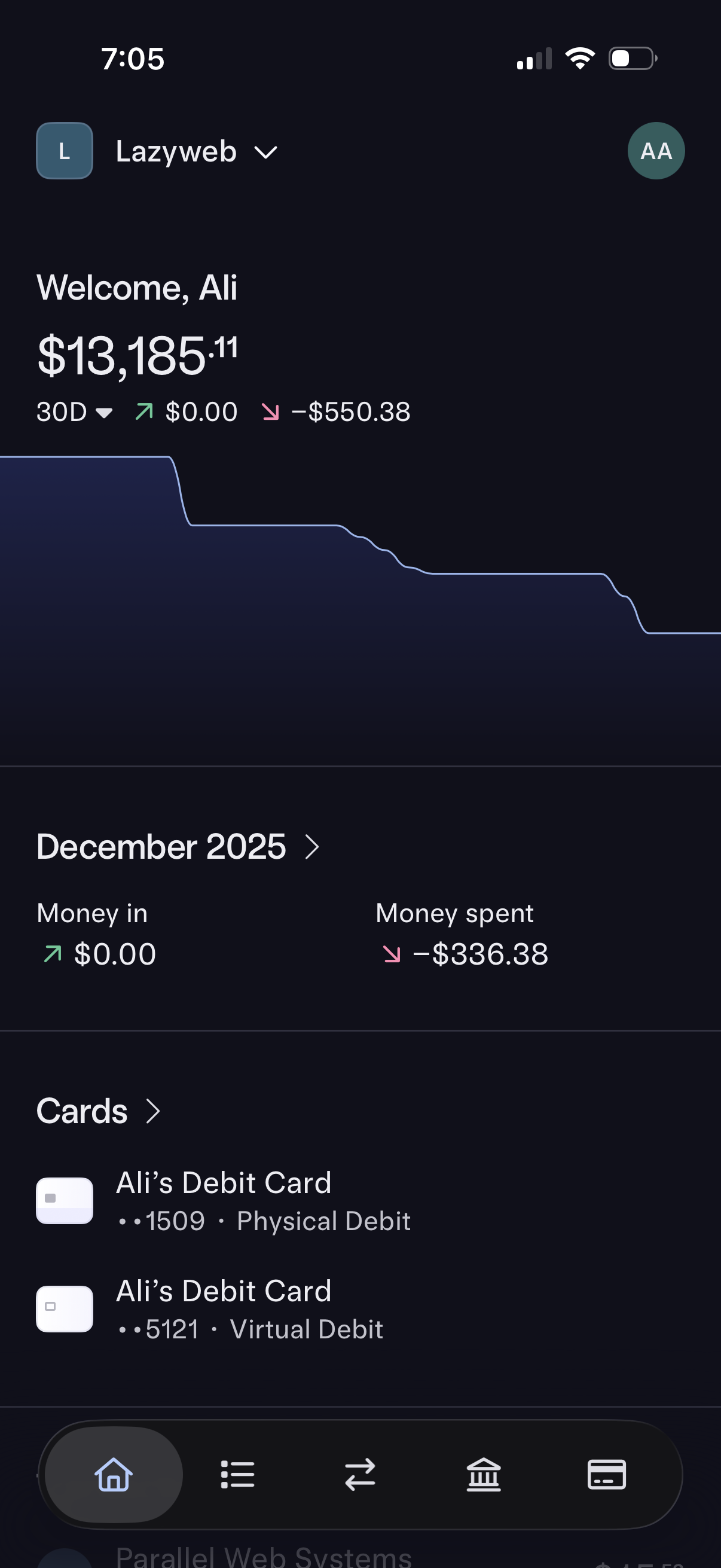
Banking app home dashboard showing current account balance with a 30-day spending trend graph and net change indicators. Includes a monthly summary for money in vs money spent and a Cards section listing physical and virtual debit cards with navigation to details.
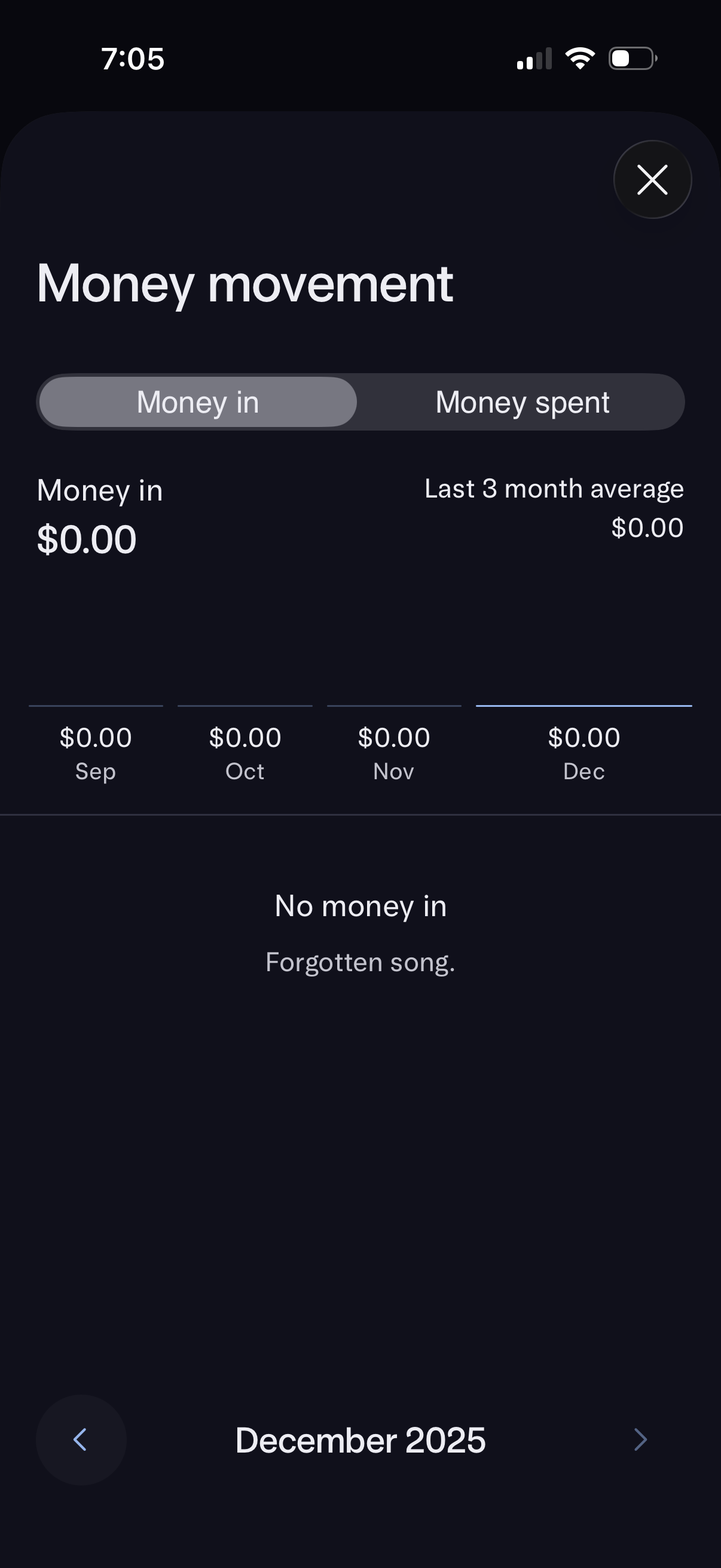
Money movement analytics screen showing a segmented control to toggle between Money in and Money spent, with totals and a last 3‑month average. Includes a monthly breakdown timeline and month navigation (previous/next) with an empty state indicating no income for the selected month.
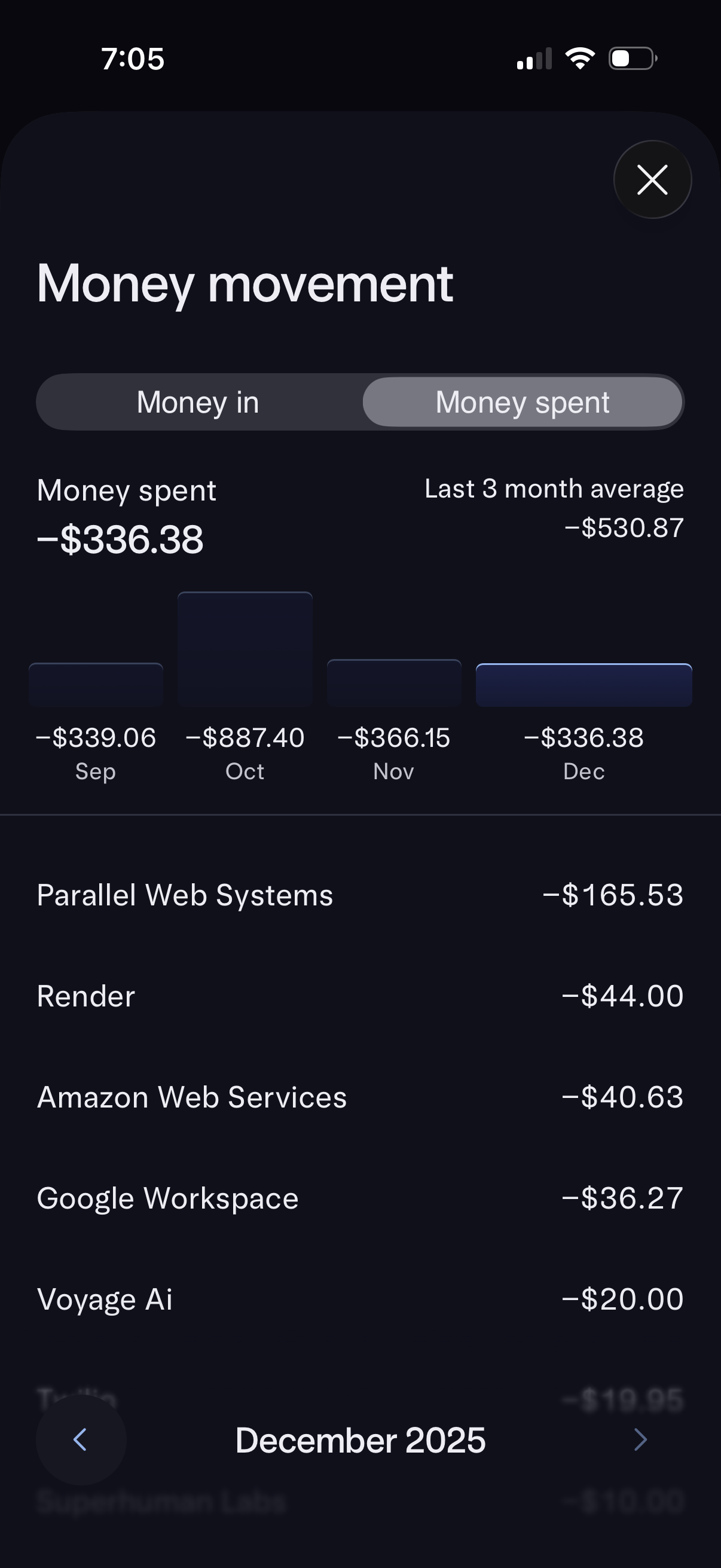
Personal finance “Money movement” analytics screen showing a segmented toggle for Money in vs Money spent, summary totals with a last 3‑month average, and a monthly bar chart. Below, it lists transaction merchants with negative amounts for the selected month and includes month navigation controls.