manage notification settings
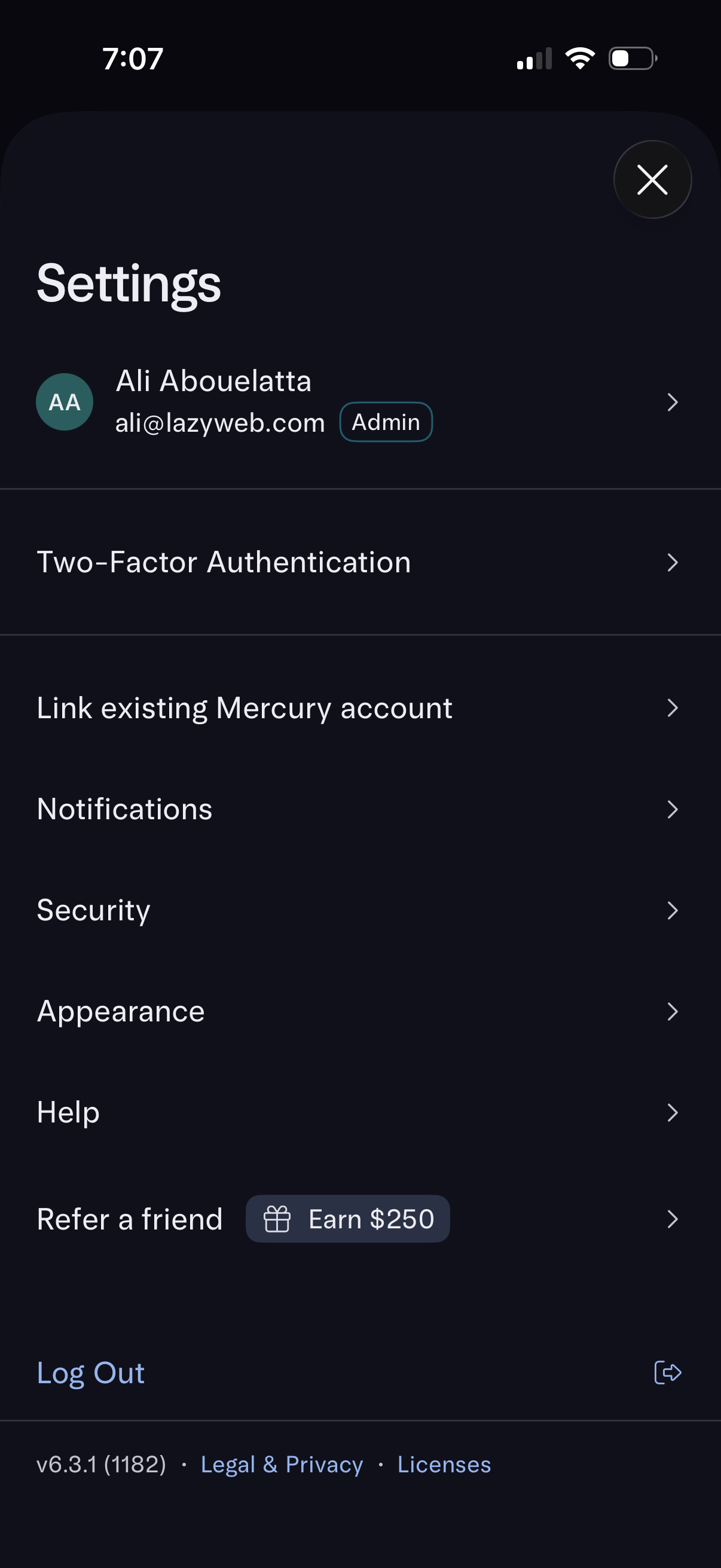
Account settings screen showing the signed-in user profile with admin badge and navigation to manage two-factor authentication, link an existing account, notifications, security, appearance, and help. Includes a refer-a-friend reward option, log out action, and links to legal/privacy and licenses.
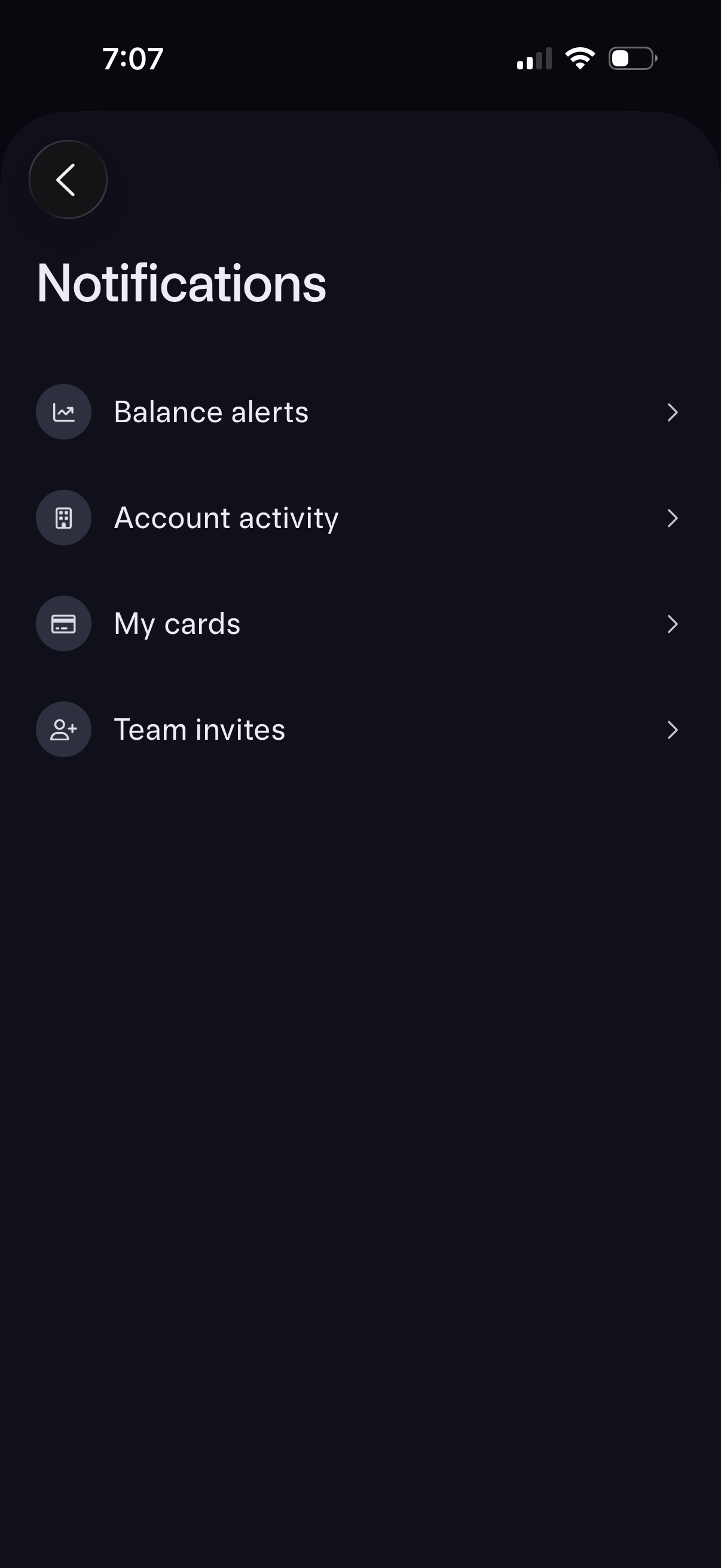
Notifications settings screen for a finance app, showing a list of notification categories that navigate to detailed preferences. Users can manage alerts for balance updates, account activity, card notifications, and team invite notifications, with a back button to return.
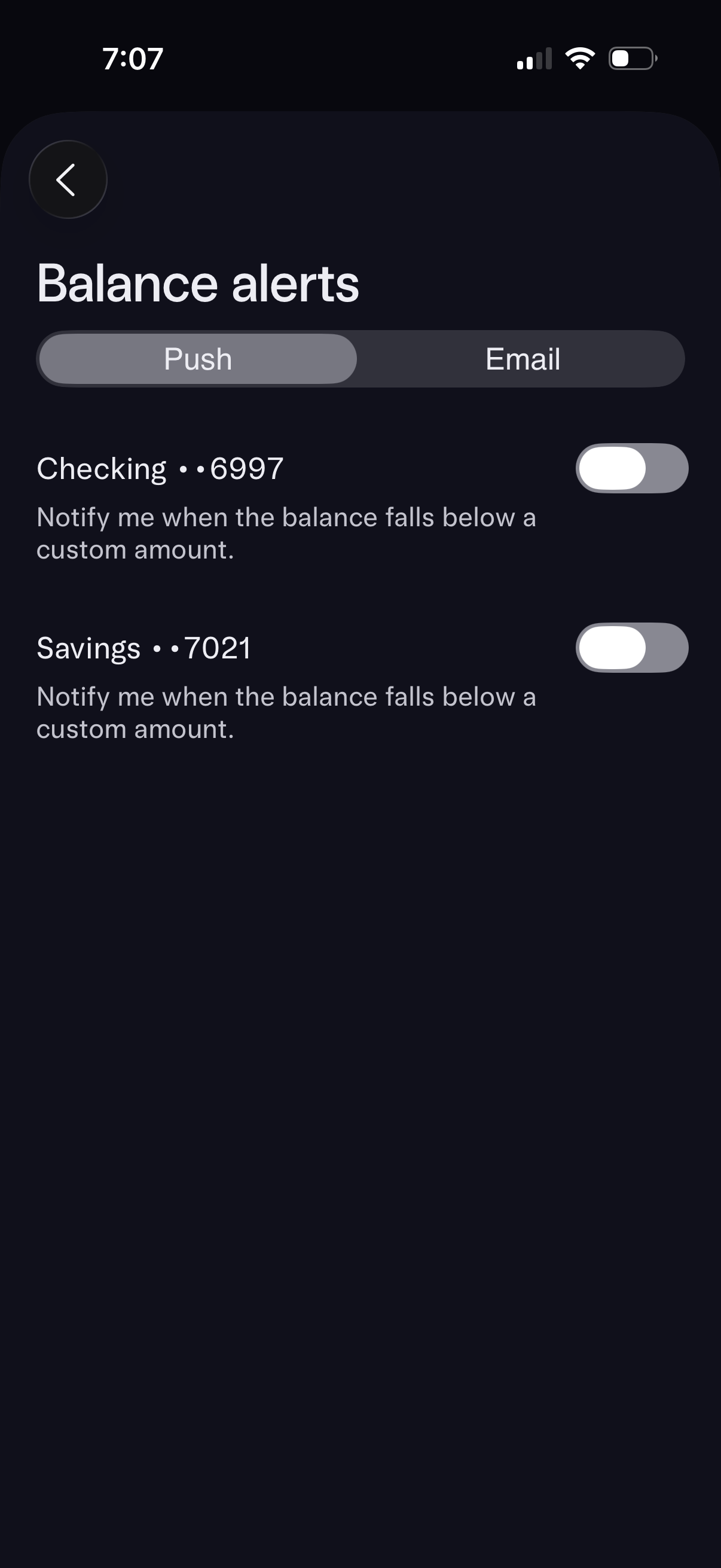
Banking app balance alerts settings screen with a segmented control to choose Push or Email notifications. Users can enable low-balance alerts per account (e.
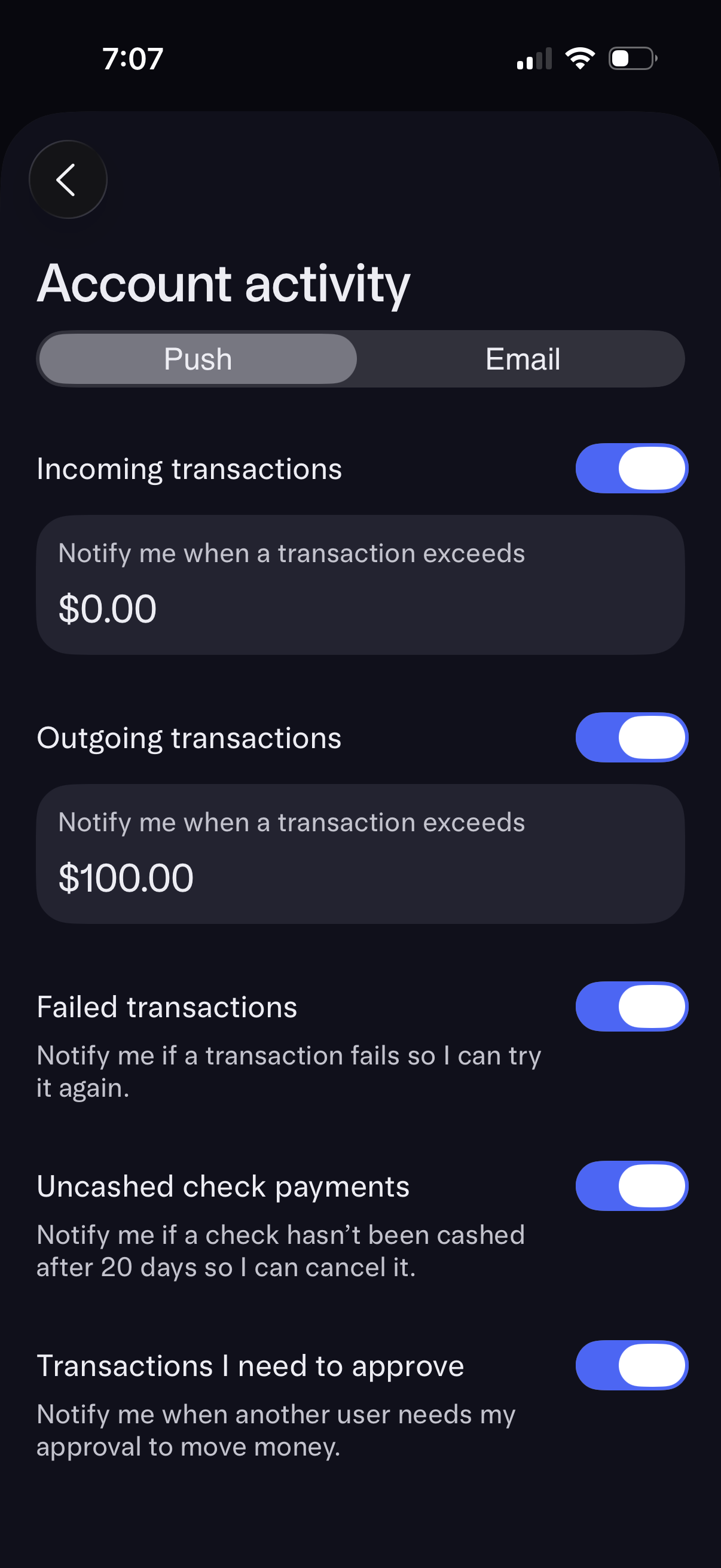
Account activity notification settings screen with a segmented control to choose Push or Email alerts. Users can toggle notifications for incoming/outgoing transactions (with customizable amount thresholds) plus failed transactions, uncased check payments reminders, and transactions that require approval.
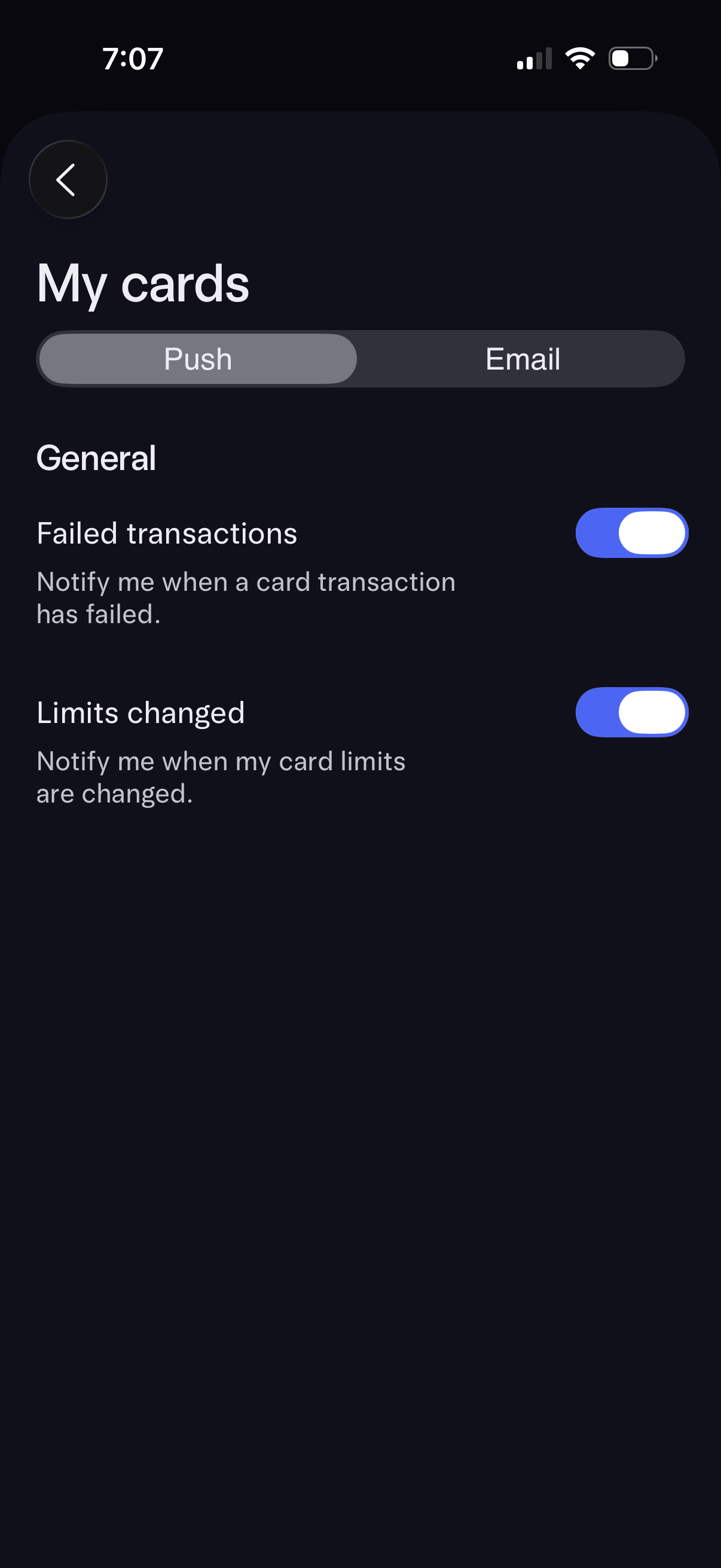
Card notification settings screen for “My cards” with a segmented control to choose Push or Email alerts. Users can toggle general notification types such as failed card transactions and card limit changes.
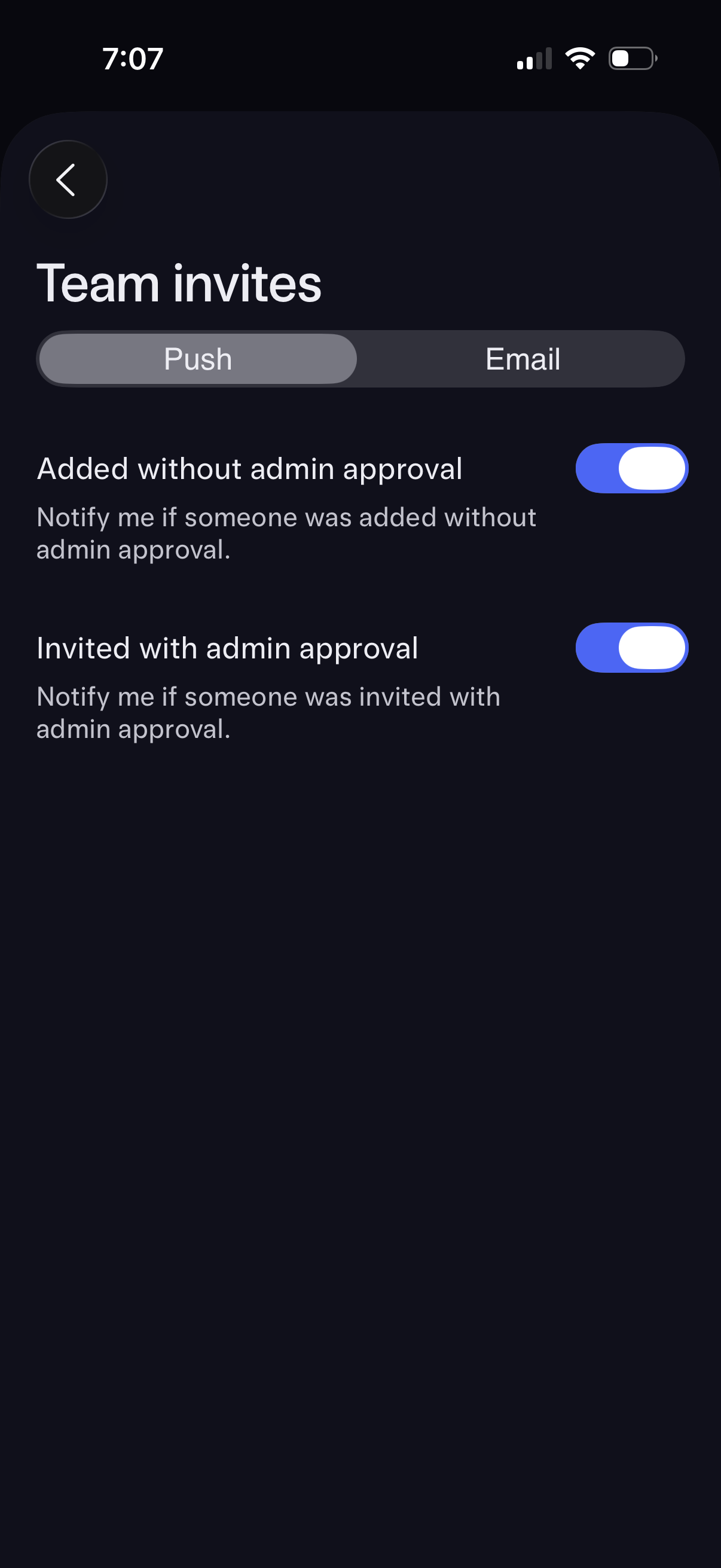
Team invite notification settings screen with a segmented control to choose Push or Email alerts. Users can toggle notifications for members added without admin approval and invites sent with admin approval, with a back button for navigation.