manage security settings
1
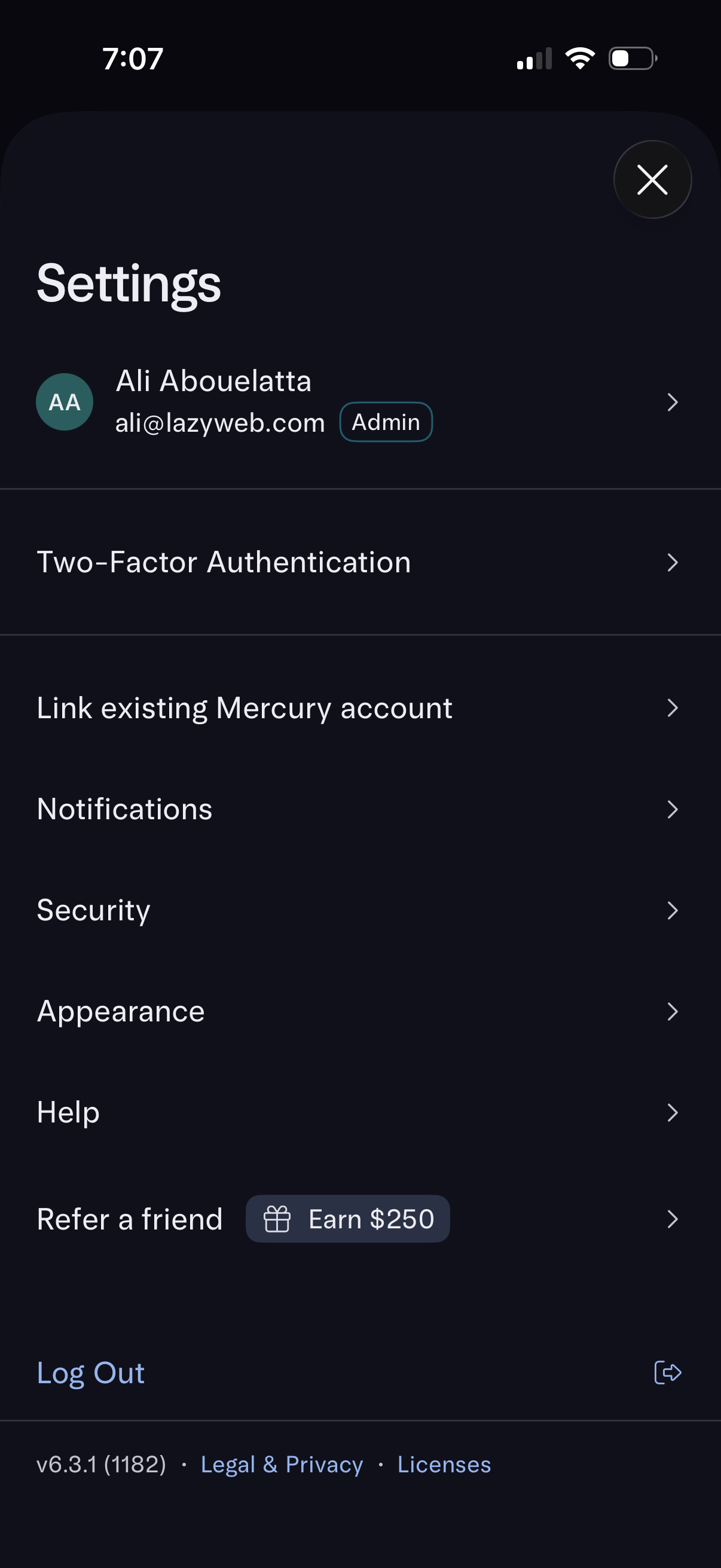
Account settings screen showing the signed-in user profile with admin badge and navigation to manage two-factor authentication, link an existing account, notifications, security, appearance, and help. Includes a refer-a-friend reward option, log out action, and links to legal/privacy and licenses.
2
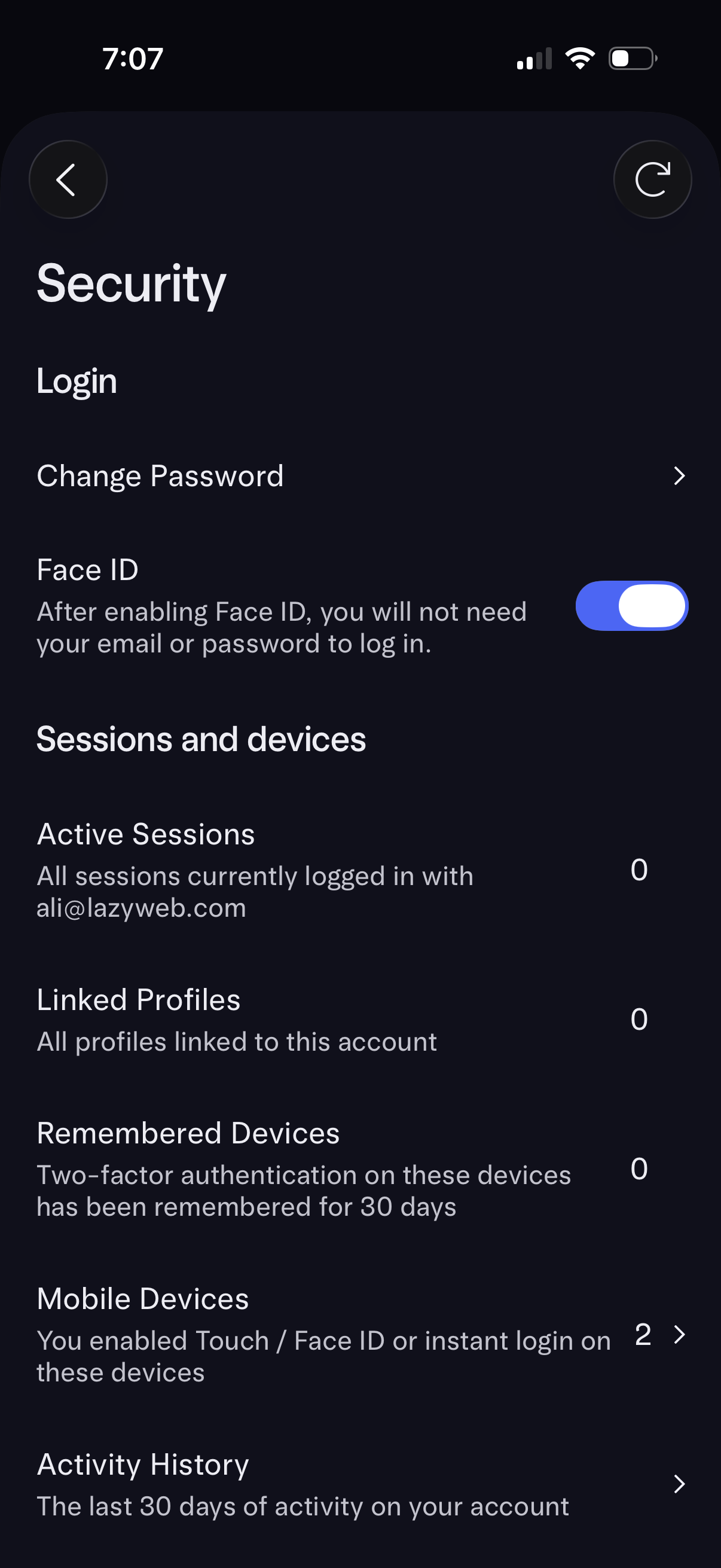
Security settings screen for account login management, offering change password and a Face ID toggle for passwordless sign-in. Includes sessions and devices management with counts for active sessions, linked profiles, remembered 2FA devices, mobile devices with biometric/instant login, and a link to view recent account activity history.