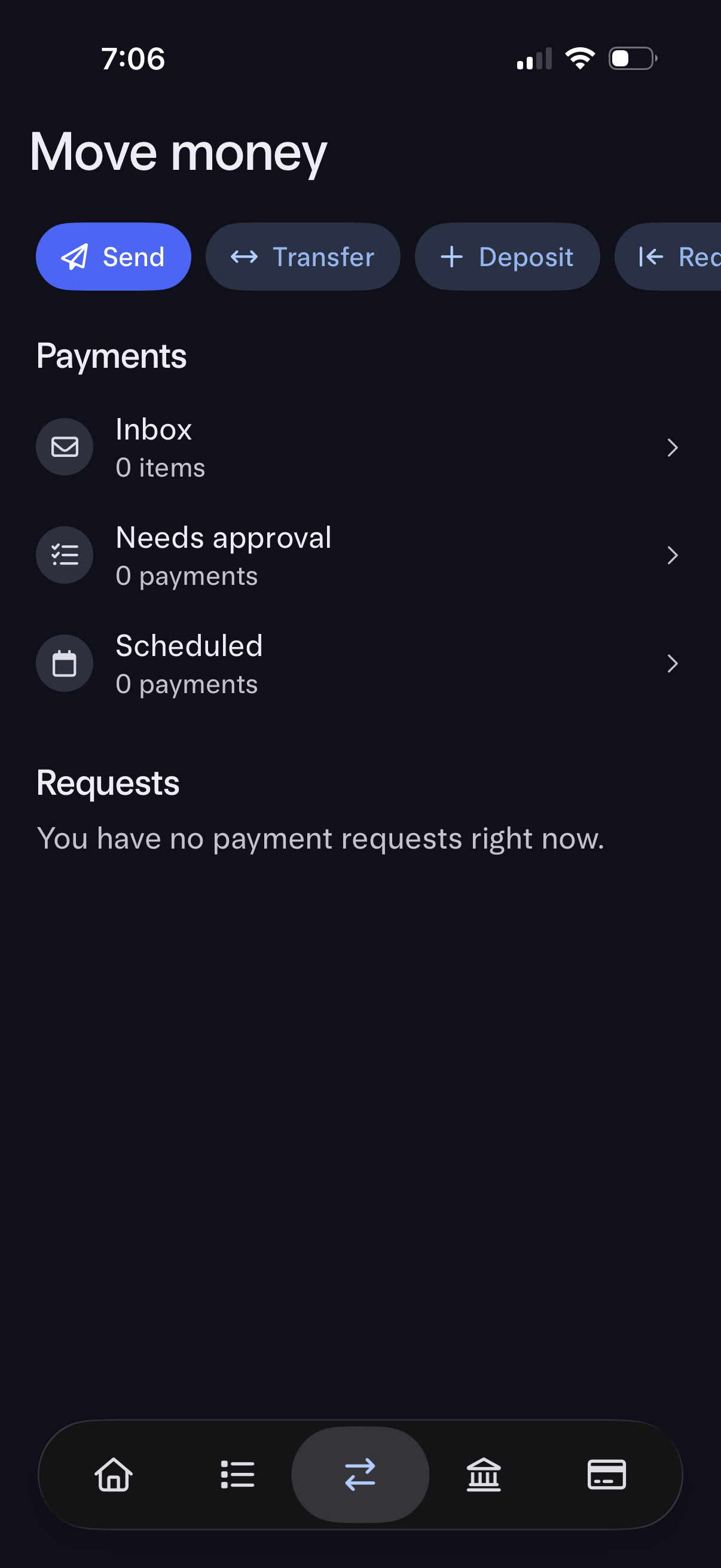
Money movement hub screen in a banking app with quick actions to Send, Transfer, Deposit, and Receive funds. Below, it lists Payments sections (Inbox, Needs approval, Scheduled) and a Requests area showing current payment requests status, with navigation into each list.
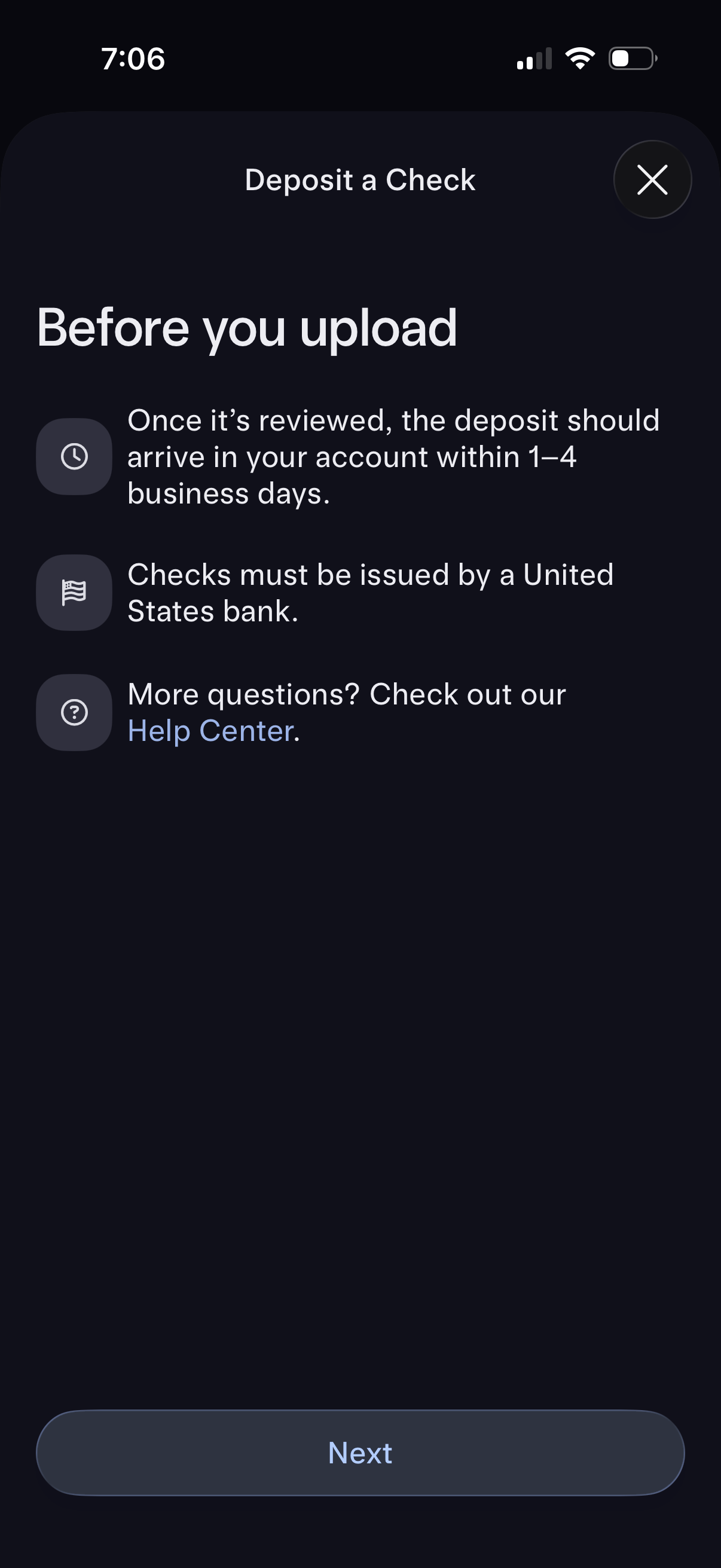
Mobile banking “Deposit a Check” pre-upload info screen outlining deposit processing time (1–4 business days), eligibility requirements (must be issued by a U. S.
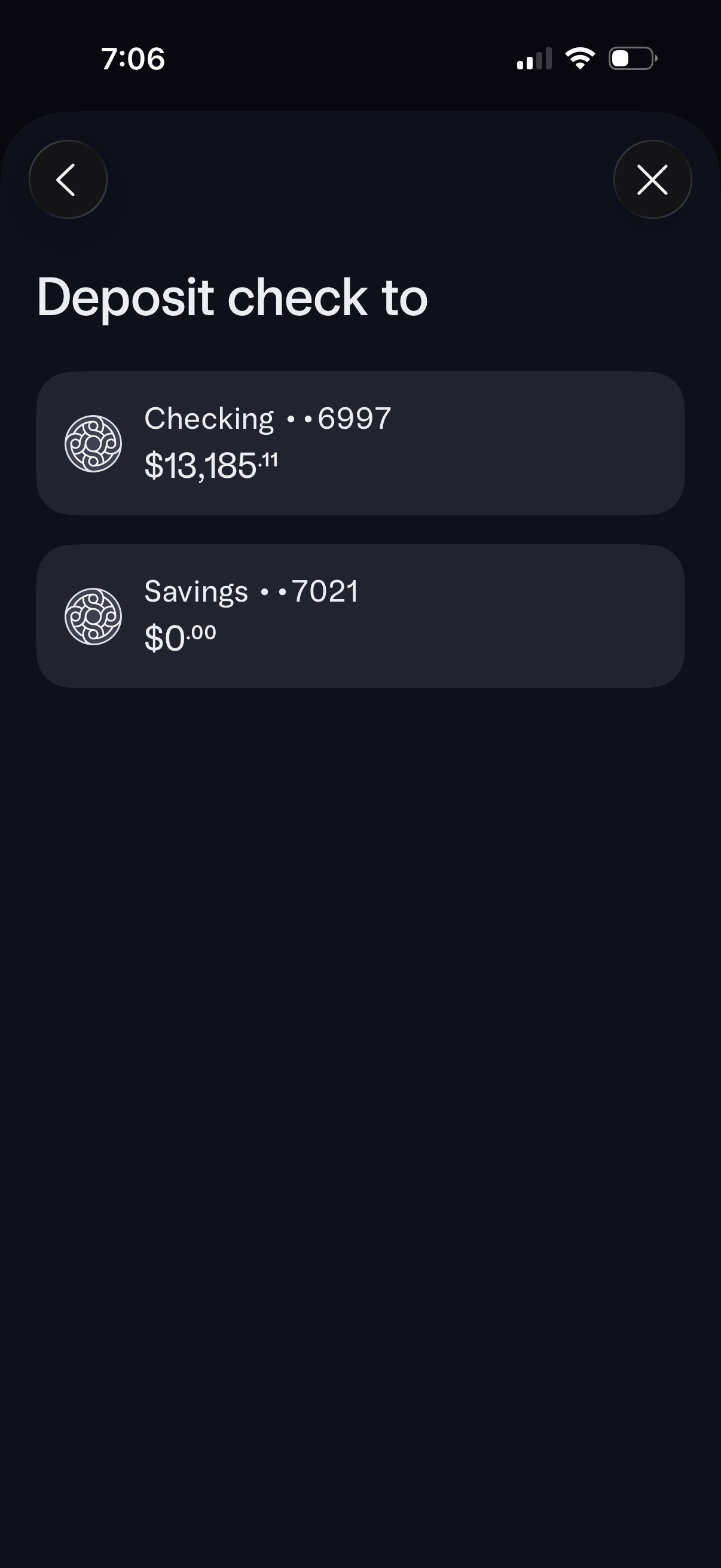
Mobile banking screen for depositing a check that prompts the user to choose a destination account. Displays selectable account cards (e.
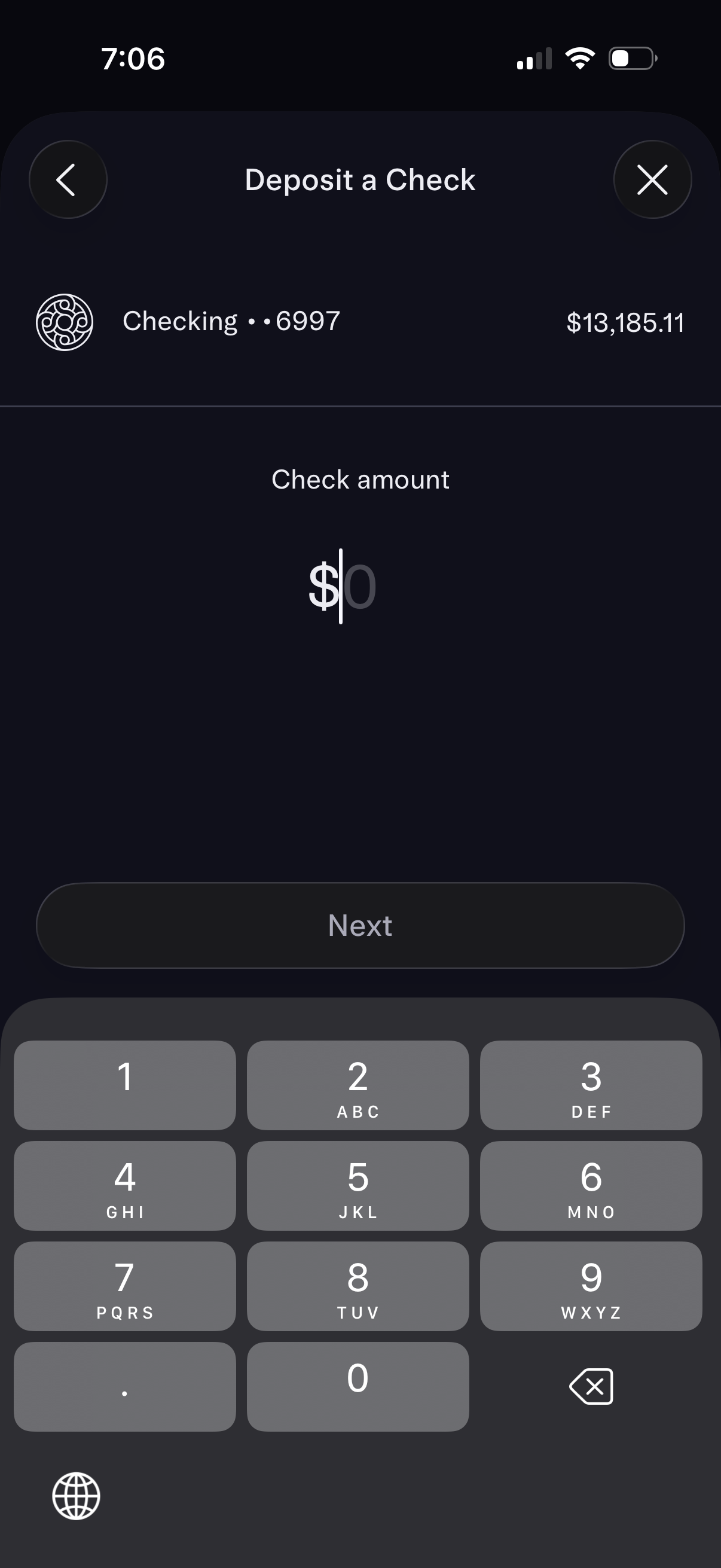
Mobile banking “Deposit a Check” screen showing the selected checking account and current balance, prompting the user to enter the check amount with a currency input field. Includes back/close controls and a disabled “Next” button that becomes available after entering an amount.
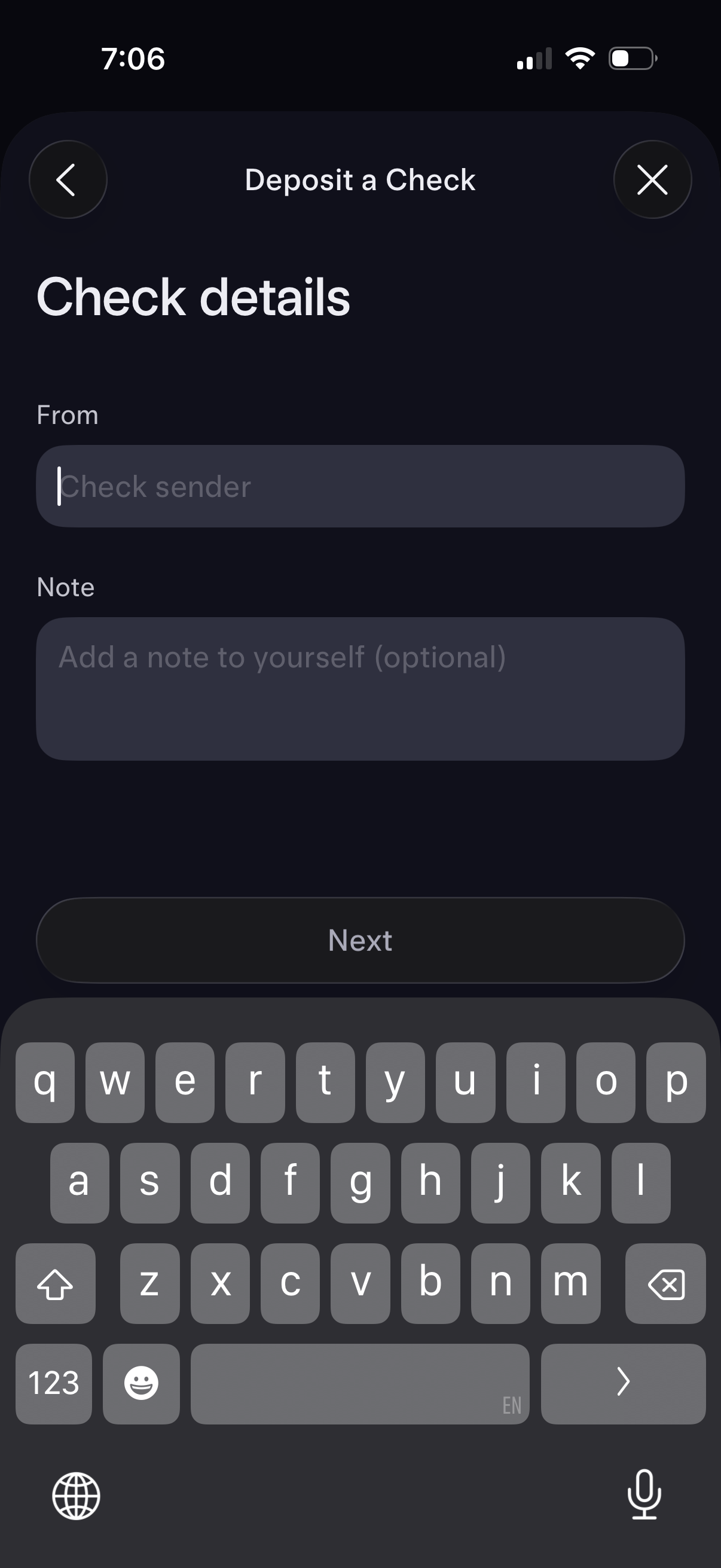
Mobile banking “Deposit a Check” form screen for entering check details, including a required “From” field for the check sender and an optional note to yourself. Provides back/close navigation and a primary “Next” button to continue the deposit flow.