1
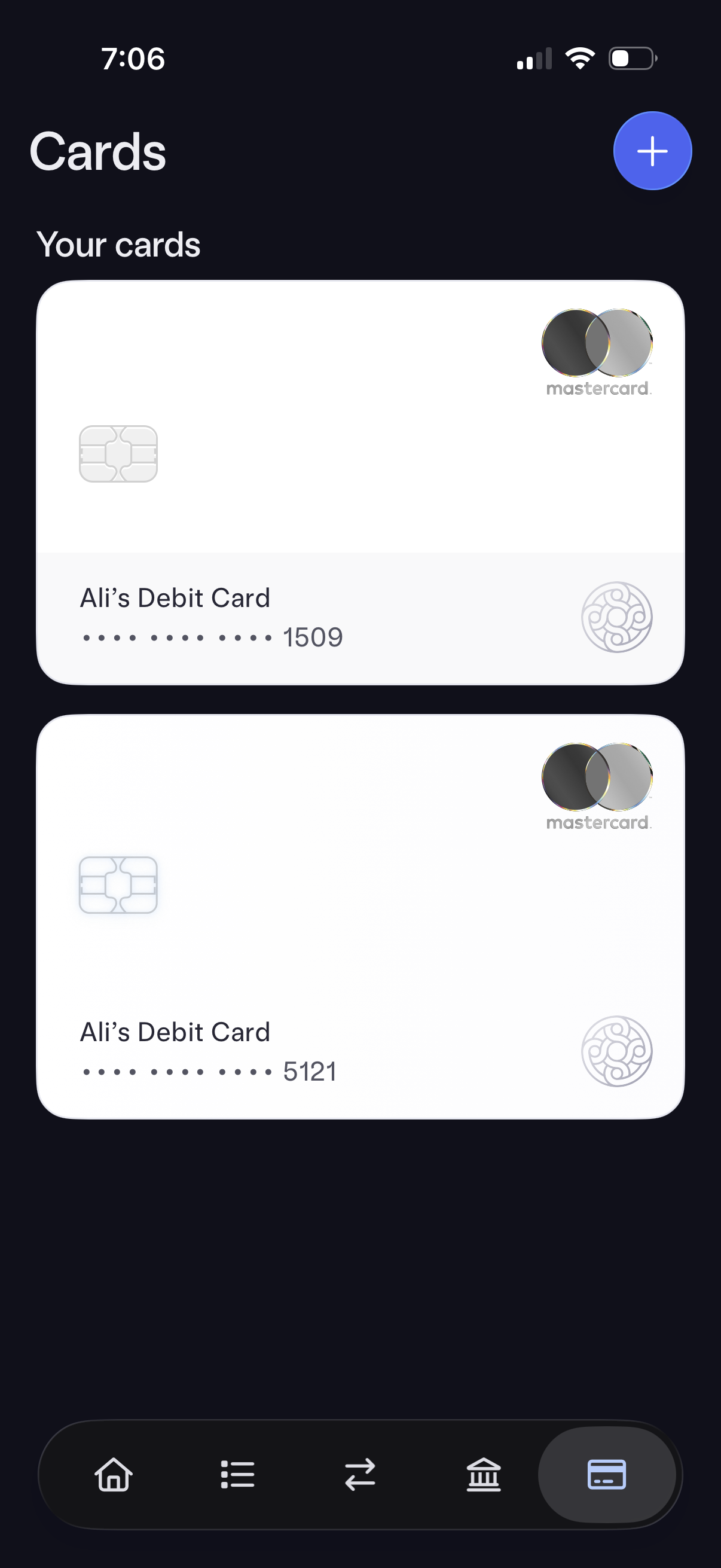
Mobile banking “Cards” screen showing a list of the user’s debit cards as large card previews with masked card numbers and card brand. Includes a prominent plus button to add a new card and bottom tab navigation for switching sections.
2
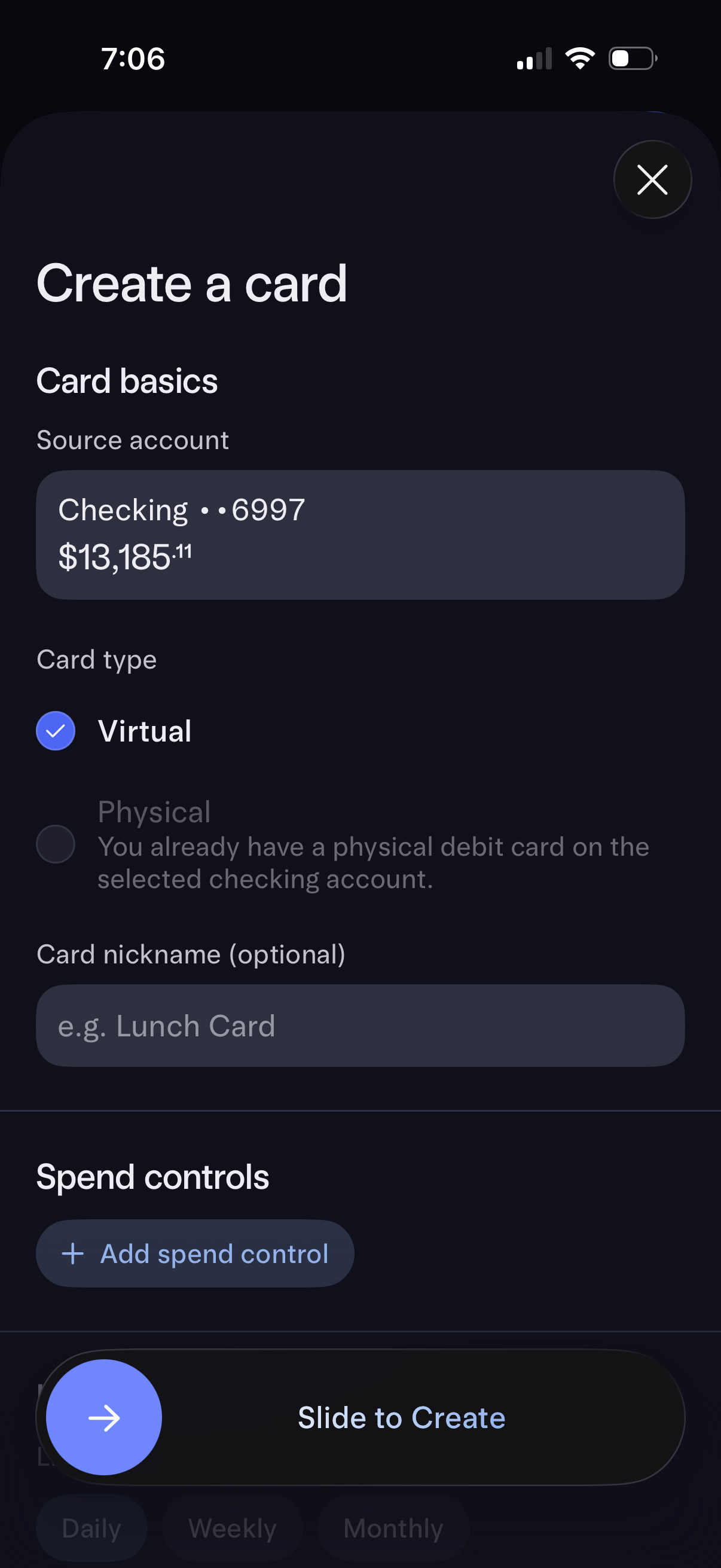
Banking app “Create a card” setup screen where users choose a source checking account, select card type (virtual vs physical, with physical disabled if already owned), and optionally add a card nickname. Includes spend controls with an option to add a spend control and a “Slide to Create” confirmation to generate the new card.