browse transactions and open
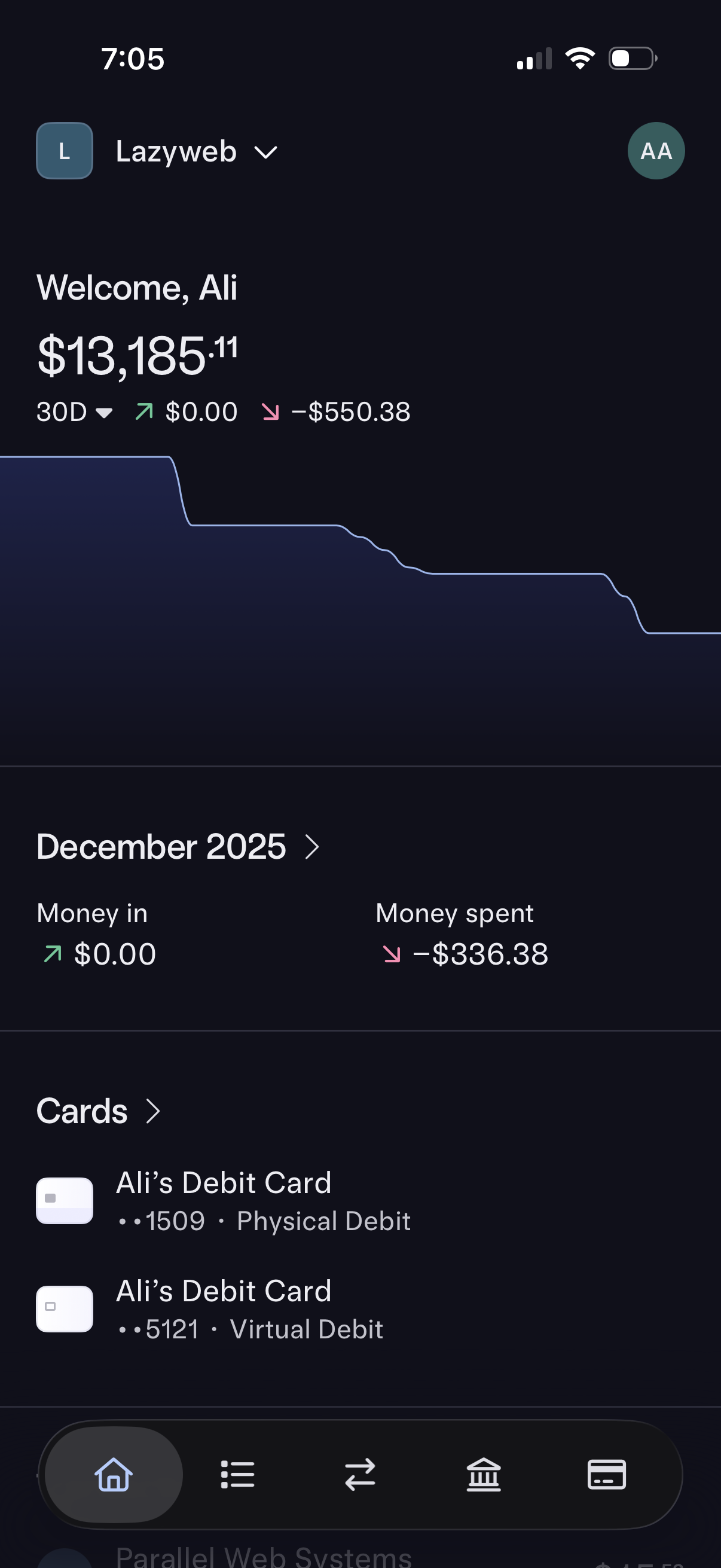
Banking app home dashboard showing current account balance with a 30-day spending trend graph and net change indicators. Includes a monthly summary for money in vs money spent and a Cards section listing physical and virtual debit cards with navigation to details.
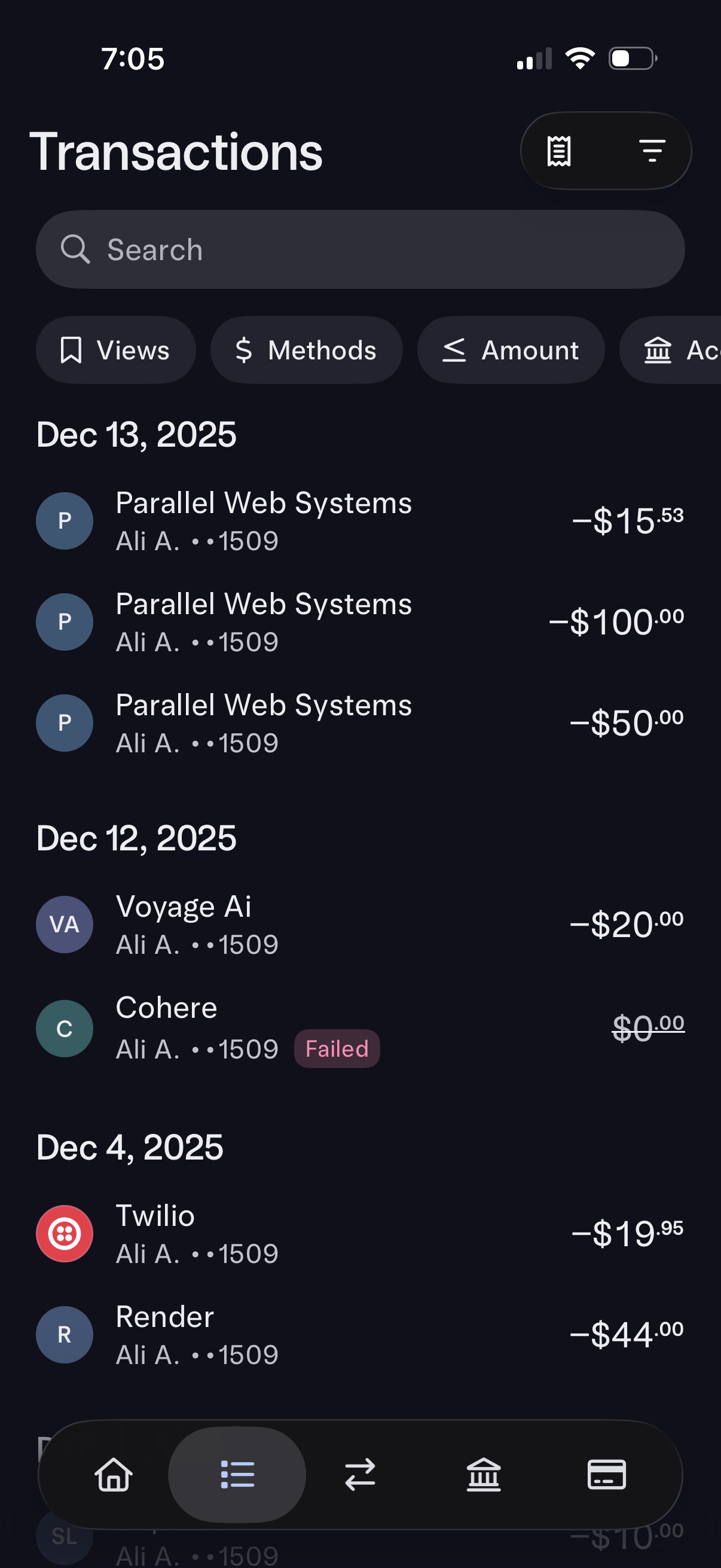
Banking app transactions history screen showing a chronological list of card payments grouped by date with merchant names, account suffix, and debit amounts, including a failed transaction status indicator. Includes a search bar plus filter chips for views, payment methods, amount, and account, with options to export/download or adjust filters.
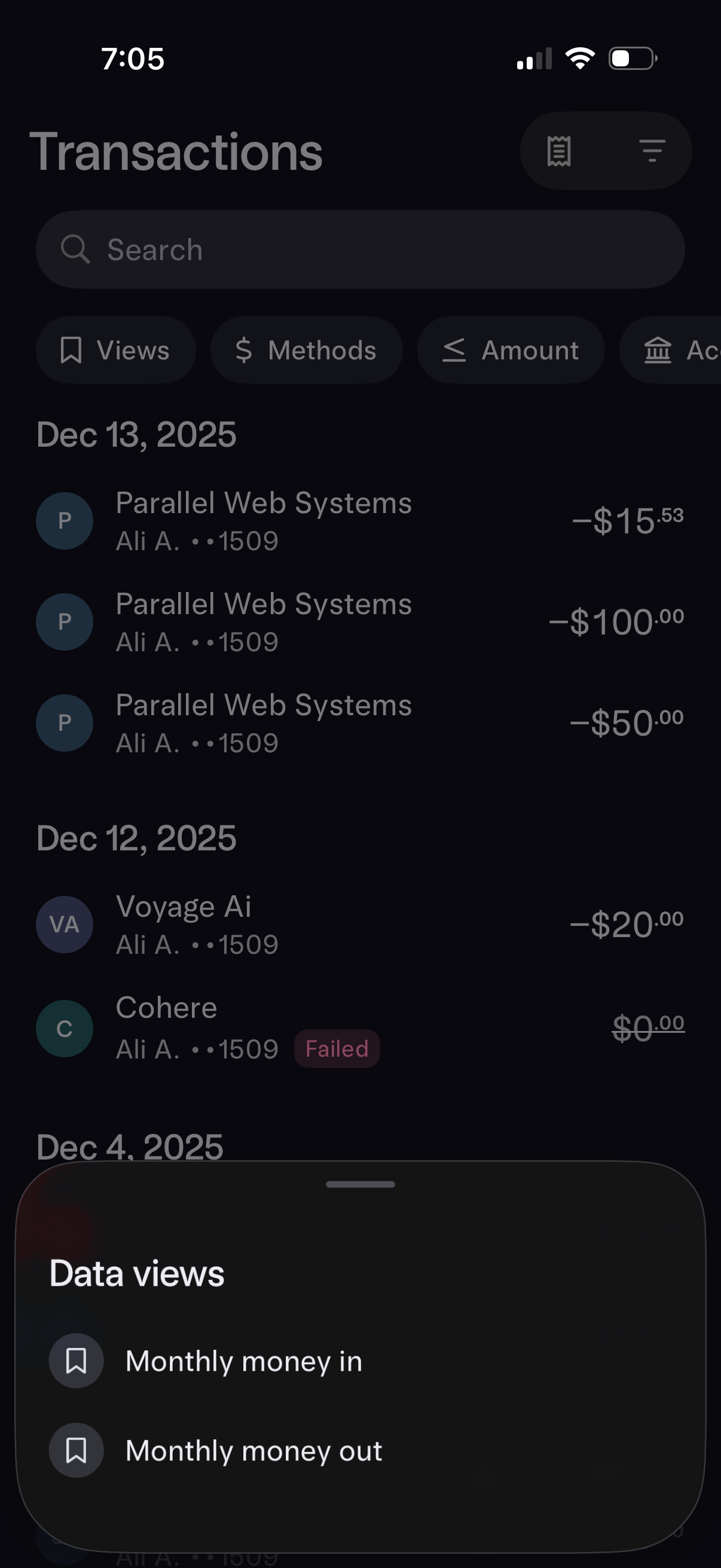
Finance app transactions list screen showing recent card purchases grouped by date with merchant names, account info, amounts, and status (including a failed payment), plus a search bar and filter chips for views, payment methods, and amount. A bottom sheet titled “Data views” lets users switch to preset analytics like monthly money in or monthly money out.
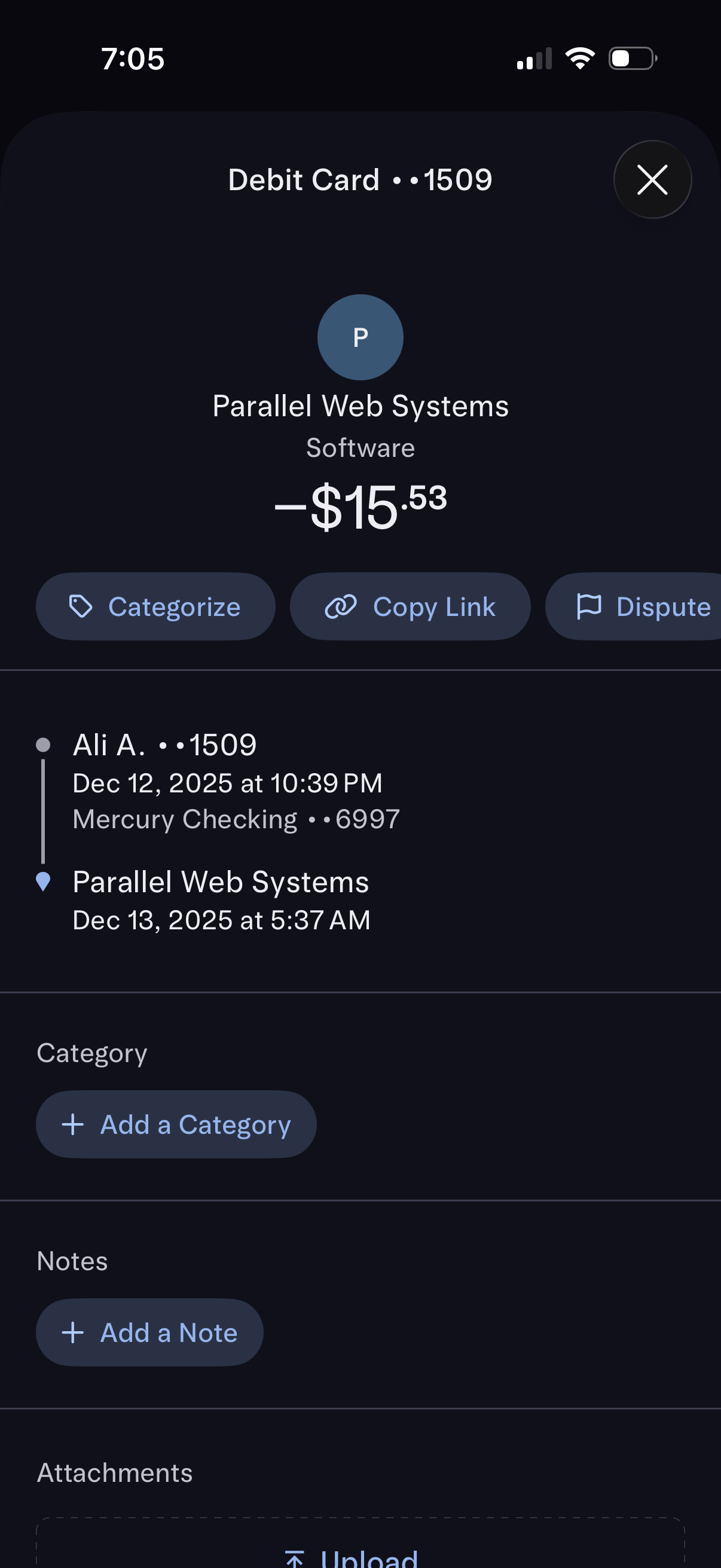
Transaction details screen for a debit card purchase showing merchant name, category, amount, and a timeline of pending/posted status with date and linked account. Primary actions include categorize the transaction, copy a shareable link, dispute the charge, and add a category, notes, or attachments.