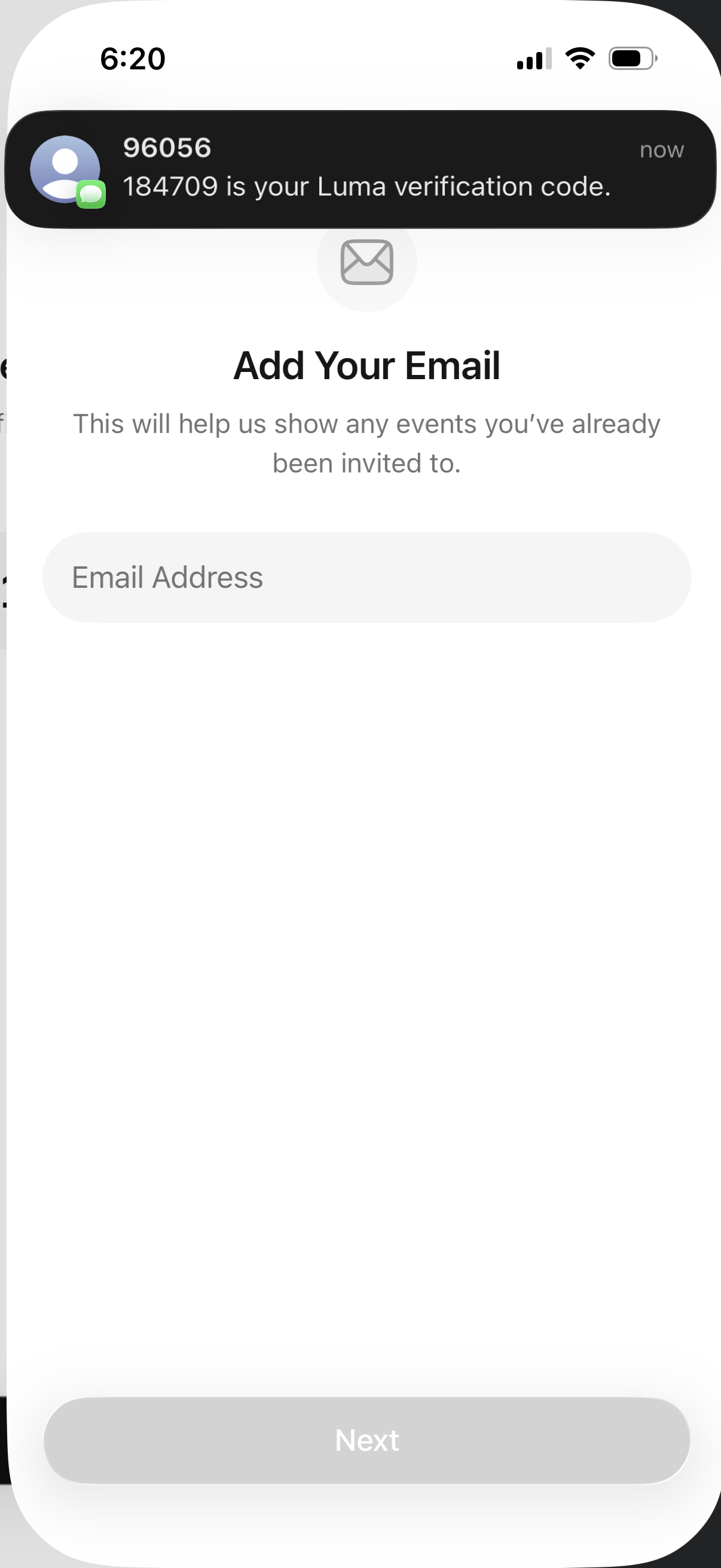
Email capture onboarding screen prompting the user to add an email address to find previously invited events, with a single email input field and a disabled “Next” button until an email is entered.
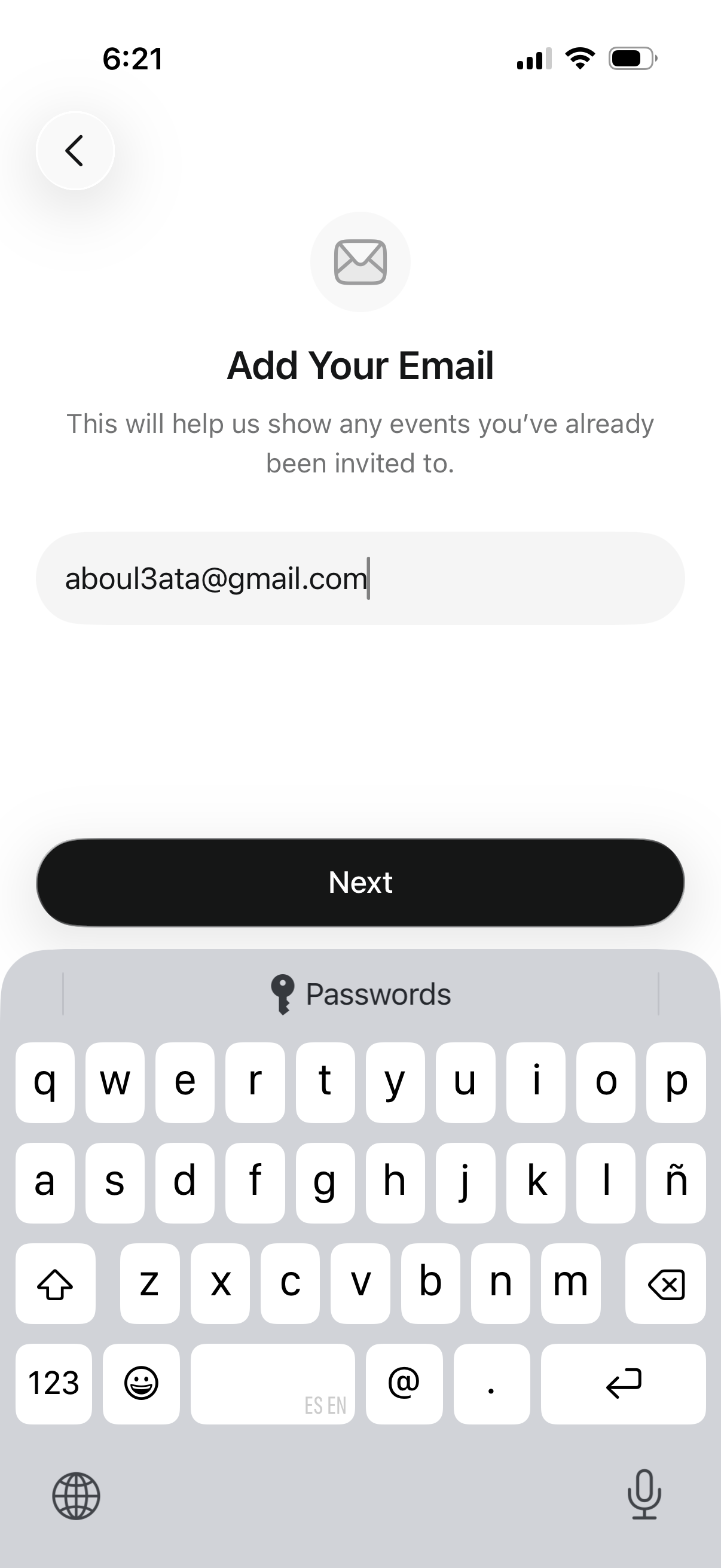
Onboarding/profile setup screen prompting the user to add their email address to sync and show event invitations, with a single email input field and a primary “Next” button to continue. Includes a back navigation control for returning to the previous step.
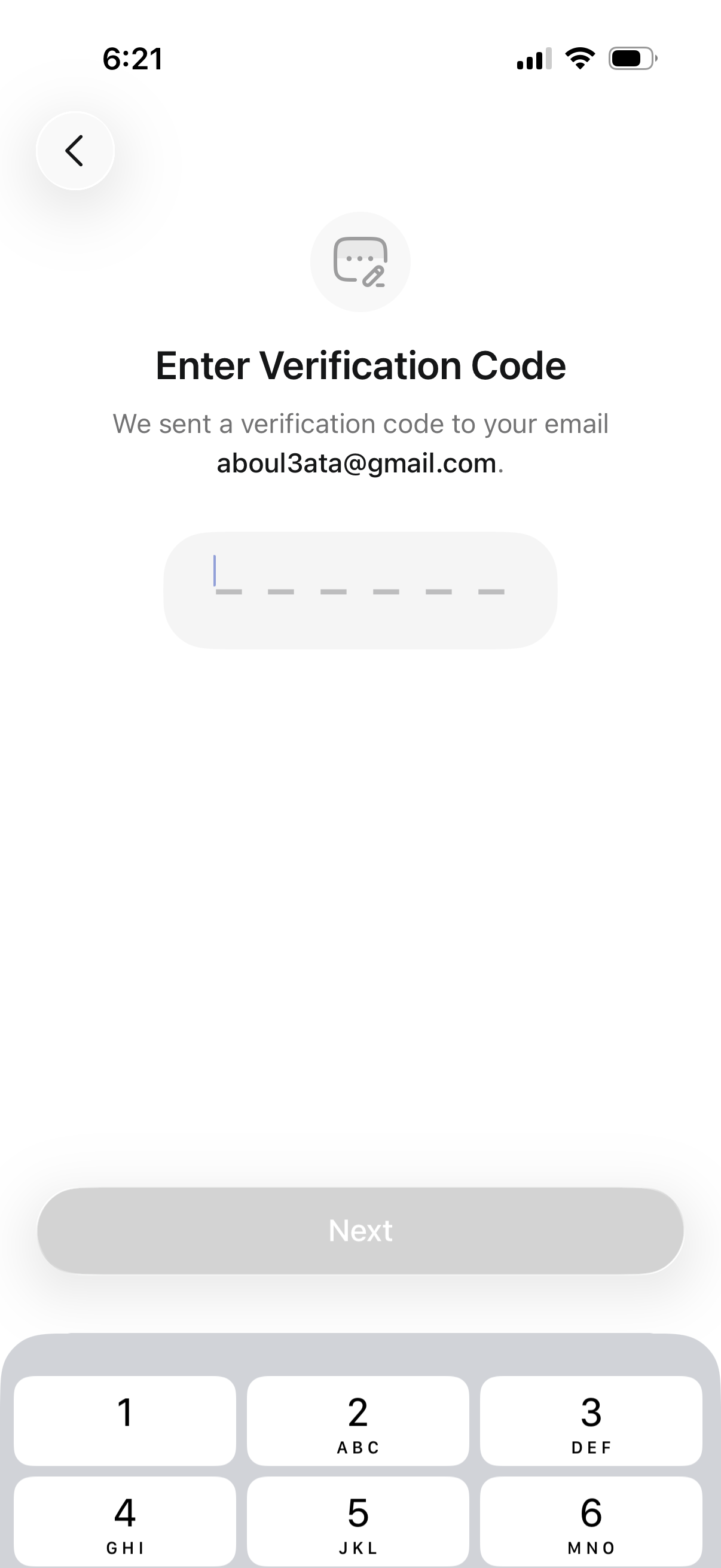
Email verification OTP screen prompting the user to enter a multi-digit verification code sent to their email address, with a code input field and a disabled “Next” button that activates after entry. Includes a back arrow for navigation and numeric keypad for code entry as part of account signup/login verification.
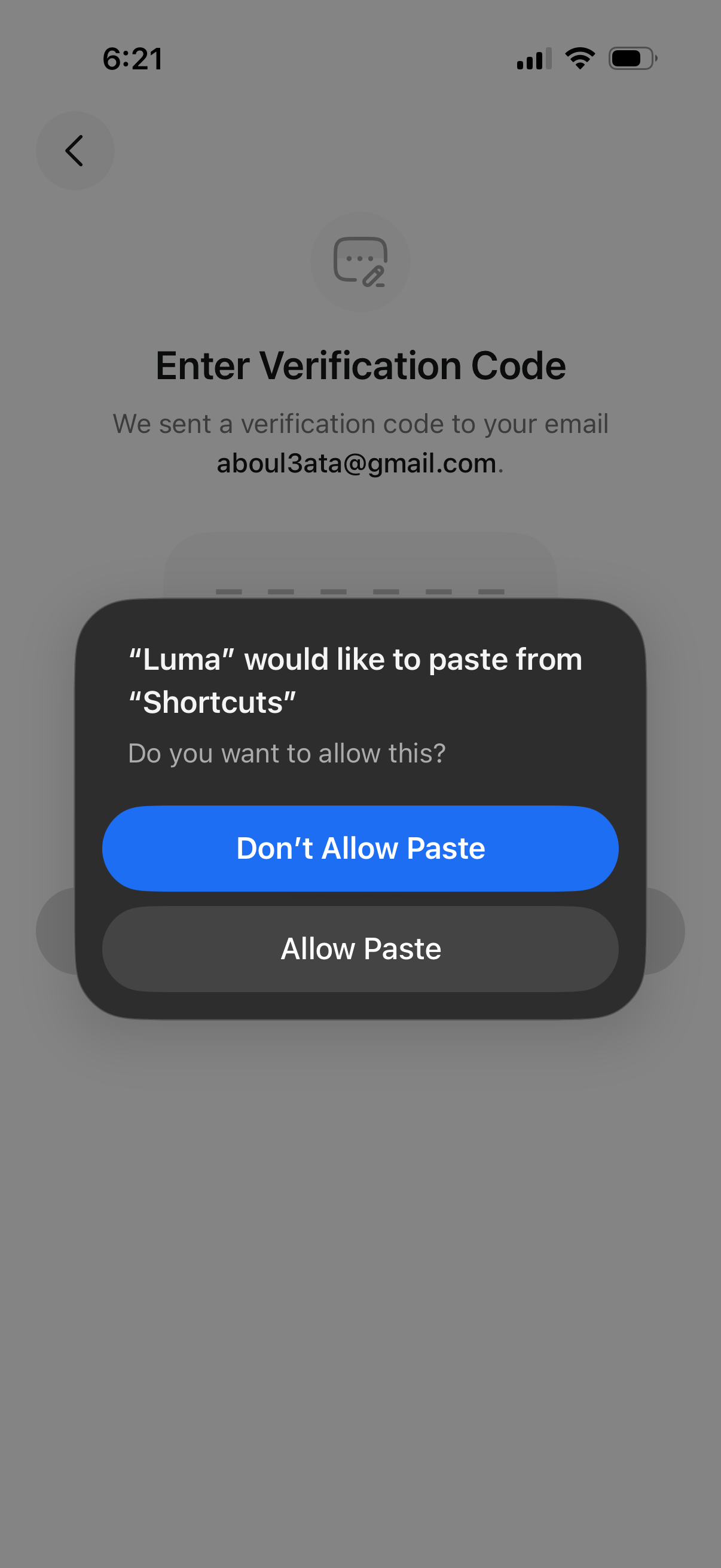
Email verification screen prompting the user to enter a one-time verification code sent to their email address, with a back navigation option. An iOS system permission modal overlays the screen asking whether to allow the app to paste from Shortcuts, offering “Allow Paste” and “Don’t Allow Paste” actions.