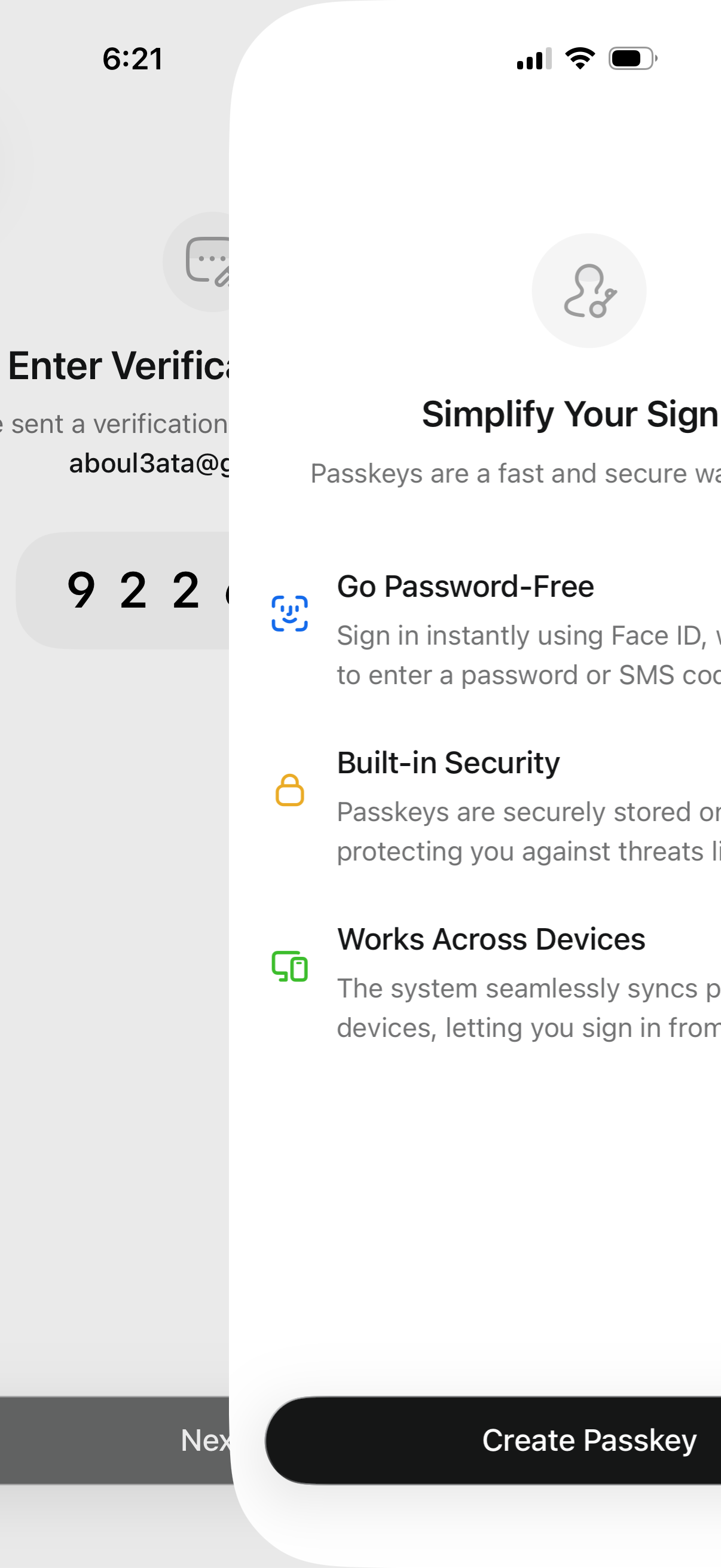
A sign-in security upsell screen introducing passkeys to simplify login, highlighting benefits like password-free authentication with Face ID, built-in security, and syncing across devices. Primary CTA button at the bottom lets the user create a passkey during the authentication flow.
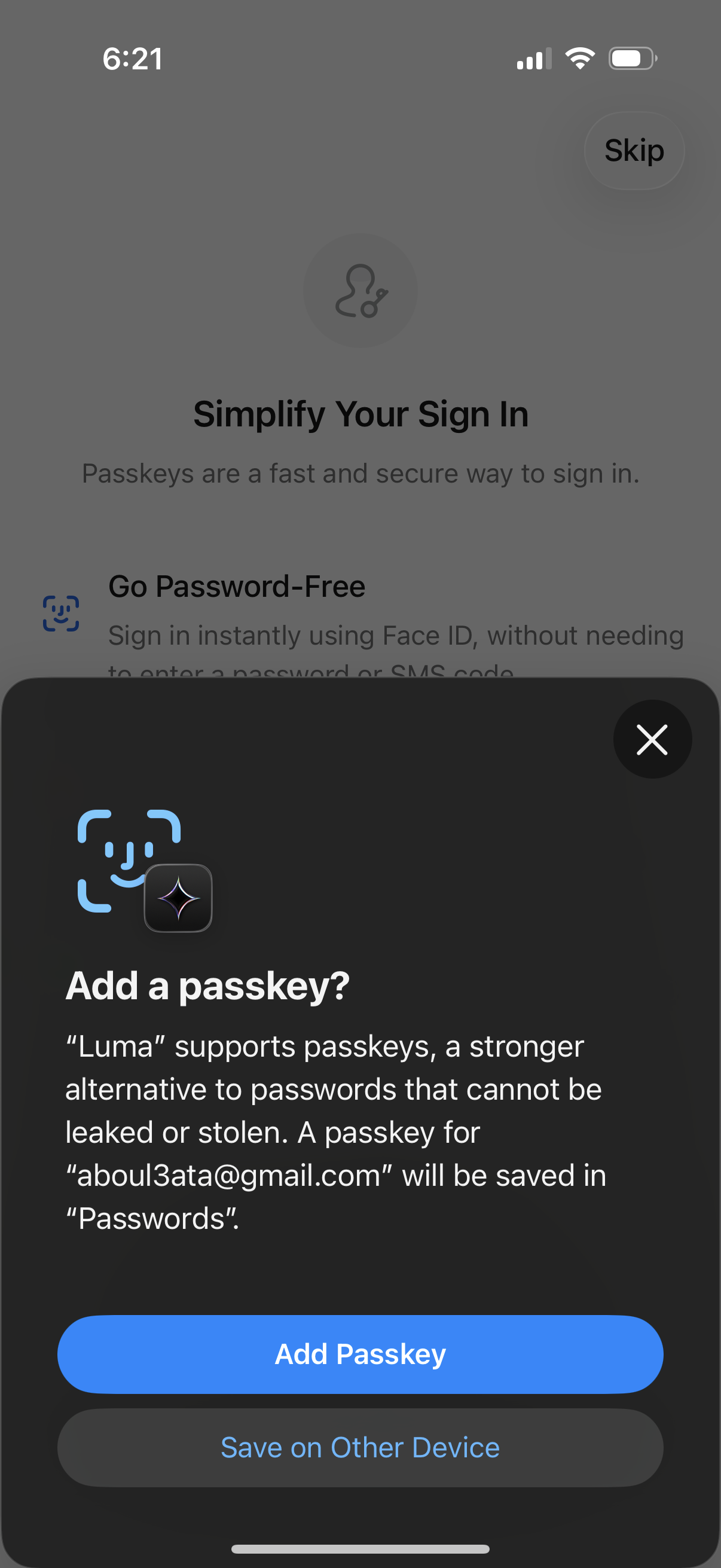
iOS passkey enrollment confirmation modal during onboarding, explaining passwordless sign-in with Face ID and offering primary action to add a passkey with an option to save it on another device or dismiss the dialog. Background shows a “Simplify Your Sign In” screen with a skip option for passkeys setup.
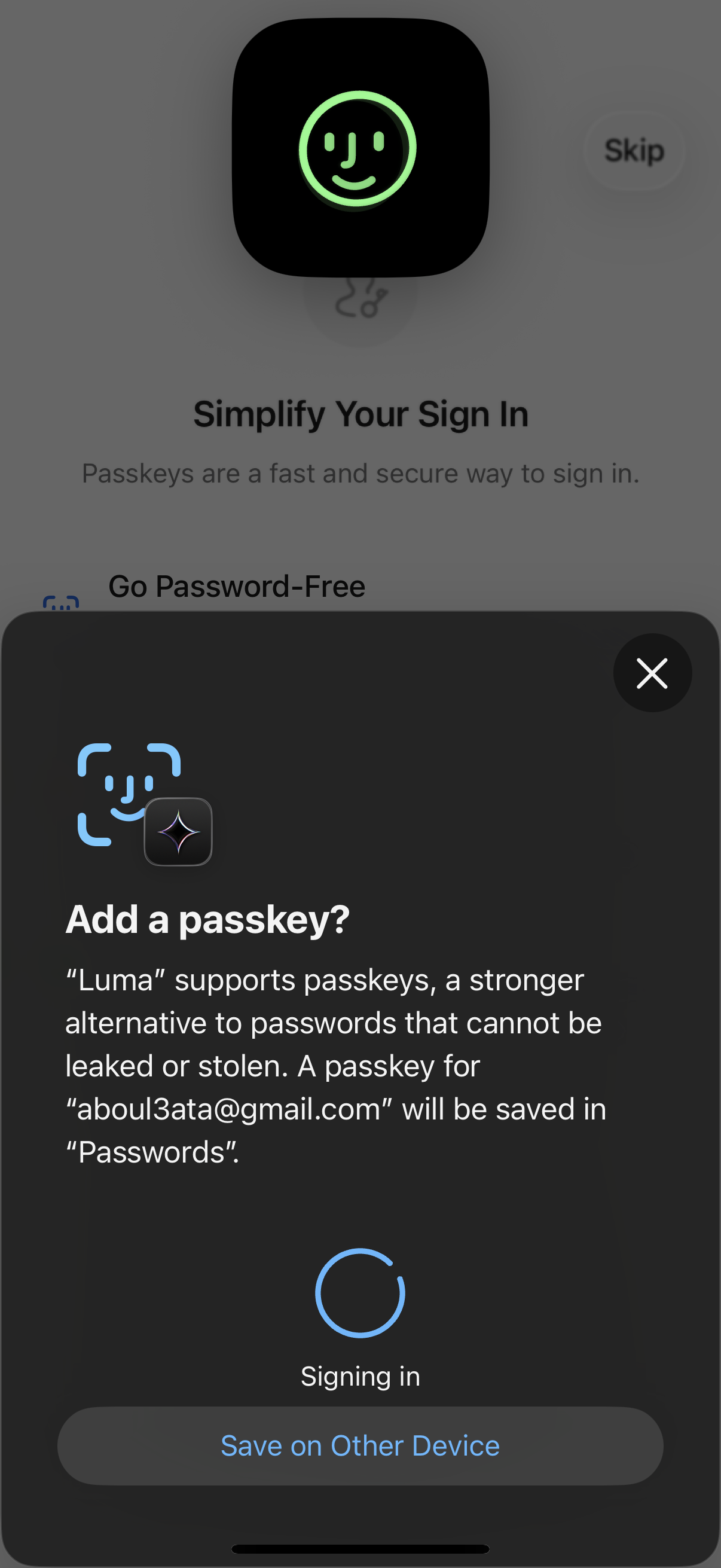
Authentication modal prompting the user to add and save a passkey for passwordless sign-in, explaining the security benefits and showing a “Signing in” loading state. Includes options to close/cancel and to save the passkey on another device.
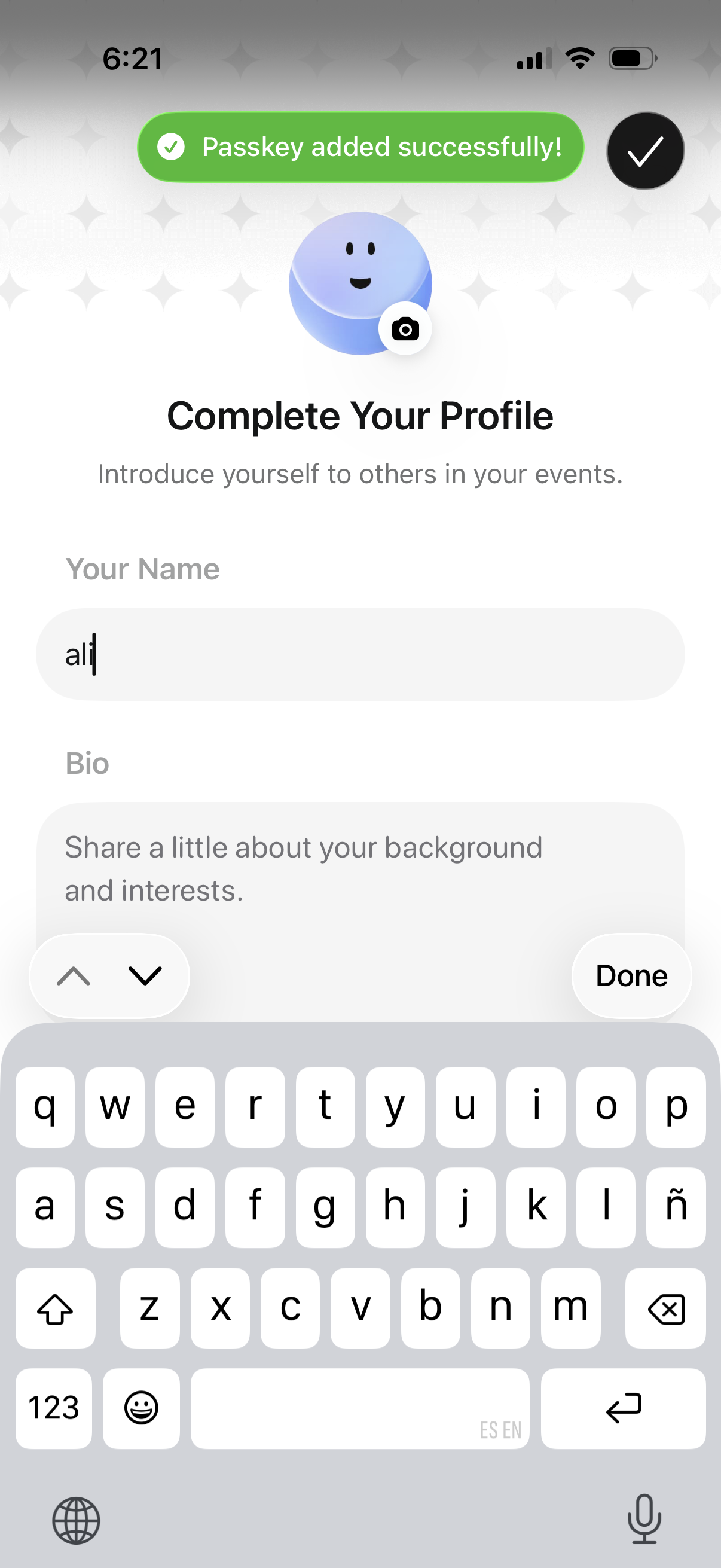
Profile completion onboarding screen prompting the user to finish their event profile by adding a profile photo, entering their name, and writing a short bio. A success banner confirms a passkey was added, with a Done action to save and continue.