sign in with phone
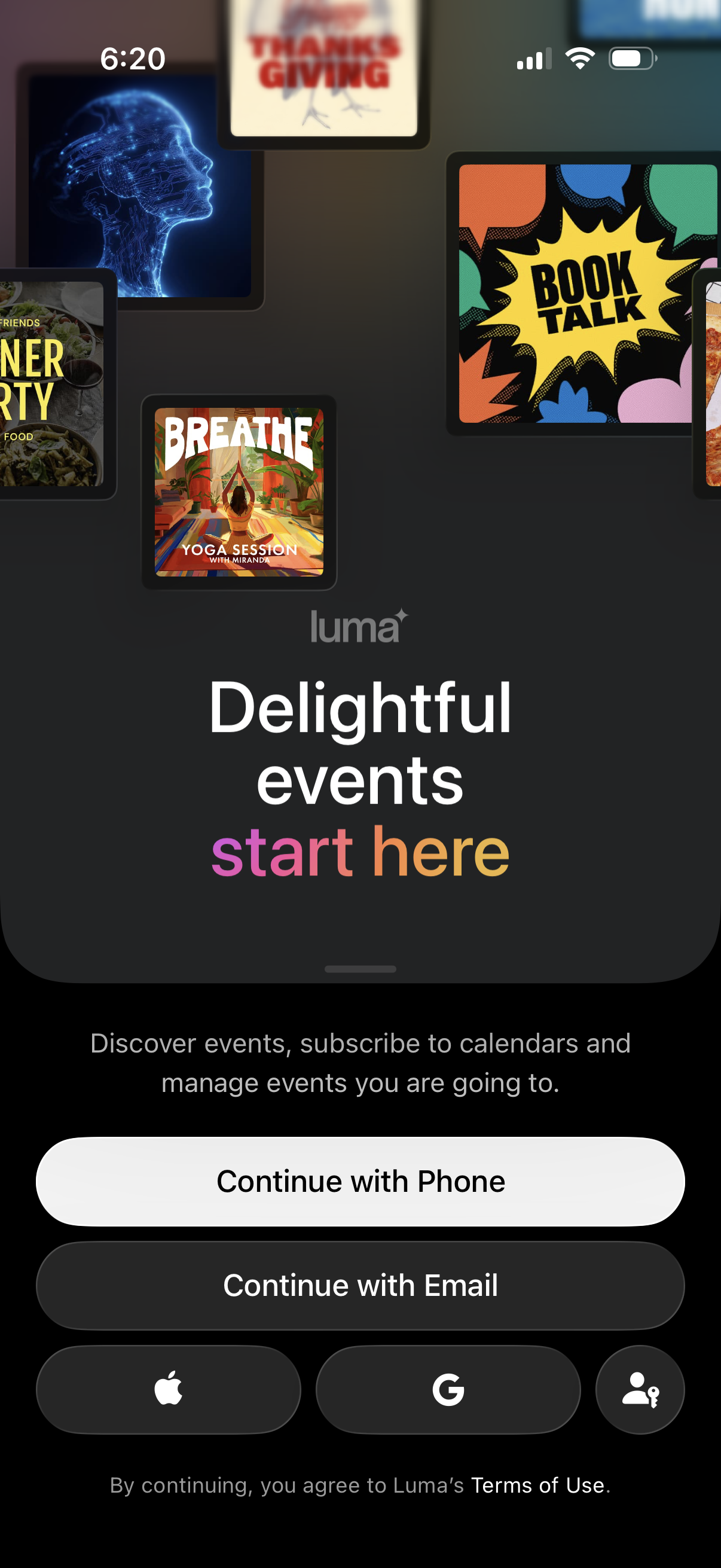
Onboarding welcome screen for an events discovery and calendar subscription app, highlighting managing events you’re going to. Provides sign-in/sign-up options with primary actions to continue with phone or email plus Apple, Google, and guest/login icons and a terms of use notice.
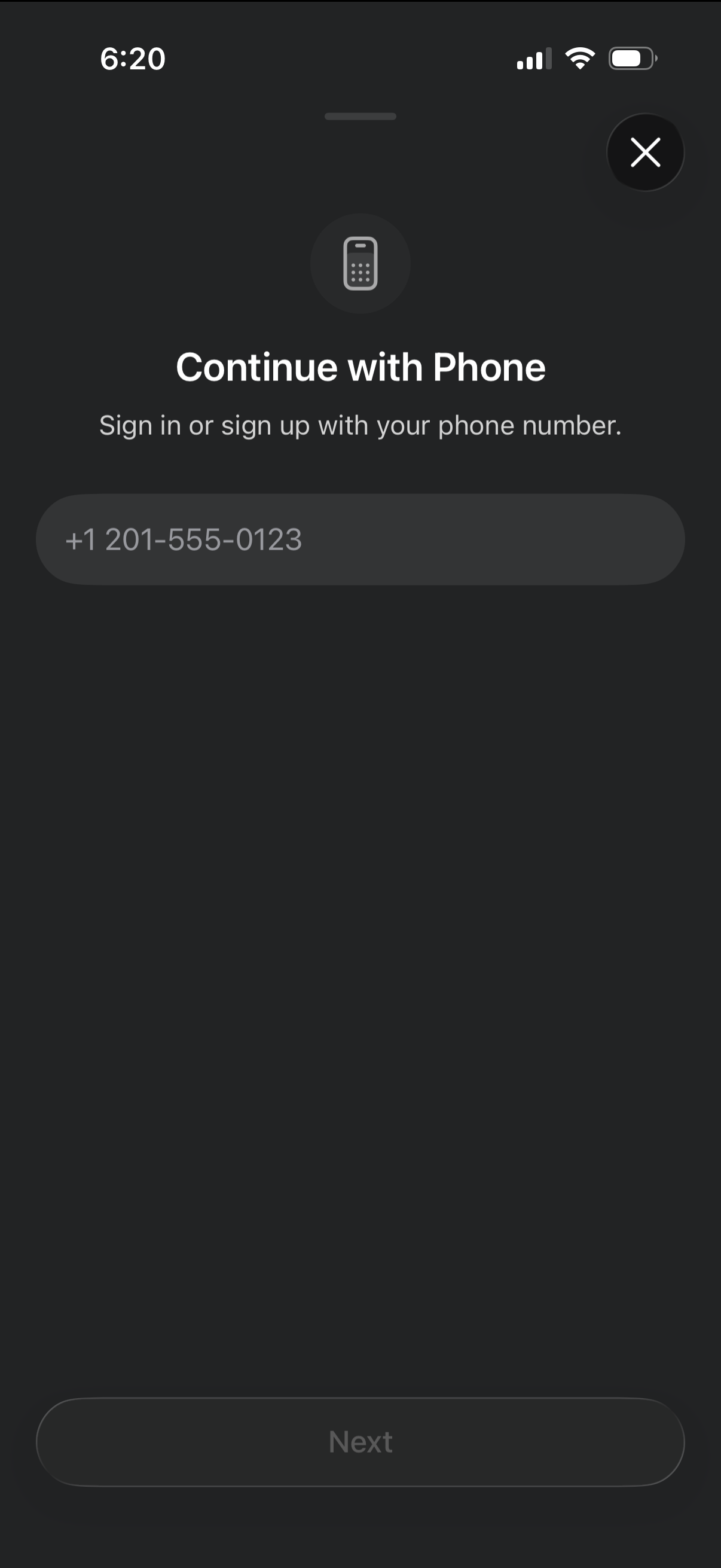
Phone number authentication screen prompting users to sign in or sign up by entering a mobile number, with a Next button to continue. Includes a close (X) icon to dismiss the login flow.
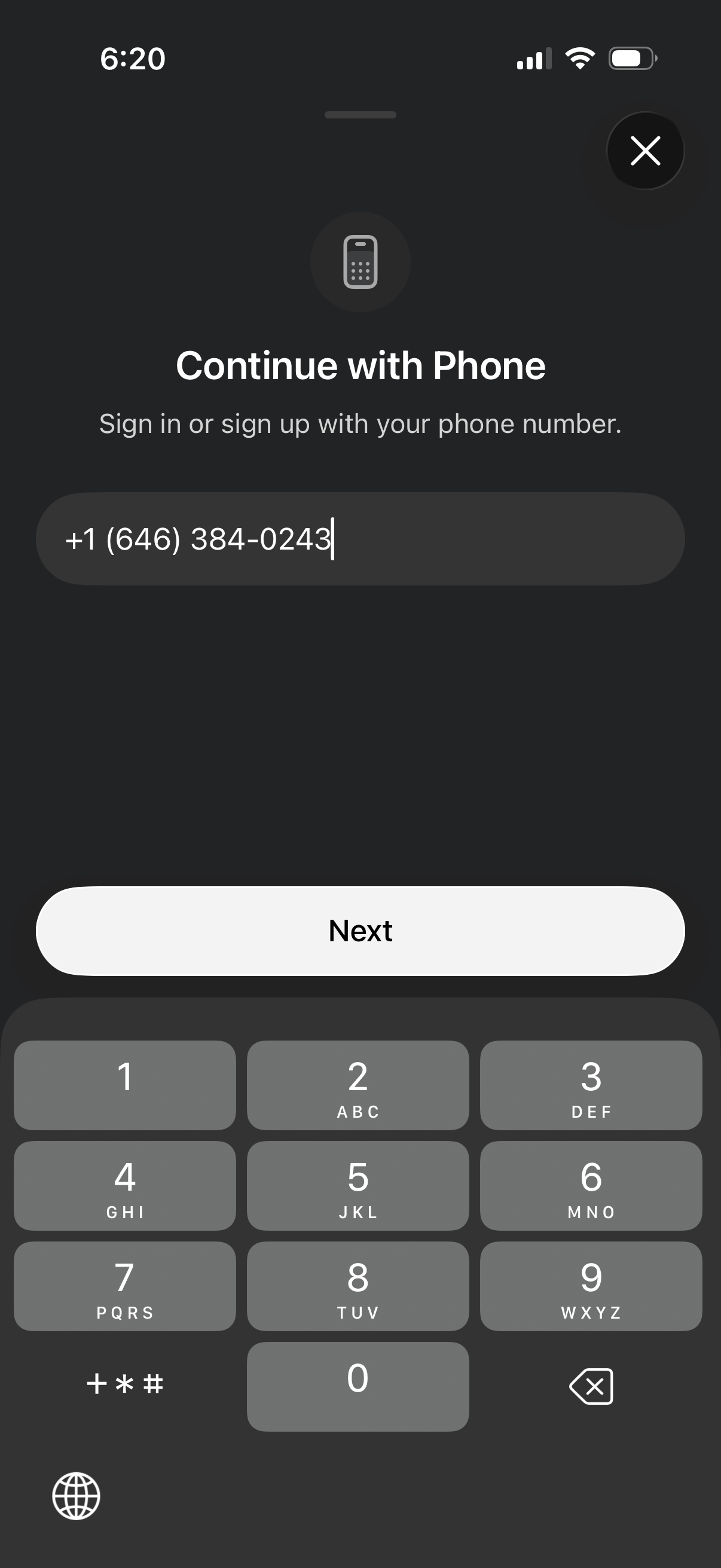
Phone number authentication screen prompting the user to sign in or sign up with their phone number, featuring a single phone input field with country code, a primary “Next” button to continue (likely to verification), and a close/dismiss icon.
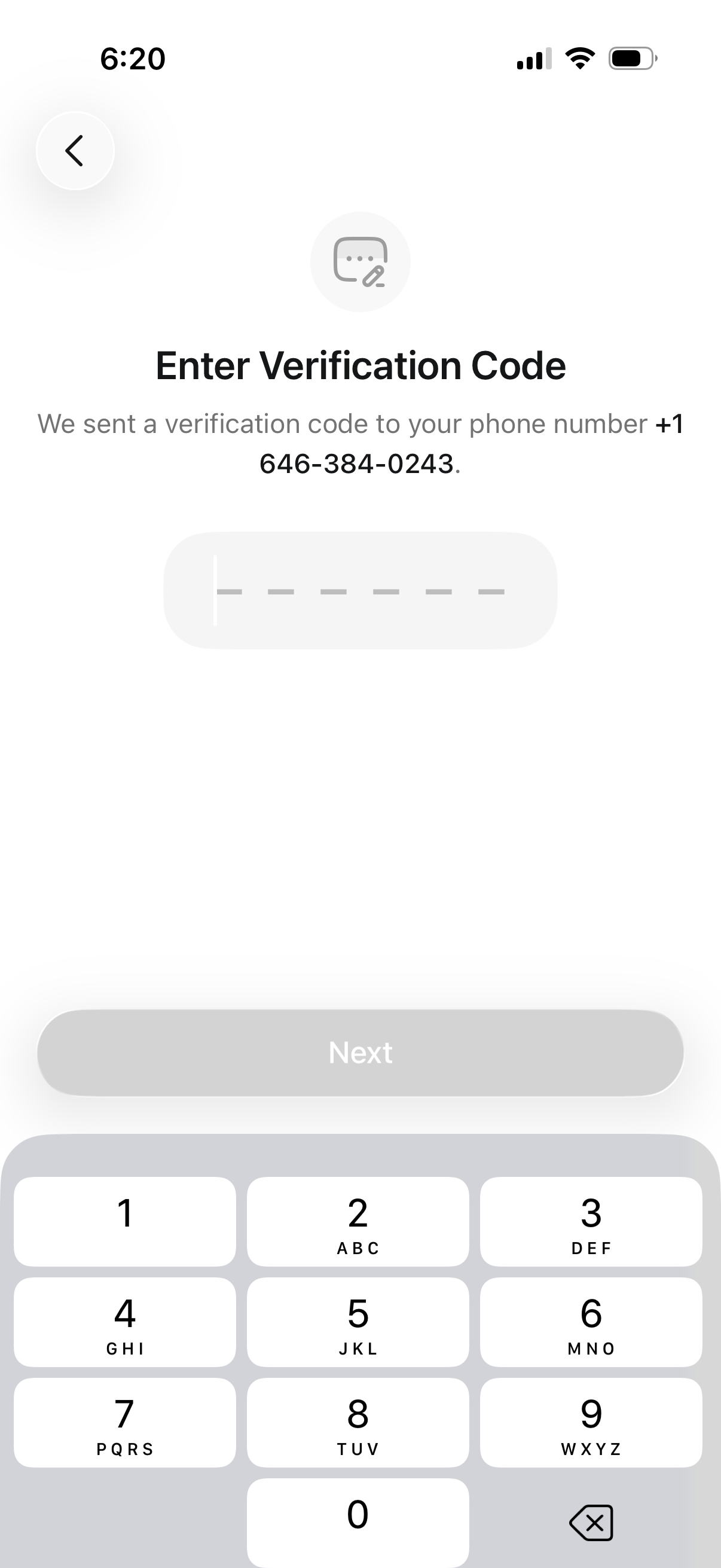
Phone number verification (OTP) screen prompting the user to enter a 6-digit verification code sent via SMS, with a code input field and a disabled “Next” button that activates after entry. Includes a back button for returning to the previous step in the sign-in or account setup flow.
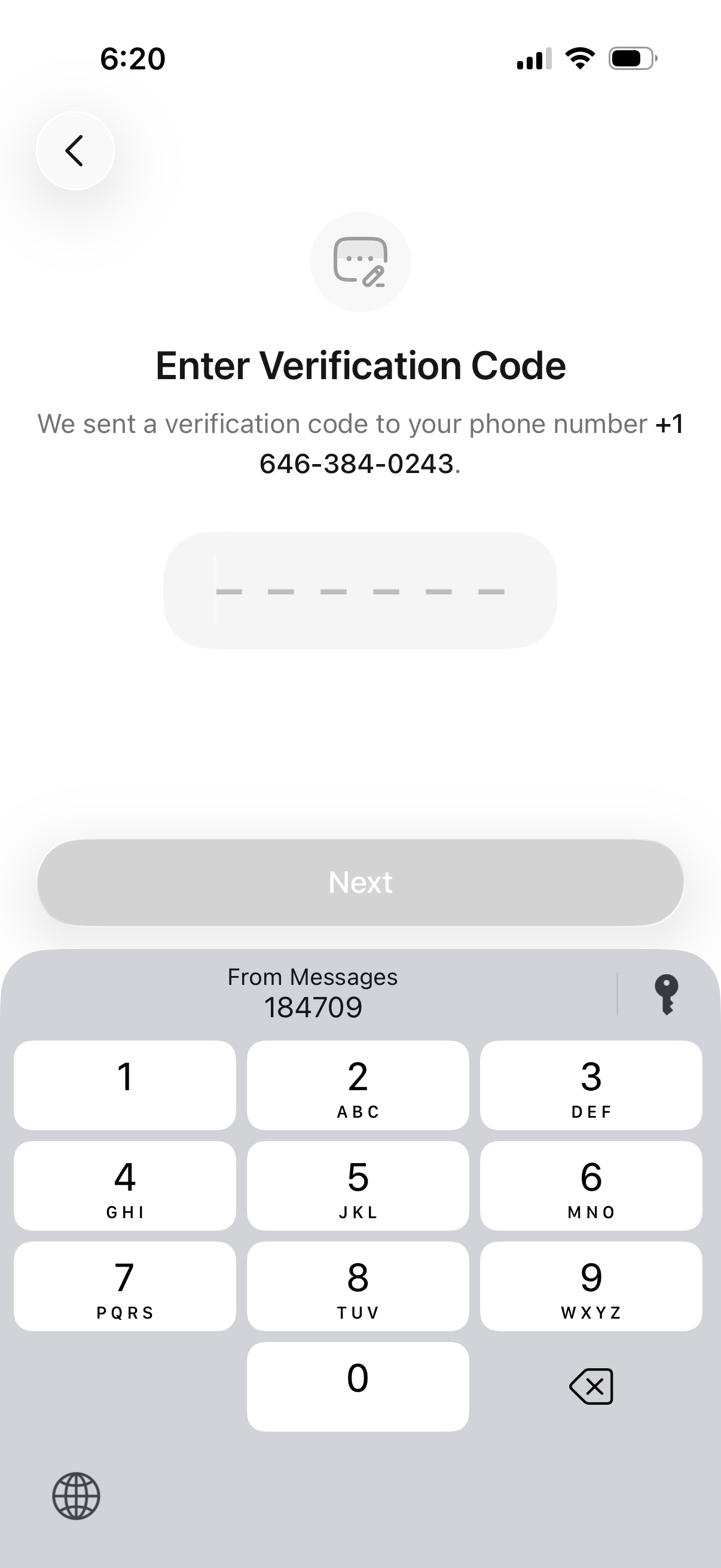
Phone number verification (OTP) screen prompting the user to enter a multi-digit SMS verification code sent to their phone, with a back button and a disabled “Next” button that becomes available after code entry.
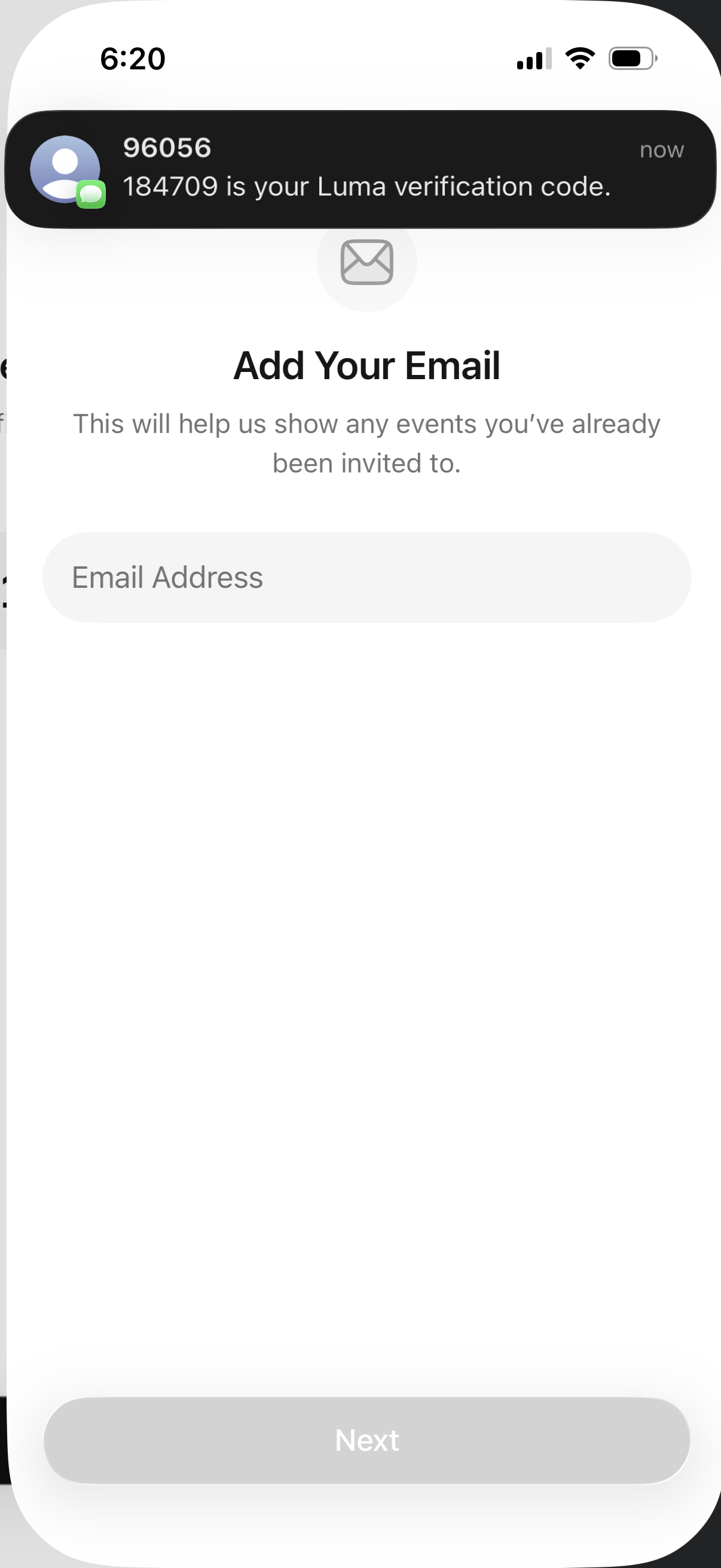
Email capture onboarding screen prompting the user to add an email address to find previously invited events, with a single email input field and a disabled “Next” button until an email is entered.