browse community
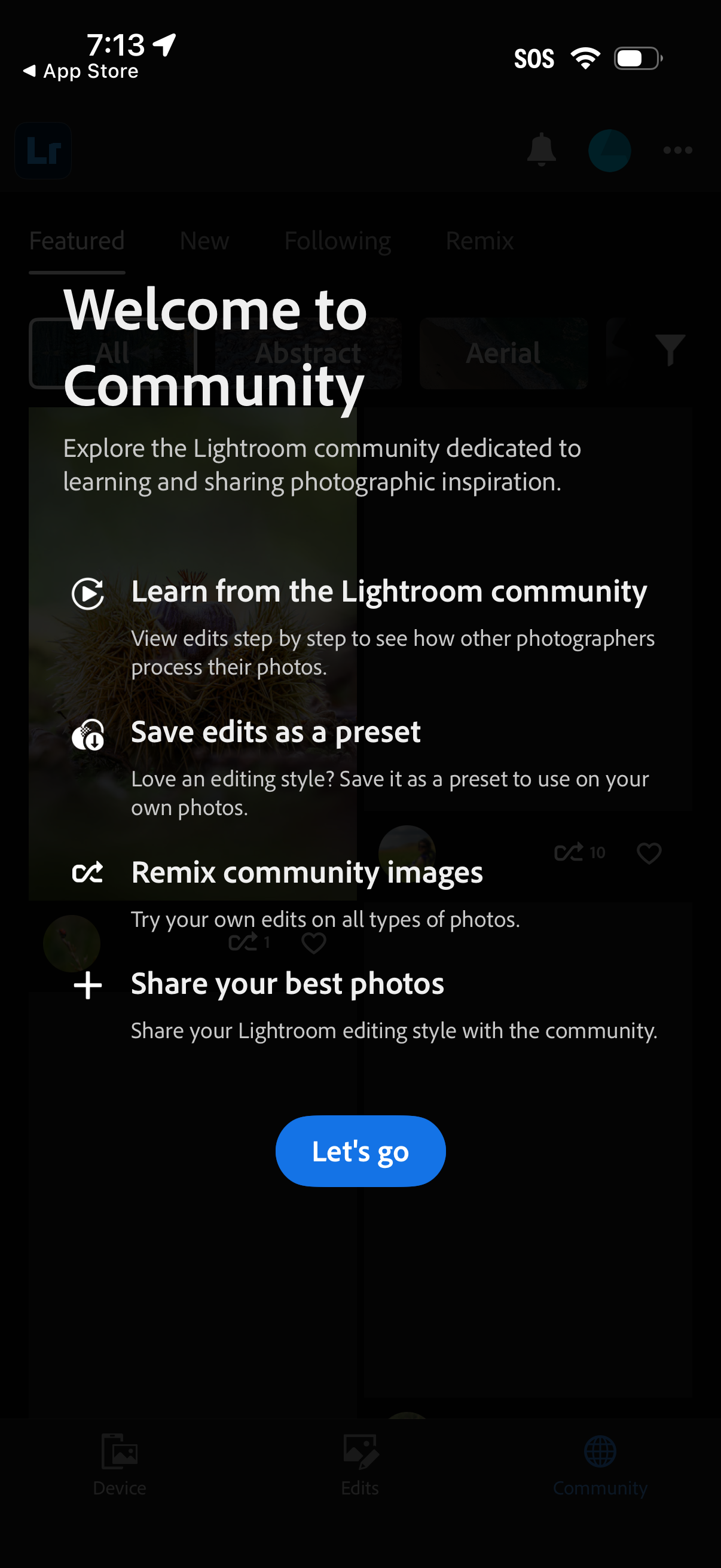
Onboarding intro screen for a photo editing app’s Community feature, explaining benefits like learning from others’ step-by-step edits, saving edits as presets, remixing community images, and sharing photos. Includes a primary “Let’s go” call-to-action to enter the community feed.
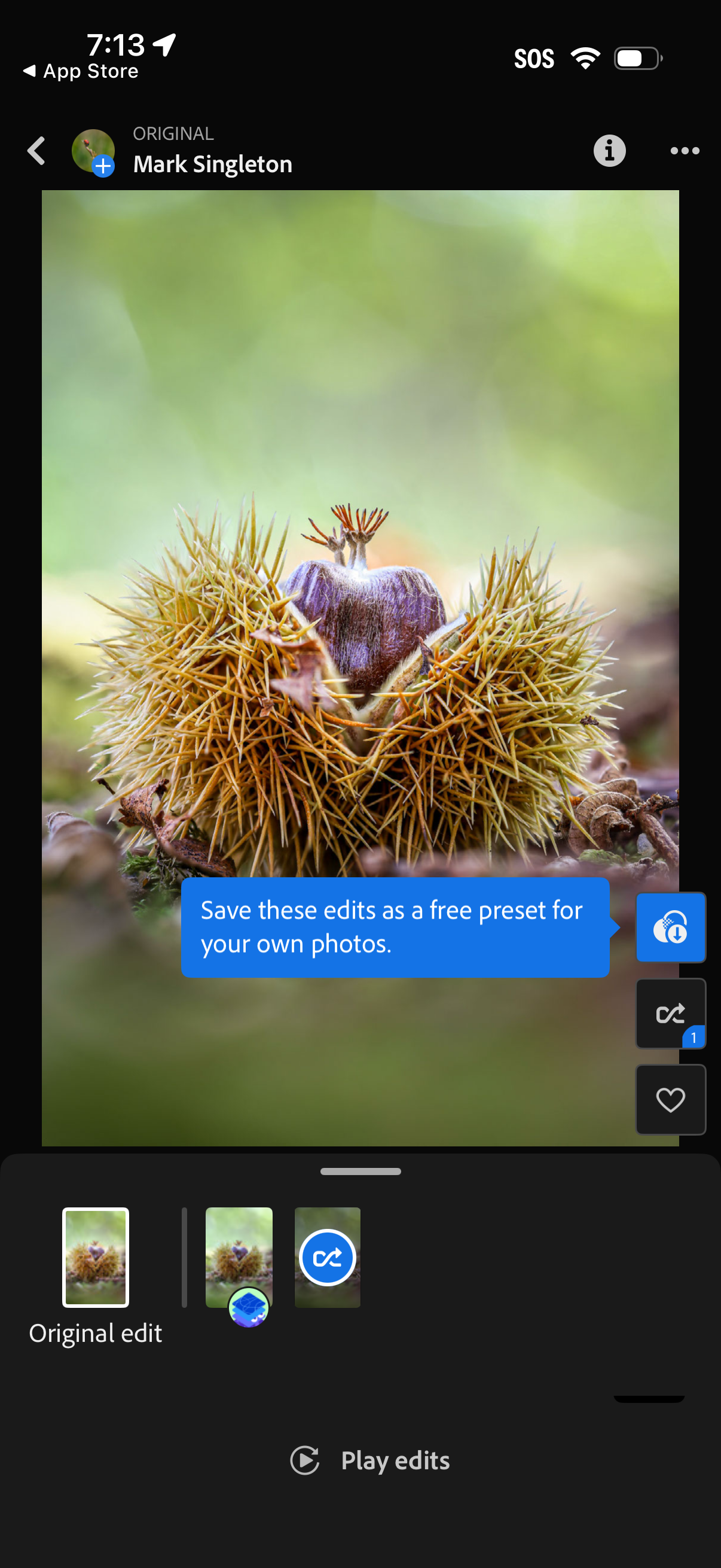
Photo editing screen showing a full-screen image preview with a timeline of edits/presets, including an “Original edit” thumbnail and a “Play edits” button to replay the edit steps. A prompt invites saving the current edits as a free preset, with quick actions on the side for sharing/saving, undo/redo, and favoriting.
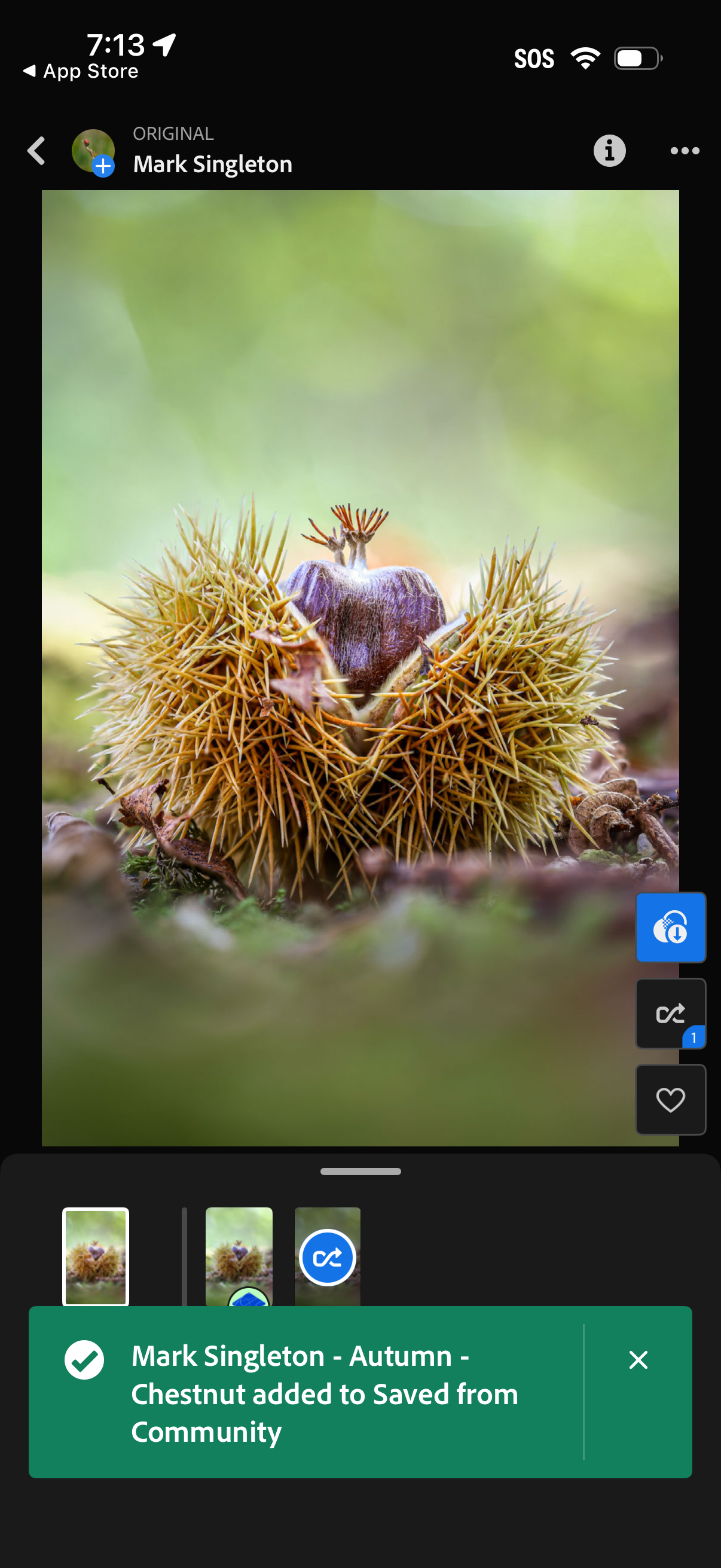
Full-screen photo viewer for a community post, showing the photographer name and image with actions to save/bookmark, open more options or info, and navigate between images via a thumbnail strip. A confirmation toast indicates the photo was added to a Saved collection.