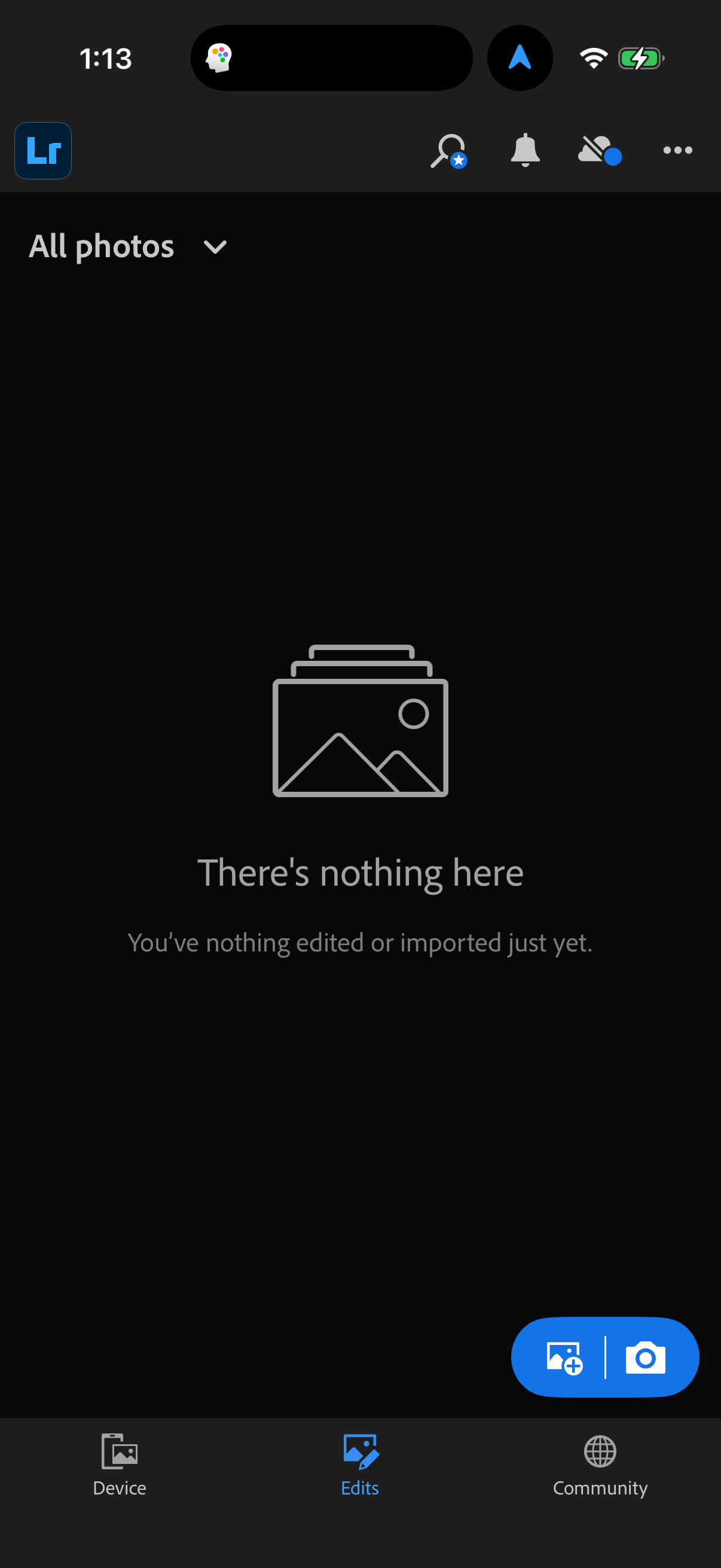
grant photo access
1
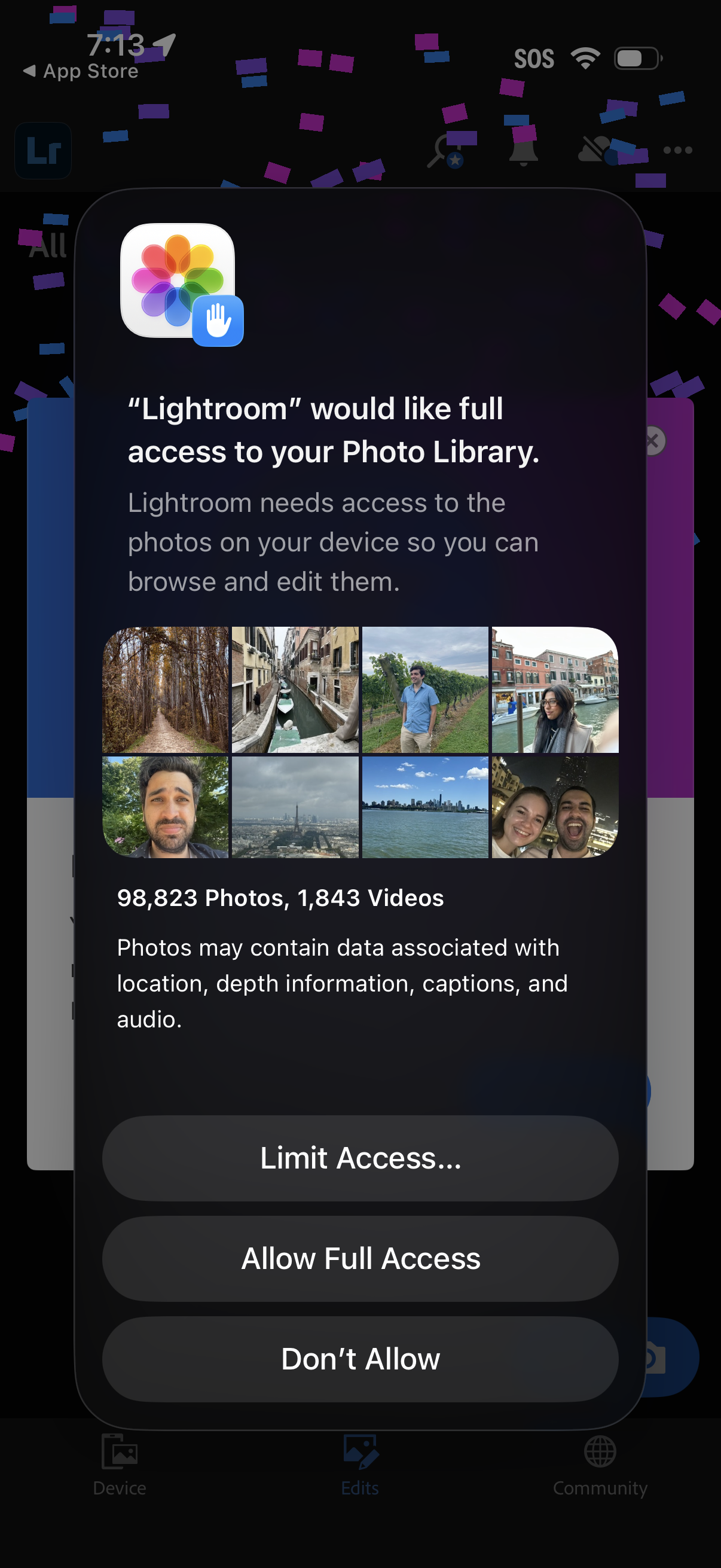
iOS system permission prompt requesting an app full access to the user’s Photo Library so it can browse and edit photos, showing a preview grid and media counts. Primary actions offer Limit Access, Allow Full Access, or Don’t Allow.
2
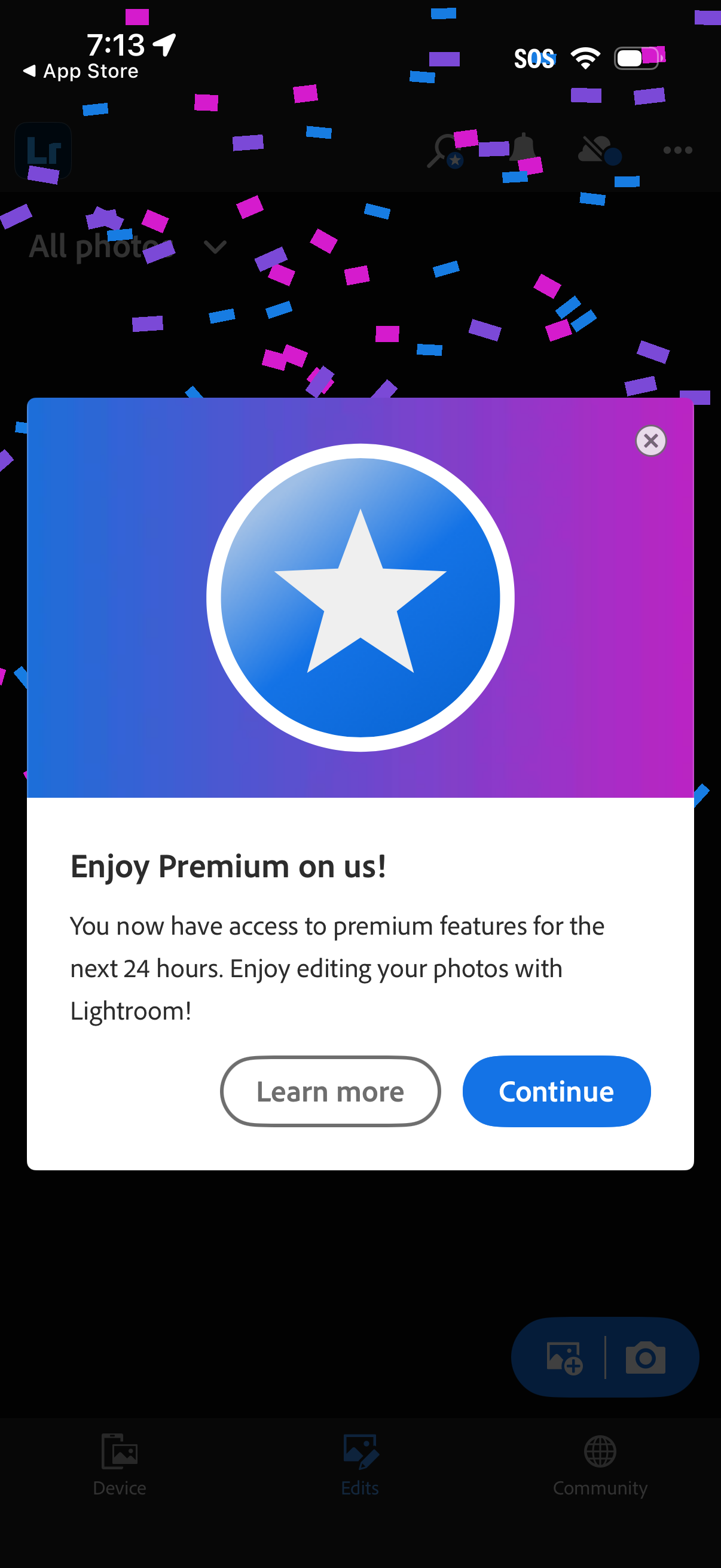
A celebratory in-app modal announces the user has temporary access to premium features for the next 24 hours, overlaying the main app. The popup includes a close icon and two primary actions: Learn more or Continue.
3