sign in with google
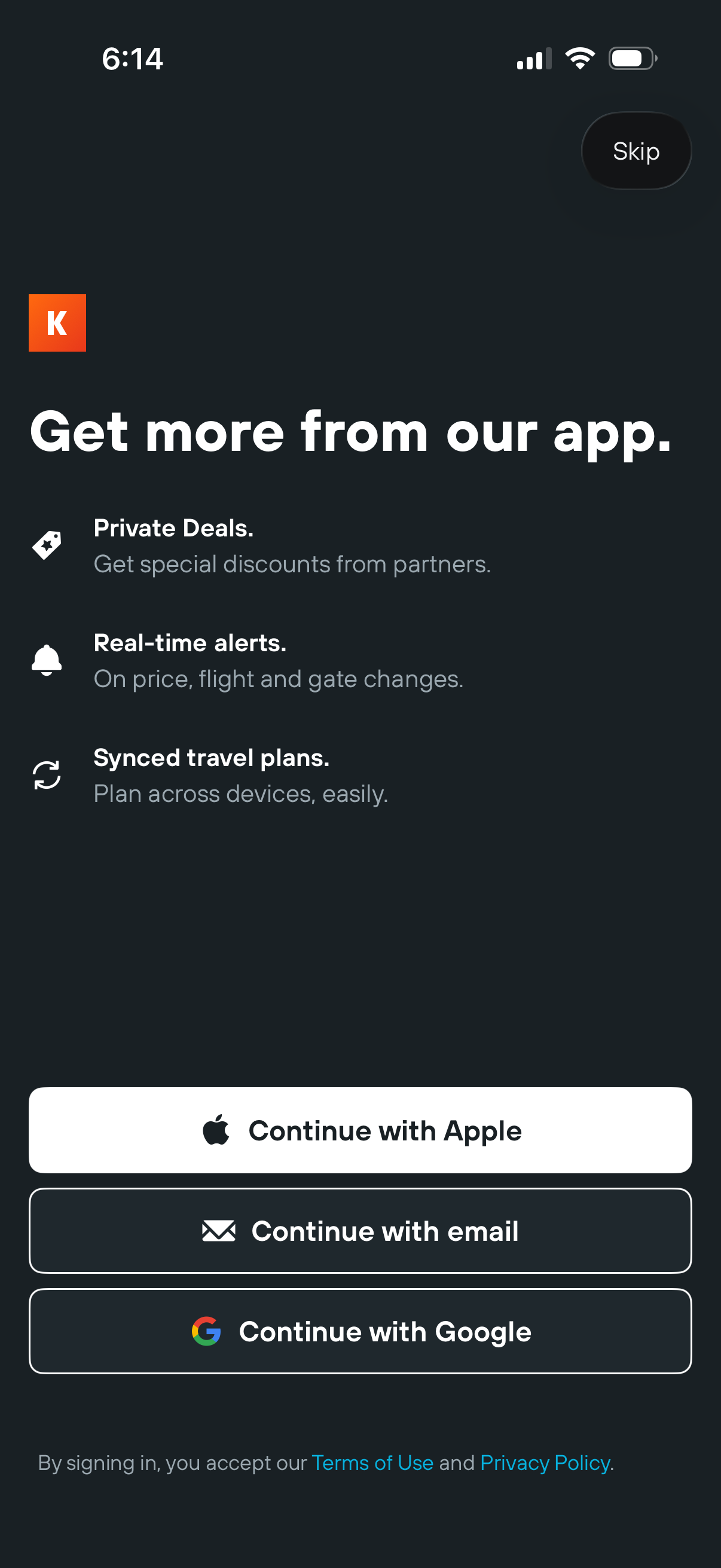
App onboarding sign-in prompt highlighting benefits like private deals, real-time travel alerts, and synced travel plans, with a Skip option. Offers authentication choices including Continue with Apple, email, or Google, plus terms of use and privacy policy links.
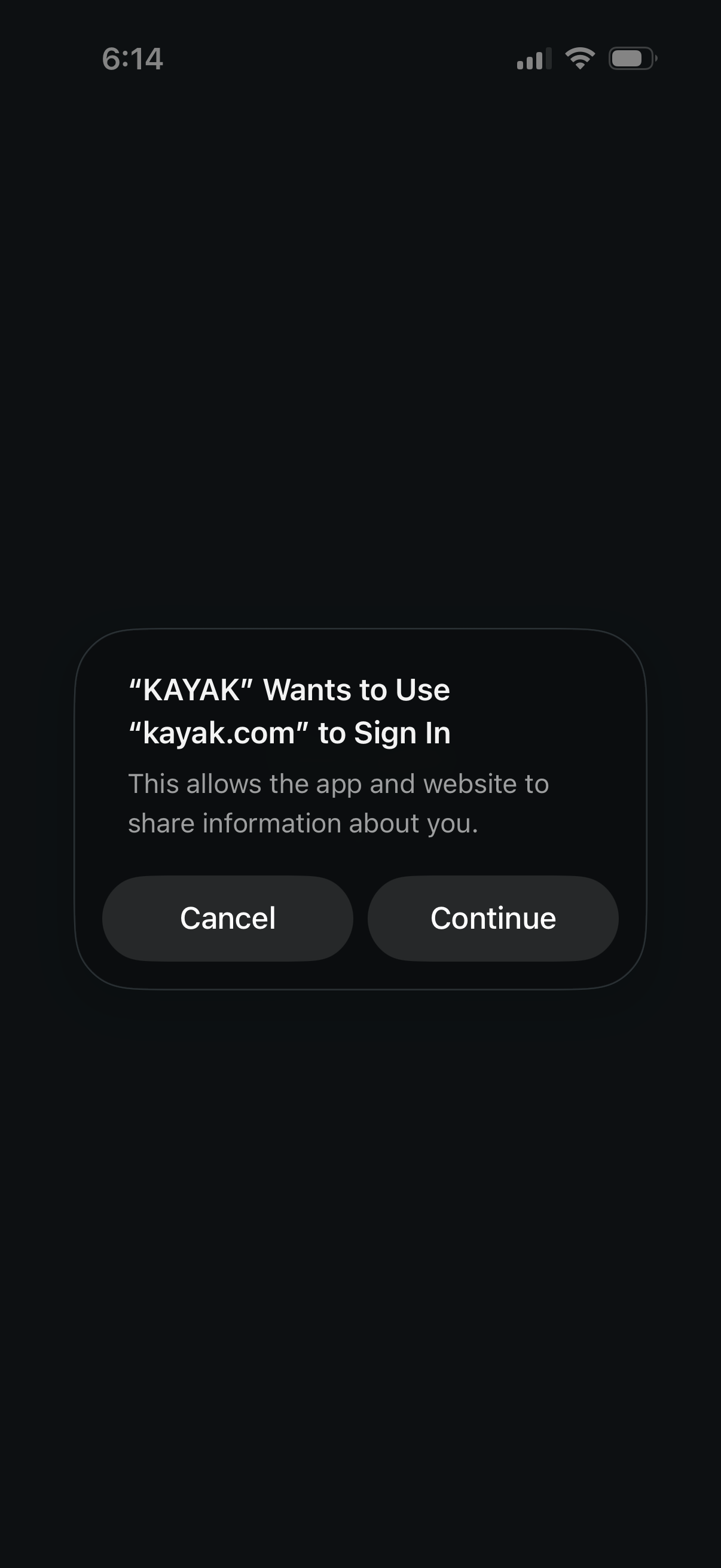
iOS system modal asking to allow an app to use an external website (kayak. com) to sign in and share account information between the app and web.
Full-screen content viewer with a minimal UI showing a close button, a progress/loading indicator, and a menu/options icon. Bottom controls provide back navigation plus share and close actions for dismissing or sharing the currently viewed item.
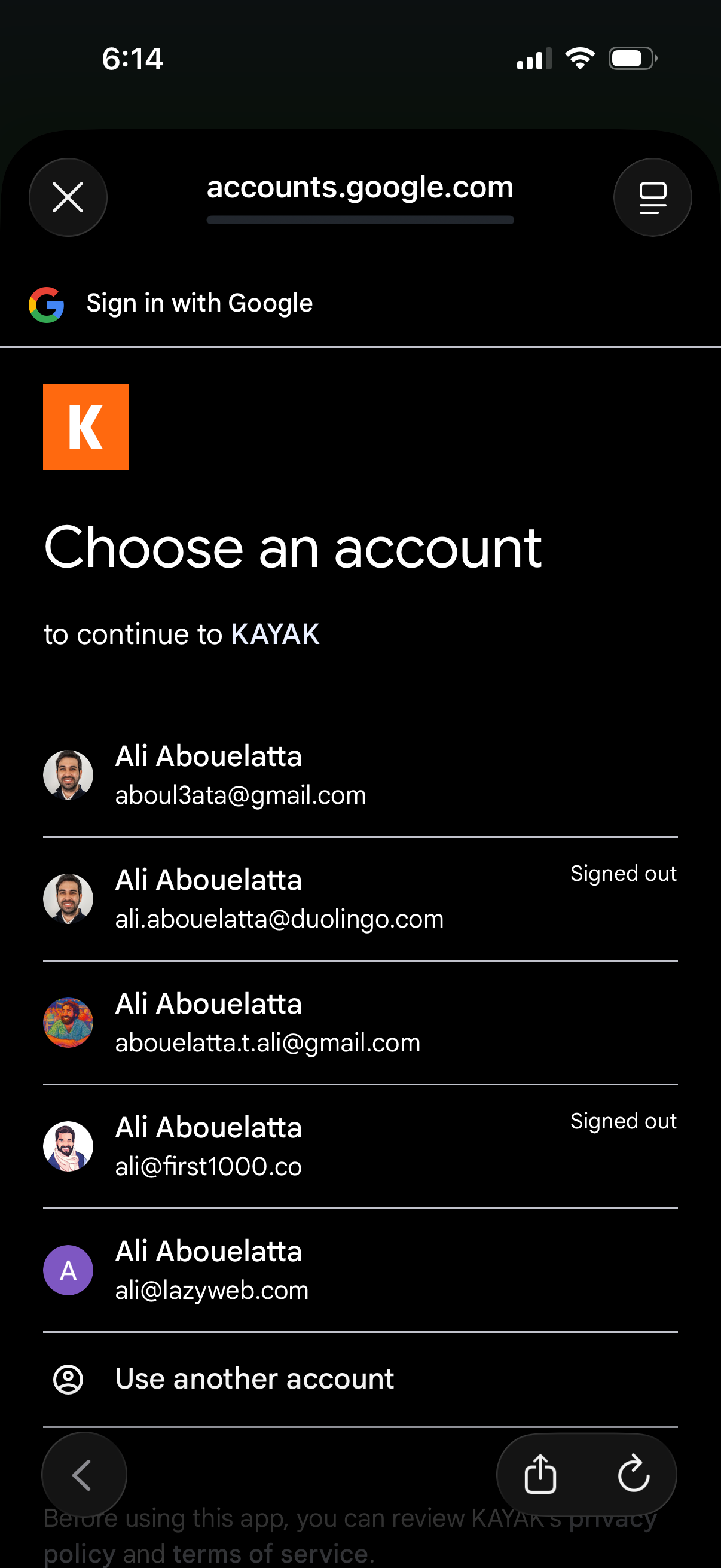
Google sign-in account chooser screen for continuing to a third-party app, showing a list of saved Google accounts with profile avatars and signed-out status. Users can select an existing account or choose “Use another account,” with options to close or navigate back.
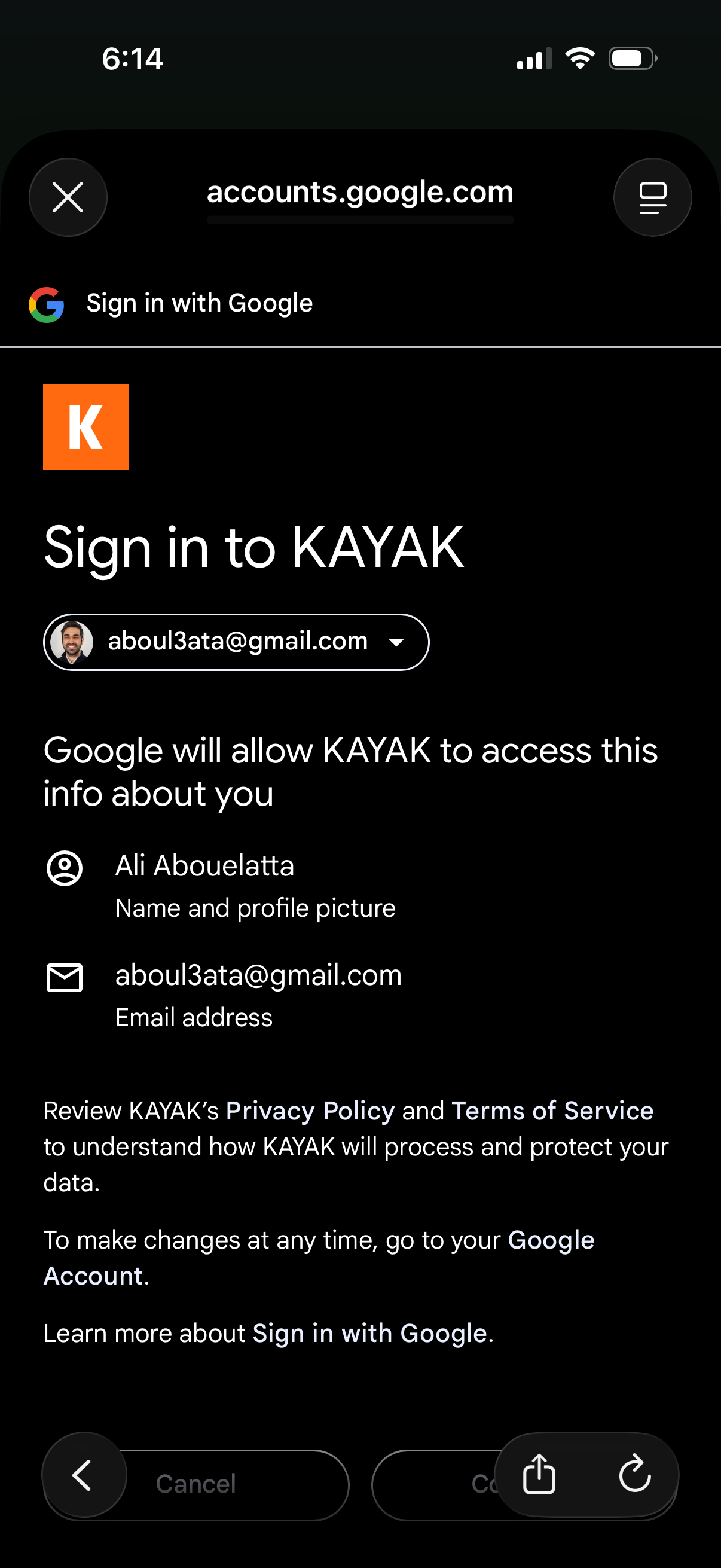
Google OAuth “Sign in with Google” consent screen for logging into an app, showing the selected Google account and the permissions/data the app will access (profile name/photo and email address). Includes links to privacy policy/terms and actions to cancel or continue the sign-in authorization.