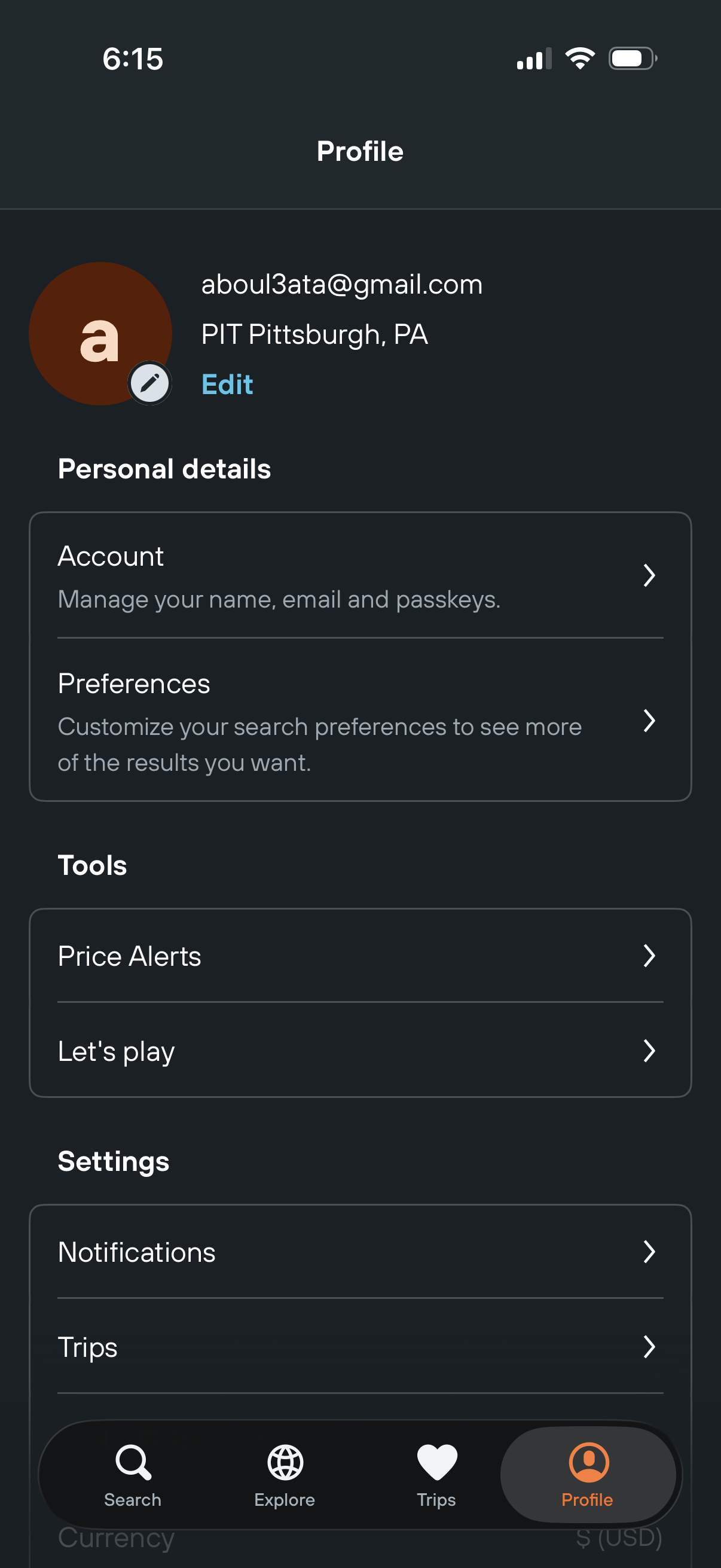
Profile settings screen for a travel app showing user info with an Edit profile action and grouped menu links for Account (name, email, passkeys), Preferences, Tools like Price Alerts and games, and Settings such as Notifications and Trips, with bottom tab navigation for Search, Explore, Trips, and Profile.
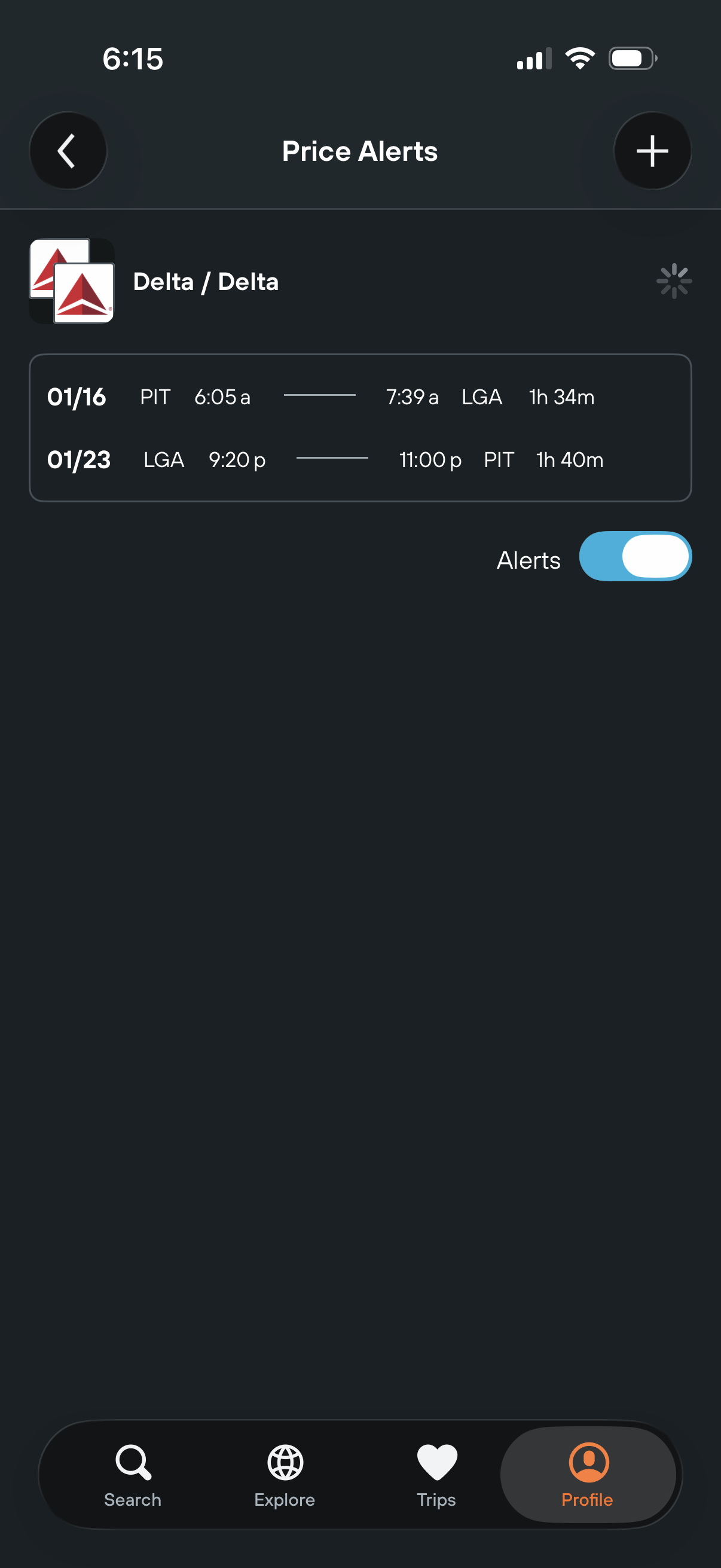
Flight price alerts management screen showing a saved round-trip itinerary with airline and route details, including dates, departure/arrival airports, times, and duration. Users can add a new alert via the plus button and enable or disable notifications with an Alerts toggle.
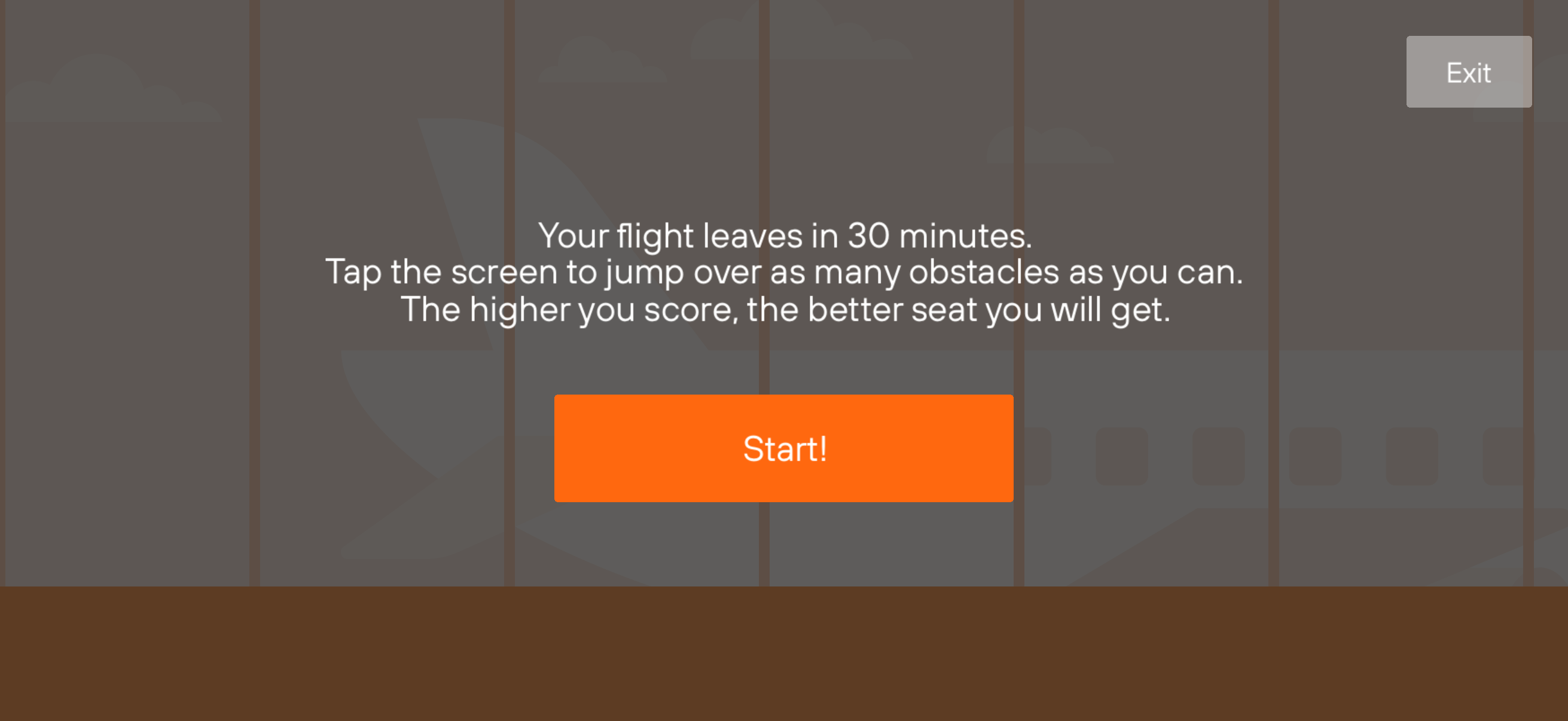
Pre-game instruction screen for an airport/flight-themed tapping mini-game explaining that you tap to jump over obstacles and score higher to earn a better seat. Includes a prominent Start button to begin and an Exit button to leave.
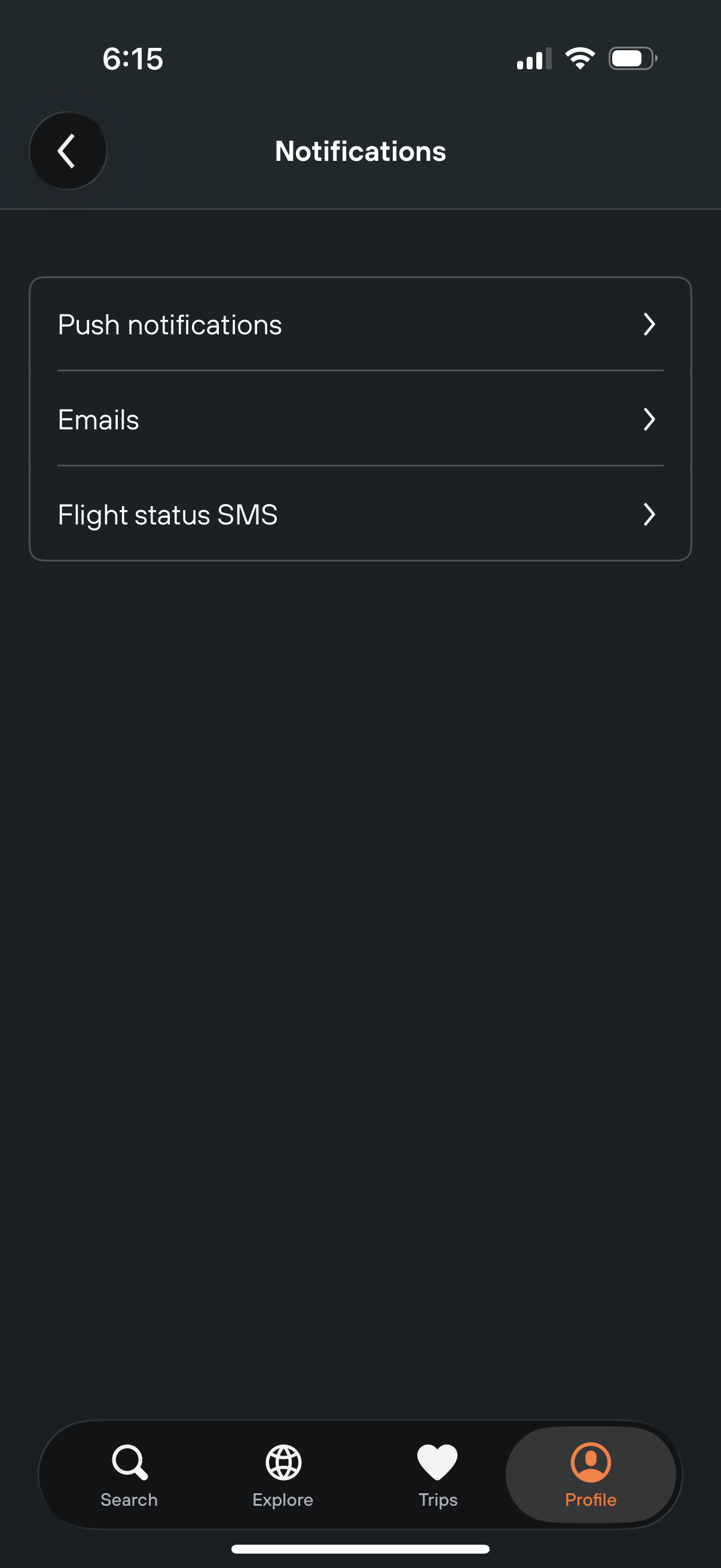
Notifications settings screen in a travel app where users choose notification channels, with navigation links to configure push notifications, email alerts, and flight status SMS updates. Includes a back button and bottom tab bar for switching between search, explore, trips, and profile.
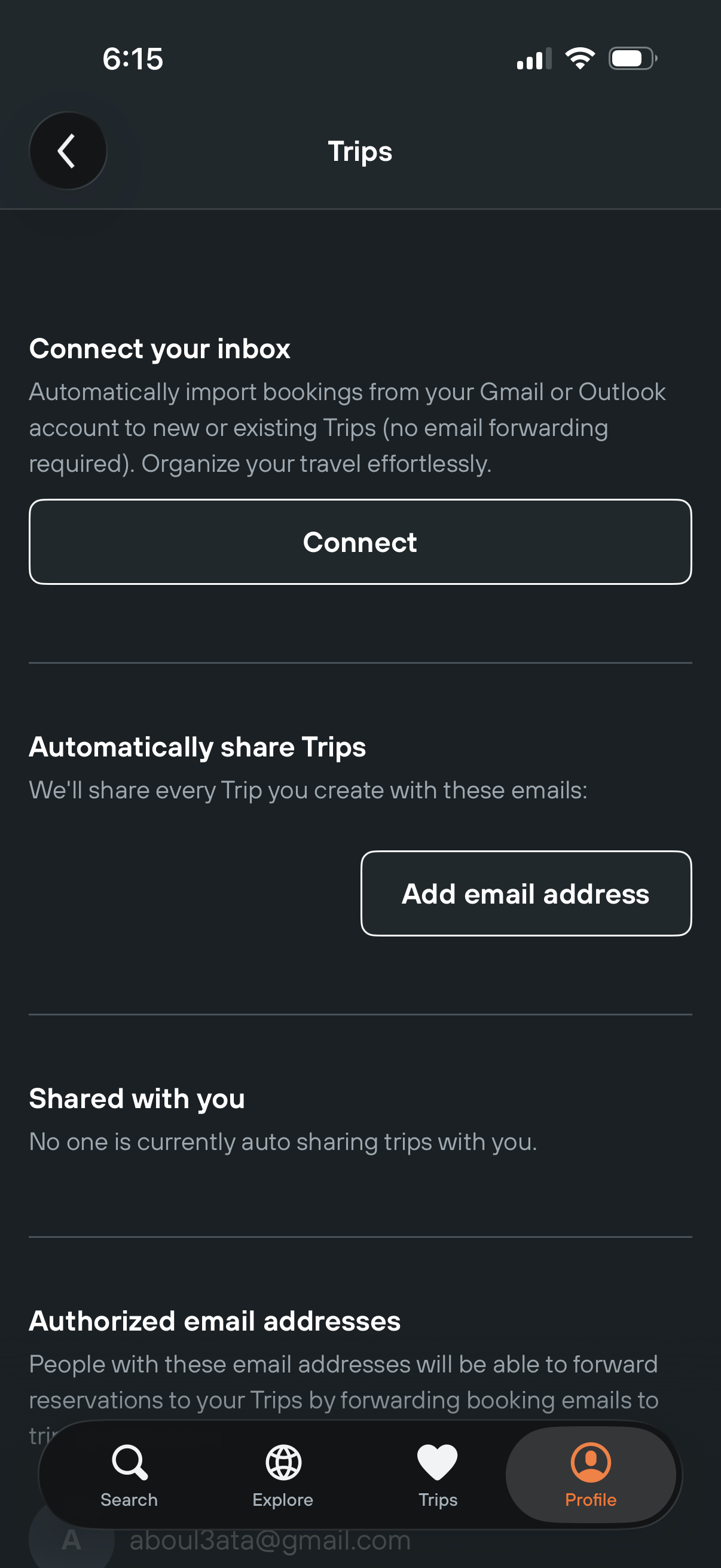
Trips settings screen for connecting an email inbox (Gmail or Outlook) to automatically import travel bookings into trips, with a primary Connect action. Includes options to automatically share trips by adding email addresses, plus sections for “Shared with you” and authorized email addresses.
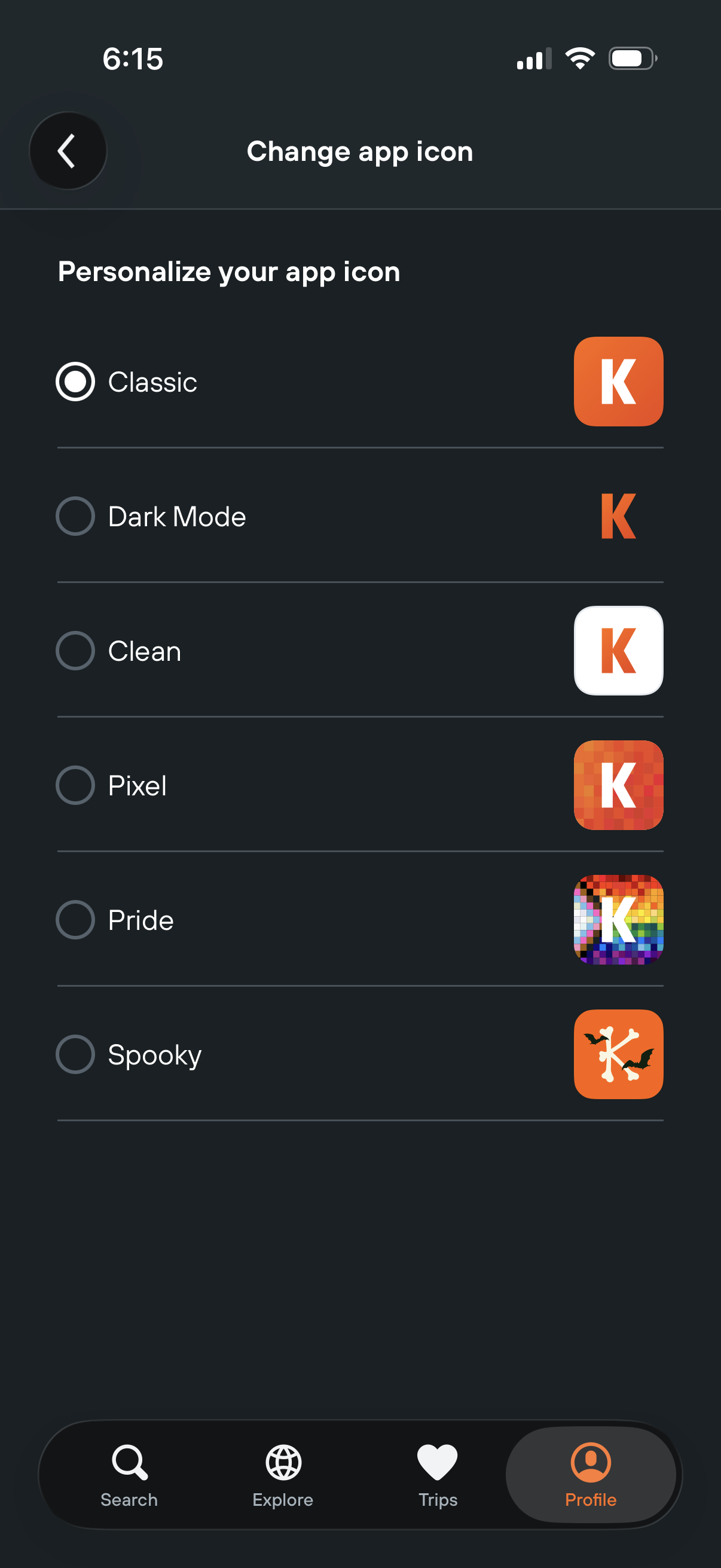
Settings customization screen for changing the app icon, showing a selectable list of icon themes (Classic, Dark Mode, Clean, Pixel, Pride, Spooky) with radio buttons and thumbnail previews. Users choose one option to personalize the home screen app icon, with a back button and bottom tab navigation.