open settings and sign
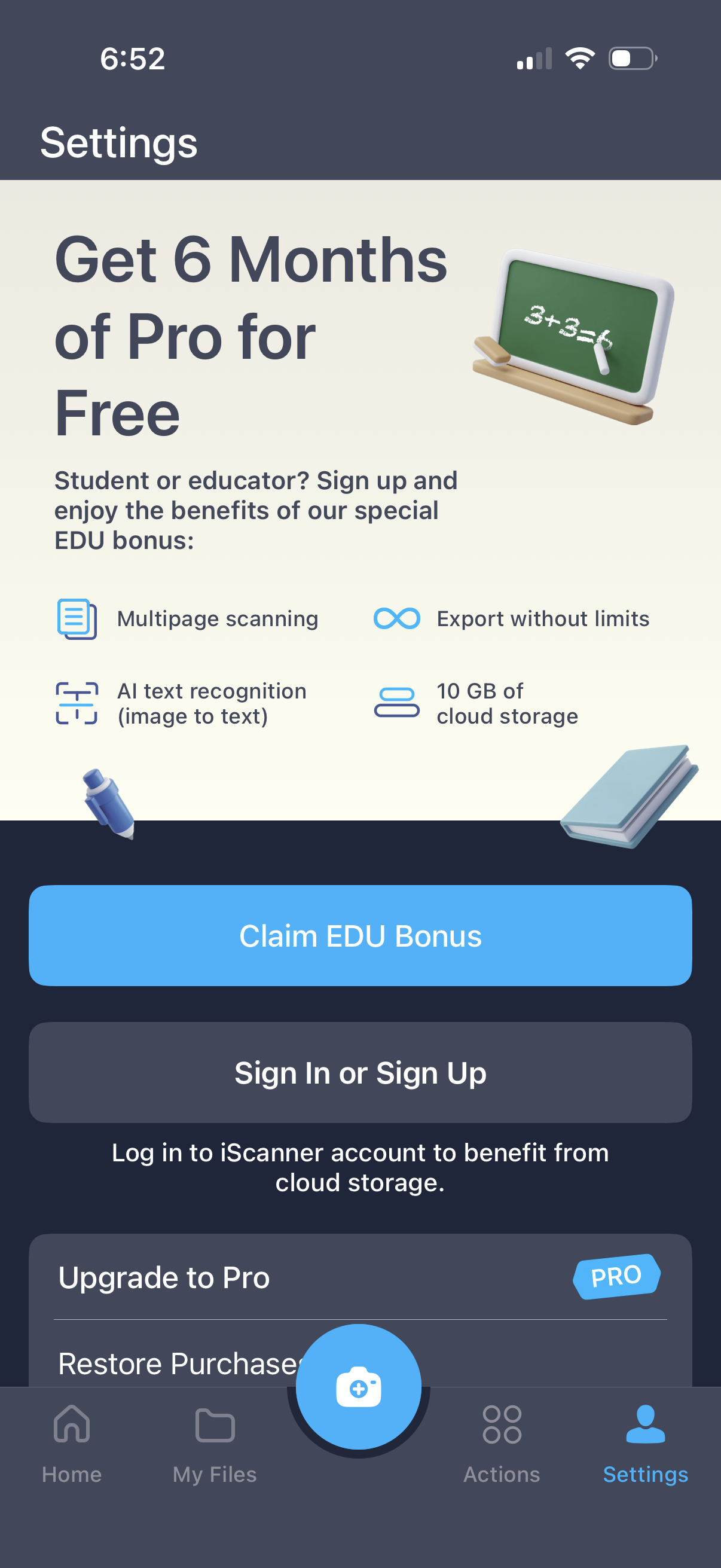
Settings screen promoting an education offer to get 6 months of Pro for free, highlighting benefits like multipage scanning, unlimited exports, AI OCR image-to-text, and 10GB cloud storage. Primary actions include “Claim EDU Bonus” and “Sign In or Sign Up,” with options to upgrade to Pro or restore purchases.
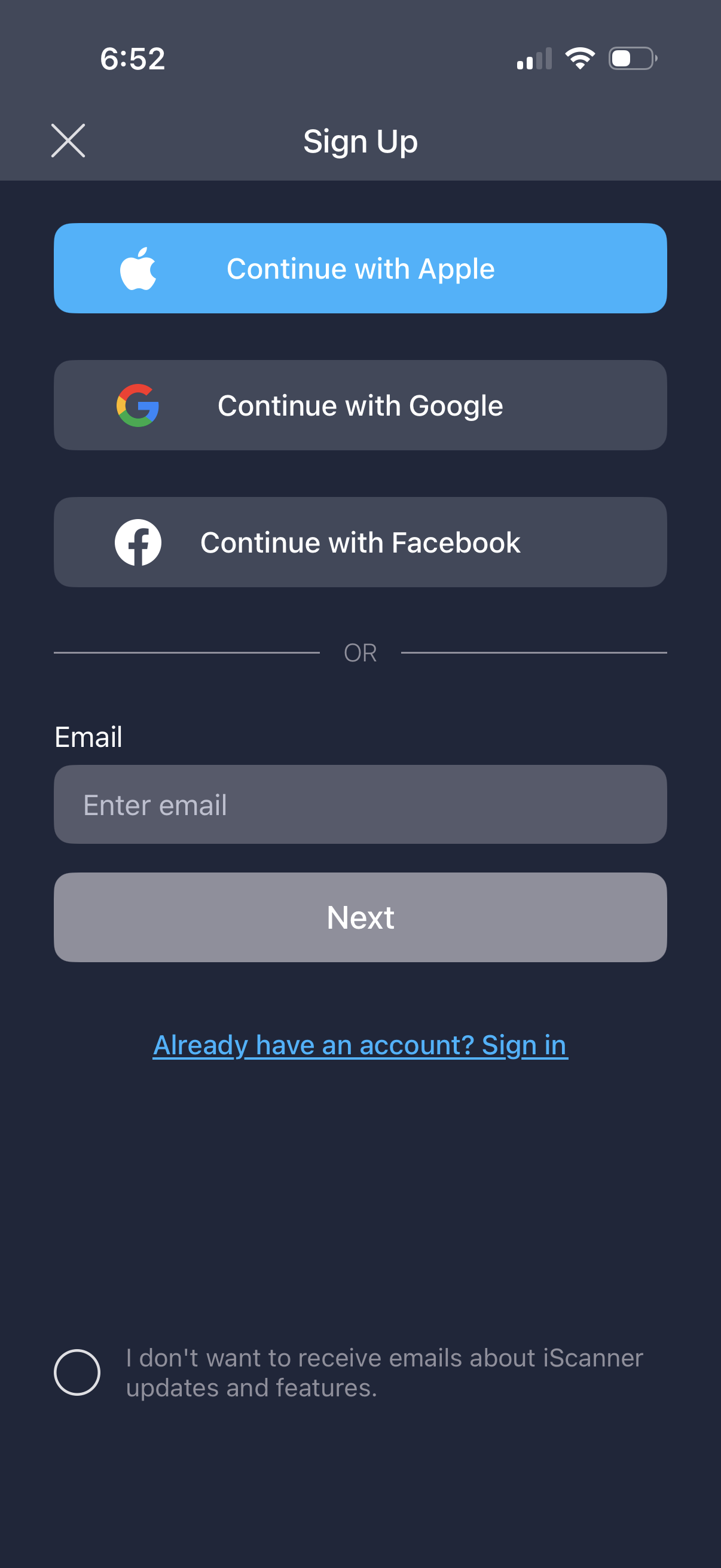
Sign up screen offering social authentication options to continue with Apple, Google, or Facebook, or create an account by entering an email and tapping Next. Includes a link to sign in for existing users and an optional checkbox to opt out of product update emails.
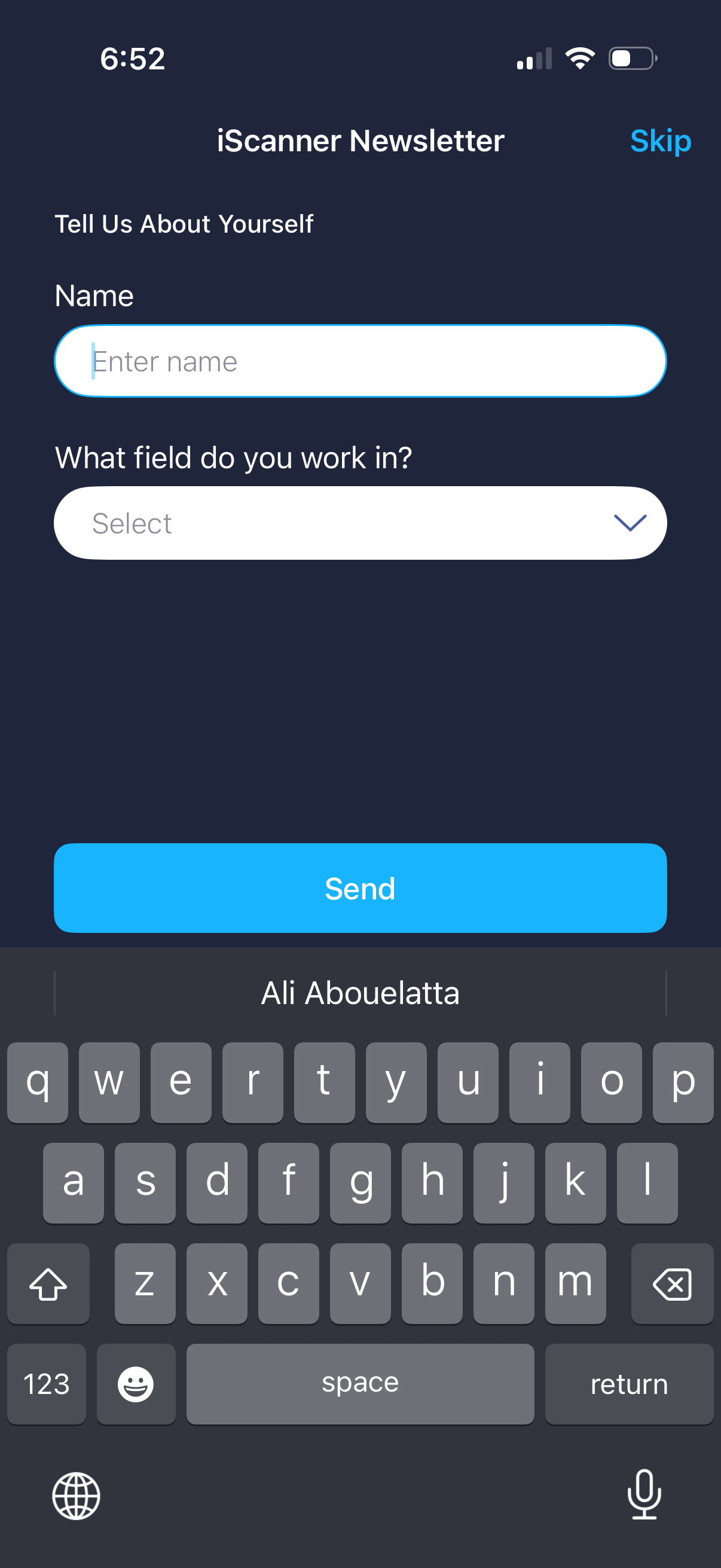
Newsletter signup onboarding form that asks the user to tell about themselves by entering their name and selecting their work field from a dropdown. Includes a Skip option and a primary Send button to submit the information.