browse conversion options
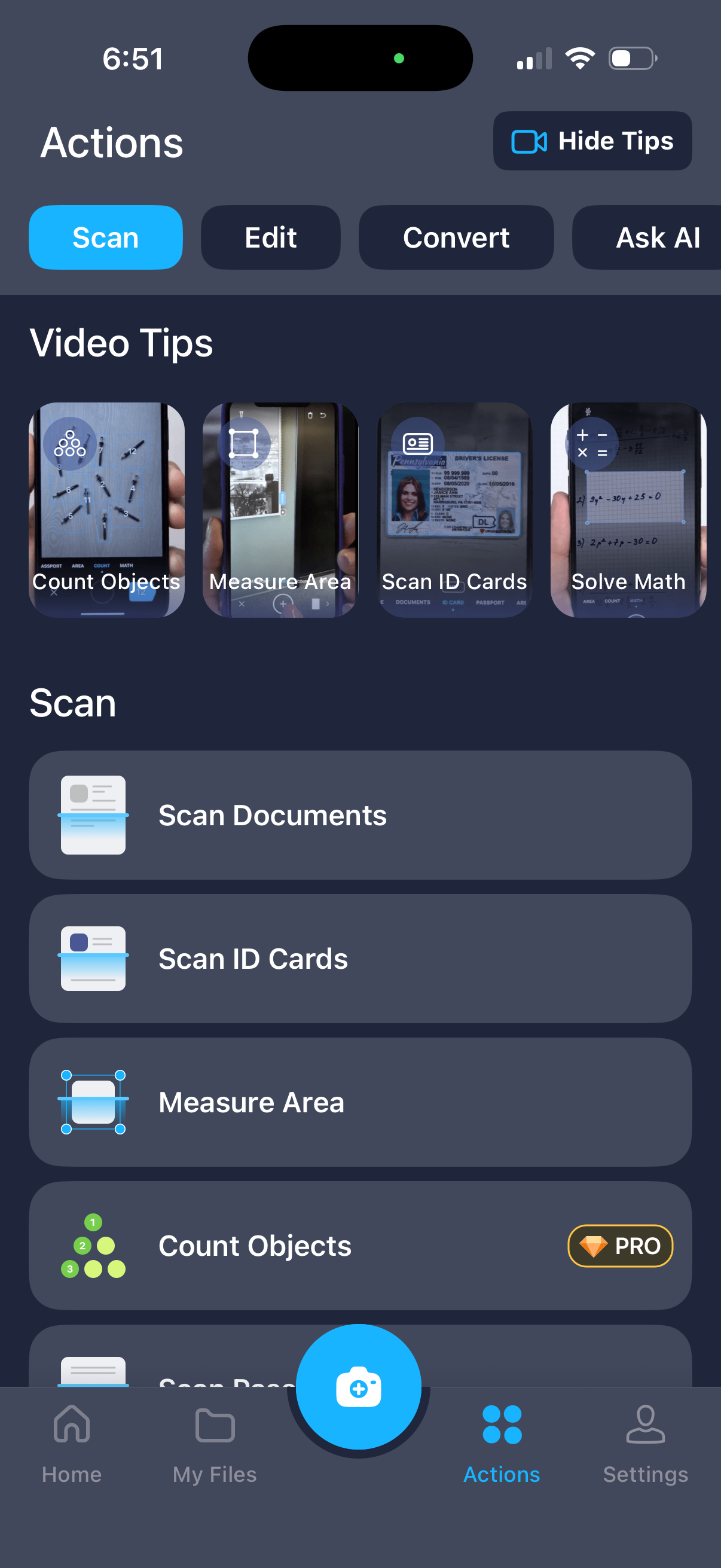
Actions hub screen in a document scanning app with tabs for Scan, Edit, Convert, and Ask AI, plus a “Hide Tips” toggle and video tip shortcuts like count objects, measure area, scan ID cards, and solve math. Provides primary scan actions as large list buttons (scan documents, scan ID cards, measure area, count objects with Pro badge) and a floating camera capture button in the bottom navigation.
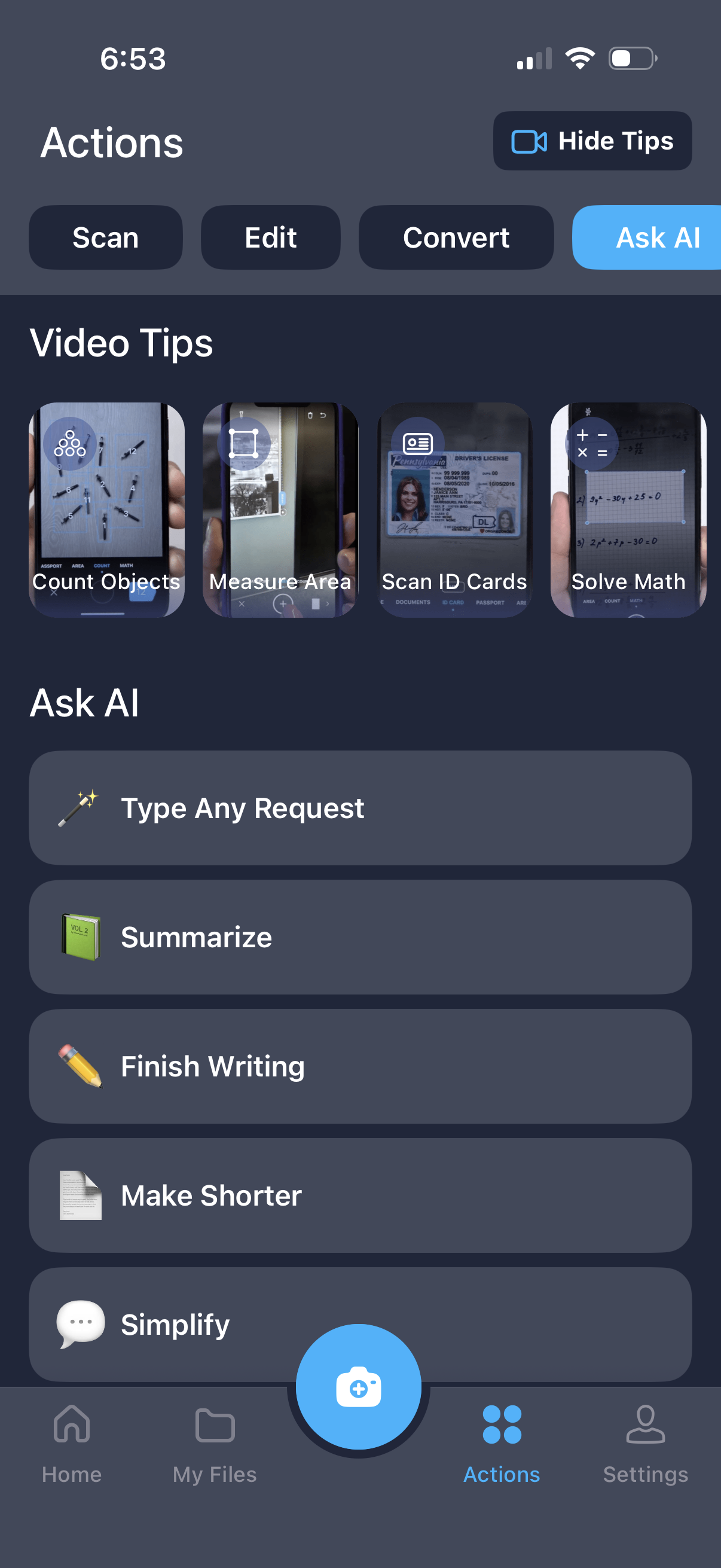
Actions hub screen in a document scanning app with quick tabs for Scan, Edit, Convert, and Ask AI, plus a “Video Tips” carousel for features like counting objects, measuring area, scanning ID cards, and solving math. The Ask AI section provides a request input and one-tap AI tools such as summarize, finish writing, make shorter, and simplify, with bottom navigation and a prominent camera scan button.
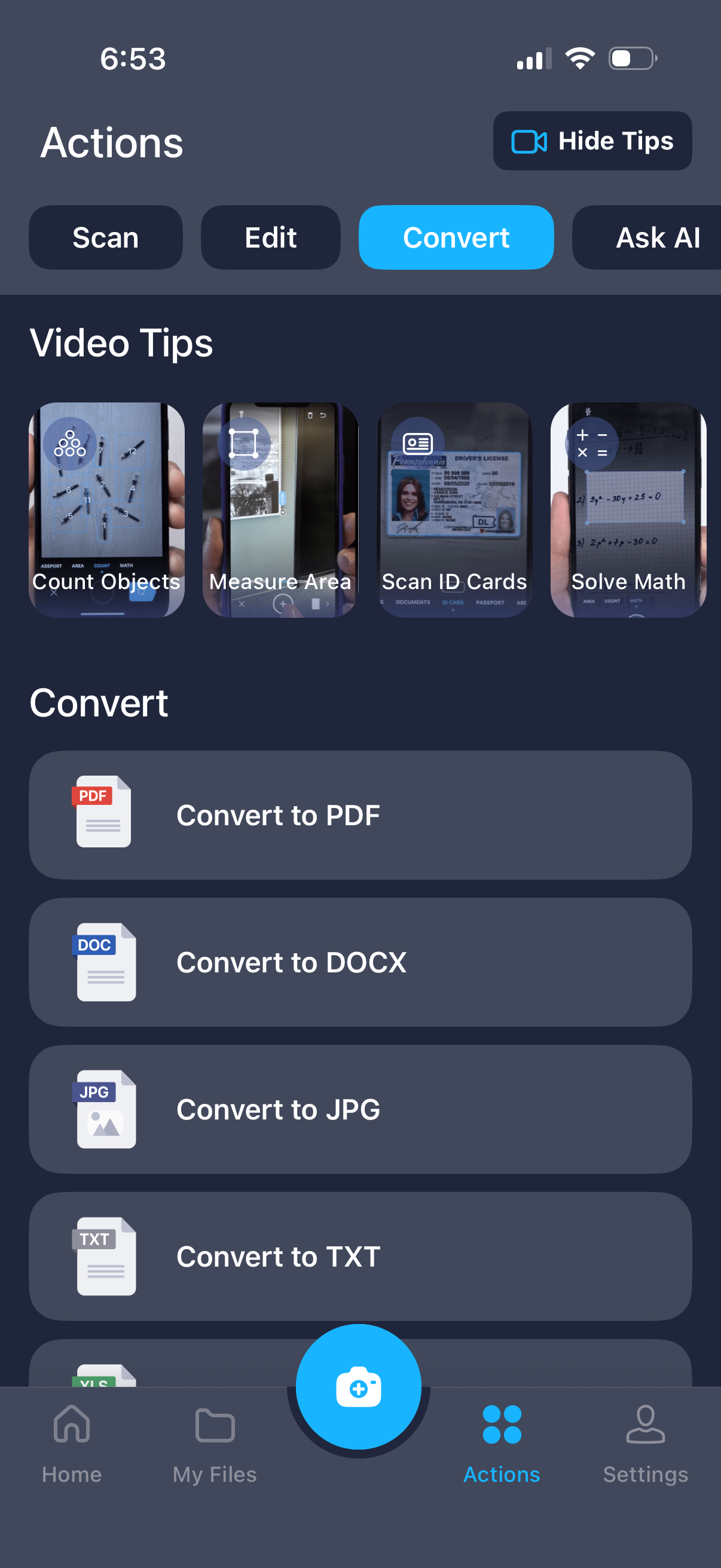
Mobile document scanner app “Actions” hub with tabs for Scan, Edit, Convert, and Ask AI plus a carousel of video tips like count objects, measure area, scan ID cards, and solve math. The Convert section lists quick actions to convert files to formats such as PDF, DOCX, JPG, and TXT, with a prominent camera capture button and bottom navigation (Home, My Files, Actions, Settings).