open document actions
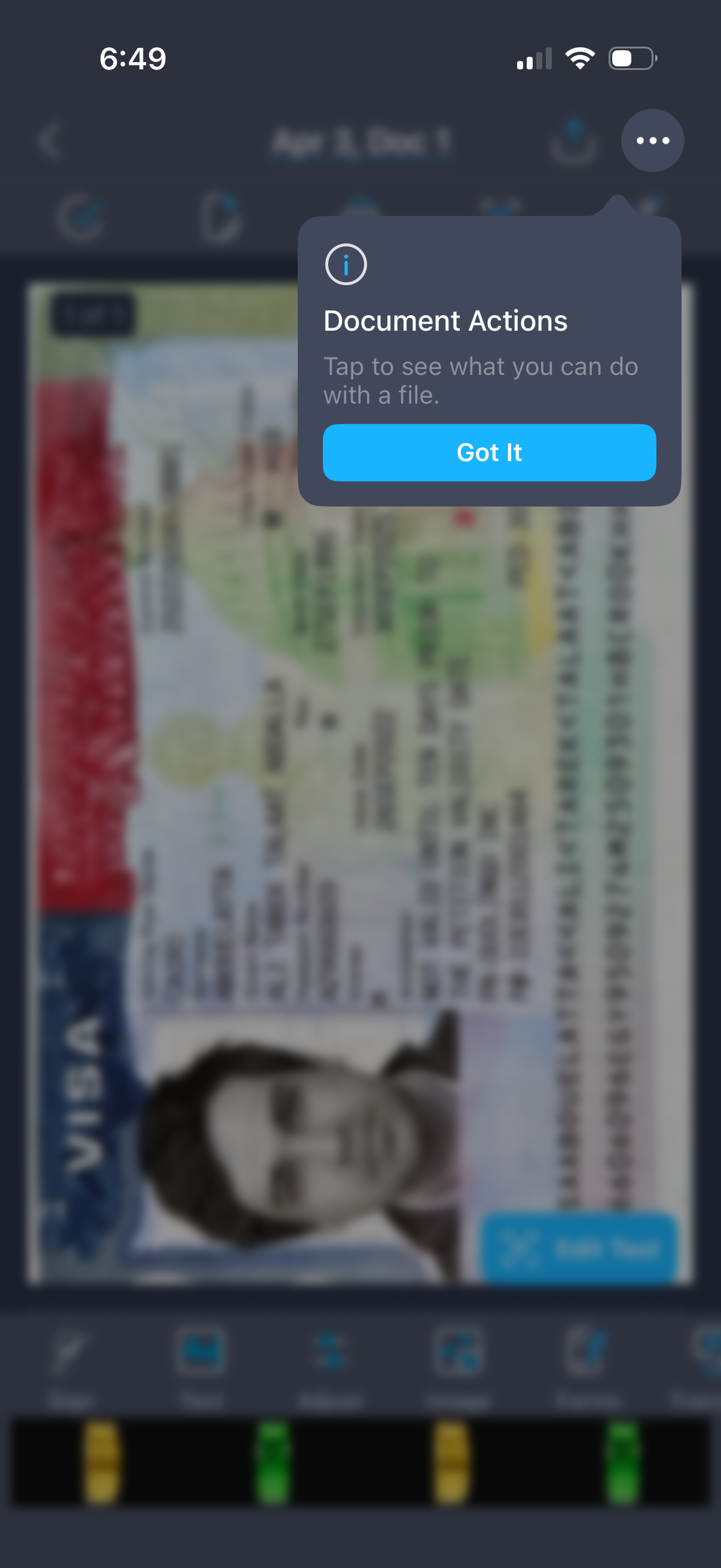
Mobile document viewer screen showing a scanned ID image in the background with a contextual help tooltip titled “Document Actions” explaining that users can tap to see file actions, and a primary “Got It” button to dismiss the onboarding tip.
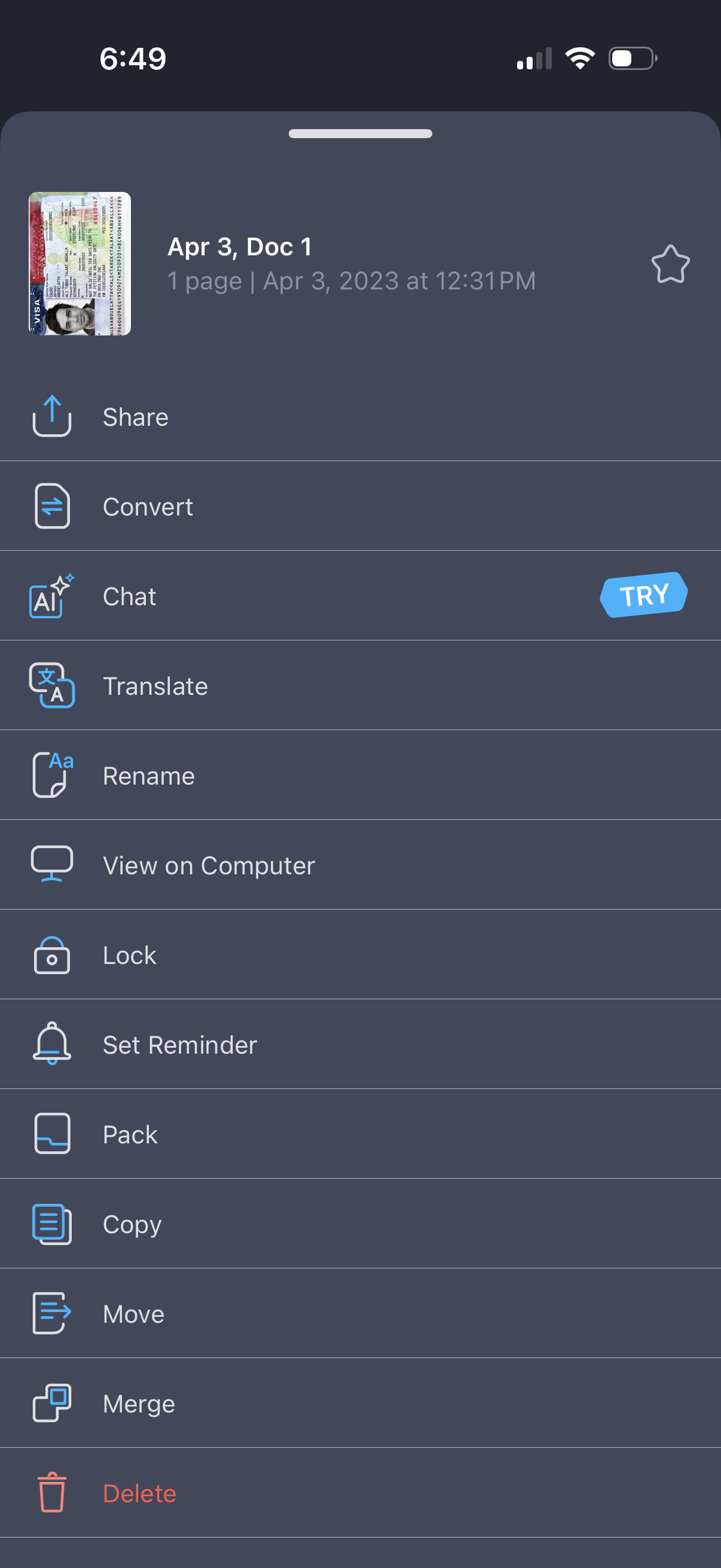
Document options bottom sheet for a scanned PDF/file showing a thumbnail, title, page count/date, and a favorite toggle. Provides quick actions including share, convert, AI chat, translate, rename, view on computer, lock, set reminder, pack, copy, move, merge, and delete.
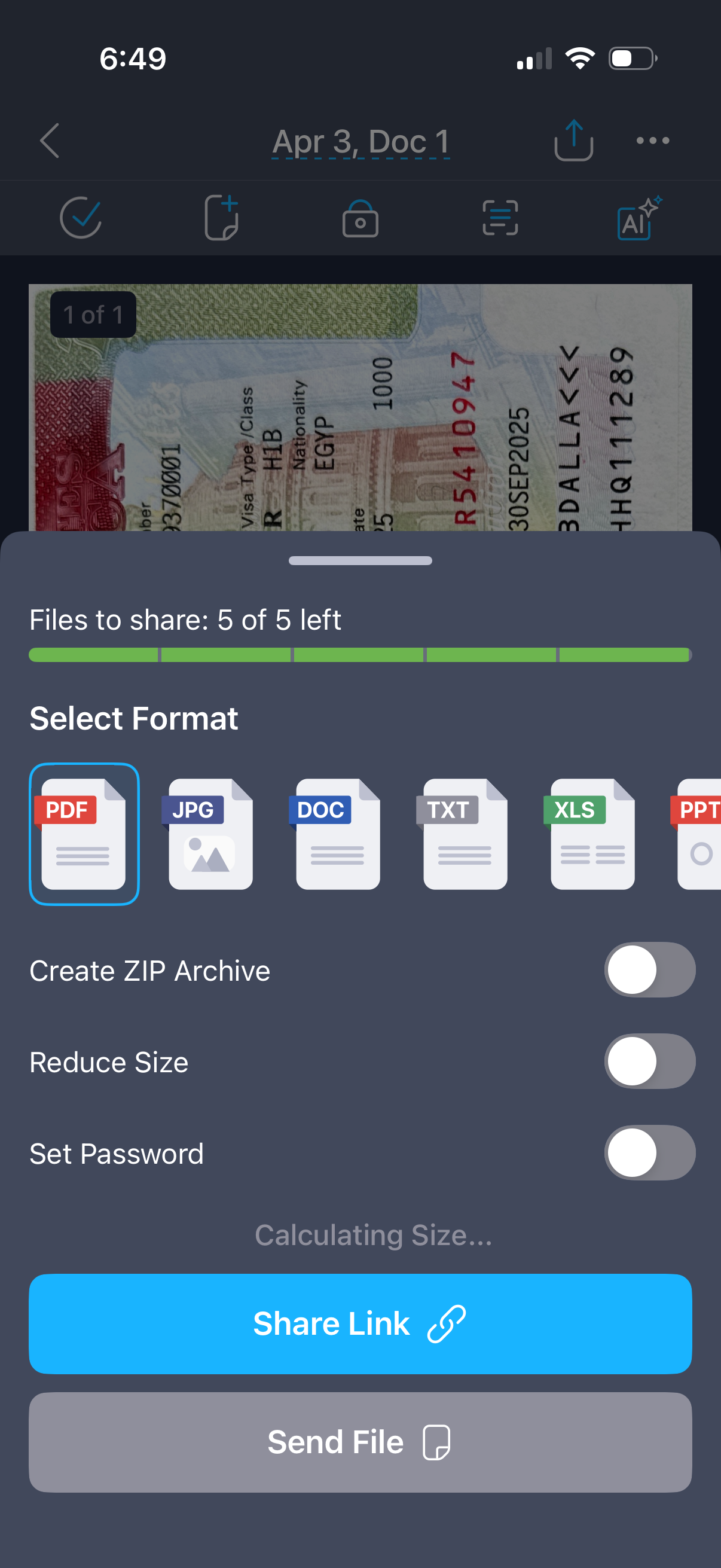
File sharing settings sheet for sending multiple documents, showing remaining file count and a format selector (PDF, JPG, DOC, TXT, XLS, PPT) with options to create a ZIP archive, reduce file size, and set a password. Primary actions let the user share a link or send the file directly while the app calculates file size.
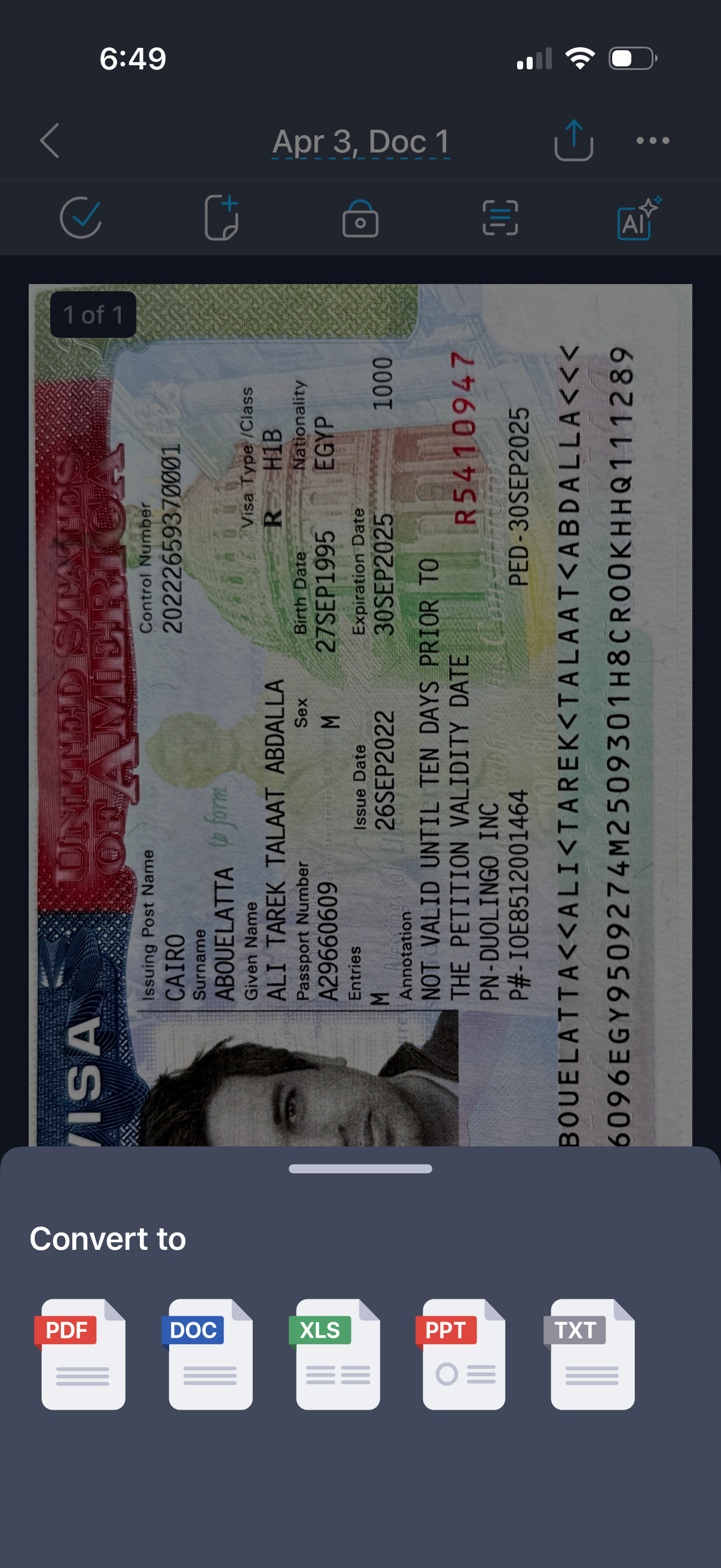
A mobile document viewer showing a scanned passport/visa image with a toolbar for actions like add, lock/protect, scan/recognize, and AI tools plus share and overflow menu options. A bottom sheet lets the user convert the document to different formats such as PDF, DOC, XLS, PPT, or TXT.