edit scan with ai
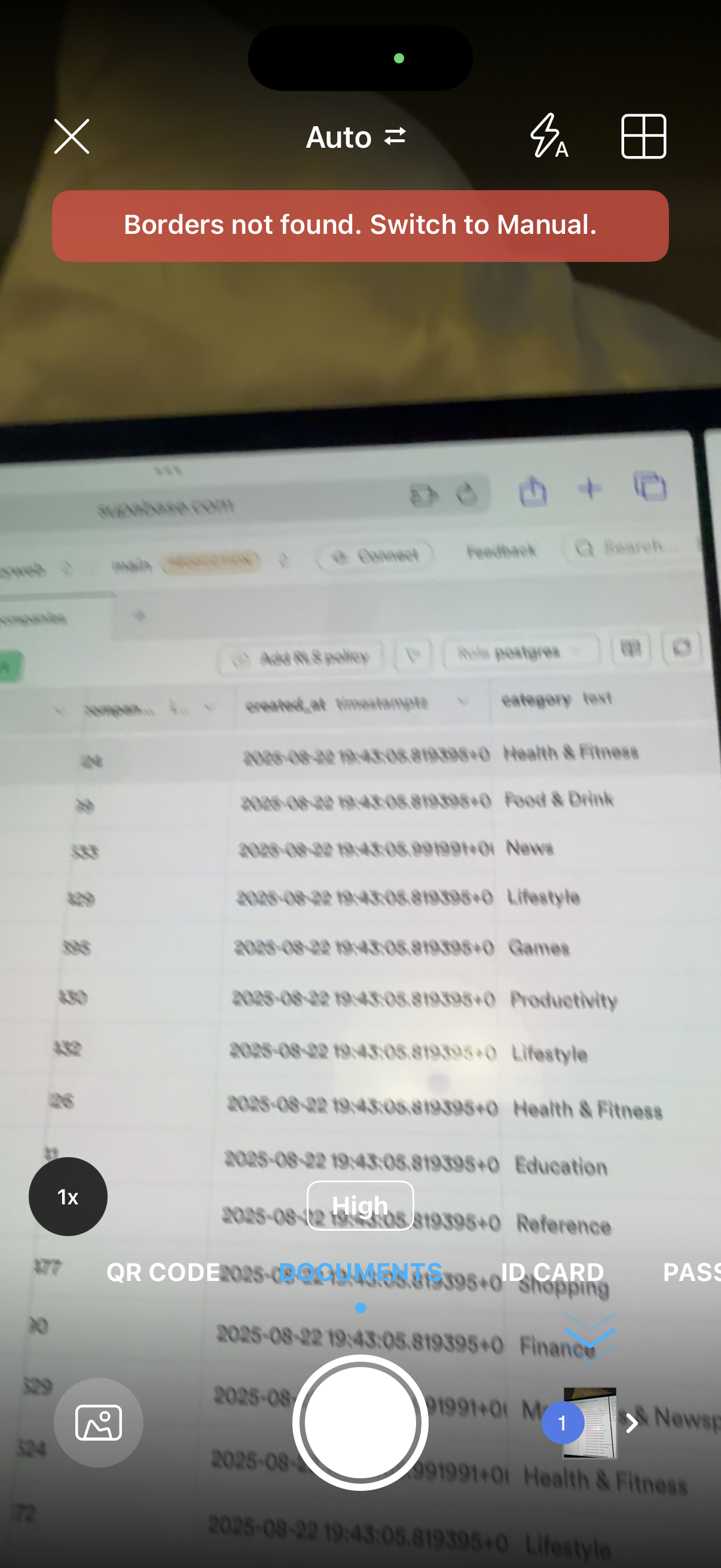
Camera document scanner capture screen in auto mode showing an error banner “Borders not found. Switch to Manual” for edge detection.
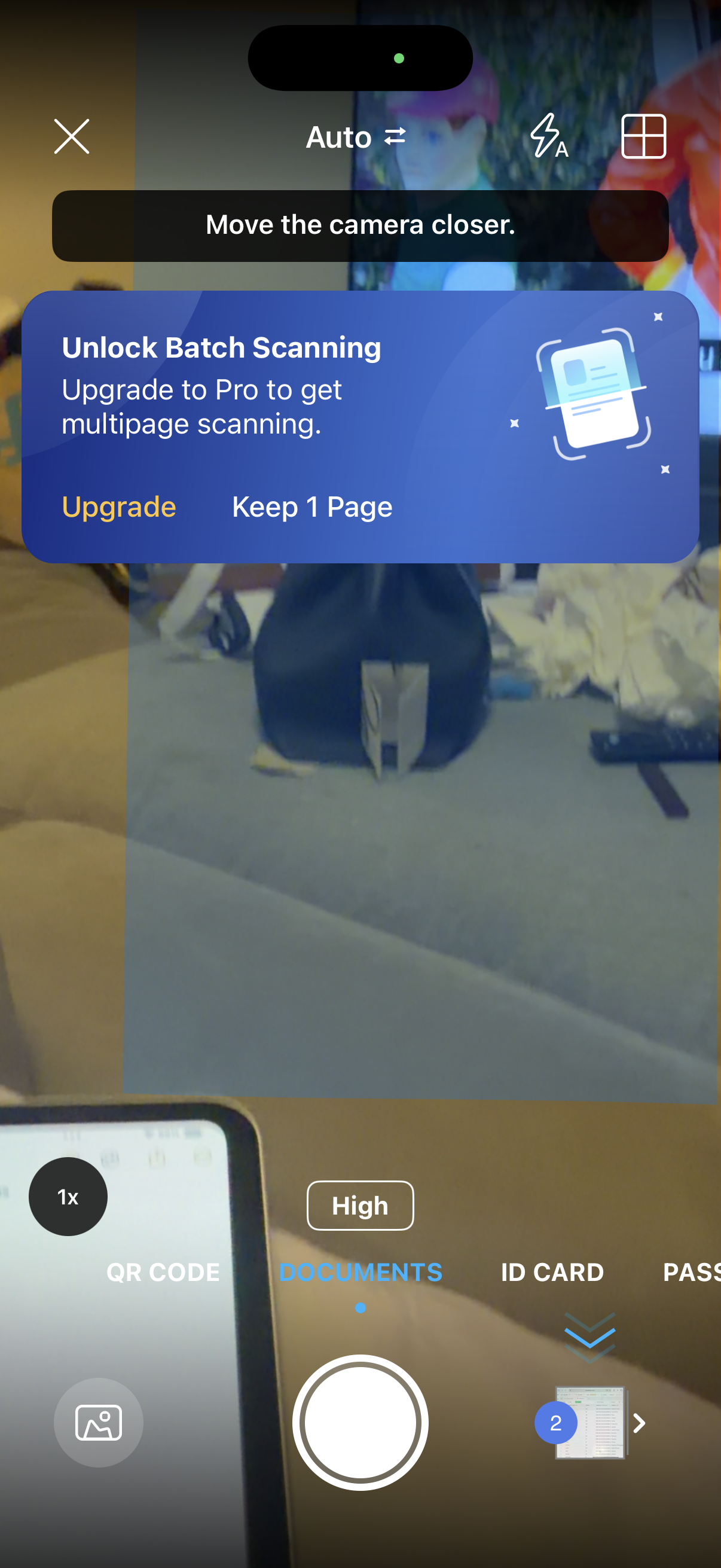
Mobile document scanning camera screen with automatic capture guidance (“Move the camera closer”), scan modes (QR code, documents, ID card, passport), zoom/quality controls, and thumbnail page counter. A paywall prompt overlays the camera preview to upgrade to Pro to unlock batch/multipage scanning, with actions to Upgrade or keep a single page.
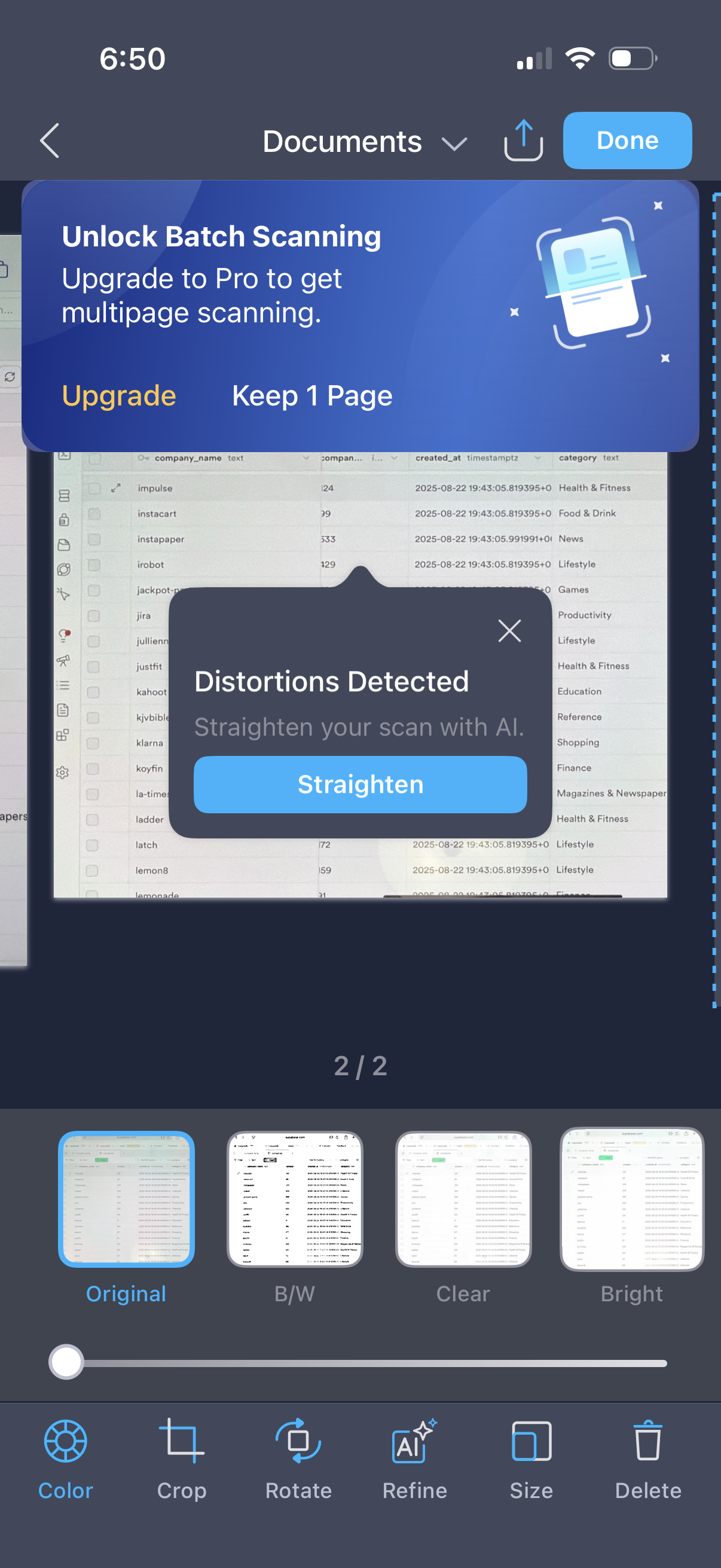
Document scanner edit screen showing a scanned page with thumbnail navigation and filters (Original, B/W, Clear, Bright) plus editing tools like color, crop, rotate, refine, resize, and delete, with share/export and Done actions. An AI alert modal detects scan distortions and offers a “Straighten” fix, alongside an upgrade prompt to unlock batch/multipage scanning.
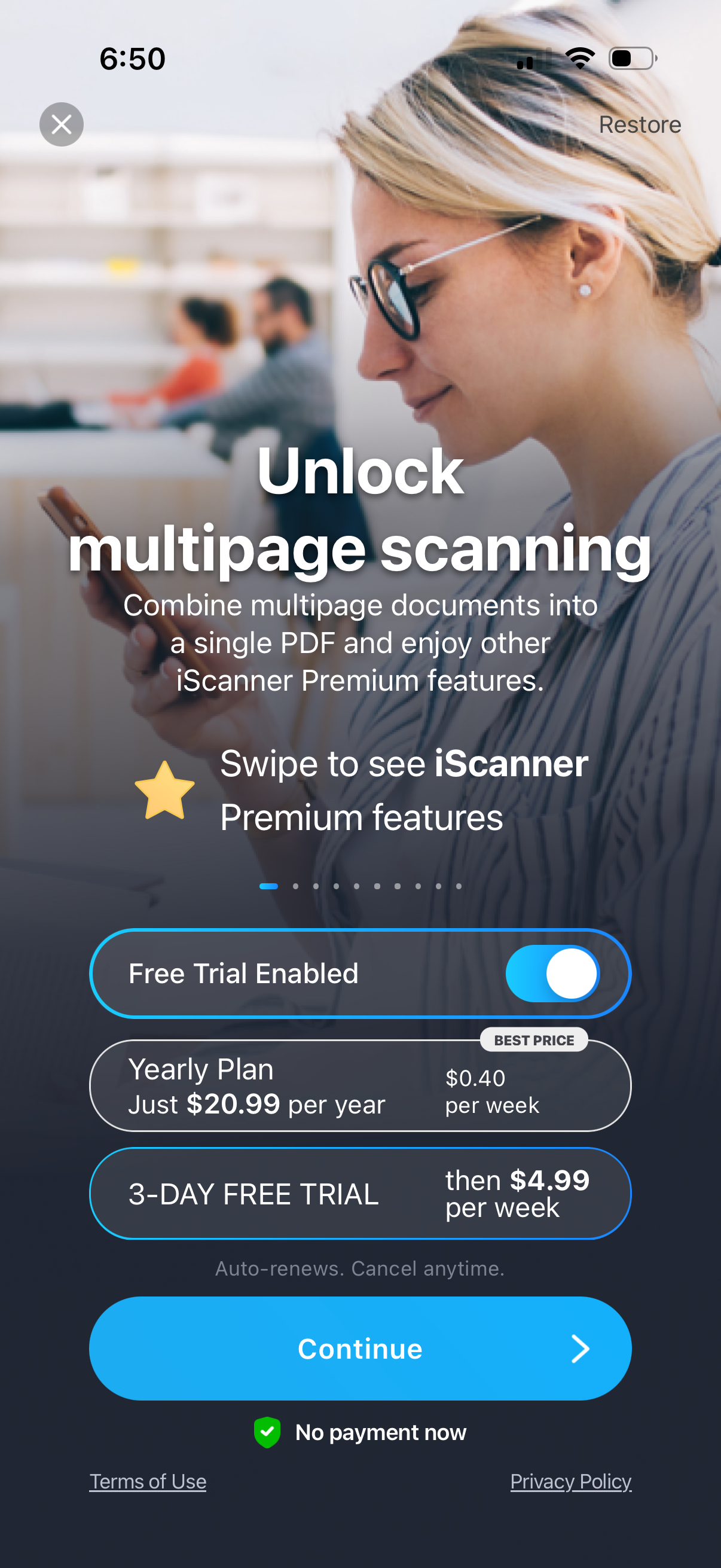
Premium subscription paywall for a document scanning app promoting “unlock multipage scanning” to combine multiple pages into one PDF, with a swipeable feature carousel. Includes a free-trial toggle, yearly plan pricing with a 3-day free trial and weekly renewal details, plus Restore purchase, close button, and a primary Continue CTA with auto-renew/cancel and terms/privacy links.
Premium subscription paywall for a document scanning app promoting “Unlock multipage scanning” to combine multiple pages into a single PDF. Lets users enable a free trial, choose a yearly plan with 3‑day free trial and weekly price, restore purchases, and proceed with a primary Continue CTA with terms and privacy links.
Premium subscription paywall for a document scanner app promoting “Unlock multipage scanning” and features like dewarping images, with a toggle to enable a free trial and pricing options for a yearly plan and 3‑day free trial that auto-renews weekly. Users can restore purchases, view terms/privacy, close the screen, or tap Continue to start the subscription with “no payment now” messaging.
Premium subscription paywall for a document scanning app promoting multipage scanning and export to Word/Excel, with a free trial toggle and pricing details for a yearly plan and 3-day free trial that renews weekly. Users can restore purchases, close the screen, view terms/privacy, and tap Continue to start the trial with “no payment now” messaging.
Premium subscription paywall for a document scanner app promoting multipage PDF scanning and OCR image-to-text conversion, with a toggle to enable a free trial and options for a yearly plan or 3‑day free trial with weekly pricing. Primary action is “Continue” to start the subscription, with links to restore purchases, terms of use, and privacy policy.
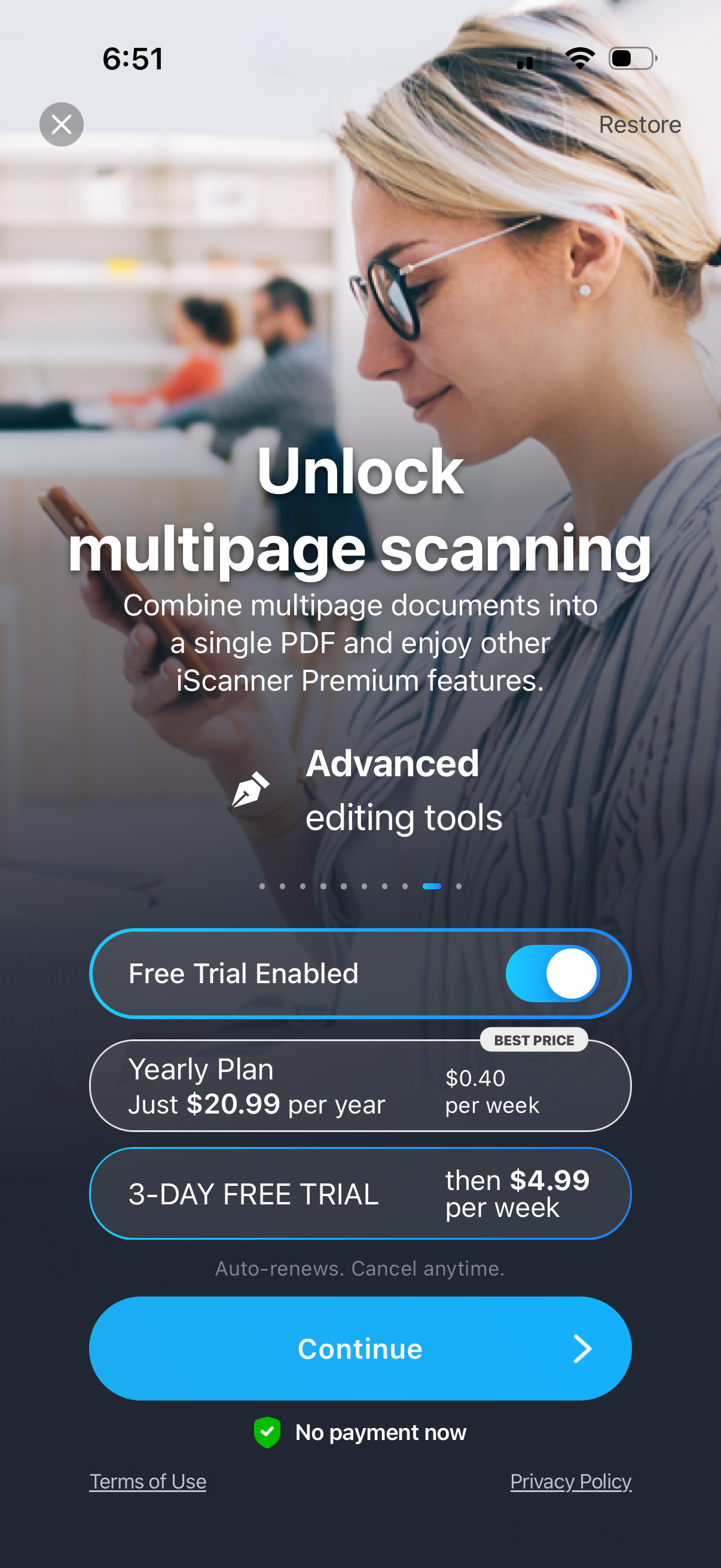
Premium subscription paywall for a document scanner app promoting “unlock multipage scanning” and advanced editing tools, with an option to restore purchases or close. Users can toggle a free trial, compare a yearly plan and 3‑day free trial pricing, then tap Continue to start the subscription with auto‑renew/cancel info and links to terms and privacy.
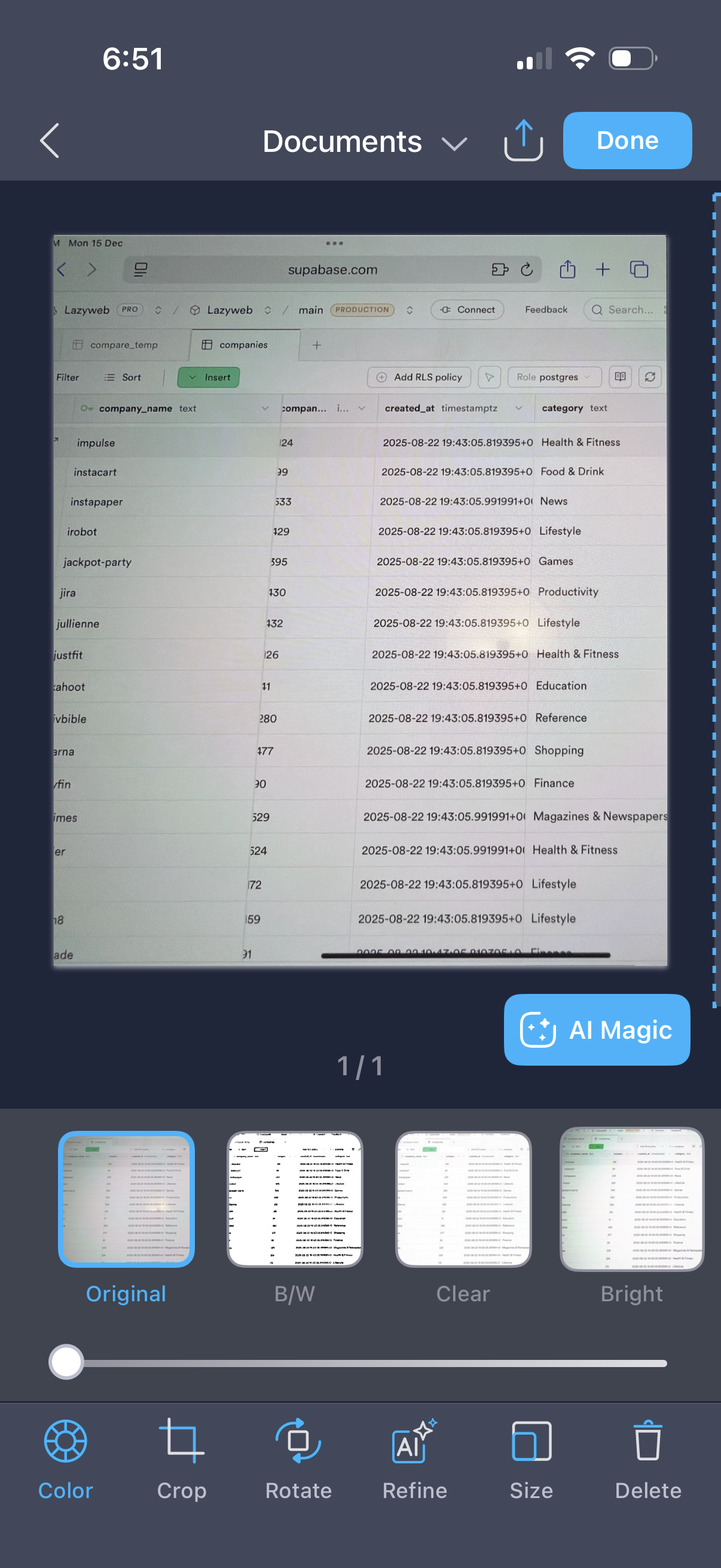
Mobile document scanner/photo editor screen showing a captured document preview with options to apply filters (Original, B/W, Clear, Bright) and a slider to adjust intensity. Primary actions include crop, rotate, refine, resize, delete, share/export, and finish with a Done button, with an AI Magic enhancement shortcut.
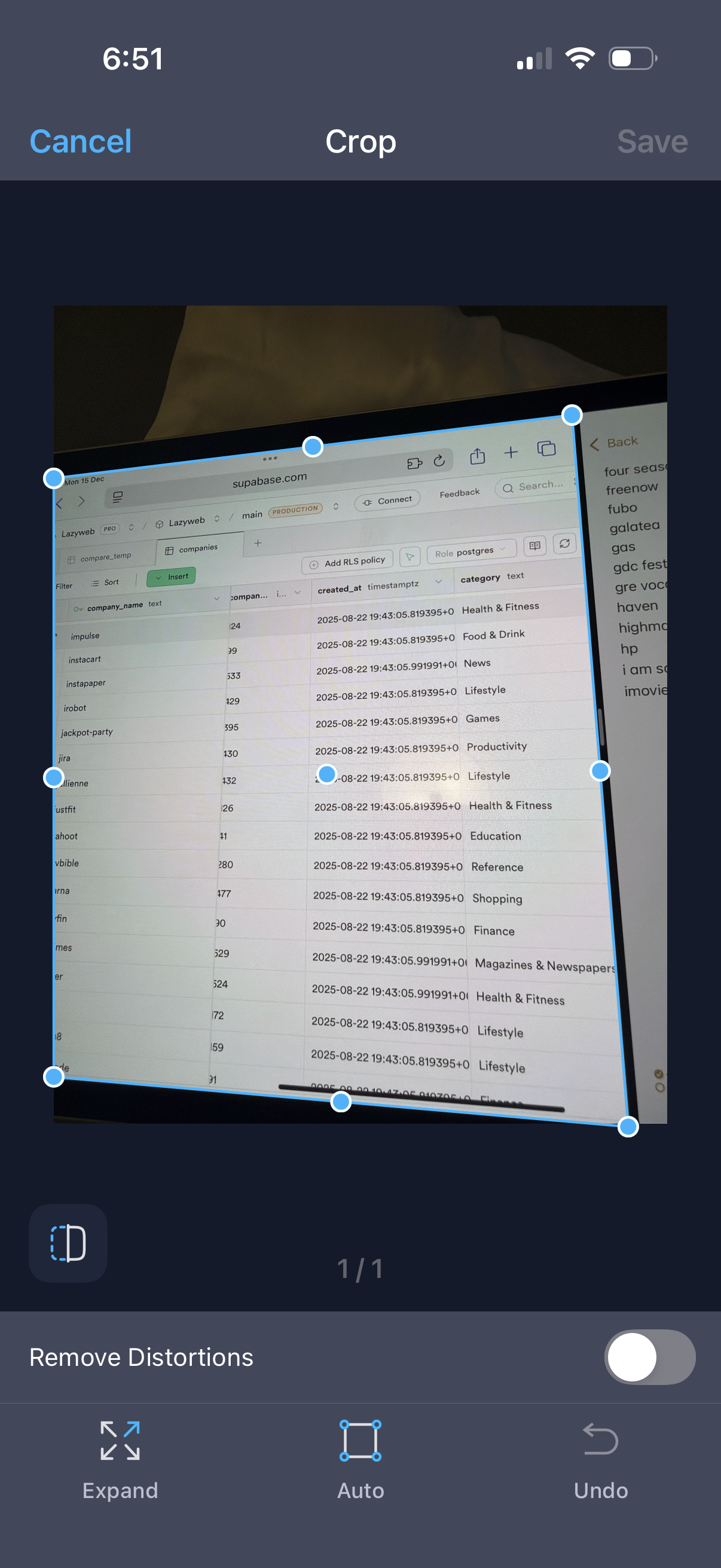
Photo editing crop screen showing an adjustable crop box with corner and edge handles to straighten and resize an image, plus an optional “Remove Distortions” toggle. Top navigation includes Cancel and Save, with bottom tools for Expand, Auto crop, and Undo.
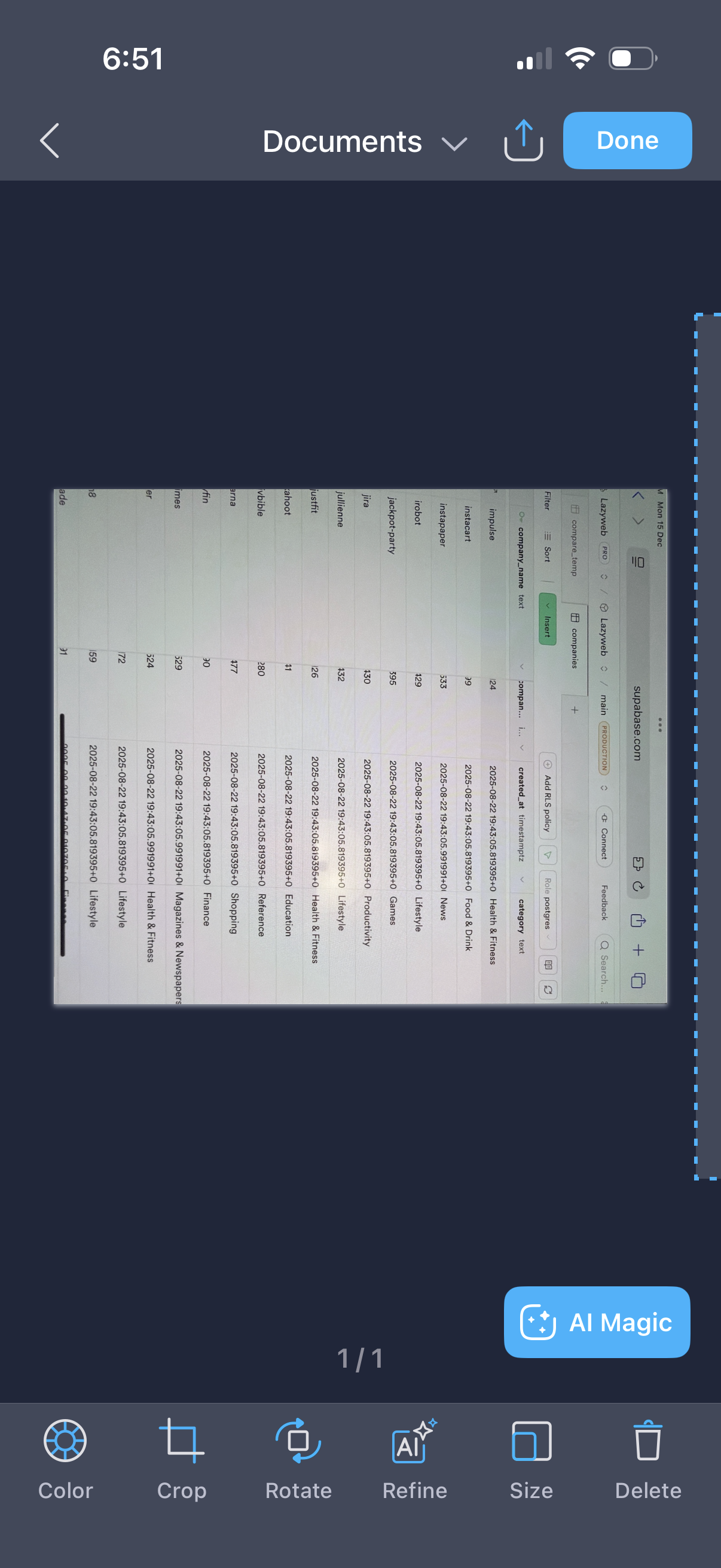
Mobile document viewer and editor showing a screenshot in a canvas with crop boundaries, including tools to adjust color, crop, rotate, refine, resize, or delete. Top navigation provides back, share/export, and Done actions, with an AI Magic enhancement button for automatic edits.
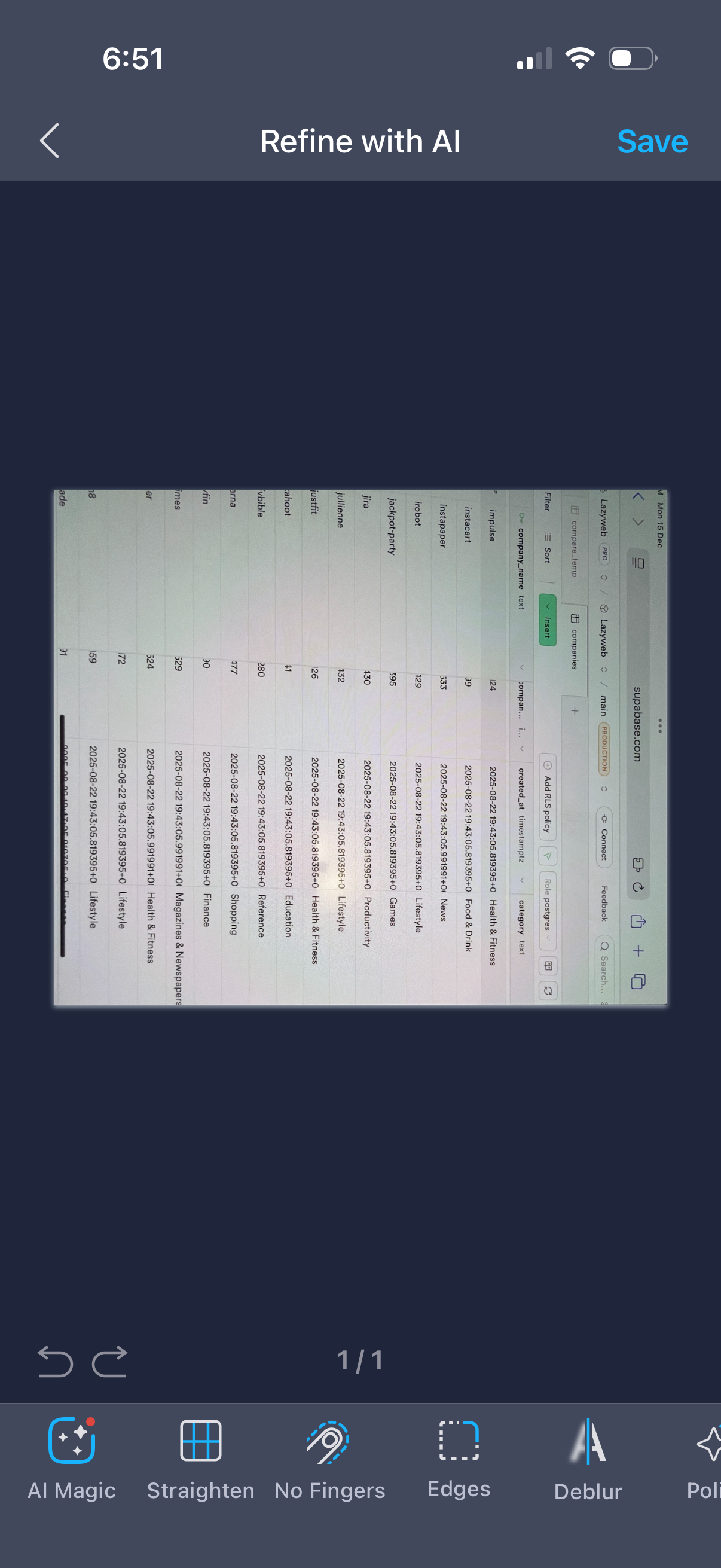
Photo editing screen for refining an image with AI, showing a preview canvas and bottom tools like AI Magic, Straighten, Remove Fingers, Edges, and Deblur. Users can adjust the image, undo/redo changes, and save the final result.
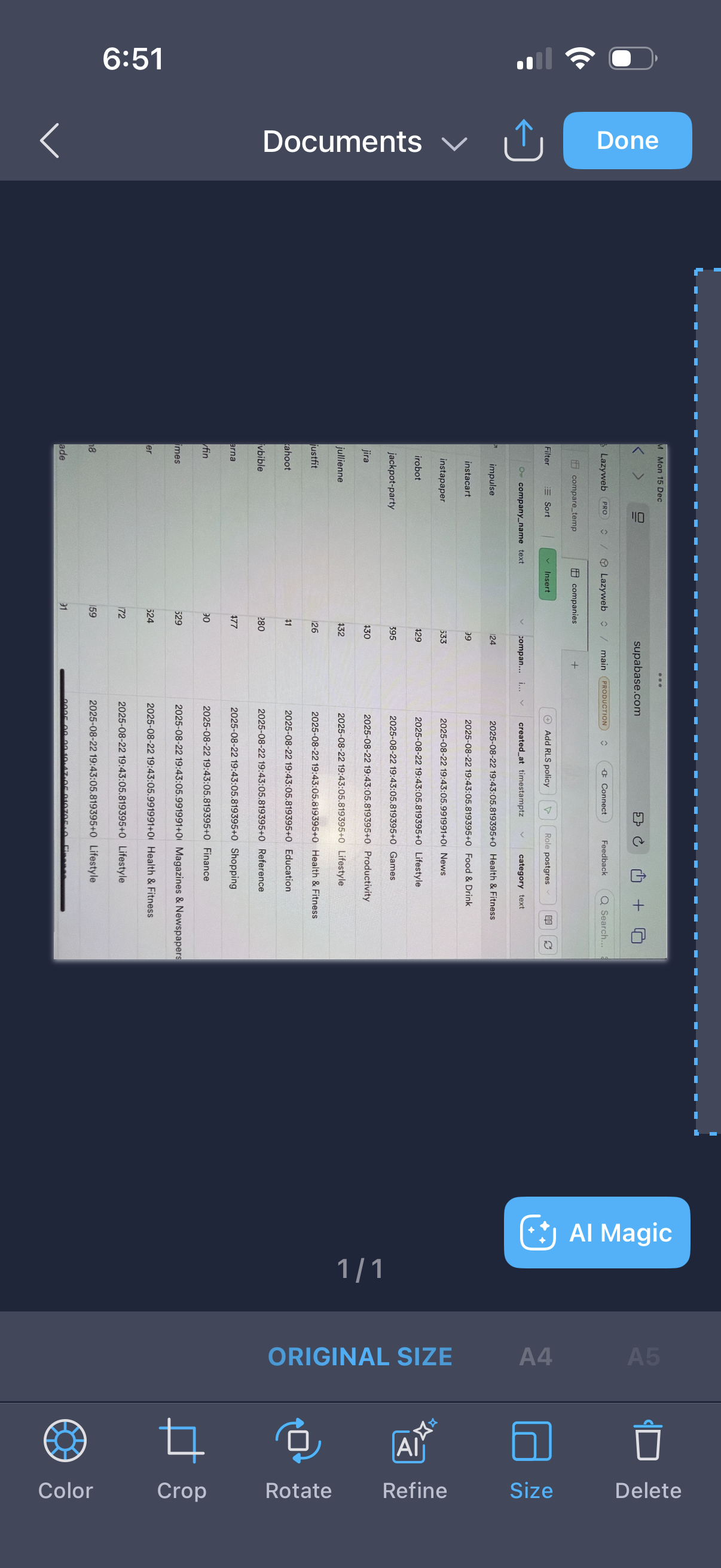
Document/image editing screen showing a scanned photo preview with options to adjust color, crop, rotate, refine/AI enhance, change page size, or delete. Top actions let the user share/export and finish editing with a Done button.
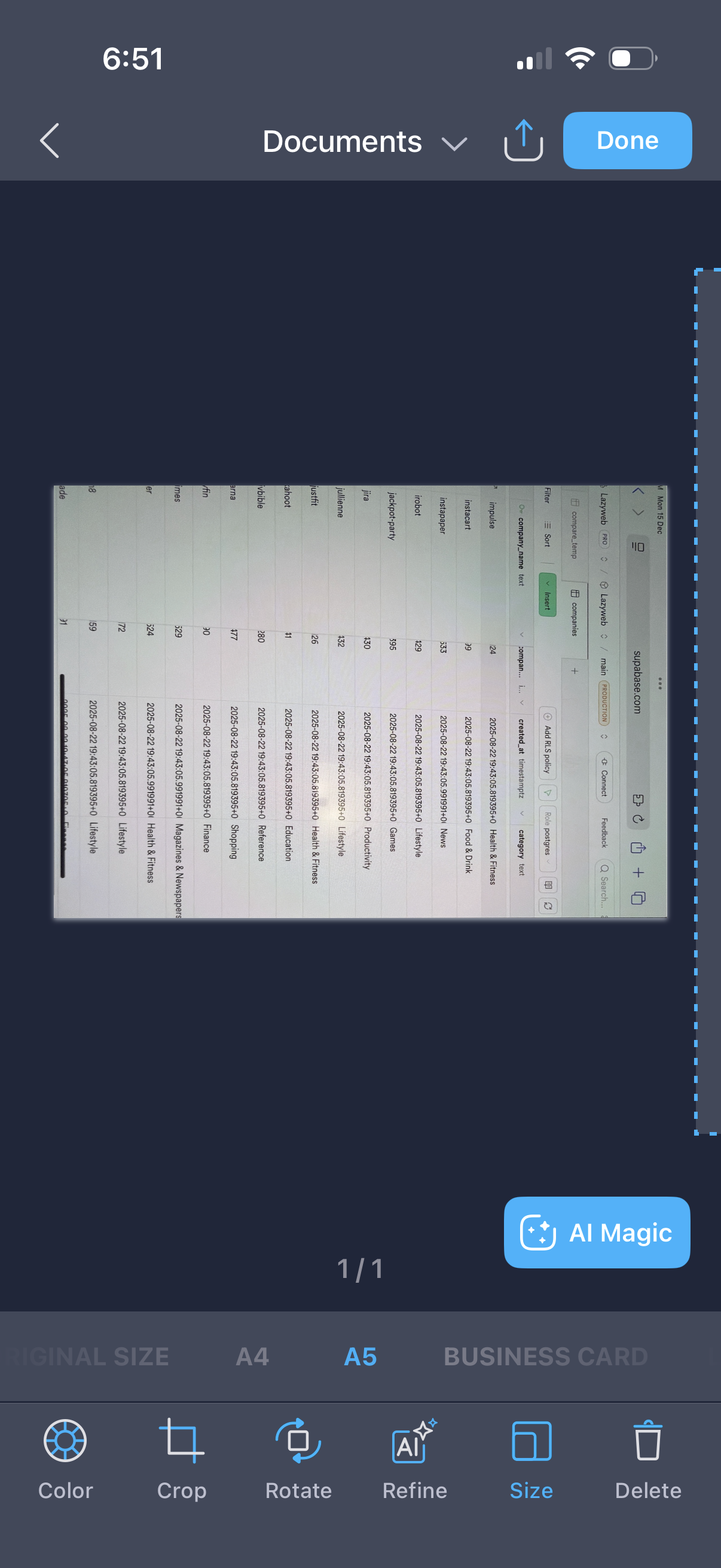
Document scanning/editing screen showing a captured page preview with tools to adjust the scan, including color filters, crop, rotate, refine/enhance, resize presets (original, A4, A5, business card), and delete. Top actions let users share/export the document and tap Done to save, with an “AI Magic” enhancement button available.