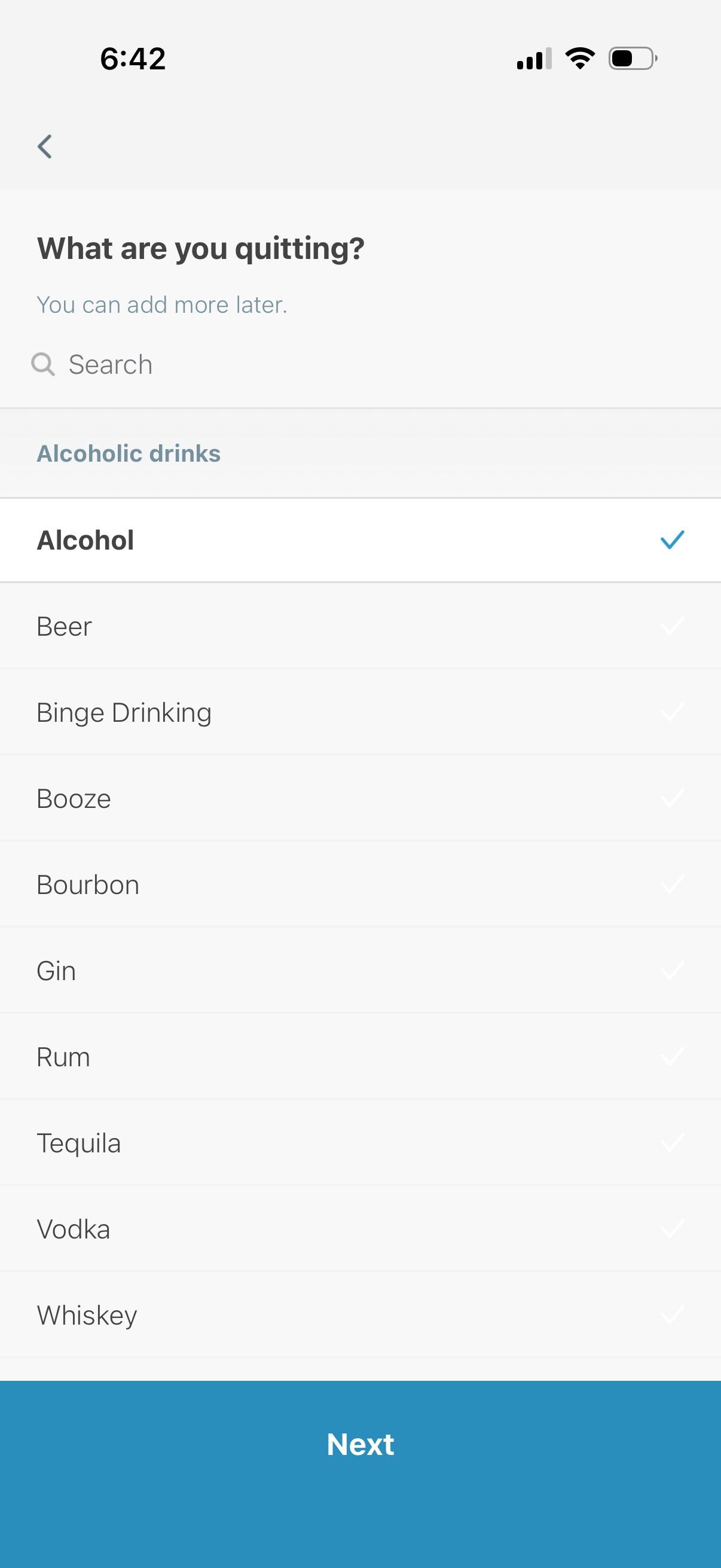
Goal setup selection screen asking “What are you quitting? ” with a search bar and a categorized checklist of alcoholic drink options (e.
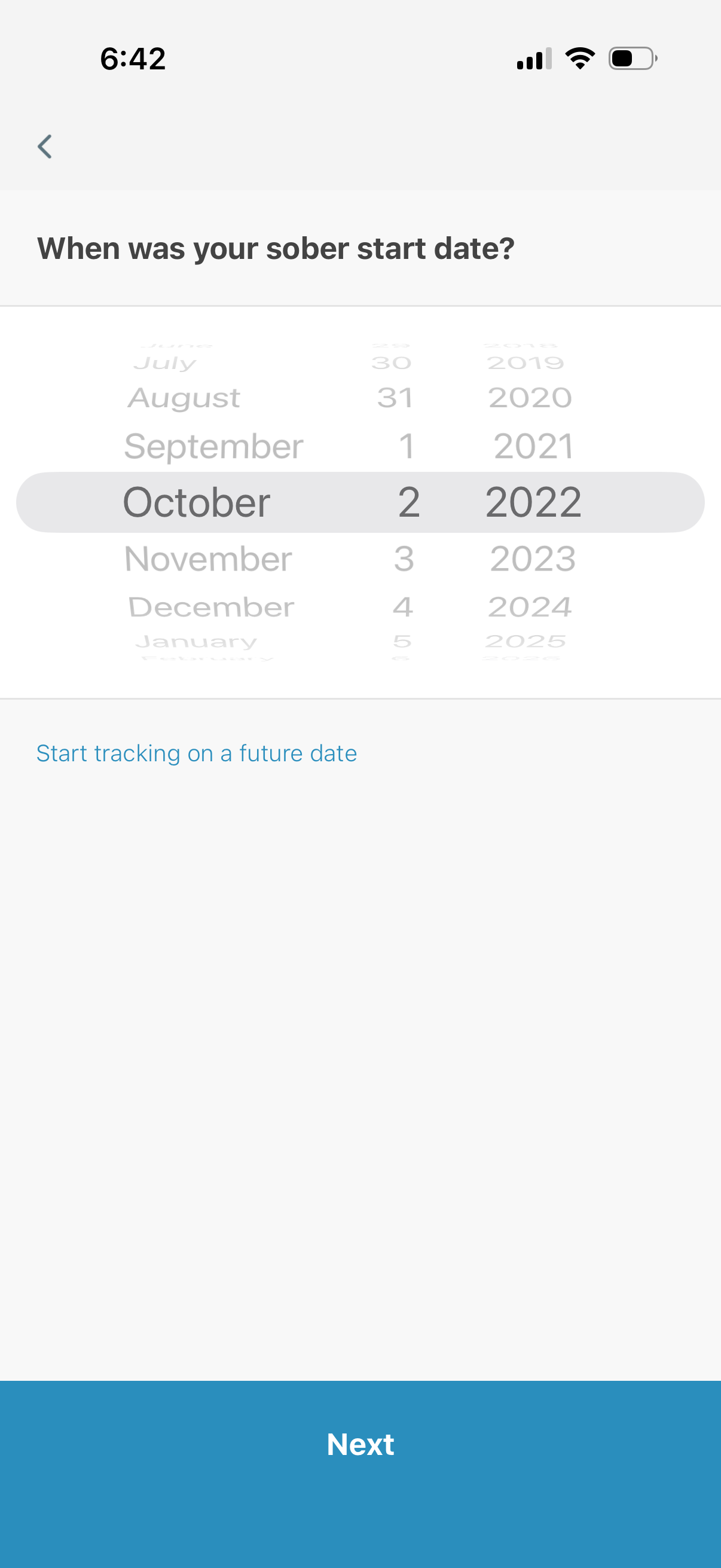
Onboarding screen for a sobriety tracking app prompting the user to select their sober start date using a scrolling date picker (month/day/year). Includes an option to start tracking on a future date and a primary Next button to continue.

Onboarding questionnaire screen for an alcohol tracking or sobriety app asking how many days per week the user drank on average before tracking. Includes a numeric stepper with plus/minus controls, day-of-week selection tiles, and a primary “Next” button to continue.
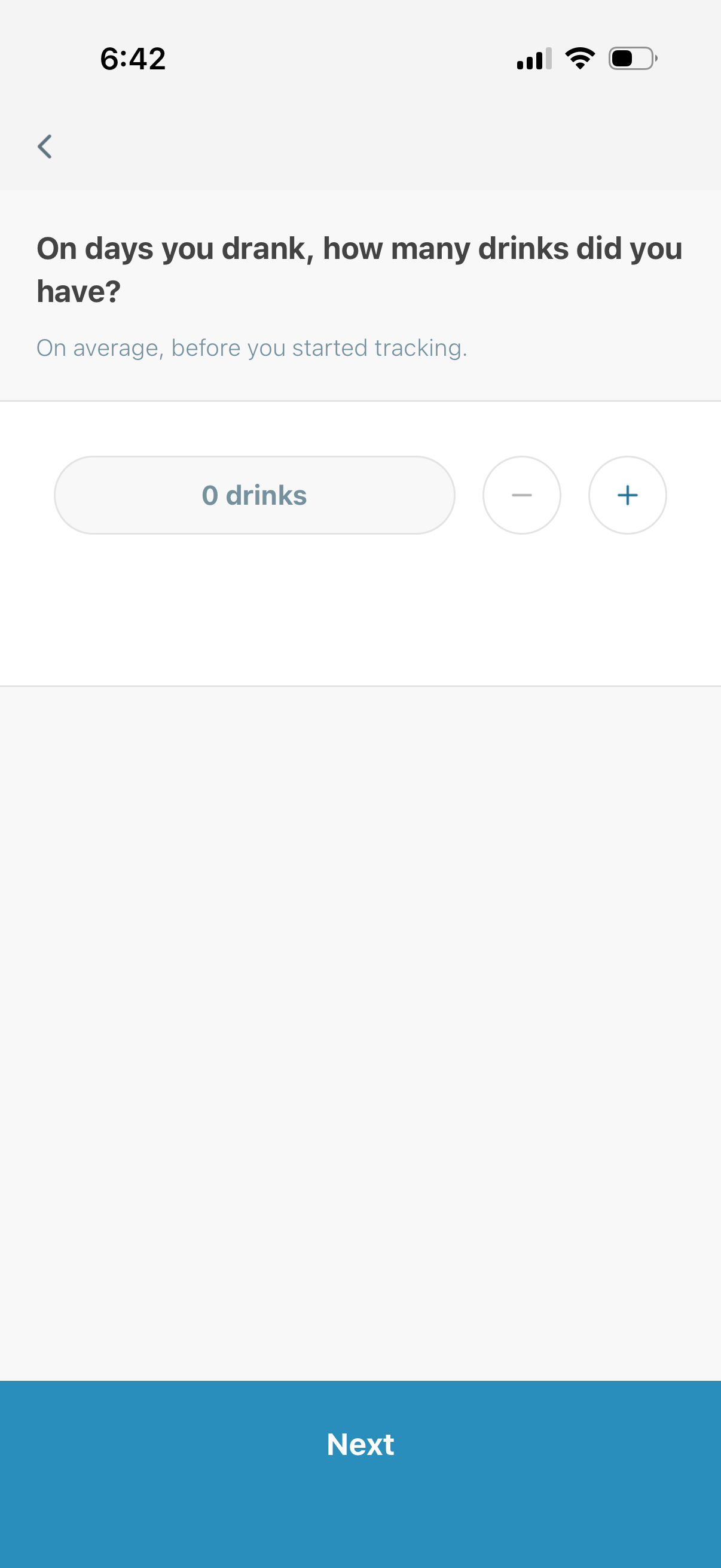
Onboarding survey screen for an alcohol tracking/health app asking the user to estimate their average number of drinks on drinking days before tracking began. Includes a numeric stepper with minus/plus controls to set the drink count and a primary “Next” button to continue.
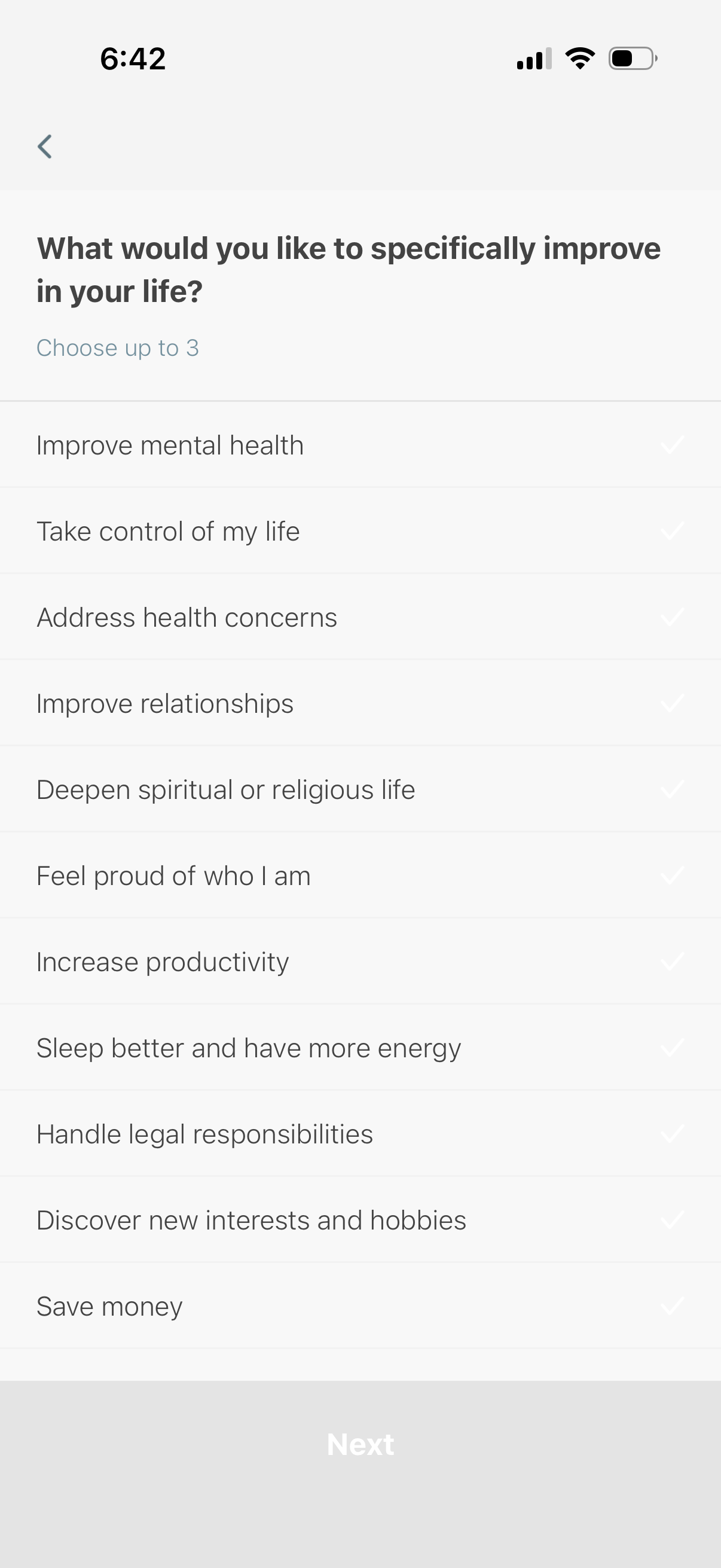
Onboarding preferences screen asking users what areas of life they want to improve, allowing selection of up to three goals from a checklist (e. g.

Onboarding questionnaire screen asking users to rate how important sobriety is to them, with a single-choice list of priority levels from Critical to Nice to have. Users select an option via checkmark and proceed using a Next button, with a back arrow for navigation.
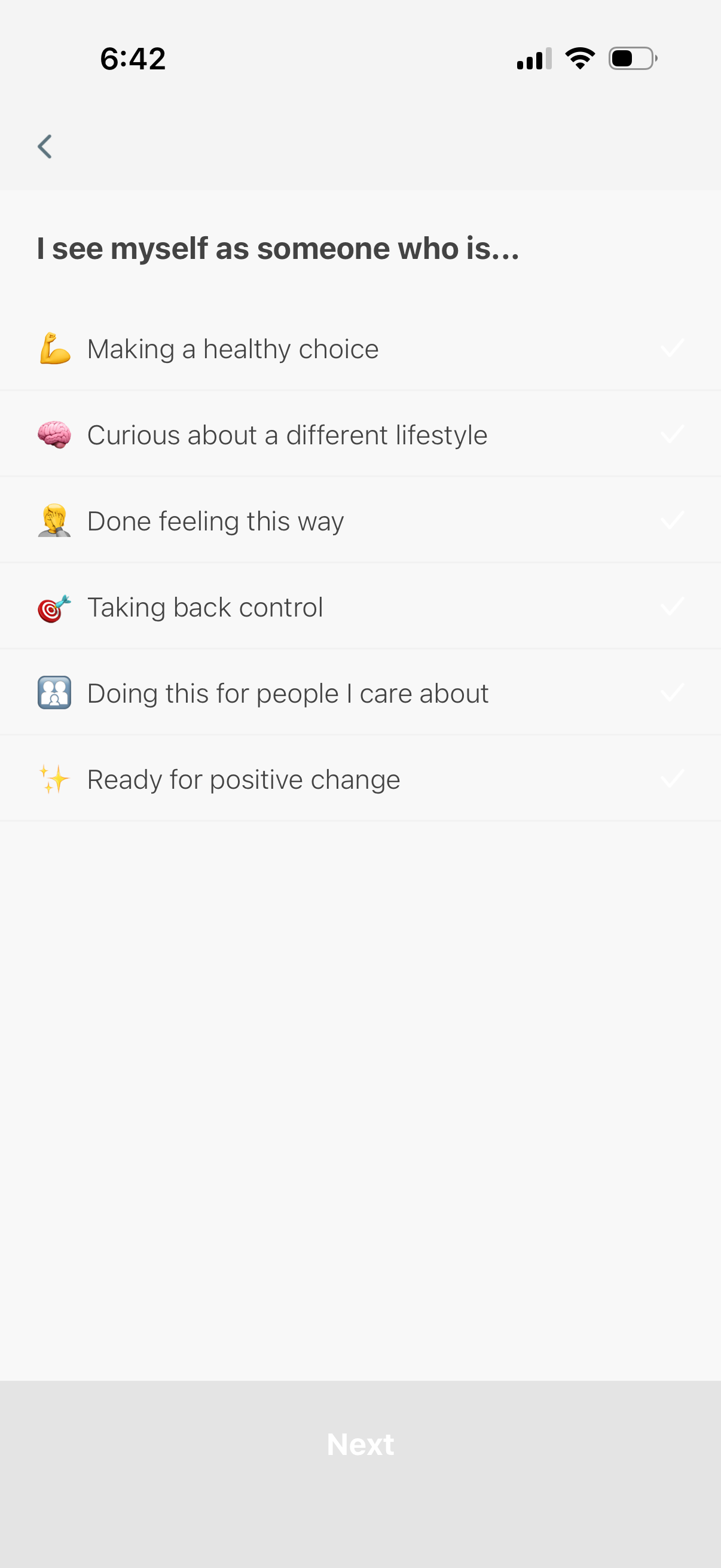
Onboarding questionnaire screen asking users to select statements that describe their motivation for making a lifestyle or health change, presented as a checklist with icons and checkmarks. Includes back navigation and a disabled “Next” button that becomes available after choosing one or more options.
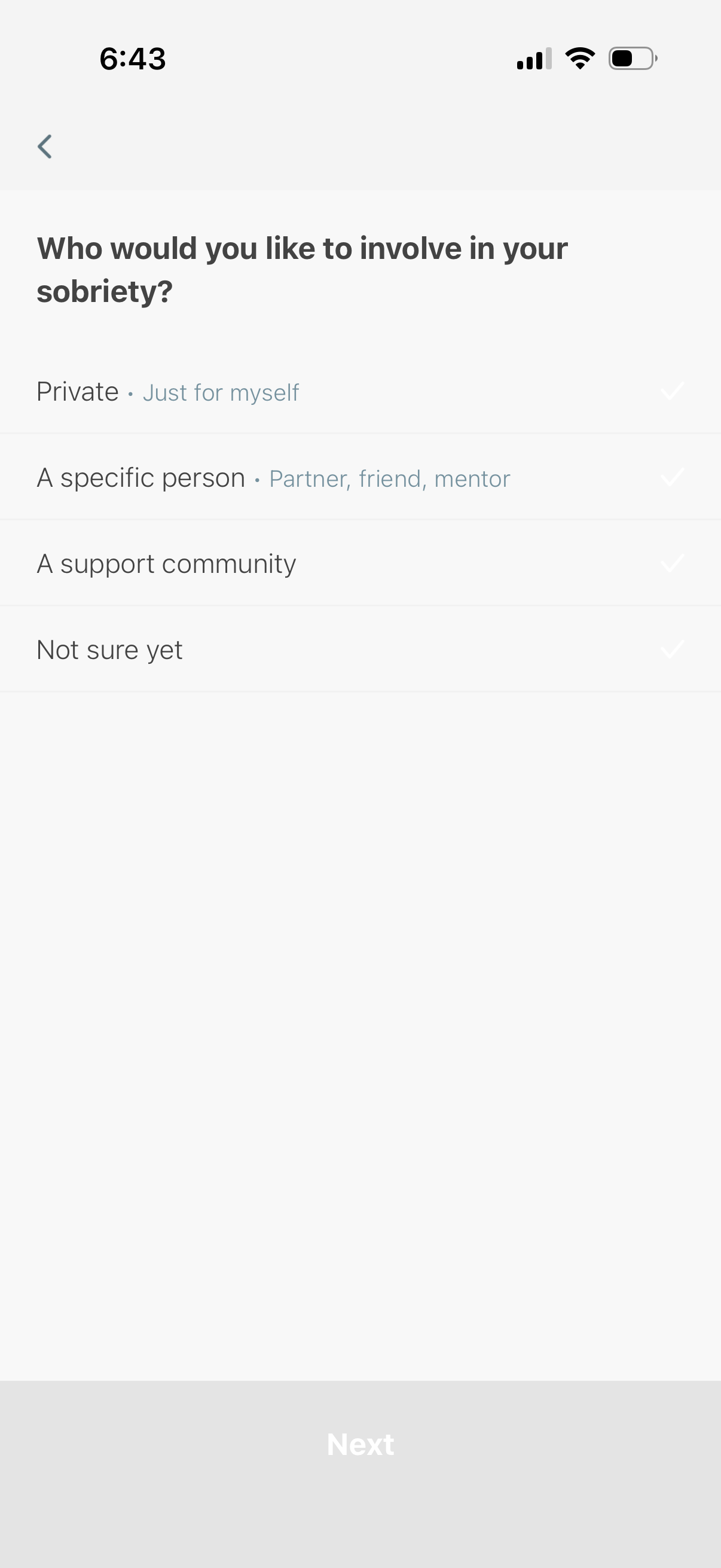
Onboarding preference screen for a sobriety or recovery app asking who to involve in the user’s sobriety journey. Users select one option (private/just for myself, a specific person like partner or mentor, a support community, or not sure yet) before continuing with a Next button.
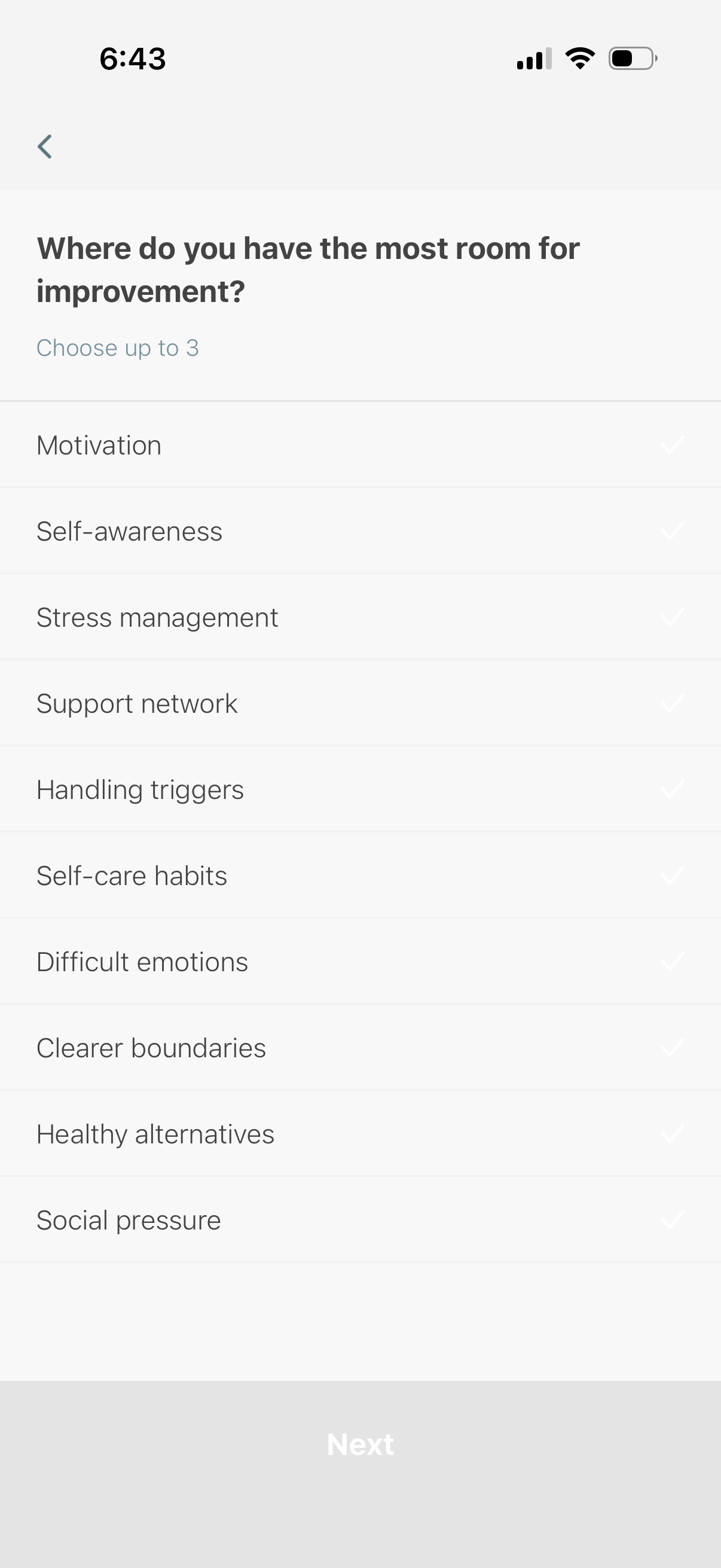
Onboarding questionnaire screen asking users where they have the most room for improvement, allowing selection of up to three goals from a checklist (e. g.

Onboarding survey screen asking the user which progress milestone they’re most looking forward to in a habit/change or sobriety tracker, presented as a selectable list of options (e. g.

Goal-setting prompt screen in a sobriety/habit change app asking the user what will be possible after being sober for 30 days, with a free-text input field (“I’ll be able to…”) and navigation controls to go back or proceed to the next step.
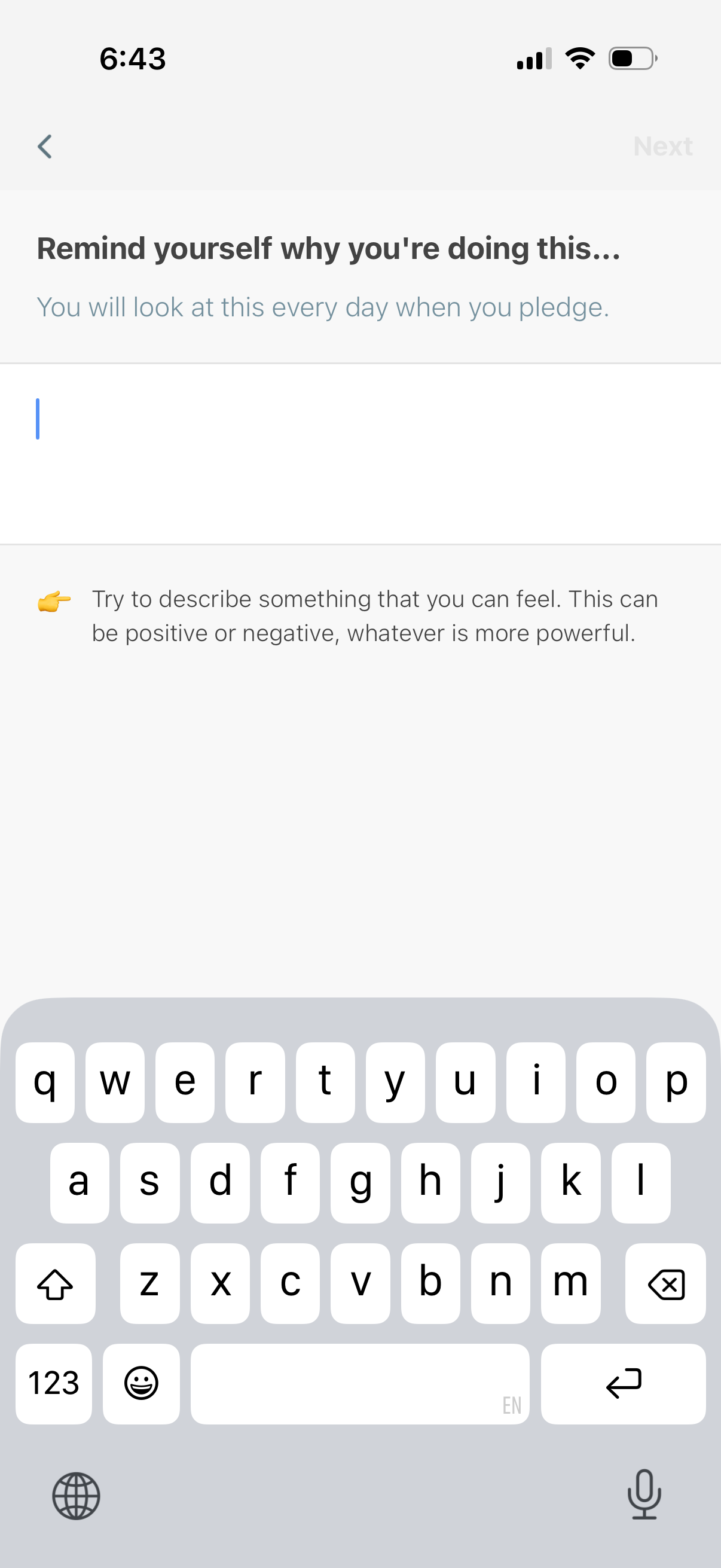
Motivation prompt screen in a habit or pledge onboarding flow where the user writes a personal reminder for why they’re committing, shown as a large text input field with guidance text. Includes back navigation and a disabled “Next” action to continue after entering the message.
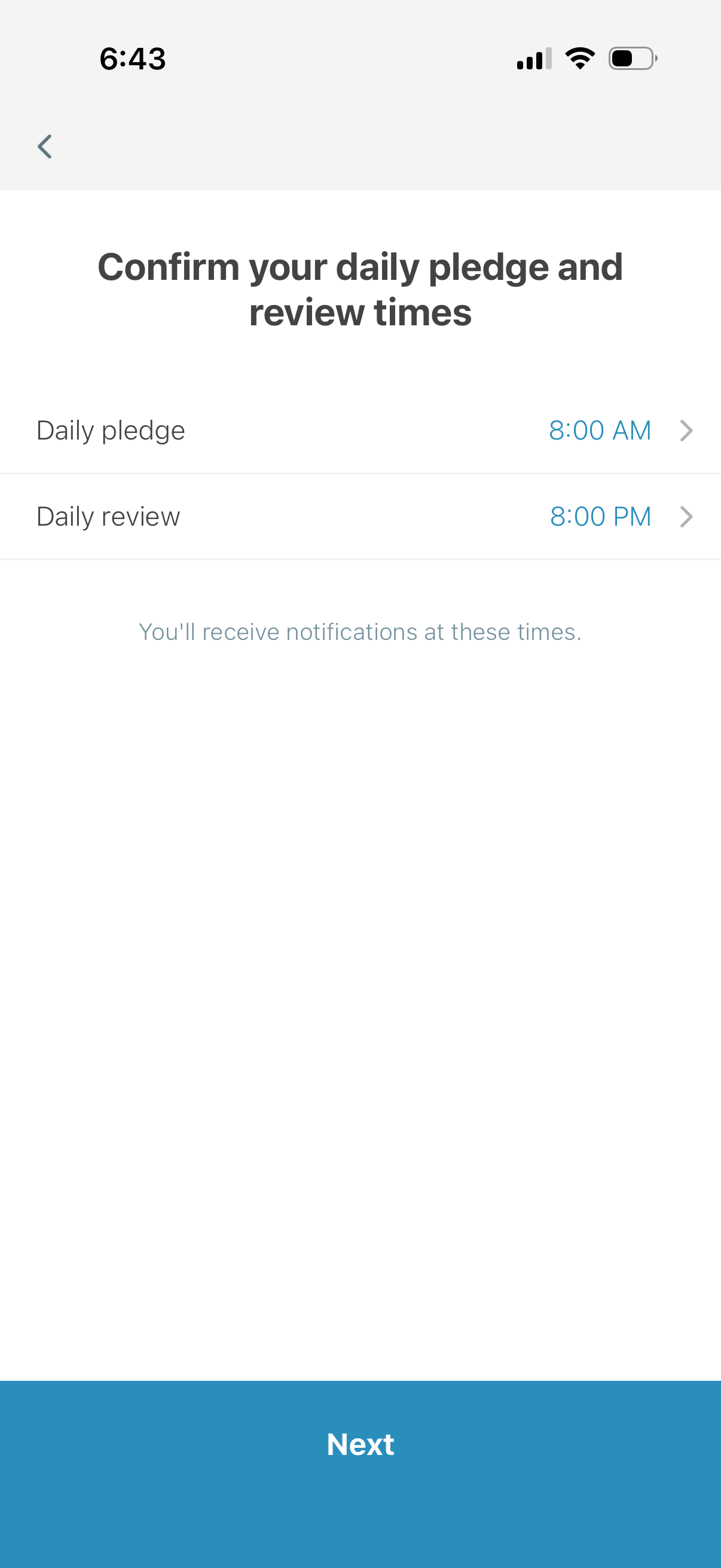
Screen for confirming and editing scheduled reminder times for a habit or goal, showing selectable rows for “Daily pledge” and “Daily review” with their current times and a note that notifications will be sent. A persistent Next button advances to the next step after reviewing the schedule.