review profile activity
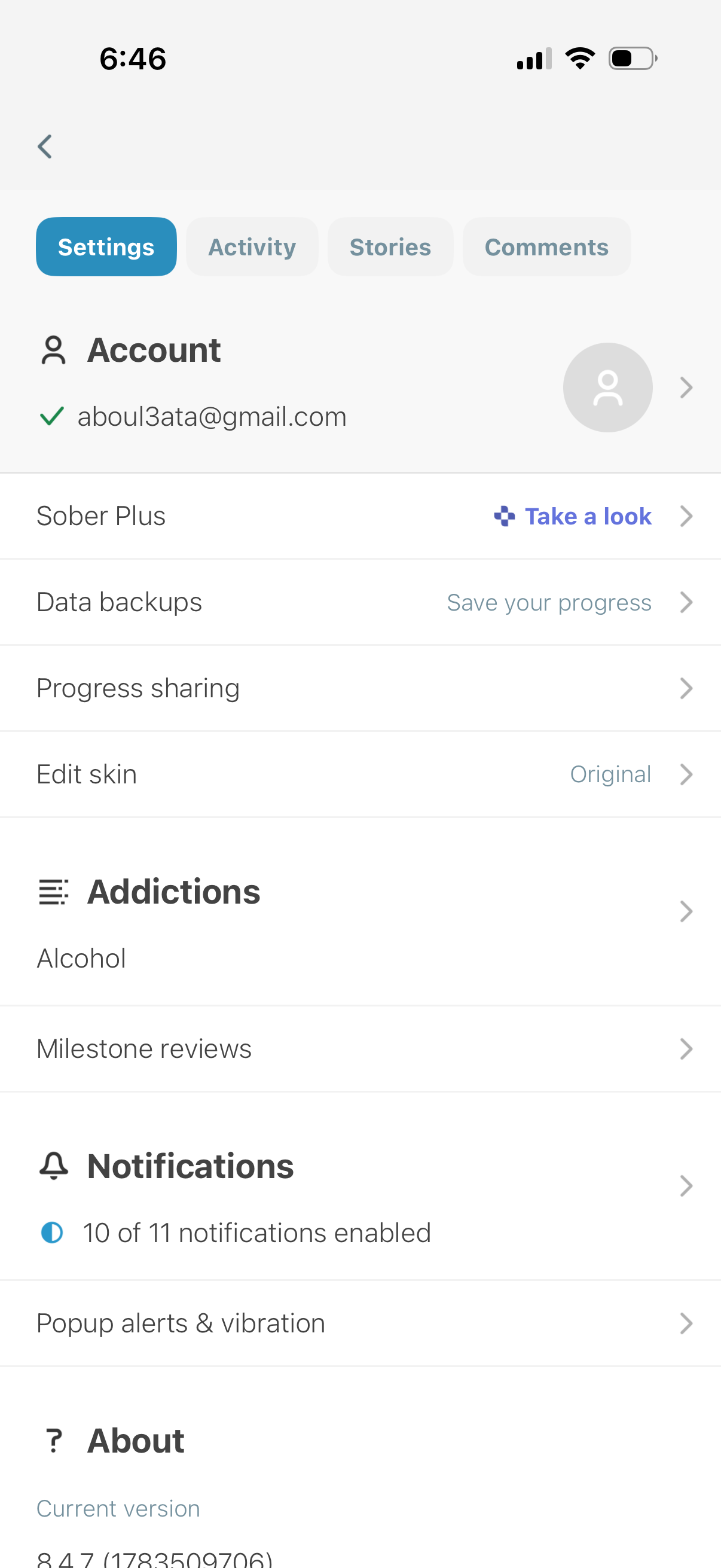
Settings screen for a sobriety/addiction tracking app with tabs for Settings, Activity, Stories, and Comments, showing account management and subscription, data backup, progress sharing, and theme/skin customization. Also includes sections to manage tracked addictions and milestone reviews, configure notification preferences (enabled status and popup/vibration alerts), and view app version/about information.

Notifications center with tab navigation for Settings, Activity, Stories, and Comments, showing recent community notifications under the Activity tab. The screen is in an empty state indicating no activity found.

Profile management screen with segmented tabs for Settings, Activity, Stories, and Comments, showing the Stories tab selected. Displays an empty state message indicating there are no stories yet, with a back navigation control.
Notifications/inbox screen with segmented tabs for Settings, Activity, Stories, and Comments, currently showing the Comments tab. The page displays an empty state message indicating there are no comments yet and includes a back navigation control.