view feature tour
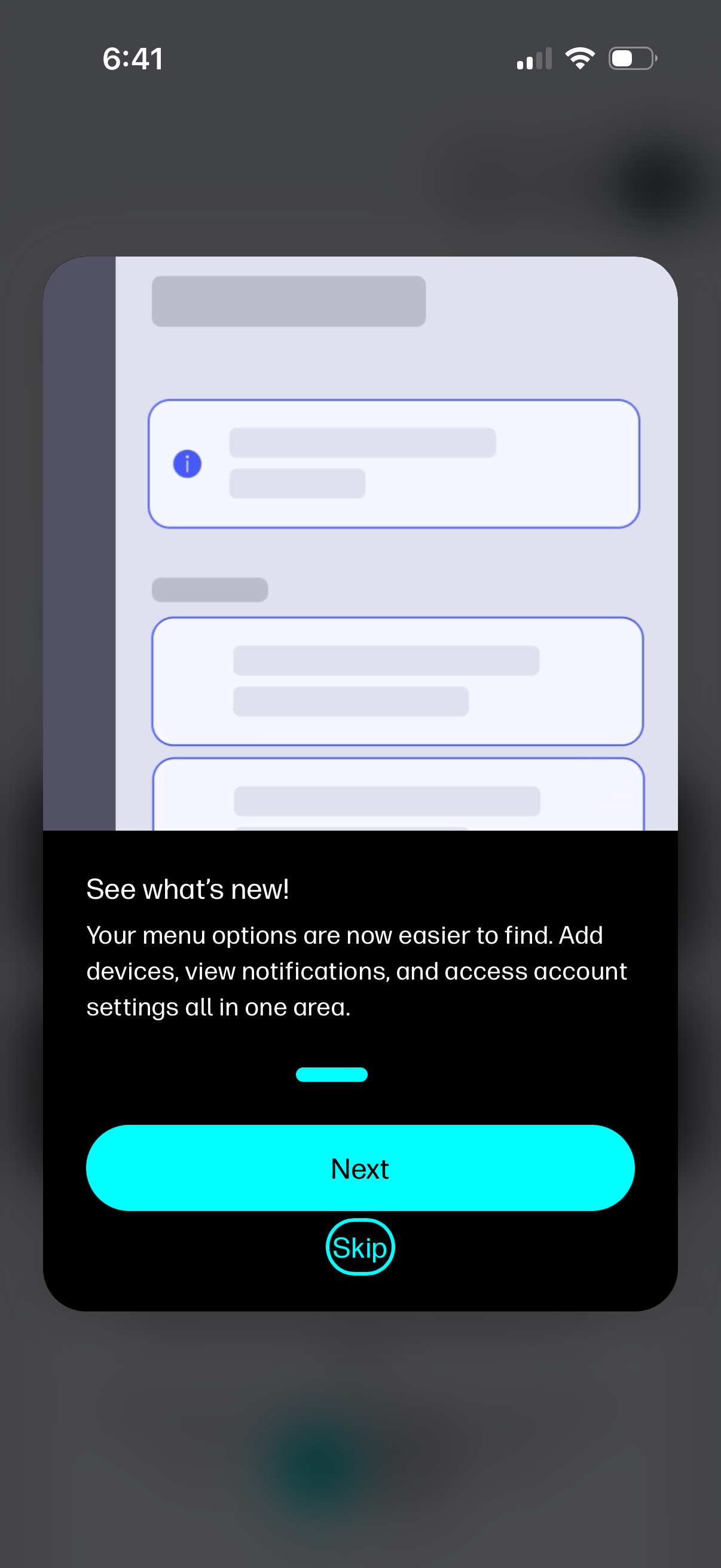
In-app “What’s new” update announcement shown as a bottom sheet modal explaining a redesigned menu area for adding devices, viewing notifications, and accessing account settings. Primary actions include a prominent Next button to continue the onboarding tour and a Skip link to dismiss.
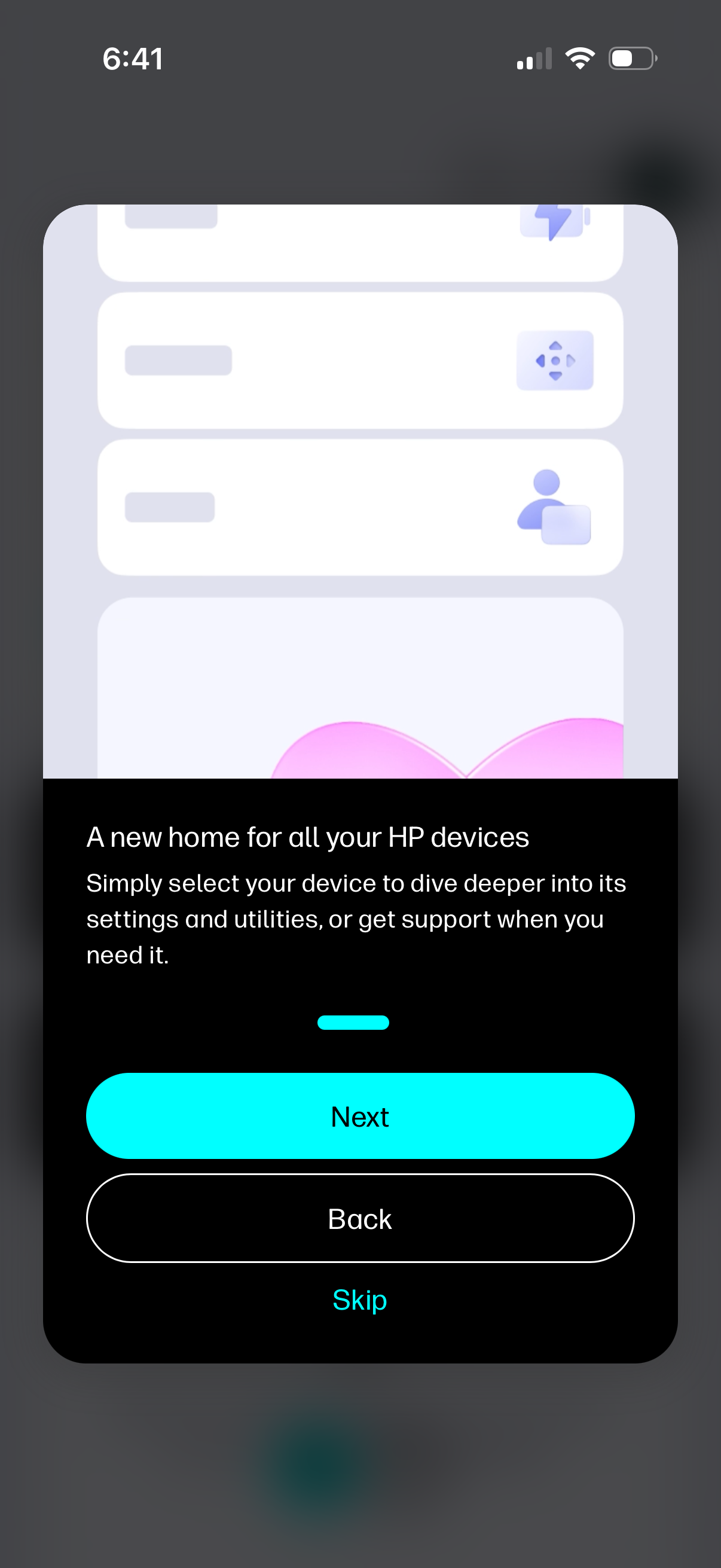
Onboarding/tutorial screen for an HP device management app introducing a central home to manage all connected HP devices, access settings/utilities, and get support. Includes navigation actions with a primary Next button, secondary Back, and a Skip option with a progress indicator.
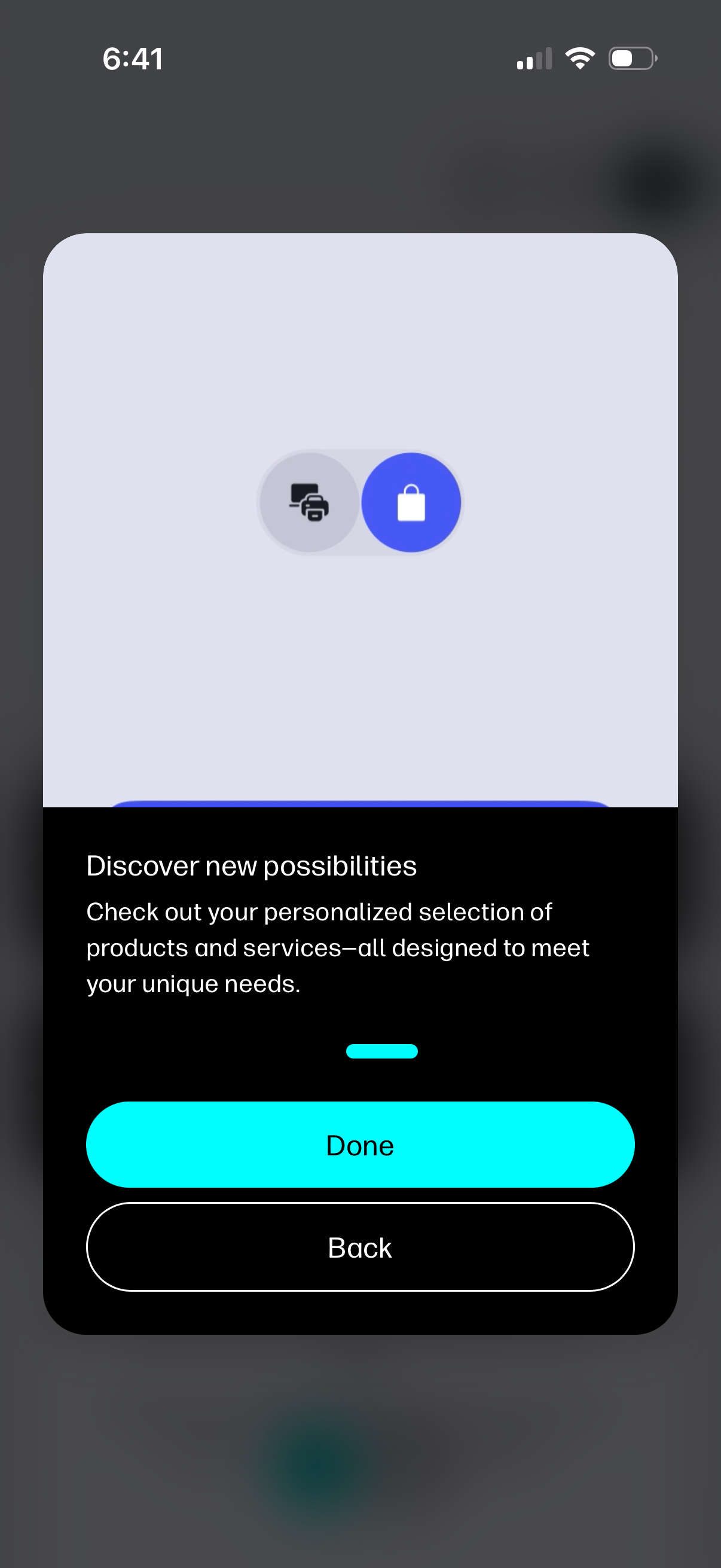
Onboarding or feature-intro modal highlighting personalized product and service recommendations, with explanatory copy and primary/secondary actions to finish or go back. Includes an icon toggle/selector at the top suggesting switching between categories (e.