create account
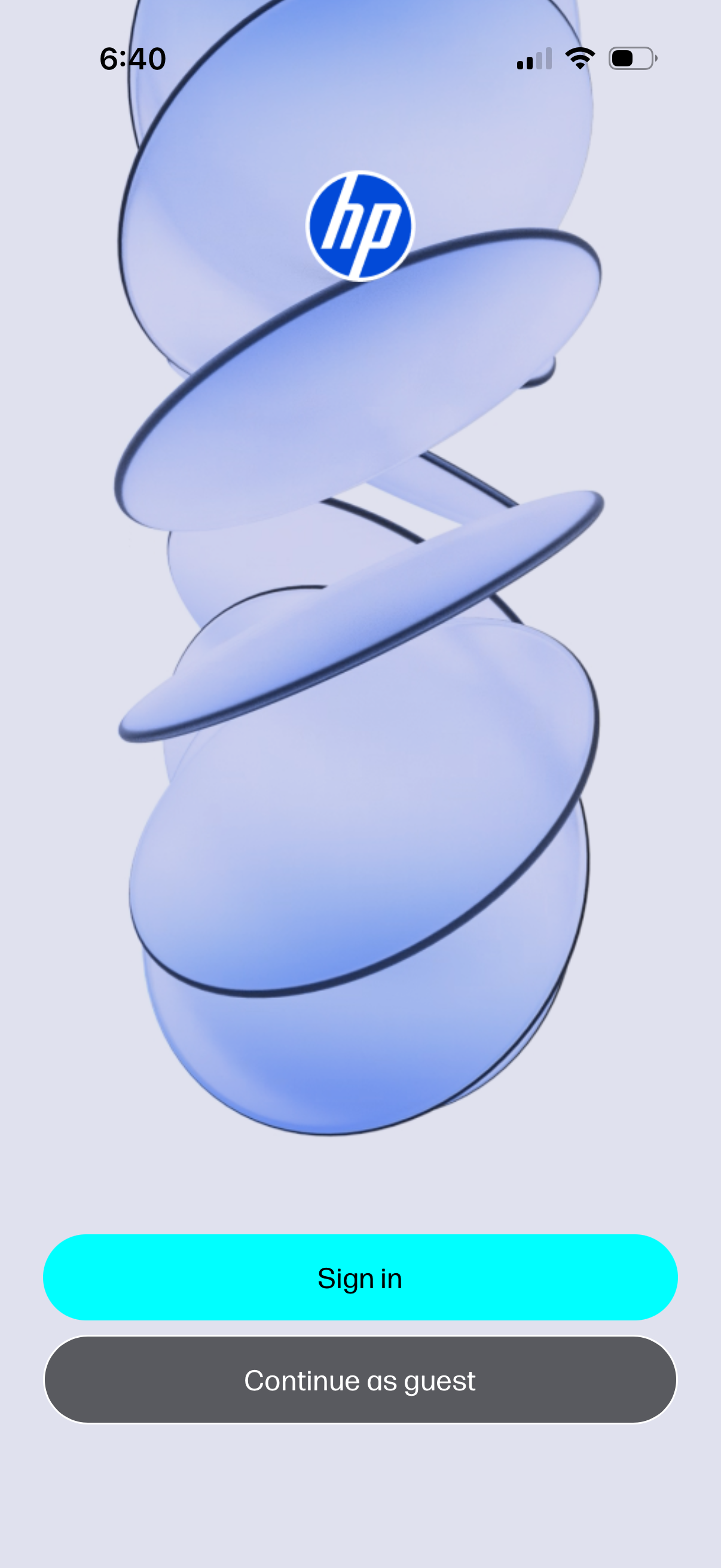
Branded welcome/login screen with the app logo and two primary actions: a prominent Sign in button and an alternative Continue as guest option for skipping account authentication.
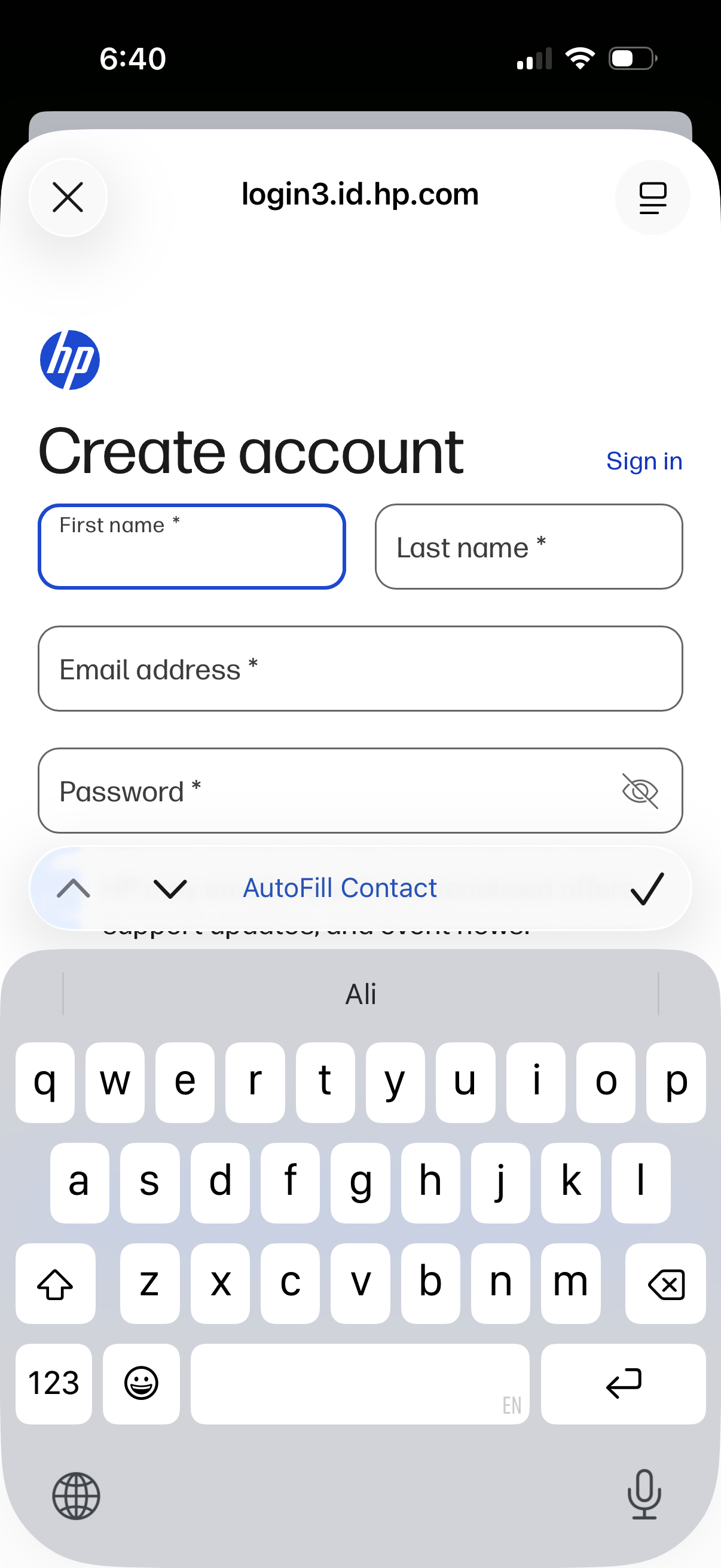
Mobile web account creation screen with a sign-up form collecting first name, last name, email address, and password, including a password visibility toggle. Header includes a close button and a “Sign in” link for existing users, with autofill contact support while entering form fields.
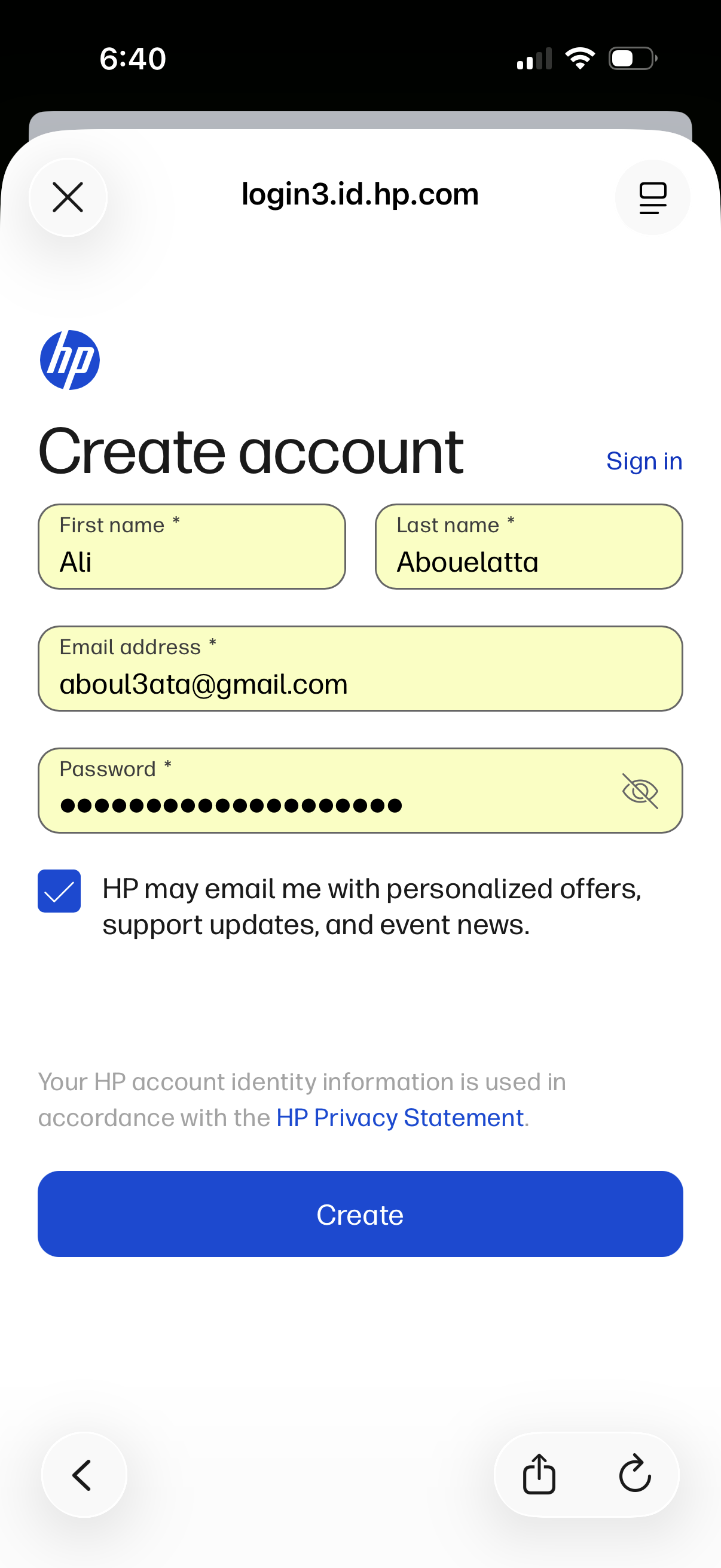
Account creation (sign up) screen with form fields for first name, last name, email address, and password including a show/hide password toggle. Includes an optional marketing emails opt-in checkbox, links to sign in and privacy statement, and a primary “Create” button to submit registration.
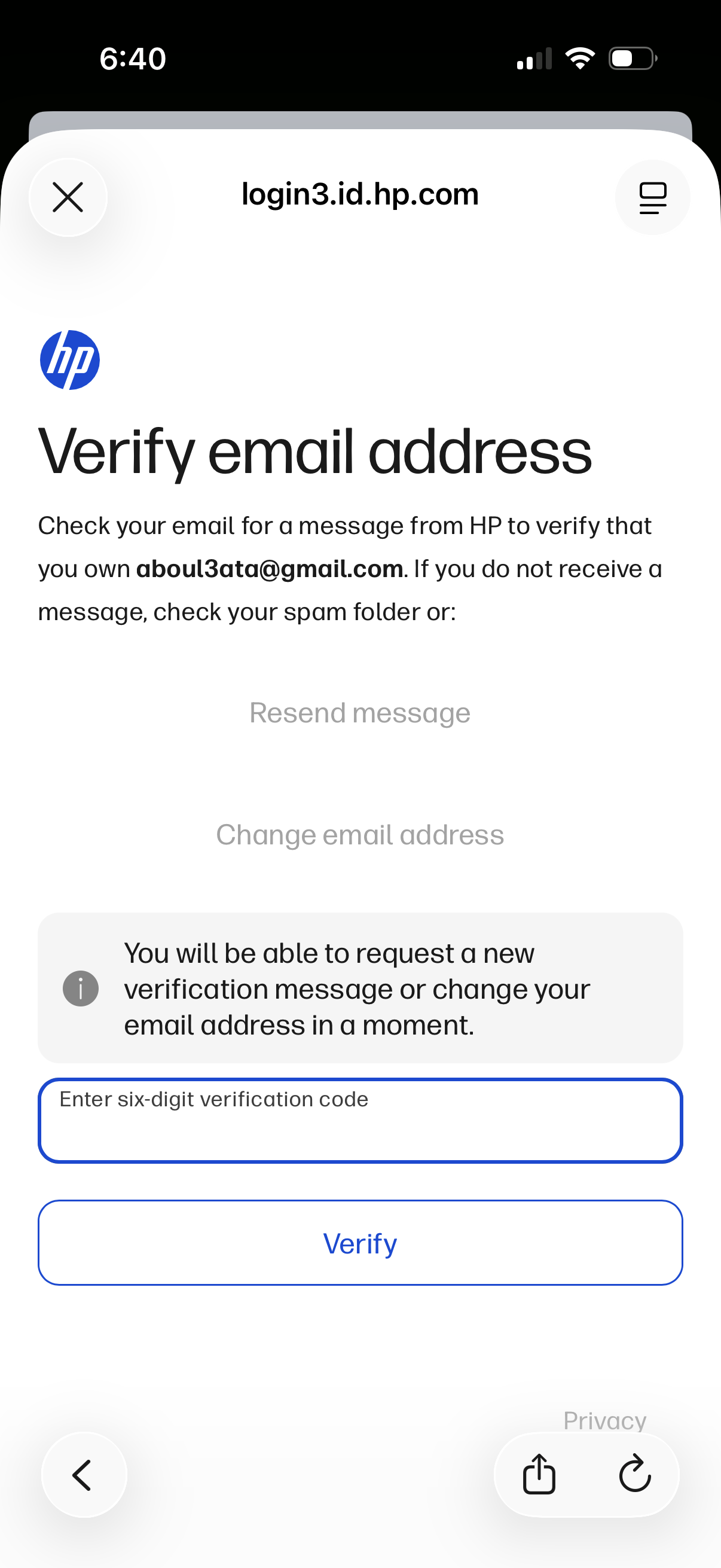
Email verification screen prompting the user to check their inbox for a message and enter a six-digit verification code to confirm their email address. Includes actions to verify, resend the verification email, or change the email address.