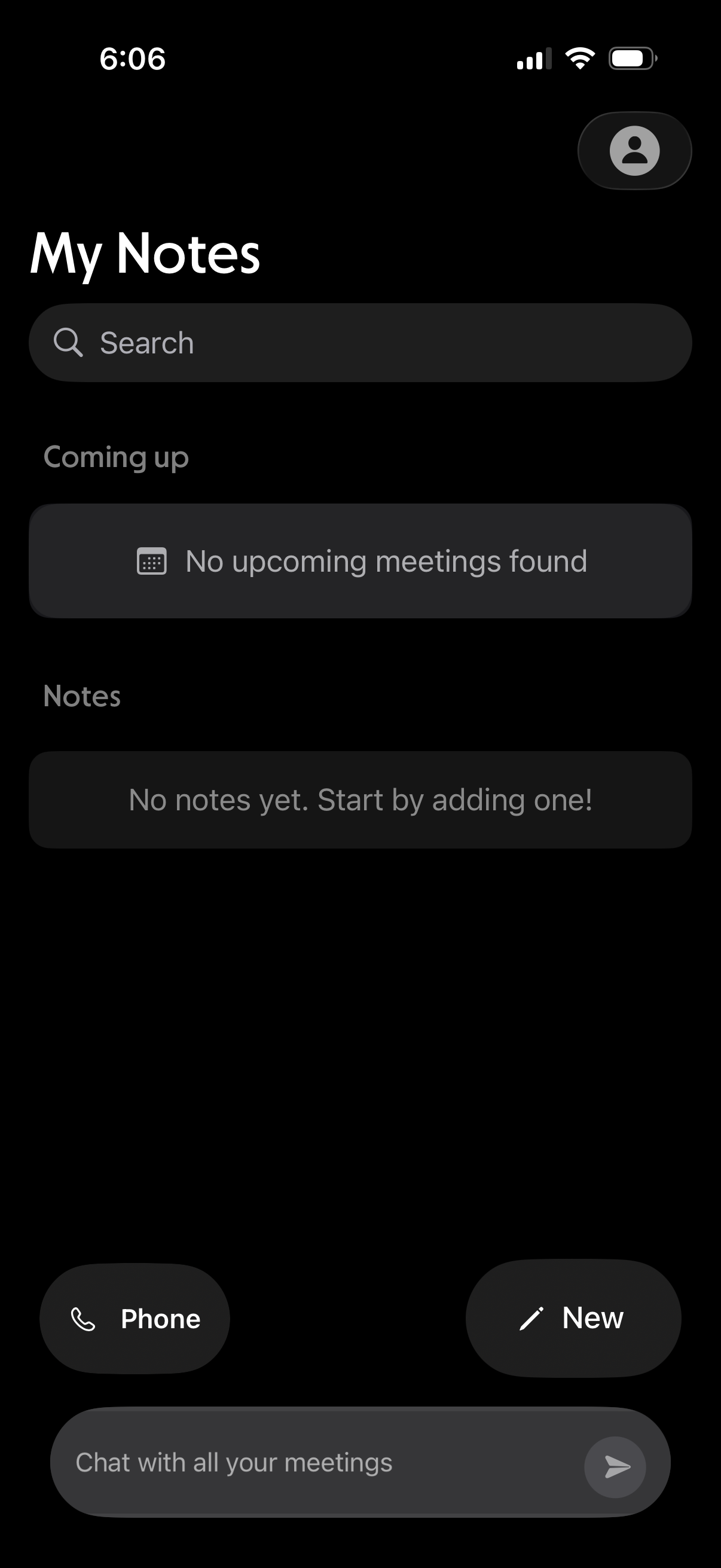
Notes home screen with a search bar, sections for upcoming meetings and saved notes, and empty-state messaging when nothing is found. Provides quick actions to start a phone call, create a new note, and open a chat to message about meetings.
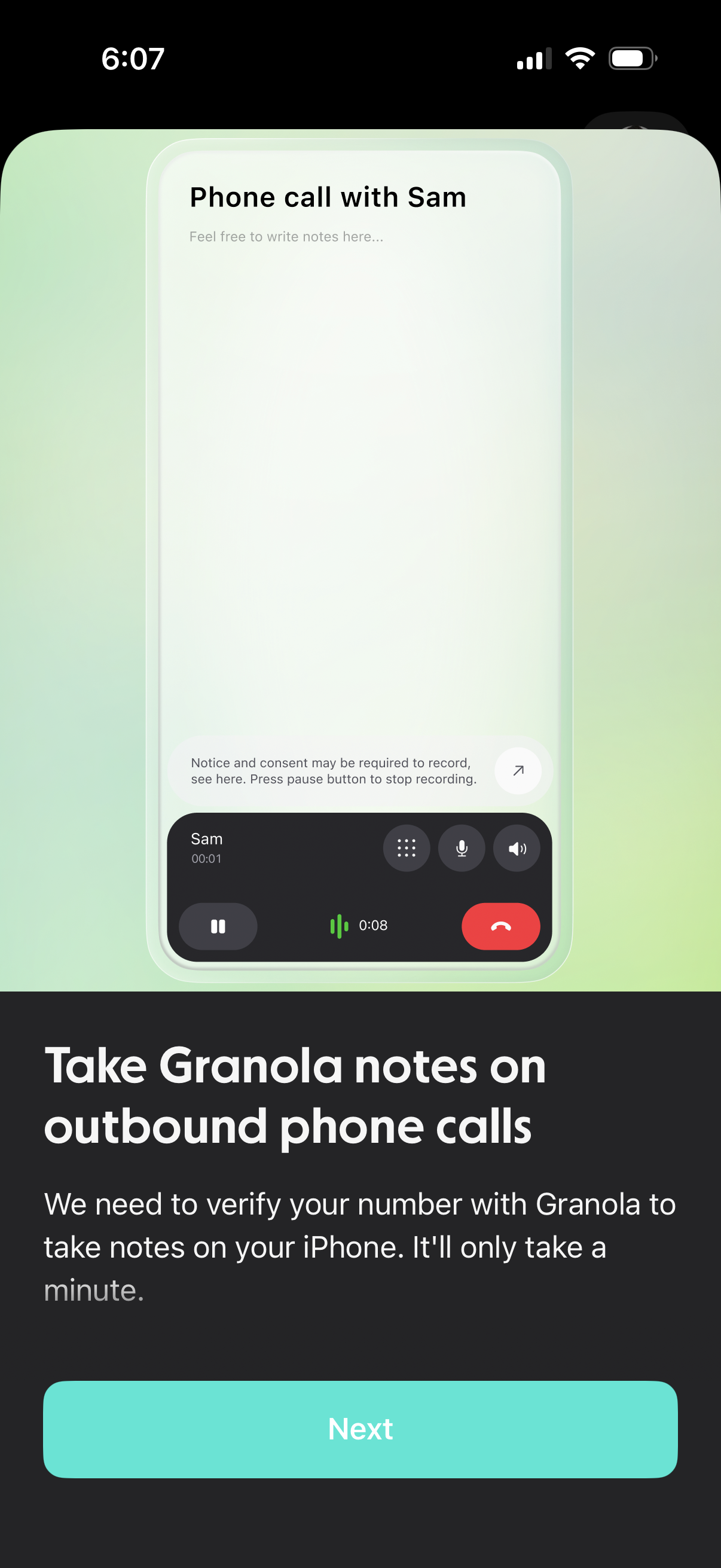
Onboarding permission screen for enabling call note-taking on outbound phone calls, explaining that the app needs to verify your phone number to capture notes/record during calls. Includes a primary “Next” button to proceed with verification and setup.
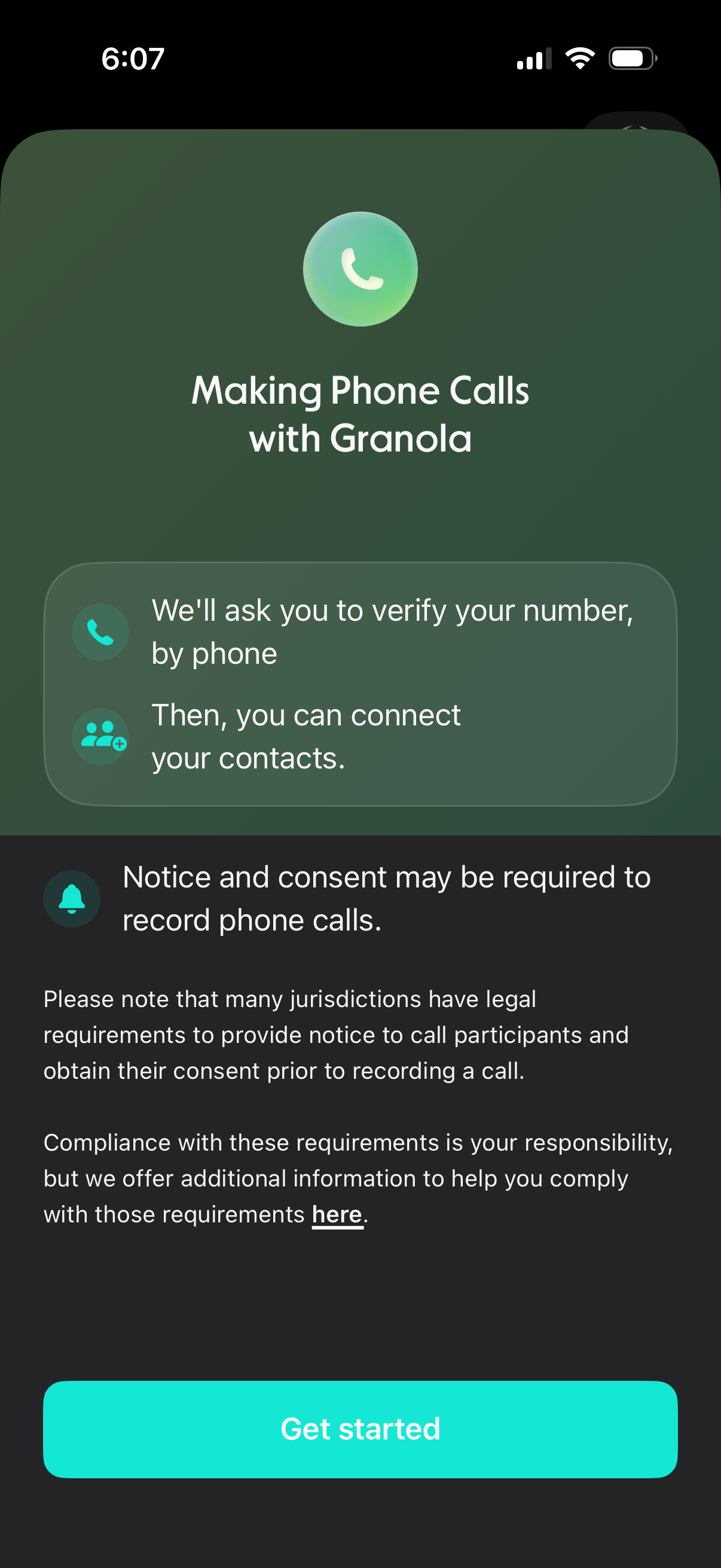
Onboarding screen for enabling in-app phone calling, explaining that the user will verify their phone number and then connect contacts. Includes a notice about legal consent requirements for recording calls with a link to more info and a primary “Get started” CTA.
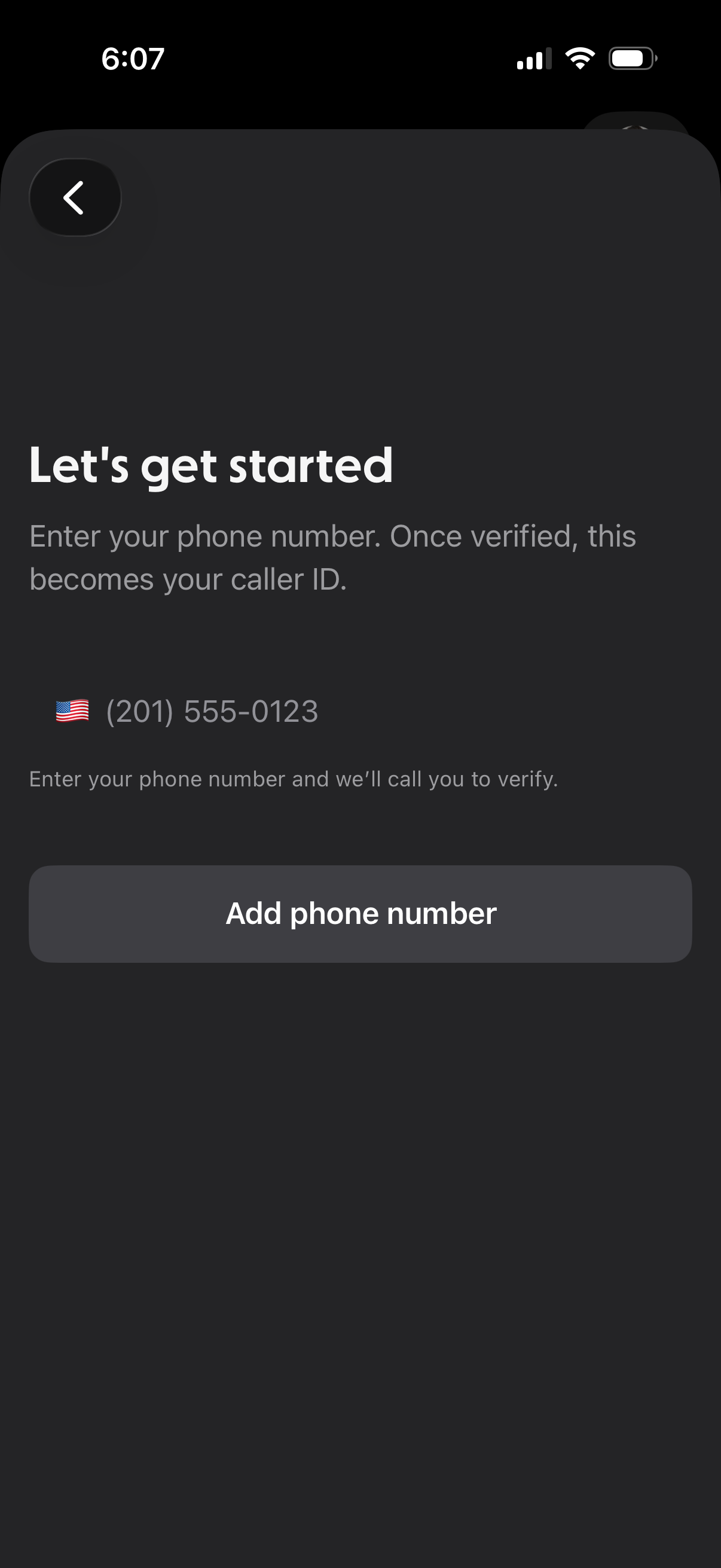
Onboarding phone number entry screen prompting the user to add and verify their phone number, which will become their caller ID. Includes country code selector, phone number field, back navigation, and a primary “Add phone number” call-to-action to trigger verification via a call.
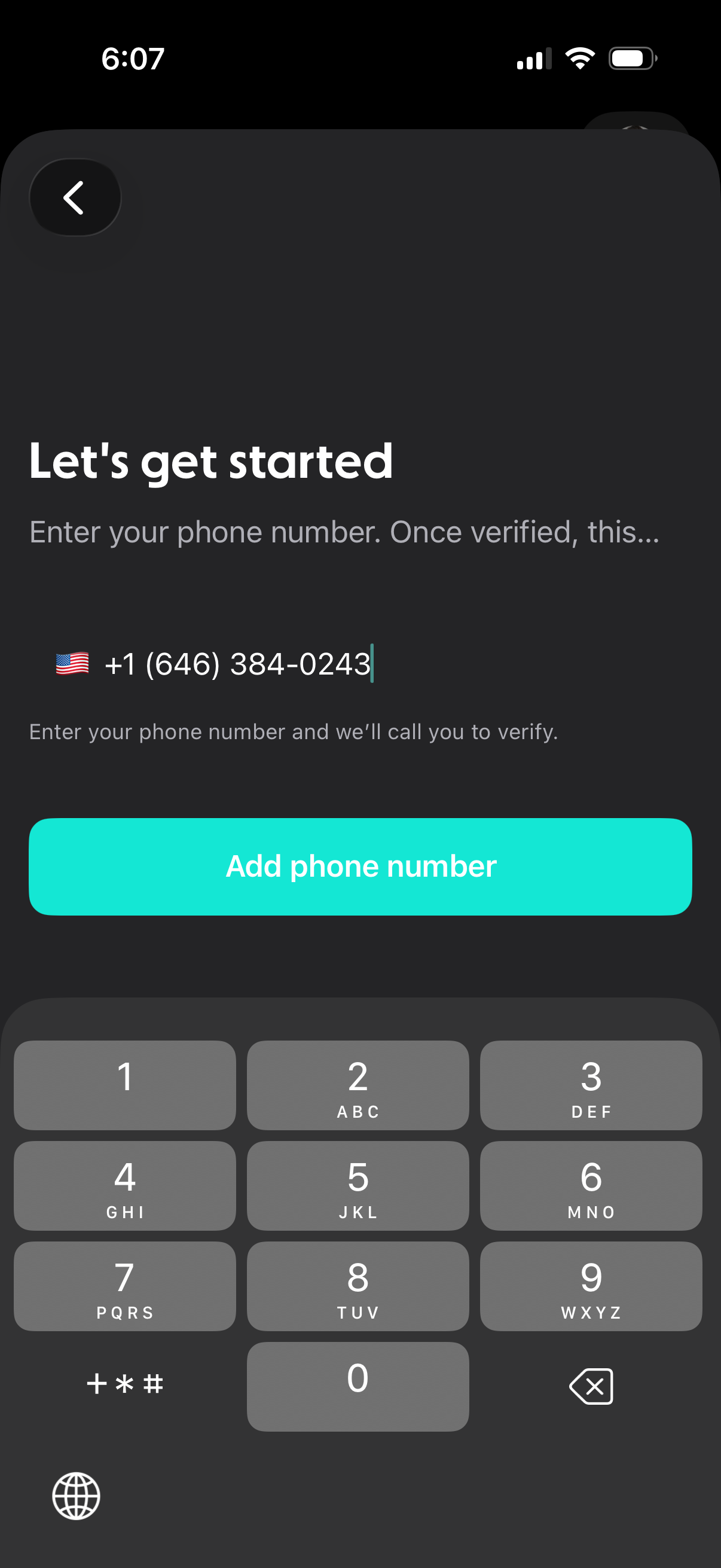
Onboarding authentication screen prompting the user to enter a phone number with country code selector for account setup. Provides a primary “Add phone number” CTA and indicates the number will be verified via a call, with a back navigation button.
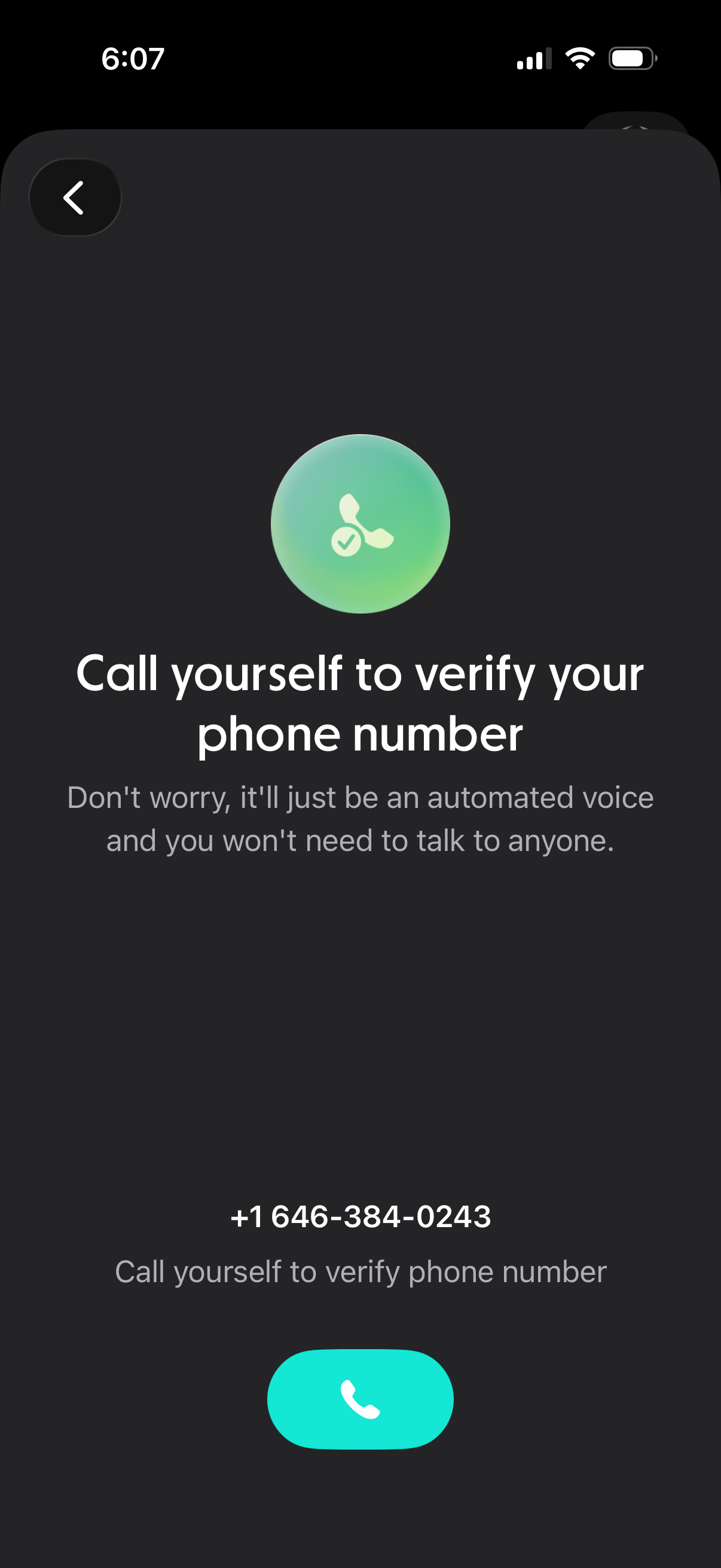
Phone number verification screen prompting the user to place an automated call to confirm their number, displaying the phone number and reassurance they won’t need to talk to anyone. Includes a primary call button and a back navigation control.
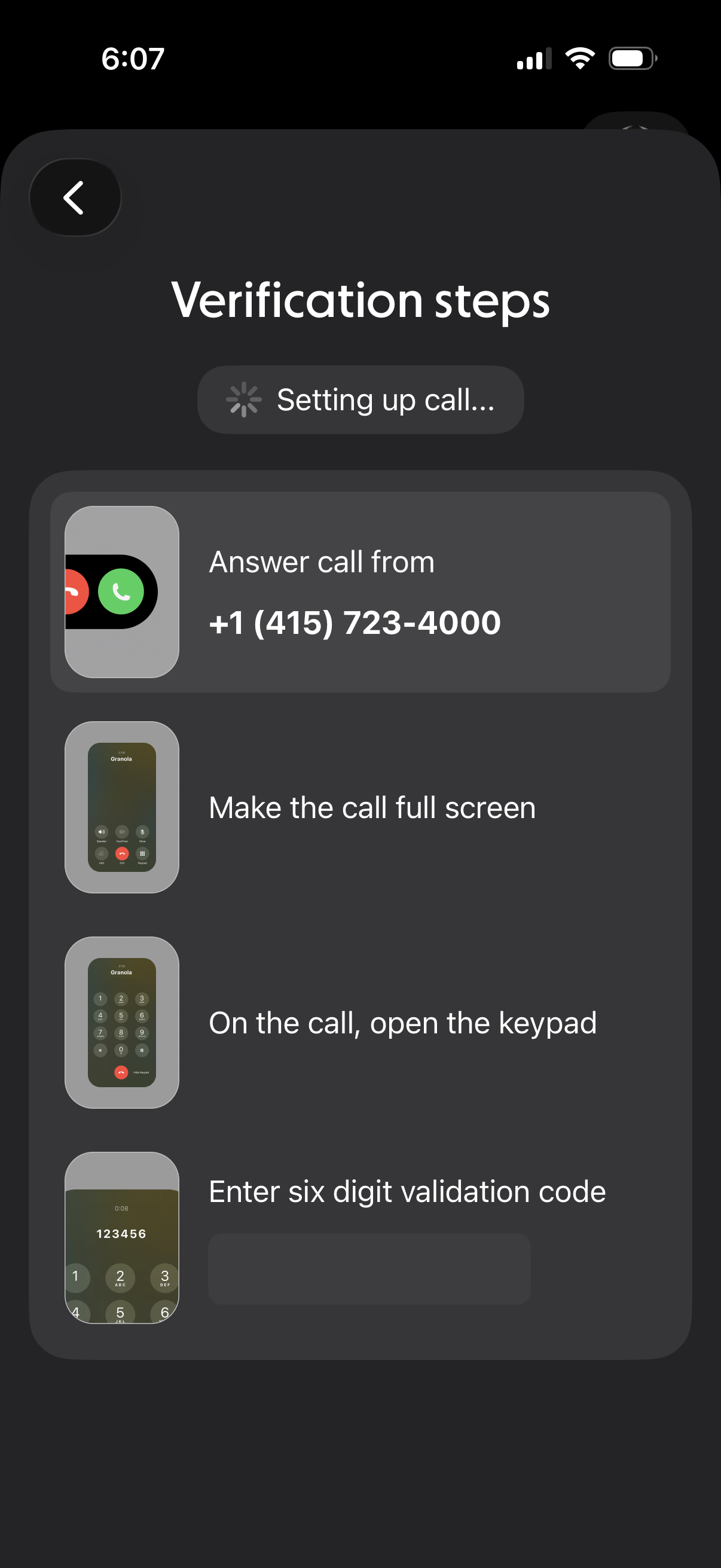
Phone number verification screen showing step-by-step instructions for completing automated call verification, including answering an incoming call, switching to full screen, opening the keypad, and entering a six-digit validation code, with a loading state indicating the call is being set up.
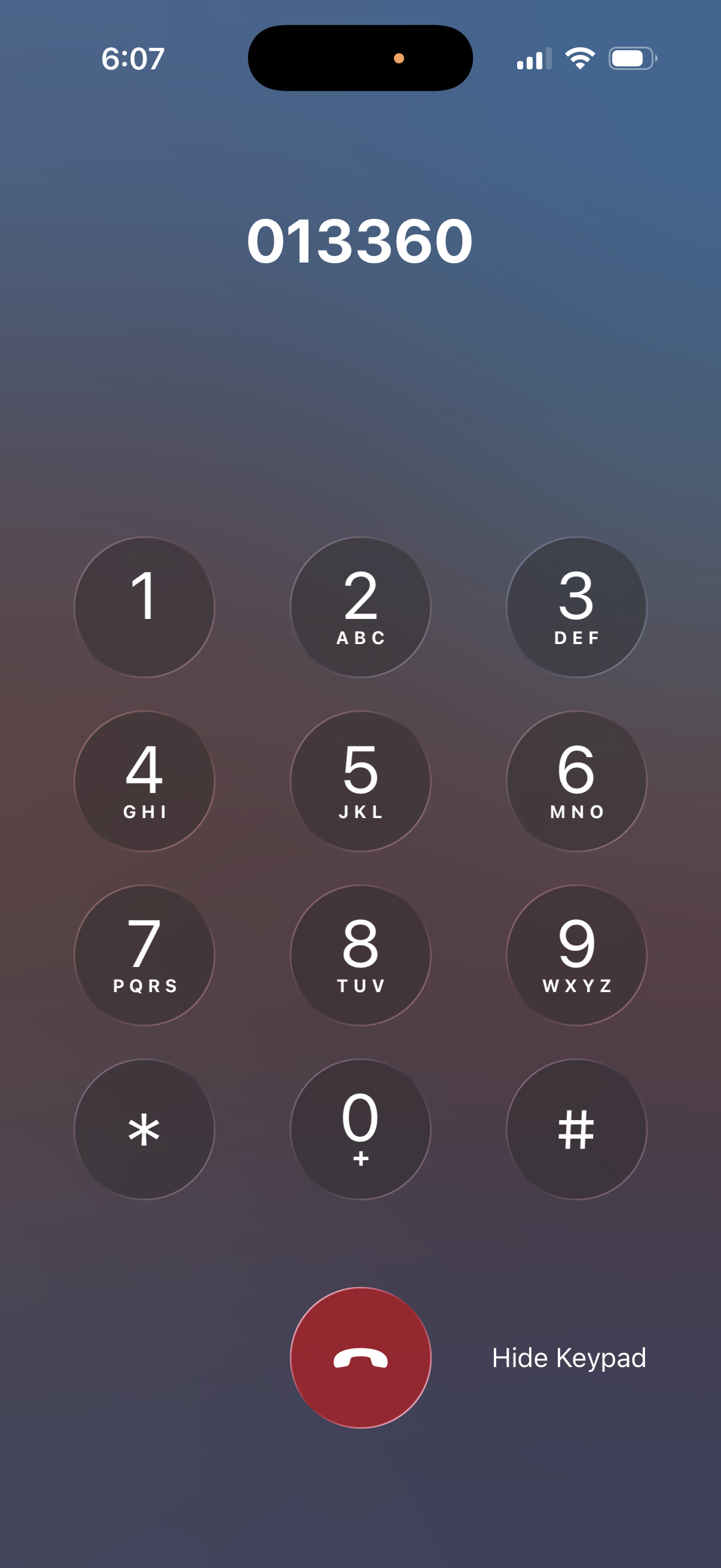
In-call phone dialer keypad screen showing the currently entered digits at the top, a full numeric keypad with letters, and controls to end the call and hide the keypad. Used to input DTMF tones during an active call for navigating automated menus or extensions.
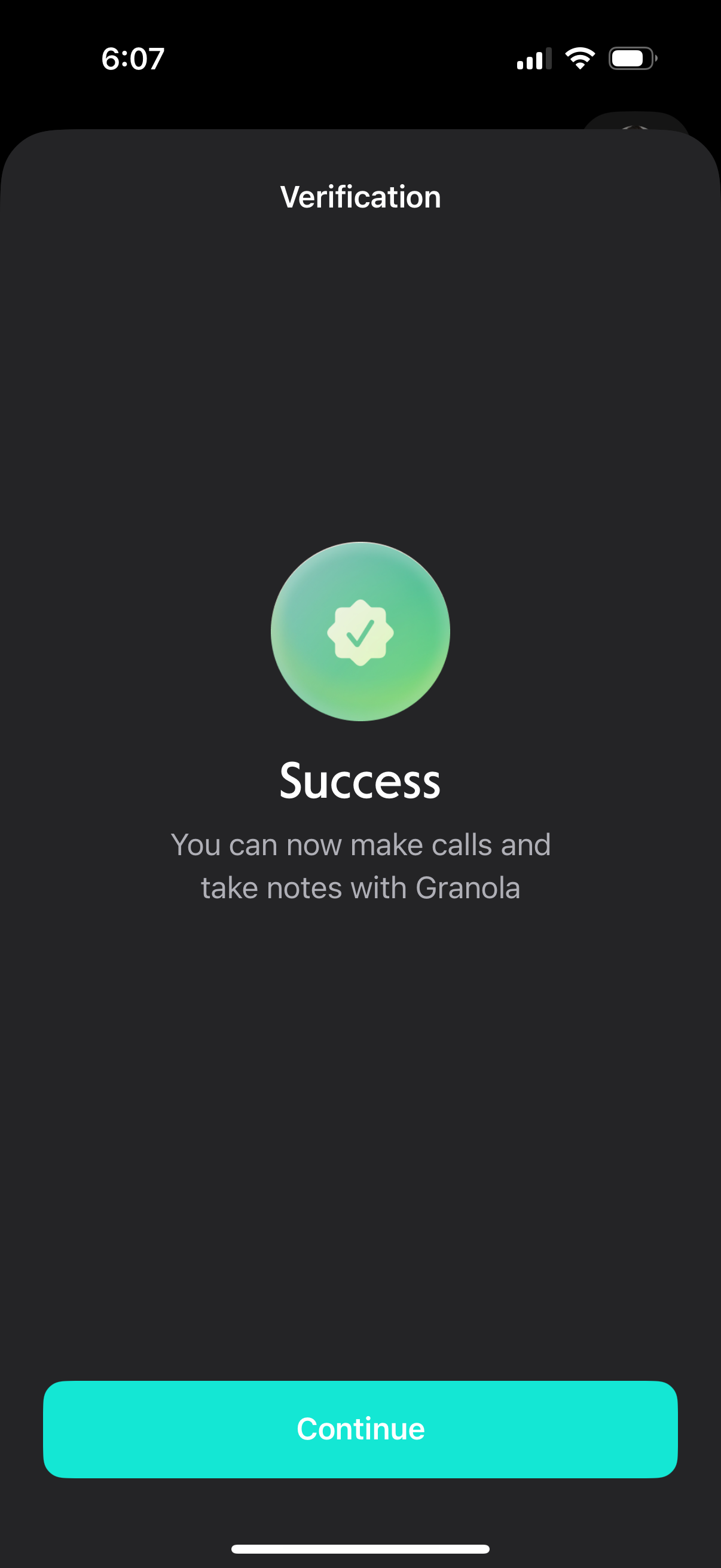
Verification completion screen confirming success, indicating the user is now enabled to make calls and take notes in the app. Includes a prominent “Continue” button to proceed after verification.
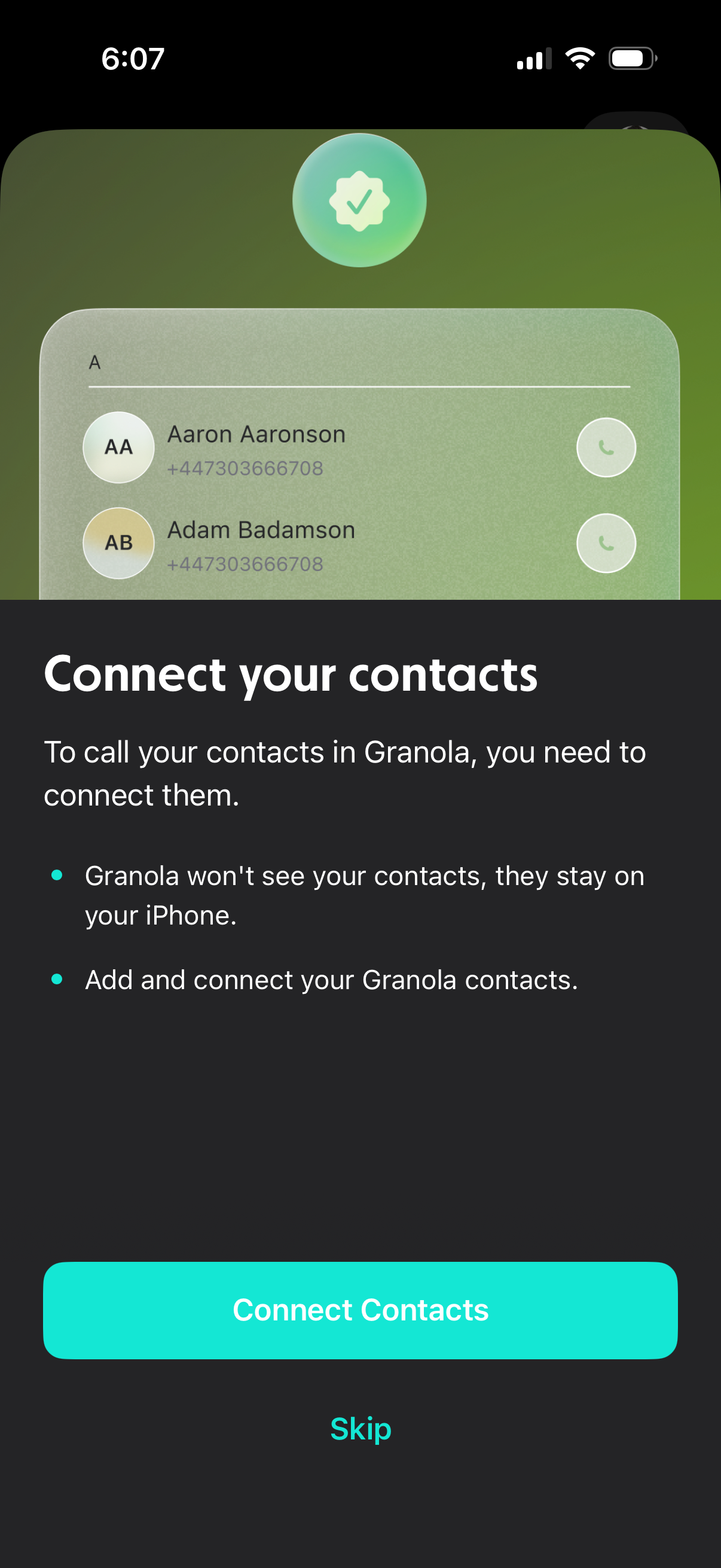
Onboarding permission screen prompting users to connect and sync their phone contacts so they can call contacts in the app, with privacy reassurance that contacts stay on the device. Primary action button to “Connect Contacts” and a secondary “Skip” option.