sync contacts to find
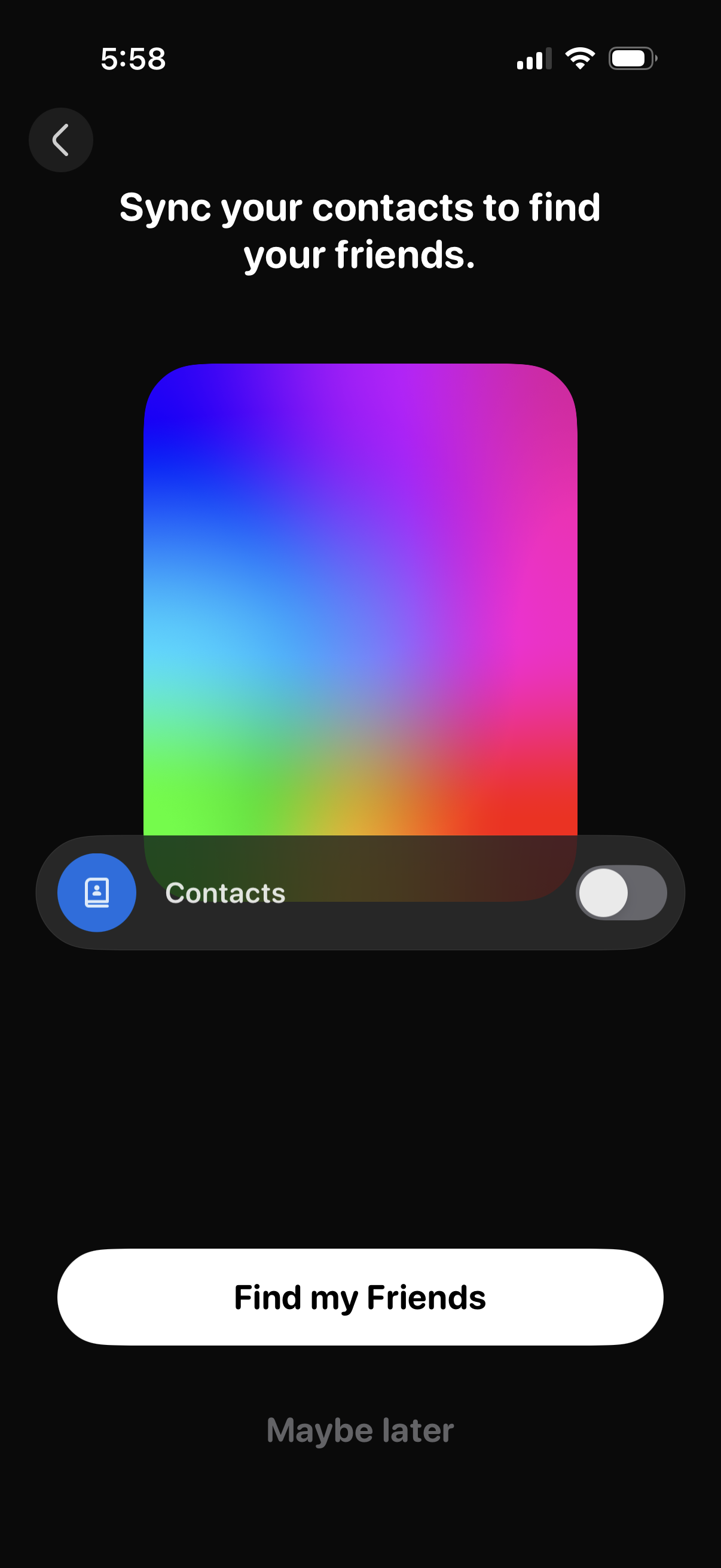
Friend discovery onboarding screen prompting users to sync their phone contacts to find friends, with a contacts permission toggle and primary CTA “Find my Friends” plus a “Maybe later” skip option. Includes a back button to exit the flow.
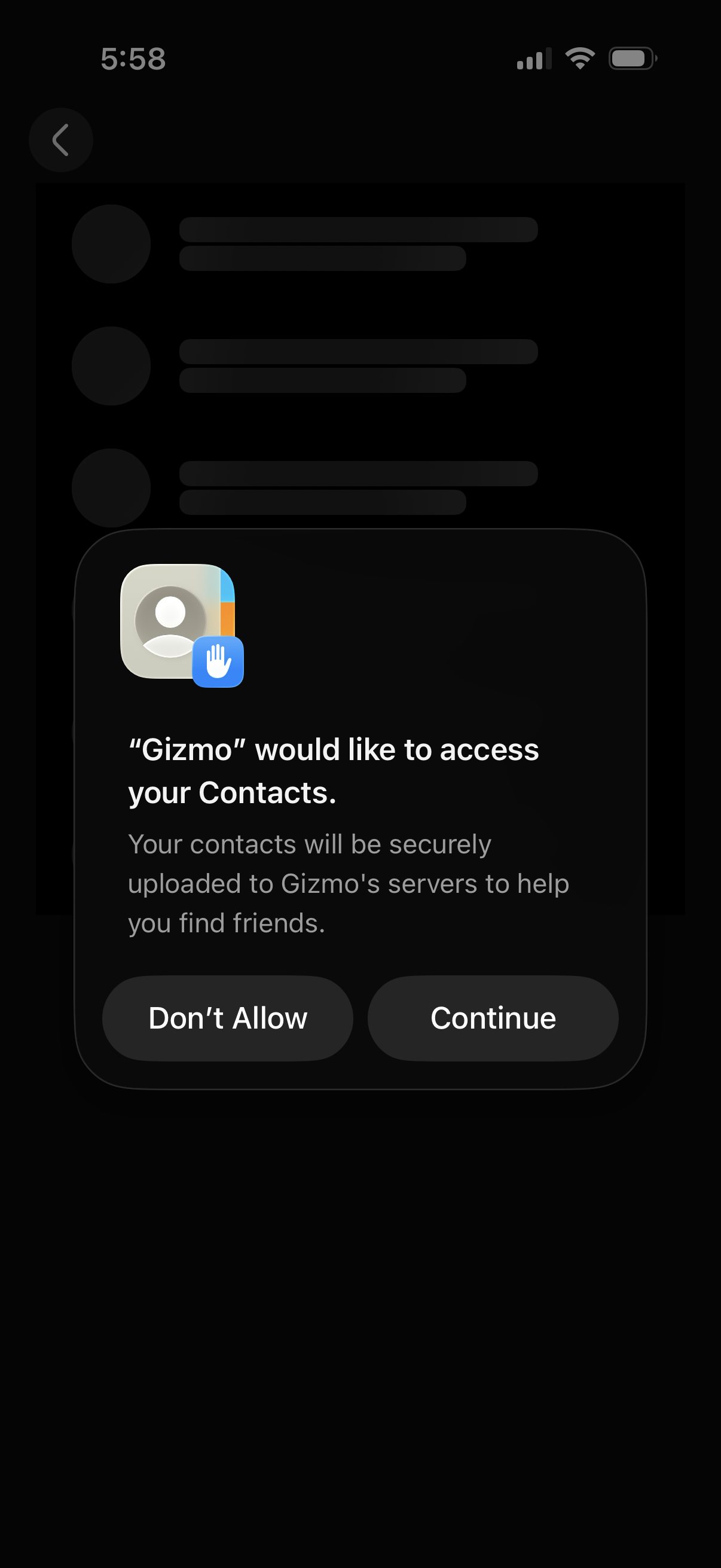
iOS system permission prompt requesting access to the user’s Contacts to upload and find friends, presented as a modal overlay on a dark app screen. Primary actions are to grant permission via Continue or decline with Don’t Allow.
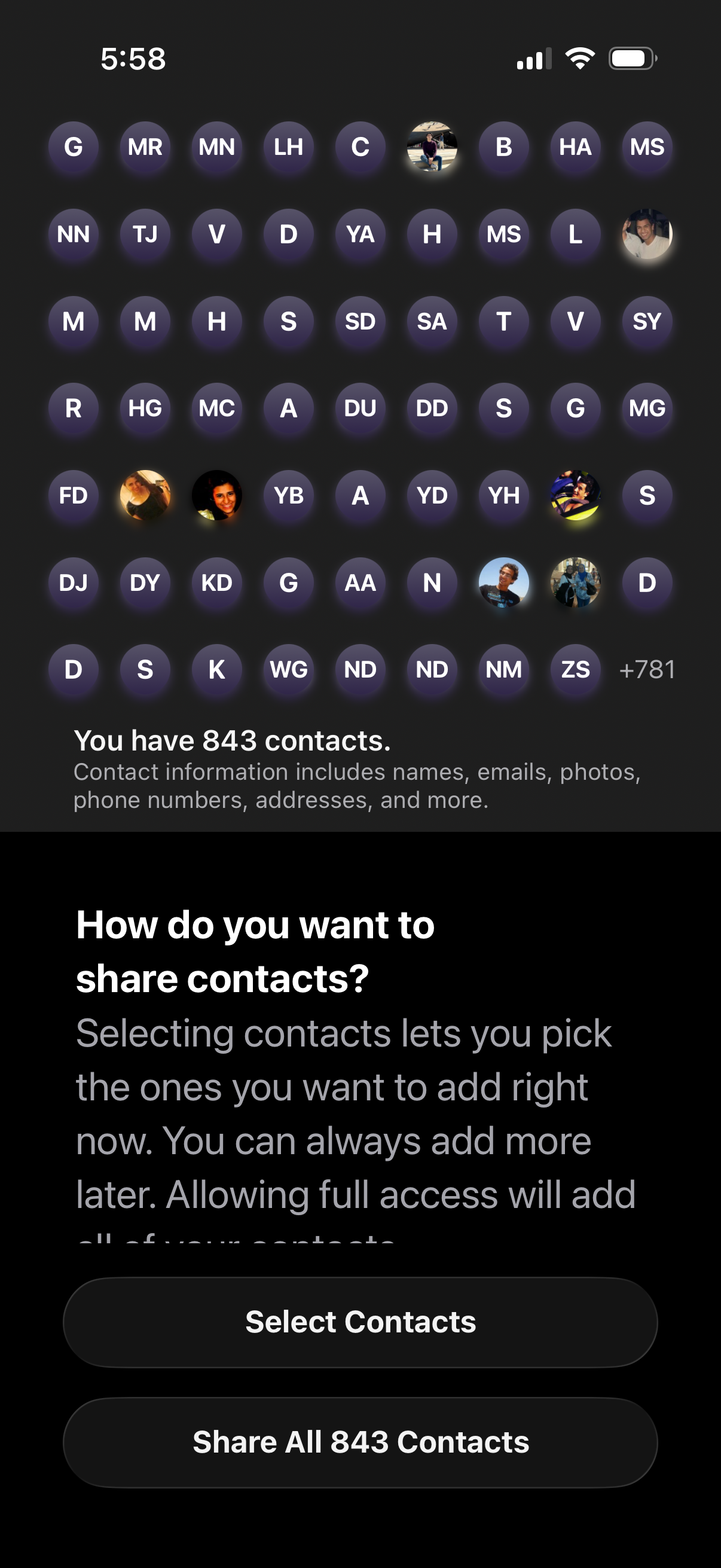
Contacts access and sharing permission screen asking how to share the user’s address book, showing a preview grid of contacts and the total count. Primary actions let the user either select specific contacts to share or grant full access by sharing all contacts at once.
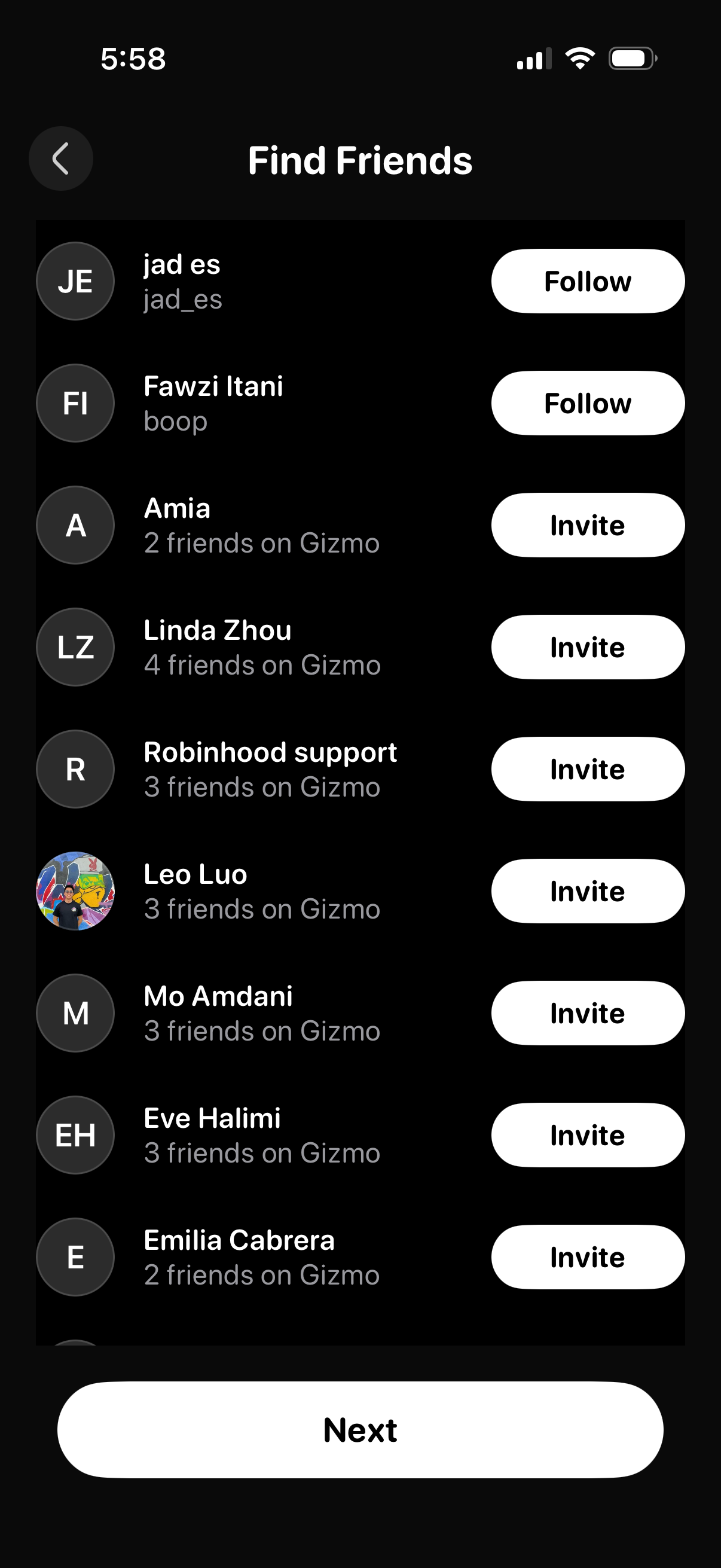
Find Friends contact discovery screen showing a scrollable list of suggested people with avatars, names/usernames, mutual friends count, and primary actions to Follow existing users or Invite contacts. A large Next button at the bottom advances the onboarding flow after choosing who to connect with.