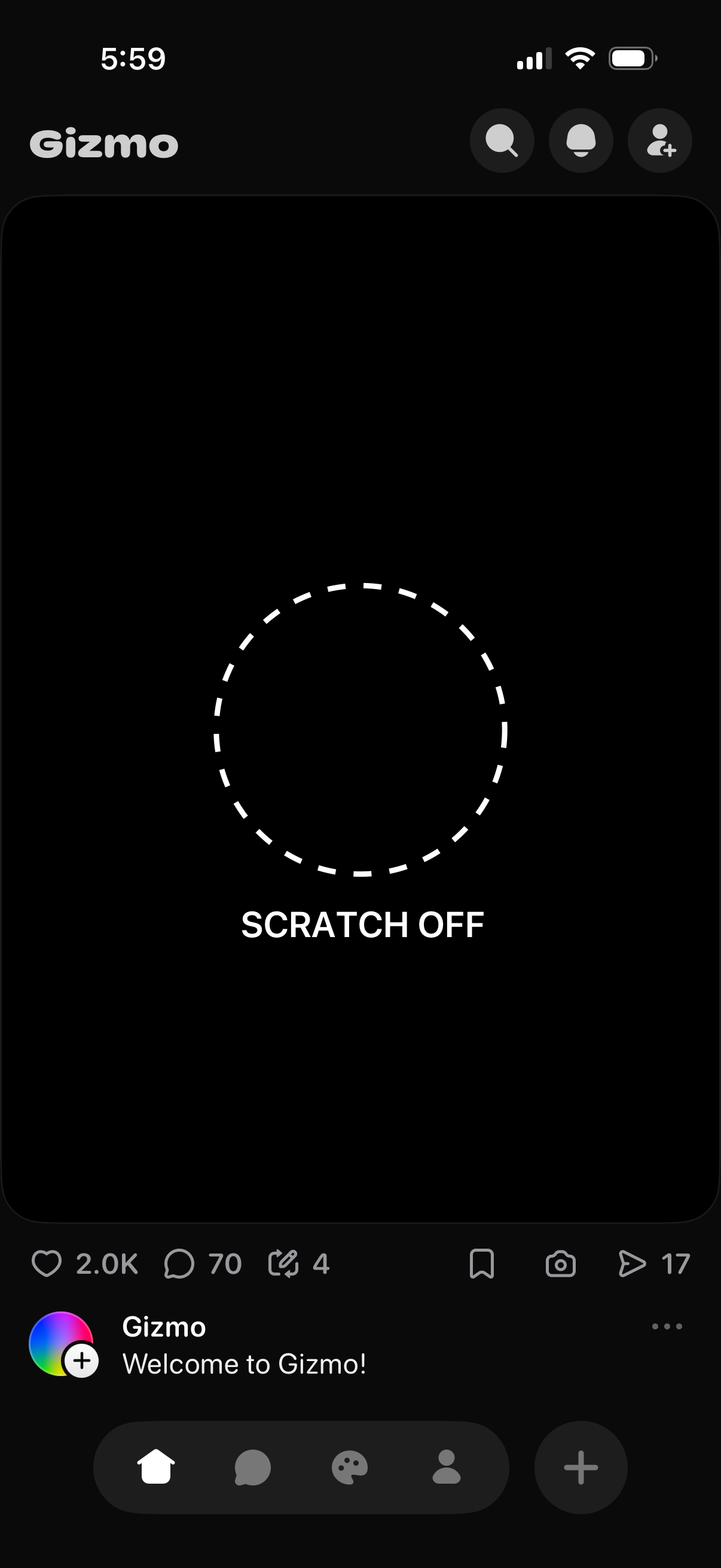
Dark-mode social feed post screen featuring an interactive scratch-off reveal area with a dashed circle and “Scratch Off” prompt. Includes top search and profile actions plus bottom engagement controls for like, comment, repost/share, save, and view counts.
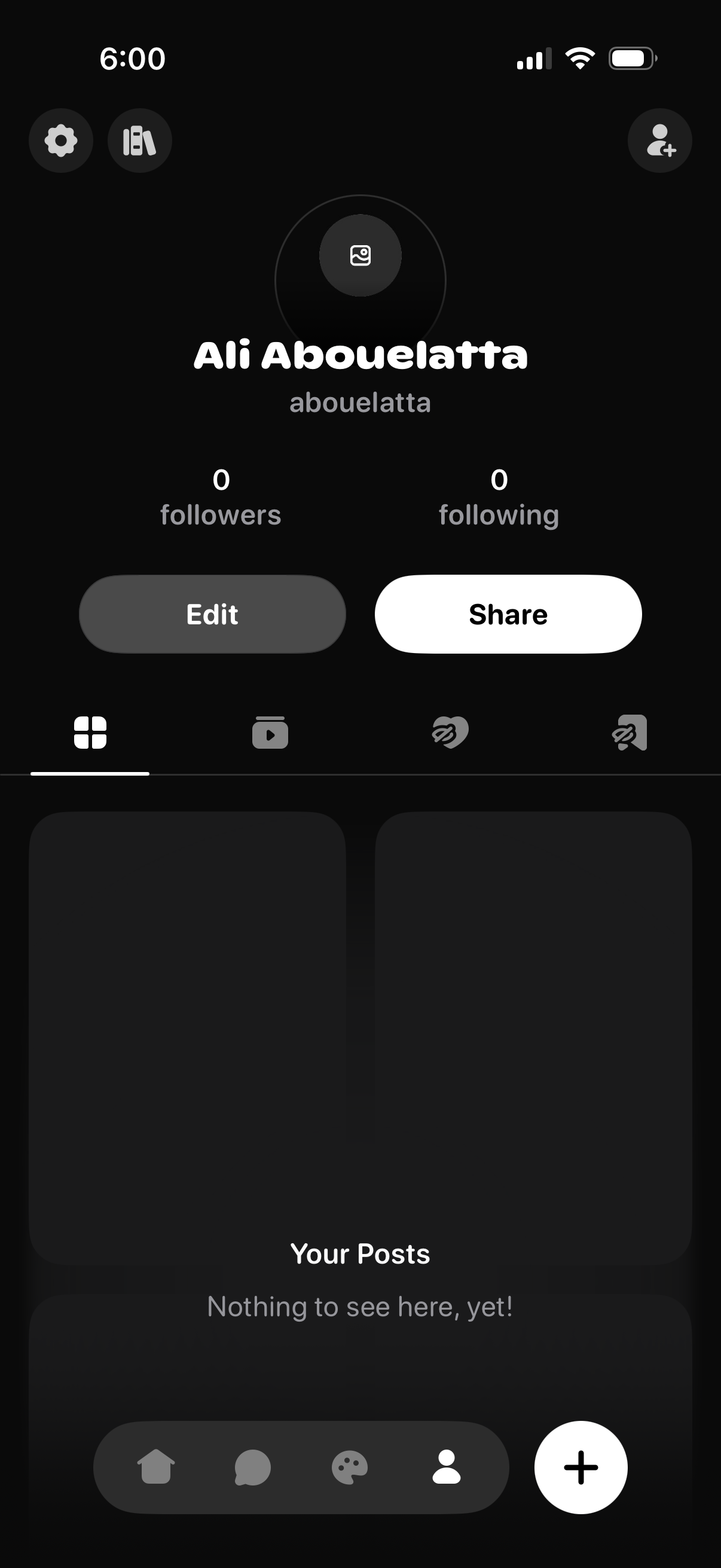
User profile screen in a social app showing avatar placeholder, display name and username, follower/following counts, and primary actions to Edit profile or Share profile. Below are tabs for posts and other content sections with an empty-state message for “Your Posts,” plus navigation and a floating add/create button.
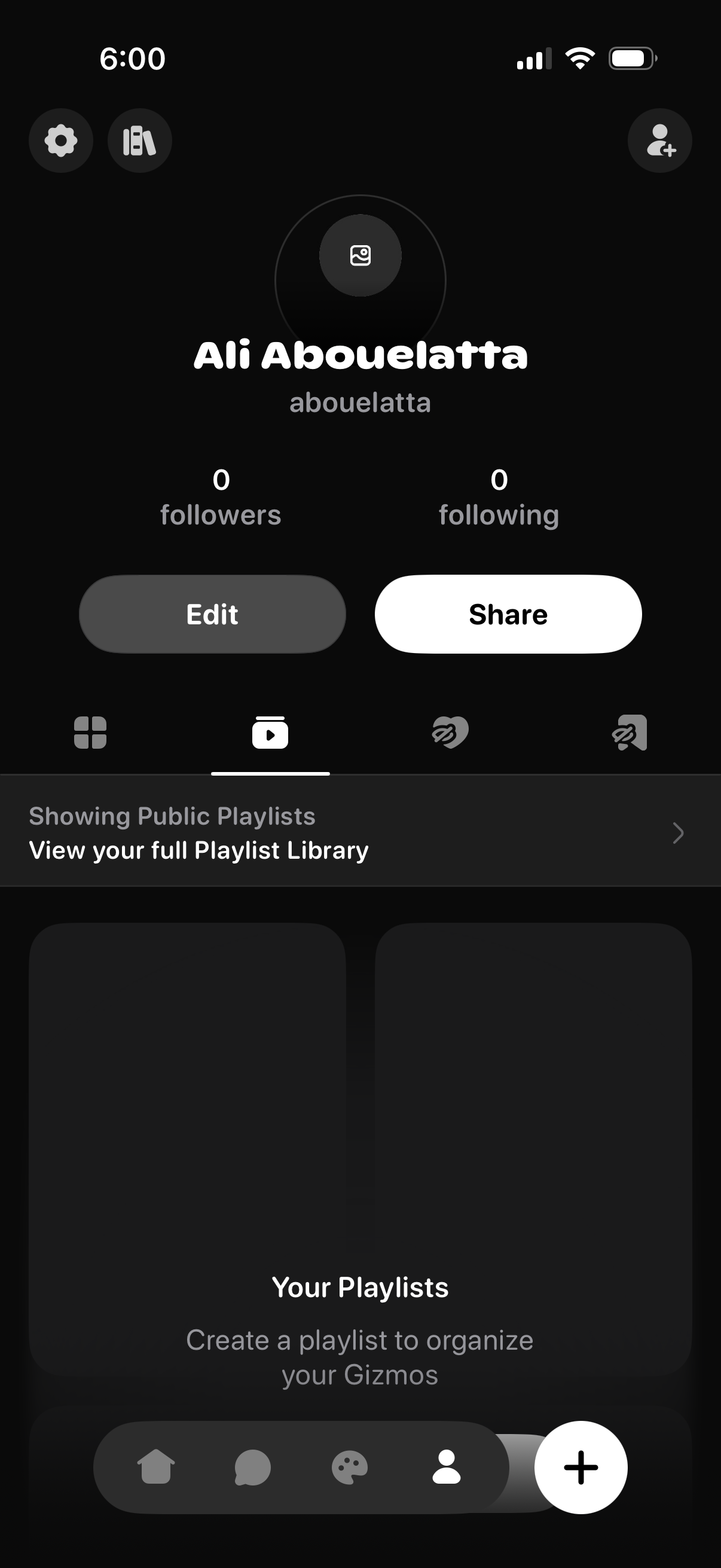
User profile page in a social app showing avatar, display name and username, follower/following counts, and primary actions to Edit profile or Share the profile link. The screen includes tabs for switching between profile content types and a section for public playlists with a link to view the full playlist library and create new playlists, plus a floating add button.
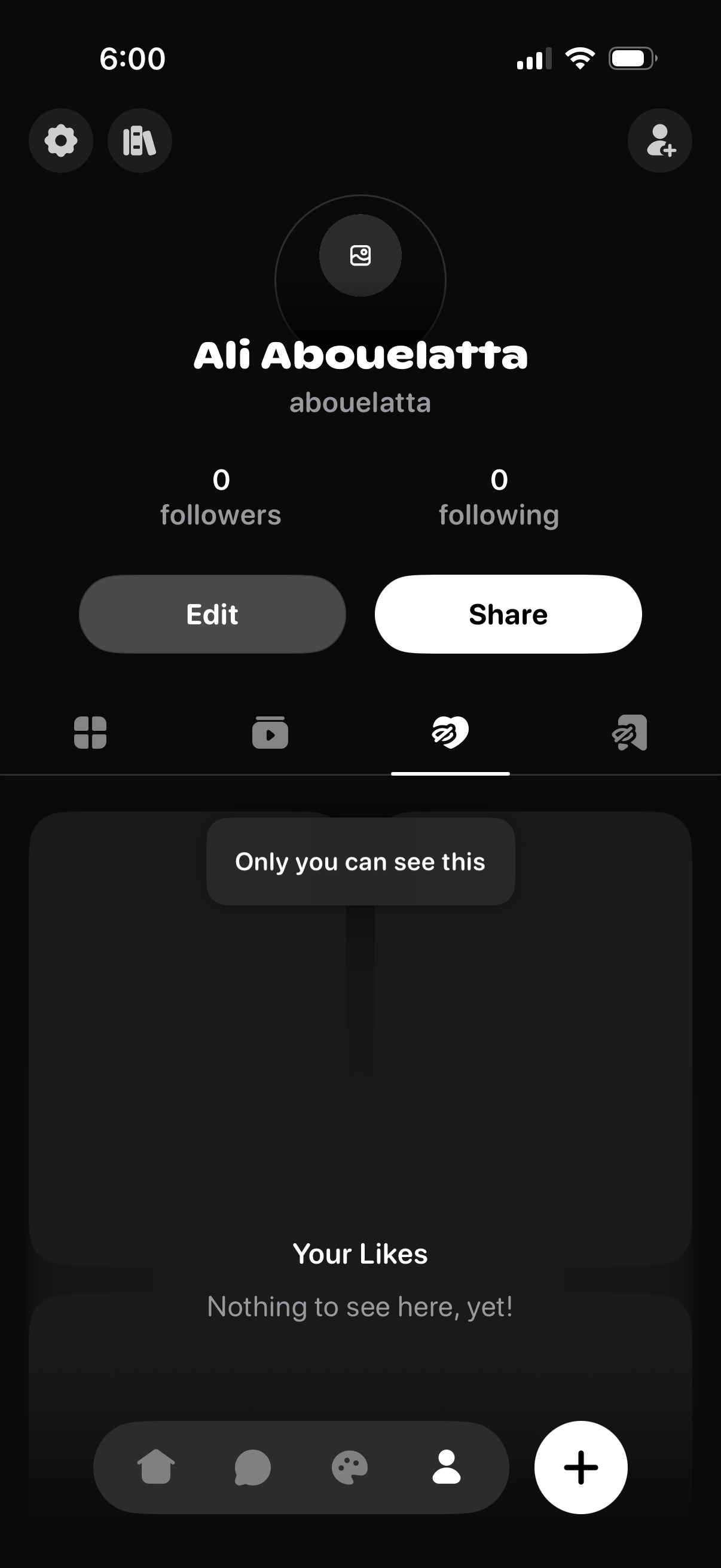
User profile screen in a social app showing avatar, display name and username, follower/following counts, and primary actions to Edit profile and Share. Includes tabbed sections for profile content such as grid/posts and Likes, with an empty-state message indicating liked content is private (“Only you can see this”) and nothing to show yet.