sign up with phone
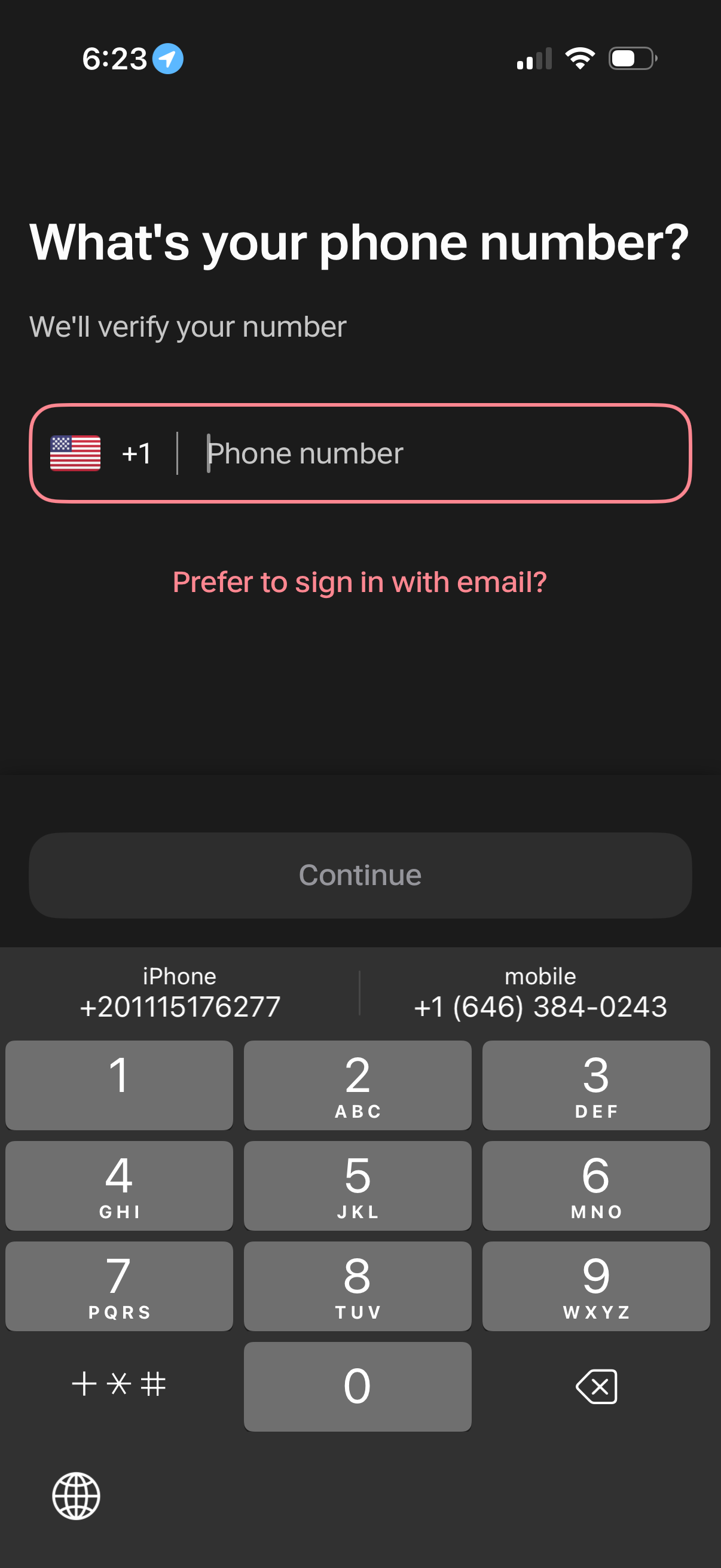
Phone number sign-in/onboarding screen prompting the user to enter a mobile number with a selectable country code for SMS verification. Includes an alternative link to sign in with email and a disabled Continue button that becomes active after entry.
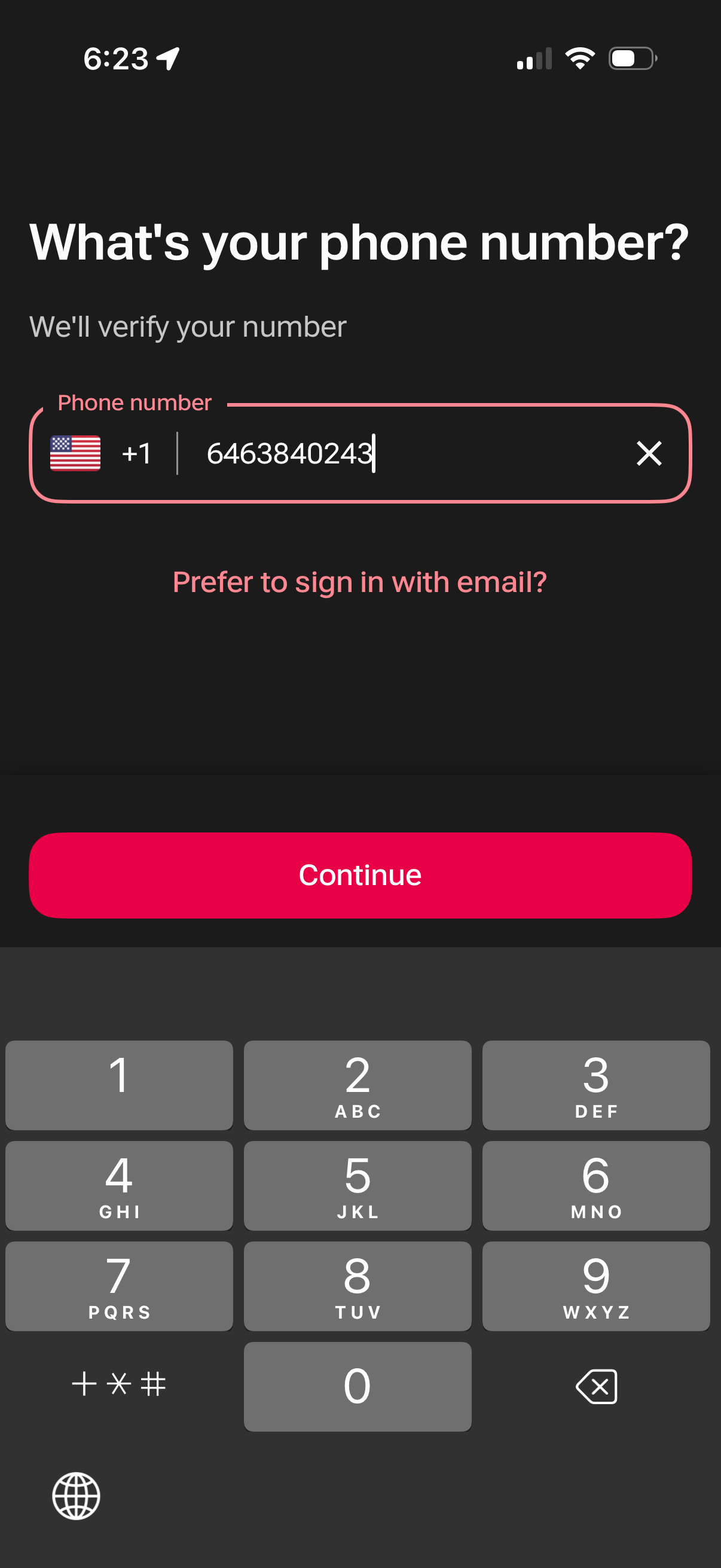
Phone number sign-in screen asking for a mobile number to verify, with a country code selector, clear input control, and a primary Continue button to proceed with SMS verification. Includes a secondary link to switch to email login.
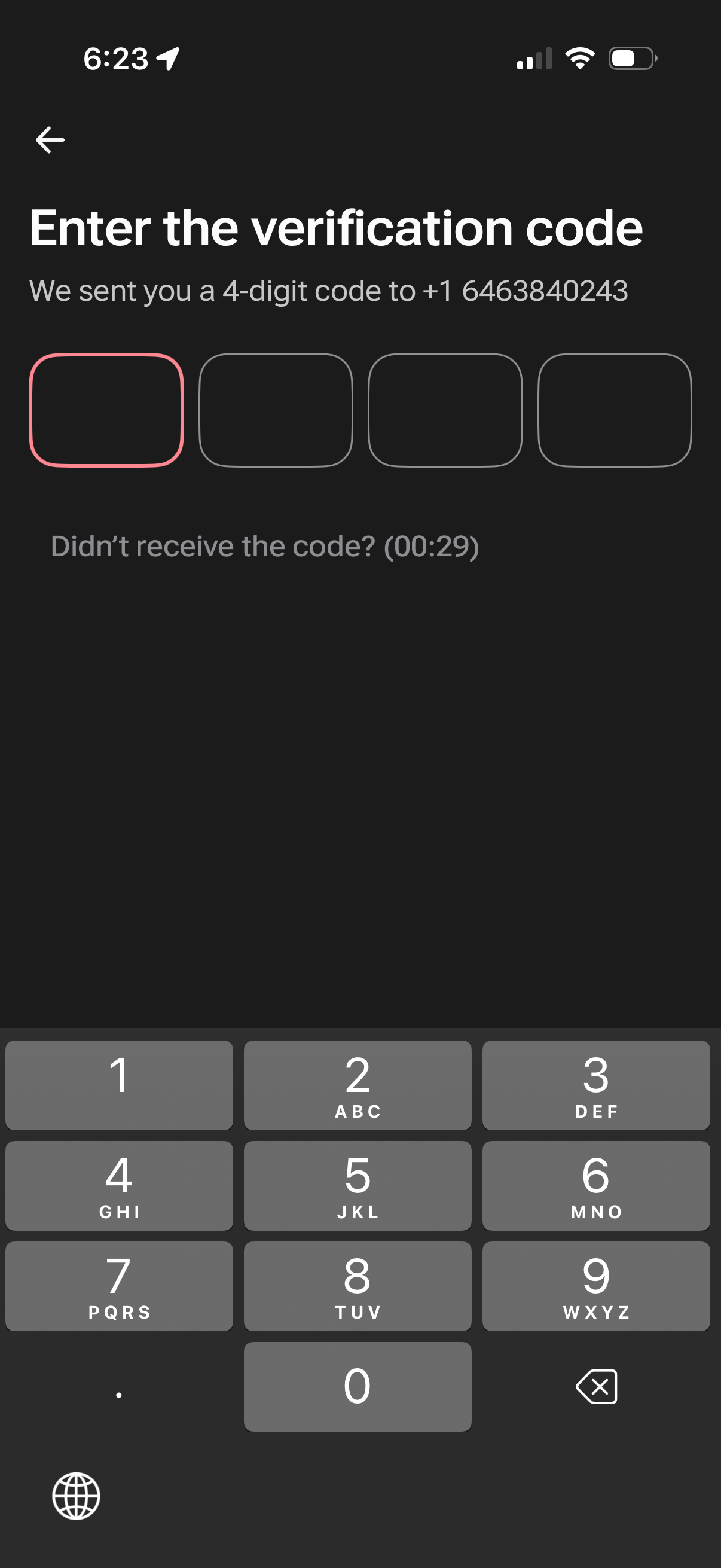
Phone number verification screen prompting the user to enter a 4-digit SMS code with four PIN input boxes and a numeric keypad. Includes a back navigation arrow and a “Didn’t receive the code?
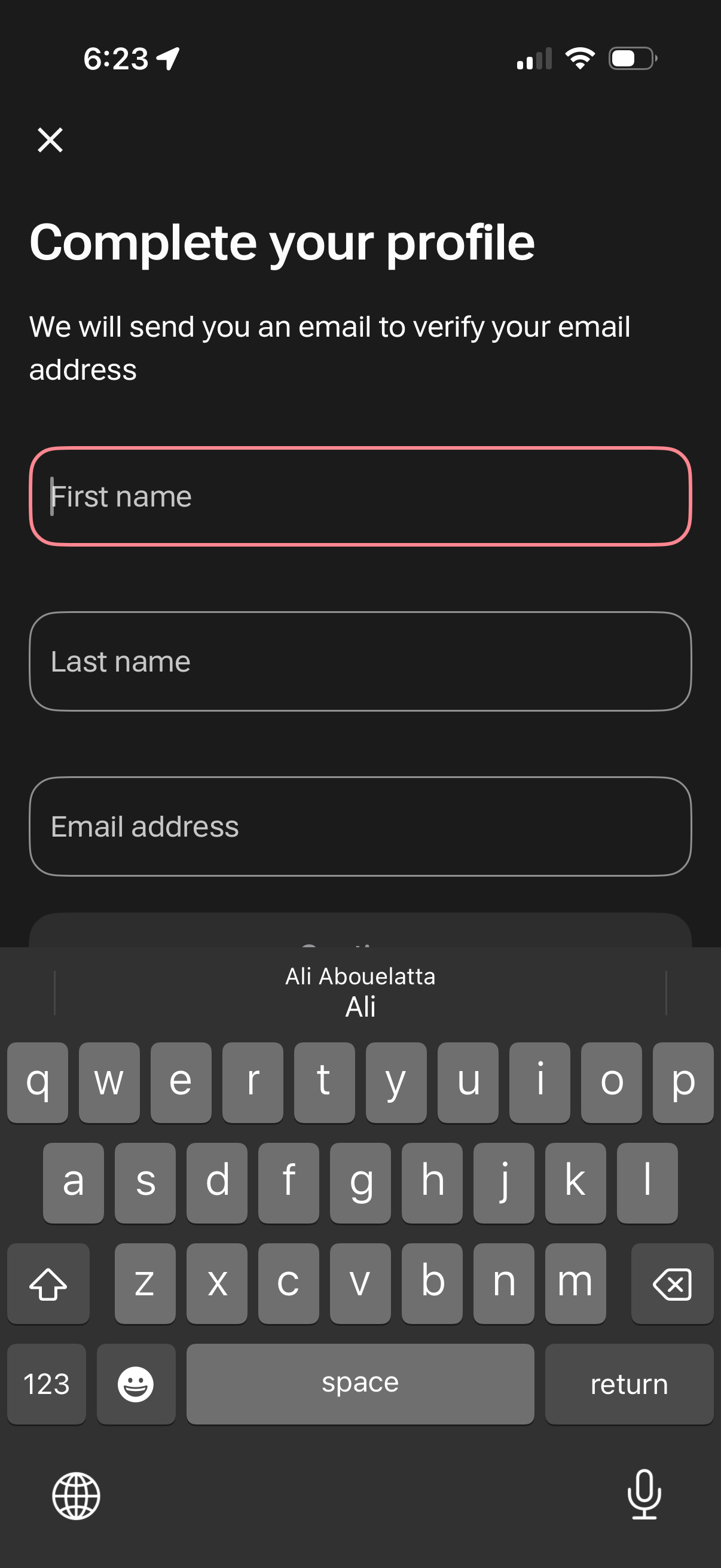
Profile completion and email verification signup form asking for first name, last name, and email address, with messaging that a verification email will be sent. Includes a close (X) button to dismiss the flow and text input fields for entering personal details.
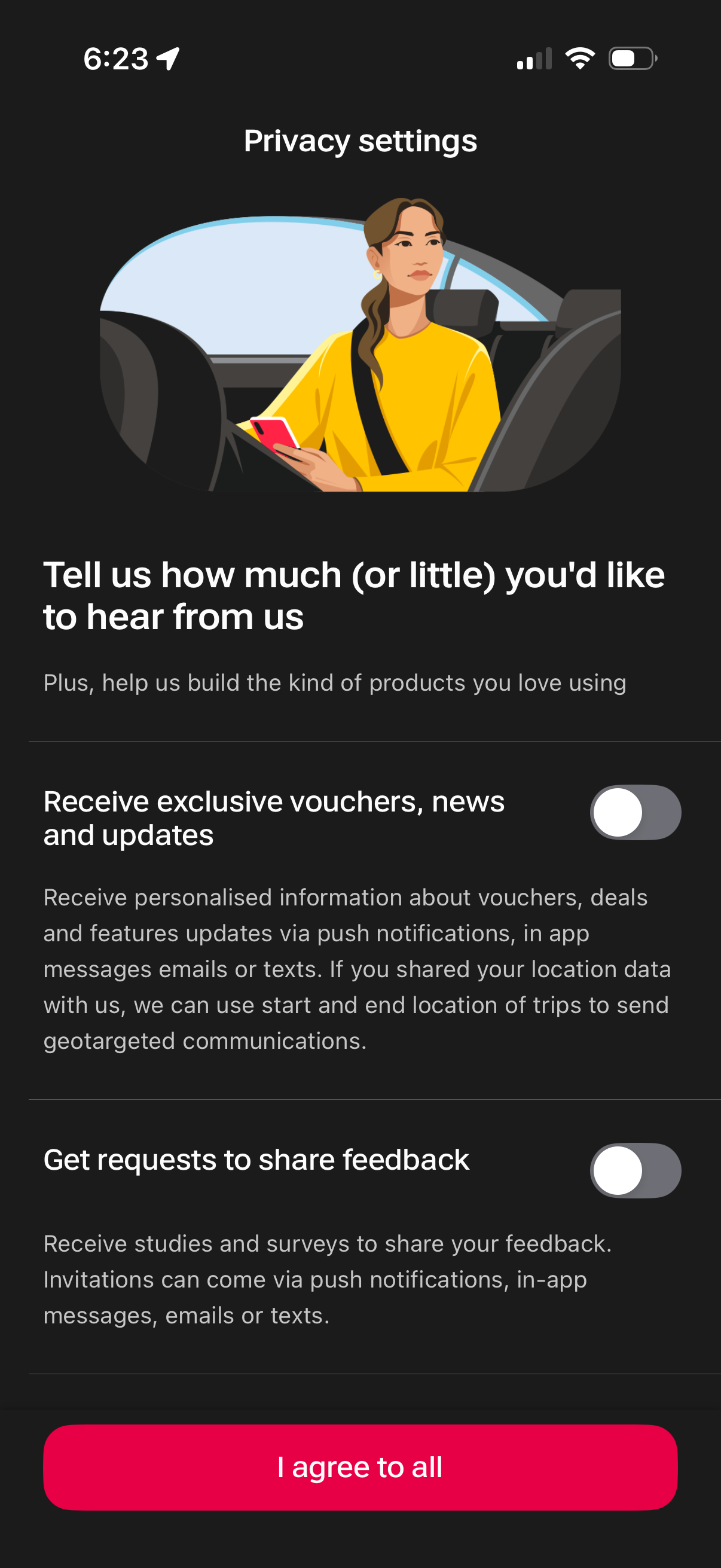
Privacy settings screen for communication preferences, letting users toggle opt-in for marketing messages like vouchers/news updates and for receiving feedback surveys via push, in-app messages, email, or SMS. Includes an “I agree to all” button to accept all consent options at once.