Permissions
1
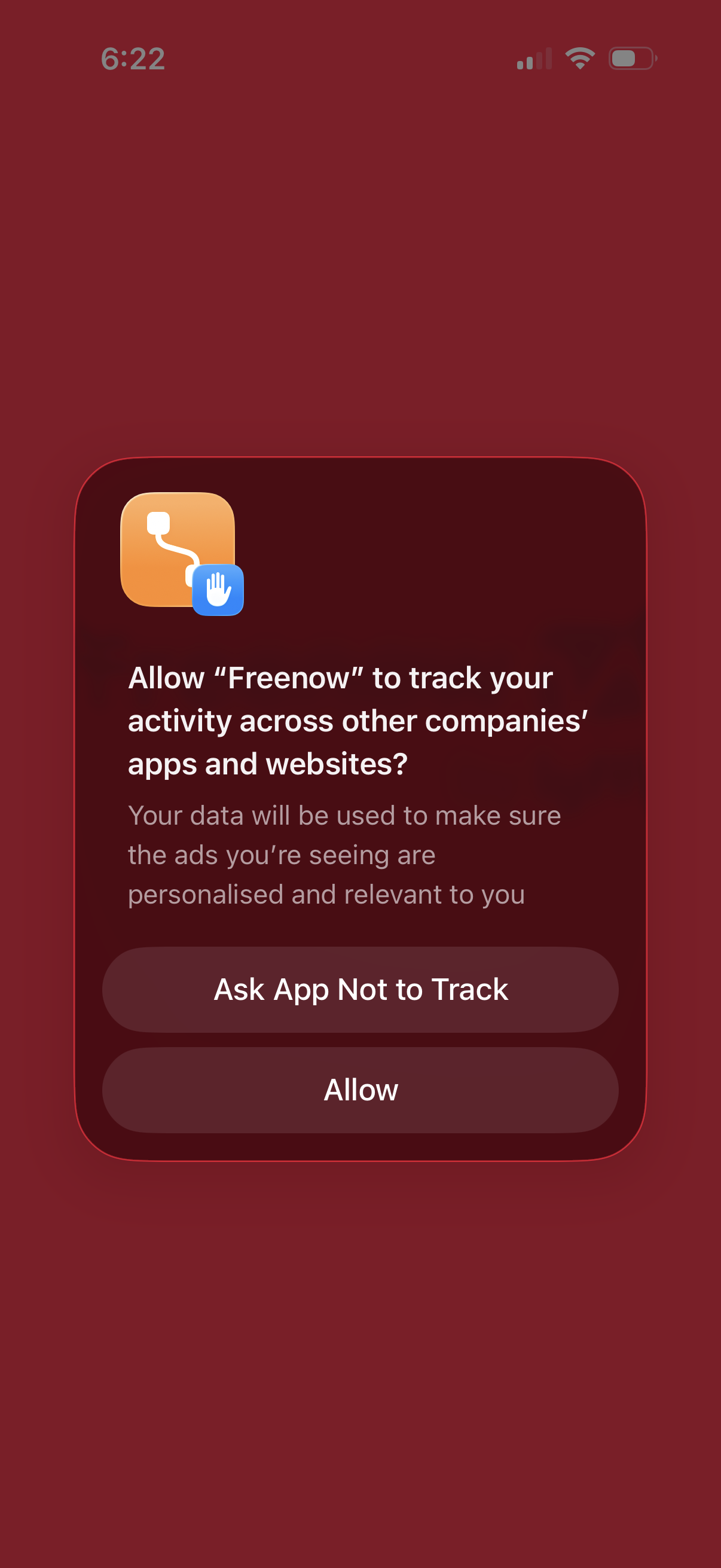
iOS App Tracking Transparency permission popup asking whether to allow the app to track user activity across other companies’ apps and websites for personalized ads. Provides two actions: “Ask App Not to Track” or “Allow.
2
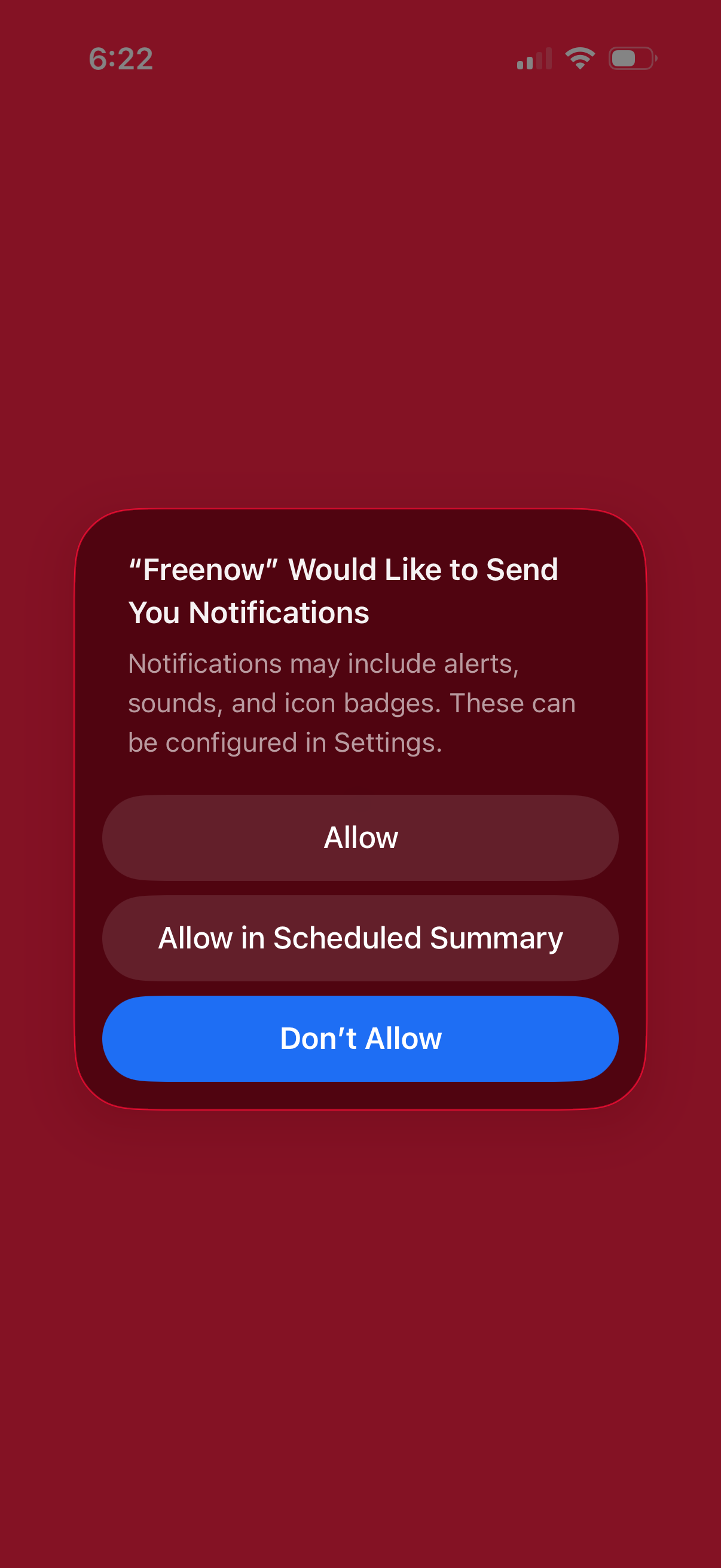
iOS system permission modal asking the user to enable push notifications for an app, explaining alerts/sounds/badges and offering actions to Allow, Allow in Scheduled Summary, or Don’t Allow. This screen is used during onboarding or first run to request notification access.
3

Minimal full-screen loading or splash screen with a solid color background and a centered three-dot activity indicator, showing the app is initializing or fetching content with no user actions available.