Manage notifications
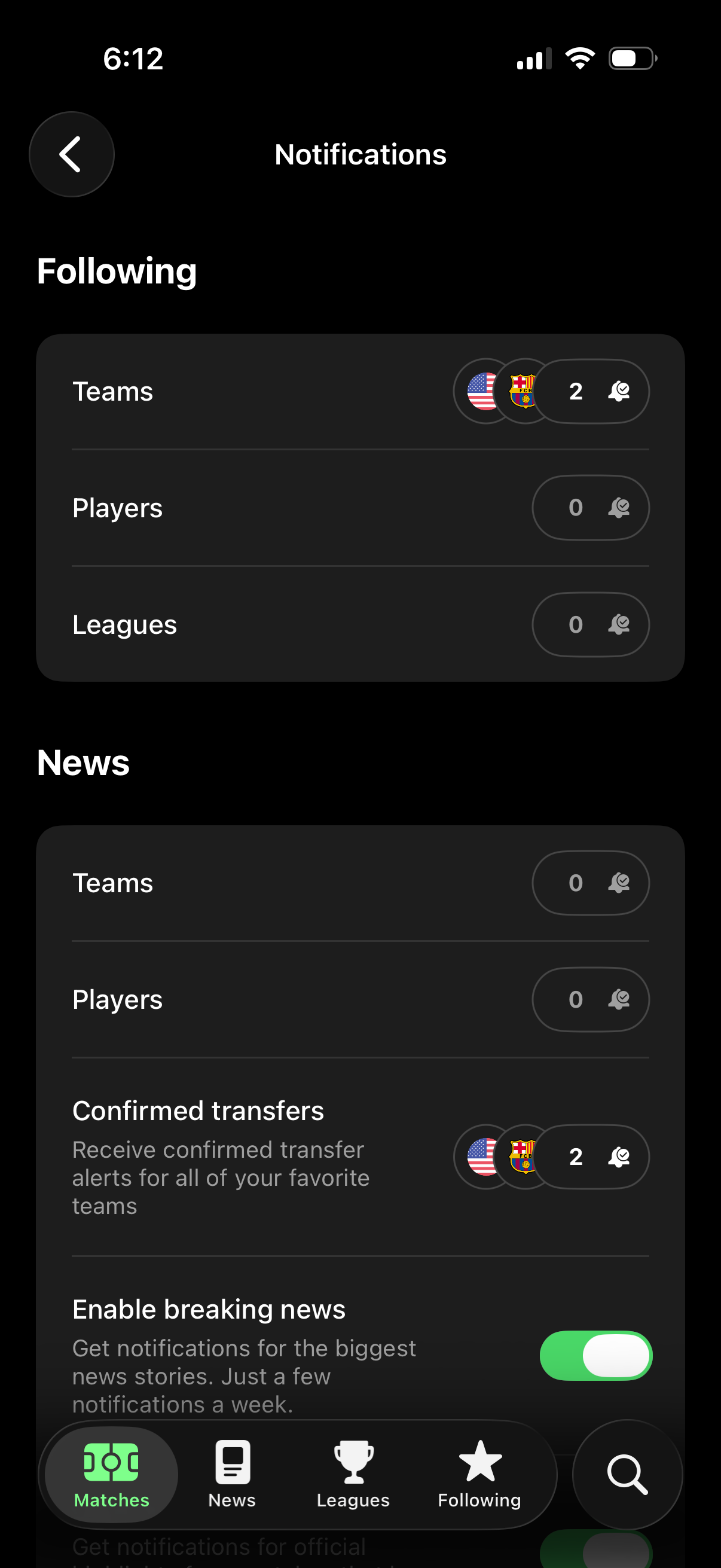
Notification settings screen for a sports app where users manage alerts for followed teams, players, and leagues, showing selected items and badge counts. Includes news notification controls such as confirmed transfer alerts per favorite teams and a toggle to enable breaking news notifications.
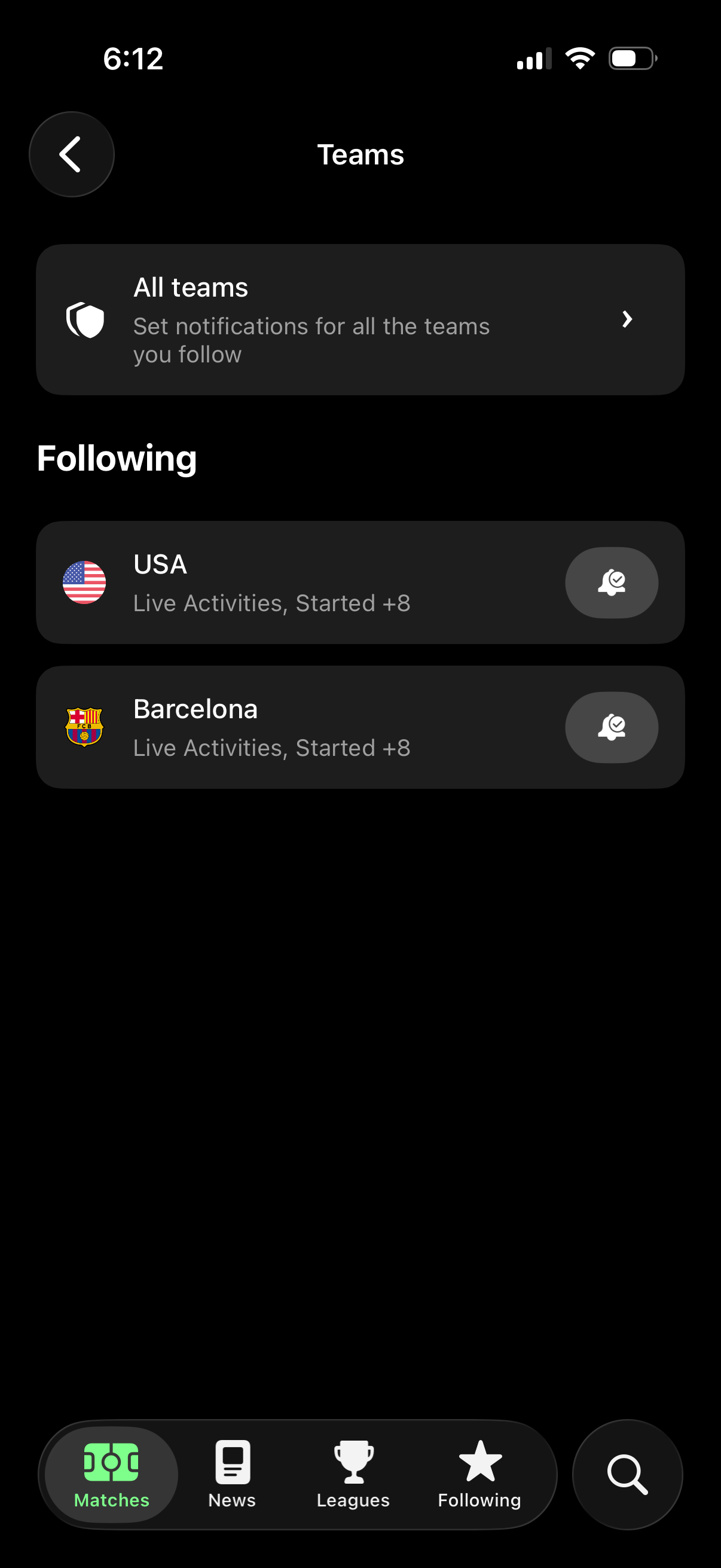
Teams notification settings screen in a sports app showing an “All teams” option to configure alerts for all followed teams and a “Following” list of individual teams with per-team notification controls. Users can tap into the all-teams settings, view team status (e.
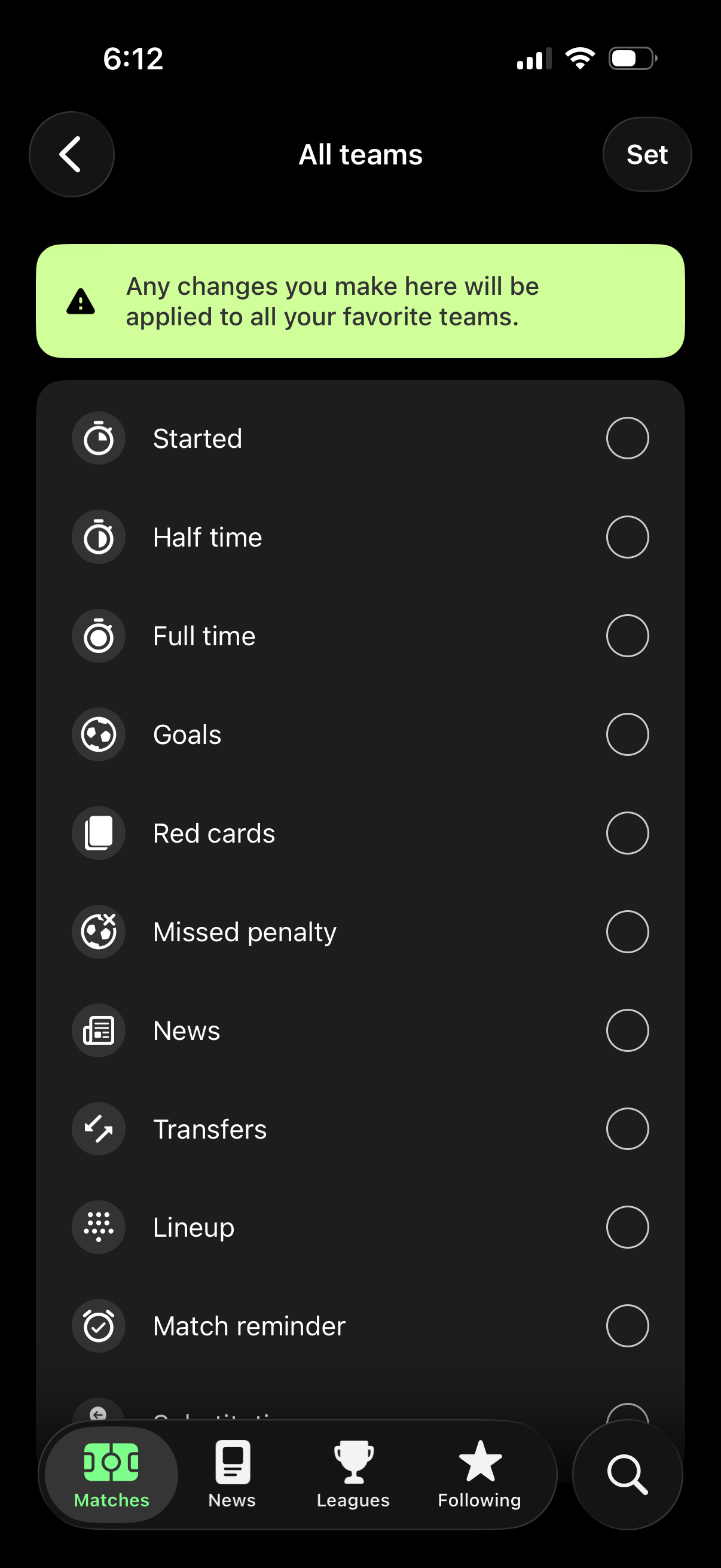
Notification settings screen for all favorite teams in a sports app, letting users choose which match events to receive alerts for (start, halftime, full time, goals, red cards, missed penalty, news, transfers, lineup, match reminders) with per-item radio toggles. Includes an info banner noting changes apply to all teams plus back navigation and a “Set” save action.
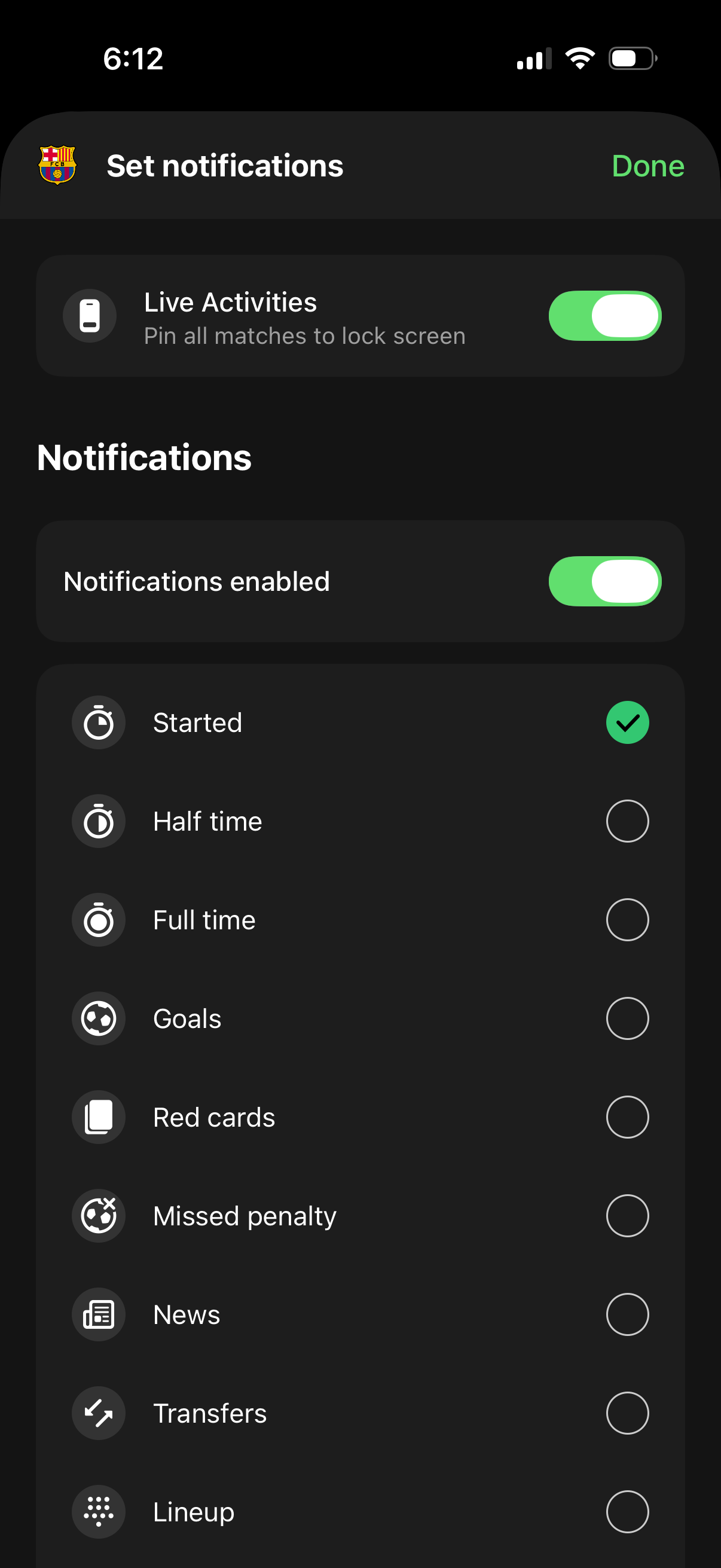
Notification settings screen for a sports team that lets users enable/disable Live Activities on the lock screen and toggle overall notifications. Users can choose which match events to be alerted about (e.