view tracked flights
1
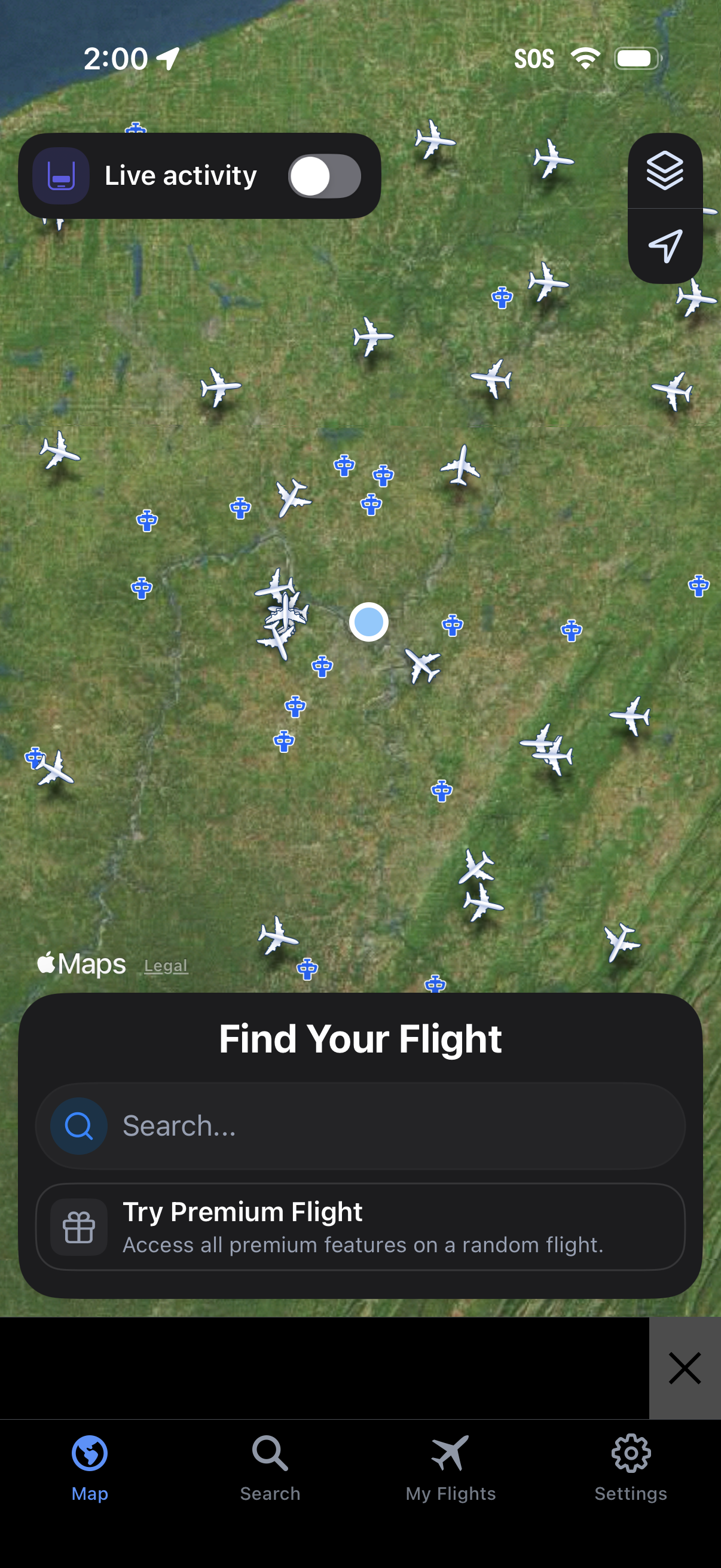
Live flight tracking map screen showing nearby aircraft icons over a satellite map, with controls for map layers/location and a toggle for Live Activity. A bottom sheet prompts users to “Find Your Flight” with a search field and a premium upsell, plus bottom navigation for Map, Search, My Flights, and Settings.
2
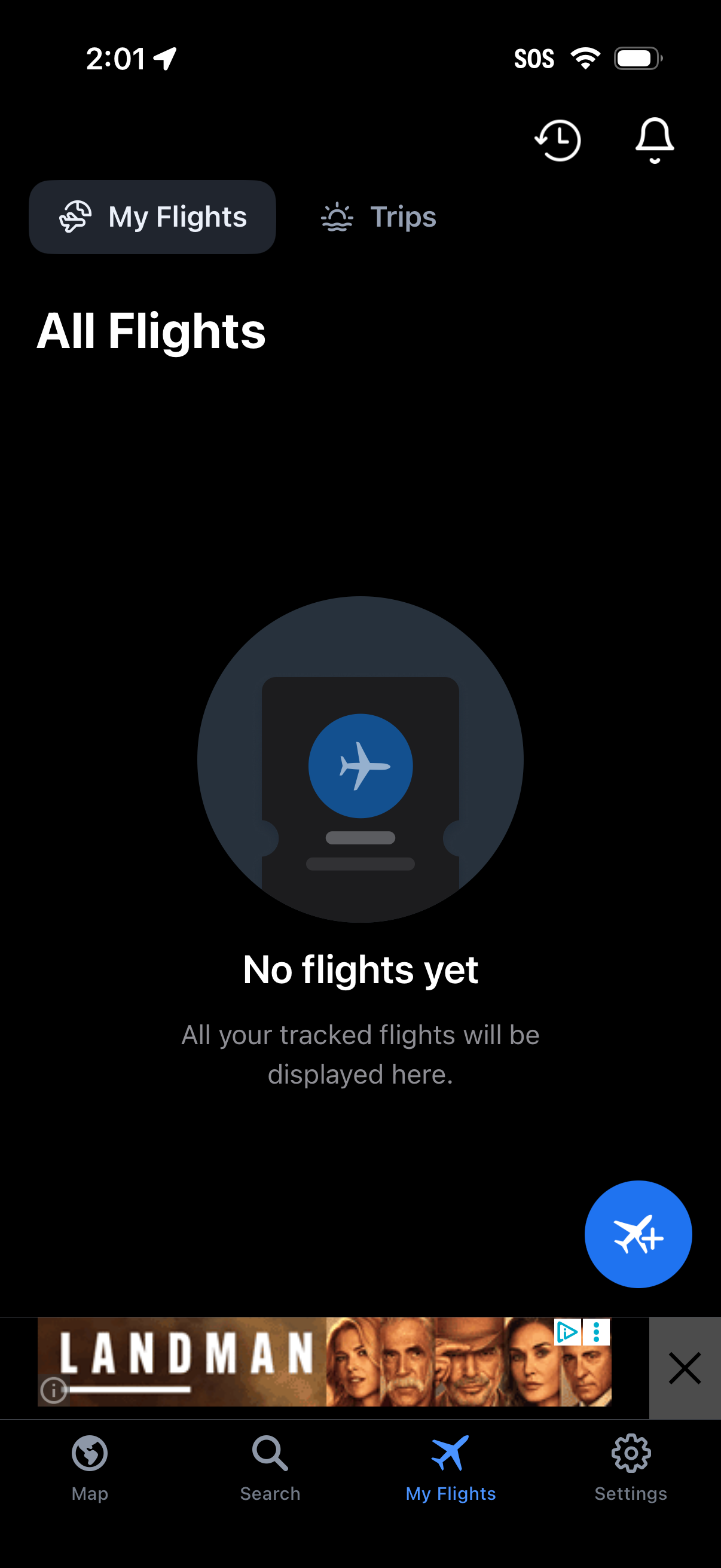
Flight tracking “All Flights” screen showing an empty state with “No flights yet” and a message that tracked flights will appear here. Includes a segmented switch between My Flights and Trips, top shortcuts for history/alerts, and a floating action button to add or track a new flight.