complete onboarding
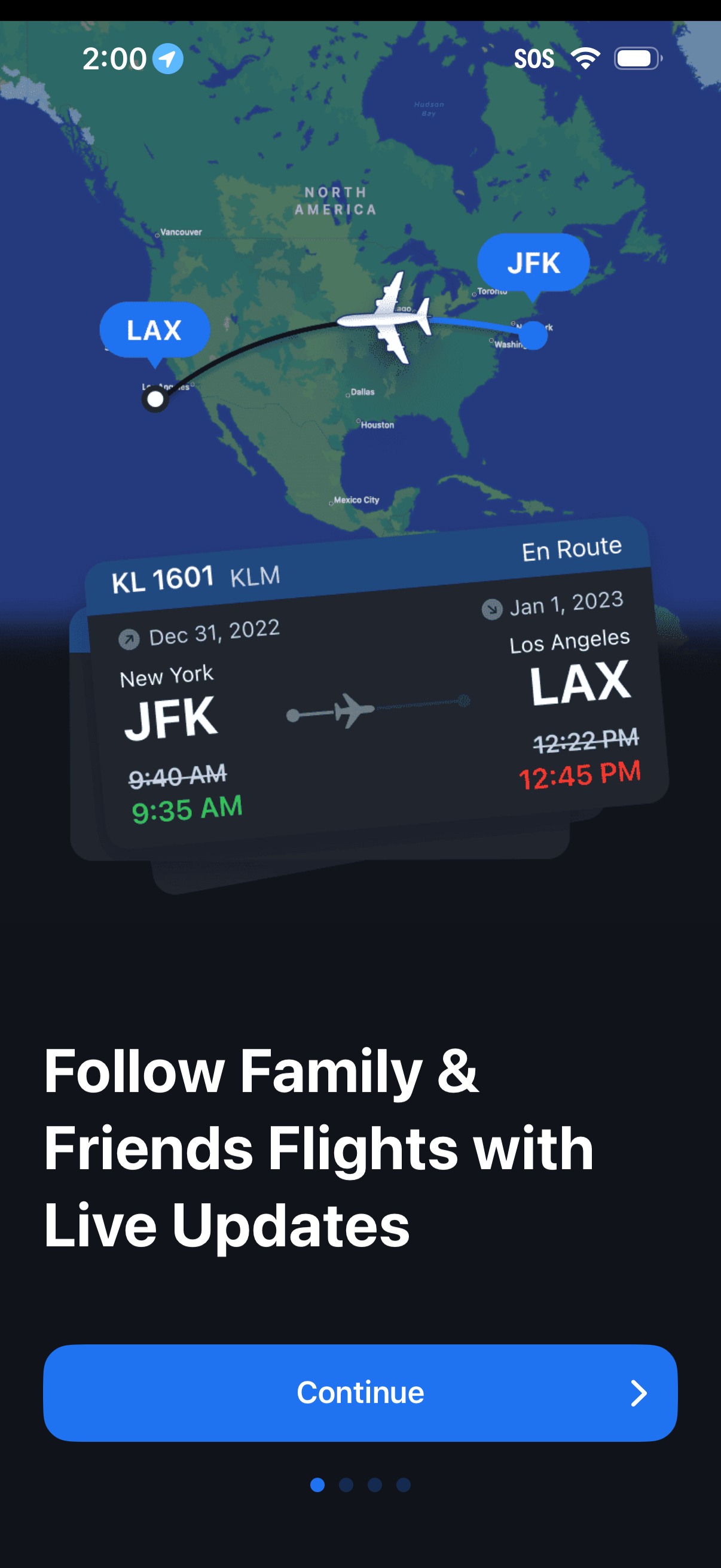
Onboarding feature highlight screen for a flight tracking app showing a live map with an airplane en route between origin and destination airports and a flight card with flight number, status, and departure/arrival times. Includes a “Continue” call-to-action to proceed through the onboarding carousel.
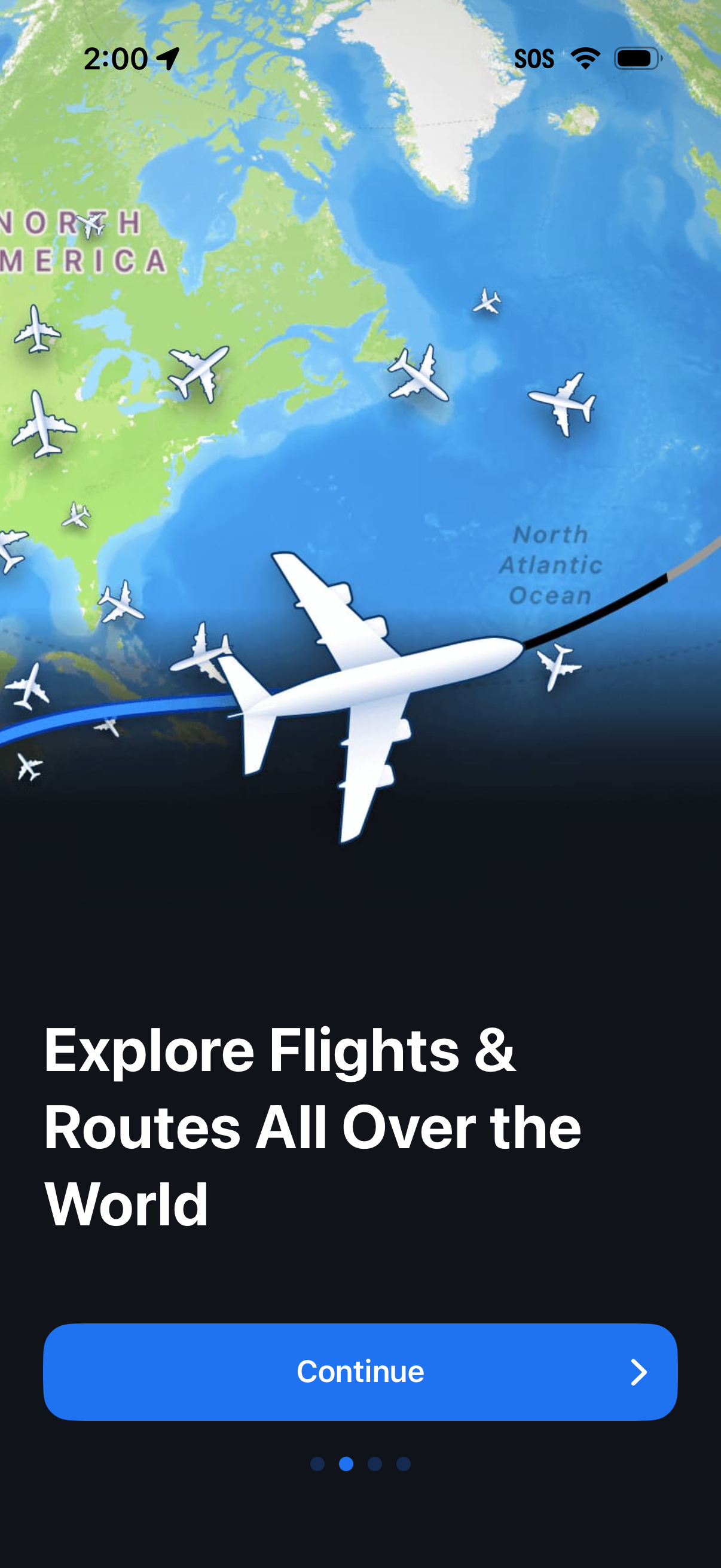
Onboarding intro screen for a flight tracking app showing a world map with airplanes and a route line, highlighting the ability to explore flights and routes worldwide. Includes a primary Continue button and pagination dots indicating a multi-step onboarding carousel.
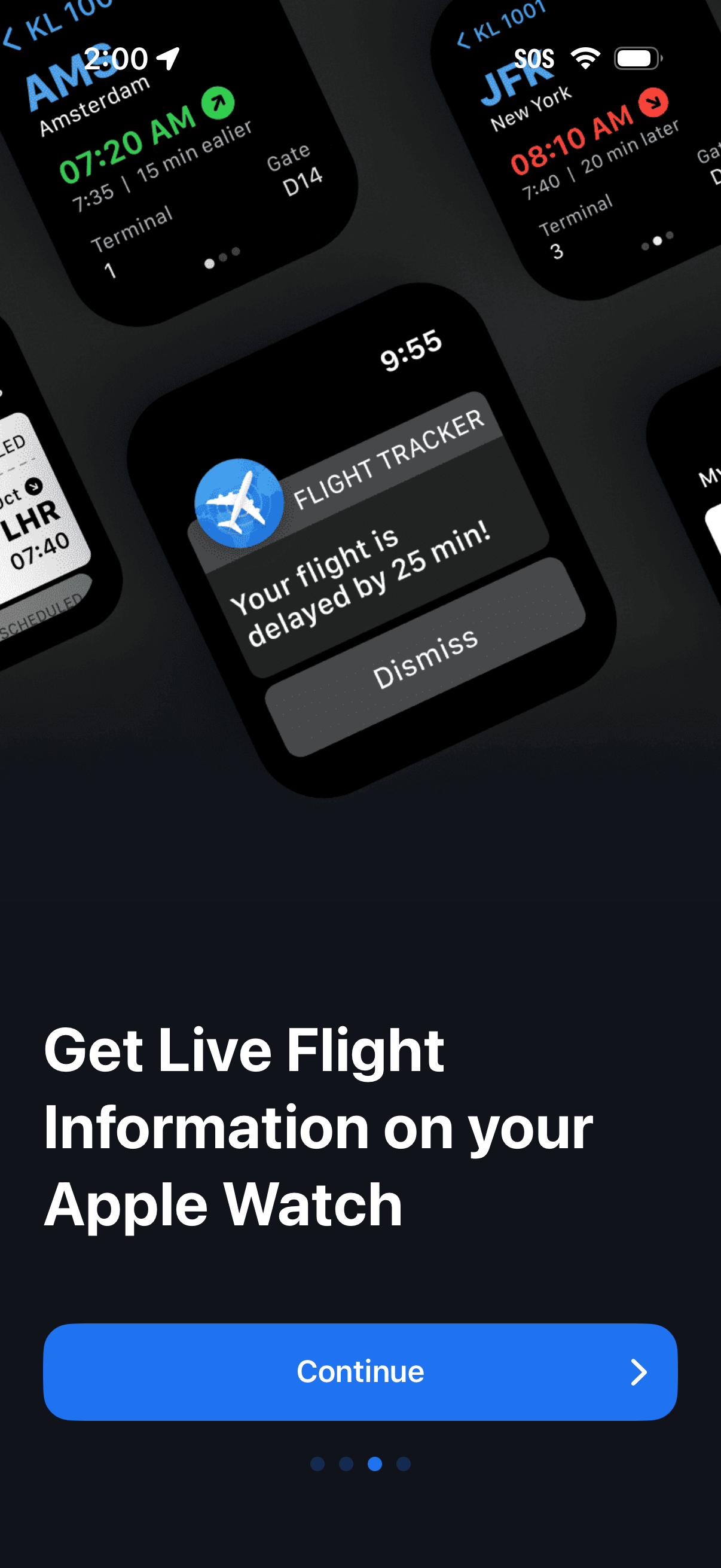
Onboarding promo screen highlighting live flight tracking on Apple Watch, showing sample watch complications and a delay alert notification with dismiss action. Provides a primary Continue button to proceed through the onboarding carousel.
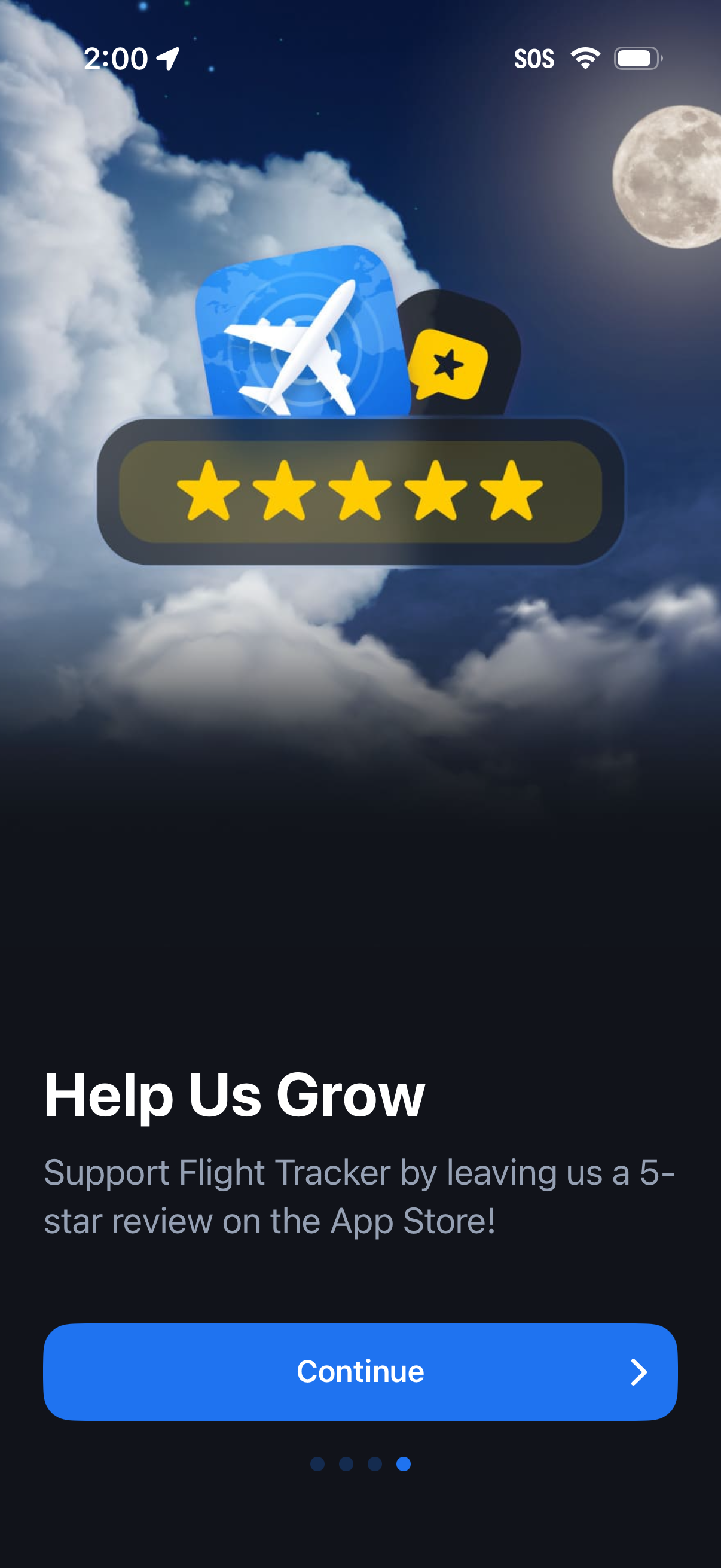
An onboarding/upgrade prompt asking users to help the app grow by leaving a 5‑star App Store review, featuring a prominent star rating graphic. Includes a primary “Continue” button to proceed past the review request.
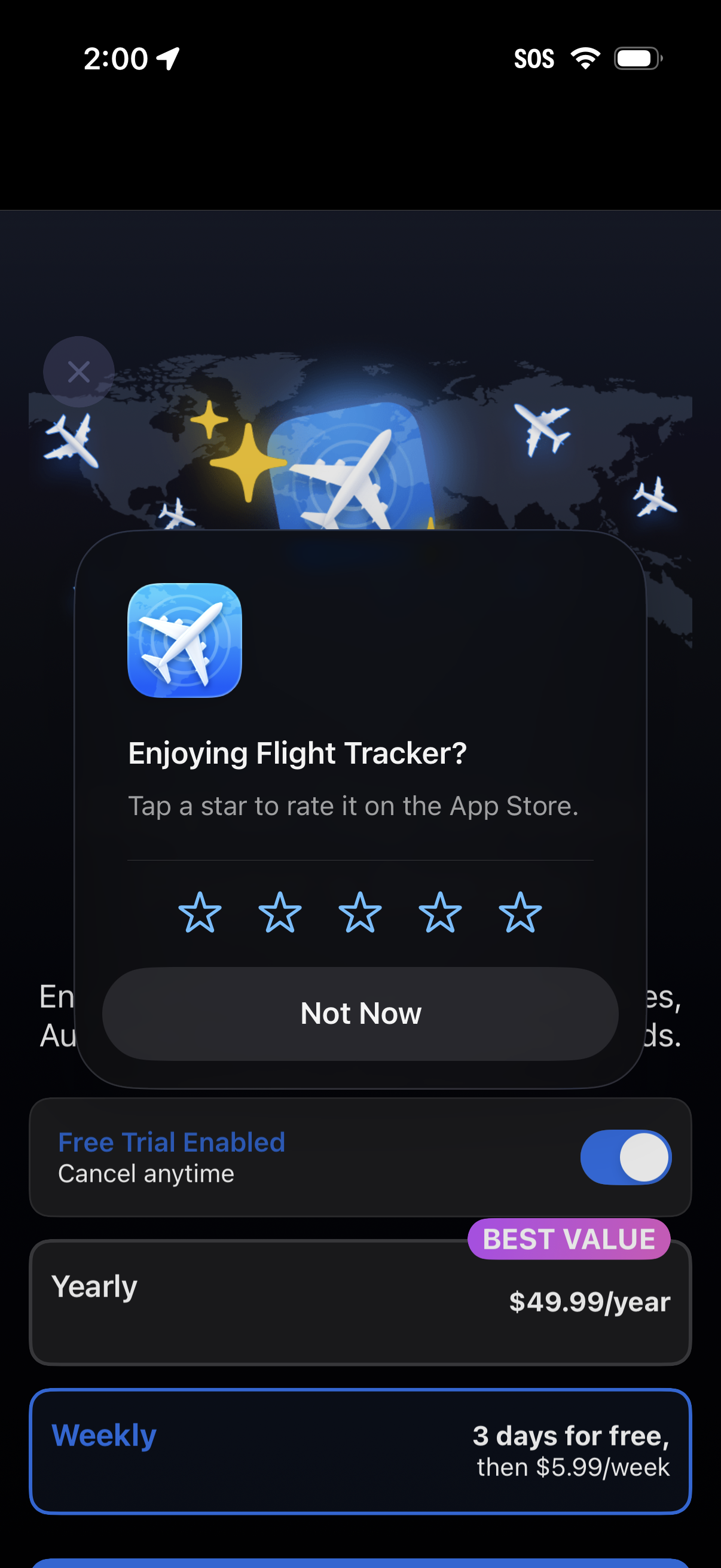
An in-app review prompt modal asks users to rate the Flight Tracker app with a 1–5 star selector and a “Not Now” dismiss button. In the background, a subscription paywall shows a free trial toggle and plan options like yearly “best value” pricing and a weekly trial offer.
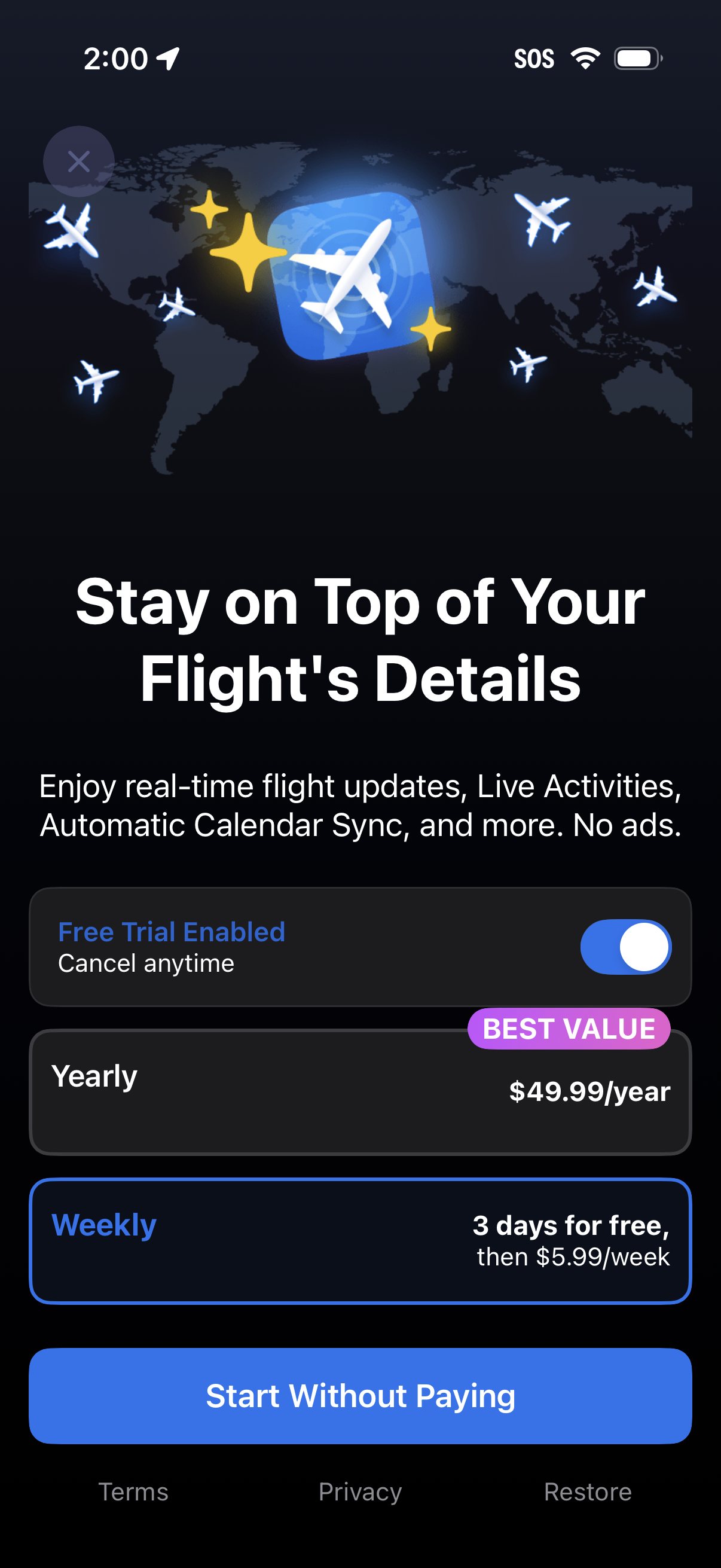
Premium subscription upsell screen for a flight tracking app promoting real-time flight updates, Live Activities, and automatic calendar sync with no ads. Users can toggle a free trial, choose between yearly or weekly plans with pricing, start without paying, restore purchases, or close the paywall.
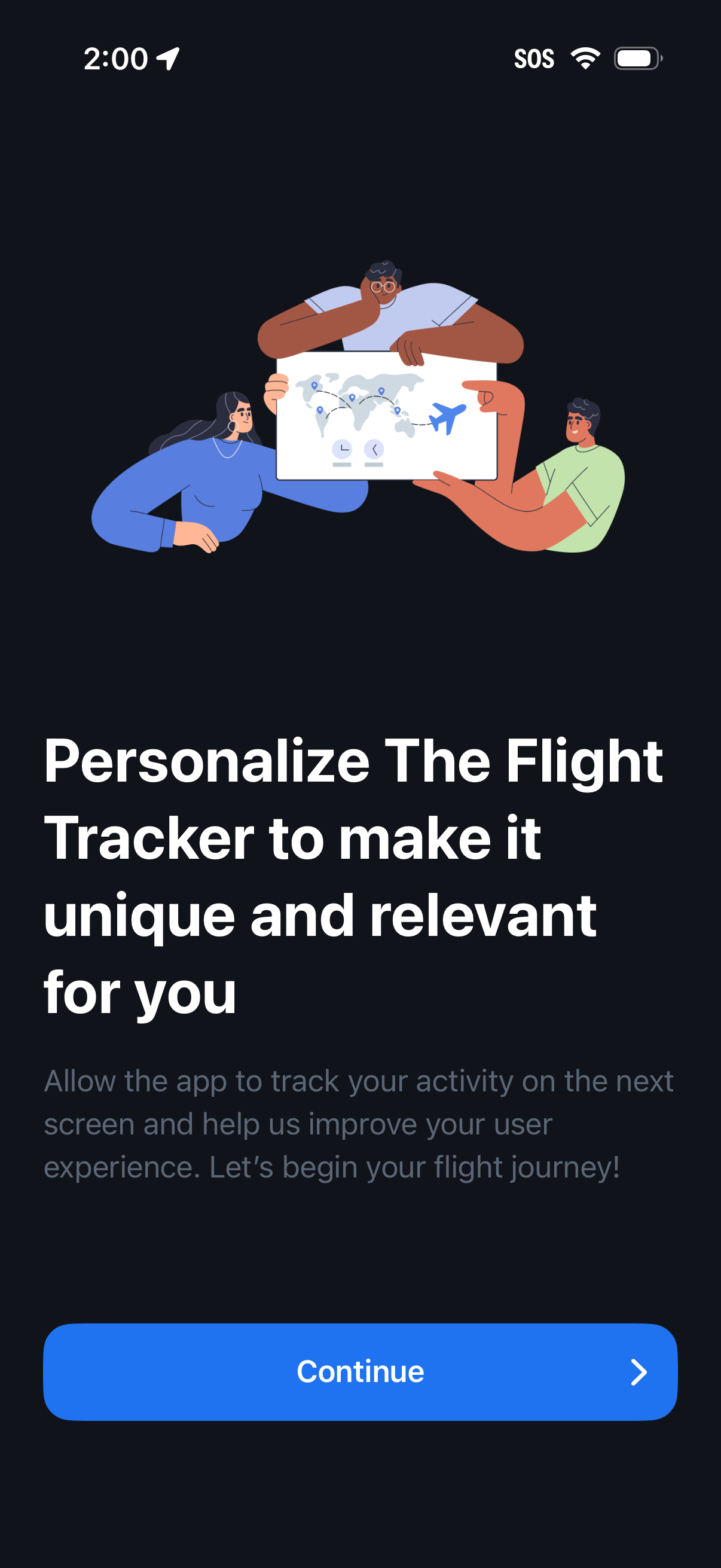
Onboarding permission prompt for a flight tracker app explaining personalization by allowing activity tracking to improve the user experience. Includes a primary “Continue” call-to-action to proceed to the tracking/consent step.
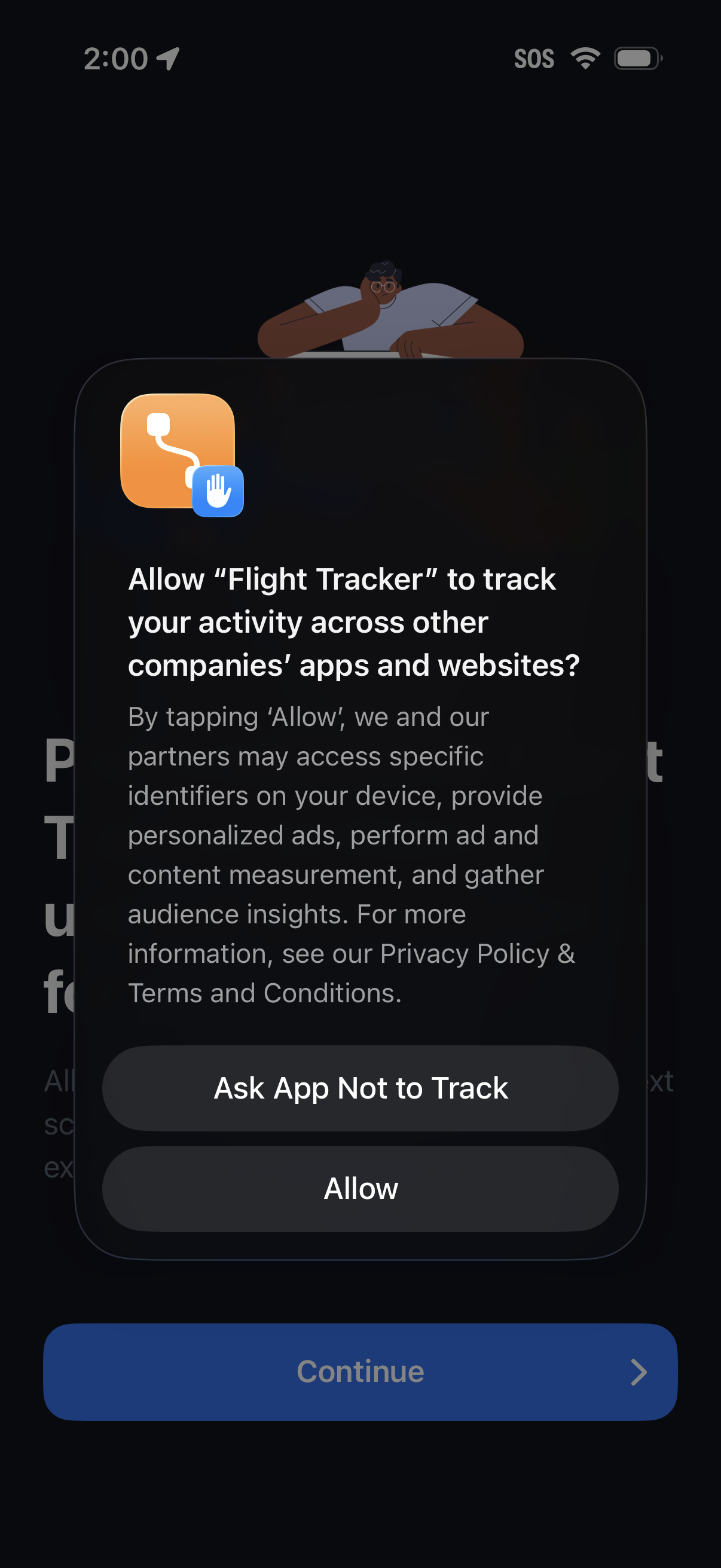
iOS App Tracking Transparency permission prompt asking whether to allow the app to track activity across other companies’ apps and websites, with actions to “Ask App Not to Track” or “Allow. ” The underlying onboarding screen is dimmed with a primary “Continue” button visible behind the modal.
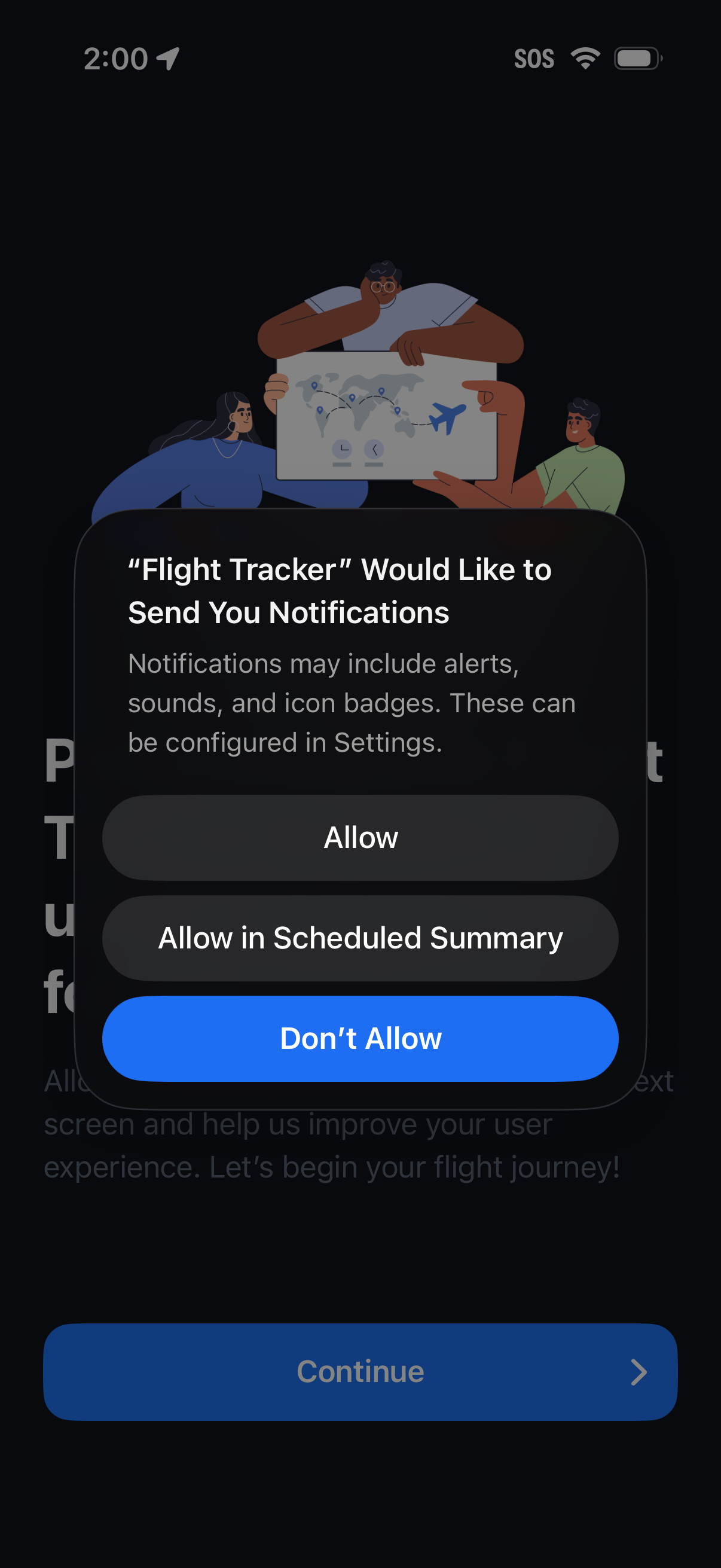
iOS system permission modal requesting notification access for a flight tracking app, explaining alerts, sounds, and badges. Provides actions to Allow, Allow in Scheduled Summary, or Don’t Allow, overlaying an onboarding screen with a Continue button.
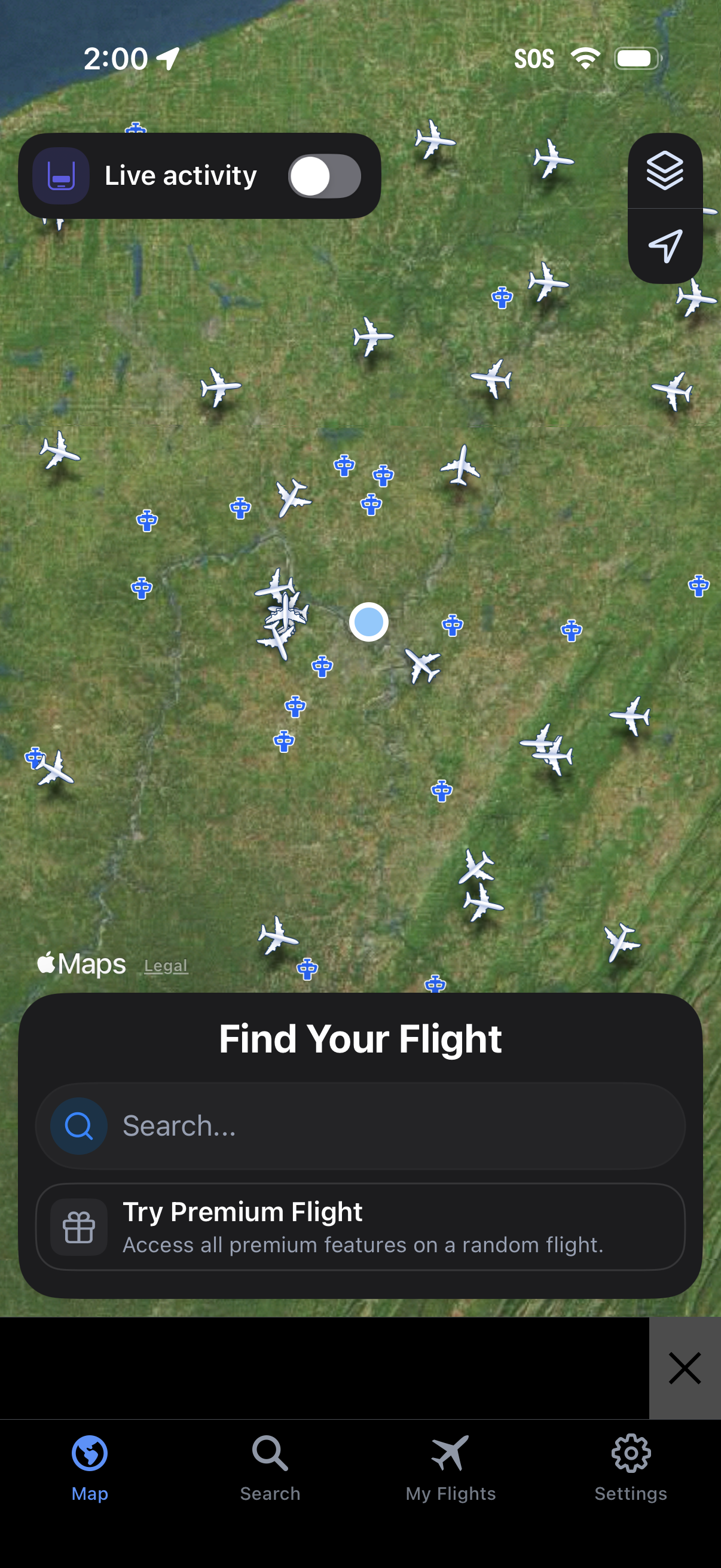
Live flight tracking map screen showing nearby aircraft icons over a satellite map, with controls for map layers/location and a toggle for Live Activity. A bottom sheet prompts users to “Find Your Flight” with a search field and a premium upsell, plus bottom navigation for Map, Search, My Flights, and Settings.