open competition page
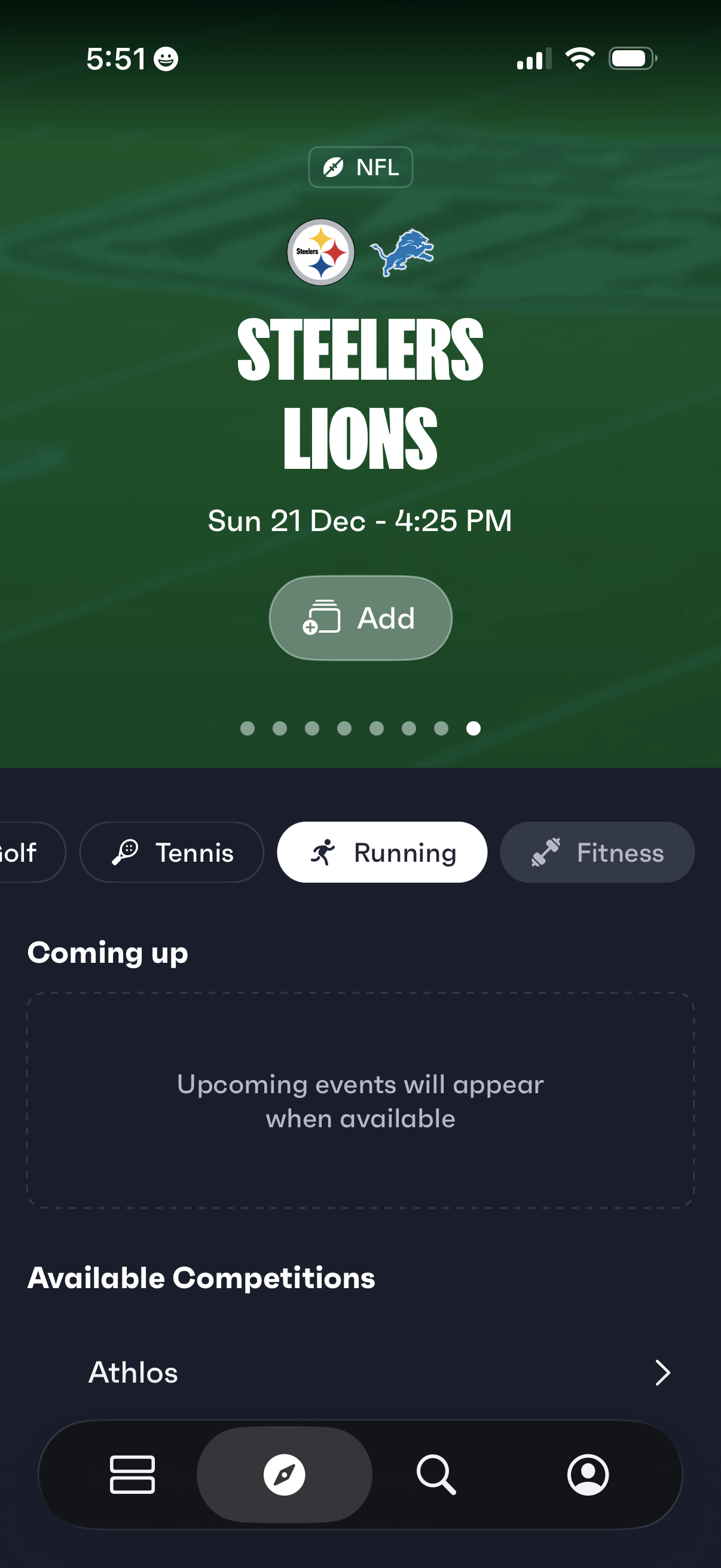
Sports events discovery home screen featuring a highlighted NFL matchup card with team logos, game date/time, and an “Add” button to save the event. Below, a horizontal category filter (e.
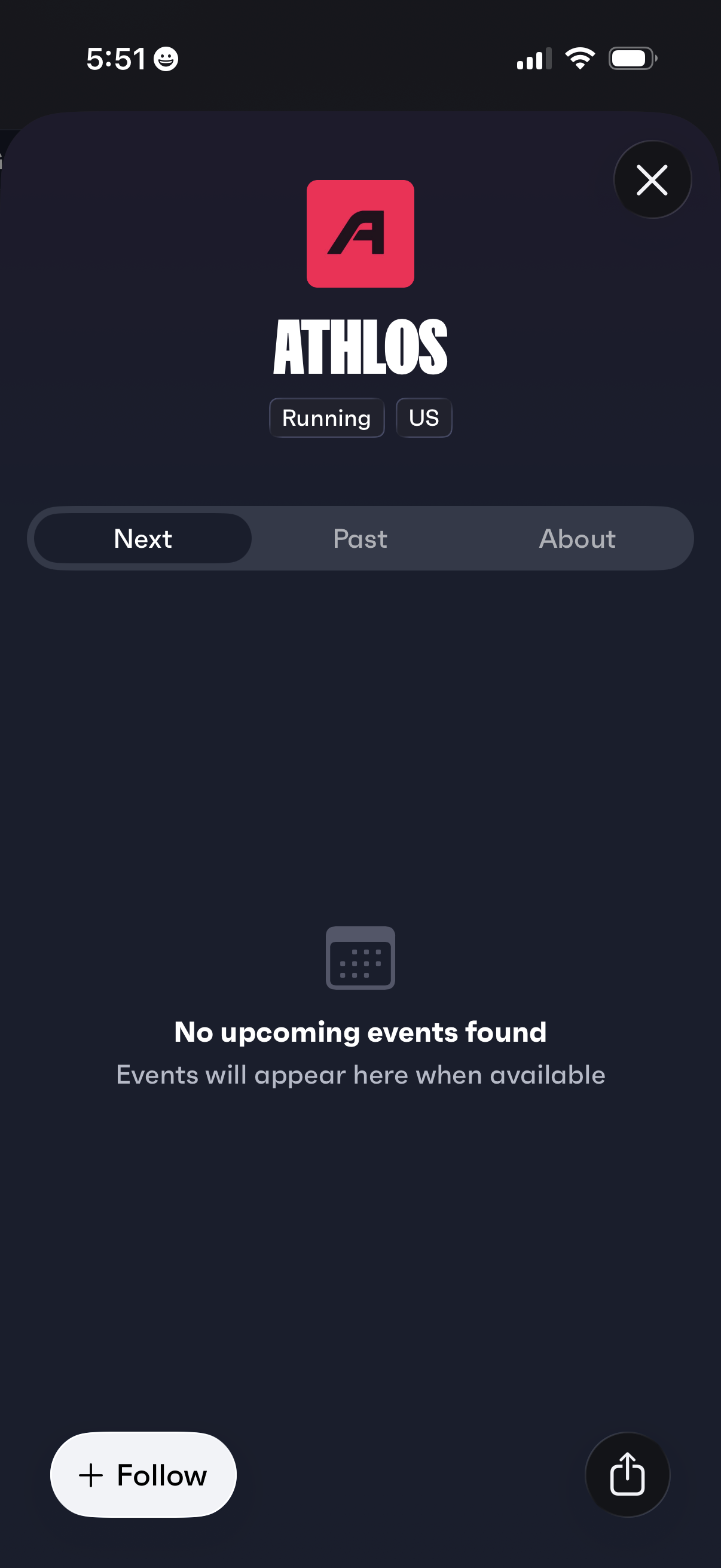
Team or club profile screen for a running organization showing the name and tags, with tab navigation for Next, Past, and About to browse events and details. The Next tab displays an empty state for no upcoming events, with actions to follow the team, share the profile, or close the page.
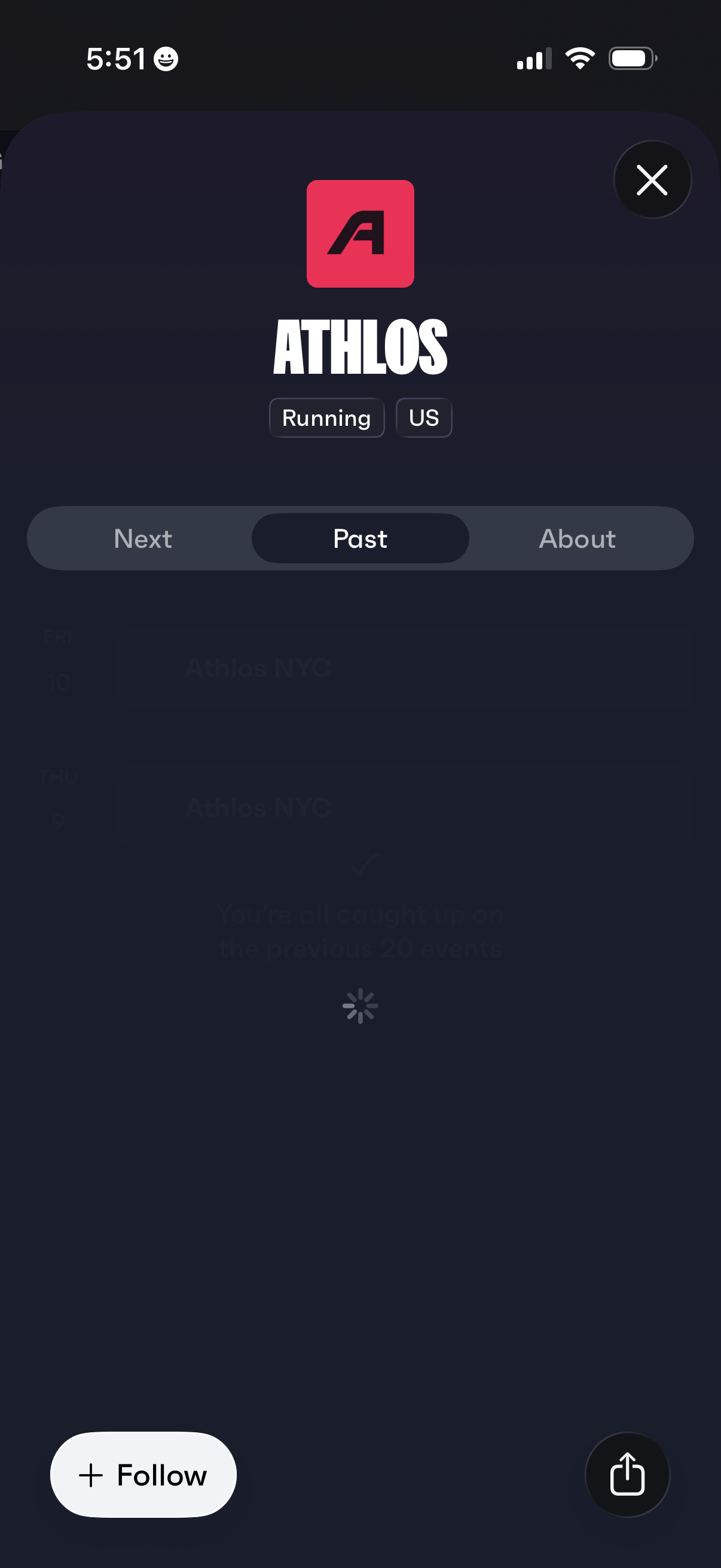
Sports club or running group profile screen showing the community name, category tags, and segmented tabs to browse upcoming (Next), past events, and an About section. Primary actions include following the group, sharing the profile, and closing the modal.
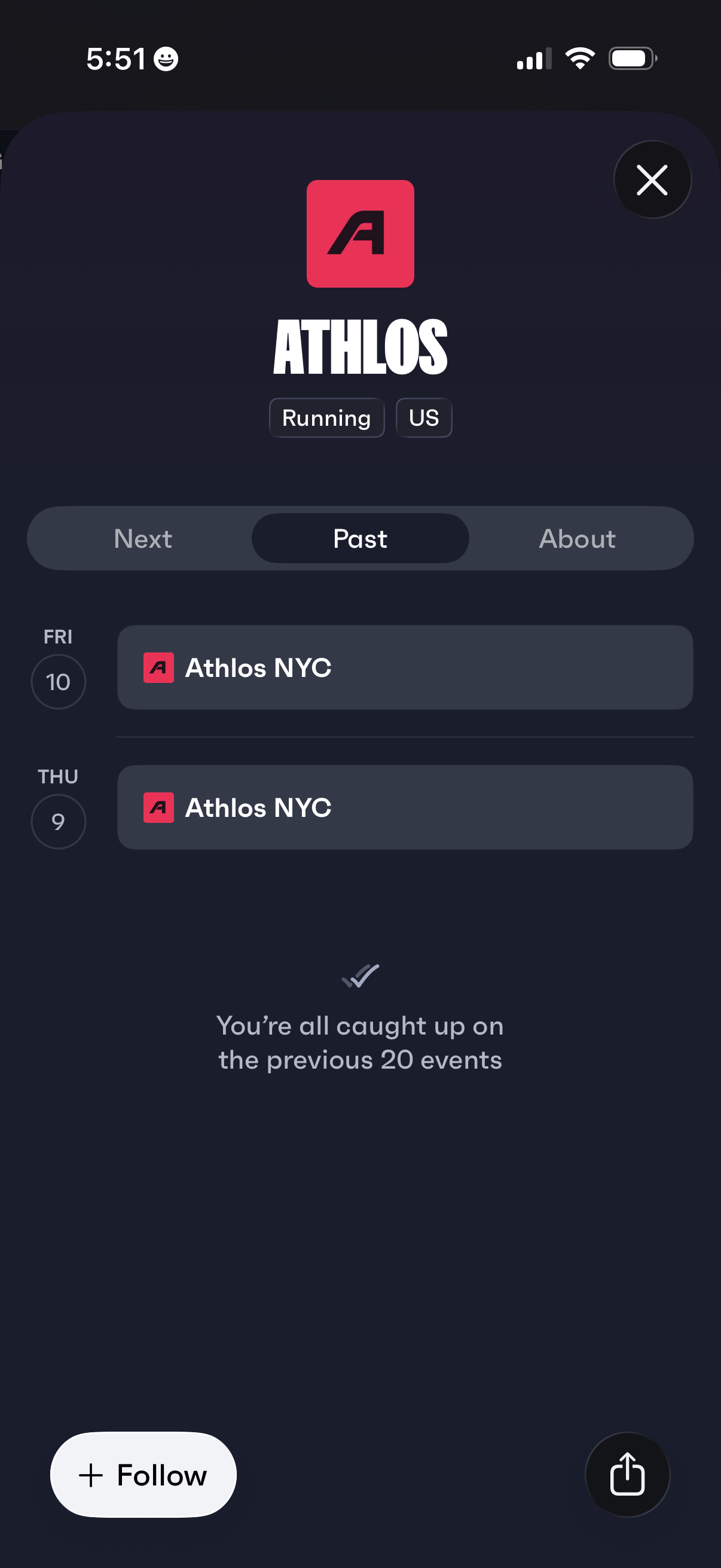
Event series detail screen for a running club, showing tabs to browse Next, Past, and About, with a list of past events by date and location. Users can follow the organizer and share the series, and an empty-state message indicates they’re caught up on previous events.
Competition details modal for a running event profile, showing the event name and tags with segmented tabs for Next, Past, and About. Includes a “Follow” primary action and a share button, with an empty state message indicating no details are available.